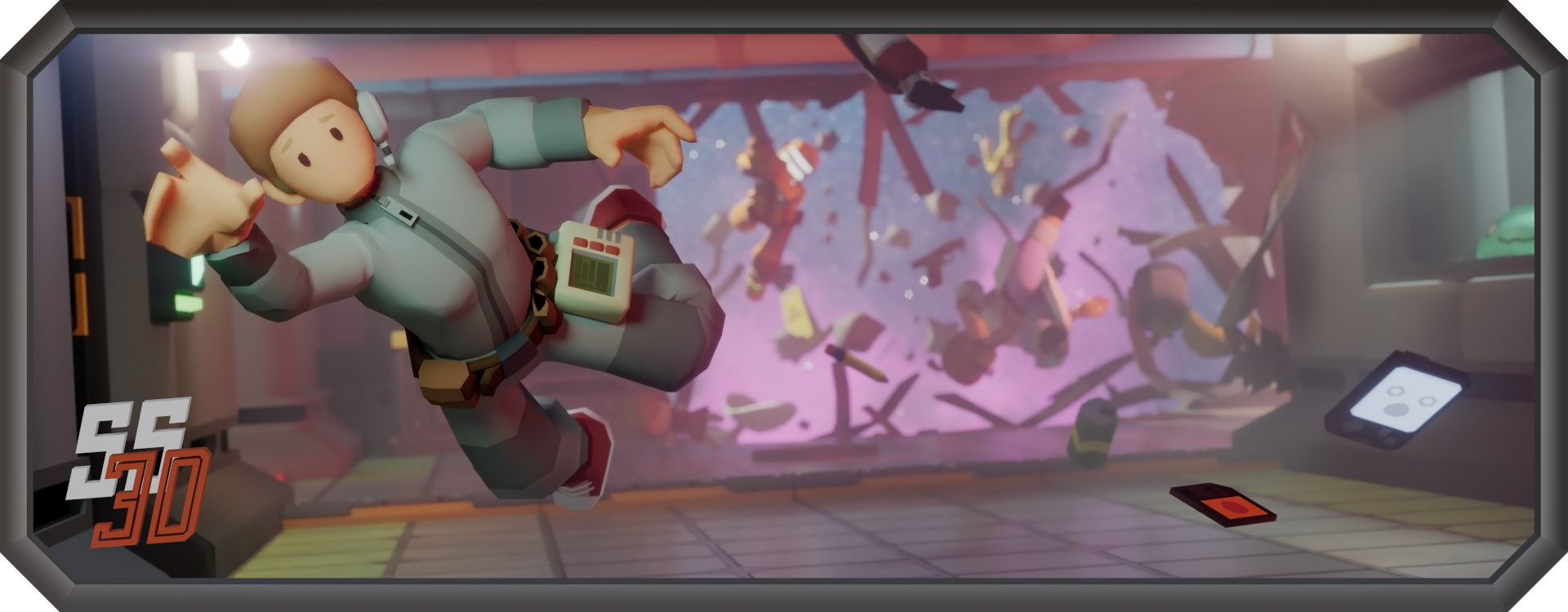
 Space Station 3D is an open-source resurrection of *beep's original SS3D, which was an impressive demo attempting to give the infamous
  an extra dimension.

This repository is henkhooft/SS3D — a development fork of the official RE-SS3D/SS3D project. It is an active experiment in redesigning core gameplay systems and development foundations at a faster pace than upstream's current review capacity supports.
Compared to upstream it targets Unity 6 (6000.3.16f1) + URP, with rewritten gameplay systems
(interactions, health, combat melee, inventory, atmos, areas/power, Map Editor, and more). Day-to-day play is
still build-from-source in the Editor.
| Want… | Go to… |
|---|---|
| What diverged from upstream | Documents/FORK_STATUS.md |
| What to build next (playable gates) | Documents/milestones/ |
| Find code by system | Documents/architecture/INDEX.md |
| Gameplay what/why | Documents/design/ |
| Doc authoring rules | Documents/SKILL.md |
This is not the official RE:SS3D release channel. For the upstream project, community, and official builds, see RE-SS3D/SS3D.
Fork status · Milestones · Architecture index · Design · SKILL


This fork is not the official RE:SS3D release channel. Optionally, maintainers can cut a manual
prerelease via GitHub Actions → Develop Release: default is a Windows zip
(Game\SS3D.exe + Start_SS3D_*.bat for self-host). Linux client/server, EditMode, and multiplayer
smoke are opt-in workflow inputs — see
Documents/architecture/2026-07_ci-develop-release-pipeline.md.
Otherwise clone develop and build in Unity yourself.

git clone https://github.com/henkhooft/SS3D.git
cd SS3D
git checkout develop
Open the project in Unity Hub with editor 6000.3.16f1 (see
Documents/CONTRIBUTING.md for setup notes).
Note: This fork is in active development. Systems, interactions, and design docs are evolving — what you build today may not match upstream RE:SS3D.


GitHub hosts this fork's issues and discussions.
SS3D adds a few custom tools to Unity's main toolbar to speed up day-to-day development:
- Scene Switcher (left side) — quickly load any scene listed in the
Sceneclass. - Launcher (right side) — toggle the launcher on or off, mirroring the Force Launcher option in the Application Settings.
- Network Settings (right side) — view and change the network type and server port, mirroring the Network Settings.
These are built on Unity's native main toolbar API. If you don't see them after opening the project, right-click the main toolbar and enable them under Tools — Unity hides custom toolbar elements until each user enables them the first time.
All CODE falls under the MIT license.
All ASSETS fall under the CC BY-NC-SA 4.0 license.