Quick Start Test API Using Postman
This guide walks through a first API test cycle using a Postman collection.
Start the demo stack with Start IAS, then sign in with the generated
demo or administrator identity stored in the ignored secrets/ files.
Install Idelium CLI on the machine that will execute the test:
python3 -m venv .venv
source .venv/bin/activate
python -m pip install --upgrade pip
python -m pip install ideliumThe sample collection is stored in the API repository:
https://github.com/idelium/idelium-api/blob/main/testfile/postman/Postman%20Echo.postman_collection.json
In Idelium Web:
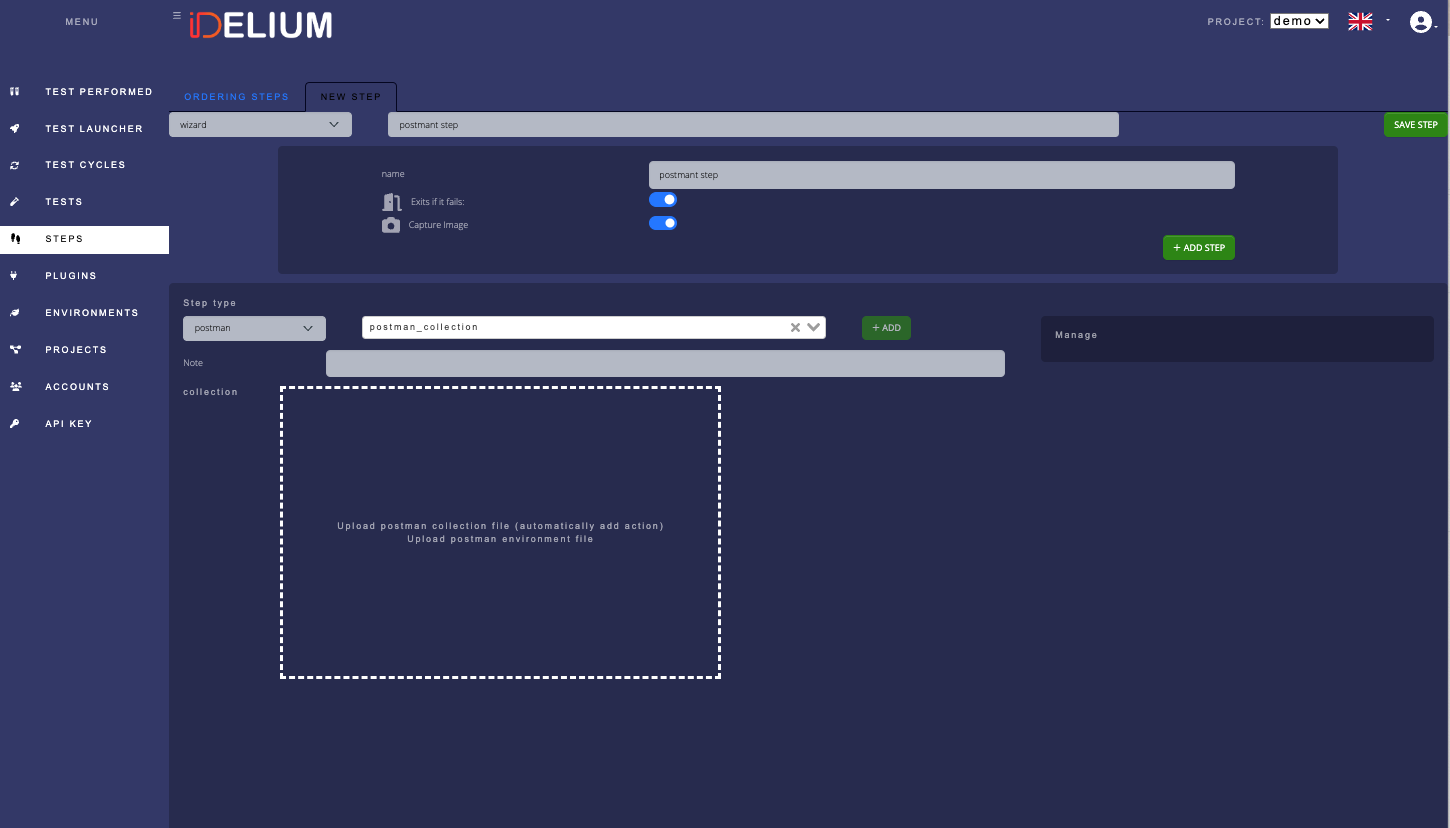
- Open Steps.
- Create a new step.
- Select the Postman step type.
- Upload the Postman collection.
- Save the step.
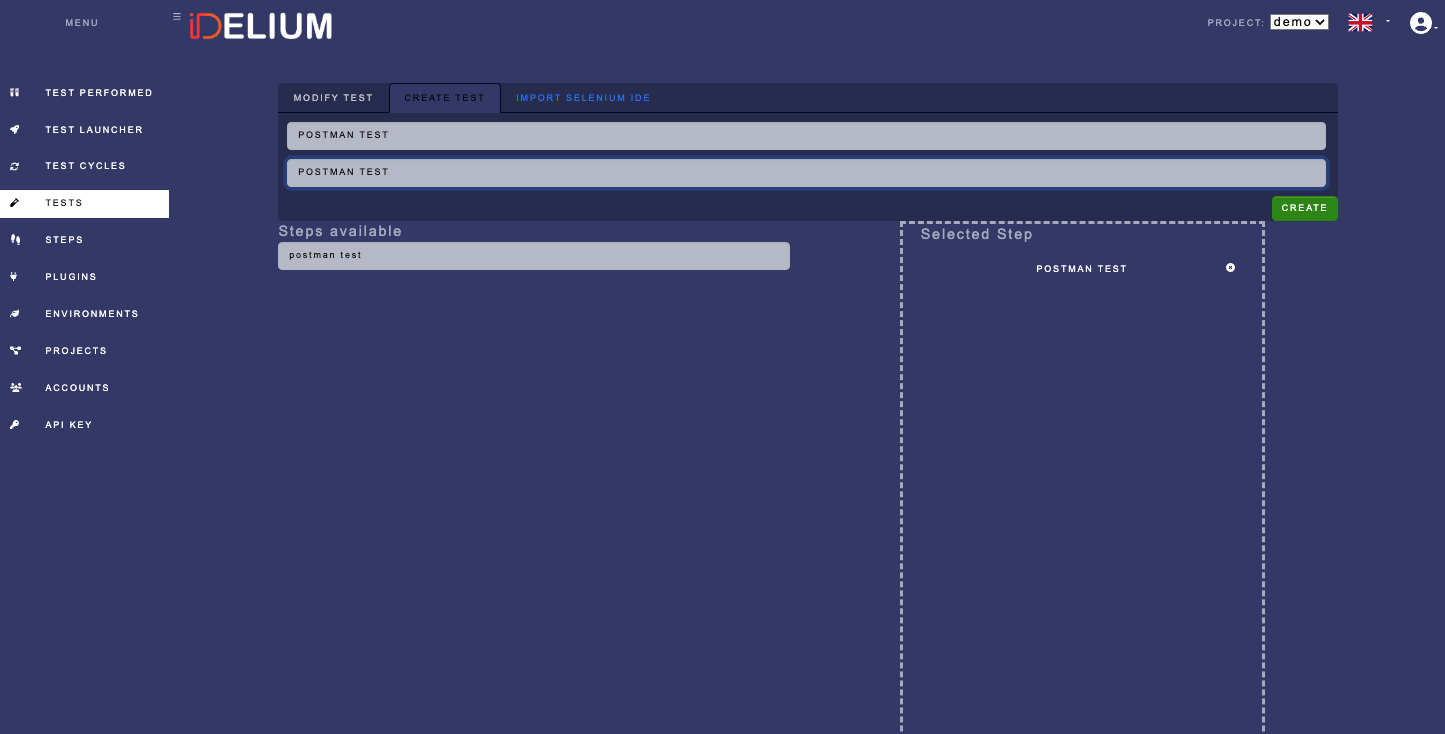
- Open Tests.
- Create a new test.
- Add the Postman step to the test.
- Fill in the required name and description.
- Save the test.
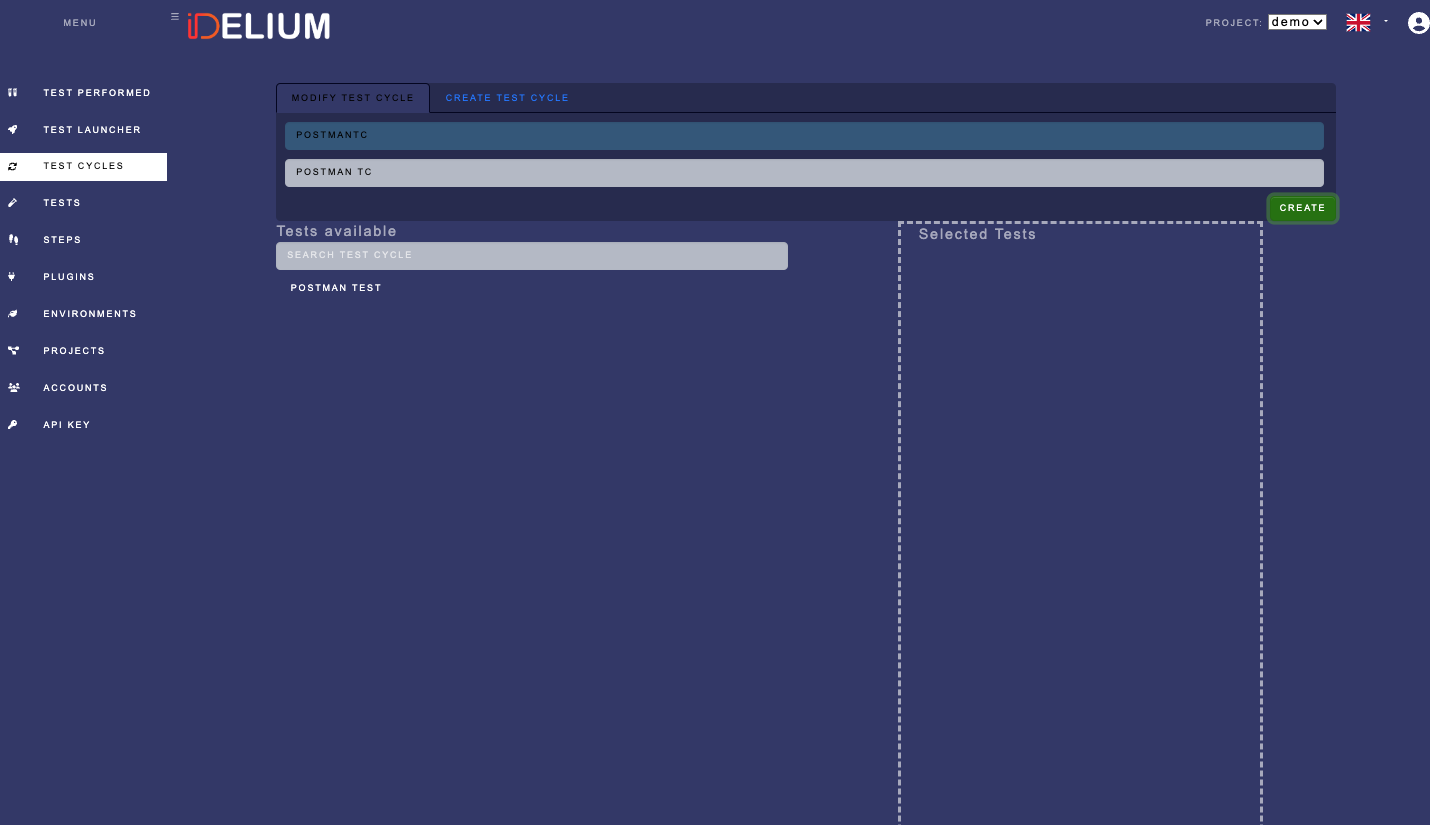
- Open Test Cycles.
- Create a cycle for the Postman test.
- Fill in the required cycle fields.
- Save the cycle and note its identifier.
Download the API key from Idelium Web and store it in the protected key file:
install -m 600 /dev/null ~/.ideliumCopy the key into ~/.idelium using a secure editor or secret-management tool.
Do not print it or pass it directly in shell history.
Use the project and cycle identifiers from your local instance:
idelium \
  --idProject=<project-id> \
  --idCycle=<cycle-id> \
  --environment=demo \
  --ideliumwsBaseurl=https://localhost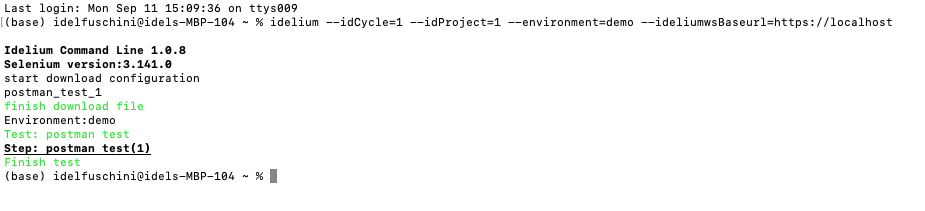
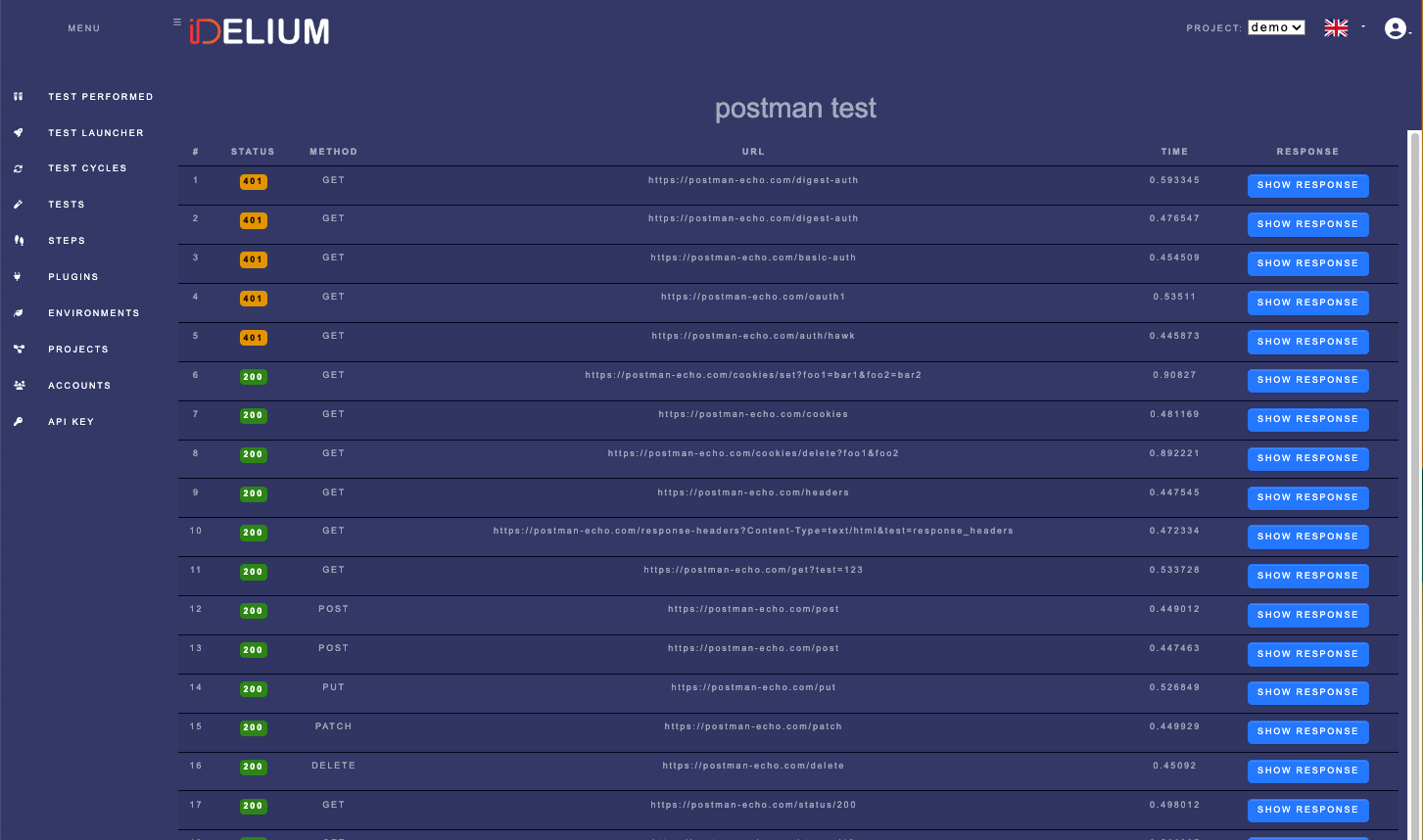
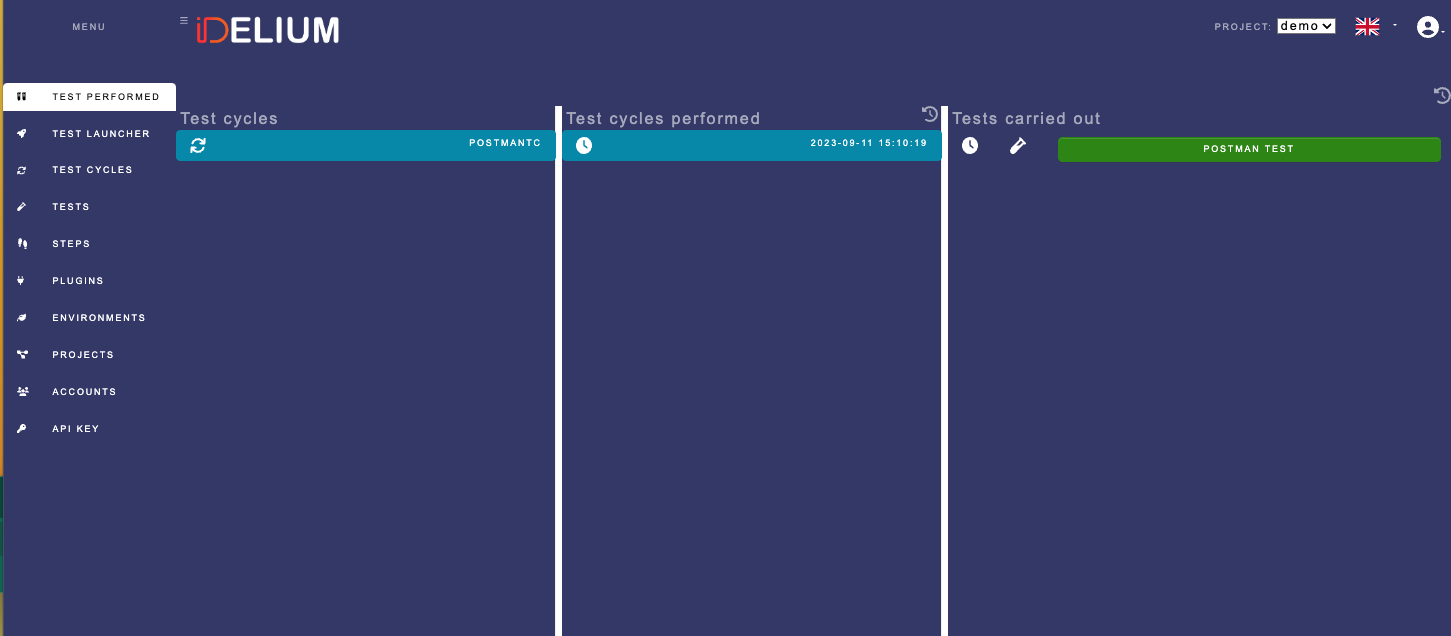
In Idelium Web, open Test Performed and select the completed cycle.
Open the test result and select Postman Collection Details:
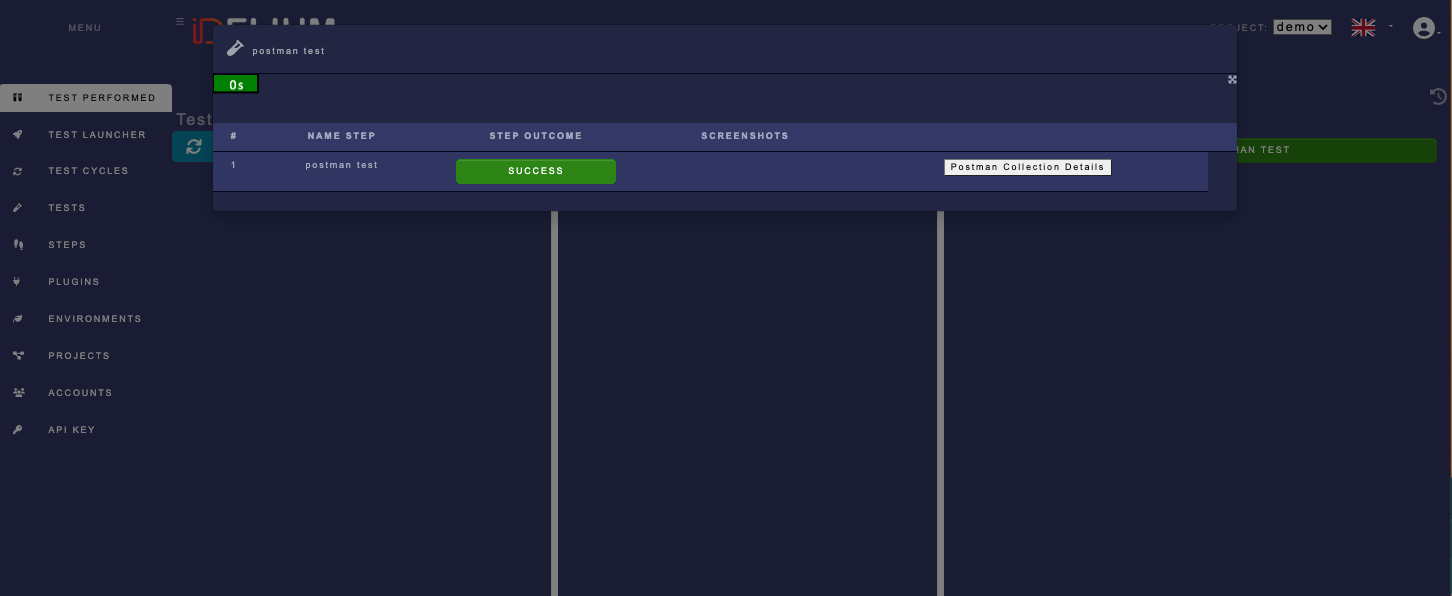
Review each request result inside the collection: