Large Data Updates
The advanced data decimation sample creates a line chart with a dataset placeholder, then sends 100,000 XY points after the chart initializes.
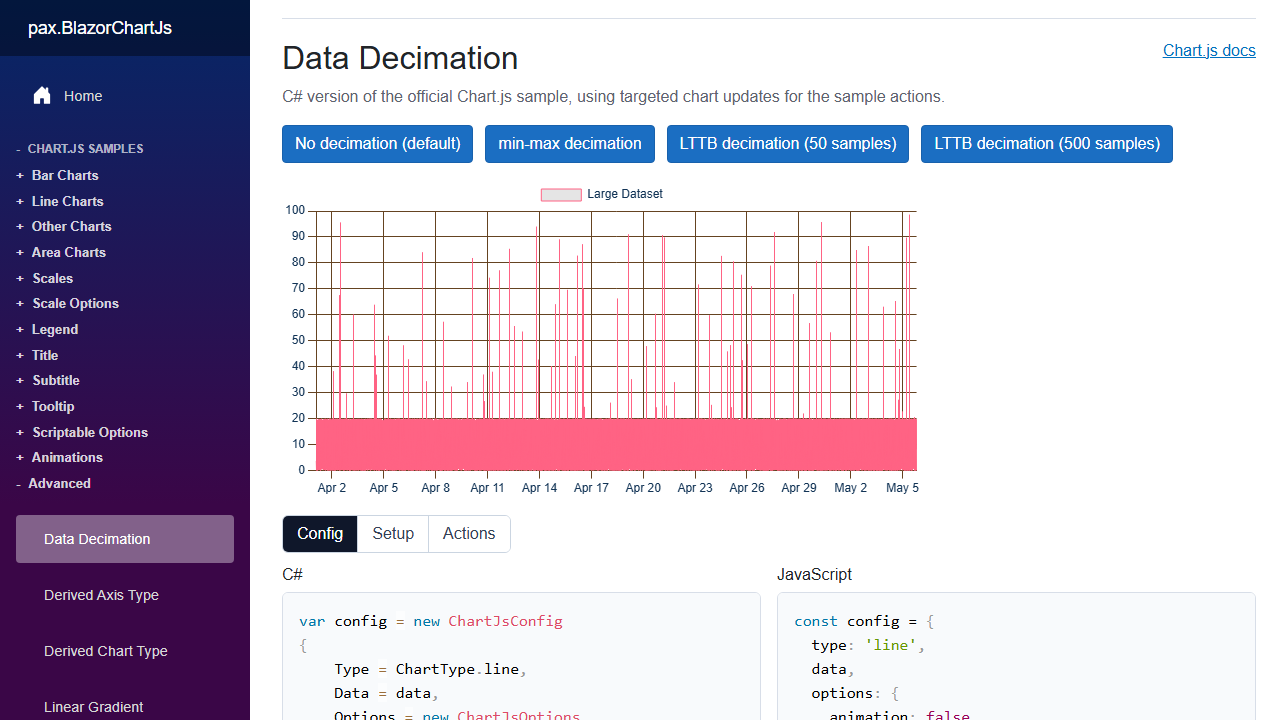
The config gives the large dataset a stable id and starts with an empty data collection:
var config = new ChartJsConfig
{
    Type = ChartType.line,
    Data = new ChartJsData
    {
        Datasets =
        [
            new LineDataset
            {
                Id = "large-dataset",
                Label = "Large Dataset",
                BorderWidth = 1,
                PointRadius = 0,
                Data = []
            }
        ]
    }
};
The id matters because the binary update targets a dataset by id.
ChartJsBinaryPayload.FromXY(...) packs ChartJsPoint values for SetDatasetBinaryData(...).
private Task ChartEventTriggered(ChartJsEvent chartEvent)
{
    if (chartEvent is ChartJsInitEvent)
    {
        var points = CreatePointData();
        config.SetDatasetBinaryData(
            ChartJsBinaryPayload.FromXY("large-dataset", points));
    }

    return Task.CompletedTask;
}
Use the Y-only helpers for scalar series and the XY helper for point pairs. This API exists for large dataset payloads that should not be expanded into a large JSON data array before Chart.js receives them.
The visible sample actions toggle Chart.js decimation options on the existing chart:
- No decimation shows the full rendered dataset path.
- min-max decimation preserves local peaks and lows.
- LTTB decimation reduces the displayed point count to the selected sample count.
The C# action changes Config.Options.Plugins.Decimation, then calls Config.UpdateChartOptions() so the current chart uses the new option.