Getting Started Guide
Browse and download your Microsoft 365 files with ShareOneList. Three account types are supported: Global (International) organization, Global personal, and China (21Vianet).
Grab the package for your platform from Releases:
- Windows x64 / arm64:
-setup.exe(installer),.msi, or-x64.zip/-arm64.zip(portable, just unzip and run) - macOS (Apple Silicon):
.dmg(bundles a Gatekeeper fix script and first-launch instructions)
Open the app, go to Files in the sidebar and click + Add Account on the top right, then sign in with your Microsoft account in the browser. Add as many accounts as you like — each entry is labeled with its type (21Vianet / Global organization / Global personal):
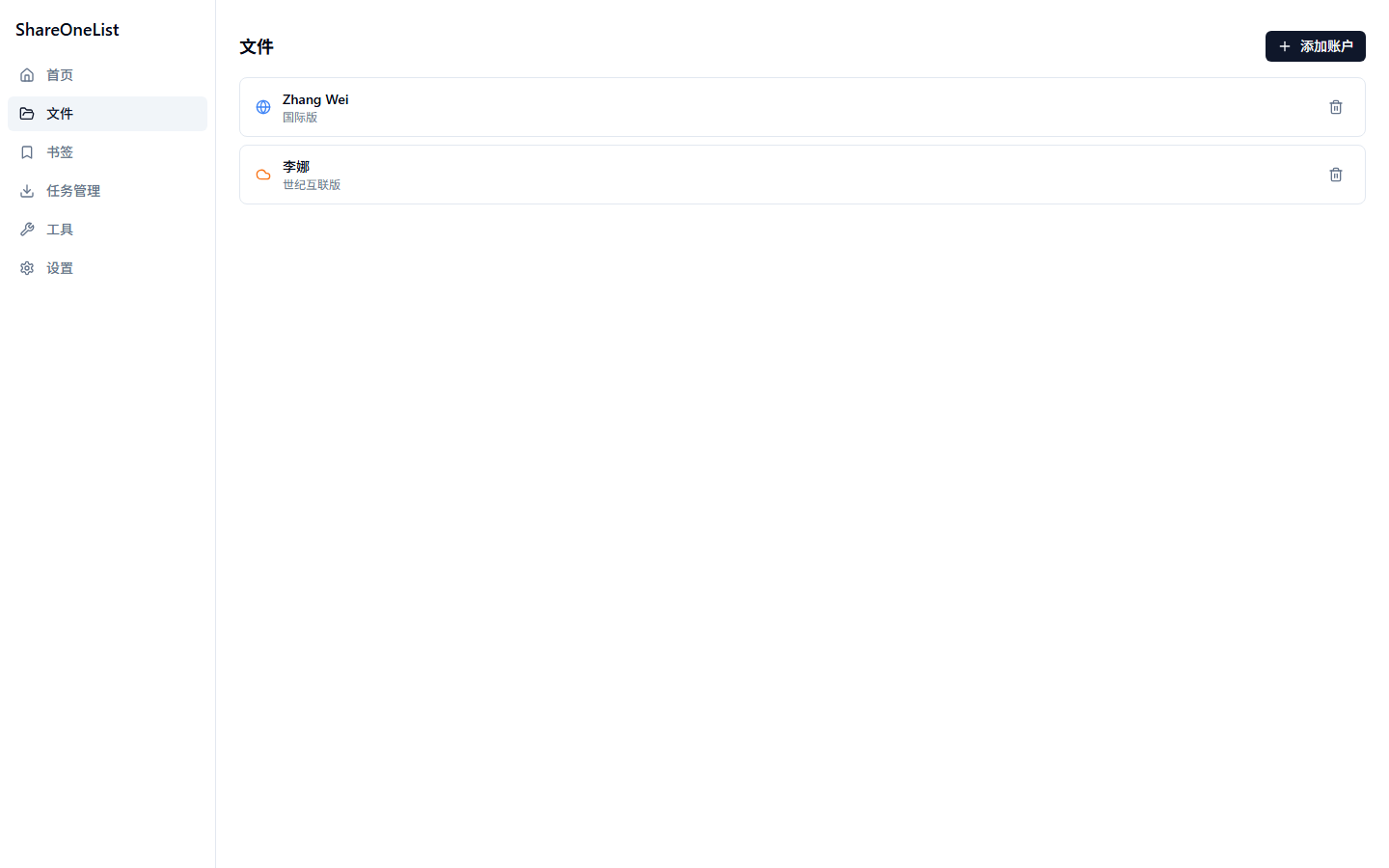
Accounts support custom aliases and icons: hover an account row and click the pencil icon to edit.
Double-click an account to open the service selection page. Available entries depend on the account type — 21Vianet and Global organizations get OneDrive and SharePoint, Global personal accounts get OneDrive, and Global organizations can also browse Teams meeting recordings. Storage quota is shown below:

Files open in a new tab. Supported:
- Three layouts: details list / thumbnail grid / gallery, switchable from the toolbar
- Sorting: click a column header (name / size / modified) to toggle ascending or descending
- Search: scope to the current folder or the entire drive
- File operations: new folder, rename, delete, share link, convert to PDF, properties — all in the "···" menu at the end of each row
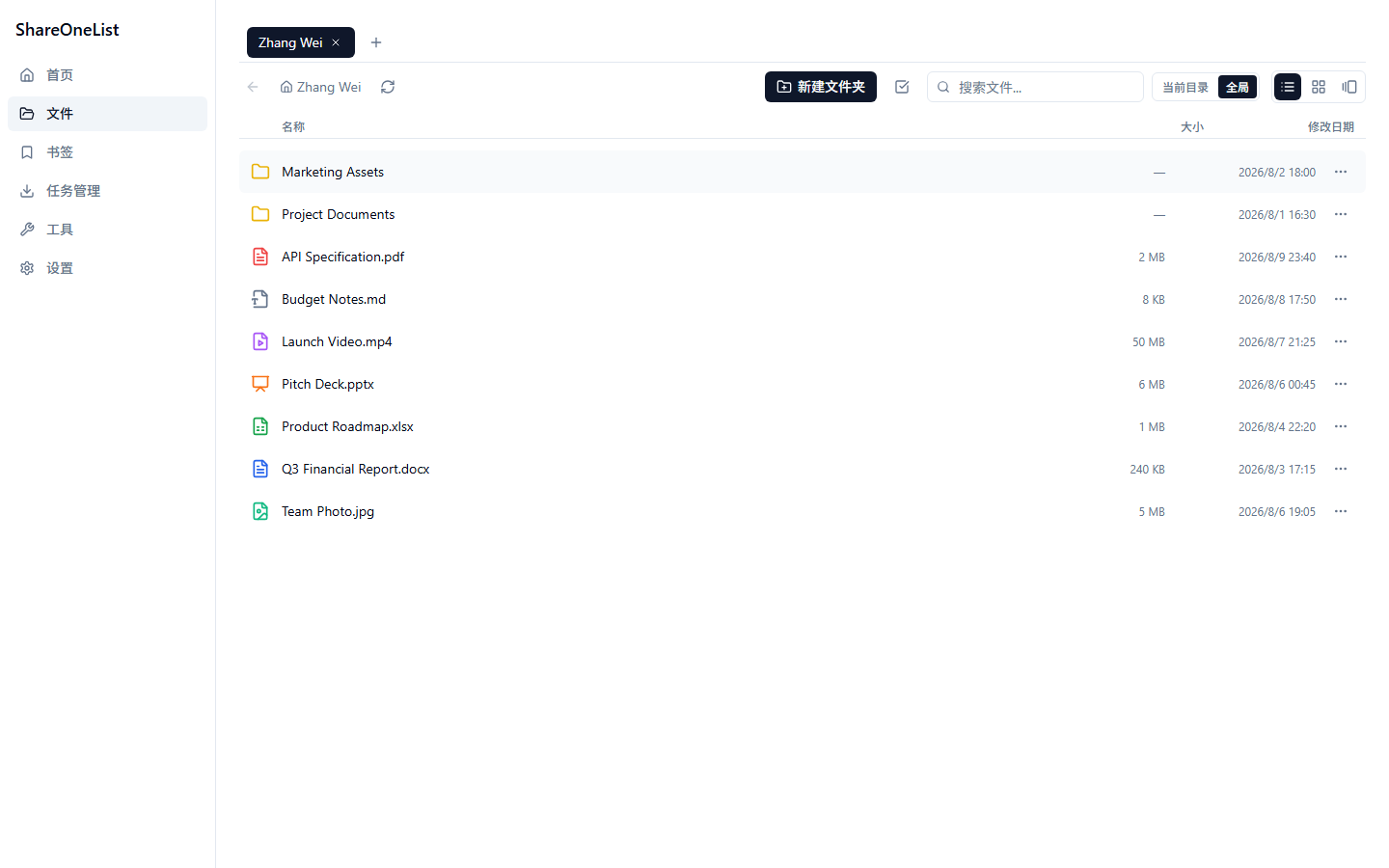
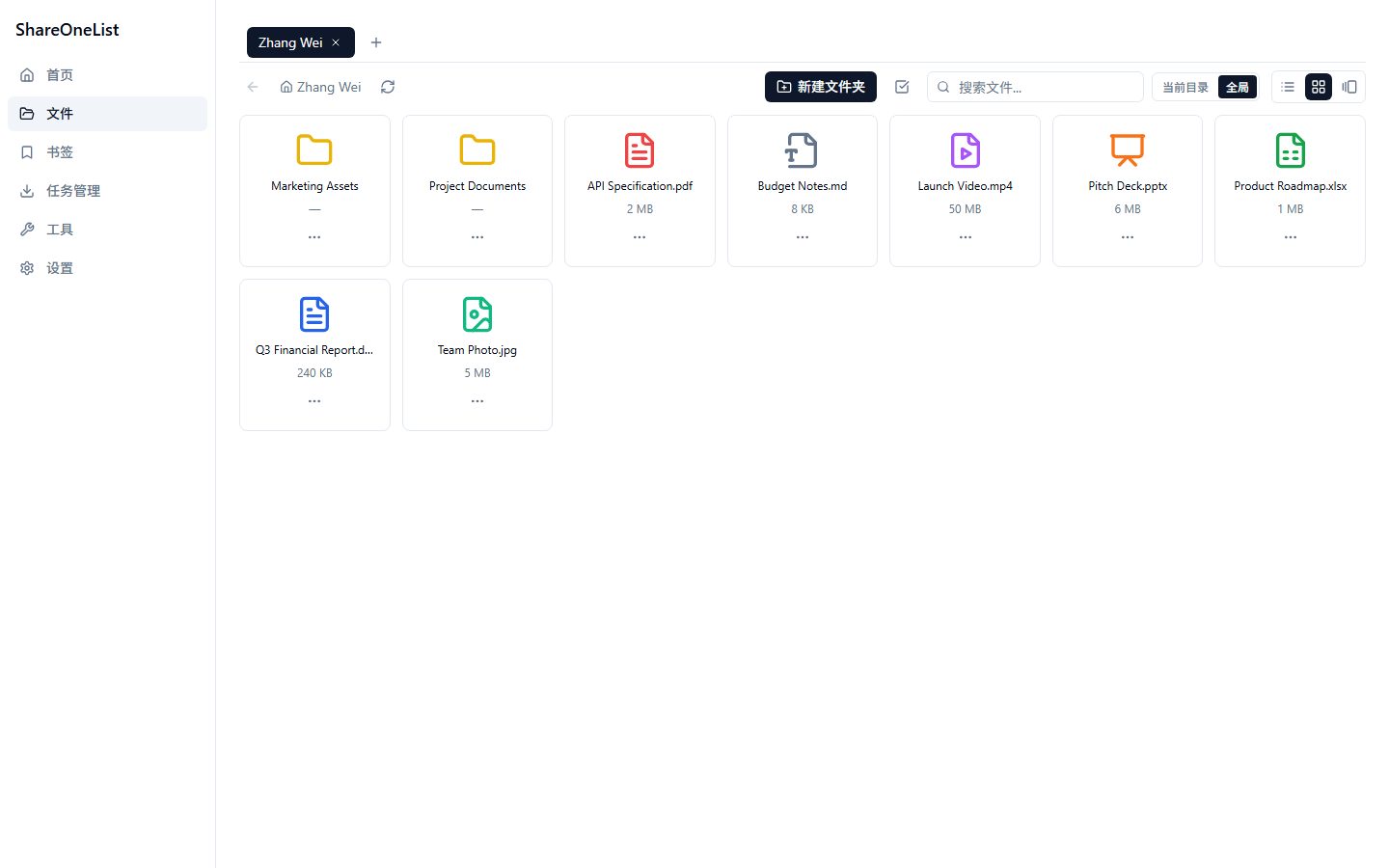
- Toggle the selection-mode button to multi-select files for batch download; use the "···" menu for a single file or folder
- Downloads are managed centrally on the Task Manager page with progress and speed, pause/resume, and resume-after-restart
- Drag local files into the window to upload
- Bookmarks: pin frequently used folders and files for quick access
- Tools: SharePoint link parsing, pushing downloads to external downloaders (Aria2 / Motrix / IDM)
- Settings: theme, language, Teams recording download concurrency, and more
Stuck? Check the Stream-Download-Teams-Recordings, or file an Issue.