AudioBud v0.2.0

AudioBud is local-first dictation for Windows. Press a hotkey, speak, and your words paste into whatever text field already has focus. Transcription runs on your machine and audio is never uploaded.
What's new in v0.2.0
This release focuses on the install experience, the recording overlay, and the custom dictionary.
Installer and first launch
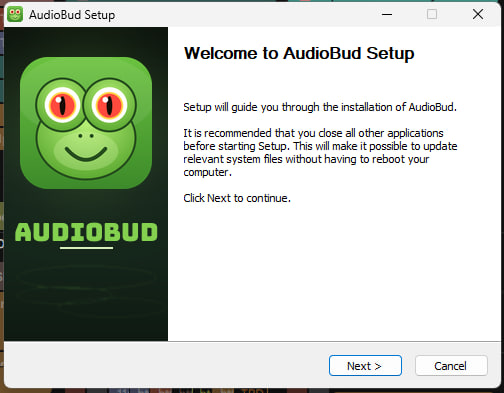
- A frog-themed install wizard that matches AudioBud's identity (#13)
- Portable install mode: run from a self-contained folder with no registry changes (#3)
- Launches on a clean machine: the installers now bundle the VC++ runtime and the Vulkan loader, so AudioBud starts without any prerequisites (#36)
Recording overlay and tray
- Reposition the floating overlay anywhere on screen (#9)
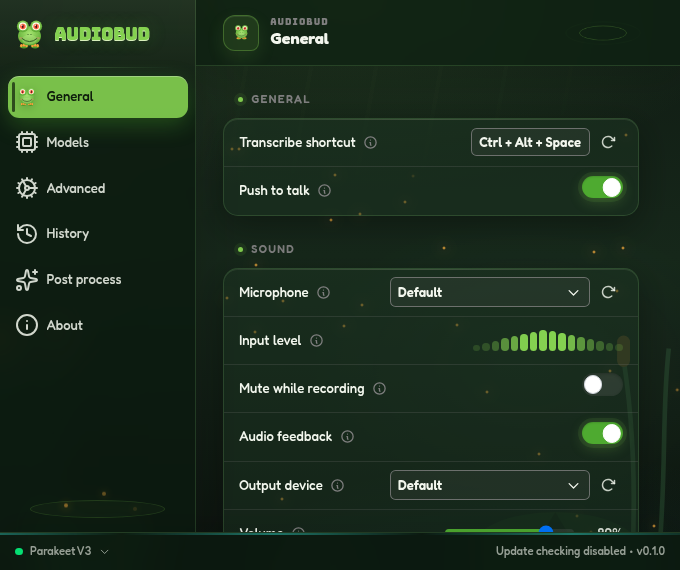
- More overlay and tray controls, including quick-toggles for push-to-talk, mute, and trailing space (#12)
- An optional "RAW" indicator on the overlay when raw mode is active (#24)
Custom dictionary and text cleanup
- A clearer dictionary with pronunciation and correction controls (#10)
- Precision improvements and fine-tuning for custom words and replacements (#18, #47)
Stability
- Fixed a startup crash from the updater plugin; updater registration is now gated on a configured feed (#32, #33)
Models
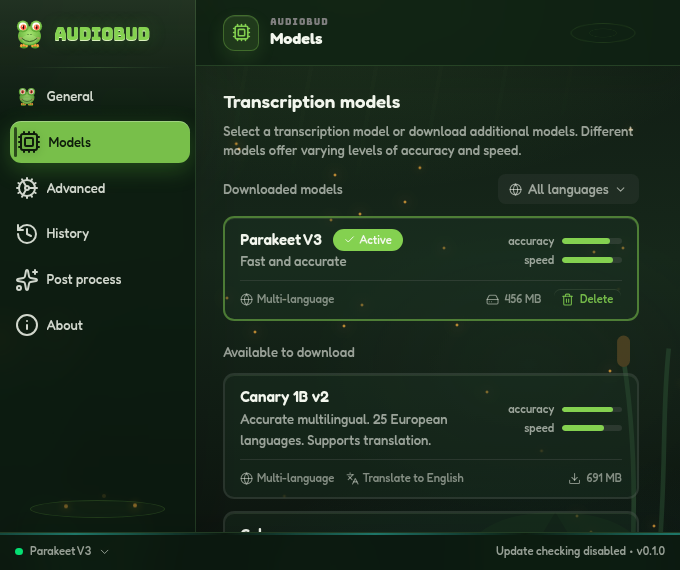
Parakeet V3 is the default: fast multilingual transcription, DirectML-accelerated. Whisper (small, medium, turbo, large) is available for broad language coverage and translation, alongside Moonshine, SenseVoice, GigaAM, Canary, and Cohere. Every engine downloads from the Models screen and runs offline.
Install
- Download AudioBud_0.2.0_x64-setup.exe below and run it.
- Windows SmartScreen warns on first launch because the installer is not code-signed yet. Choose More info, then Run anyway.
- Want no install? Run the same setup and pick Portable in the wizard. For managed deployments, use the .msi instead.
Requires Windows 10 or 11 (x64).
Known limitations
- The installer is not code-signed yet, so SmartScreen warns on first launch.
- Windows x64 only for now. The macOS and Linux code is inherited from Handy but not yet validated in this fork.
- No in-app auto-update yet.
Full changelog
AudioBud is a detached fork of Handy by CJ Pais. MIT licensed.