Repository navigation
Releases: jan5o7o/ztrackpad
Release list
So7o Z Trackpad 0.7.0

Features
- Flick to scroll (CONTROLS > SCROLLING): the pad's edge strips normally scroll
live while your finger moves. Flip this on and they bank the whole gesture and
spend it as one smooth motion on release, the feel of So7o Z Trackpad Lite, ported as an
option. Also scriptable:vdisplay flick on|off, andstatusreportsflick=. - Scroll marks (CONTROLS > SCROLLING): dotted lines down the pad's sides mark where
the edge-scroll strips are, like a laptop trackpad. On by default;vdisplay marks on|offscripts it, andstatusreportsmarks=. - First-run launcher: the Open Accessibility Settings button is the first thing
under the title (it used to sit below the whole guide), and the top padding follows
the real status-bar inset so Android 15+'s edge-to-edge drawing no longer cuts it off. - The pad's bottom buttons gain hairline seams between them, and the action bar floats
off the pad's bottom edge.
Bugfixes
scripts/vdisplay tapnow consumes both coordinates (tap <x> <y>) instead of
dropping the second one and sending x alone. This matches the contract 0.6.0
documented and whatscripts/vdisplay-testactually calls (tap 500 300), so the
driving test's taps now land where they say.typeandpresswere already correct.
Extension
- The
vdisplaypi extension now also exposestap <x> <y>,type <text>and
press <KEYCODE>, so an agent can drive the app on a display straight from pi
instead of hand-rollingadb shell input -d <id>(display-routed either way).
sha256: 57ea60f0dd454bcd7de654dae7d11c31c36f2802b20ef21fde073f7c1a48f997
So7o Z Trackpad 0.6.0
Virtual display testing ops
The virtual display is now a first-class agent/test surface: scripts/vdisplay gained
four operations, and a standard driving test ships with them.
launch <package-or-component> [--url]— start an app on the display from the shell
privilege path ztrackpad already owns, which works wheream start --displayfrom adb is
refused (headless displays, in particular).target [<id>|<package>]— move the pad's input target programmatically (same code path
as the ▣ picker); call with no argument to read it back. The reply names the display.shot [--name N]— capture the display's own pixels to/data/local/tmp/<N>.png;
headless displays fail cleanly instead of hanging.create --w W --h H— size the next display explicitly (headless included).tap <x> <y>,type <text>,press <KEYCODE>— display-routed input: every event
carries the target display's id via the same Shizuku path the pad's own clicks and keys
use, so a script drives the app inside the display, not the phone under it.- The ▣ display picker now lists the app's own floating display (it is shell-owned and
invisible to app-side display enumeration), so tap-to-control works: tap the square,
tap the display, and the pad's keyboard and pointer are aimed into it. scripts/vdisplay-test— the standard driving test: creates, launches, aims the pad,
and drives taps/keystrokes into the app on headless and floating displays, proving each
step from the display's own pixels. Change-proofs useshot, never the phone screen.- Known residual: launching a bare-package app onto a just-created floating display can
silently land no task in rare timing windows (works on a settled display; component and
URL launches are unaffected). The launch loop retries with force-stop, and the test
reports the outcome honestly.
sha256: 3b0bbafa978d3b4c8a11a3bae6aa72114602b7f514aed1cd18f242ba7360ff12
So7o Z Trackpad 0.5.0
0.5.0 — 2026-09-30
A face for the launcher, and the last of the split-divider code out of the build. 0.4.0's
notes said the split-divider buttons were gone from the pad, which was true of the pad; the code
that nudged the divider itself was still in the APK that shipped. This is the release where both
are gone.
- The app has an icon. It shipped without one, so the launcher drew its own placeholder. The
icon is the pointer the app already draws on screen, reduced to what survives a launcher's mask
at 48px: an adaptive icon, so the launcher supplies the shape, with a monochrome layer for
Android 13's themed icons. - The
splitbroadcast op is gone, so nothing on the pad's scroll strip is a button any more. - The APK's uncompressed entries are packed 4-byte aligned instead of landing wherever the
packer happened to put them. The earlier builds passed that check by luck — a new icon file was
enough to fail it, which is how it was found. - The README's hero clip and its screenshots are retaken from a recording of the app in use,
including one of the CONTROLS panel, and the notes on what was cut from that recording are
updated with them.
versionCode 4 (up from 3), so an existing install updates in place. Signed with the
maintainer key — the same one as 0.1, 0.2 and 0.4.0 — so Android will not accept it over a build
you signed yourself.
Built from the tree of tag v0.5.0 (merge commit 59cb519) with a clean worktree; that same
tree passed CI (build, sign, and both checks that no development identity is in the tree or the
artefact).
sha256: 633f8d138bb878842fbc1e2d5715f500459ea86ed6b640af3d99200ee58057cf
So7o Z Trackpad 0.4.0
0.4.0 — 2026-09-28
Getting back to a window that is hidden behind other windows. Floating windows had no way to
reach each other — the one at the back is simply covered, and nothing on screen names it. A new
dot opens a list of the windows on the display: the full-screen app first, then every floating
window, front-most first. Tap a row to bring it forward, or tap the full-screen row to minimize
what is in the way.
- Floating-window list — with per-row state (
full screen,hidden,parked), and the
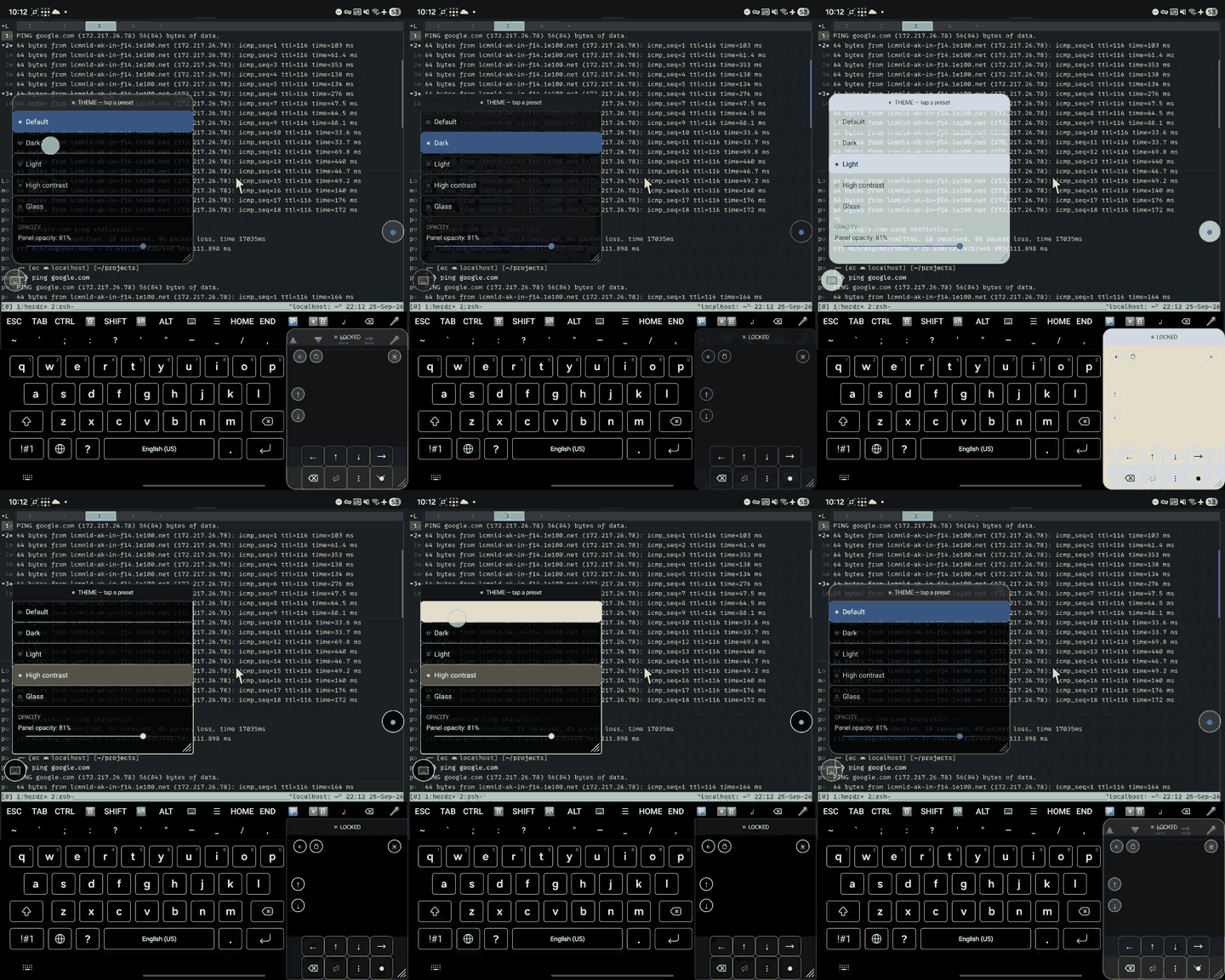
minimize checked before falling back to shrinking a window into a strip at the bottom edge - A CONTROLS panel in the pad (the new gear dot, outermost on the right), holding the keys
layout choice, on/off switches for the⌨and▤dots, and two links: a guide to customising
keys, and the issue tracker - Full keyboard or your favourite shortcuts — the keys panel can show the built-in layout or
a short spec of your own, switchable without a rebuild - The split-divider buttons are gone from the pad. That edge is the scroll strip, and a thumb
there is scrolling; the nudge they drove is nowop=split --es arg up|down - Edge scrolling moves half as far — a 100px swipe down the pad's side now scrolls 33.6 units
instead of 64, and finer is the point - A guide for customising the keys panel, and
READMEcoverage of the new features
sha256: 069beda6a16c495fcf5d2ab94b99276faa4d282df69b23f050af2a173e15eae8
versionCode 3 (up from 2), so an existing install updates in place. Signed with the
maintainer key — the same one as 0.1 and 0.2 — so Android will not accept it over a build you
signed yourself.
Built from the tree of tag v0.4.0 (merge commit f470b5c) with a clean worktree; that same
tree passed CI (build, sign, and both checks that no development identity is in the tree or the
artefact).
So7o Z Trackpad 0.2
First release under the new name, and the first cut through the new flow: work lands on
dev, a pull request carries it to main, and CI builds the exact tree that ships.
- Renamed the app to So7o Z Trackpad.
- Added a guide to customising the keys panel.
- Reworked the opening of the README around what the app is for, with a clip of it driving a
real browser.
sha256: 59f3f682d57212a12ebee0ed7b1da6ddda7f8ae5ce0fbd683e0c4f9126a3276c
versionCode 2 (up from 1), so an existing install updates in place. Signed with the
maintainer's key — the same one as 0.1 — so Android will not accept it as an update over a
build you signed yourself.
Built from the tree of tag v0.2 (merge commit f27111c) with a clean worktree, and that
same tree passed CI (build, sign, and both checks that the development identity is nowhere in
the tree or the artefact).
Z Trackpad 0.1
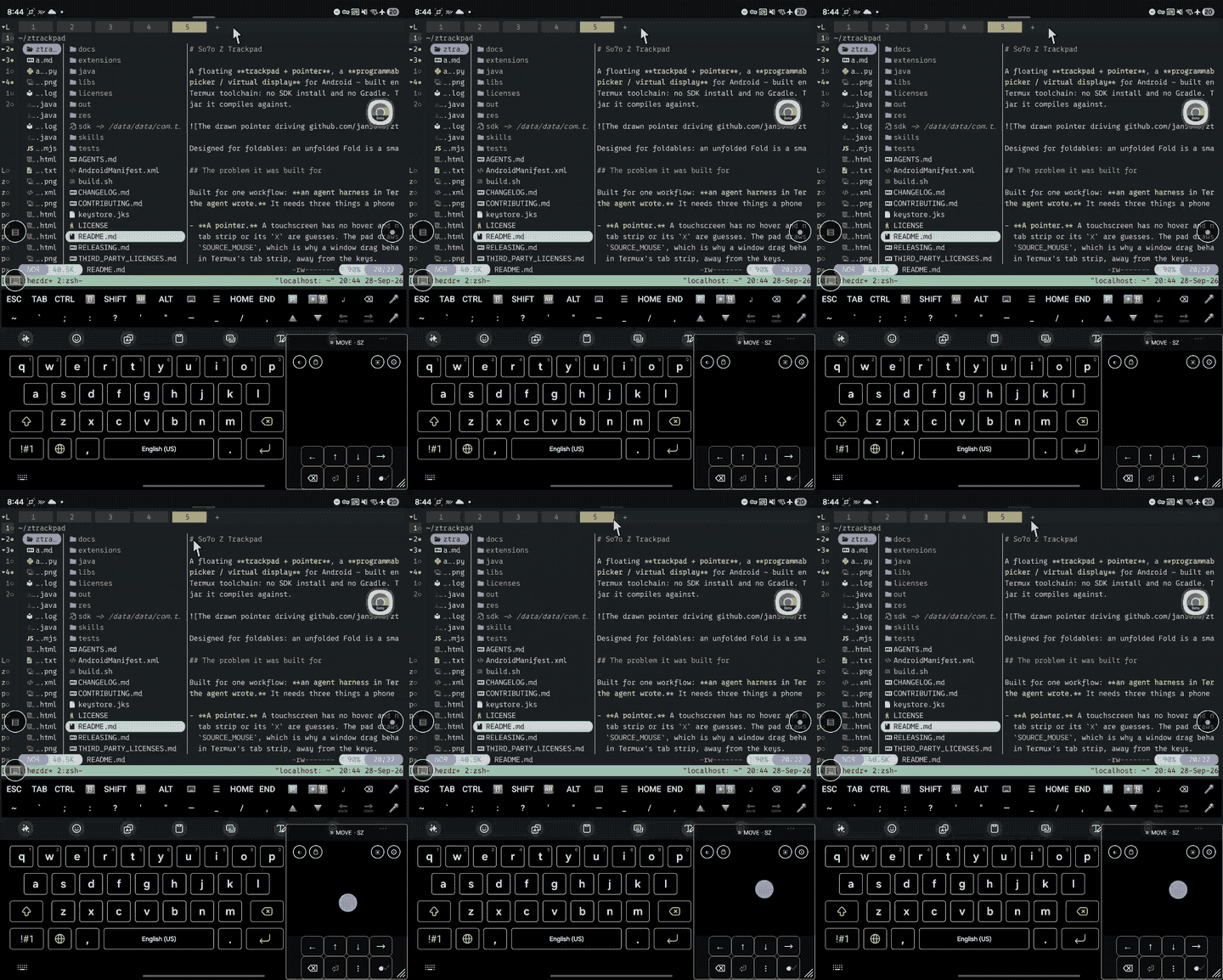
First release: a floating trackpad + pointer, an on-screen keys panel, and a
virtual display you can see and drive — for Android, built on-device in Termux.
Requirements
- Android 13 or newer.
- Shizuku running, with this app granted permission. Without
it the pads still appear, but keys and drags do nothing. Shizuku needs adb (or root) to
start after a reboot — that is the one real setup cost of using this app.
Install
It is a sideload: not on any store, and it cannot be, because the accessibility service
injects taps, drags and key events by design. Download the APK below and let your browser or
file manager install it (Android will ask to allow installing unknown apps for whichever app
is doing the installing), or:
adb install -r ztrackpad-0.1.apkThen enable the accessibility service: open the app, tap Open Accessibility Settings, and
turn on Z Trackpad under Installed services. Two small dots appear.
This artefact
ztrackpad-0.1.apk—app.so7o.ztrackpad0.1 (versionCode 1), 96 KB.- SHA-256:
6d7db55d21286e4a3446456055004beb093a76313618858b5ad785af7d001295 - Signed with the maintainer's key. A copy you build yourself is signed with yours, so
Android will not update across the two: uninstall one before installing the other. - Built from the tagged commit by
./build.sh— aapt2 + aidl + javac + d8 + apksigner, no
Gradle and no SDK install.
See the README for the gestures, the display picker, the split-screen nudges and the
scriptable API.