Repository navigation
Z Trackpad 0.1

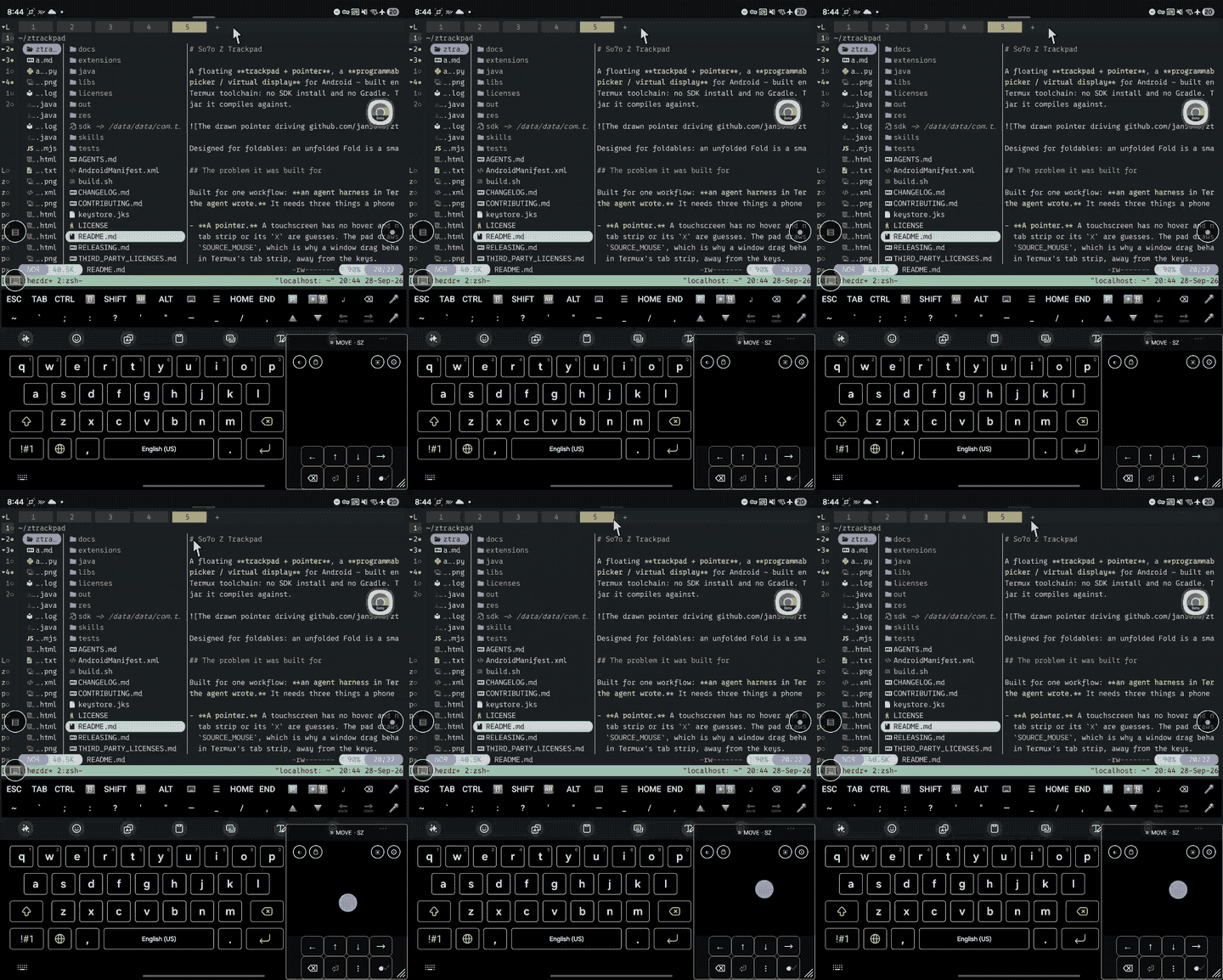
First release: a floating trackpad + pointer, an on-screen keys panel, and a
virtual display you can see and drive — for Android, built on-device in Termux.
Requirements
- Android 13 or newer.
- Shizuku running, with this app granted permission. Without
it the pads still appear, but keys and drags do nothing. Shizuku needs adb (or root) to
start after a reboot — that is the one real setup cost of using this app.
Install
It is a sideload: not on any store, and it cannot be, because the accessibility service
injects taps, drags and key events by design. Download the APK below and let your browser or
file manager install it (Android will ask to allow installing unknown apps for whichever app
is doing the installing), or:
adb install -r ztrackpad-0.1.apkThen enable the accessibility service: open the app, tap Open Accessibility Settings, and
turn on Z Trackpad under Installed services. Two small dots appear.
This artefact
ztrackpad-0.1.apk—app.so7o.ztrackpad0.1 (versionCode 1), 96 KB.- SHA-256:
6d7db55d21286e4a3446456055004beb093a76313618858b5ad785af7d001295 - Signed with the maintainer's key. A copy you build yourself is signed with yours, so
Android will not update across the two: uninstall one before installing the other. - Built from the tagged commit by
./build.sh— aapt2 + aidl + javac + d8 + apksigner, no
Gradle and no SDK install.
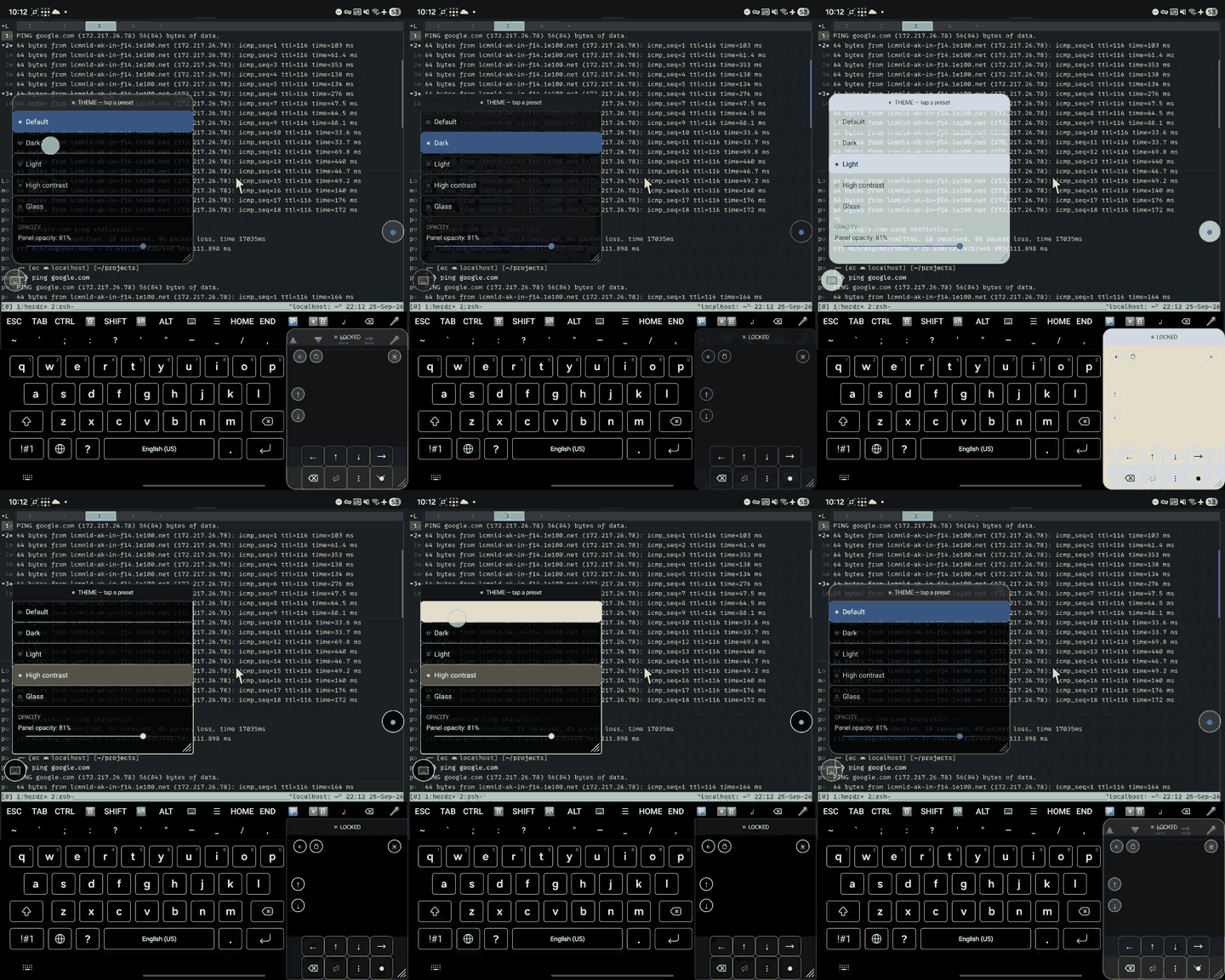
See the README for the gestures, the display picker, the split-screen nudges and the
scriptable API.