Repository navigation
Home
A modern, lightweight Android home-screen launcher built entirely with Jetpack Compose and Material 3. It is available in English, Finnish, German, Spanish, French, Portuguese, Russian, Swedish and Turkish (English is the fallback), and free and open-source under the Apache-2.0 license.
This wiki is the user guide. For the project overview and developer notes, see the README.
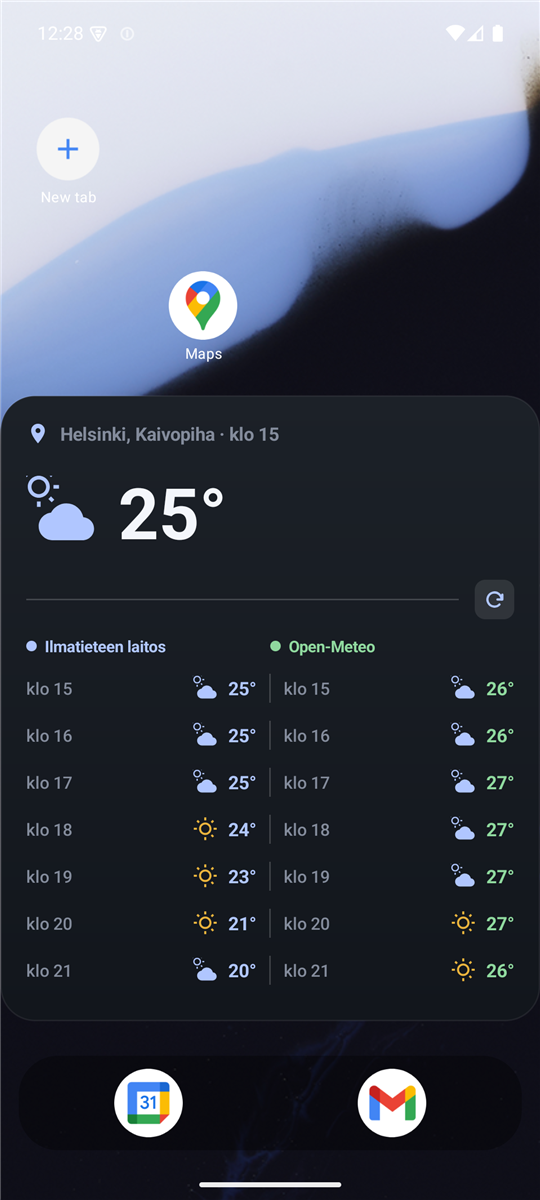
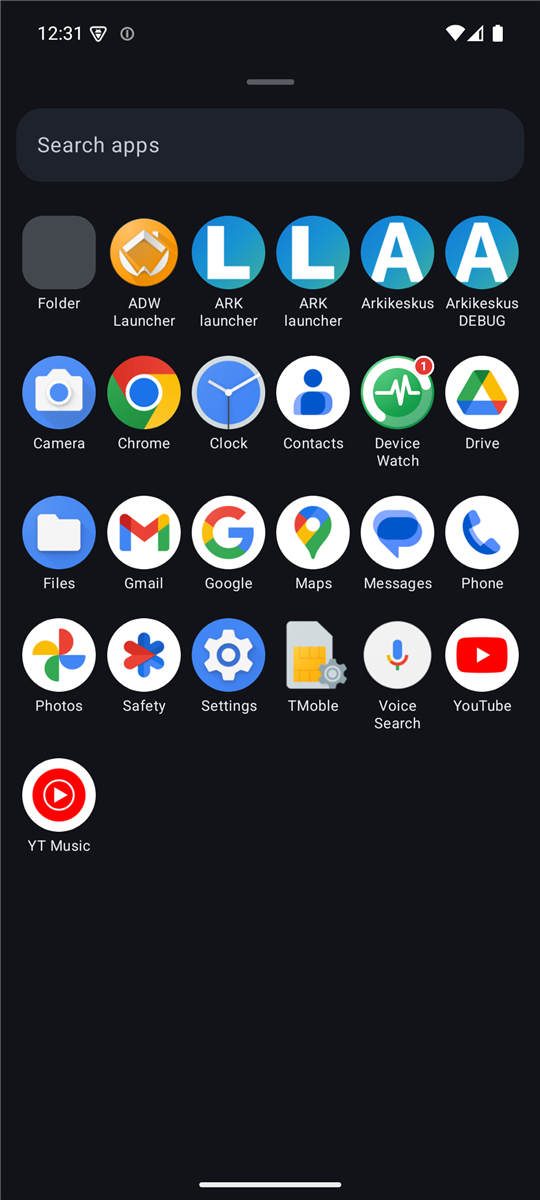
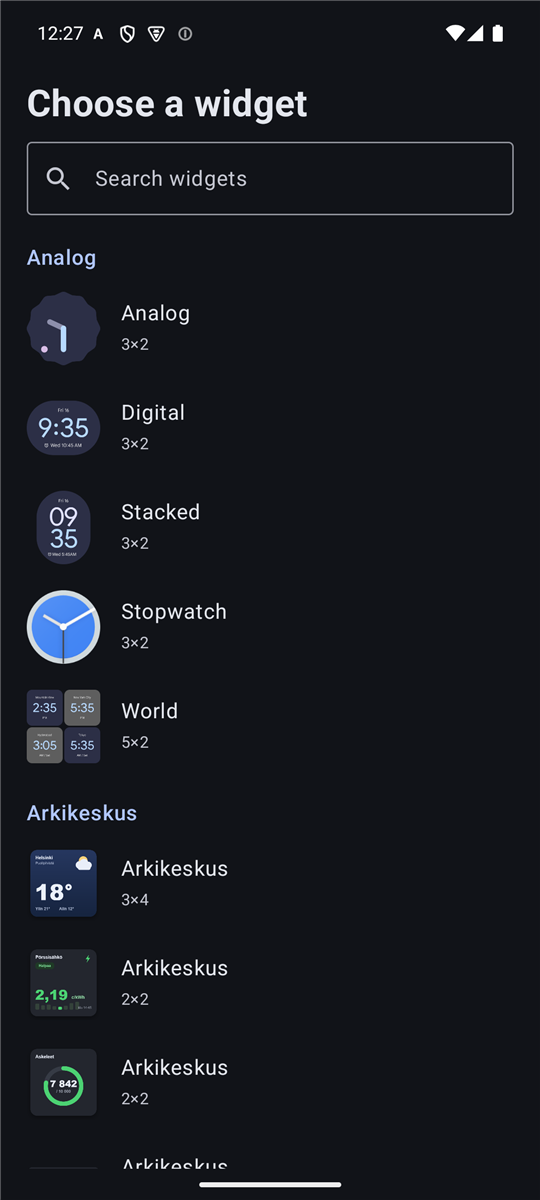
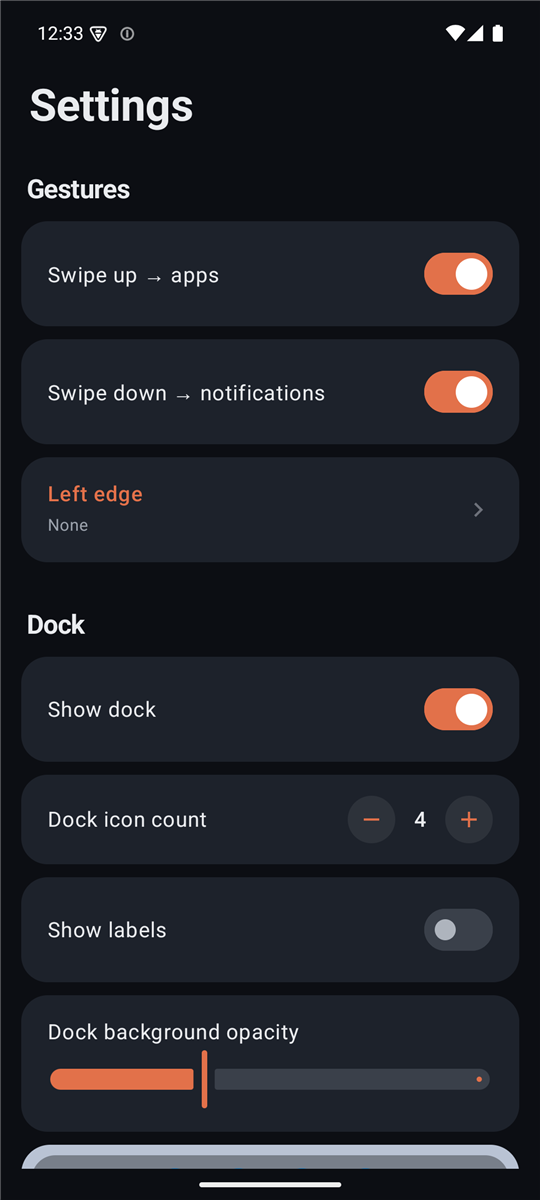
- Download the latest APK and install it (Android 11 / API 30 or newer).
- Open the app and tap Set as default launcher, or set it from Android's Settings ▸ Apps ▸ Default apps ▸ Home app.
- See Getting Started for the full first-run walkthrough.
After the first install the launcher keeps itself up to date from new GitHub releases — it notifies you and installs with one tap.
| Guide | What it covers |
|---|---|
| Getting Started | Install, set as default, first-run onboarding, permissions |
| Features | Home & dock, page menu, app drawer & search, widgets, people widget, folders, gestures, customization |
| Icon Packs | Apply a third-party icon pack across every surface |
| Backup & Restore | Export and import a backup file (layout, settings, widgets) |
| FAQ & Troubleshooting | Common questions and fixes |
- Paged home screen with free icon placement and smooth drag-and-drop
- App drawer with universal search (apps, settings, contacts, calculator)
- Home-screen widgets — preview picker, drag to place, move in one gesture, resize, reconfigure
- People widget — messages, missed calls and mail grouped by person, with optional batch delivery
- Third-party icon packs and Material You themed icons
- Backup & restore to a file, including widgets
- Configurable gestures, notification dots, folders, an optional status bar, and more
Questions, ideas, and general chat: GitHub Discussions or the Telegram group — in English or Finnish. Bug reports: Issues. Both are one tap away in the app: Settings ▸ Feedback.
Licensed under the Apache License 2.0. It re-implements design and architecture patterns (in Compose) from the Android Open Source Project's Launcher3, also Apache-2.0 — see NOTICE.