Repository navigation
Home
Welcome to the PixelFx guide. PixelFx is a fast, friendly photo editor for Linux: pick a look and see it on your own photo, fine-tune light and colour with the controls photographers expect, and finish a whole folder of photos in one go. Your original photos are never changed.
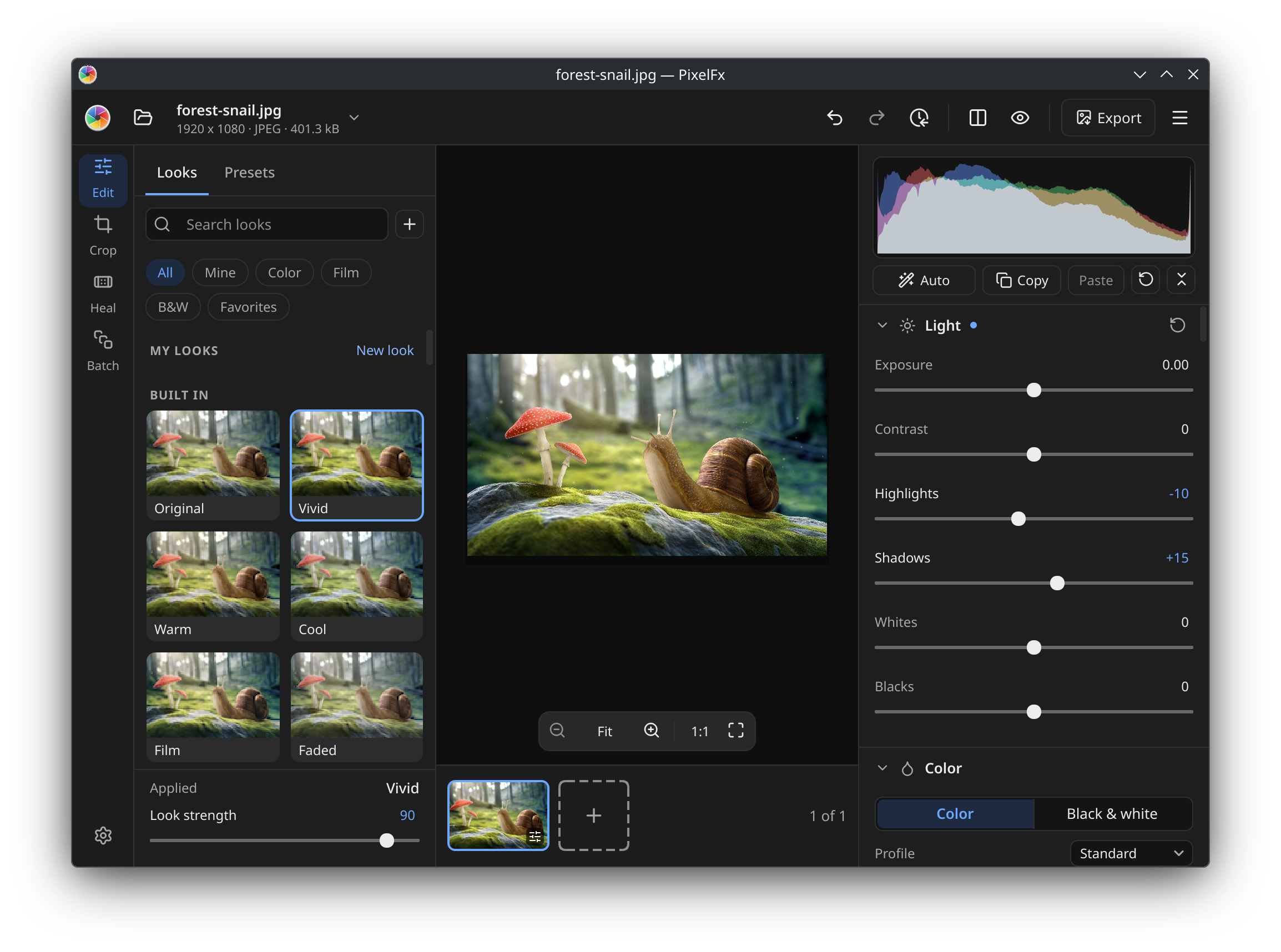
PixelFx 2 is in the Snap Store's edge channel until its release:
sudo snap install pixelfx --edgeFlathub is on its way. Windows and macOS builds will follow the Linux release.
| Page | What it covers |
|---|---|
| Getting started | Opening photos, a tour of the window, how your edits are kept |
| Editing controls | Light, colour, curves, colour mixer, grading, detail, effects, before and after |
| Looks | One-click looks, their strength, making your own, LUTs |
| Presets | The built-in catalog, saving your own, Lightroom and Camera Raw presets |
| Crop, straighten and fix | Crop, straighten, perspective, four corners, Heal |
| Batch | Editing, converting, resizing, renaming and shrinking many photos at once |
| Export | Formats, sizes, colour spaces, metadata, watermarks |
| Keyboard shortcuts | Every shortcut in one place |
| Files and folders | Where PixelFx keeps your settings, presets, looks and edits |
| Troubleshooting | Common problems and how to report a bug |
Found a bug or have an idea? Open an issue. Report a bug in the app's main menu gathers the details that help find the problem.