Sumbo 1.0.0

Sumbo 1.0.0 — first public release 🎉
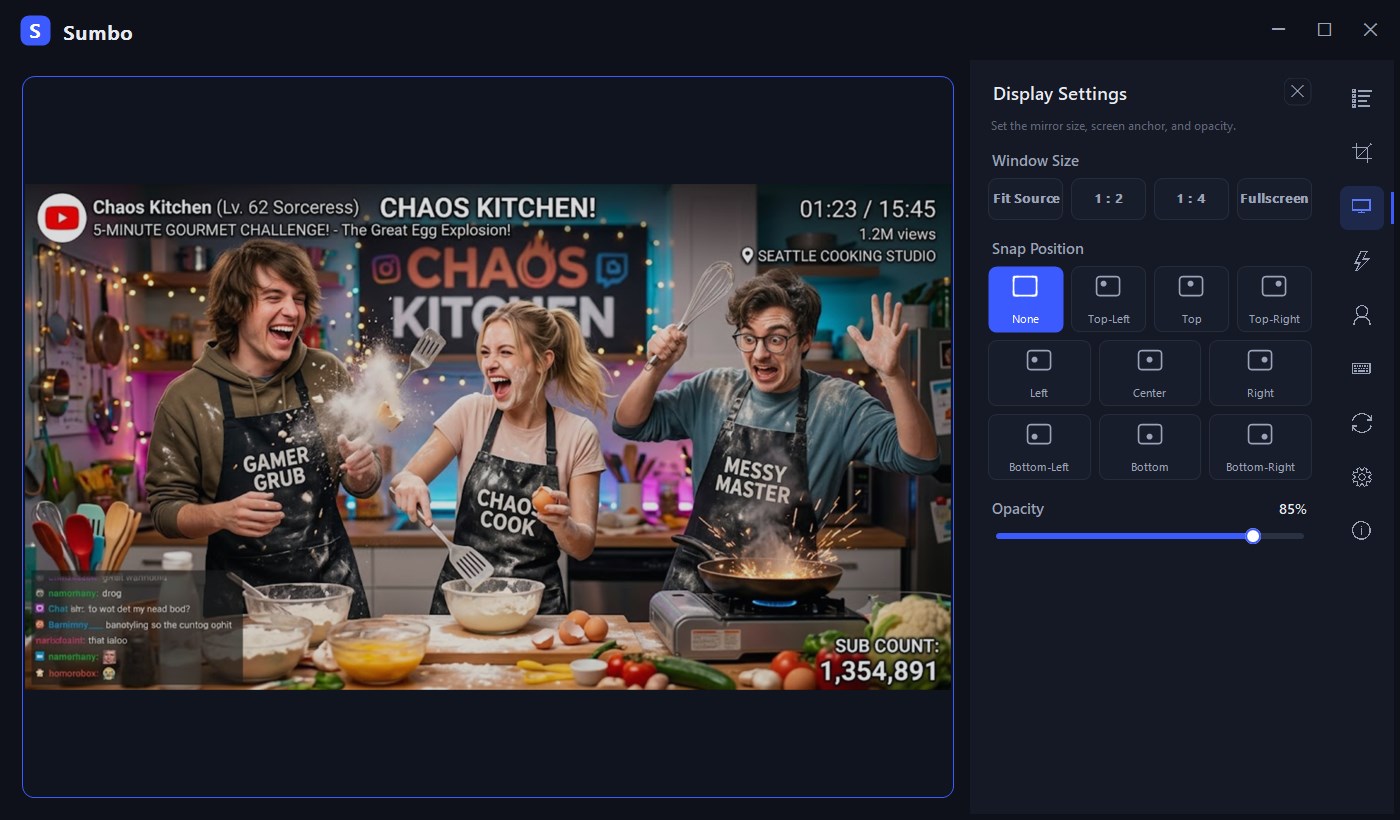
Sumbo mirrors any window into a single always-on-top view using native DWM thumbnails — crop a region, adjust opacity, forward clicks to the source, or make the mirror click-through. Zero impact on the mirrored window: no capture, no injection.
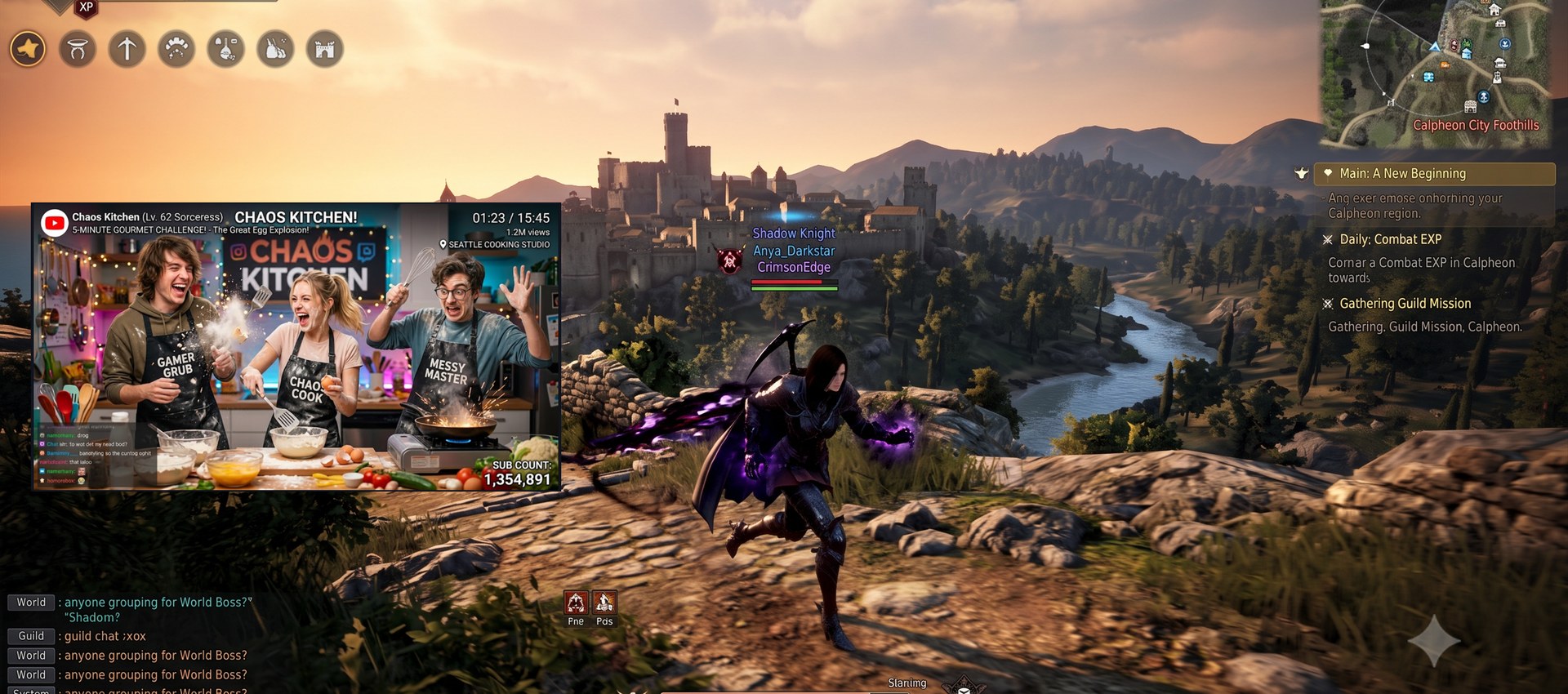
Watch a video while you game — pinned on the left, zero impact on the game window.
 |
 |
Interface shown in English with sample data.
Highlights
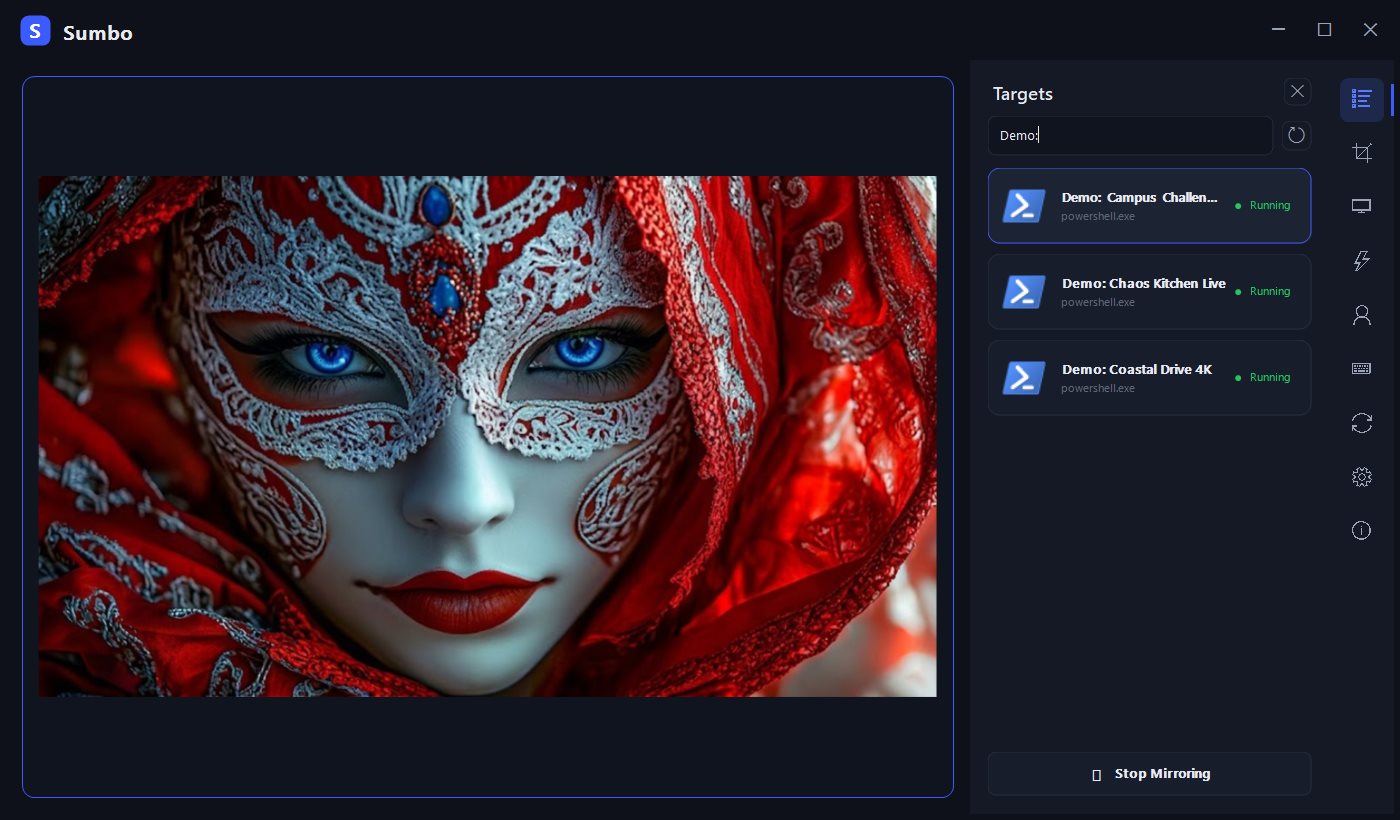
- Single-window mirror with a side icon rail (targets / display / region / profiles / hotkeys / group / settings / about)
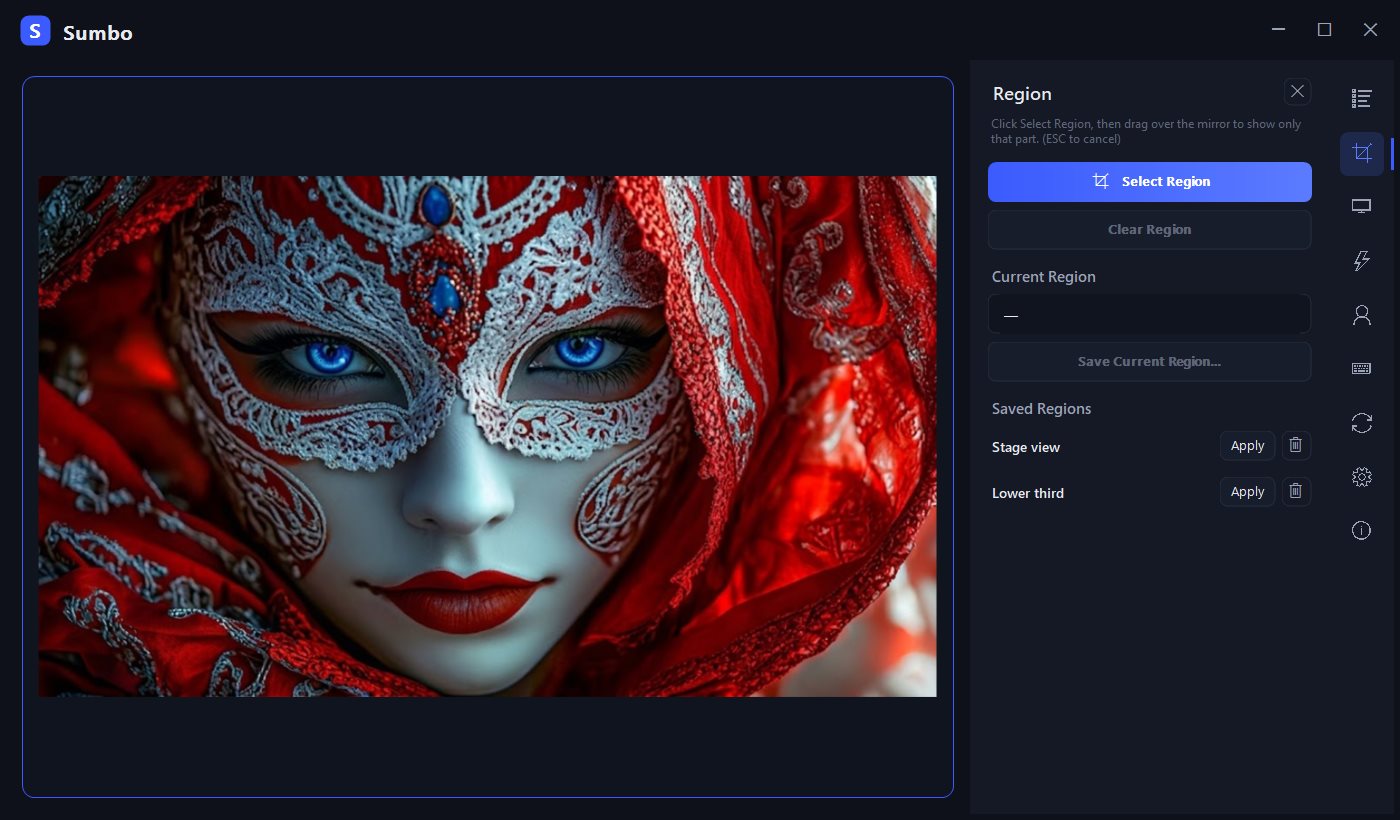
- Region crop with saved regions (relative coordinates survive source resizing)
- Opacity 10–100%, click forwarding, click-through (
Ctrl+Alt+Cto escape) - Size presets (original / ½ / ¼ / fullscreen), 9-point anchoring, position lock
- Profiles, group switching (
Ctrl+Alt+G), 7 global hotkeys - Overlay mode (UI hide), tray resident, optional autostart
- English / Korean UI
Download
Sumbo-1.0.0-win-x64.zip— unzip and runSumbo.exe. No installer, no .NET required (self-contained, x64).- Verify with
SHA256SUMS.txt(PowerShell:Get-FileHash Sumbo.exe). - SmartScreen: binaries are not code-signed — choose More info → Run anyway, or build from source (see README).
Requirements
- Windows 10 / 11 x64. First launch may take a moment (self-contained single-file extraction).
Known limitations
- Click forwarding cannot reach elevated (administrator) windows (one-time notice shown).
- Multi-monitor per-monitor-DPI transitions have had limited real-hardware verification — reports welcome.
한국어
숨보("숨겨서 보자")는 임의의 창을 항상 위 하나의 창으로 미러링하는 무료 오픈소스 Windows 유틸리티입니다. 영역 크롭·불투명도·클릭 전달·클릭 통과를 지원하며, 원본 창에는 어떤 영향도 없습니다.
- 다운로드:
Sumbo-1.0.0-win-x64.zip압축 해제 후Sumbo.exe실행 — 설치·관리자 권한·.NET 설치 불필요. - SmartScreen 안내 창이 뜨면 추가 정보 → 실행 선택.
- 자세한 안내: README.ko.md
숨보가 유용하다면 개발을 응원해 주세요 ☕ → https://github.com/sponsors/koprodev