Sumbo v1.1.0

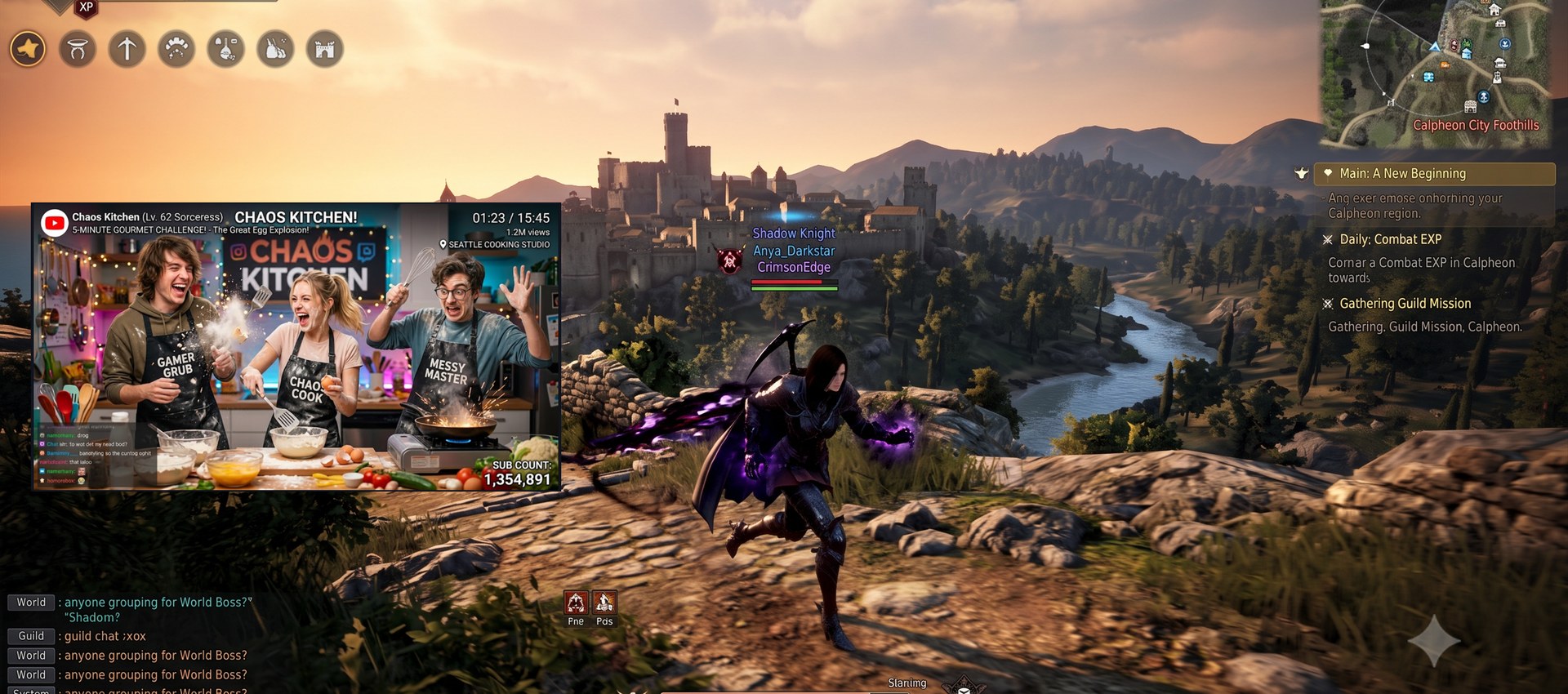
What's new in v1.1.0
UI in 18 languages — English · 한국어 · 日本語 · 简体中文 · Español · Deutsch · Français · Português · Русский · Italiano · Bahasa Indonesia · Tiếng Việt · Türkçe · Polski · Nederlands · Українська · Ελληνικά · Filipino. The language picker in Settings is now a dropdown; switching applies instantly. (Non-English/Korean translations are first-pass — corrections welcome via Issues/PRs.)
Richer mirror right-click menu — also available from the overlay grip while the UI is hidden: position/size lock, always-on-top, opacity presets (100 / 75 / 50 / 25%), minimize-to-tray, and (in overlay mode) Exit. Global hotkeys now show inline next to their menu items.
Overlay improvements — with Show border on, the UI-hidden overlay draws a thin black frame around the mirror.
Fixes
- Closing the window (X) now really exits when Minimize to tray is turned off.
Docs — new FAQ · Tips section in the README: why Chromium-based browser videos (Chrome / Edge / Whale…) freeze when the browser window is fully covered (occlusion detection), and the --disable-features=CalculateNativeWinOcclusion fix.
Downloads
| Asset | For |
|---|---|
Sumbo-1.1.0-win-x64.msi |
Installer — per-user, no admin/UAC, uninstall from Apps & Features |
Sumbo-1.1.0-win-x64.zip |
Portable — unzip and run, runtime bundled |
Sumbo-1.1.0-win-x64-lite.zip |
Lite portable — requires the .NET 10 Desktop Runtime |
Verify downloads against SHA256SUMS.txt. Binaries are not code-signed — if SmartScreen appears, choose More info → Run anyway.
한국어
18개 언어 UI — 설정의 언어 선택이 드롭다운으로 바뀌었고, 전환은 즉시 적용됩니다. (한국어·영어 외 번역은 초벌 번역입니다 — 교정 제보 환영)
미러 우클릭 메뉴 확장 — UI 숨김 중 그립 메뉴에서도 동일: 위치·크기 잠금 / 항상 위에 표시 / 불투명도 프리셋(100·75·50·25%) / 트레이로 최소화 / (오버레이에서) 종료. 전역 단축키를 메뉴 항목 우측에 표시.
오버레이 개선 — 테두리 표시가 켜져 있으면 UI 숨김 상태에서도 검은 가는 테두리를 그립니다.
수정 — 트레이로 최소화를 끈 경우 창 닫기(X)가 실제로 종료되도록 수정.
문서 — README에 자주 묻는 질문 · 팁 신설: 크로미움 계열 브라우저(크롬·엣지·웨일) 영상이 브라우저 창이 가려지면 멈추는 원인(occlusion)과 --disable-features=CalculateNativeWinOcclusion 해결 방법.