Sumbo v1.1.1

What's new in v1.1.1
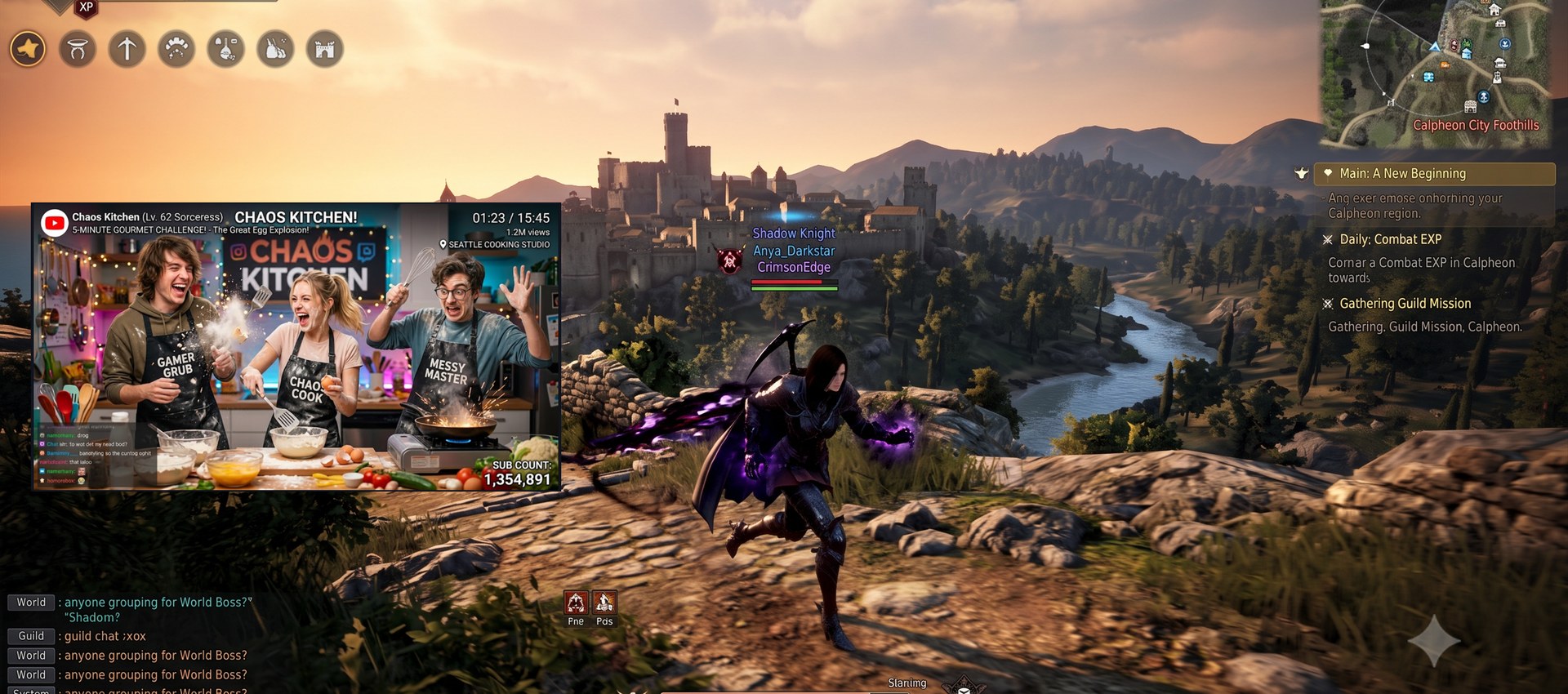
Overlay (UI-hidden) polish
- The overlay border now uses the theme accent blue instead of black (with Show border on).
- The overlay remembers its size and position — hide the UI again and it comes back exactly where you left it, instead of resetting to the auto-fit at the main window's corner.
- Entering overlay keeps the mirror at its currently displayed size (aspect preserved) instead of jumping to the source's 1:1 size.
- Selecting or clearing a region while in overlay now re-fits the window to the crop's shape — no more letterboxed bars around a narrow crop.
- Very small crops keep their aspect ratio (the minimum window size scales both axes instead of widening one).
Docs — refreshed the panel screenshots in the README.
Downloads
| Asset | For |
|---|---|
Sumbo-1.1.1-win-x64.msi |
Installer — per-user, no admin/UAC, uninstall from Apps & Features |
Sumbo-1.1.1-win-x64.zip |
Portable — unzip and run, runtime bundled |
Sumbo-1.1.1-win-x64-lite.zip |
Lite portable — requires the .NET 10 Desktop Runtime |
Verify downloads against SHA256SUMS.txt. Binaries are not code-signed — if SmartScreen appears, choose More info → Run anyway.
한국어
오버레이(UI 숨김) 개선
- 오버레이 테두리가 검은색 대신 테마 액센트 파란색으로 표시됩니다 (테두리 표시 켠 경우).
- 오버레이의 크기·위치를 기억합니다 — UI 를 다시 숨기면 마지막에 두었던 그 자리·그 크기로 복원됩니다.
- 오버레이 진입 시 소스 1:1 크기로 커지지 않고 현재 보이는 미러 크기를 유지합니다 (비율 보존).
- 오버레이 상태에서 영역을 선택/해제하면 창이 크롭 모양에 맞게 재조정됩니다 — 좁은 크롭 주변의 레터박스 여백이 사라졌습니다.
- 아주 작은 크롭도 비율이 유지됩니다 (최소 창 크기가 한 축만 늘리지 않고 양축 비례 확대).
문서 — README 패널 스크린샷 4종을 새로 교체했습니다.