


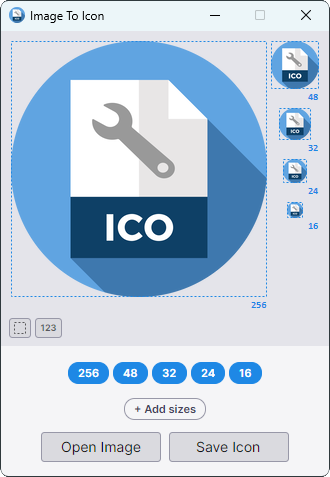
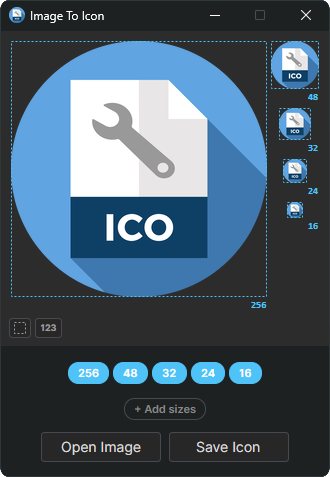
Main Window (Light / Dark)
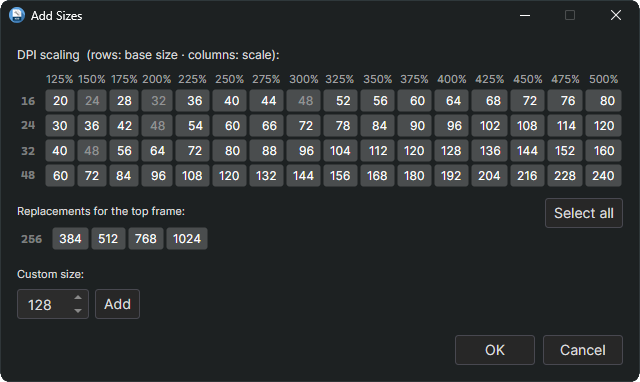
Add Sizes
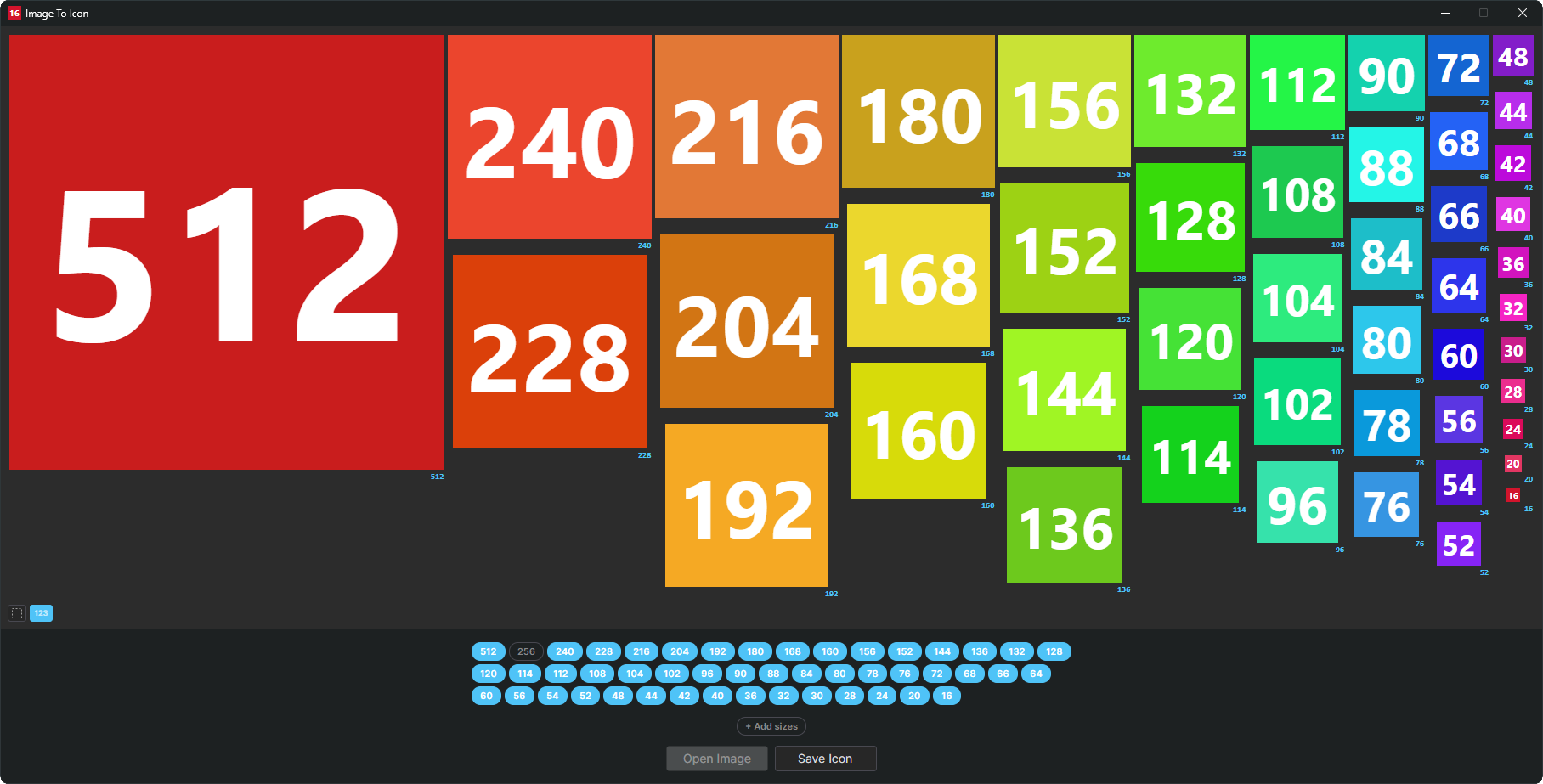
Test Mode
Description
ImageToIcon is a small cross-platform tool for turning any image into a multi-size Windows .ico file. Drop in a single picture and it generates all the standard icon sizes at once, with clean Lanczos‑3 downscaling — no wizard, no upsell, no bundle of proprietary editors.
Version Highlights
- Added: New Add Sizes dialog with DPI grid (16/24/32/48 base sizes x 125-500% Windows scale factors), high-res top-frame options (384/512/768/1024), custom size input
- Added: Toggle to show/hide thumbnail borders
- Added: Debug/test toggle to show size labels instead of thumbnail previews — lets you find out which sizes the system actually uses
- Changed: Reduced default icon sizes to 256/48/32/24/16 — the other sizes are only relevant on modern Windows systems with non-standard DPI scaling
- Changed: Faster thumbnail updates by reusing existing thumbnails instead of recreating them from scratch
- Changed: Icon sizes are now generated asynchronously — major performance improvement, especially with many sizes selected
- Changed: No longer possible to select multiple sizes ≥256px at once — Windows only ever loads the largest one, so e.g. having both 256px and 512px in the .ico is pointless dead weight
- Fixed: Dark titlebar on Windows now applied correctly
Additional Features
- No requirements: runs natively on Linux and Windows — same binary logic, same output
- Load any common raster format:
.png,.jpg,.bmp,.tif,.gif,.webp,.tga,.qoi,.pbm/.pgm/.ppm/.pnm - Pull embedded icon frames straight out of
.ico,.exeand.dllfiles - Load
.svgfiles directly, rasterised on the fly via Skia for crisp results at any size - High-quality Lanczos-3 resampling for sharp results at every size
- Drag-and-drop support on the main window and on individual thumbnails
- CLI mode for batch conversion and scripting — process a folder of images in one call
.png-compressed frames inside the.icocontainer for smaller files, especially at 256 px and up
Supported File Types
| Short Name | Long Name | File Extensions |
|---|---|---|
| BMP | Microsoft Windows Bitmap | *.bmp; *.dib; *.rle |
| DLL | Windows Library | *.dll |
| EXE | Windows Executable | *.exe |
| GIF | Graphics Interchange Format | *.gif |
| ICO | Windows Icon | *.ico |
| JPEG | Joint Photographic Experts Group | *.jpg; *.jpeg; *.jpe; *.jfif |
| PNG | Portable Network Graphics | *.png |
| PNM | Portable Anymap | *.pbm; *.pgm; *.ppm; *.pnm |
| QOI | Quite OK Image | *.qoi |
| SVG | Scalable Vector Graphics | *.svg; *.svgz |
| TGA | Truevision Targa | *.tga |
| TIFF | Tagged Image File Format | *.tif; *.tiff |
| WEBP | Google's Web Page Image | *.webp |
Requirements
- Linux (x64) or Windows 10+ (x64)
- No runtime required — ships as a self-contained single-file executable