Installation: Windows
Windows Installation is still experimental. Please report any issues.
This script will download all the dependencies, including Node.js, Additional Tools for Node.js, Python, and install Scrypted as a service.
- During installation, a firewall permission dialog may be shown. This must be set to allow all networks, including public networks.
- Open a PowerShell Terminal by clicking Start, type "Windows PowerShell (Run as Administrator)"
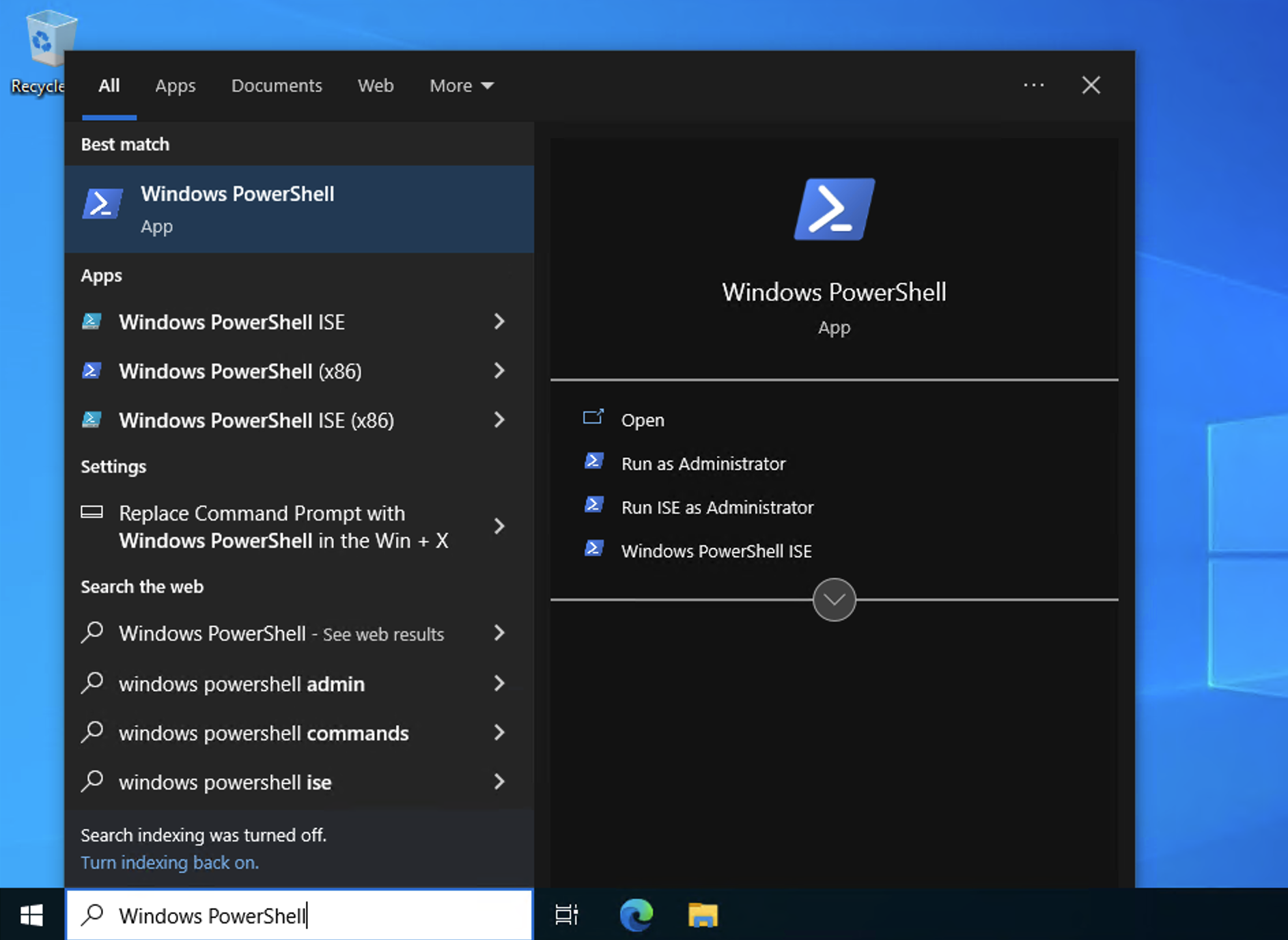
- Set the PowerShell execution policy to allow unsigned scripts
Set-ExecutionPolicy Unrestricted- Use the Copy button in the snippet below to copy the entire script to install Scrypted.
iex ((New-Object System.Net.WebClient).DownloadString('https://raw.githubusercontent.com/koush/scrypted/main/docker/install-scrypted-dependencies-win.ps1'))Scrypted is now running at: https://localhost:10443/
Note that it is https and that you'll be asked to approve/ignore the website certificate.