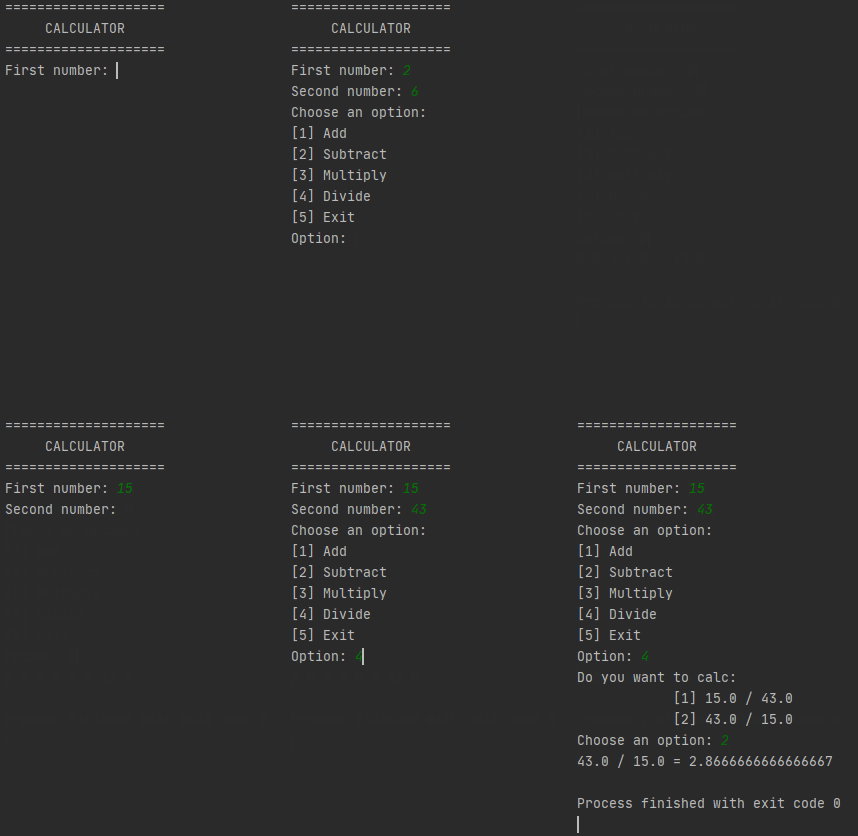
It's just a simple project of a calculator with the most basic operations:
- Addition
- Subtraction
- Multiplication
- Division
You also have an option to exit the program.
Just type the values and press Enter. It can be Int or Float variables.
Follow the instructions to each operation.
You can use PyInstaller to generate .exe files of Python projects.
To install it, just open the terminal and type:
pip install pyinstallerOnce you have installed, navigate to the folder where your project is.
Example: if the file is named calculator.py and it's on C:\Desktop\Program folder.
Open the terminal and type:
cd desktopcd programThen, type the following code to generate the .exe file.
pyinstaller calculator.py- The
.exefile will be in\dist\calculatorfolder with the namecalculator.exe.
For more details see PyInstaller page.
Pull requests and change suggestions are always welcome. For major changes, please open an issue first to discuss what you would like to change.