2. Setup and basics
To start using any other commands you need to set up the bot with /setup #channel @role [OPT: @role x4].
First choose a channel where you want to Forseti to log strikes, mutes, bans, invite blocks, cleared messages, or kicked users during raid mode.
Then select at least one role that is allowed to use the admin features of the bot, which include all except /check.

You can select up to 4 roles in case you have several stages in your moderation ladder.
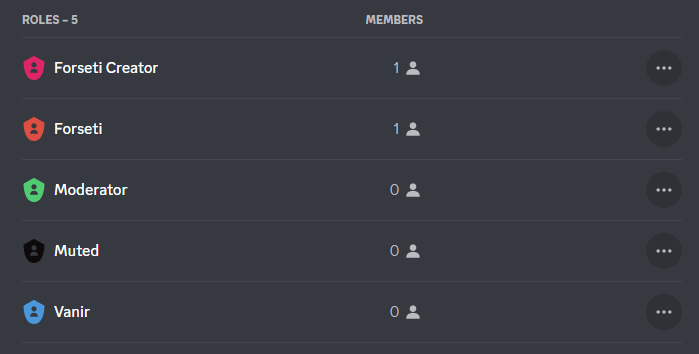
Before being able to use /mute, /ban, /silentban, and using the strike moderation features you have to set a dedicated muted role.
Use /mute @role to choose a role from your server that muted people will be assigned automatically when they reach a certain amount of strikes, or when you manually mute them. The role should restrict users from writing or seeing regular channels for it to work as a punishment.

Make sure to put the muted role above the regular user roles, otherwise, it will not override them.