Ambient Dashboard
The ambient dashboard is a wall-mounted family overview mode designed for an always-on iPad or tablet display.
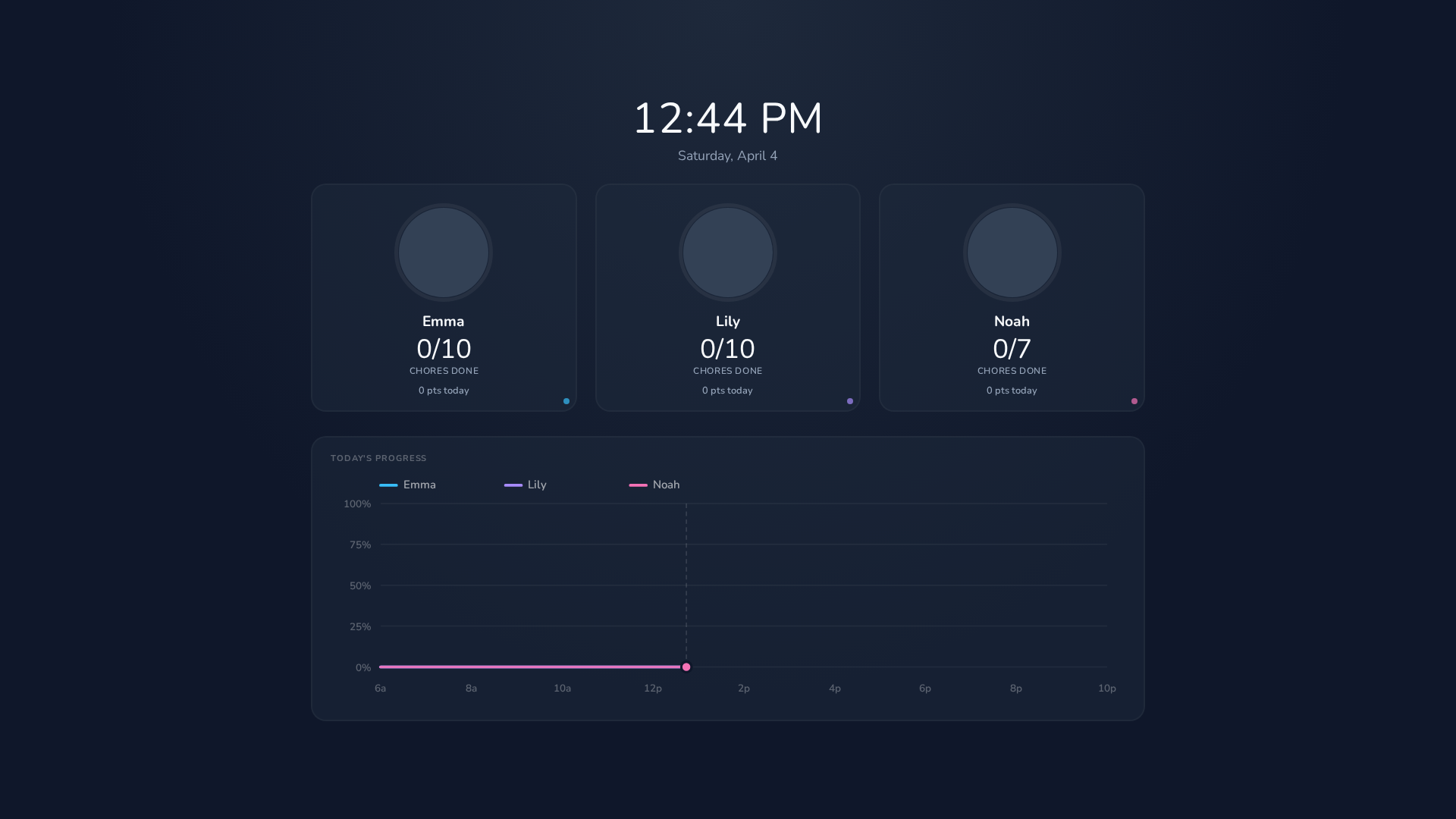
- Live clock and date at the top
- Kid progress cards showing completion count (e.g., "3/10"), points earned today, and streak
- Race graph — a live line chart showing cumulative completion percentage over the day (6 AM – 10 PM), with one line per kid
- Auto-refresh — data updates automatically
- Screen wake lock — prevents the display from sleeping
From the profile selection screen, tap Wall Display at the bottom. Tapping anywhere on the ambient dashboard returns to the profile selection screen.
Kids can pick their own line color for the race graph from their dashboard (sparkle icon in the header). If no color is chosen, a default palette is used based on user ID order.
Mount an iPad on the wall near the kitchen or common area. Add the app to the home screen (PWA) for a fullscreen, no-browser-chrome experience. Navigate to the ambient dashboard and leave it running — the screen wake lock keeps it on.