Repository navigation
Murphy v1.2.0

Listen from your own music server
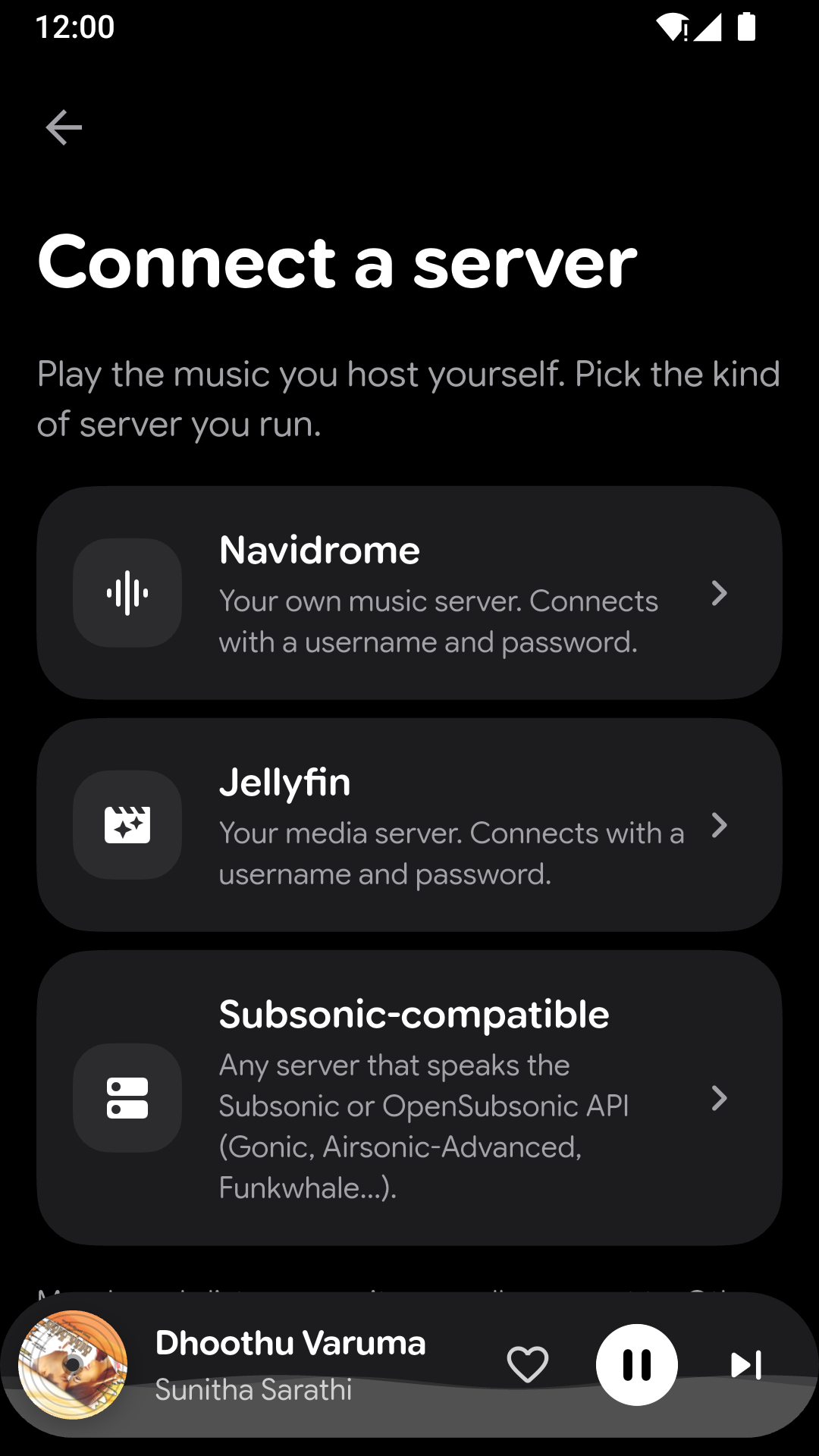
- Connect a Navidrome, Subsonic or Jellyfin server and play your whole collection from it. Murphy can find servers on your Wi-Fi for you.
- One tap switches between the music on your phone and your server. Your server gets its own Home with mixes, albums, artists, playlists and favourites.
- Searching your server forgives small typos.
- Choose the streaming quality for Wi-Fi and for mobile data, or don't stream on mobile data at all.
- Murphy can report what you play back to your server.
Lyrics
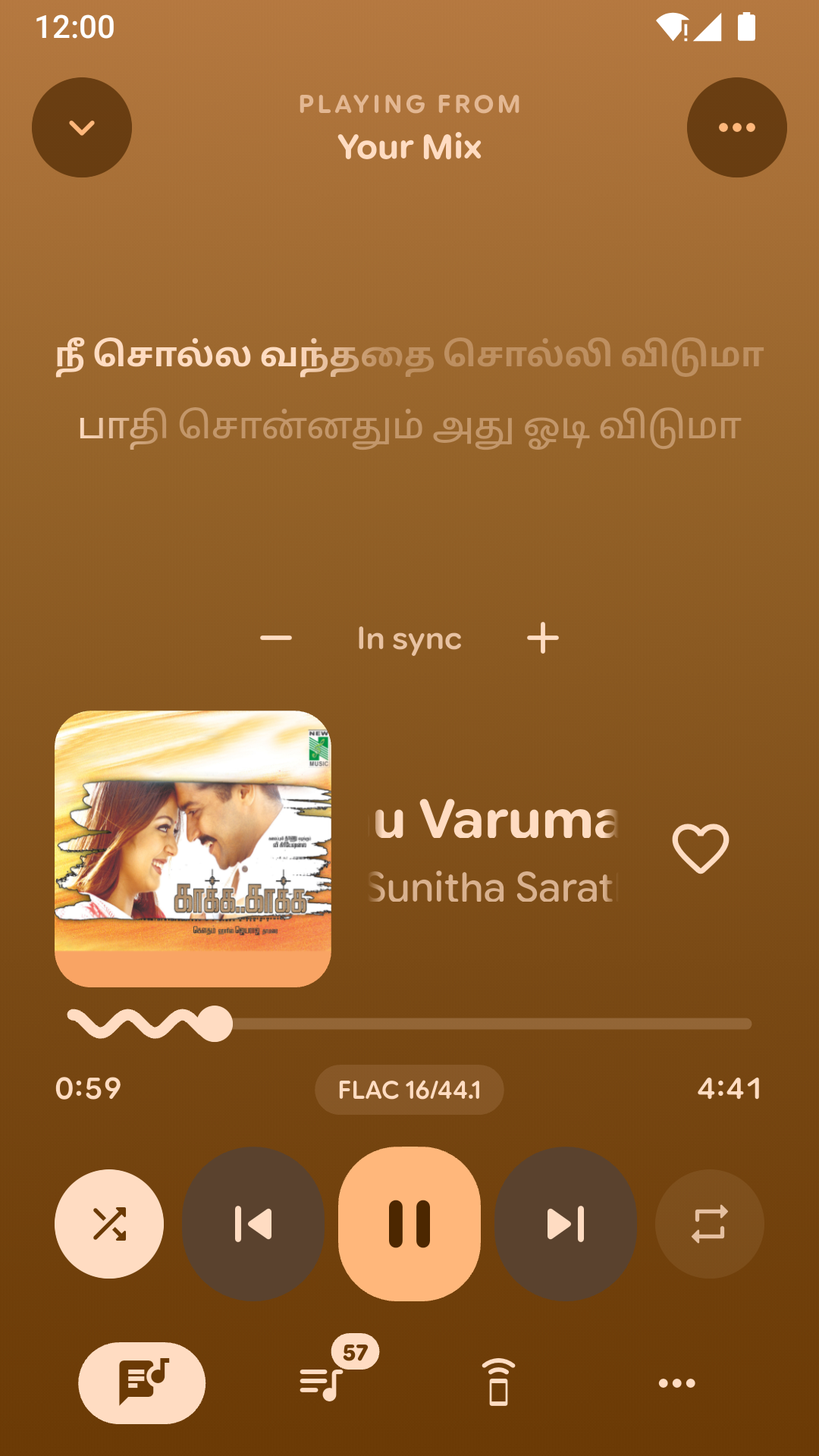
- Murphy now finds lyrics online (from LRCLIB) for songs that have none, and prefers versions that are timed to the song. When it isn't sure, you pick the right one.
- Translate lyrics, or show them in Latin letters.
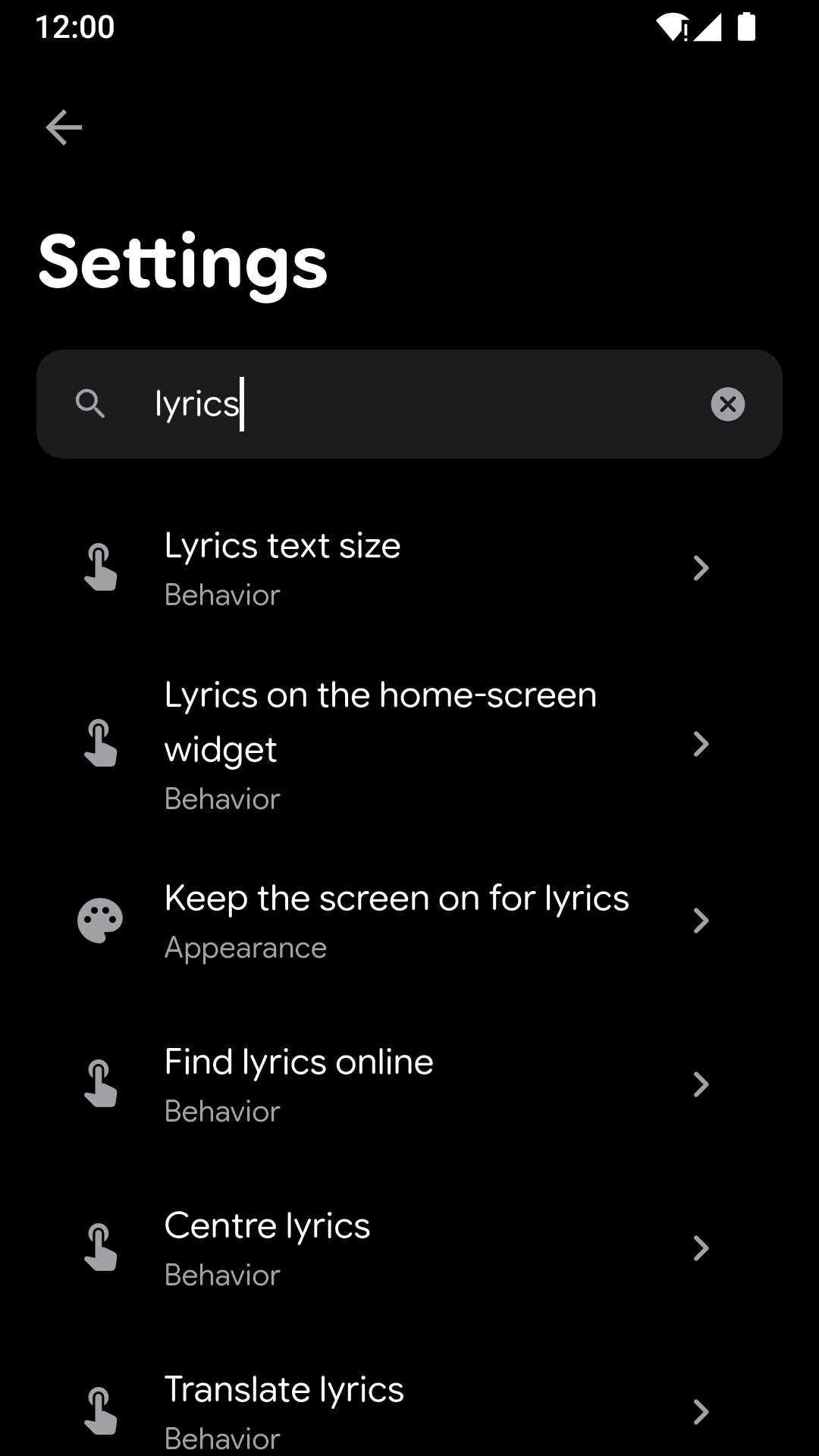
- Choose the lyrics text size and whether they're centred, and keep the screen on while you read along.
- Show lyrics on the home-screen widget, or on your car stereo over Bluetooth.
- Lyrics that aren't timed to the song now say so.
Playing music
- Crossfade between songs, and gentle fades when you play, pause or skip.
- Skip the silence at the start and end of songs.
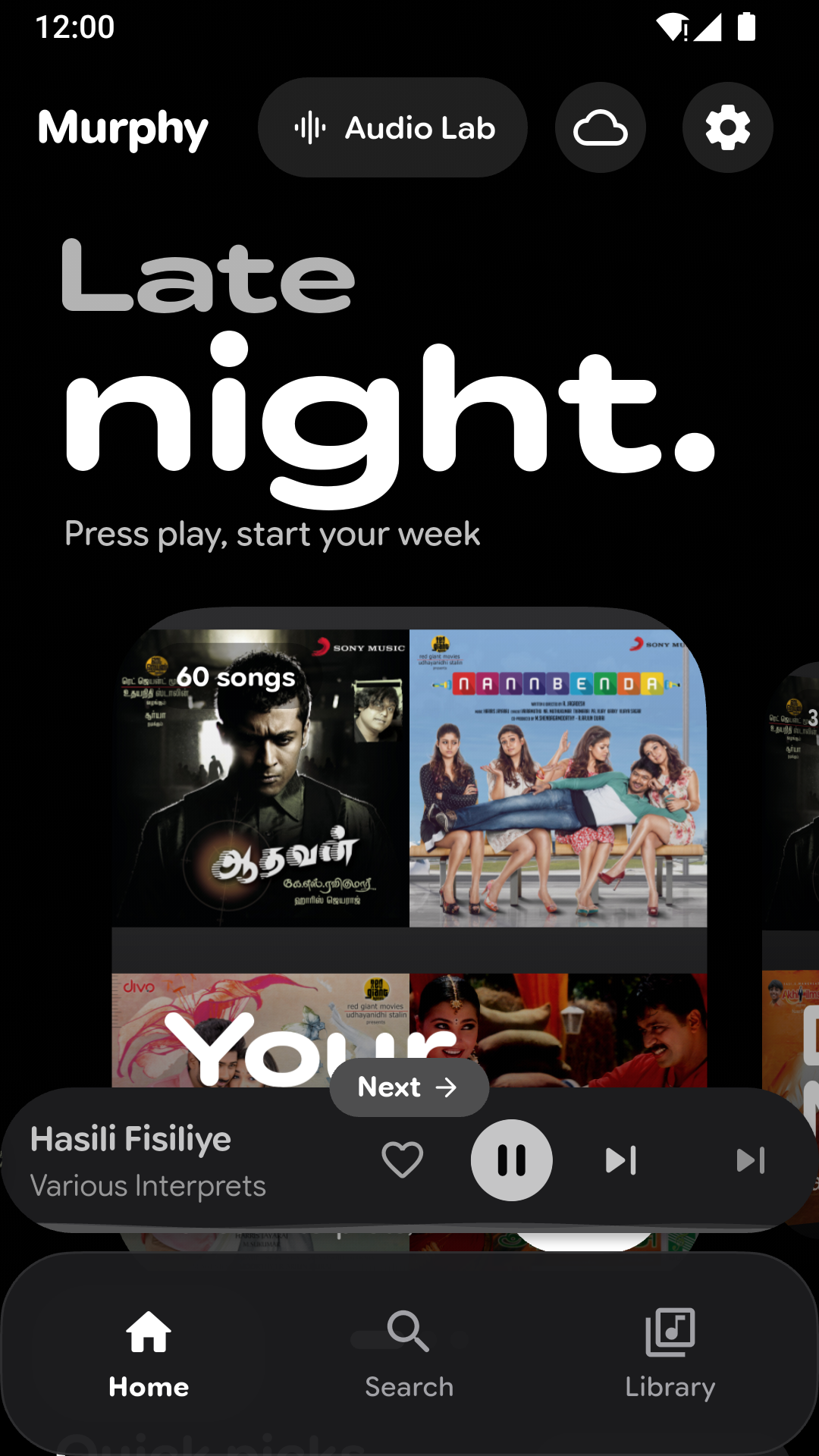
- Swipe the mini player left or right to skip; a small "Next" or "Previous" label shows where you're going.
- Make the mini player and the player your own: ±10 second buttons, a wavy or straight progress bar, a progress fill or ring, a spinning cover, and which buttons to show.
- Pause automatically when the volume reaches zero.
Look after your hearing
- Listening breaks remind you to rest your ears.
- Set a volume limit, for headphones and the speaker.
Your library
- Smart playlists that build themselves from what you play.
- Edit an album's title, artist, year, genre and cover in one go.
- Hide songs you don't want to see, and bring them back from Settings.
- Leave out low-quality files, and list songs by "Artist A; Artist B" under both artists.
- Artist photos and biographies (optional).
- Weekly automatic backup to a folder you choose.
- After scanning, see how much of your library has artwork, which formats you have, and any files Murphy can't play.
Stats
- Shareable stats cards, like a year-in-review, to save to your gallery or send to friends.
Look and feel
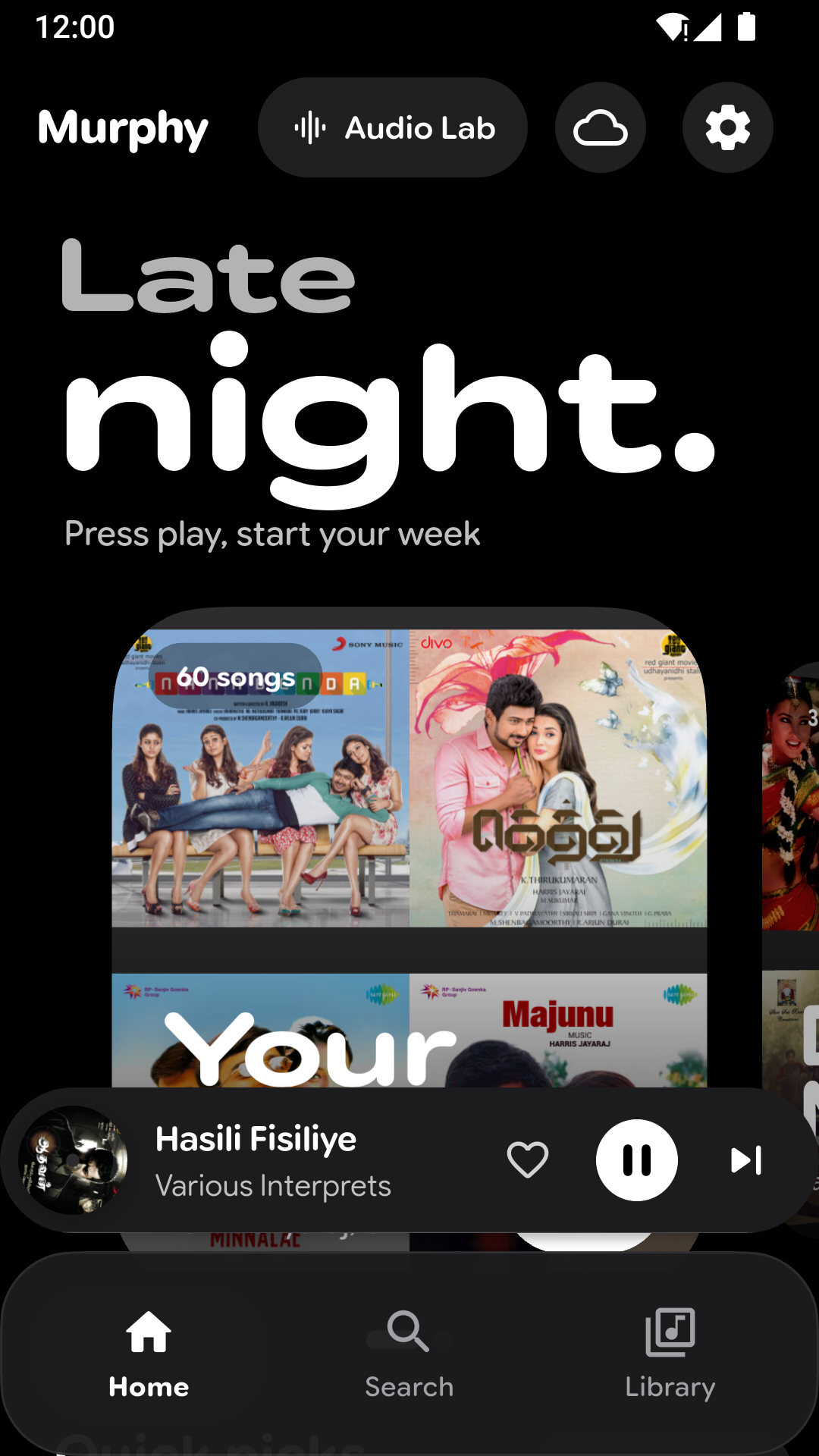
- A new calm, grey look by default; the colourful look is still one tap away in Settings.
- New themes: pure black, colours that follow the time of day, and festive themes for the holidays.
- A new welcome and setup that walks you through Murphy.
- Choose whether Murphy opens on Home, Library or Search.
- Battery saver turns off extra effects and animations.
- Settings are rebuilt, with a search to find any option quickly.
Faster and more reliable
- Murphy starts faster, and the player opens more smoothly.
- If Murphy ever stops unexpectedly, it tells you next time and keeps a crash log you can share with the developer (Settings › About › Crash logs). Logs stay on your phone.
- Beta updates: try new versions early if you like (optional).
- Fixed: lyrics not following the song when the next one starts, the scan summary showing 0% artwork, the weekly backup switch being hard to turn off, and the lyrics menu not responding while lyrics load.
- Many other fixes and improvements.
Screenshots