Repository navigation

🌐 Mapbox Maps Flutter now supports web
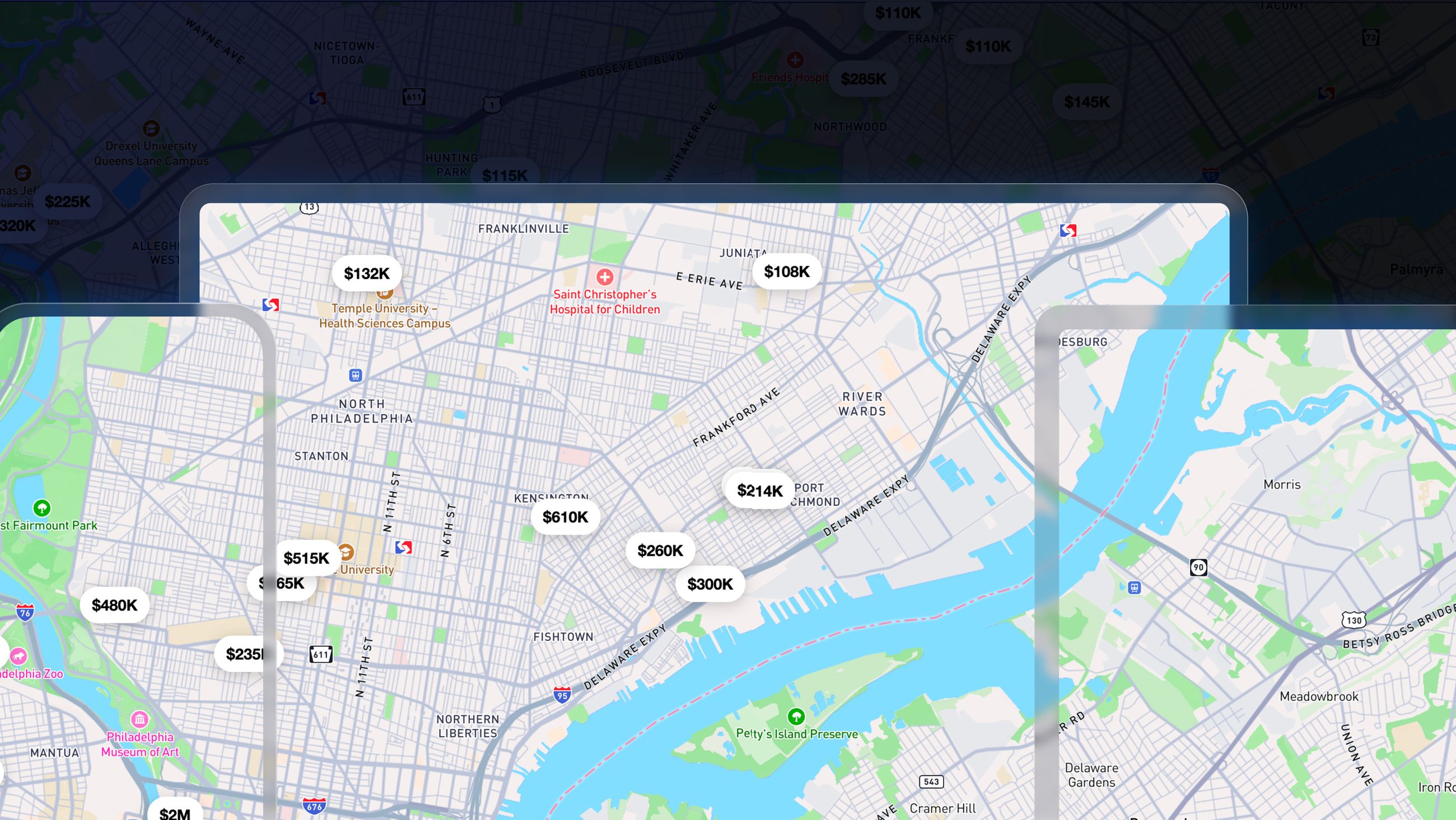
This version adds first-class web support powered by Mapbox GL JS. Most existing MapWidget and MapboxMap code now runs on Android, iOS, and web from one Flutter codebase.
- Same package and import. Continue depending only on
mapbox_maps_flutterand importingpackage:mapbox_maps_flutter/mapbox_maps_flutter.dart. The platform implementations are included automatically. - Three platforms, one API. Core camera, gesture, viewport, location, style, source, layer, featureset, and Interaction APIs are available across Android, iOS, and web.
- No manual GL JS setup. The plugin loads its pinned GL JS version automatically—no
<script>or stylesheet tags are required. - Browser-native input. Web supports keyboard navigation, mouse-wheel zoom, box zoom, and correct input blocking by Flutter widgets.
- Web parity is still growing. Annotation managers and some APIs are not yet available on web. Unsupported methods fail explicitly at runtime.
For dependency and platform setup, see the installation guide.
Important
Upgrading from v2? See the v3 migration guide for API replacements, before-and-after examples, and the complete migration checklist.
Note
If your app enforces a Content Security Policy, allow scripts and styles from api.mapbox.com so the plugin can load Mapbox GL JS.
What's new ✨
Web support
- Web platform support. Most existing v2 code now runs on web. See Platform API coverage for current availability.
- Keyboard gestures.
gestures.keyboard.gestureEventsreports keyboard-driven camera changes from arrow keys,+,-, and Shift+arrow combinations. Keyboard input respectsscrollEnabled,rotateEnabled, andpitchEnabled. - Web-specific gesture settings.
GesturesSettings.scrollZoomEnabled,boxZoomEnabled, andpitchWithRotateEnabledcontrol wheel or trackpad zoom, box zoom, and Ctrl+drag pitch. These settings have no effect on Android or iOS. - Dynamic GeoJSON sources.
GeoJsonSource.dynamicDatamaps to the style specification'sdynamicoption and is required on web when usingaddGeoJSONSourceFeatures,updateGeoJSONSourceFeatures, orremoveGeoJSONSourceFeatures. It has no effect on Android or iOS.
A more ergonomic Flutter API
v3 streamlines the public API around more consistent, typed, and Dart-native patterns:
MapWidgetis now aStatelessWidget, with camera state represented by viewport states and animated throughViewportController.- The Interaction API replaces map tap and long-tap widget callbacks.
- Pan, zoom, rotate, and pitch expose typed gesture event streams.
- Style APIs are available directly on
MapboxMapandSnapshotter; the.stylesub-object is deprecated. - Strongly typed values such as
StyleImageand sealedRenderedQueryGeometryreduce reliance on loosely structured data.
These changes make common workflows easier to discover and compose while providing a consistent API across Android, iOS, and web.
Additional APIs
-
Indoor API (experimental).
MapboxMap.indoorexposes indoor floor updates throughindoorUpdatesand lets you switch floors withselectFloor(floorId)on Android, iOS, and web. -
Typed style images.
StyleImageis the new input and output type foraddImage,updateImageForSource, andgetImage. Use.bytesfor PNG, JPEG, or WebP data and.rgbafor premultiplied pixels. TheMbxImage-based APIs are deprecated. -
Remove style terrain.
removeStyleTerrain()removes terrain while keeping its source. -
Sealed
RenderedQueryGeometry. Query geometry is now represented by:ScreenCoordinateRenderedQueryGeometryScreenBoxRenderedQueryGeometryScreenCoordinateListRenderedQueryGeometry
Continue constructing values with
fromScreenCoordinate(),fromScreenBox(), orfromList(). Use pattern matching instead of the deprecatedvalueandtypeaccessors.
Bug fixes 🐞
All platforms
- Indoor selector.
MapboxMap.indoorSelectorno longer throws on Android and now appears by default on iOS.
Android and iOS
- Point annotation image updates.
PointAnnotationManager.update()now applies a newimageeven wheniconImagenamed a previous registration (#532). LeaveiconImageunset to let the SDK derive the style-image name from the image content, or set it explicitly.
Breaking changes ⚠️
v3 is a major release and includes changes required to support its new API design and federated architecture. Most migrations are straightforward, especially for applications that already replaced deprecated v2 APIs.
Key changes include:
MapWidget.cameraOptionswas replaced byMapWidget.viewport.setStateWithViewportAnimationwas replaced byViewportController.moveTo.- Map tap and long-tap widget listeners were replaced by the Interaction API.
- Deprecated v2 APIs, including
MapWidget.getMapboxMap(), were removed. - Style and settings APIs use more consistent method and manager names.
Android rendering changes
- Hybrid Composition is now the default. The default hosting mode changed from Virtual Display to
AndroidPlatformViewHostingMode.HC. SetMapWidget.androidHostingModeto retain another hosting mode. SurfaceViewis now the default. Maps render into aSurfaceViewinstead of aTextureView, avoiding a per-frame copy. SetMapWidget.textureView: truewhen using a transparent background (isOpaque: false) or theVDorTLHC_VDhosting modes.
iOS
- Style images return raw RGBA data.
getImageand APIs built on it return raw premultiplied RGBA data instead of PNG data, matching Android. Decode the returned data as RGBA.
See the v3 migration guide for the complete list of breaking changes and migration steps.
Platform API coverage
All v2 features remain available on Android and iOS. Most core APIs are also available on web, but some platform-specific functionality is not yet supported.
Not currently supported on web:
- Annotation managers
- Offline maps and tile storage
- Standalone
Snapshotter - Map recording and replay
- Custom HTTP headers
LongTapInteraction
Some additional APIs have partial web support. Methods unavailable on a platform throw UnimplementedError when support is planned or UnsupportedError when the capability is unavailable by design.
Dependency updates
- Updated Mapbox Maps SDK to v11.32.0:
- Updated Mapbox GL JS to v3.32.0: