Repository navigation
The game will contain four main menus, the initial screen, the title screen, the game screen and the win/lose screen.
-
Initial screen: this is the first screen the player will see. It will appear automatically when the game is executed, and it will contain the game members and the title of the game. This screen will change to the title screen automatically after some seconds.
-
Title screen: this is the same as saying the main menu screen. In this screen will appear the options of start playing, how to play and quit
-
Game screen: this screen will appear when the player selects the start playing option. It will show the whole map of the level.
-
Win/lose screen: Depending on whether the player achieves reaching the end of the level or not, a different screen will appear. If the player completes the level, a win screen will appear that will allow the player to return to the main menu. However, if the player doesn't complete the level, a lose screen will appear, giving the player the options to retry the level or go back to the title screen (main menu).
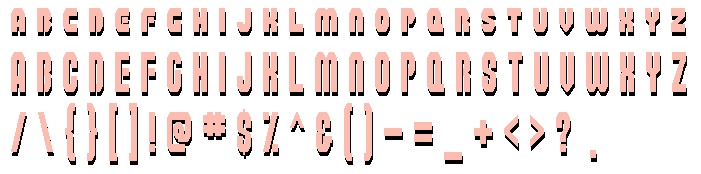
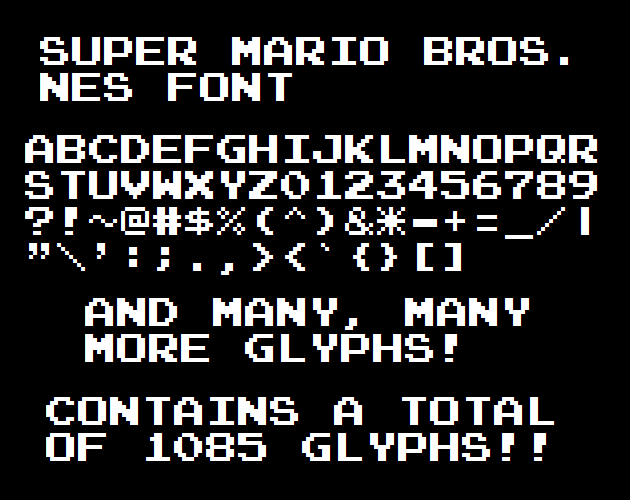
All the buttons will only be created with typography and the navigation and selection of each option will be done with an arrow pointing to the current option selected, and the player will have to press enter to select that option.