Repository navigation
mdk-sdl 0.9.1 alpha
Pre-release
Pre-release

·
32 commits
to main
since this release
Second alpha of mdk-sdl, a port of MDK (Shiny Entertainment, 1997) to C# and SDL3.
Important
You need the original game (GOG, Steam or CD). These builds contain no data from MDK; they load it from your installed copy.
Changes since v0.9.0-alpha
- Modding: a
mods/folder next to the program replaces textures, HUD/menu images, fonts and models (glTF.glb) in the enhanced look. Options, Mods switches them on/off.mdk --export-assets=dirwrites the originals to start from. Guide: docs/modding.md. - HD textures are now a generated mod (
mods/hd-textures/): Options, "Make HD textures" (ormdk --upscale-textures). It now also upscales the 2D images: HUD, sniper screen, bomber sight, fall HUD, menu and loading pictures (fonts stay original). An oldertextures-hd/is moved into the mod; only new images are made. - Sniper mode: the seam around the enhanced scope view is closed.
- The enhanced look's "Smooth models" option is removed (not worth its cost); models are lit flat again.
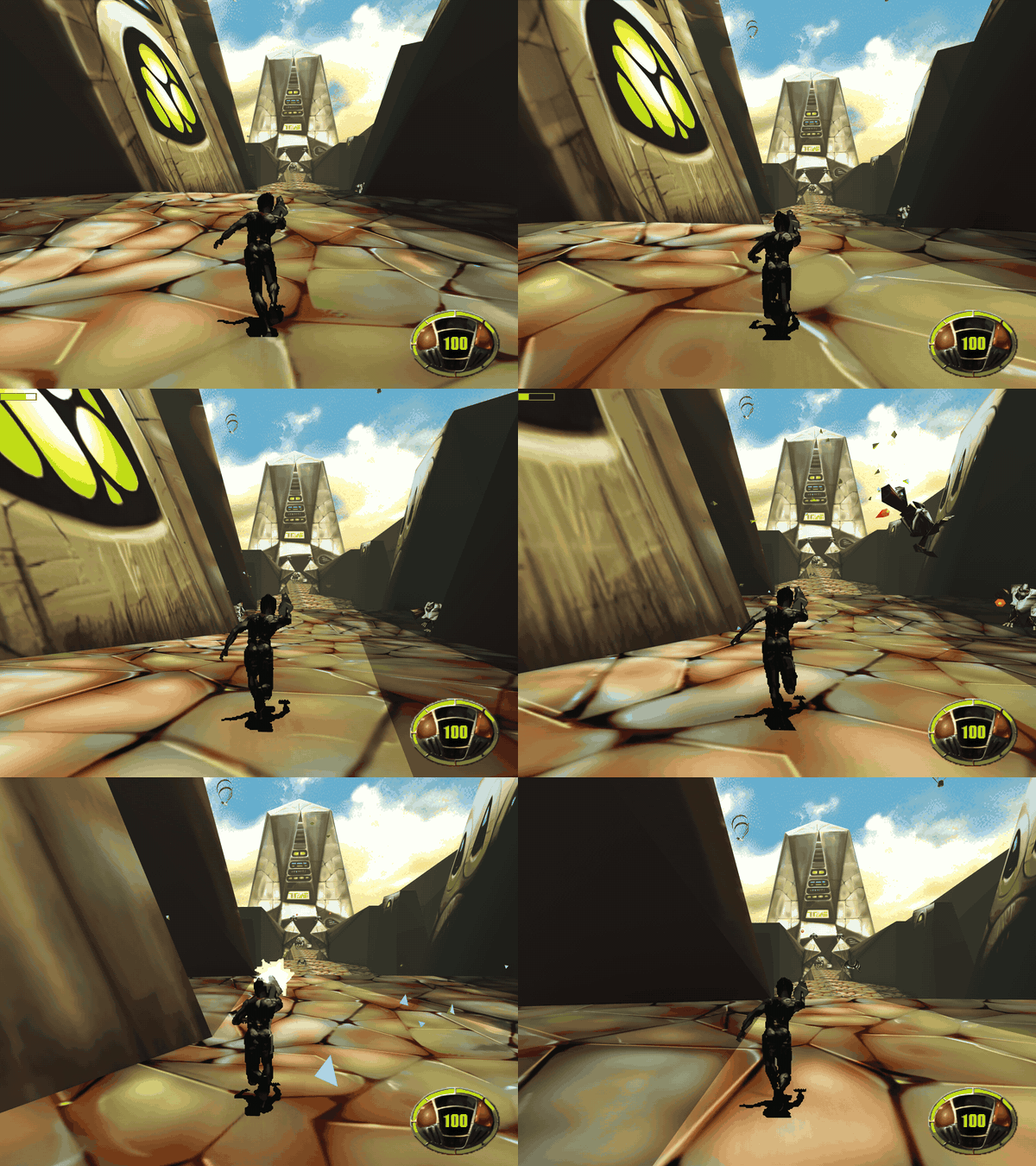
Screenshots: original | enhanced | HD mod, and the sniper HUD
Downloads
| File | System |
|---|---|
mdk-win-x64.zip |
Windows 10/11 x64 (Direct3D 12) |
mdk-linux-x64.tar.gz |
Linux x64 (Vulkan) |
mdk-osx-arm64.zip |
macOS, Apple silicon (Metal); run xattr -d com.apple.quarantine mdk once |
mdk-android.apk |
Android 8+, 64-bit, Vulkan (version 0.9.1) |
Desktop: unpack into your MDK folder (e.g. C:\GOG Games\MDK\mdk-sdl), or set MDK_DATA_DIR, then run mdk. Played on Windows; the Linux and macOS builds are only built and started on CI.
Android
- The APK is debug-signed: uninstall 0.9.0 before installing 0.9.1 (that deletes the imported game files and saves; the first start imports again).
- Copy your MDK folder (with
TRAVERSE,MISC,FALL3D,STREAM) to the phone, e.g.Download/MDK, and pick it on first start. - Mods and HD textures are made on a PC: copy the
modsfolder (next tomdk.exe) into the phone's MDK folder, then Options, "Import from folder" copies it. Options, Mods switches them. - Tested on the emulator and one phone. No game controllers or on-screen keyboard yet.
This is an unofficial fan project, not affiliated with Shiny Entertainment or the rights holders of MDK.