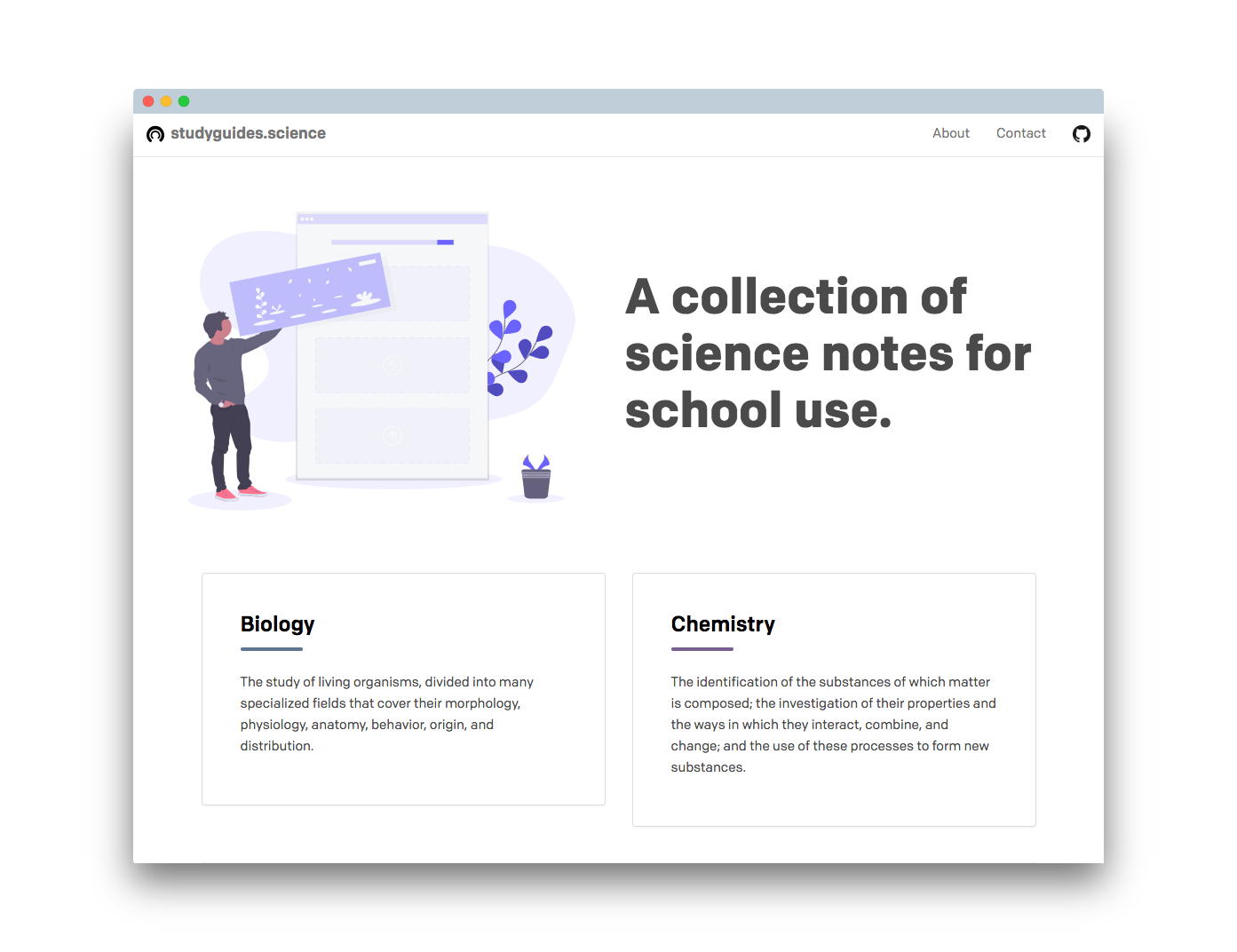
A collection of science notes for school use.
- This site runs on Jekyll.
- Want to contribute? Send a pull request.
- PALY student? Check out paly.win
- Have other suggestions? Contact hello@studyguides.xyz
- Made by oliviachang29
Don't know how to code? Email me at hello@studyguides.xyz and send me your Google Doc. Make sure you have it formatted (as stated below)!
Guides shouldlook like this. 11pt Proxima Nova and tables with 0px border.
All new guides go under the _guide folder. The folders (apcs, biology, chemistry) are there only for organization. Jekyll will NOT add categories automatically. Each file needs to be prepended with the following frontmatter:
---
title: "Chapter 5: Program Design/Analysis"
categories:
- apcs
layout: guide
link: https://docs.google.com/document/d/1ulhxlF_GS0I7m-_9bvZ8QgieKfxDFpDcKsZKRcOQI7c/
description: Waterfall model and object-oriented-program design.
---
IMPORTANT! the "categories" property must exactly match the title of the category, as seen in _category, or it won't appear.
Go to File > Publish to Web > Enable. Make sure the Google Doc has link sharing mode enabled (Anyone with the link can VIEW - not edit.) Use the link from link sharing mode, NOT publish. Remove the edit?usp=sharing at the end.