 Supabase
Google Auth say app name #2532


|
Hey everyone, I am trying to use google auth and it displays to the user "superbase.io" is the app requesting the permissions. Is there a way to get it say my app instead? |
Replies: 7 comments 3 replies

|
To clarify, you are referring to this Unfortunately, that domain is the domain used to sign in, so it cannot be changed at the moment. I found a SO answer about Firebase with similar problem. They are able to point There is an issue aiming to solve this problem, so hopefully this becomes possible in the future! |
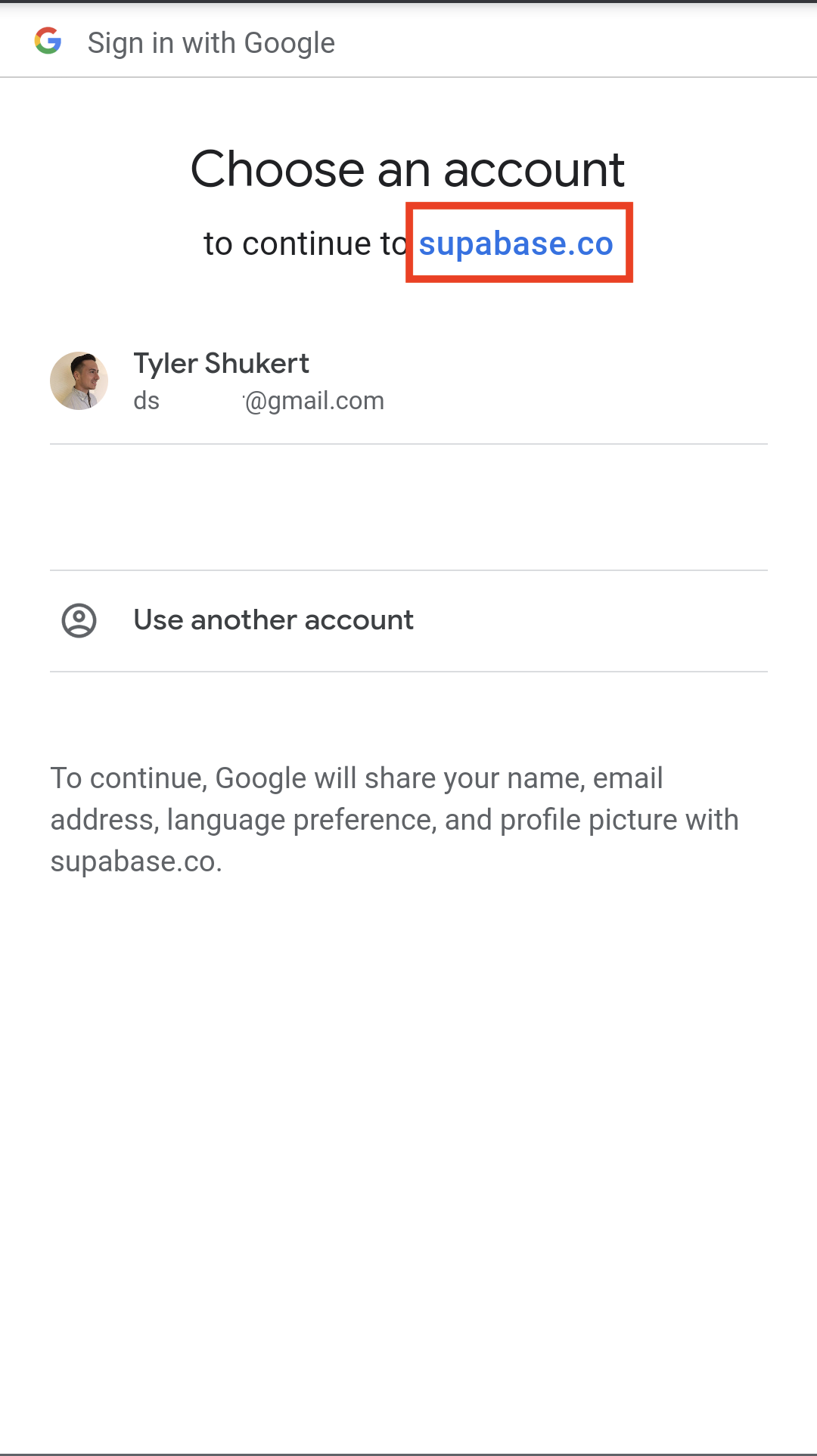

|
Yes, that's exactly the message I'm talking about. The |

|
Yea, this is something I am a bit confused how to go about. Because it will mislead the user when using google auth and they may not continue. Is there any workaround for this or all supabase customers will have this issue? Thanks! |

|
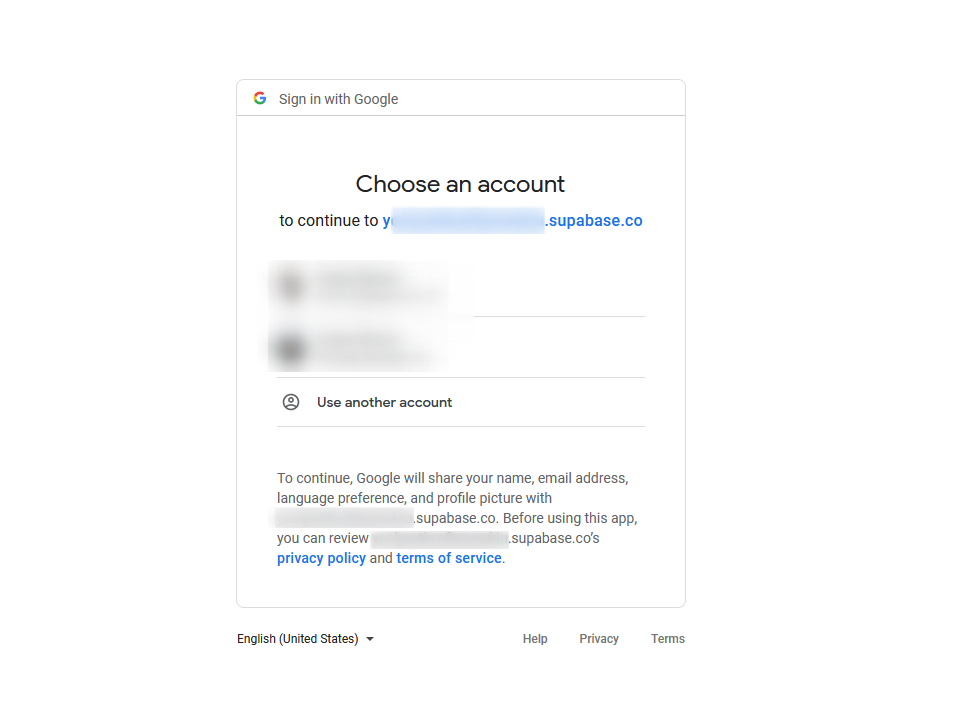
In my scenario, it says the full supabase app subdomain
Waiting to see how this issue develops in order to update our app Here's the collection of links that concern the topic: |

|
Another related discussion: |

|
In one of the threads it's mentioned that this issue was targeted for Q2-3 of this year. Q4 is nearing its end and no update was given on this anywhere. Anyone knows where it stands? |

|
@eliranbenishai This thread might help you In my case, I went through this verification process, and now it shows my app's name on the OAuth log-in page. |

|
There is a way to solve this, (see #2925) Step 1: Configuring stuff in Google Cloud Developer Console ThingyGo to the
Make sure you fill in the
Then, after all your app's information is filled, go to
It may ask you for some extra information, fill all of that in, and after your done go back to the
Step 2: Waiting for an email from the google peopleAs the screen before said, you need to wait a long time for an email from google. I got my email about 2 weeks after i submitted the form thingy from the previous step. When you get that email, they'll probably tell you that You probably DID verify all of your domains, but one of the domains in the
Just email them back, telling them Theres a small chance they won't ask you about supbase (sometimes an actual human from the trust and saftey team will look at the url and realize its a third party callback), in that case they'll approve your app or will tell you to fix something else thats unrelated. |


|
I just want to update here that I got my verification done in 2-3 days. I didn't ask for approval for sensitive or restricted scopes. |

|
https://supabase.com/docs/guides/platform/custom-domains you have to pay $10/month to get the custom domain for your supabase. i did it and it worked |


There is a way to solve this, (see #2925)
Step 1: Configuring stuff in Google Cloud Developer Console Thingy
Go to the
OAuth consent screensectionMake sure you fill in the
App name,Application home page, etc (example screenshots from one of my projects)Then, after all your app's information is filled, go to
Publishing status, and set it fromtestingtoproductionIt may ask you for some extra information, fill all of that in, and after your done go back to the
OAuth consent screensection, it should now look like this:Step 2: Waiting for an email from the google people
As the screen before said, you need to wait a long time for an email from google. I got my email about 2 weeks …