This repository was archived by the owner on Jun 25, 2026. It is now read-only.
Like Widget
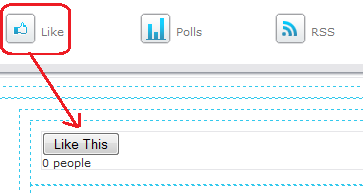
The "like" widget is a great way to receive feedback on the content of your page. Visitors can click the "like this" button to indicate that they like the content.
Use the following steps to add a like button to your page:
-
Create a new page.
-
Open the Layout tab, select the like widget, and drag it to your page.
-
Click Save to save the Layout.
-
Approve and publish the page.
-
When the page is published, visitors who like the content on the page can click the "like" button and you will see a counter below the button.