Operator Guide
The full Ground Station deploy workflow: from an enrolled rig to a running app, watched live in the Action History. This mirrors Chapter 6 of the Theia Tutorial — read that for the end-to-end context (building the app + Distribution first).
The GS is the fleet operator's web UI. The left nav is the whole workflow; the
badge top-right shows you're authed against the GS API.
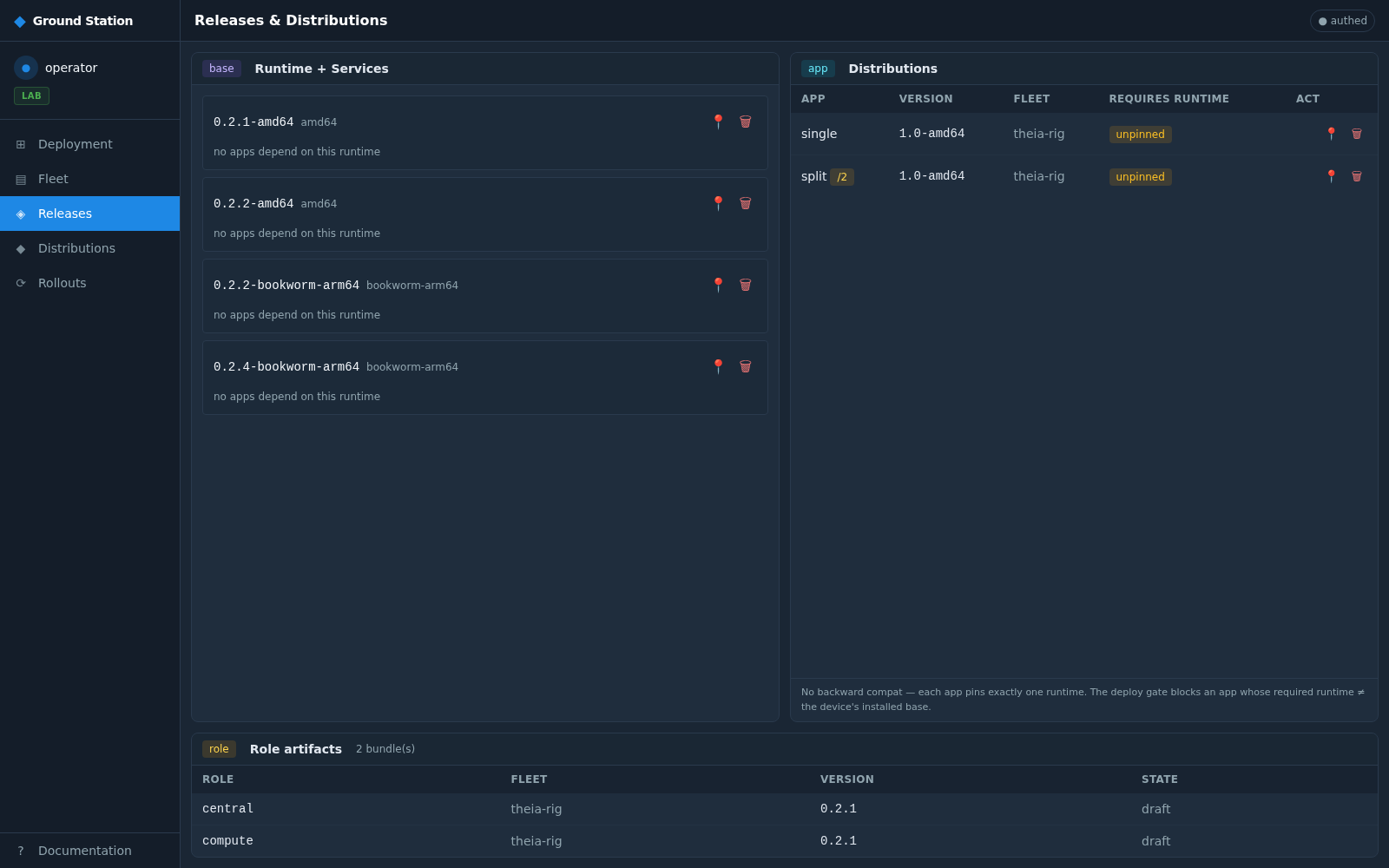
Releases is the operator's view of what was pushed to S3:
-
Runtime plane (
theia release) — the base.debset per version/ABI. -
Distributions (
theia release-swp) — your app SWPs.
The GS reads each <key>/index.json from S3; a freshly pushed runtime shows up on
the next Releases load.
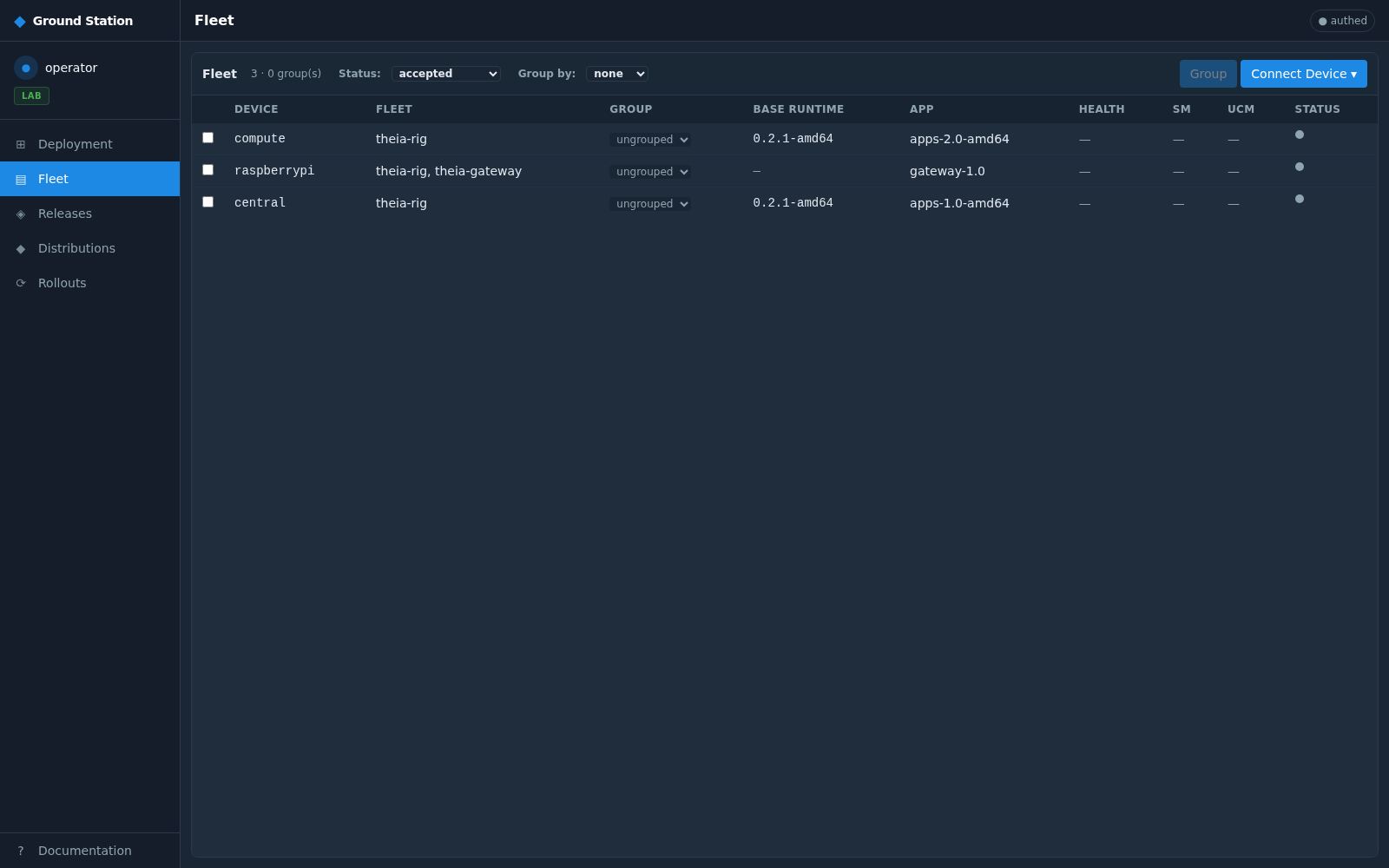
Fleet lists enrolled devices with their fleet type, base runtime, app SWP, and health.
Use Connect Device ▾ to bring in a new board:
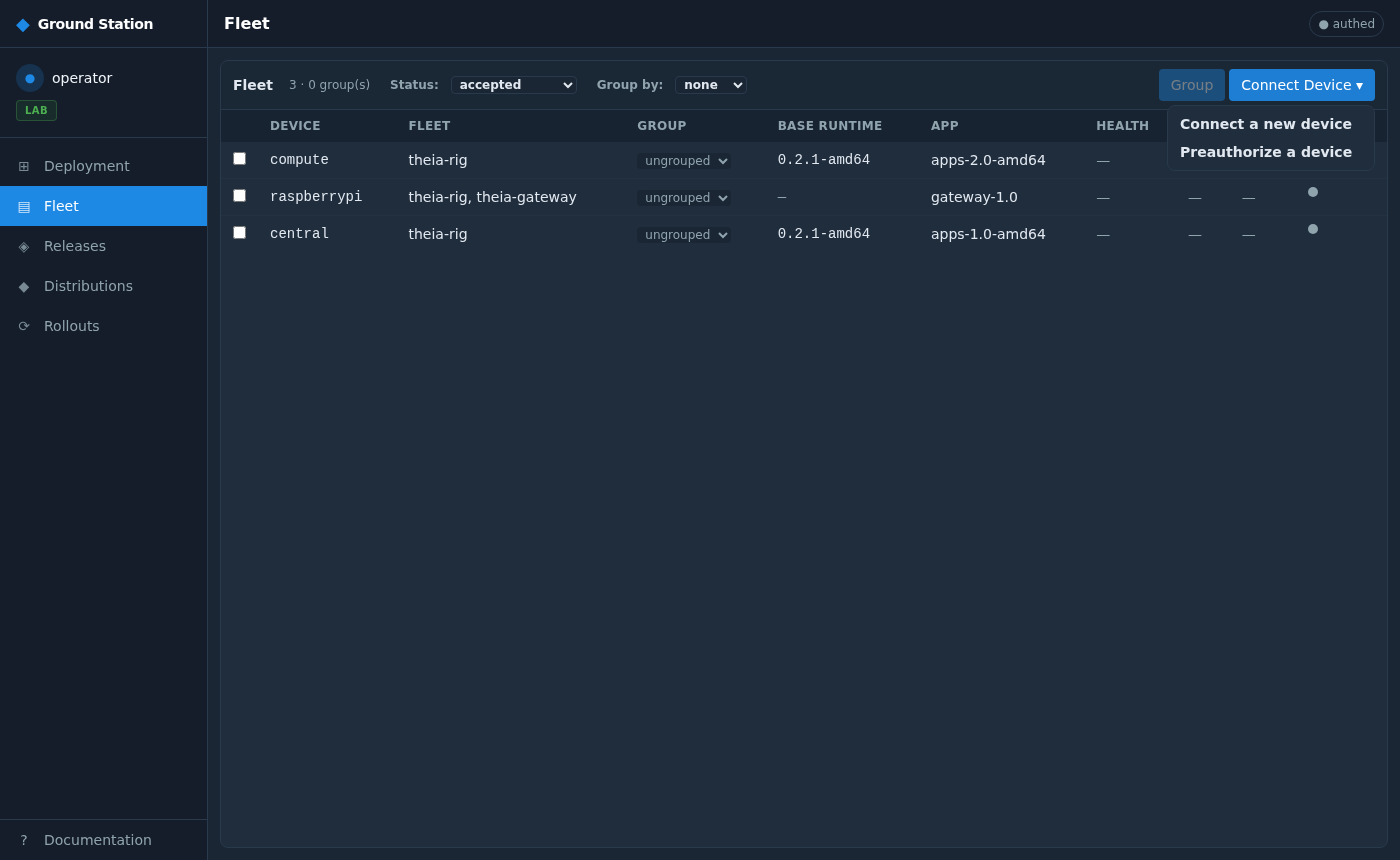
Connect a new device — the rig's Mender client is already checking in (pending in Mender). The GS SSH-probes the host IP to prefill the Controller ID and name, then dual-registers it (colony + Mender):
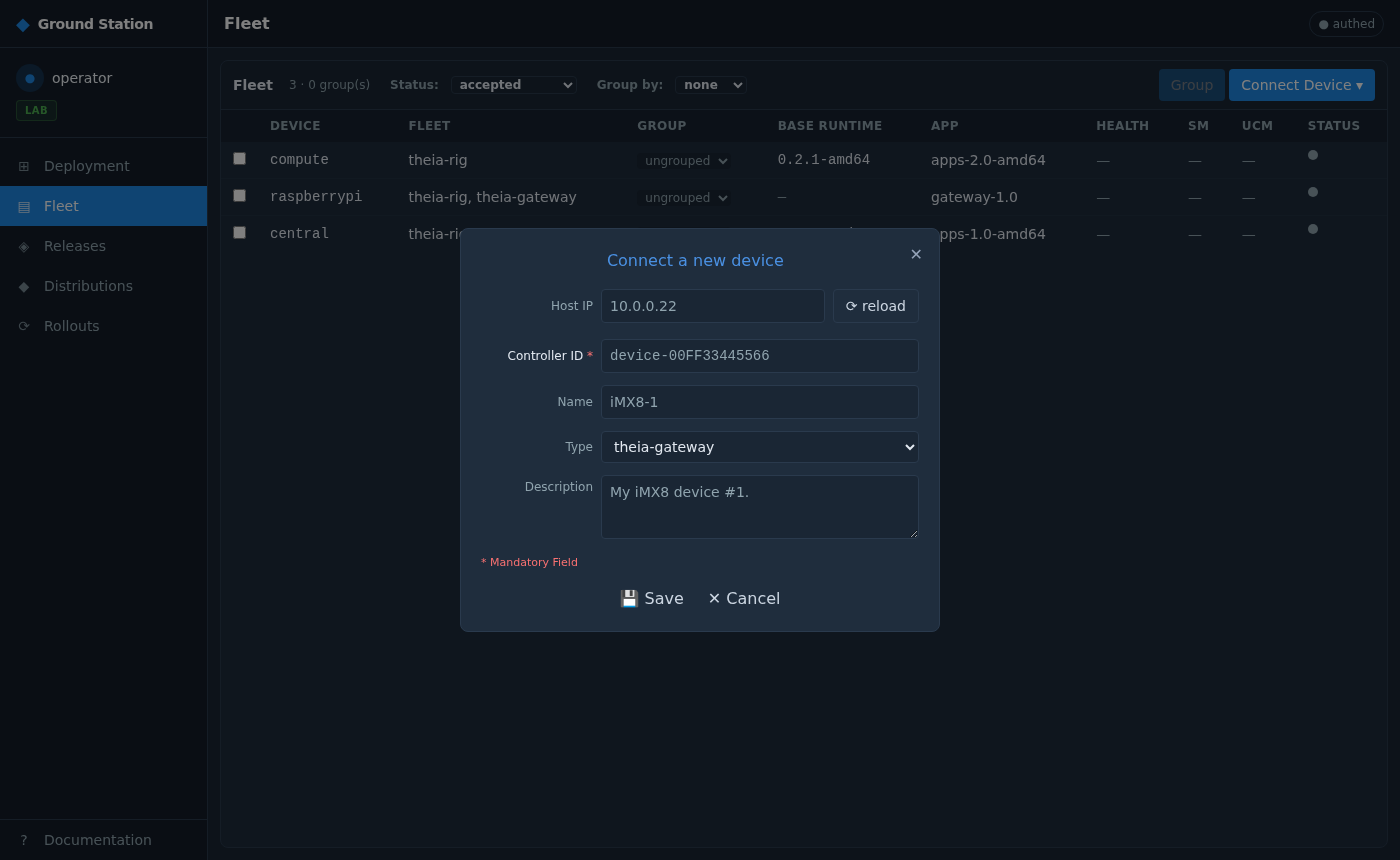
Preauthorize accepts the device so it can receive deployments:
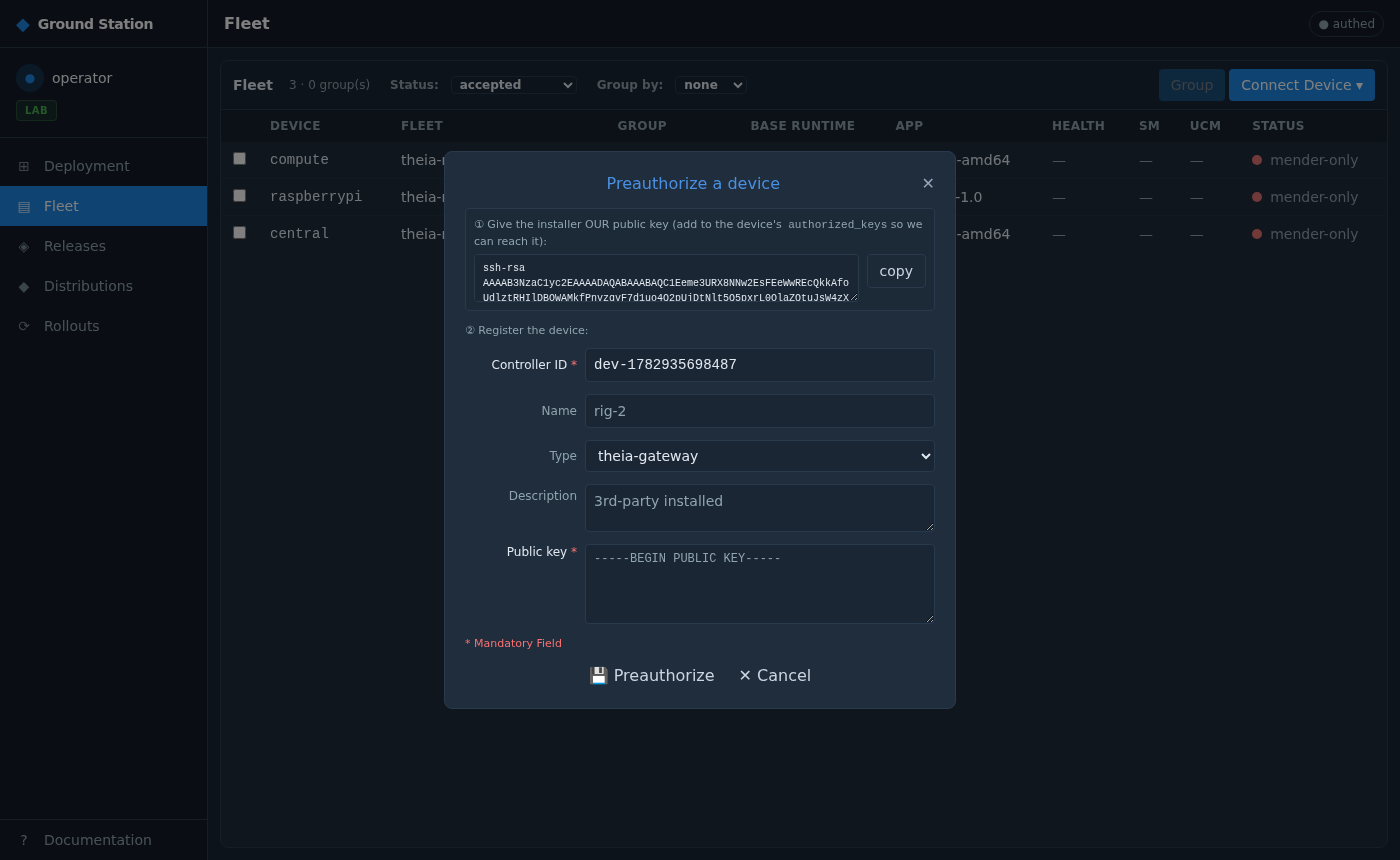
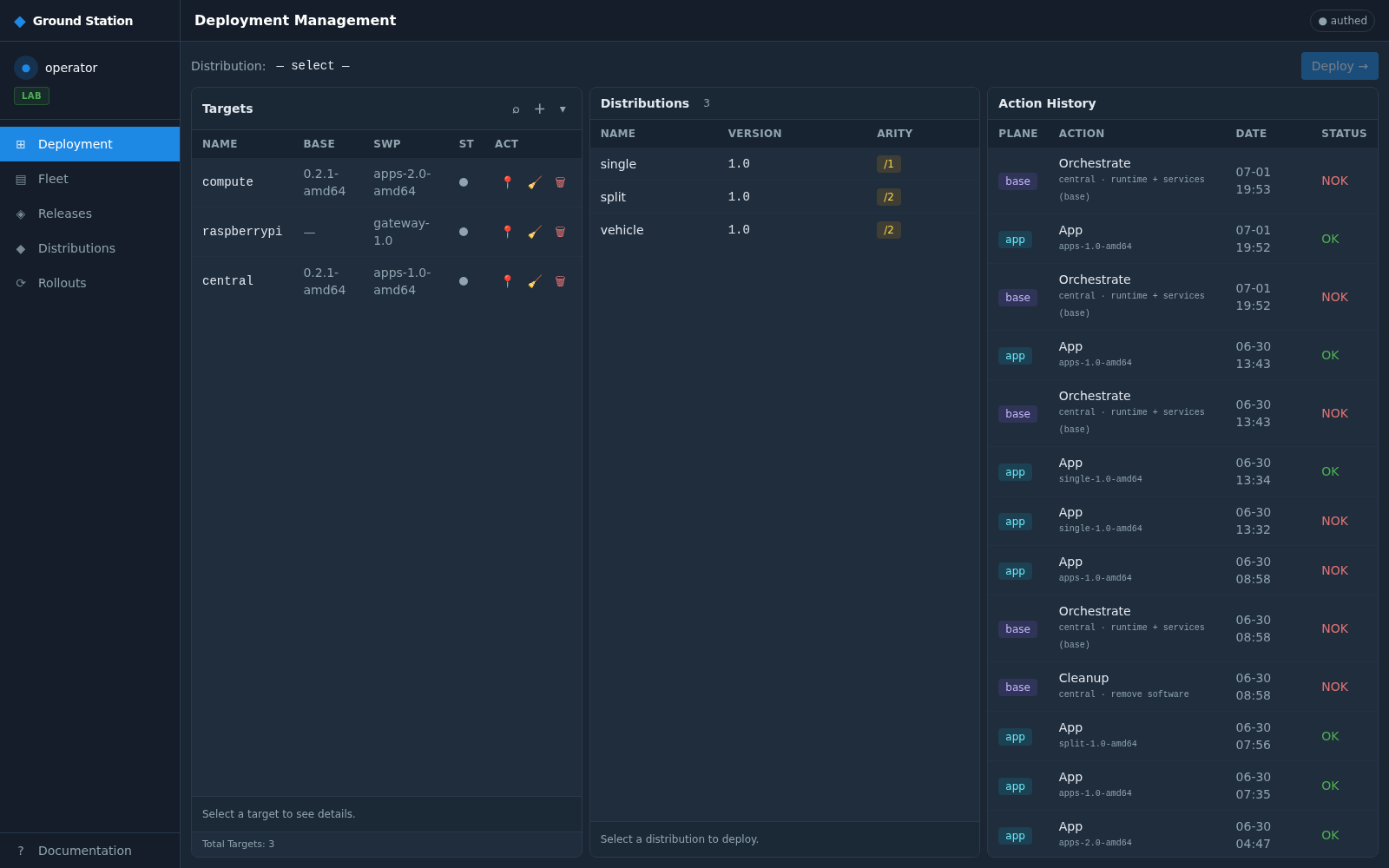
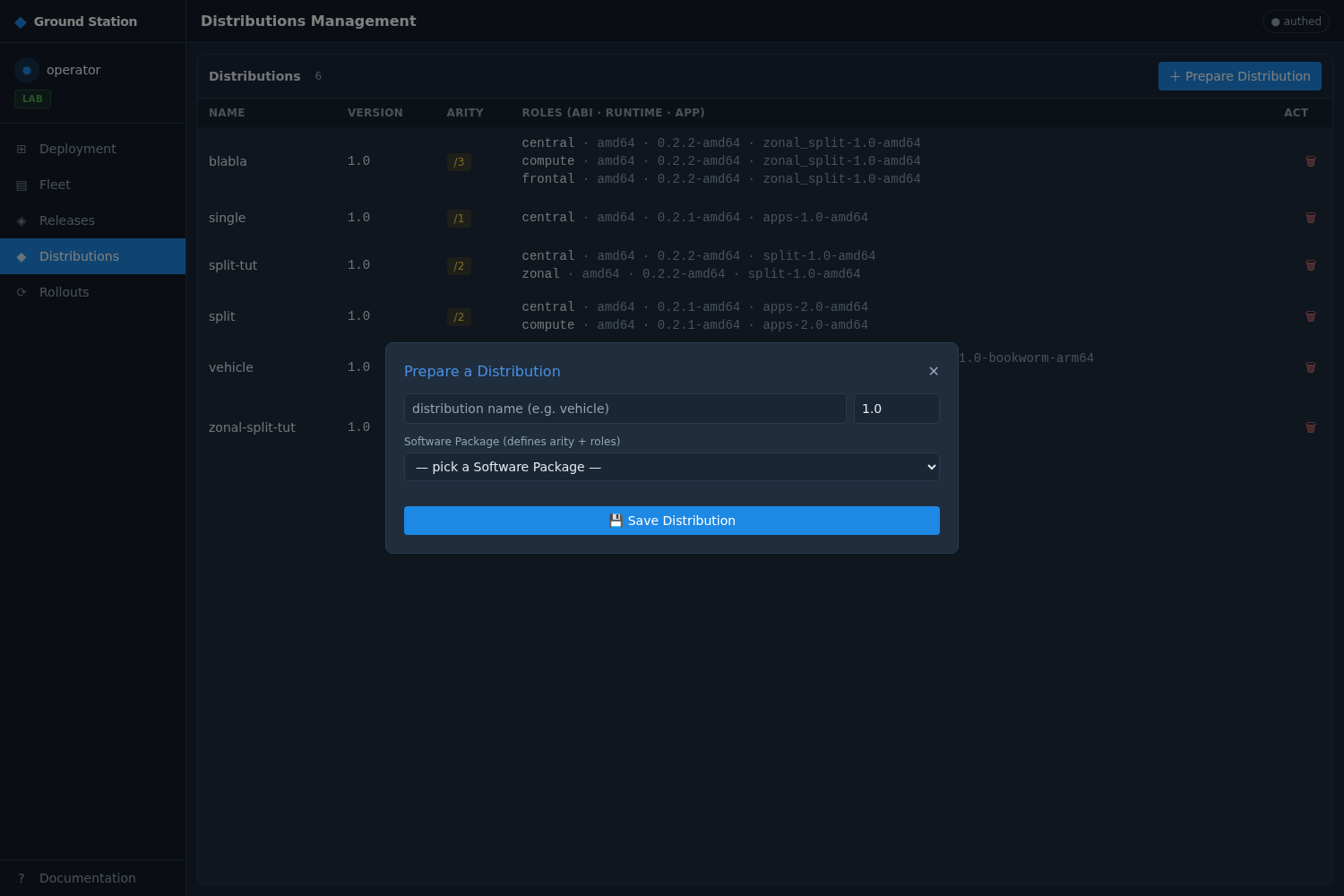
A Distribution is the deployable unit: per-role {abi, runtime_build, swp_build}. The GS resolves each board's ABI to the matching build.
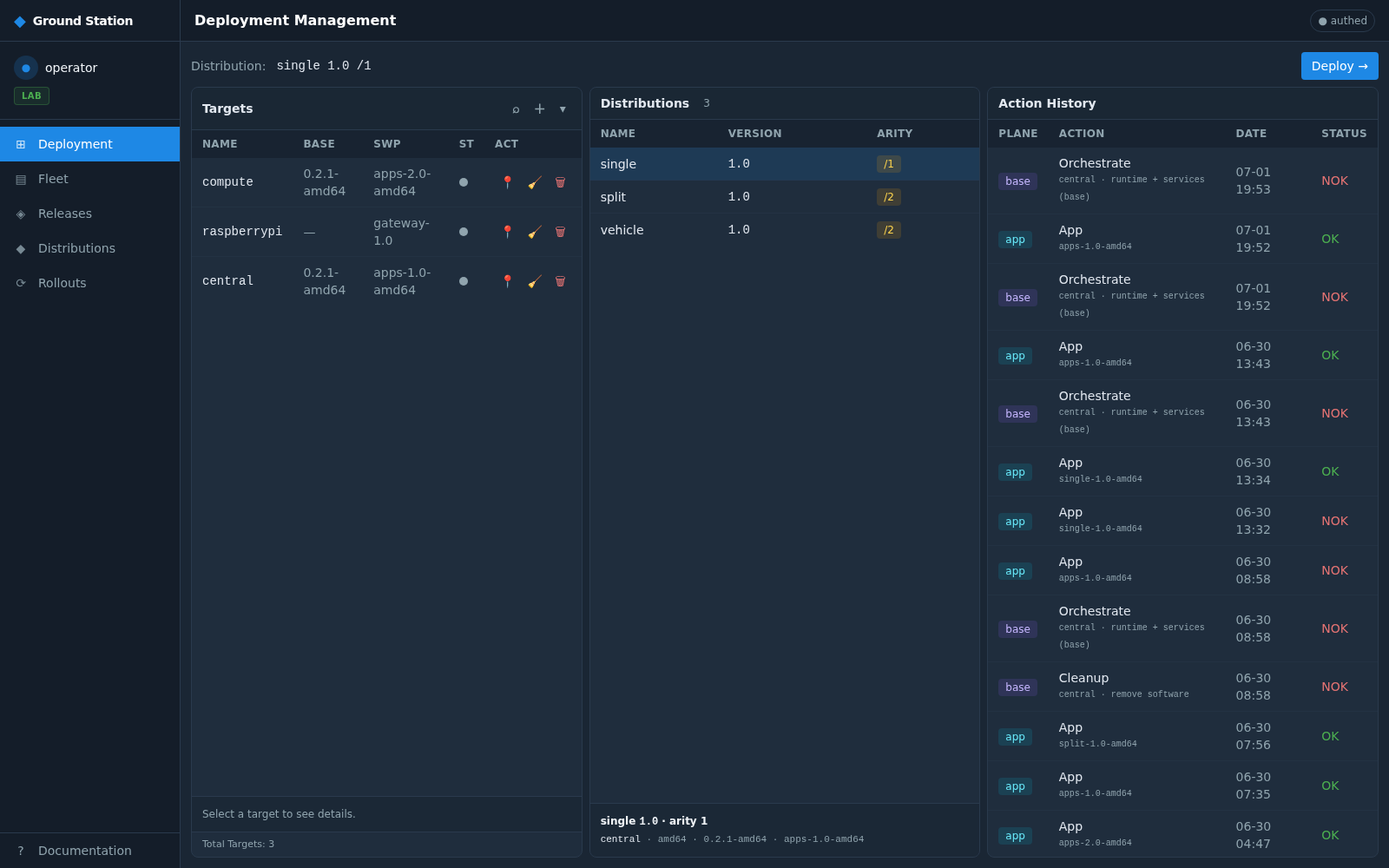
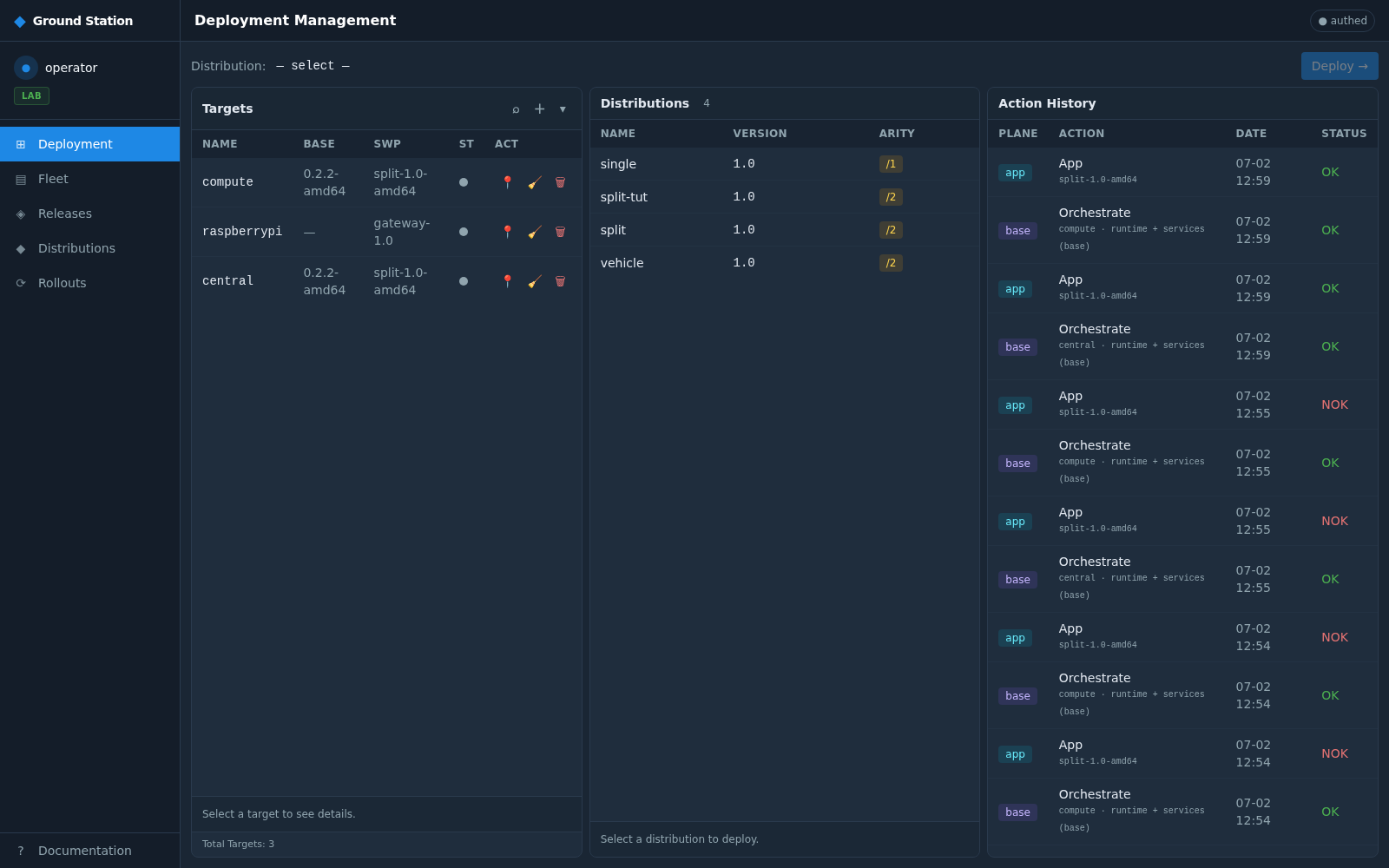
Pick the Distribution + the target boards. The deploy dialog binds each role to a machine; Deploy fans it out.
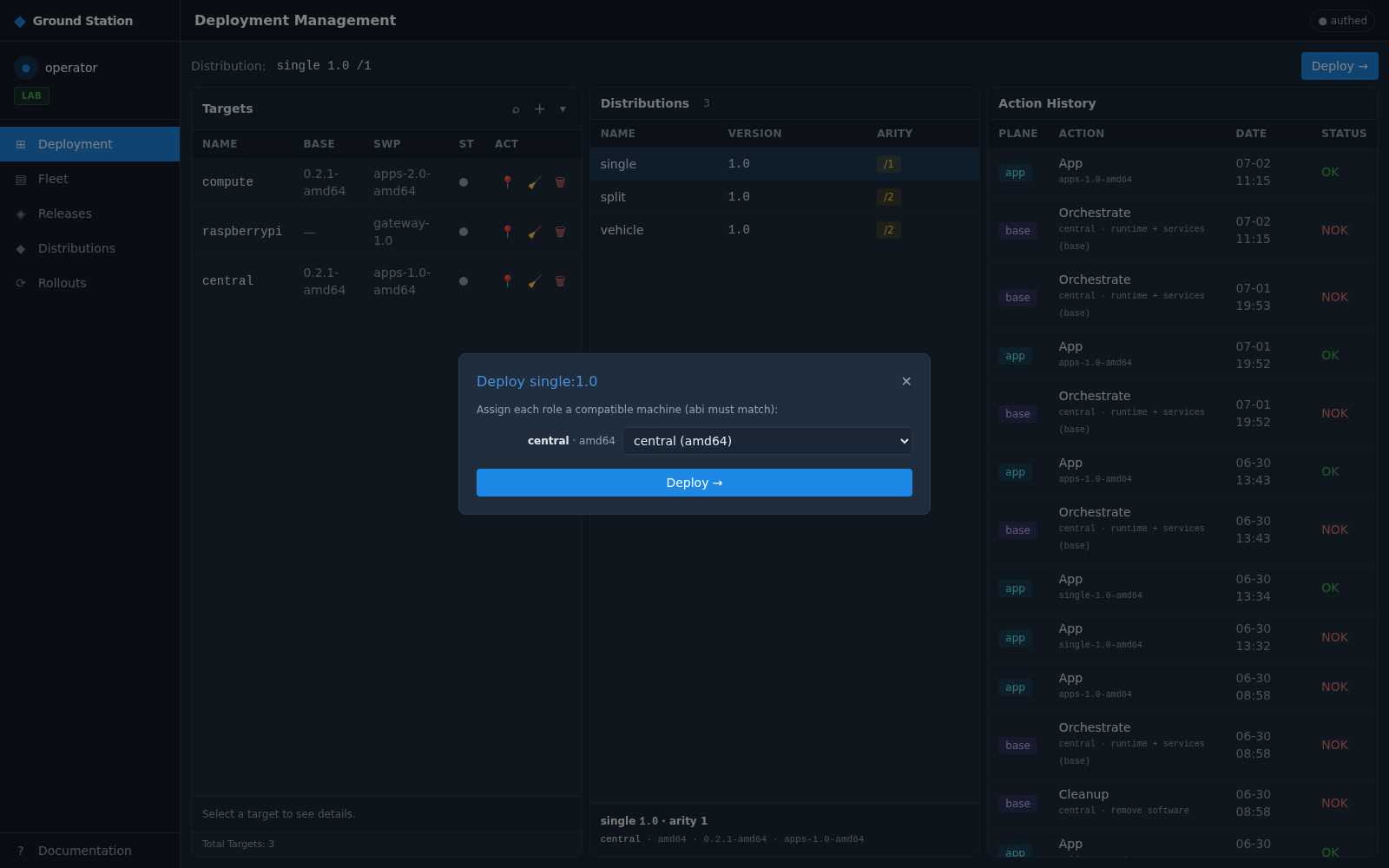
Behind one click, the GS fans out per role: the base plane goes to colony (provision/orchestrate the runtime over SSH), the app plane to Mender (the SWP overlay). Each is a separate Action.
The Action History shows every per-board action (Orchestrate / Provision / SWP) with a live status and a cancel control. Watch the deploy resolve:
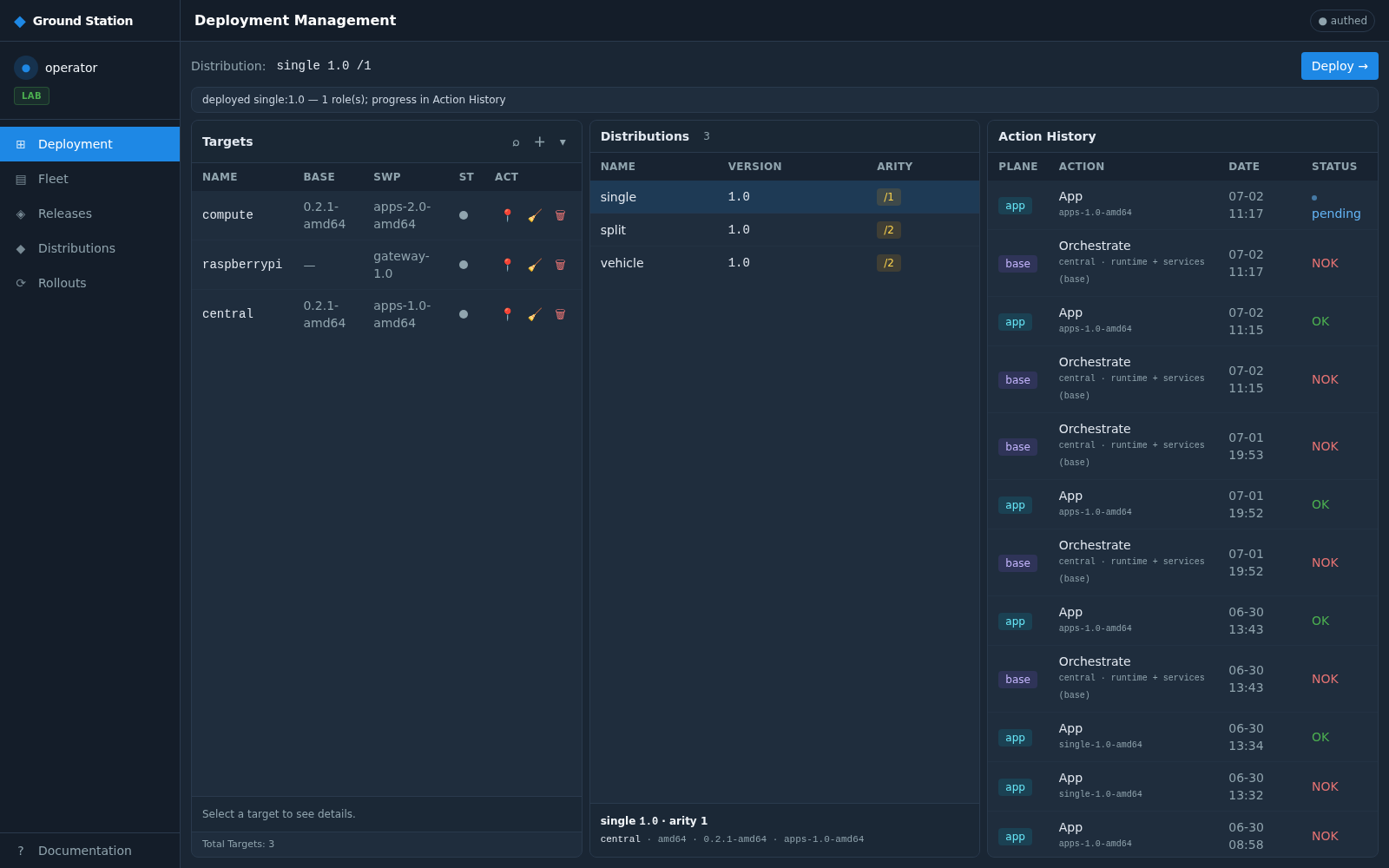

An action that a runtime dependency isn't ready for stays pending (the theia-swp app waits for the matching runtime), and the operator can cancel it from the ACT column. A Deployment parent row groups the per-board fan-out.
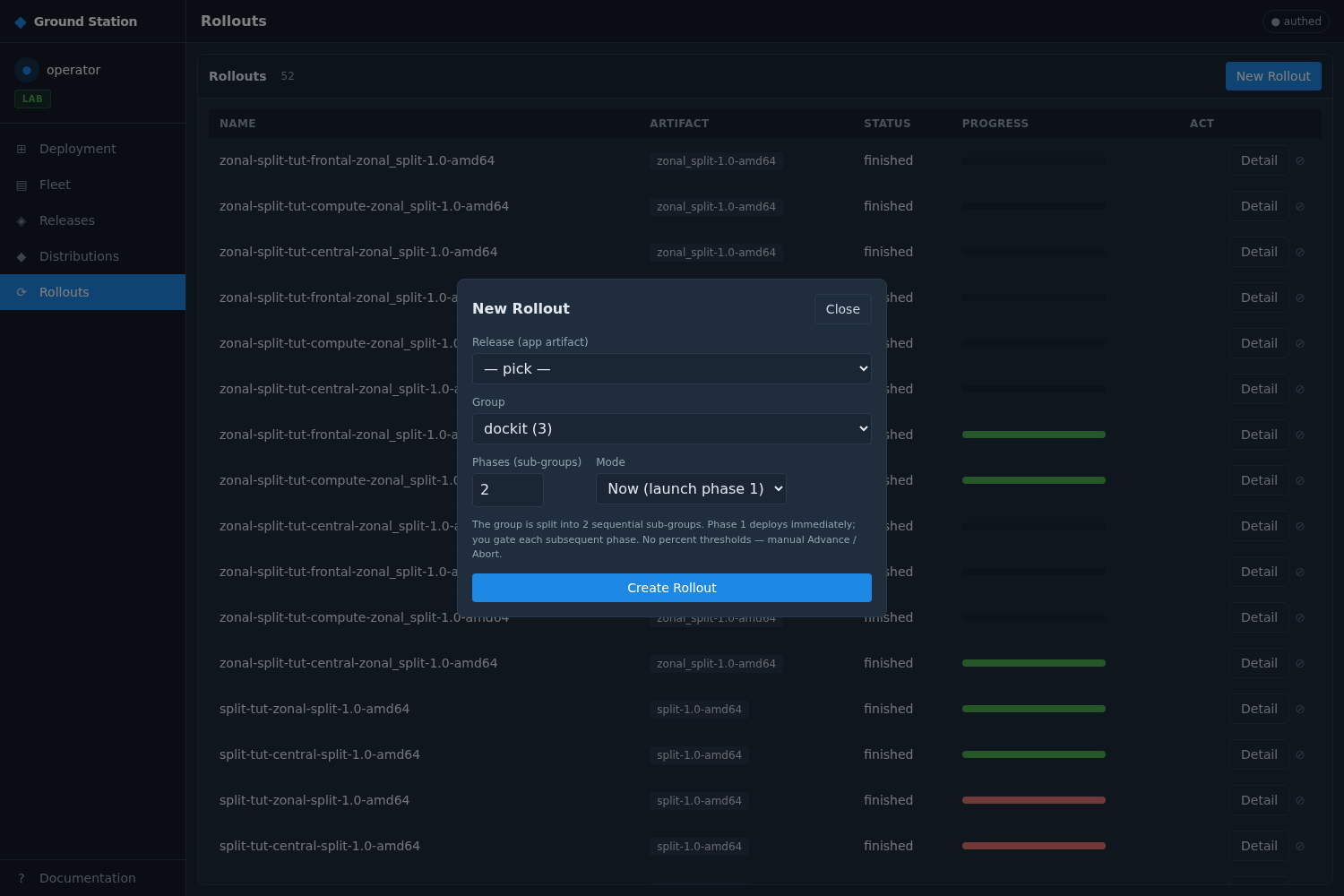
Push a new SWP version (theia release-swp <app> --patch), advance a Rollout, or
deploy a multi-board split Distribution:
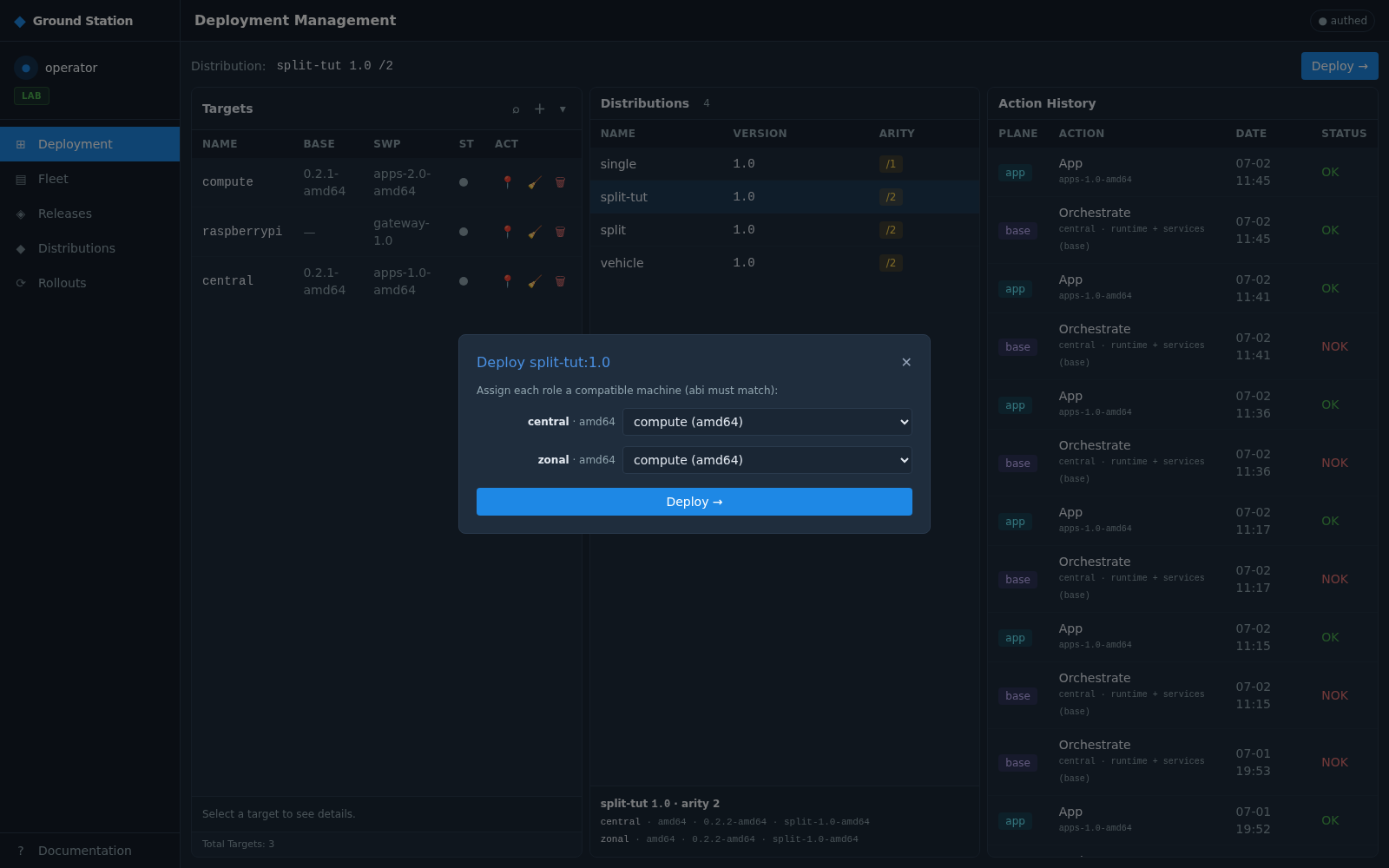
The app plane exchanges freely on a fixed runtime; a Rollout advances a device group onto a new SWP with compatibility gating.