Firmware
Lots of UI cleanup added new button functions
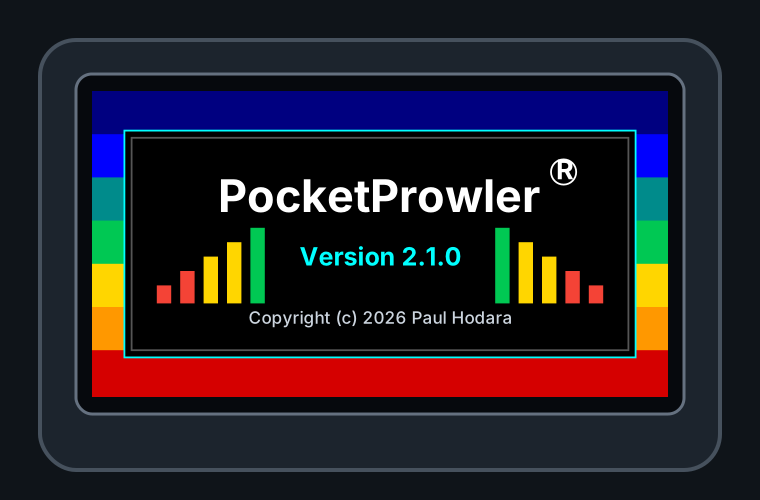
- Added splash screen with the official name 'PocketProwler(R)', the version #, and the copyright.
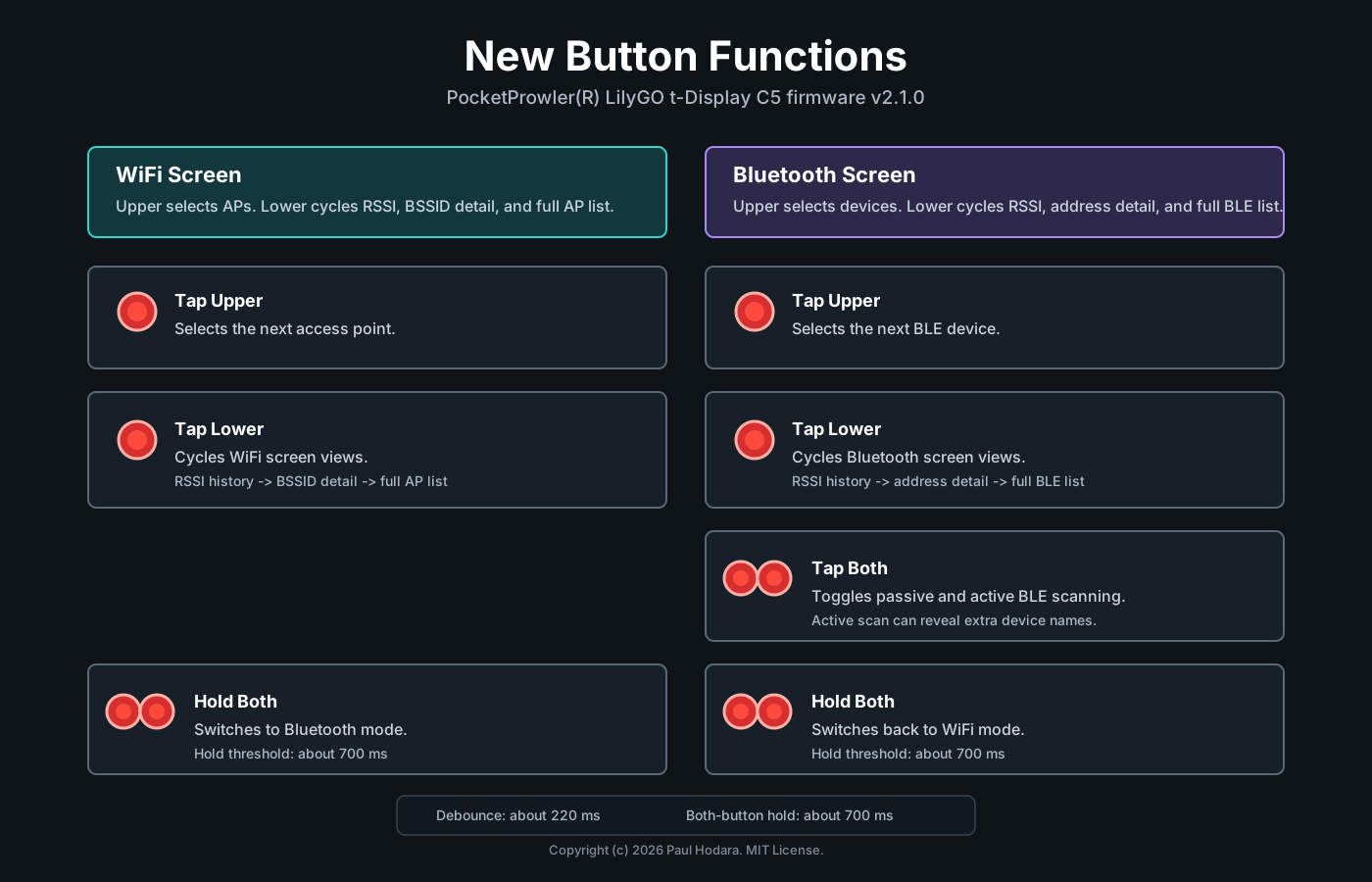
- Added three-state lower-button view cycles for WiFi and Bluetooth:
- WiFi cycles RSSI history, BSSID detail, and full AP list views.
- Bluetooth cycles RSSI history, address detail, and full BLE device list views.
- Kept selected WiFi/BLE items highlighted across full-list and detail/history views, and preserved RSSI history when cycling between views.
- Allowed lower-button view cycling to continue while a scan has no current WiFi or BLE results, so the user can leave list mode from the empty-state screen.
- Adjusted the WiFi header so the battery/charge indicator stays in the same fixed position when the yellow
Scanlabel appears. - Clarified WiFi BSSID labeling, including same-channel
BSSIDscount, a BSSID suffix on the RSSI history panel, and removal of duplicate-looking detail mode labels. - Added BSSID values to WiFi scan serial output.
- Changed WiFi scan pacing so the next scan waits 10 seconds after results are processed and redrawn, and failed scans exit the scanning state cleanly before retrying later.
- Fixed BLE scan duration to 3000 ms and updated the Bluetooth header to show a yellow
Scanactivity label while keeping the greenActive/Passivemode label visible. Scan now has enough time to find all devices within range.
Button Controls