Setup
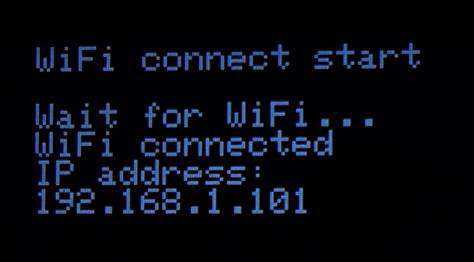
Plug your device or reset it (red button on the side), it should boot-up like this
and display the graphic screen
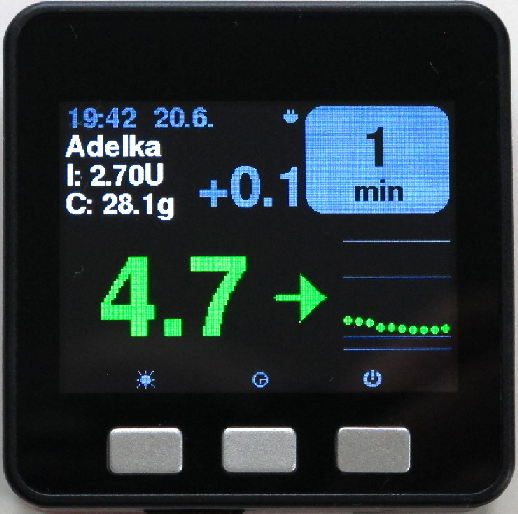
You can now access it through its web server browsing to http://m5ns.local if you're on the same network (i.e. the device you use to browse the M5Stack is on the same Wi-Fi you defined in M5NS.ini) and you didn't customize device_name in M5NS.ini.
If you can't connect with M5NS.local, click the right button until reaching the debug screen and note the IP address.
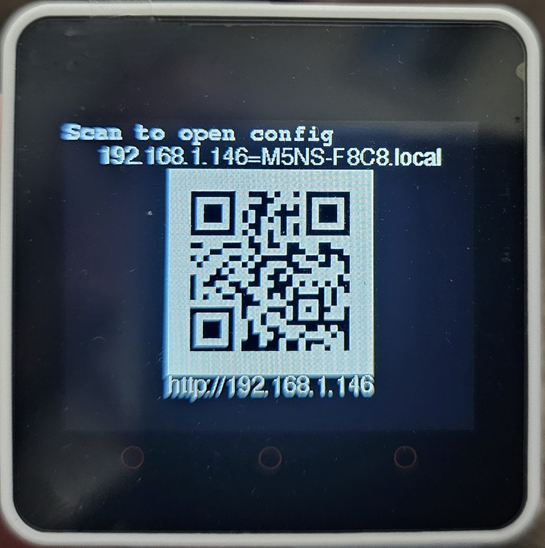
Browse the address to access the web server (it will look like https://192.168.1.199 but not these numbers).
Your M5Stack_NightscoutMon will display its web page.
Selecting the Edit and Change links allows you to change the values saved in the SD memory card.
Once set, scroll down and Save your configuration.
Browse down to Application firmware and select click to update.
Wait for completion.
Your device will reboot with the latest version.