0.1.0-beta.6
Pre-release
Pre-release

TaskNotes Gantt 0.1.0-beta.6
Added
- Per-view control over bar colors and icons. (#201)
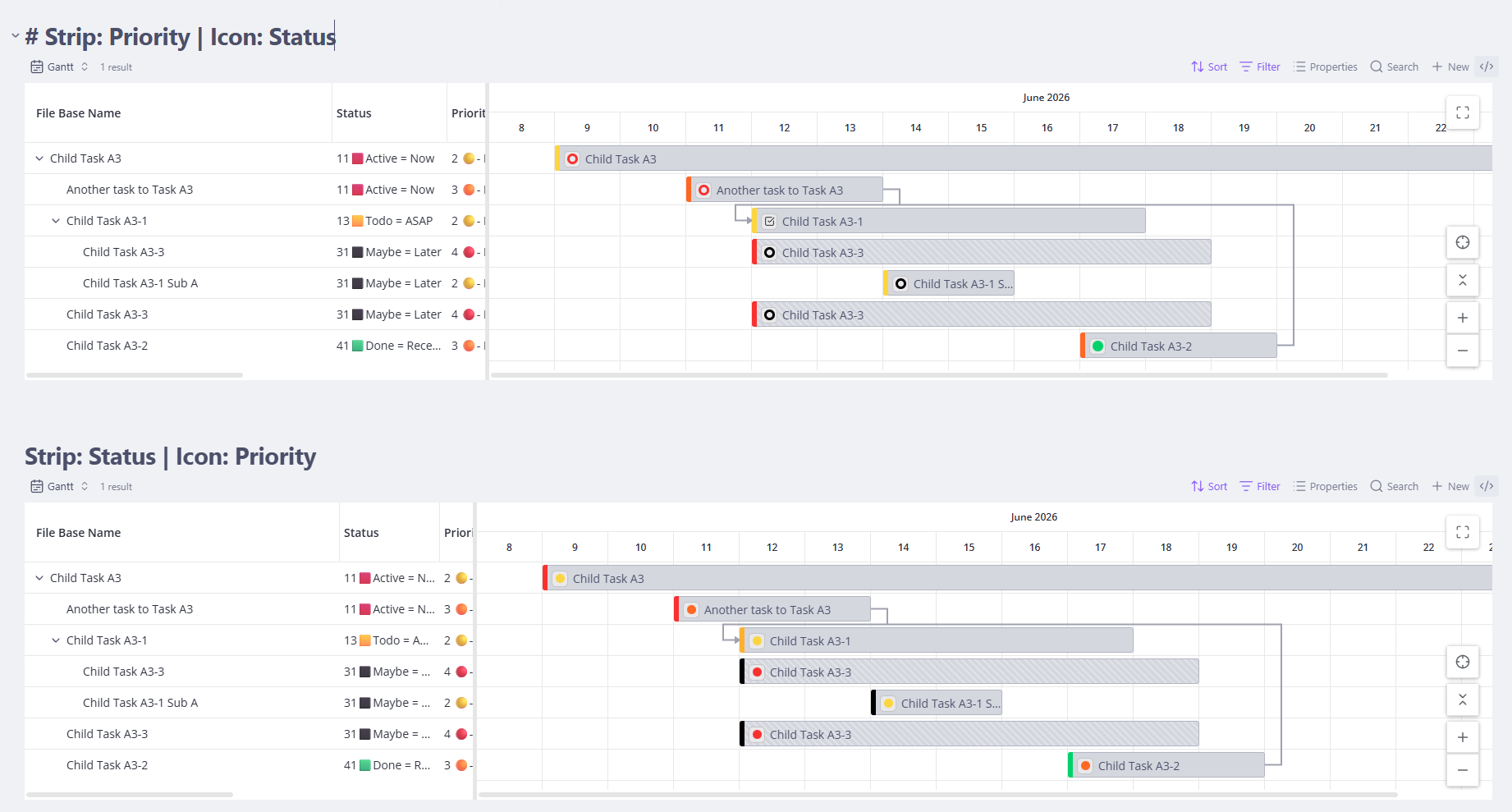
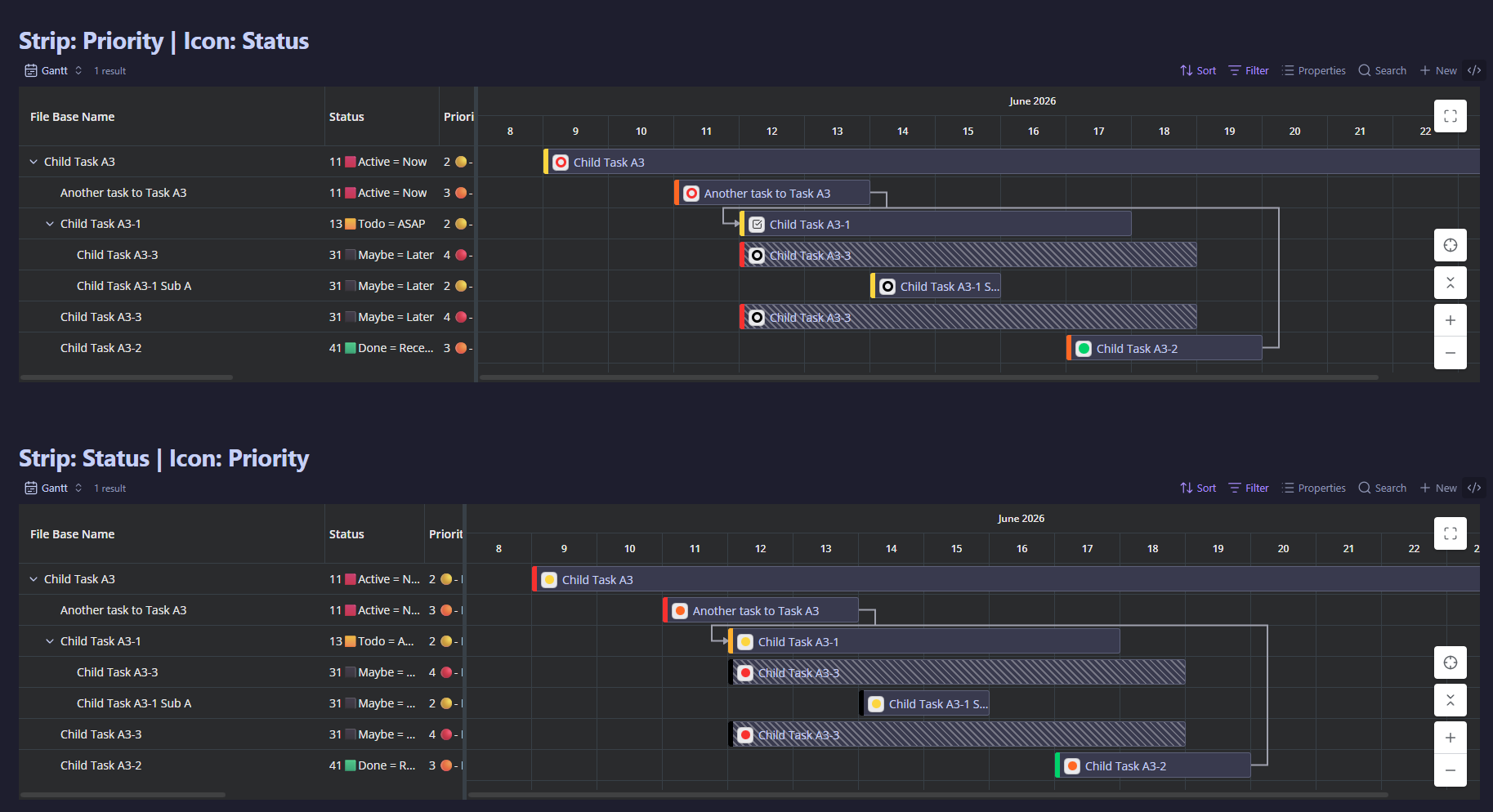
- Each Gantt view now has three independent options: Bar color mode (Fill or a left-edge Strip), Bar color source (Default, By status, By priority, or Obsidian theme), and a Task icon (None, Status, or Priority) shown in a neutral chip on the bar.
- Default colors the hierarchy — green parents, blue children. By status / By priority use the colors and icons configured in TaskNotes. Obsidian theme adapts the bars to your current theme (two harmonious accent colors for parents vs children) and re-tints instantly when you switch themes. By status / By priority need the TaskNotes companion; without it they fall back to Default.
- The Task icon chip reuses TaskNotes' own status ring / priority dot styling, and shows a colored dot when a value has no configured icon.
- For a colorblind-accessible view, pair a color source with the matching Task icon — color alone is not distinguishable for everyone.
Changed
- Bars now color the hierarchy by default (green parents, blue children) instead of by TaskNotes status. (#201)
- To color by status again, set a view's Bar color source to "By status" (mode "Fill").
Fixed
- Dark-mode expand/collapse chevrons and panel-resizer arrows are now visible, themed, and aligned. (#207)
- The grid's parent expand/collapse chevrons were painted near-black on dark chart surfaces, so they were almost invisible regardless of the theme; they now follow your theme's text color and lift to the accent color on hover. The split-panel resizer arrows got the same treatment, and leaf-row labels now line up with parent-row labels instead of sitting a few pixels to the right.
- Single-parent nested tasks are no longer wrongly marked as replicated. (#204)
- With "Hide top-level subtasks" on, a task shown exactly once could still be drawn with the diagonal "replicated" hatch as if it appeared in several places. The hatch now counts only the placements actually visible, so it shows up only for tasks genuinely displayed more than once.
- A completed status with no configured icon now shows a filled disc, matching TaskNotes. (#210)
- The on-bar icon chip drew a hollow ring for such statuses; TaskNotes fills that dot into a solid disc when the status is flagged completed in its settings, so the two views now agree. Statuses with a configured icon, priority dots, and non-completed statuses are unchanged.