Repository navigation

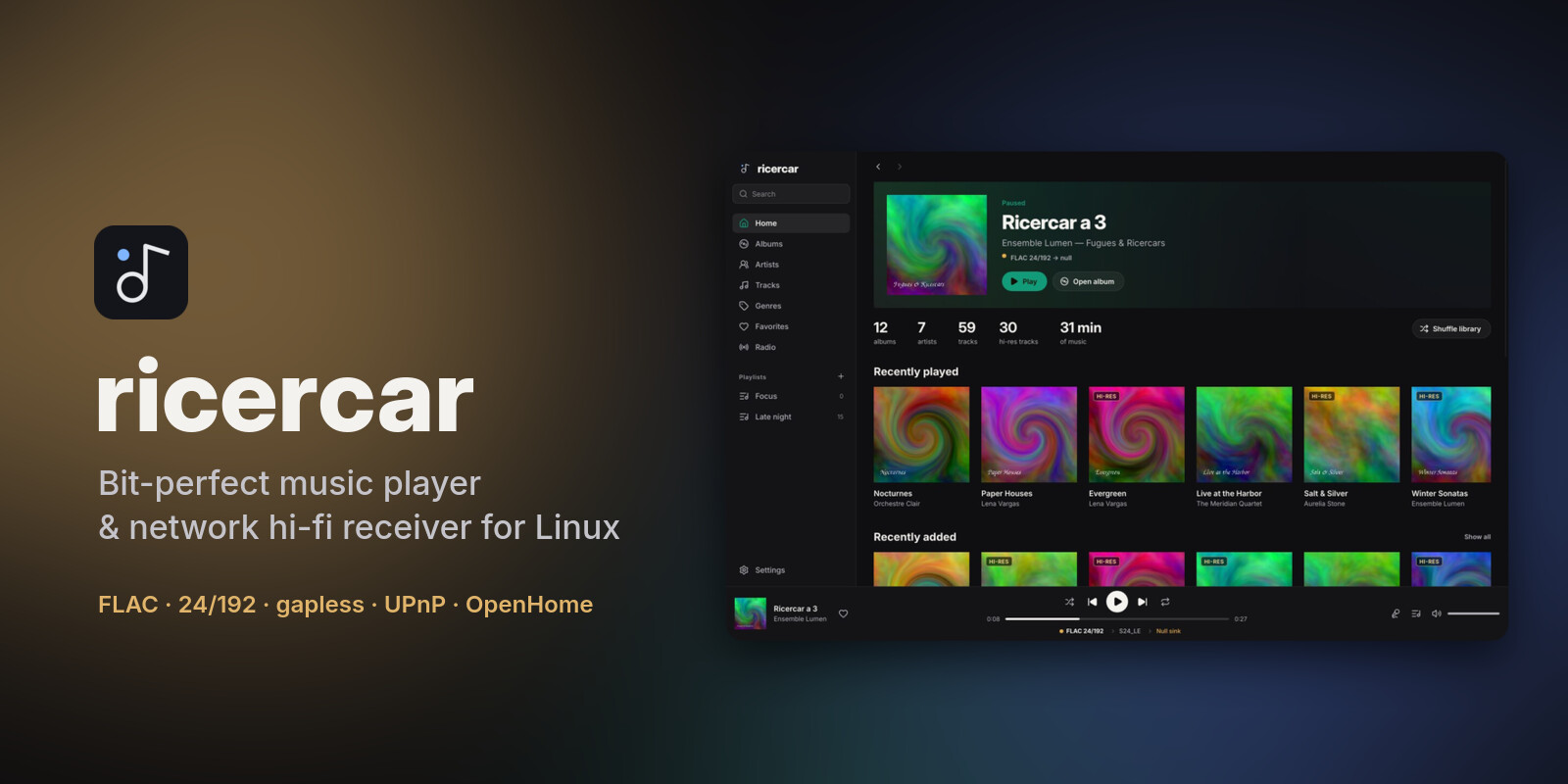
ricercar 0.10.0 lets you browse your library by composer, helps you set up your audio output on first launch, highlights synced lyrics word by word and sorts your playlists.
Downloads
| Your system | File | Install |
|---|---|---|
| Debian 12+, Ubuntu 22.04+, Mint, Pop!_OS, Zorin, elementary | ricercar_0.10.0-1_amd64.deb / _arm64.deb |
sudo apt install ./ricercar_*.deb |
| Fedora, openSUSE Tumbleweed / Leap 16, RHEL / Alma / Rocky 10+ | ricercar-0.10.0-1.x86_64.rpm / .aarch64.rpm |
sudo dnf install ./ricercar-*.rpm (zypper install on openSUSE) |
| Arch, Manjaro, EndeavourOS, CachyOS, Omarchy | ricercar-0.10.0-1-x86_64.pkg.tar.zst |
sudo pacman -U ricercar-*.pkg.tar.zst |
| Any distribution (portable) | ricercar-0.10.0-x86_64.AppImage / -aarch64.AppImage |
chmod +x ricercar-*.AppImage && ./ricercar-*.AppImage |
| Any distribution (plain binaries) | ricercar-0.10.0-linux-x86_64.tar.gz / -aarch64 |
unpack, run bin/ricercar |
The packages need glibc 2.35 or newer. Verify a download with
minisign and the project key:
minisign -Vm SHA256SUMS -P RWSLPLWZ/M4/9X1orGjyBkKYA7BmzgxxI8dveJ8YVcSQVrOpjinxS9fV
sha256sum --check --ignore-missing SHA256SUMS
What's new
- Composers. A Composers page in the sidebar lists everyone found in the COMPOSER tag of your files. A composer's page shows their albums and their works, grouped by album, with Play, Shuffle and Add to queue. A track's menu has Go to composer, and search shows matching composers. UPnP control points also get a Composers folder.
- Setup assistant. On a fresh install, an assistant walks through the interface language, your music folders, plugins from the catalogue (installed after you confirm what is downloaded and from where, with their sign-in right there), then an output (hardware
hw:outputs first, named by their card), what your DAC plays natively, and fixed volume. Later skips it at any step. Your music is scanned once you finish or skip it; until then it comes back at each start. It does not appear on upgrades; Settings → Setup assistant opens it again. - Word-by-word lyrics. When synced lyrics time each word (enhanced LRC,
<mm:ss.xx>inside a line), the current line lights up word by word. Line-by-line lyrics work as before; Estimate word timing in Settings → Appearance (off by default) lights up their words at an estimated pace. - Resizable sidebar. Drag its right edge (180 to 480 px); double-click the edge for the default width. The width is kept between runs.
- Sorted playlists. A playlist's page, local or from a plugin, has a sort menu: the playlist's own order, Recently added, title, artist, album or length. The choice applies to every playlist and is kept between runs; Play, Shuffle and Add to queue follow it. The playlist itself is not reordered. Tracks added to local playlists from now on remember when; older ones count as added in their playlist order.
- Fixes.
- Playlists and favourites changed on a plugin's service while ricercar runs (a playlist made on the service's website) now show up: plugin libraries are read again when the window gets the focus back (at most every 5 minutes), with the new refresh button next to Playlists, or when the plugin reports a change.
- Long sign-in addresses no longer push the plugin sign-in dialog off screen.
- A few interface strings (the search scopes, System) now show translated.
For plugin authors
lyrics.get: a synced line may carry an optionalwordslist ({"time_ms": …, "text": "…"}). Older versions ignore it. Seedocs/plugins.md.- Tracks listed by a playlist may carry
added_at(Unix seconds, or an RFC 3339 date) for Recently added. Without it, the host takes the end of the playlist as the most recent. Older versions ignore it. - New notification
library.changed(plugin → host, no params): the user's library changed outside ricercar; thelibrary.*lists are read again. Older versions ignore it.
From 0.6.0 or later, Update now in Settings → About installs this version, checked against the signed
SHA256SUMS.
Plugins are written by third parties and are not reviewed by the ricercar project. They run with your permissions: install only plugins you trust, and check that they respect the terms of the service they use.
From source: cargo build --release with Rust 1.92 or newer (see the README for per-distro dependencies).