Repository navigation
ricercar 0.4.1

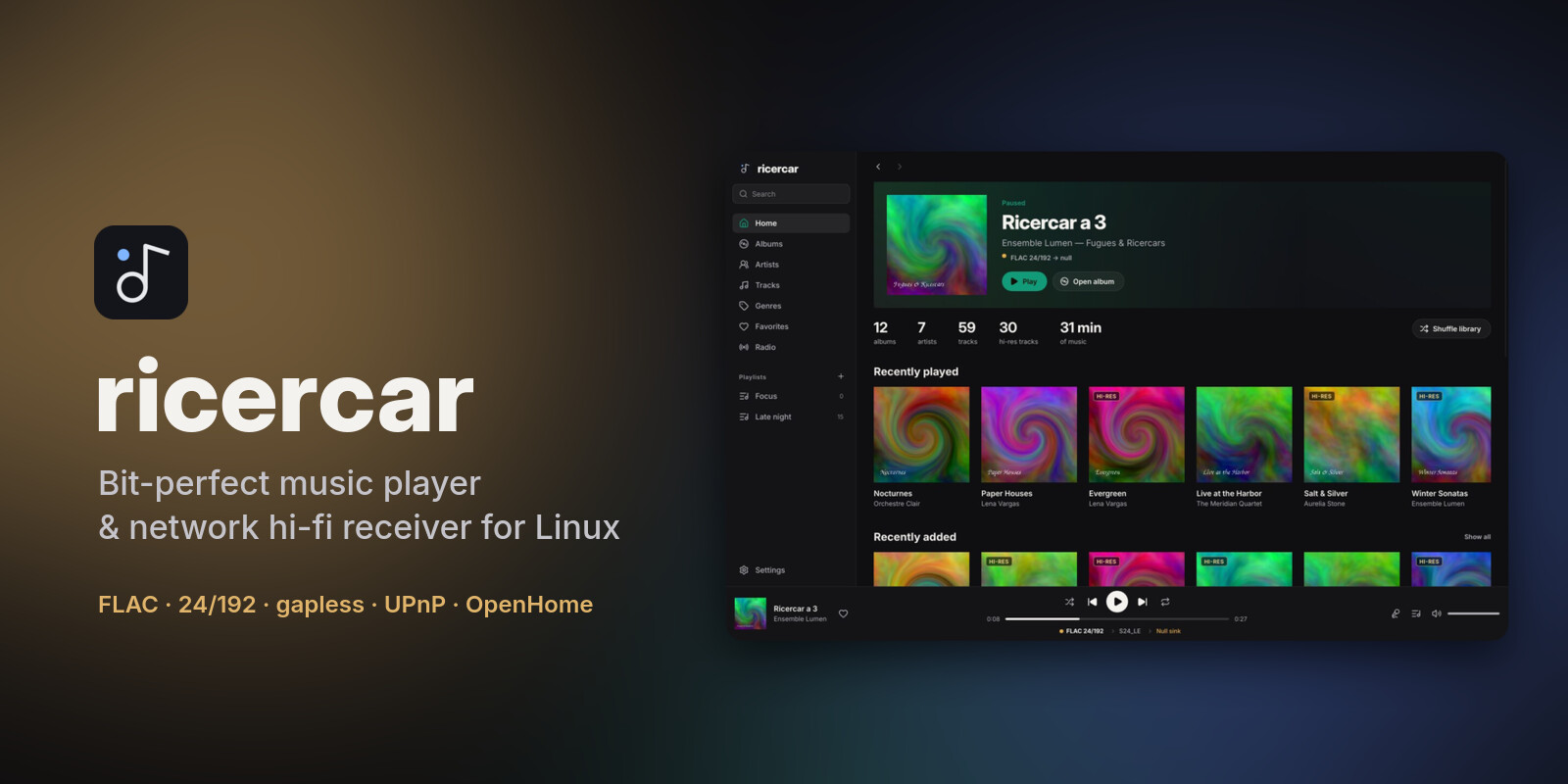
ricercar 0.4.1 brings plugin catalogues into your library: their albums, artists and tracks sit next to your own files, and one search covers everything.
Downloads
| Your system | File | Install |
|---|---|---|
| Debian 12+, Ubuntu 22.04+, Mint, Pop!_OS, Zorin, elementary | ricercar_0.4.1-1_amd64.deb / _arm64.deb |
sudo apt install ./ricercar_*.deb |
| Fedora, openSUSE, RHEL / Alma / Rocky 9+ | ricercar-0.4.1-1.x86_64.rpm / .aarch64.rpm |
sudo dnf install ./ricercar-*.rpm |
| Arch, Manjaro, EndeavourOS, CachyOS, Omarchy | ricercar-0.4.1-1-x86_64.pkg.tar.zst |
sudo pacman -U ricercar-*.pkg.tar.zst |
| Any distribution (portable) | ricercar-0.4.1-x86_64.AppImage / -aarch64.AppImage |
chmod +x ricercar-*.AppImage && ./ricercar-*.AppImage |
| Any distribution (plain binaries) | ricercar-0.4.1-linux-x86_64.tar.gz / -aarch64 |
unpack, run bin/ricercar |
Verify downloads with sha256sum -c SHA256SUMS --ignore-missing.
What's new
- Plugins in your library. Plugins that share their library (the new optional
librarycapability, see docs/plugins.md) now fill the Albums, Artists and Tracks pages, merged with your files in the page's order. A badge tells where each item comes from, and a filter in the page header shows everything, only your library, or one plugin. Plugin albums open on the regular album page, and an artist's page also lists their albums from plugins. - One search for everything. The search page no longer has a tab per plugin. Your library's results show at once; each signed-in plugin is searched at the same time and its results join the lists as they arrive, with their badge.
- Update notices. Once a day at startup, ricercar asks GitHub whether a newer version is out and shows it at the bottom of the sidebar, with a link to its notes. Plugins installed from the hub are checked too: the Plugins entry shows how many have an update, which you install from the Plugins page. Nothing is downloaded or installed without you. Turn it off in Settings → Online extras → Updates.
- Easier to play from a list. On track rows, the whole number column and the cover start the track with one click. Buttons that appear on hover (play, favourite, remove from the queue, play a station) no longer flicker when you point at them.
- Fixes: clicking the cover also closes the now-playing view; the controls of plugin rows are centred; the track menu hides "Go to album", "Go to artist" and "Show in folder" for plugin tracks in every list.
Plugins are written by third parties and are not reviewed by the ricercar project. They run with your permissions: install only plugins you trust, and check that they respect the terms of the service they use.
From source: cargo build --release (see the README for per-distro dependencies).