Repository navigation
ricercar 0.5.2

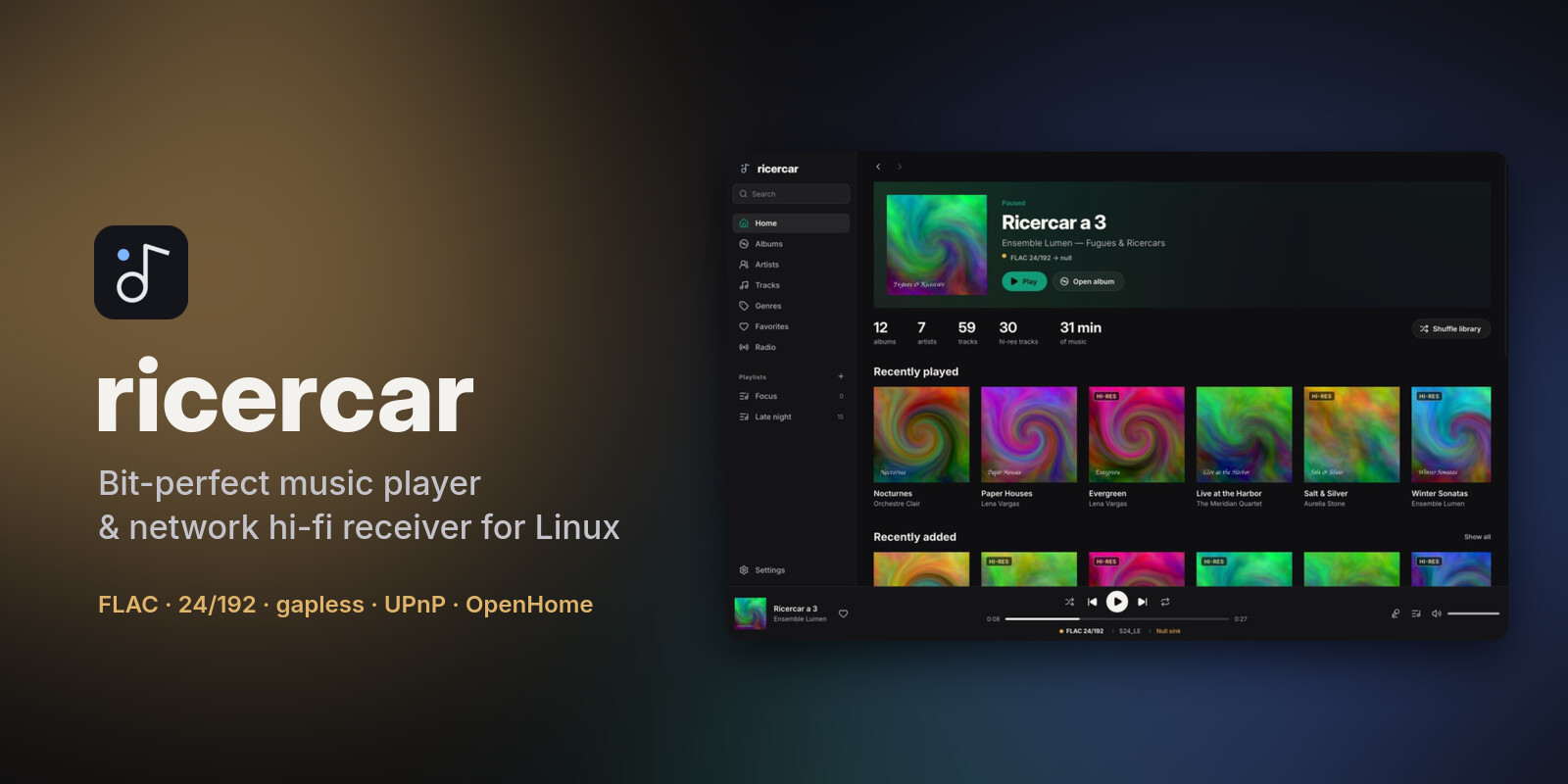
ricercar 0.5.2 updates itself: check for a new version from Settings → About and install it in place, verified against the release checksums.
Downloads
| Your system | File | Install |
|---|---|---|
| Debian 12+, Ubuntu 22.04+, Mint, Pop!_OS, Zorin, elementary | ricercar_0.5.2-1_amd64.deb / _arm64.deb |
sudo apt install ./ricercar_*.deb |
| Fedora, openSUSE, RHEL / Alma / Rocky 9+ | ricercar-0.5.2-1.x86_64.rpm / .aarch64.rpm |
sudo dnf install ./ricercar-*.rpm |
| Arch, Manjaro, EndeavourOS, CachyOS, Omarchy | ricercar-0.5.2-1-x86_64.pkg.tar.zst |
sudo pacman -U ricercar-*.pkg.tar.zst |
| Any distribution (portable) | ricercar-0.5.2-x86_64.AppImage / -aarch64.AppImage |
chmod +x ricercar-*.AppImage && ./ricercar-*.AppImage |
| Any distribution (plain binaries) | ricercar-0.5.2-linux-x86_64.tar.gz / -aarch64 |
unpack, run bin/ricercar |
Verify downloads with sha256sum -c SHA256SUMS --ignore-missing.
What's new
- Update from the app. Settings → About has a Software update row: Check for updates asks GitHub at once, then Update now downloads the release file that matches your install and checks it against the release's
SHA256SUMSbefore touching anything. An AppImage is replaced in place; the release's own.deb,.rpmor pacman package goes to your package manager through your desktop's password prompt. Builds from source, tarballs and distribution packages get the release page instead. Restart starts the new version. The sidebar notice now leads to About. - Fix: plugin shelves on Home no longer keep empty covers when you navigate or scroll while they load (#1).
Updating from the app needs this version first: from 0.5.1 or older, install 0.5.2 by hand once.
Plugins are written by third parties and are not reviewed by the ricercar project. They run with your permissions: install only plugins you trust, and check that they respect the terms of the service they use.
From source: cargo build --release (see the README for per-distro dependencies).