Repository navigation
ricercar 0.9.0

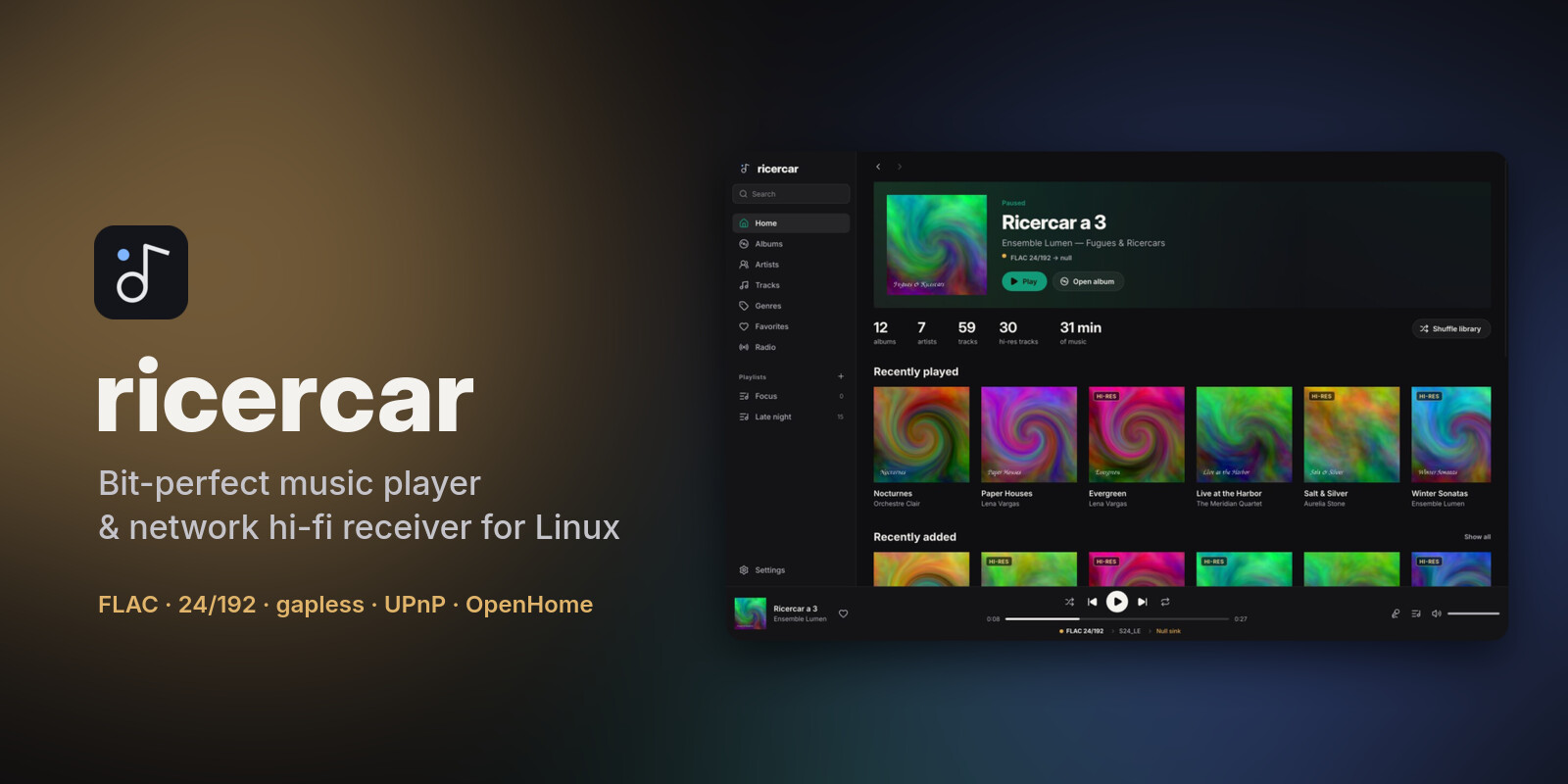
ricercar 0.9.0 plays DSD files and SACD images, adds plugins from anywhere, gives every album, playlist and artist page the same actions, and shows when a network stream is loading.
Downloads
| Your system | File | Install |
|---|---|---|
| Debian 12+, Ubuntu 22.04+, Mint, Pop!_OS, Zorin, elementary | ricercar_0.9.0-1_amd64.deb / _arm64.deb |
sudo apt install ./ricercar_*.deb |
| Fedora, openSUSE Tumbleweed / Leap 16, RHEL / Alma / Rocky 10+ | ricercar-0.9.0-1.x86_64.rpm / .aarch64.rpm |
sudo dnf install ./ricercar-*.rpm (zypper install on openSUSE) |
| Arch, Manjaro, EndeavourOS, CachyOS, Omarchy | ricercar-0.9.0-1-x86_64.pkg.tar.zst |
sudo pacman -U ricercar-*.pkg.tar.zst |
| Any distribution (portable) | ricercar-0.9.0-x86_64.AppImage / -aarch64.AppImage |
chmod +x ricercar-*.AppImage && ./ricercar-*.AppImage |
| Any distribution (plain binaries) | ricercar-0.9.0-linux-x86_64.tar.gz / -aarch64 |
unpack, run bin/ricercar |
The packages need glibc 2.35 or newer. Verify a download with
minisign and the project key:
minisign -Vm SHA256SUMS -P RWSLPLWZ/M4/9X1orGjyBkKYA7BmzgxxI8dveJ8YVcSQVrOpjinxS9fV
sha256sum --check --ignore-missing SHA256SUMS
What's new
- DSD. DSF and DFF files (DST-compressed DFF too), DSD64 and up, stereo.
- By default they are converted to 24-bit PCM, which plays on any DAC. This path is not bit-perfect, and the signal path says so. The SACD reference level sits 6 dB below full scale, so DSD sounds quieter than most PCM masters.
- DoP and native DSD (experimental) send the DSD bits untouched to a
hw:DAC, at fixed volume. Pick them per output in Settings → Audio output. They have not been tested on a DSD-capable DAC yet; reports are welcome. A DAC without DSD support plays DoP as loud noise, so keep the volume down the first time.
- SACD images. An
.isoSACD image in your library shows as its album, one track per track of its stereo area, plain or DST-compressed. Tracks play gapless, through the same DSD path. - Plugins from anywhere. Besides the community hub, the Plugins page adds a plugin from a link to its program, a GitHub repository (the right binary of its latest release), another index, or a file. Nothing runs before you confirm what will be installed and from where.
- The same actions everywhere. Album, playlist (local or from a plugin) and artist pages share one bar: Play, Shuffle, Add to queue and a menu with Play next, Add to playlist, Start radio and the page's own entries. Queueing a plugin playlist or album takes all its tracks. Play and Shuffle on an artist known only through a plugin now work.
- Loading indicator. When a network stream is slow to start, or to continue after a seek, the play button shows a spinner. The seek bar shows the parts already received.
- Shuffle.
- Turning shuffle off brings the queue back to its own order: the album's or playlist's, with your additions where you made them.
- Shuffle on a page turns shuffle on in the player bar.
- No more freezes under heavy disk writes. Saving the interface state, the session and the settings no longer runs on the interface thread. The window stays responsive when another program writes a lot.
- Fixes.
- Hardware outputs show their card's name (BIG KNOB STUDIO rather than
hw:3,0). - The signal path popover fits its text.
- Hardware outputs show their card's name (BIG KNOB STUDIO rather than
For plugin authors
- Users can install your plugin from a link to its release binary or from your GitHub repository; publish a
.sha256(or aSHA256SUMSin the release) so the download is checked. - The player shows a loading state and the received parts of a stream: relays should start sending quickly and honour
Rangerequests.
From 0.6.0 or later, Update now in Settings → About installs this version, checked against the signed
SHA256SUMS.
Plugins are written by third parties and are not reviewed by the ricercar project. They run with your permissions: install only plugins you trust, and check that they respect the terms of the service they use.
From source: cargo build --release with Rust 1.92 or newer (see the README for per-distro dependencies).