Commit Styles And Emoji
Verified against GitMind
5.0.0on June 7, 2026.
Basic is available in Free. The other 11 styles and Emoji Enhancement require Pro.
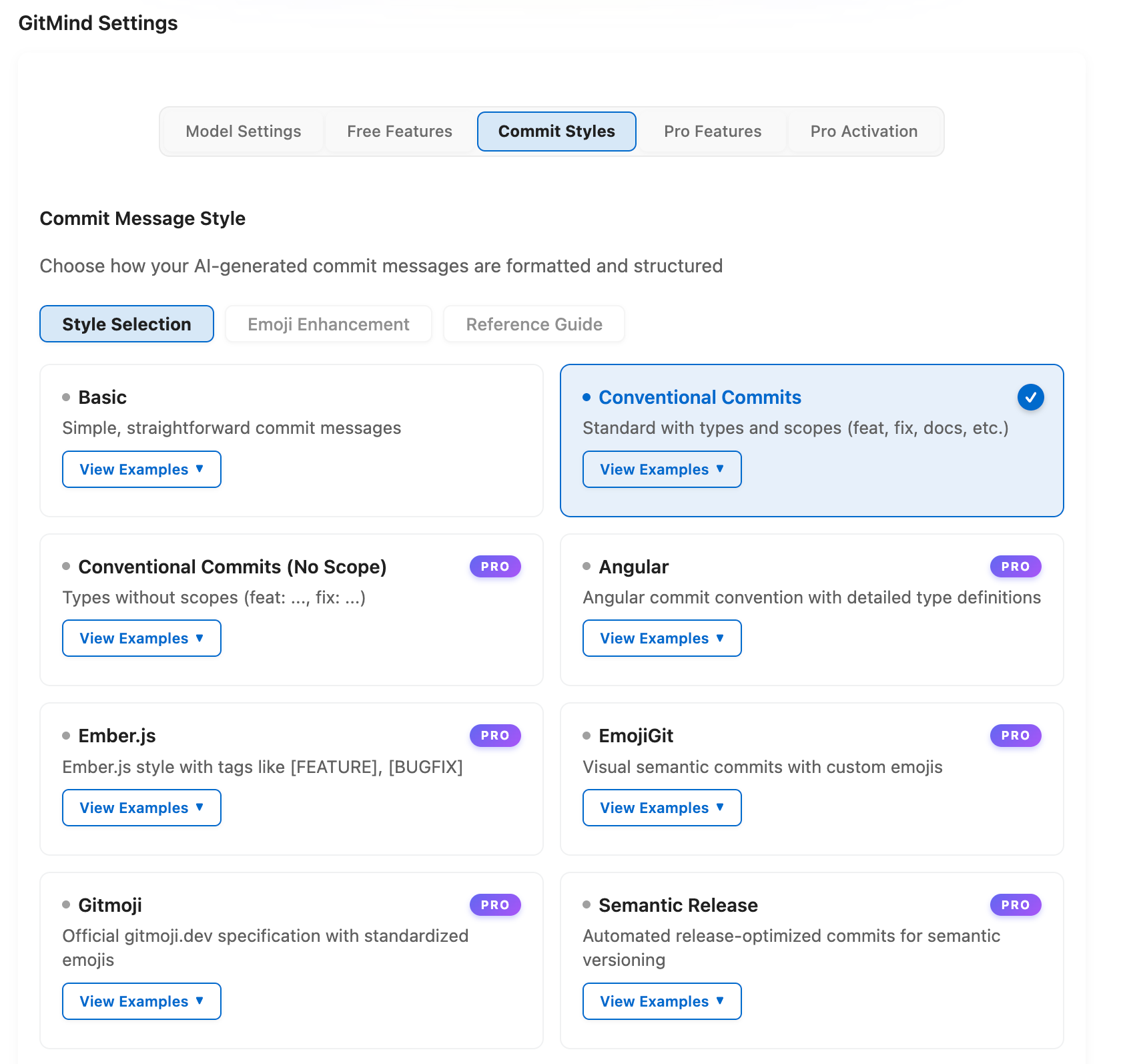
| Style | Availability | Example |
|---|---|---|
| Basic | Free | Add user authentication support |
| Conventional Commits | Pro | feat(auth): add OAuth2 integration |
| Conventional Commits (No Scope) | Pro | feat: add OAuth2 integration |
| Angular | Pro | feat(core): add dependency injection support |
| Ember.js | Pro | [FEATURE] Add user profile management |
| EmojiGit | Pro | ✨ Add real-time chat functionality |
| Gitmoji | Pro | ✨ Add OAuth2 authentication system |
| Semantic Release | Pro | feat: add user profile management dashboard |
| Commitizen | Pro | feat(dashboard): add real-time analytics widgets |
| Karma (Google) | Pro | feat(auth): implement enterprise SSO integration |
| Linux Kernel | Pro | net: fix use-after-free in TCP socket cleanup |
| jQuery | Pro | Core: Add ES6 modules support. Fixes #2841 |
Choose a style with GitMind: Change Commit Message Style or gitmind.commitStyle.style. Free users can see locked styles but must activate Pro before using them.
Emoji Enhancement is separate from the selected style. Enable gitmind.commitStyle.gitmoji.enabled, then choose summary, body, or both with gitmind.commitStyle.gitmoji.placement.
gitmind.commitStyle.gitmoji.customEmojis is an object mapping commit types to emoji. Example:
{
  "feat": "🚀",
  "fix": "🛠️",
  "docs": "📚"
}
Use one emoji per type and verify that your release tooling accepts Unicode. For strict parsers and automated releases, prefer Conventional Commits or Semantic Release and place emoji after the required type/scope prefix, or disable Emoji Enhancement.