

Stand Alone HTML Version Available Here:
Ninja Trading Bot Lab is a powerful WordPress plugin that embeds an interactive trading compounding projection calculator on your site. Users can input bot assumptions, view 12- and 24-month projections with top-ups, and see real-time currency conversions using live exchange rates from ExchangeRate-API.
Perfect for financial blogs, trading education sites, or fintech tools. Use the shortcode [trading_lab] to display it on any post or page.
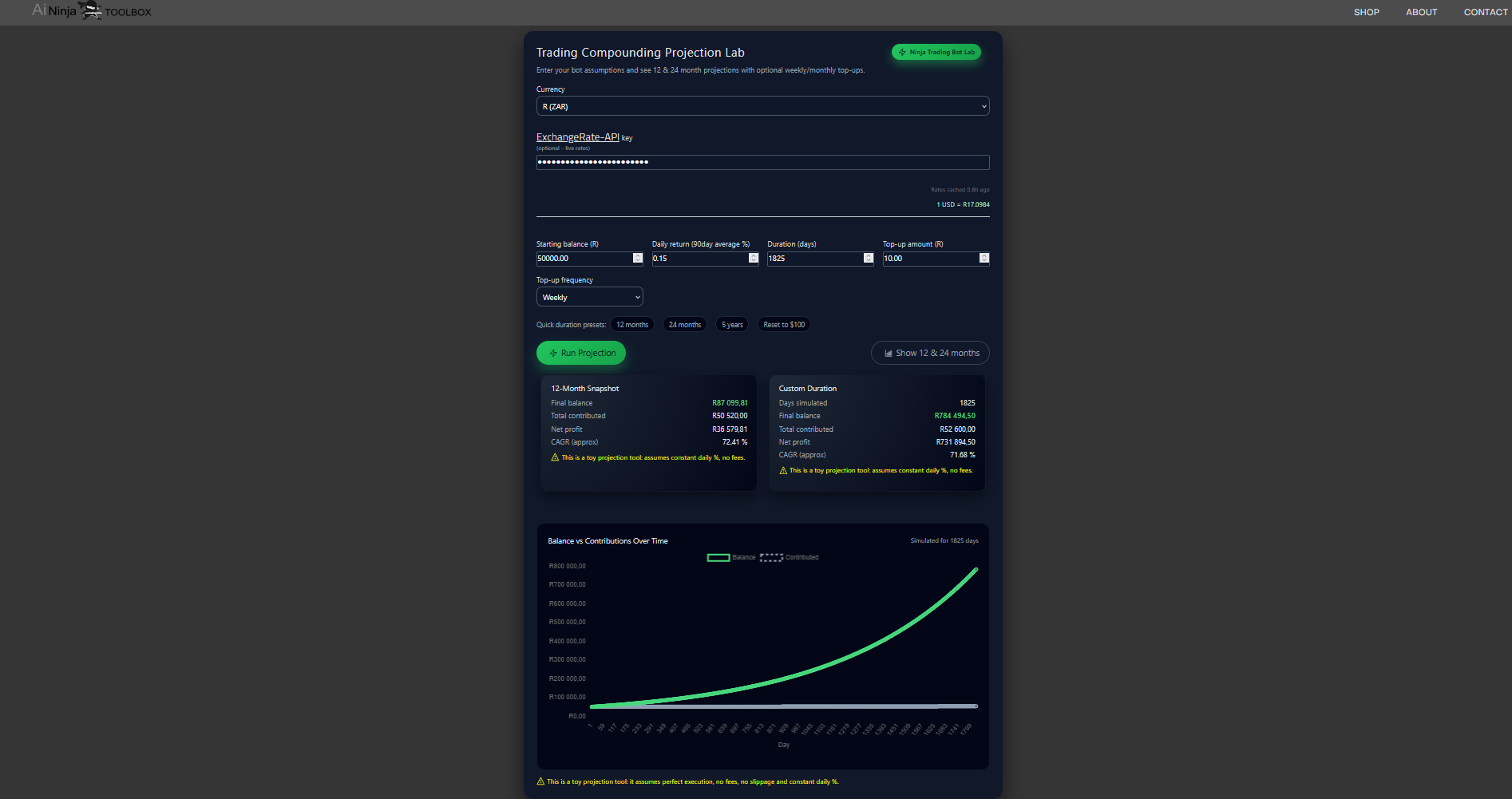
- Interactive Calculator: Starting balance, daily returns, duration, top-up frequency, and amount.
- Projections: 12-month snapshot, custom duration, net profit, CAGR, total contributed.
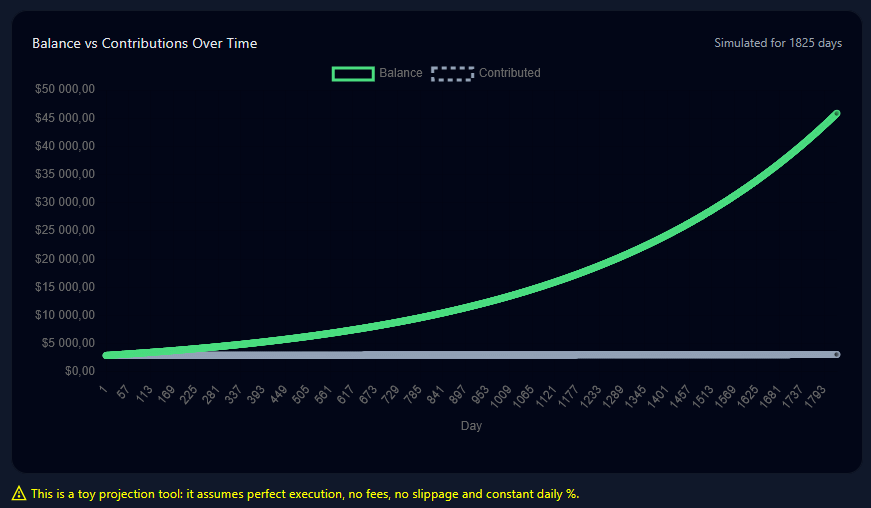
- Live Currency Conversion: Supports USD, GBP, EUR, ZAR with real-time rates (optional API key).
- Chart Visualization: Balance vs. contributions over time using Chart.js.
- Presets: Quick buttons for 12 months, 24 months, 5 years, and reset to $100.
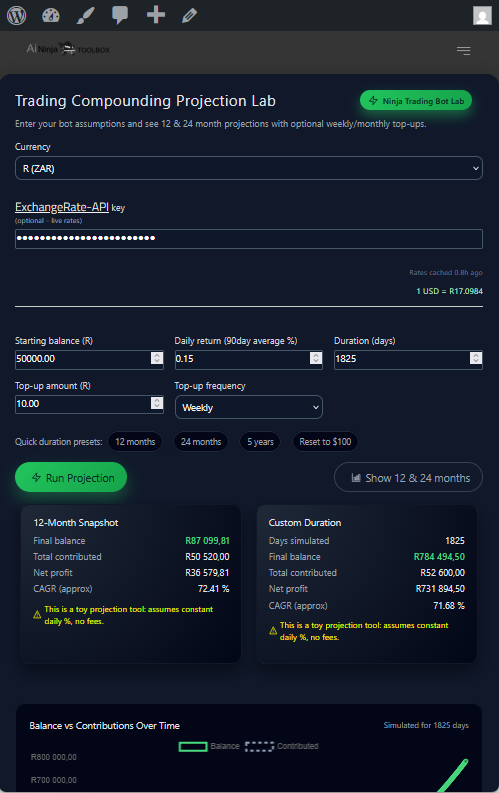
- Responsive Design: Mobile-friendly, dark theme.
- Caching: Rates cached for 12 hours to minimize API calls.
- Theme-Proof CSS: Isolated styles prevent overrides from your theme.
- No Dependencies: Works out-of-the-box (Chart.js loaded via CDN).
- Download the ZIP from the Releases page or clone the repo.
- Upload the
ninja-trading-labfolder to/wp-content/plugins/. - Activate the plugin in WordPress Admin → Plugins.
- (Optional) Get a free API key from ExchangeRate-API for live rates.
- Add shortcode
[trading_lab]to any post or page.
composer require your-username/ninja-trading-lab- Shortcode:
[trading_lab]— embeds the full calculator. - API Key: Paste your ExchangeRate-API key into the field for live conversions (falls back to cached/static if none).
- Customization: Edit
template.phpfor HTML tweaks, orget_css()/get_js()in the main PHP for styles/scripts.
Create a new page, add [trading_lab], and publish. Users can interact immediately.
-
Full Calculator View
-
Mobile Responsive
-
Live Rates & Projections
- WordPress 6.0+ (tested up to 6.8)
- PHP 7.4+
- Browser with JavaScript enabled (for Chart.js and interactions)
-
Clone & Setup:
git clone https://github.com/solaribit/ninja-trading-lab.git cd ninja-trading-lab -
Contribute: Fork, create feature branch, PR.
-
Issues: Report bugs or request features via GitHub Issues.
GPLv3 or later. See LICENSE file.
- Issues/PRs: GitHub repo.
- Built with Chart.js for visualizations.
- Rates powered by ExchangeRate-API.
- Original concept by Ai Ninja Toolbox.
Thank you for using Ninja Trading Bot Lab! 🚀