Repository navigation
Releases: spacesarmat/omp
Release list
OMP v0.20.0-beta.1

OMP v0.20.0-beta.1 — Open Movie Player для LG webOS
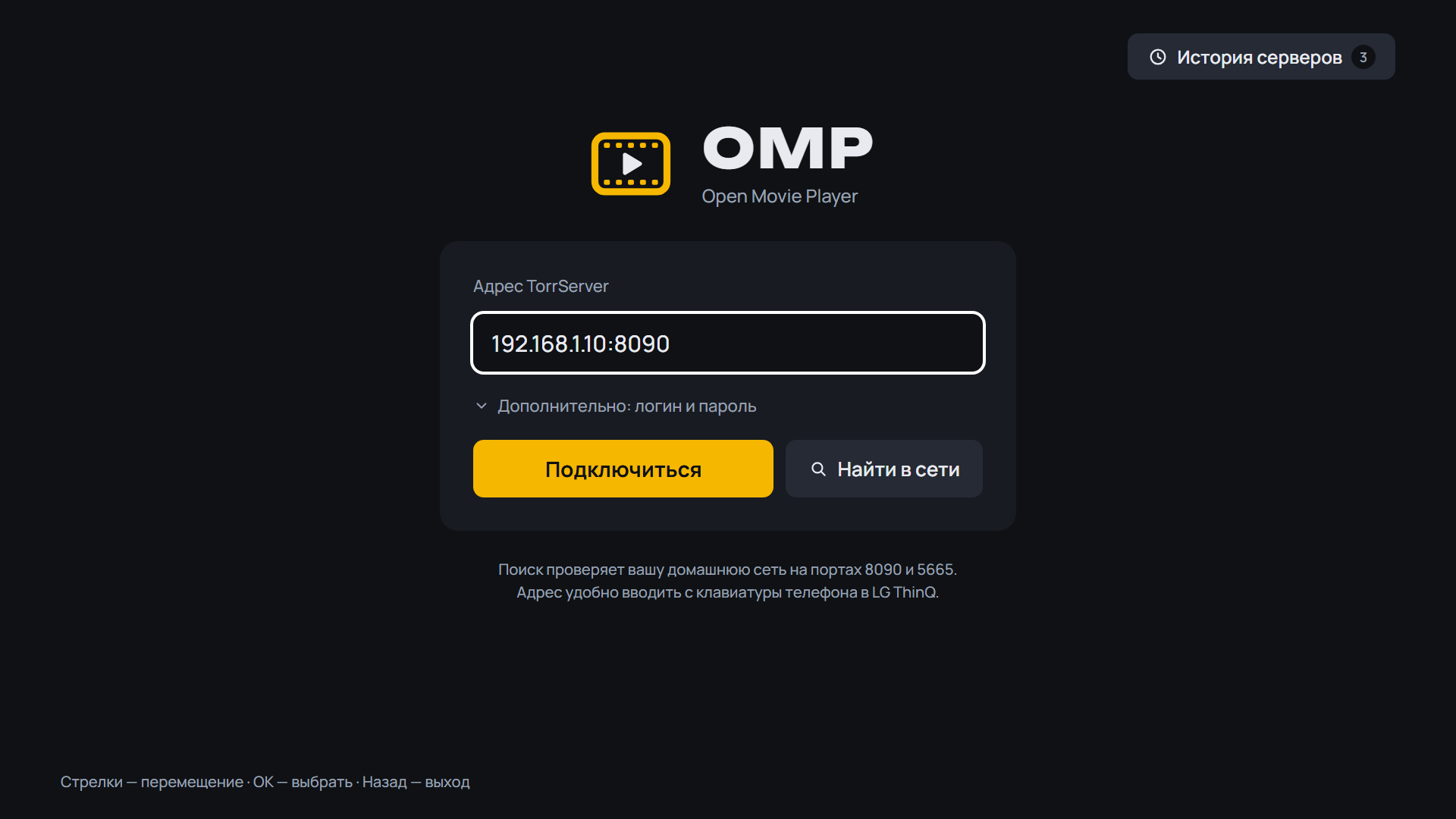
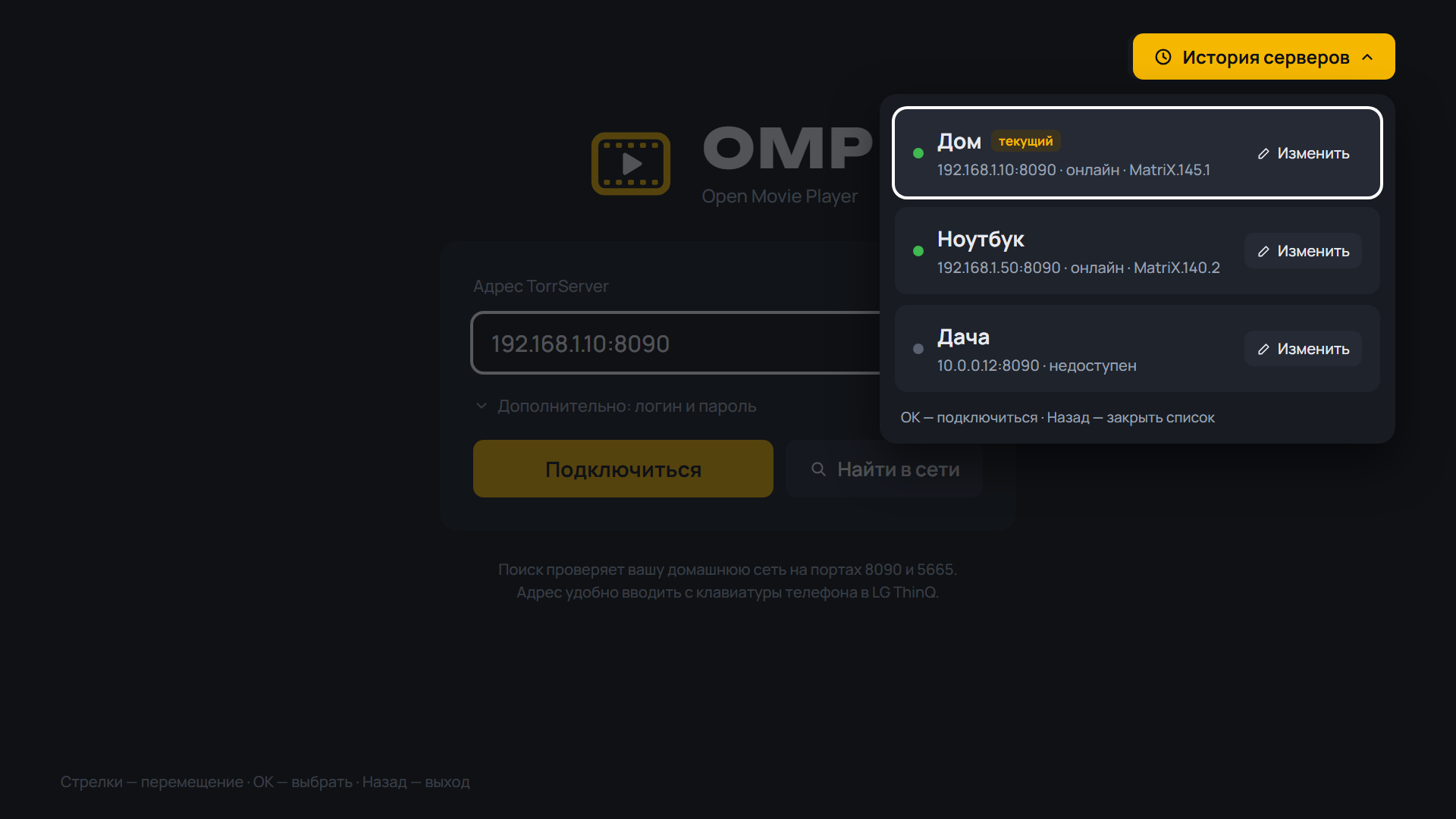
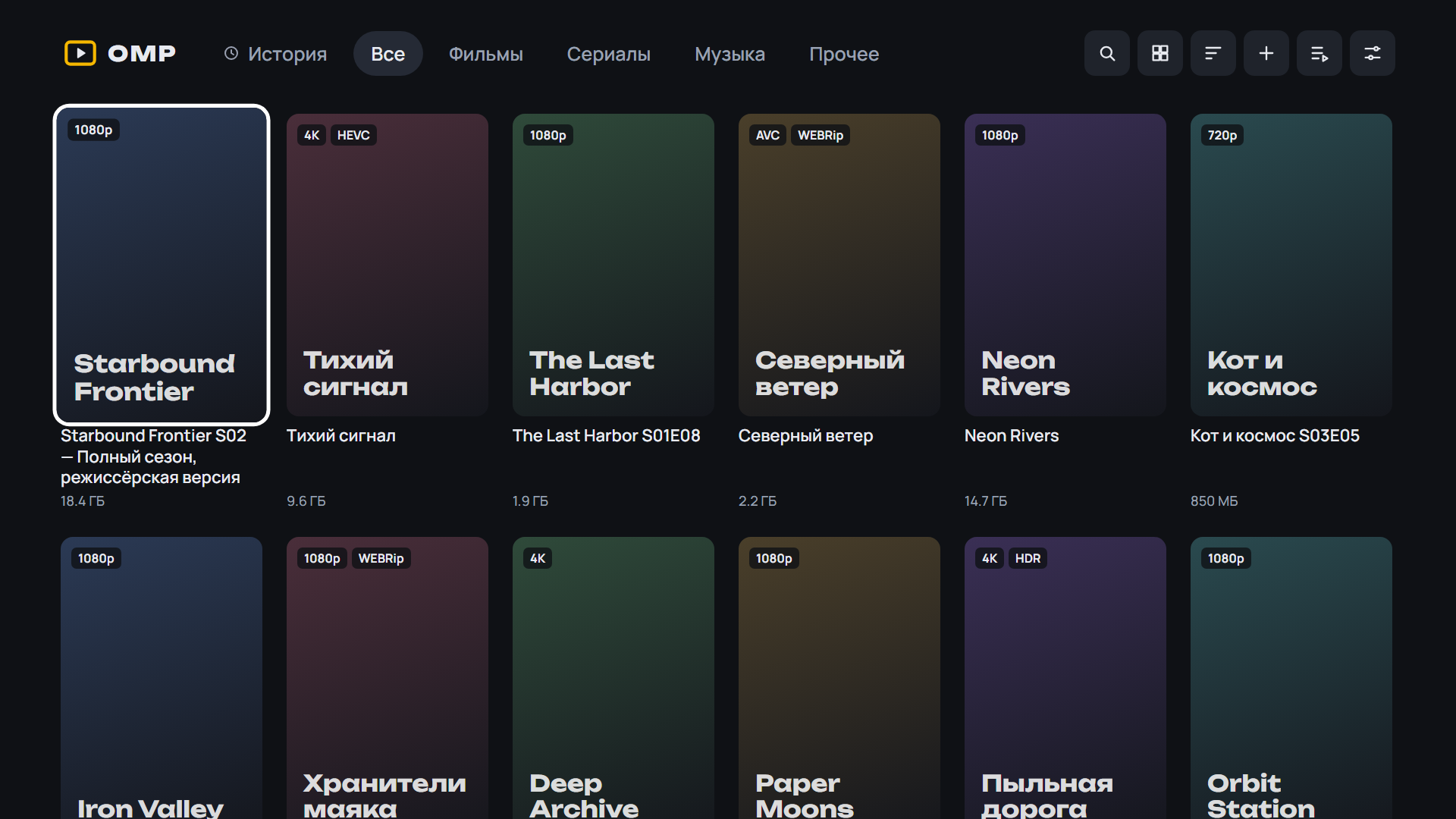
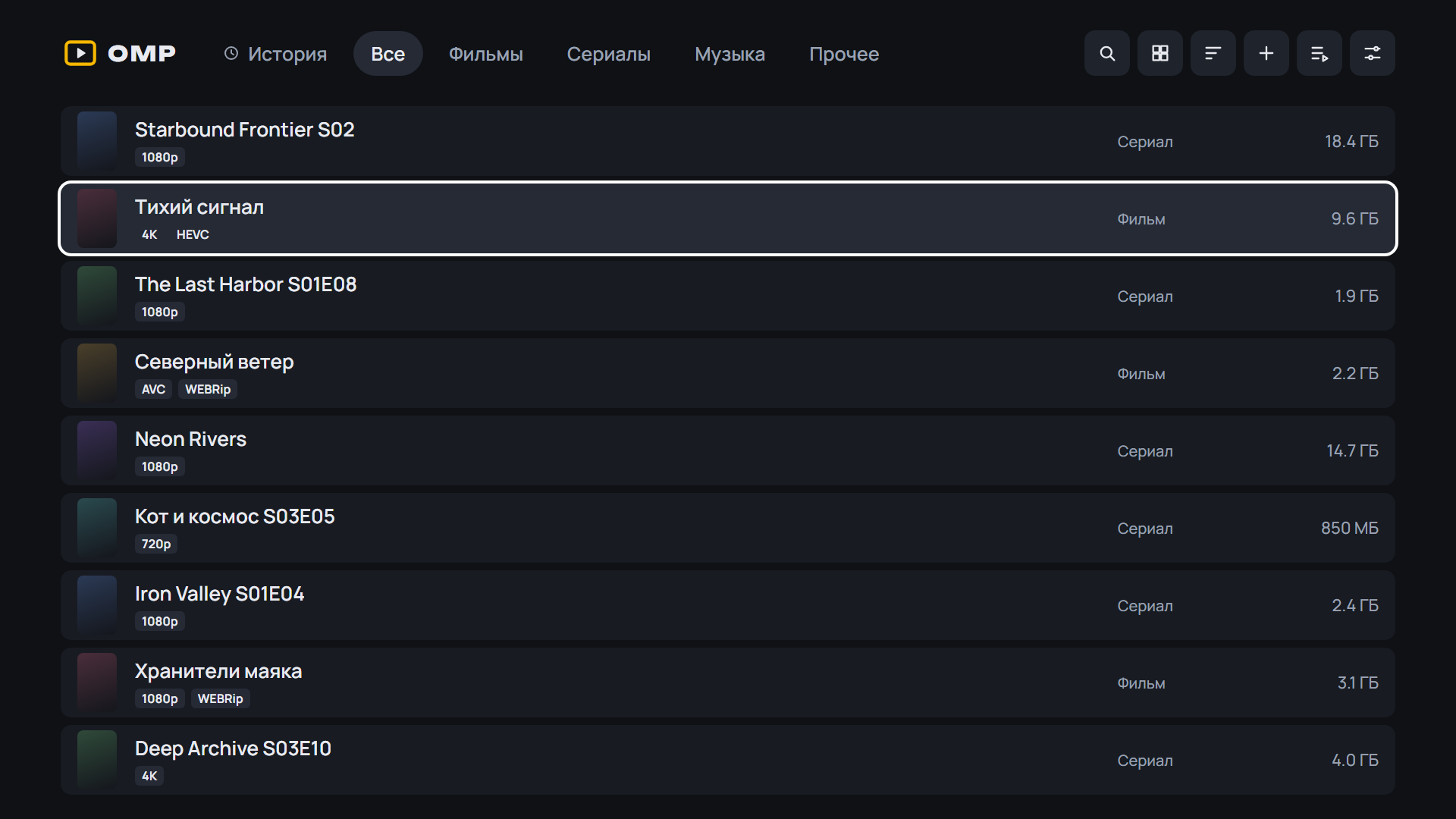
Медиаплеер для телевизоров LG, который смотрит торренты с вашего TorrServer.
Обновление: OMP сам предложит новую версию при запуске. Также можно через Homebrew Channel — репозиторий OMP: https://raw.githubusercontent.com/spacesarmat/omp/gh-pages/apps.json.
 |
 |
 |
 |
 |
 |
 |
Android: скачайте APK ниже, откройте на телефоне или приставке и разрешите установку из браузера. Какой файл выбрать:
OMP-*-arm64.apk— 64-битная система (почти все современные телефоны);OMP-*-armv7.apk— 32-битная система (многие приставки Android TV, даже с 64-битным процессором);OMP-*.apkбез суффикса — если не уверены: подходит всем, но больше по размеру.
Помощник установки и обновления внутри OMP выбирают нужный файл сами. Подробнее — в README.
 |
 |
 |
 |
 |
 |
 |
Установка на ТВ: скачайте OMP-*-webOS.ipk ниже и установите по инструкции из README.
English: download the APK (Android) or OMP-*-webOS.ipk (LG) below; install steps are in the English README.
English
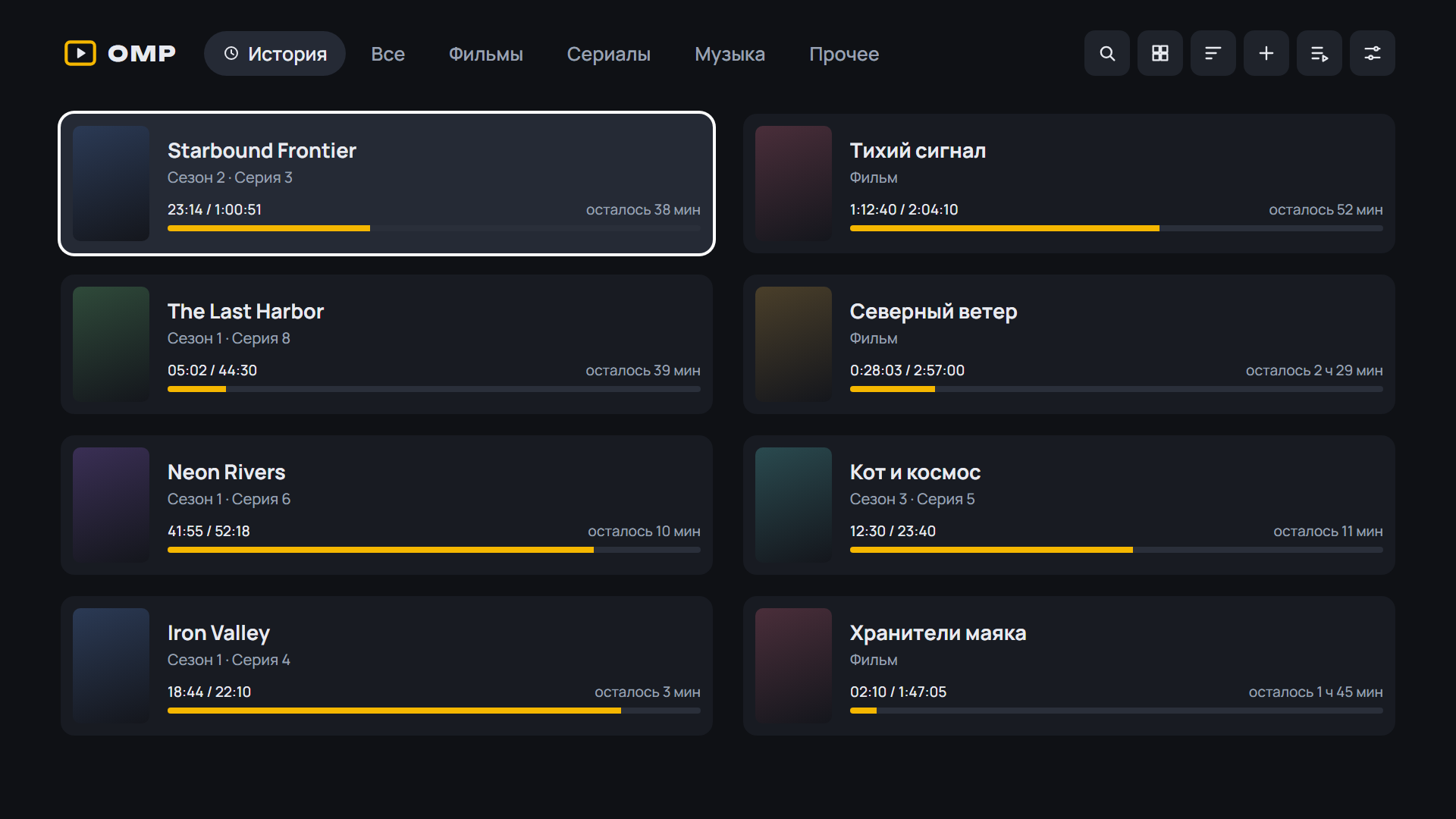
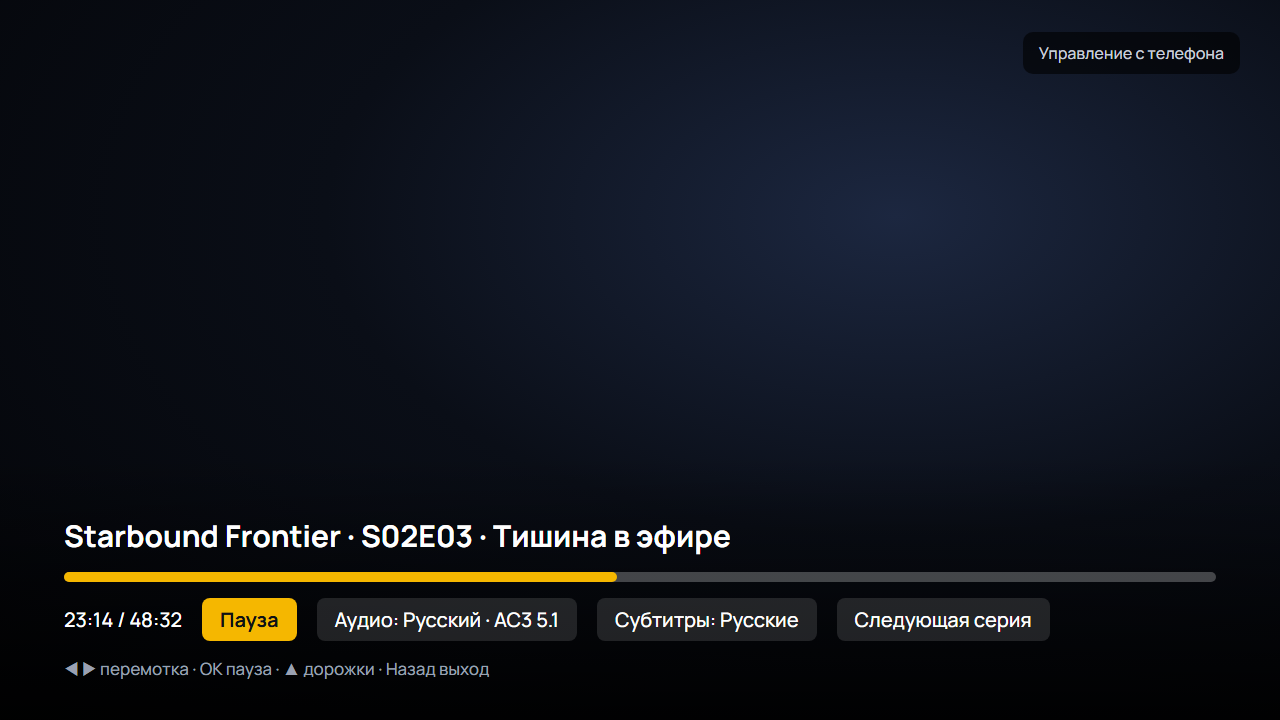
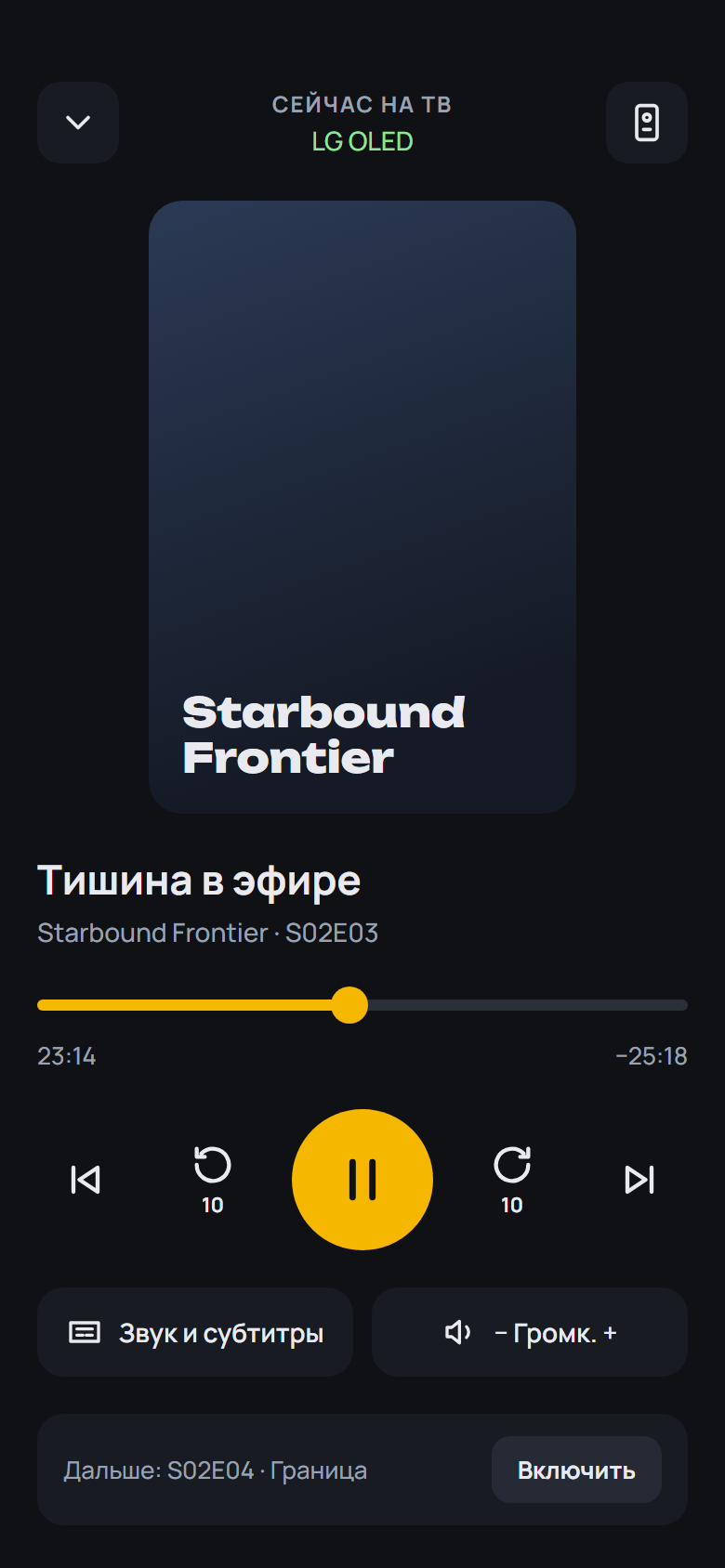
- A new engine for the built-in player: 2160 Player inside OMP. 4K and HDR; Dolby Vision on a box without a Dolby Vision decoder plays as HDR10. AC3, E-AC3, DTS and TrueHD go to the receiver as they are, and when the TV does not accept them they are decoded, with no switch to VLC. More formats: Blu-ray M2TS remuxes (TrueHD, LPCM, DTS-HD), and video the box cannot decode in hardware is decoded in software. VLC and the Auto mode stay. The APK is about 20 MB larger for it (the universal one 30 MB)
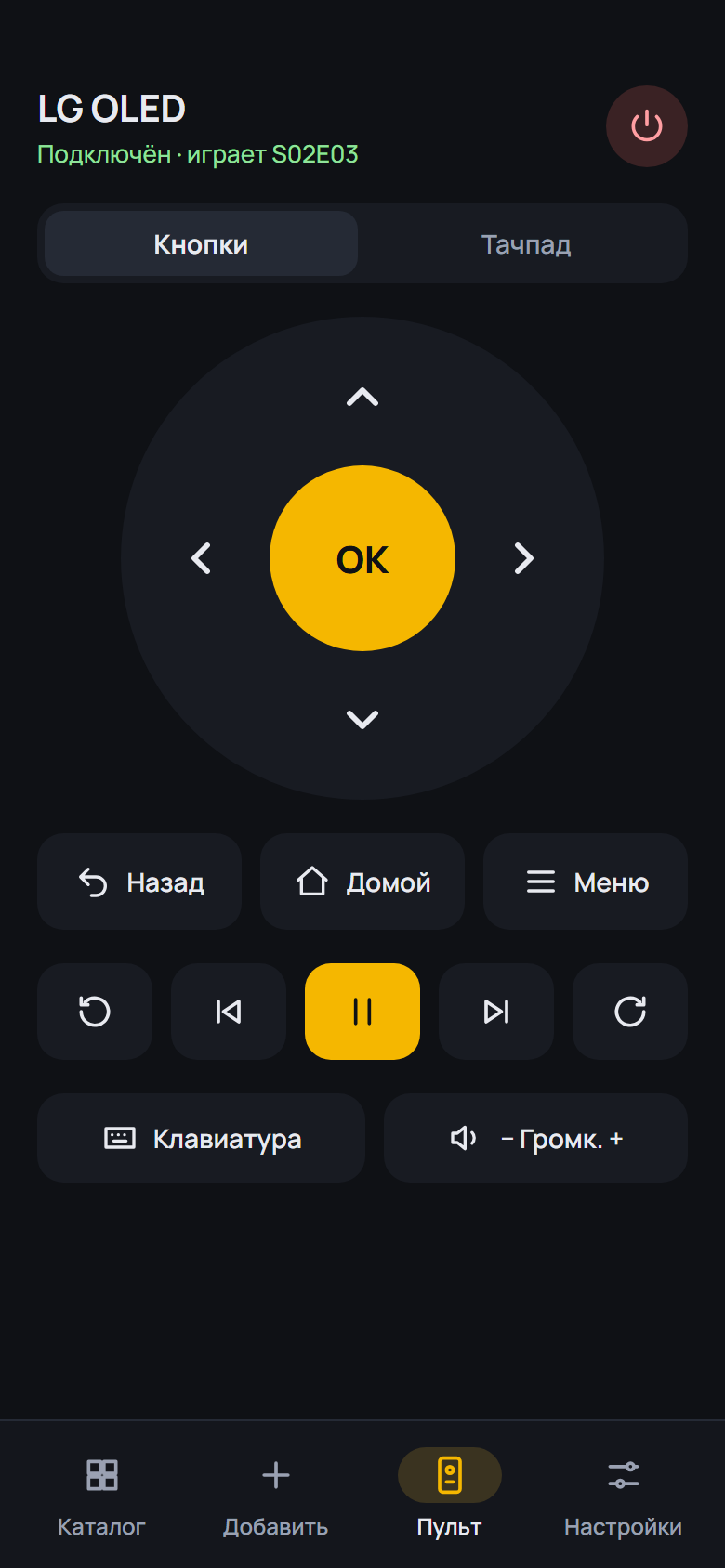
- Night sound on the yellow key and in the player menu: loud scenes are quieter, dialogue is clearer. While it is on the sound is stereo; turn it off and the receiver gets multichannel again. The choice is remembered
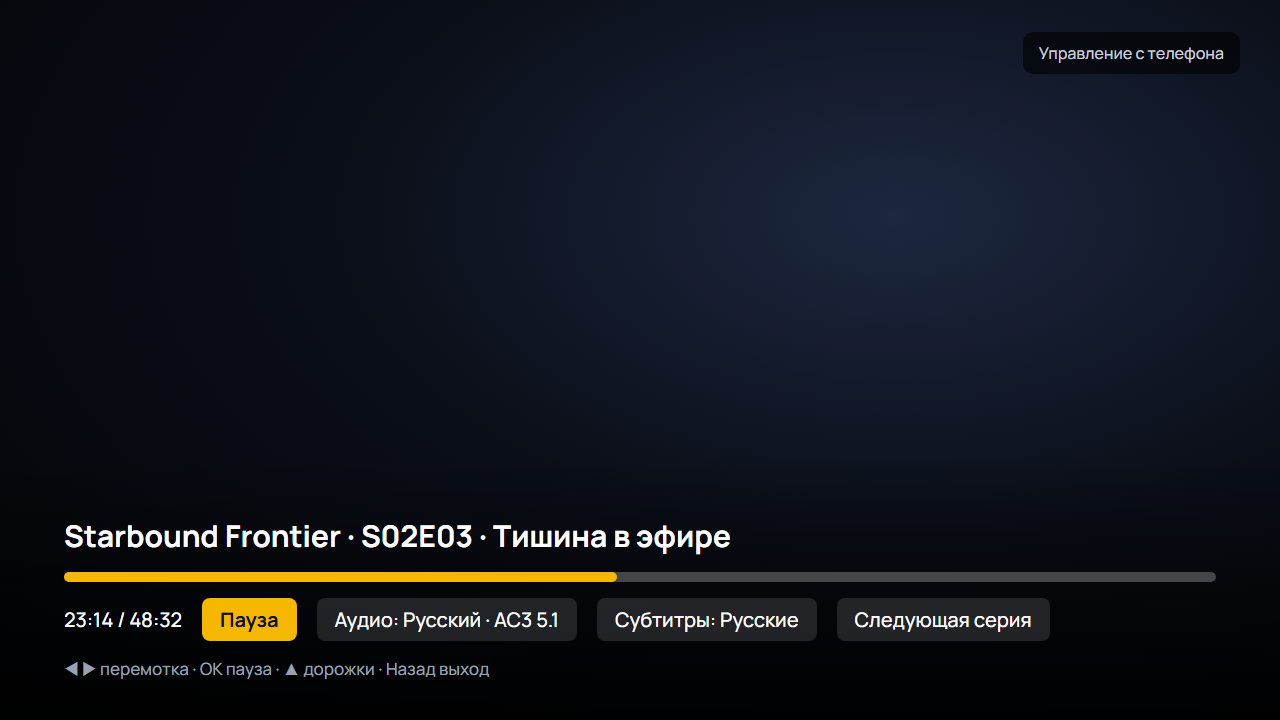
- The player's Info panel is on the remote's Info key and in the player menu (yellow now turns night sound on and off)
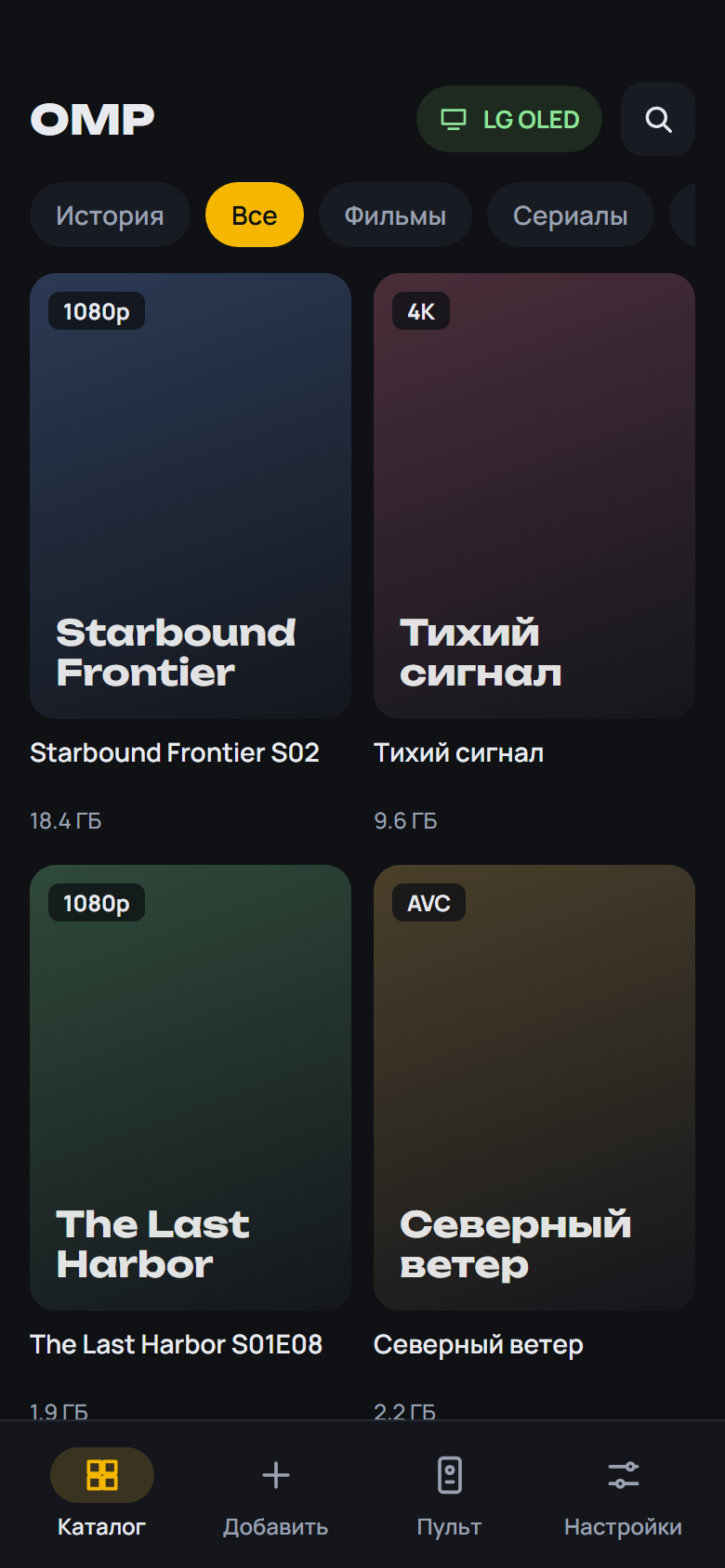
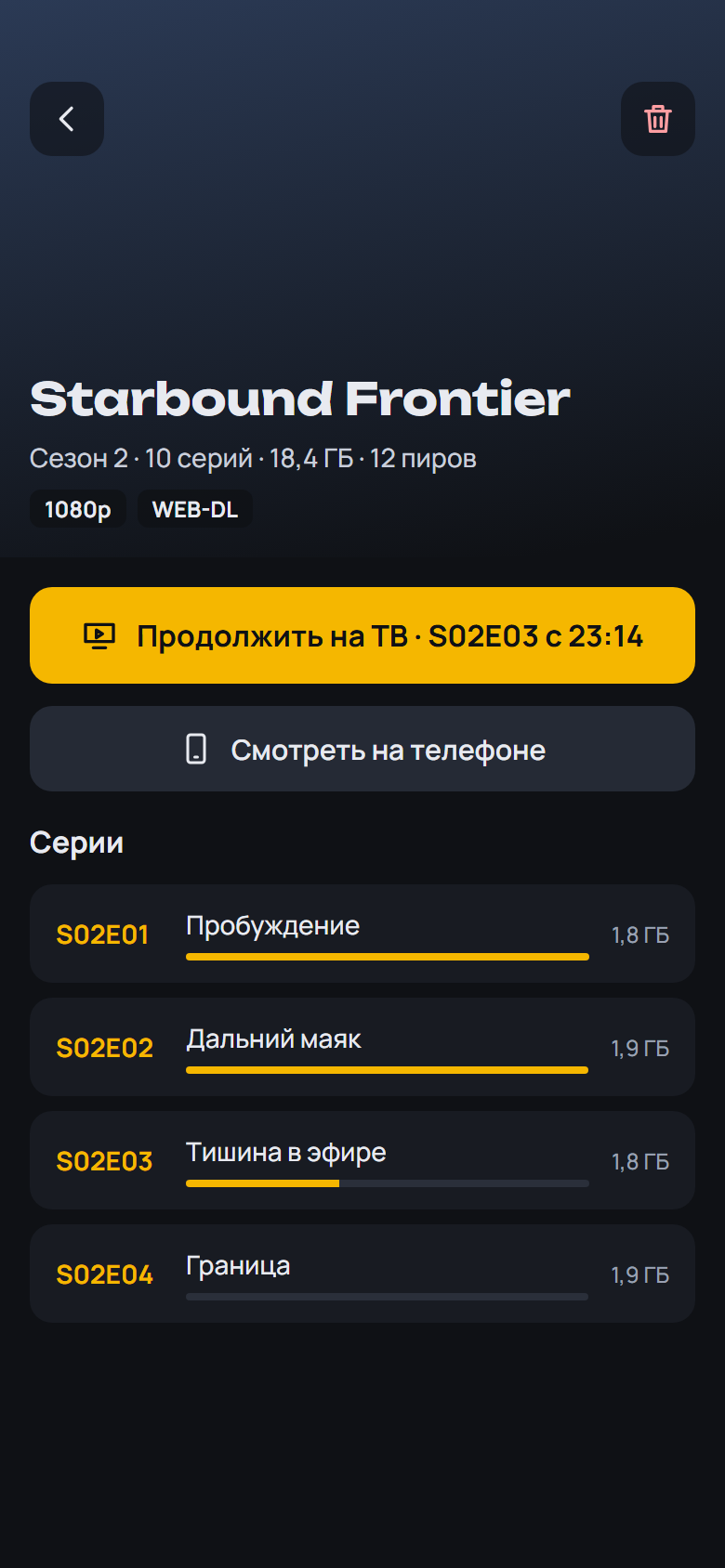
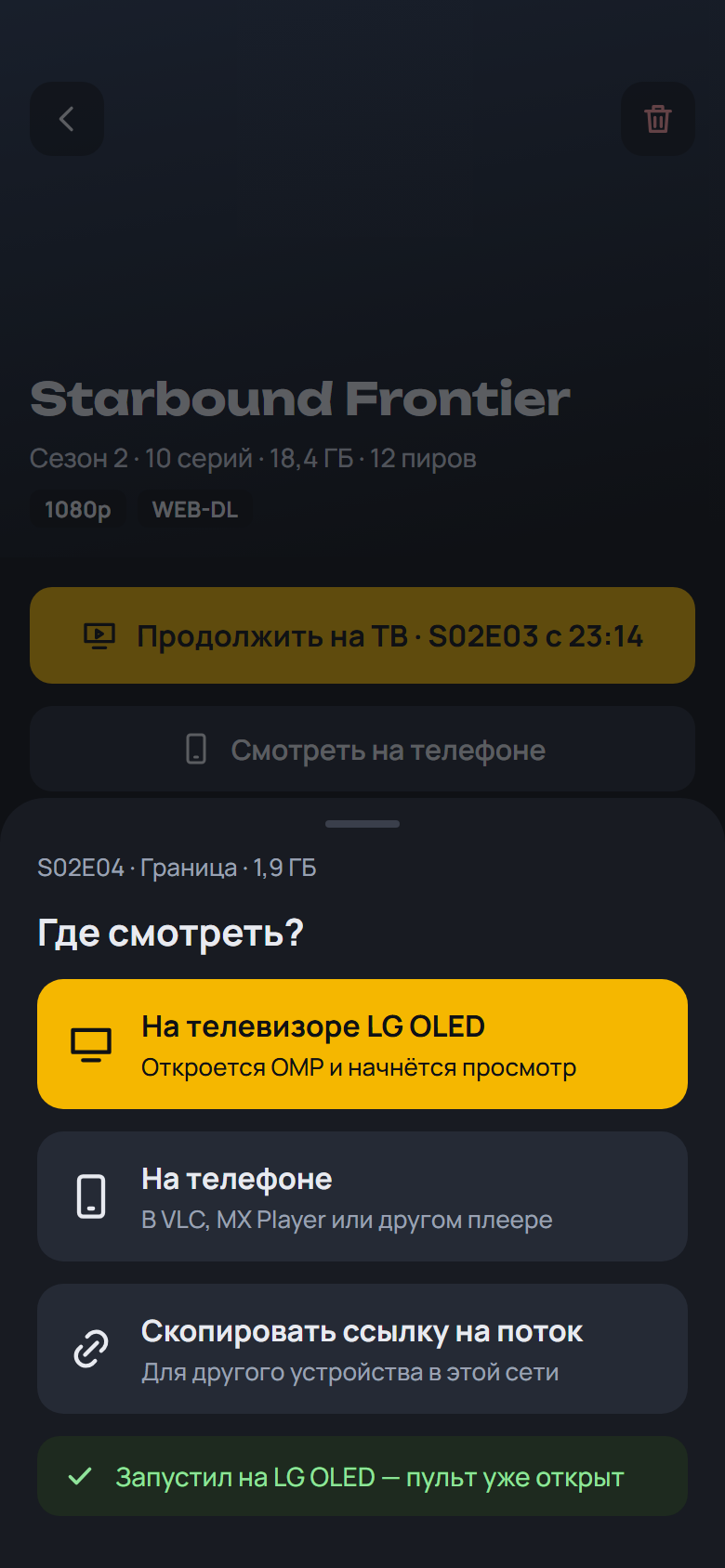
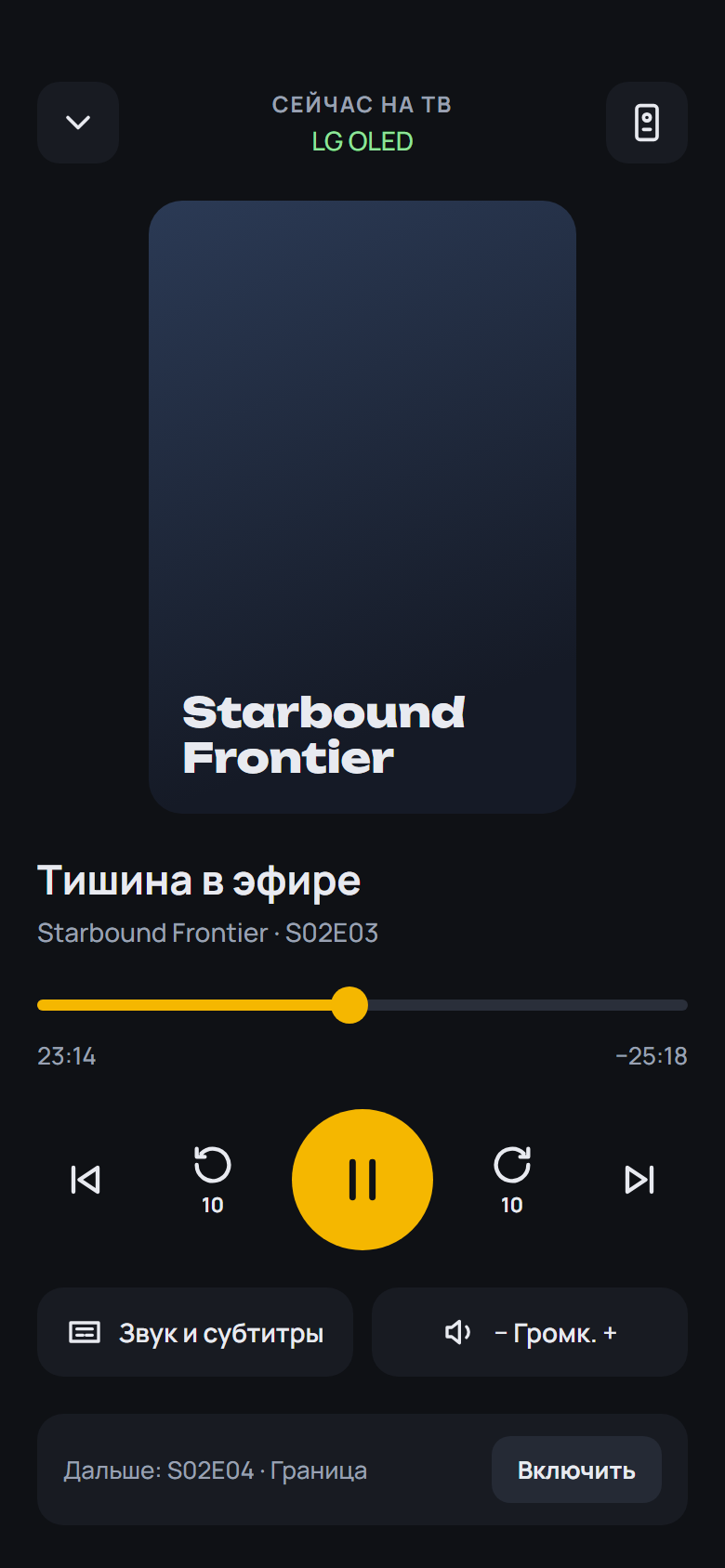
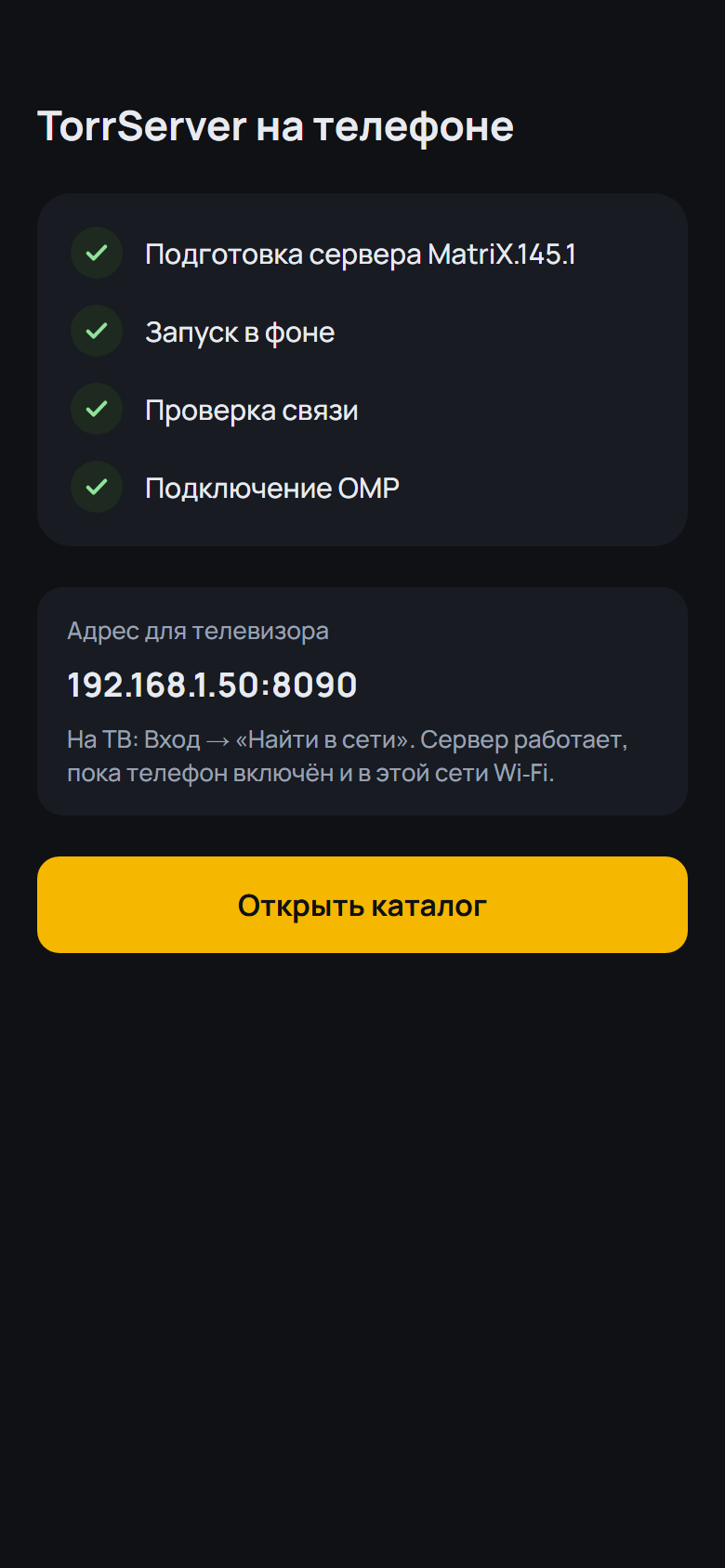
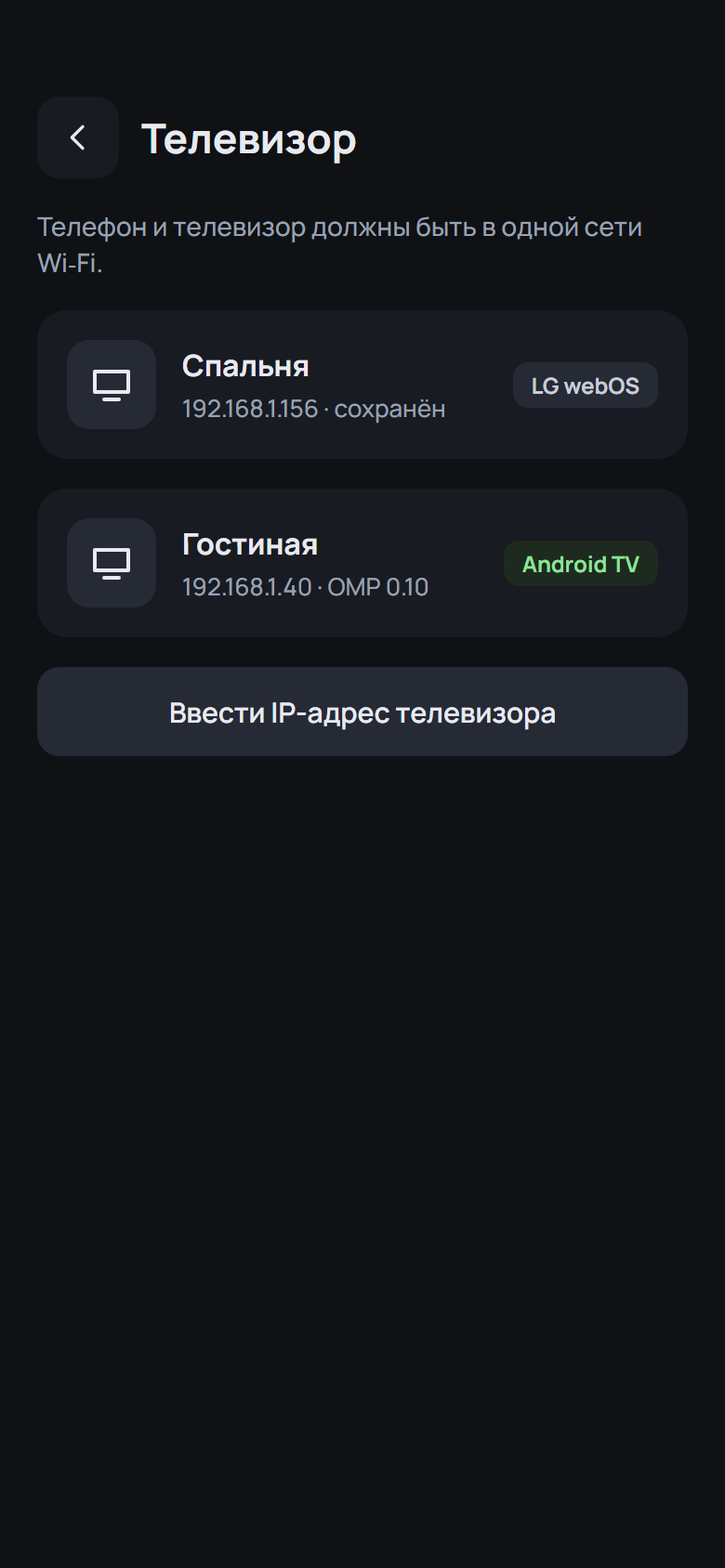
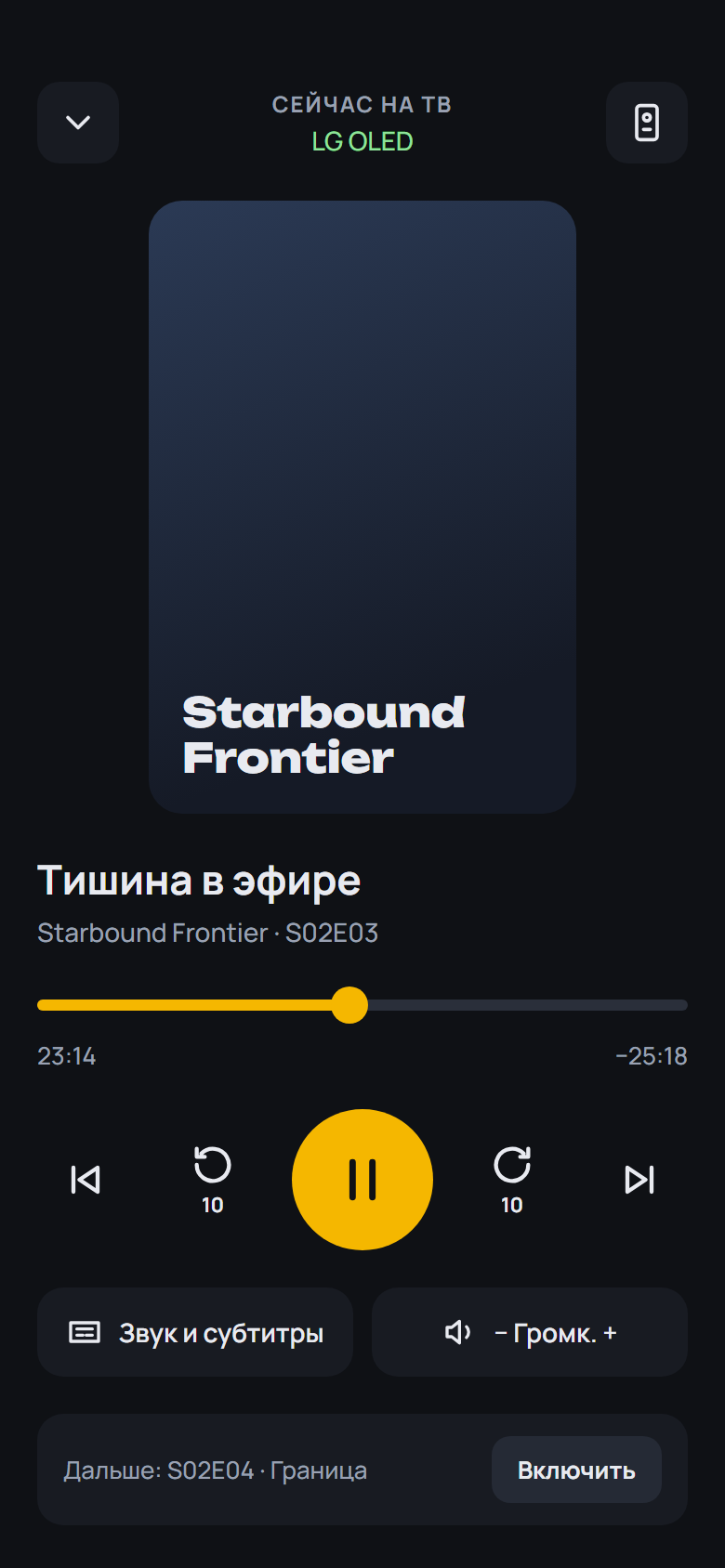
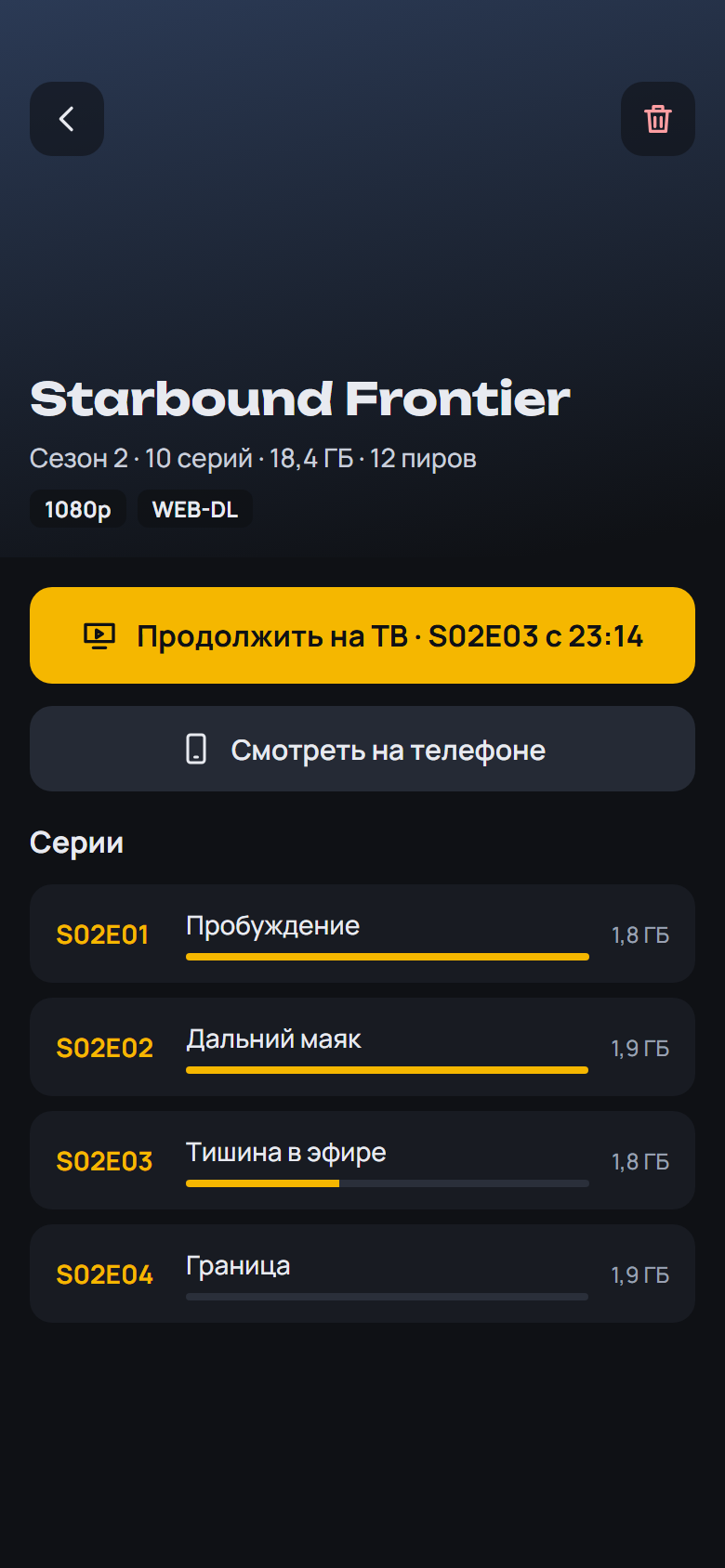
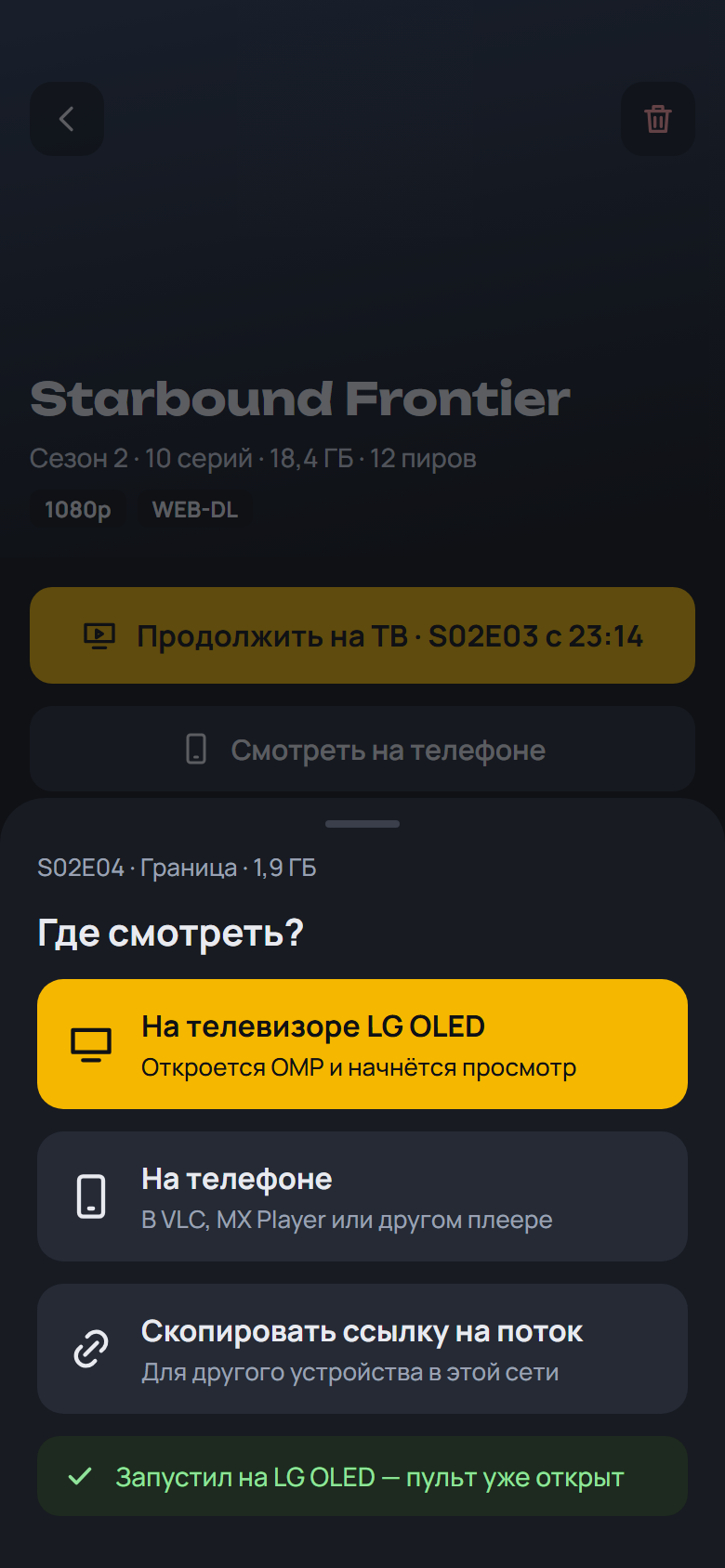
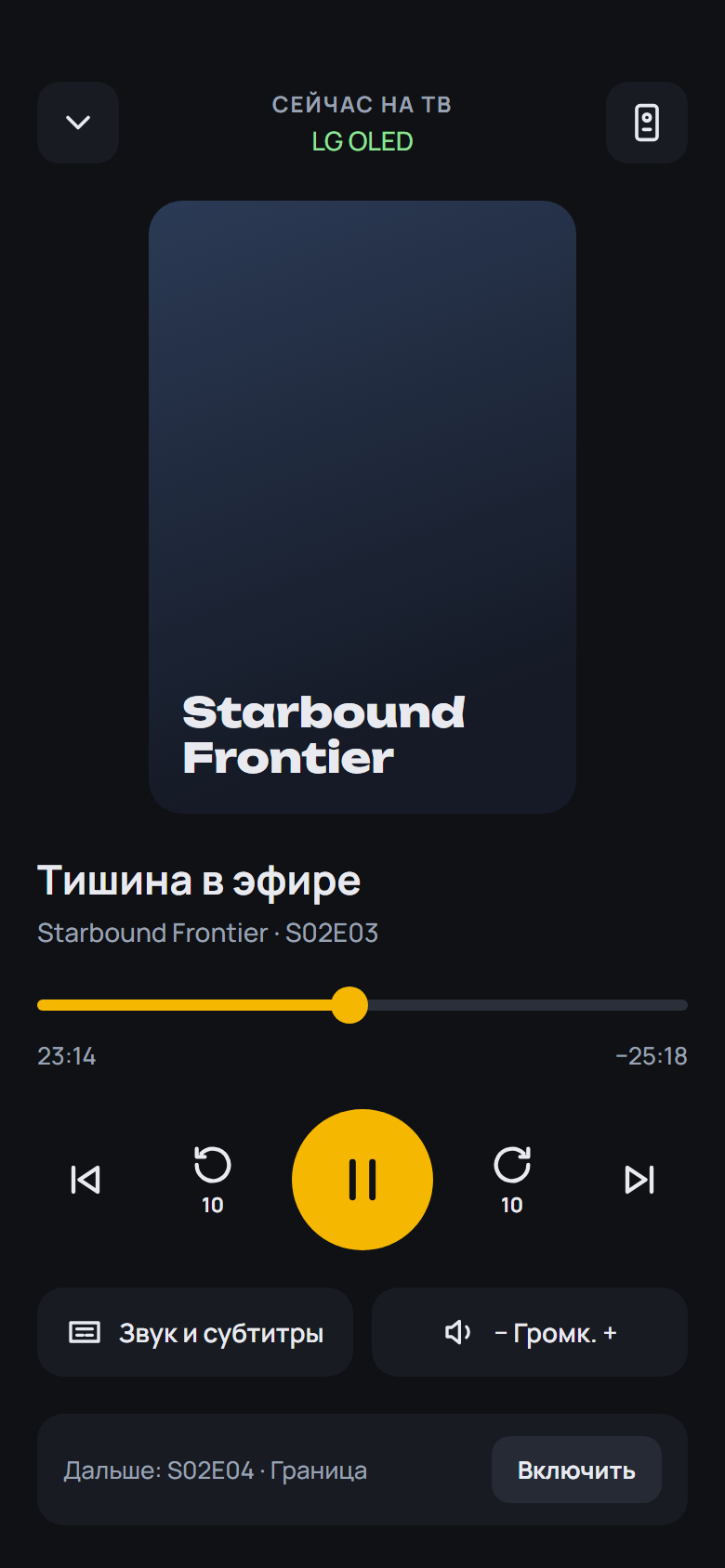
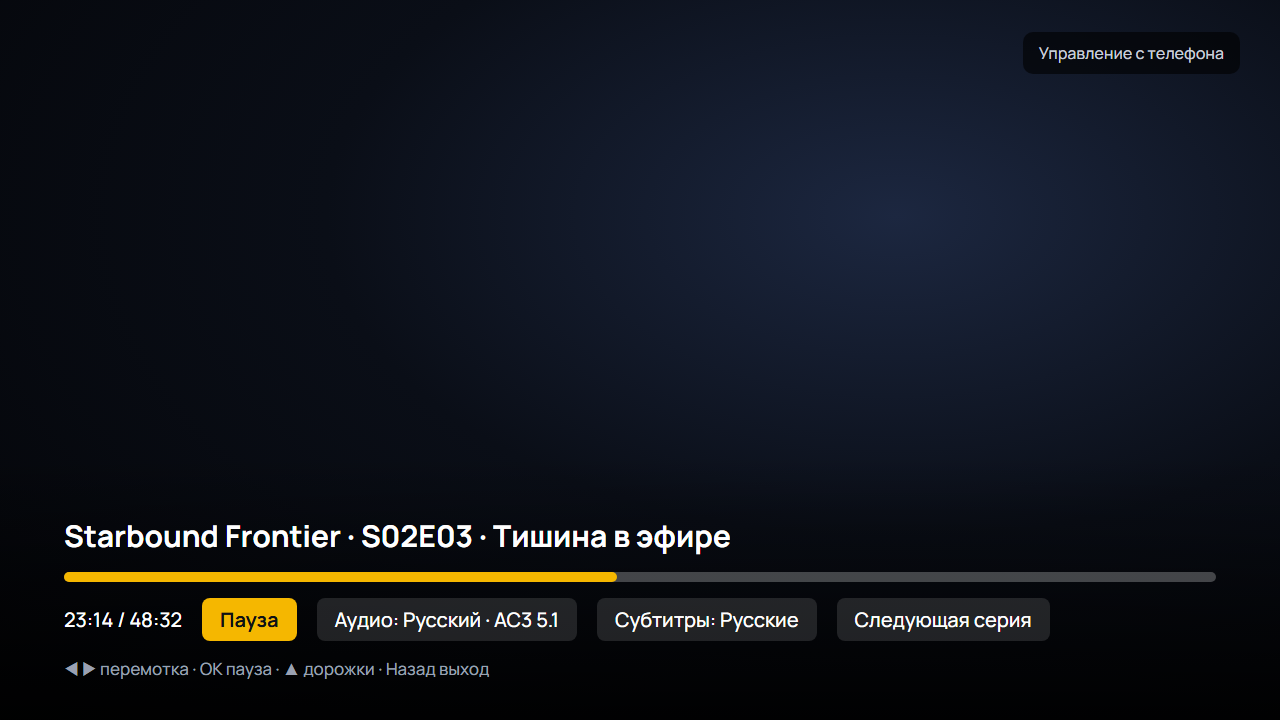
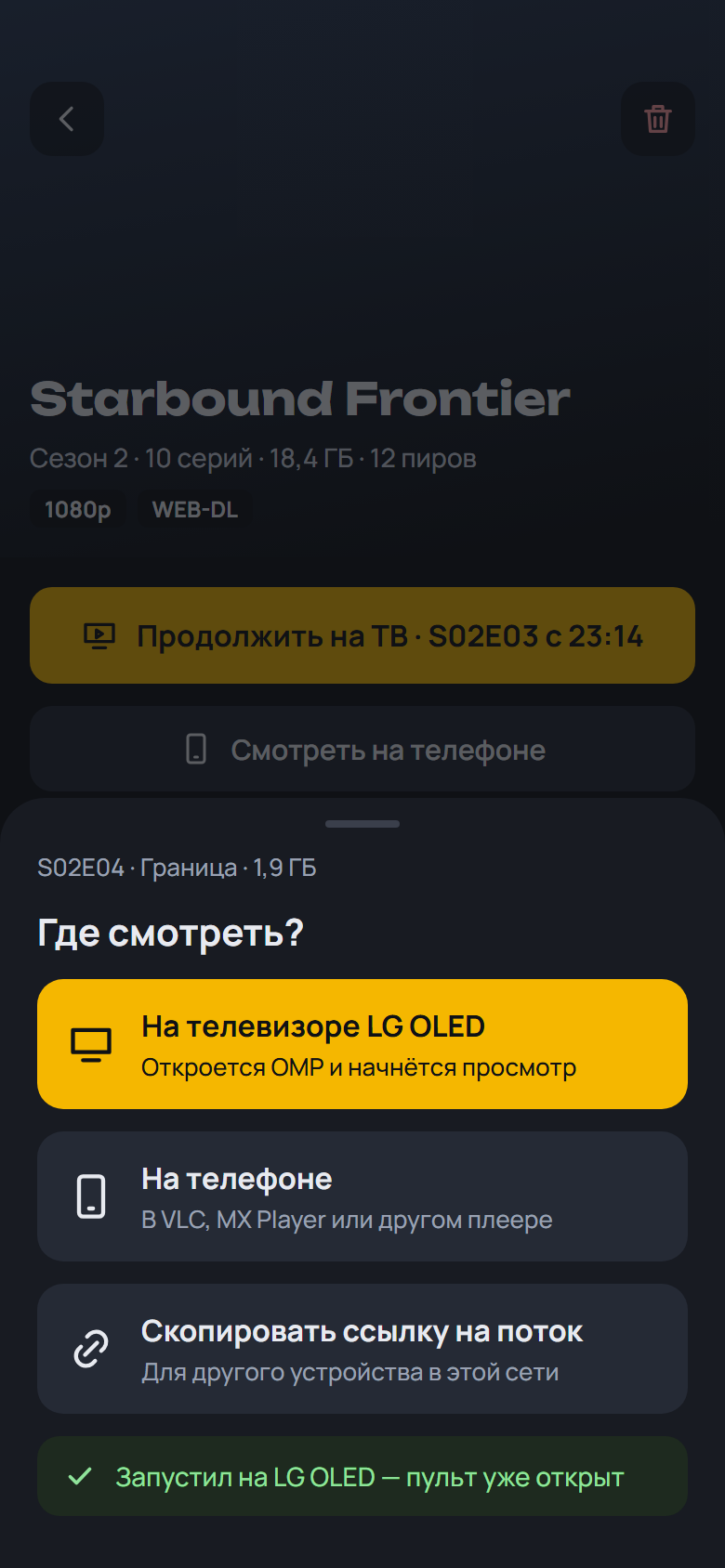
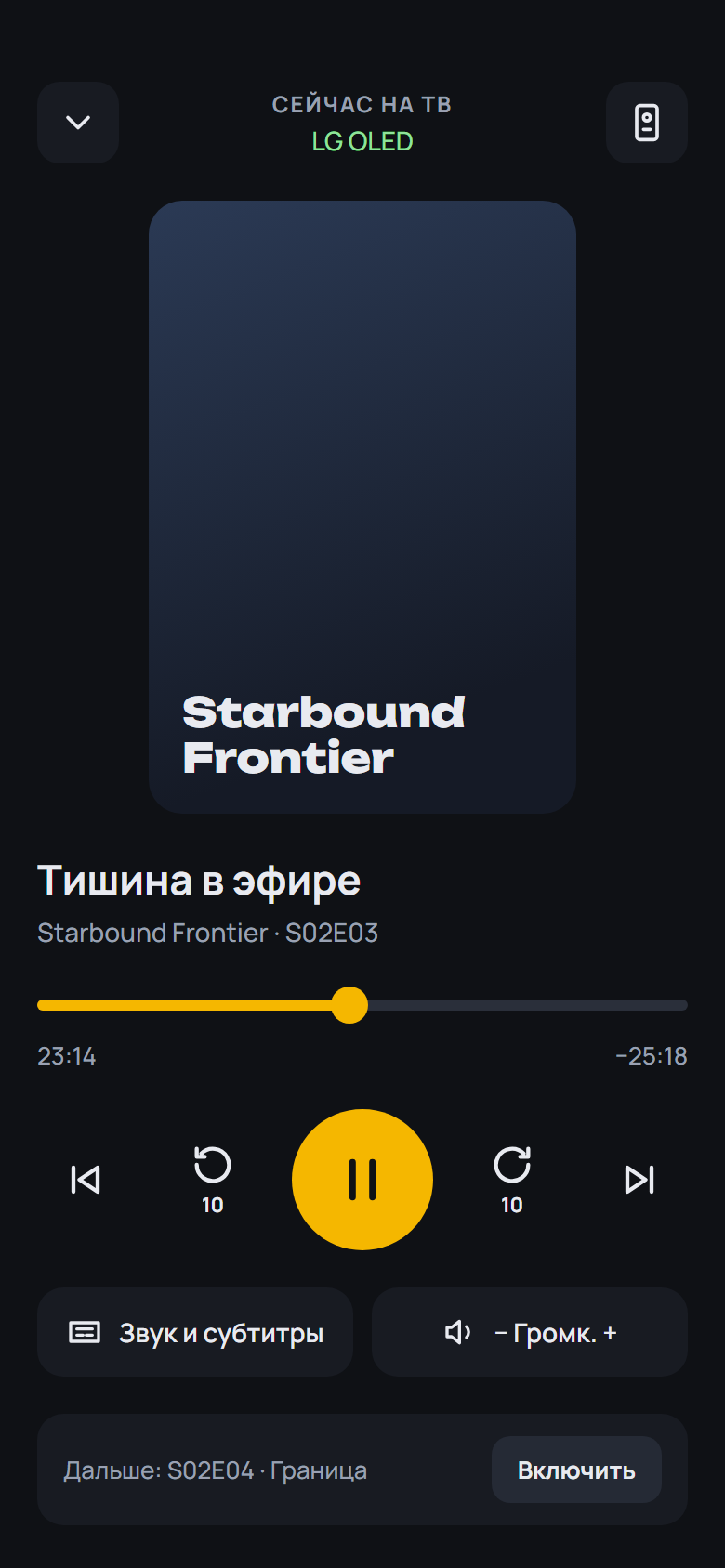
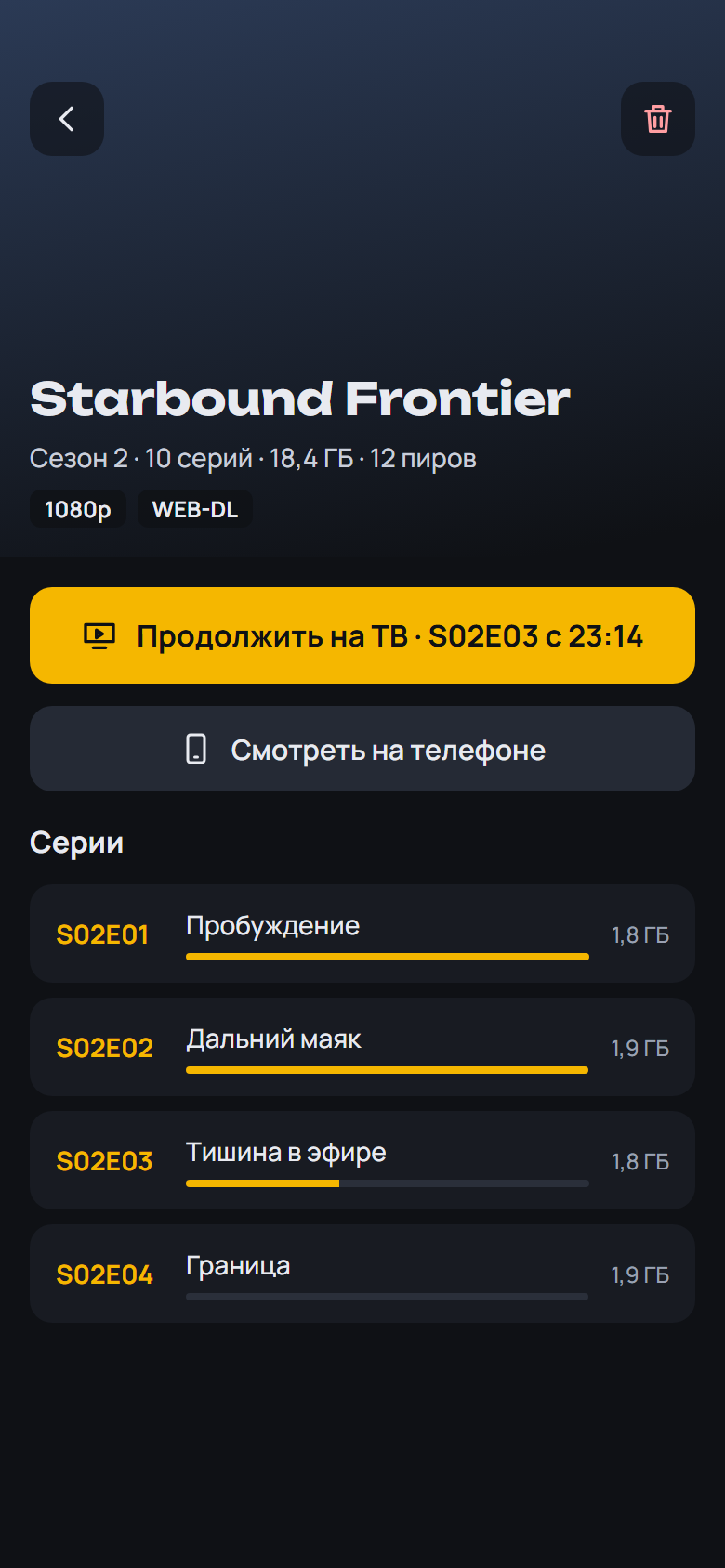
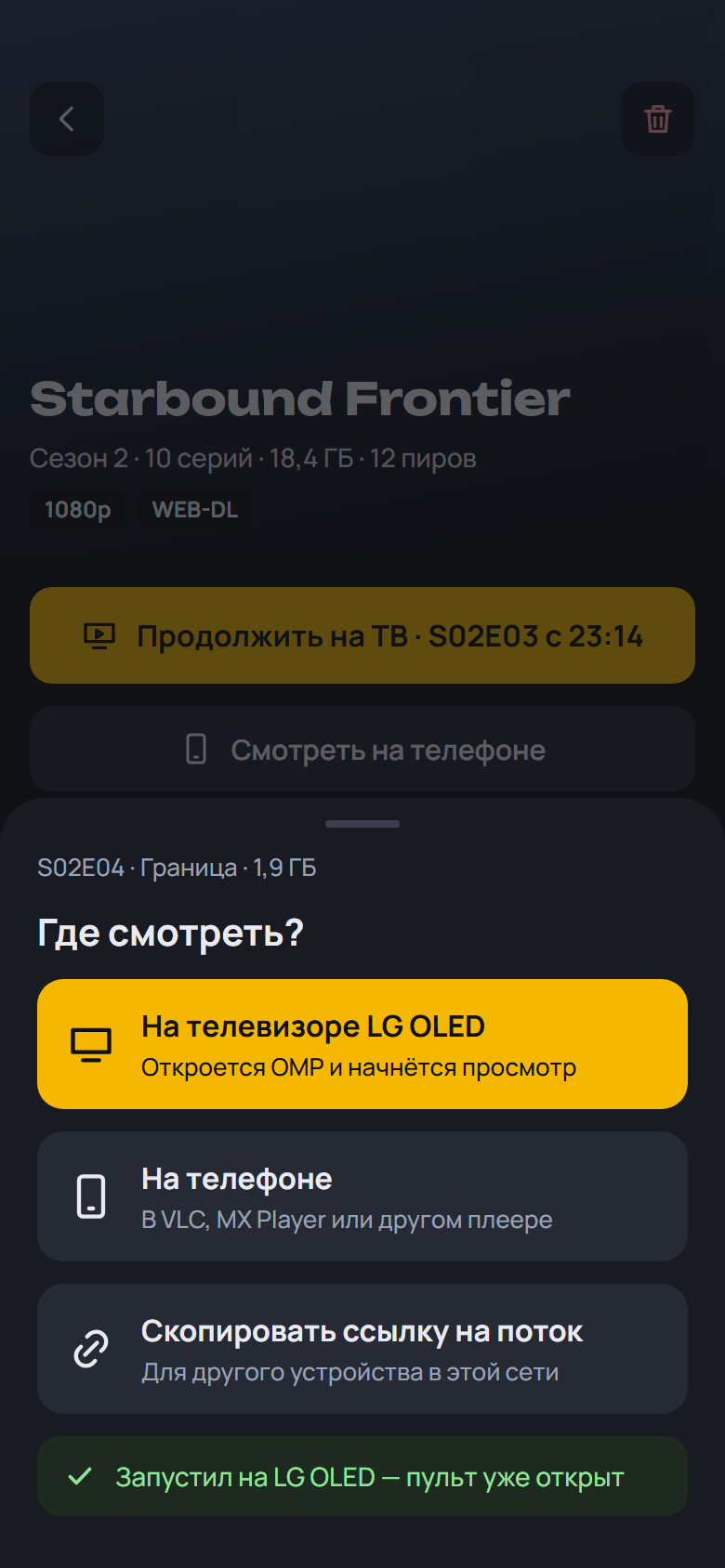
- "Watch on the phone" opens the built-in 2160 Player screen right inside OMP: from the resume point, with the Skip marks, all episodes of the release and the next episode, and picture-in-picture. Video player: "Built-in" (the default), "2160 Player (app)" or "Android chooser". The APK is about 20 MB larger for it (the universal one 30 MB)
- "Background audio" under Video player: the sound keeps playing with the screen off and after the picture-in-picture window is closed, with controls in the notification shade and on the lock screen. Off by default
SHA-256 OMP-0.20.0-beta.1-webOS.ipk: 94d7b057d88ecc3f38b0f2c1e9498288f4d0805e4a603b2dc0b98407174bb419
SHA-256 OMP-0.20.0-beta.1-arm64.apk: 00e7ec7ad3cb9190e3fa075450906b5a03ec9321ad64a3df214bef55a8ed3322
SHA-256 OMP-0.20.0-beta.1-armv7.apk: ba44c44f43ad1109712c10b2b8f24fc6223a010b9e147906d86ca1e3d2bee4de
SHA-256 OMP-0.20.0-beta.1.apk: 5188287ad7dd0c51e75385383f87d284c7c0a75a5769be386a05ff8b873e4255
What's Changed
- 0.20.0-beta.1: the 2160 Player engine built into OMP by @spacesarmat in #74
Full Changelog: v0.19.0...v0.20.0-beta.1
Contributors

Assets 7
OMP v0.19.0
OMP v0.19.0 — Open Movie Player для LG webOS
Медиаплеер для телевизоров LG, который смотрит торренты с вашего TorrServer.
Обновление: OMP сам предложит новую версию при запуске. Также можно через Homebrew Channel — репозиторий OMP: https://raw.githubusercontent.com/spacesarmat/omp/gh-pages/apps.json.
 |
 |
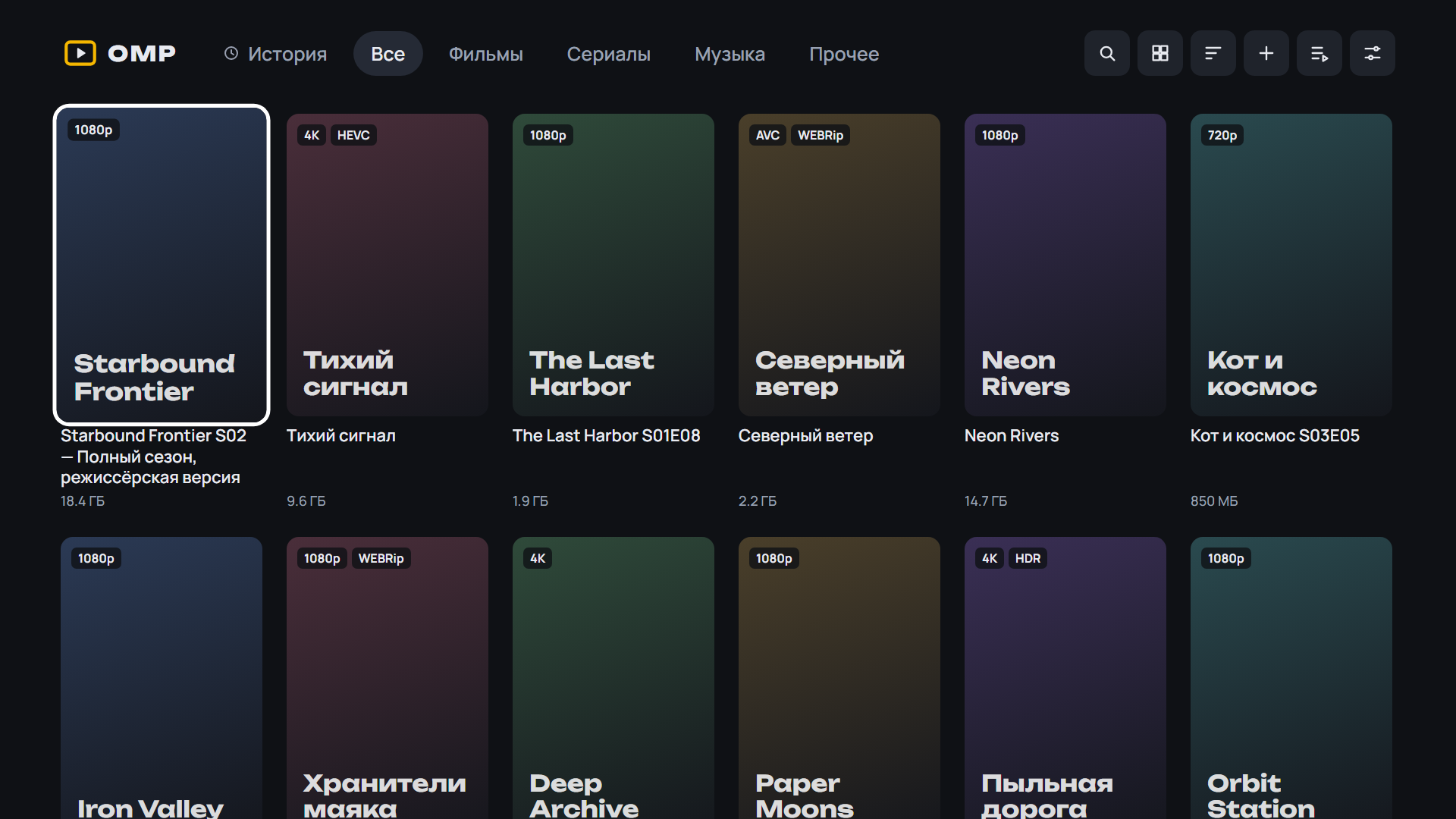 |
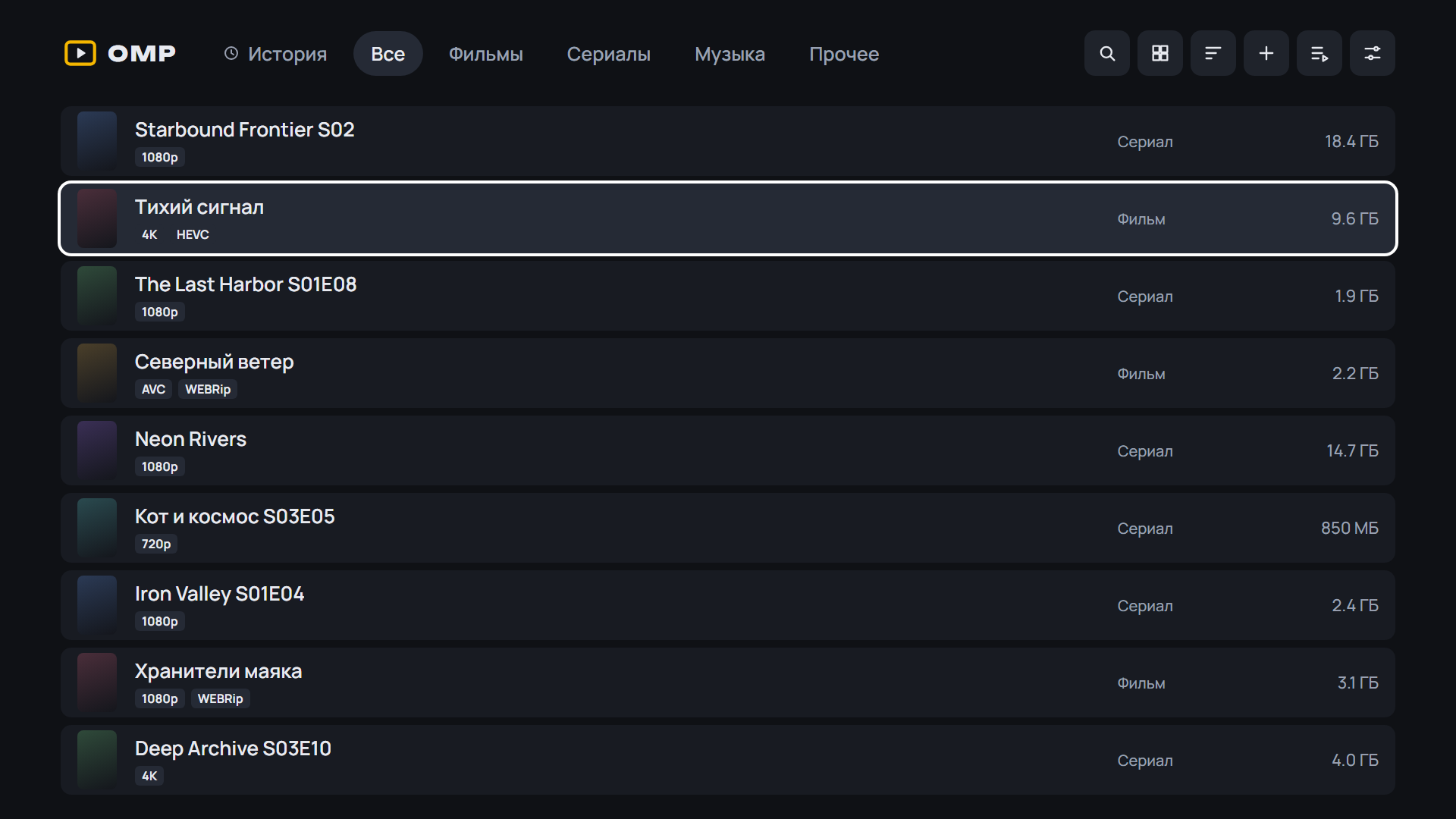 |
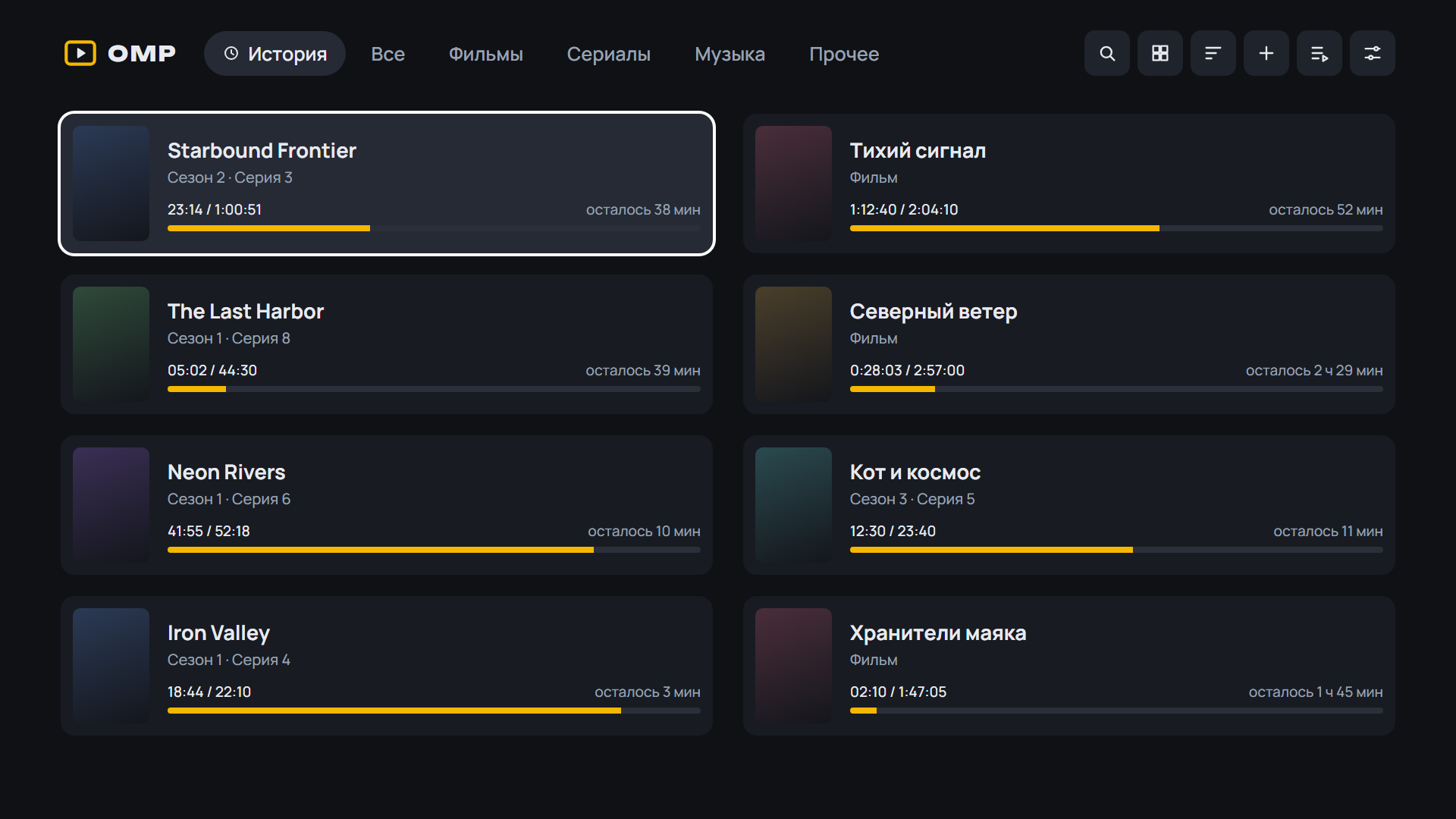 |
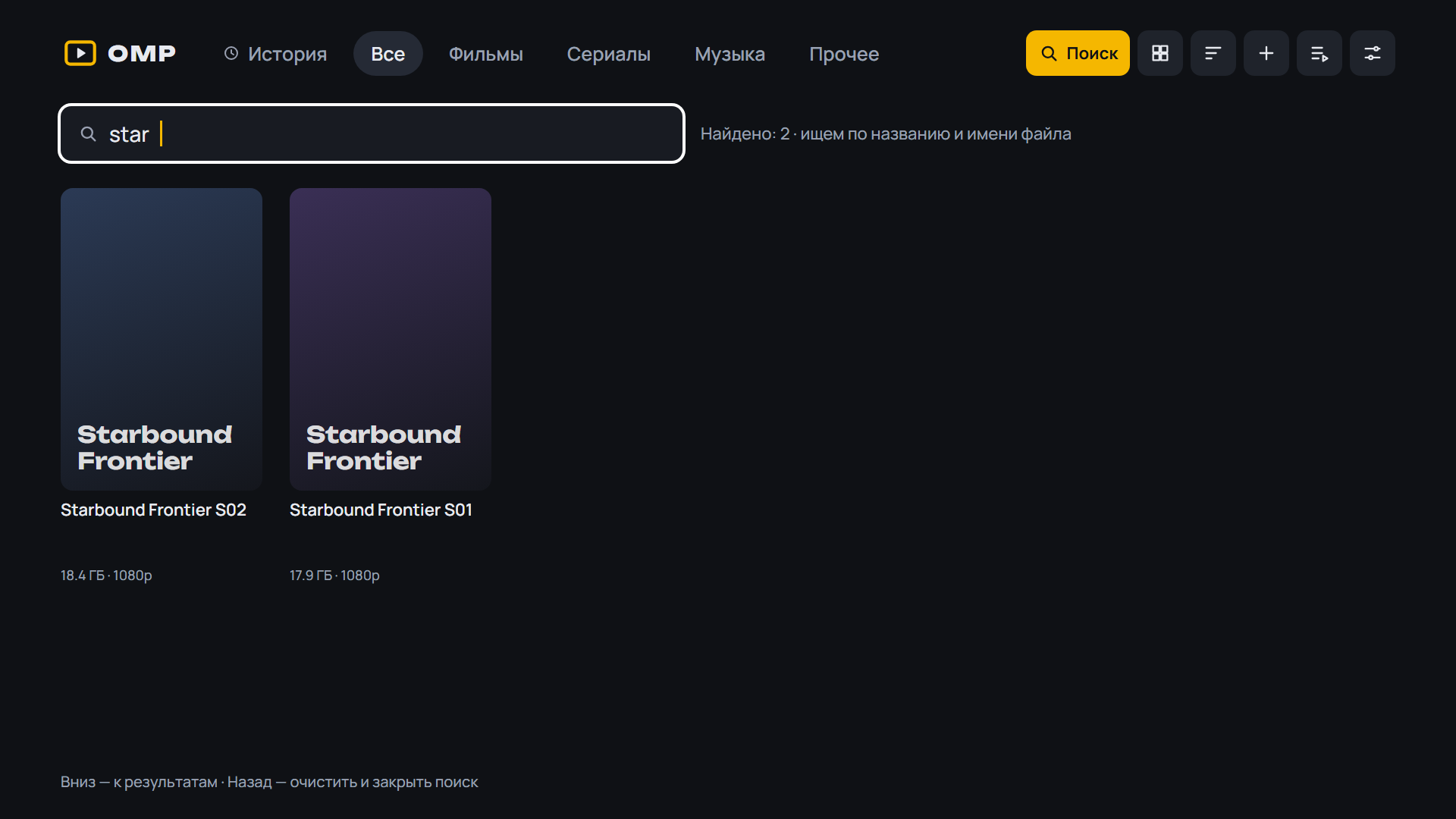 |
 |
Android: скачайте APK ниже, откройте на телефоне или приставке и разрешите установку из браузера. Какой файл выбрать:
OMP-*-arm64.apk— 64-битная система (почти все современные телефоны);OMP-*-armv7.apk— 32-битная система (многие приставки Android TV, даже с 64-битным процессором);OMP-*.apkбез суффикса — если не уверены: подходит всем, но больше по размеру.
Помощник установки и обновления внутри OMP выбирают нужный файл сами. Подробнее — в README.
 |
 |
 |
 |
 |
 |
 |
Установка на ТВ: скачайте OMP-*-webOS.ipk ниже и установите по инструкции из README.
English: download the APK (Android) or OMP-*-webOS.ipk (LG) below; install steps are in the English README.
English
- Cast and directors on Discover cards and the series and movie screens: press one for the filmography with a biography; titles already in Library are highlighted, with an «In library» filter
- Cast and directors with filmography and biography, on Discover and on the series and movie screens in Library
- Default dub per series: OMP remembers the dub picked in the player for the next episodes; shown and changeable on the series screen ("Dub: HDRezka · 5.1")
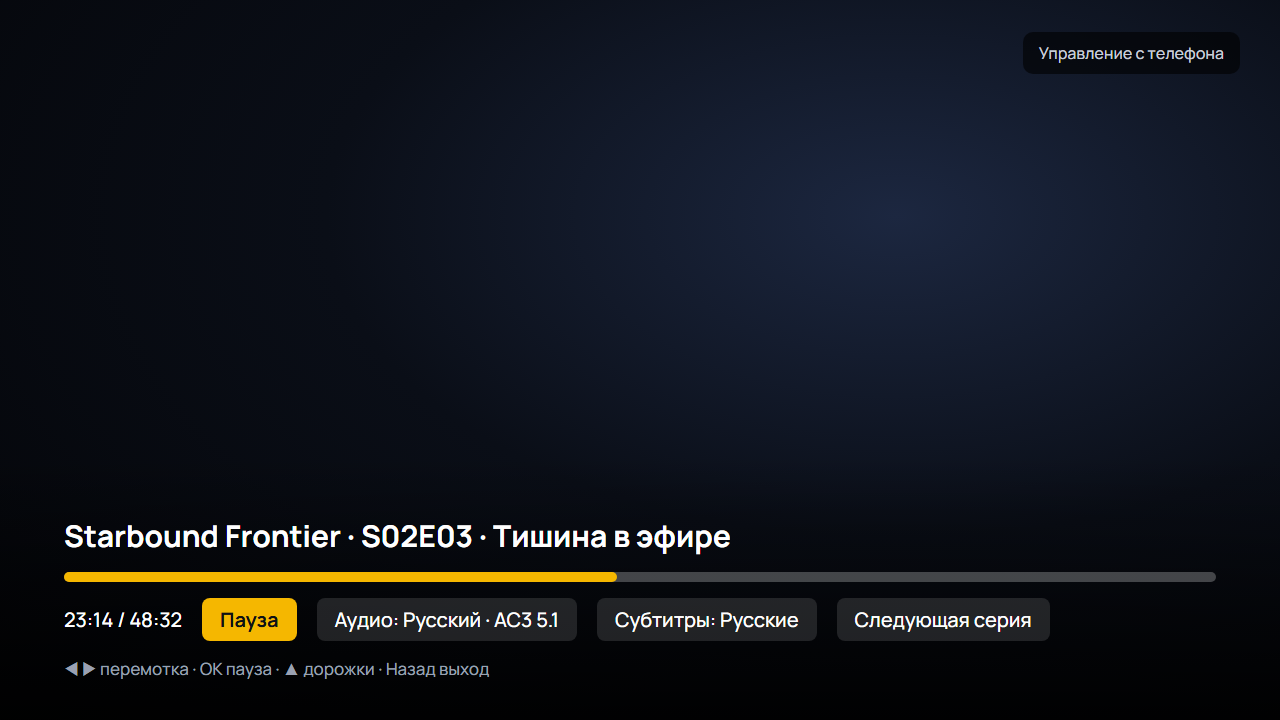
- Colour keys in the player: red for dub, green for subtitles, yellow for Info, blue for the menu; the Info panel shows HDR, codec, seeds, speed, bitrate and buffer
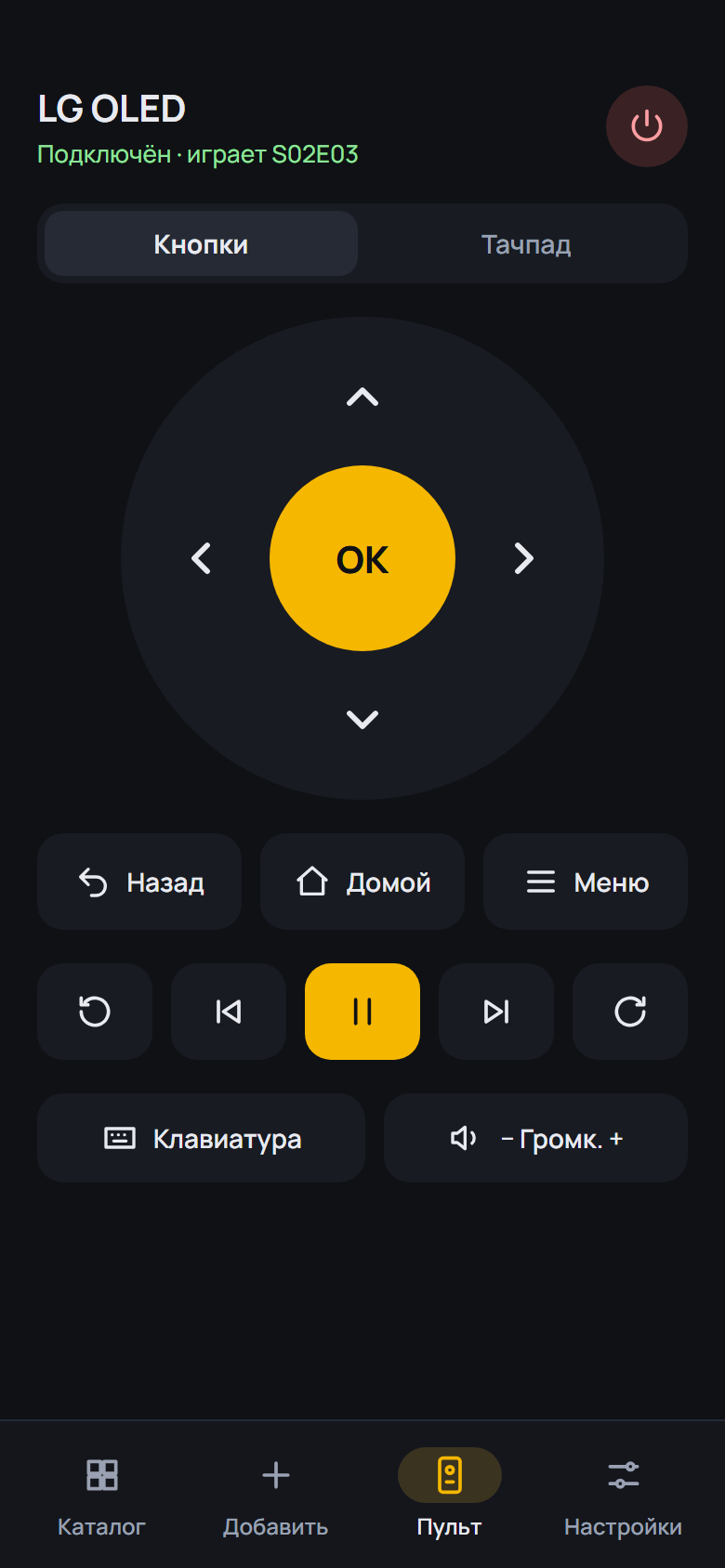
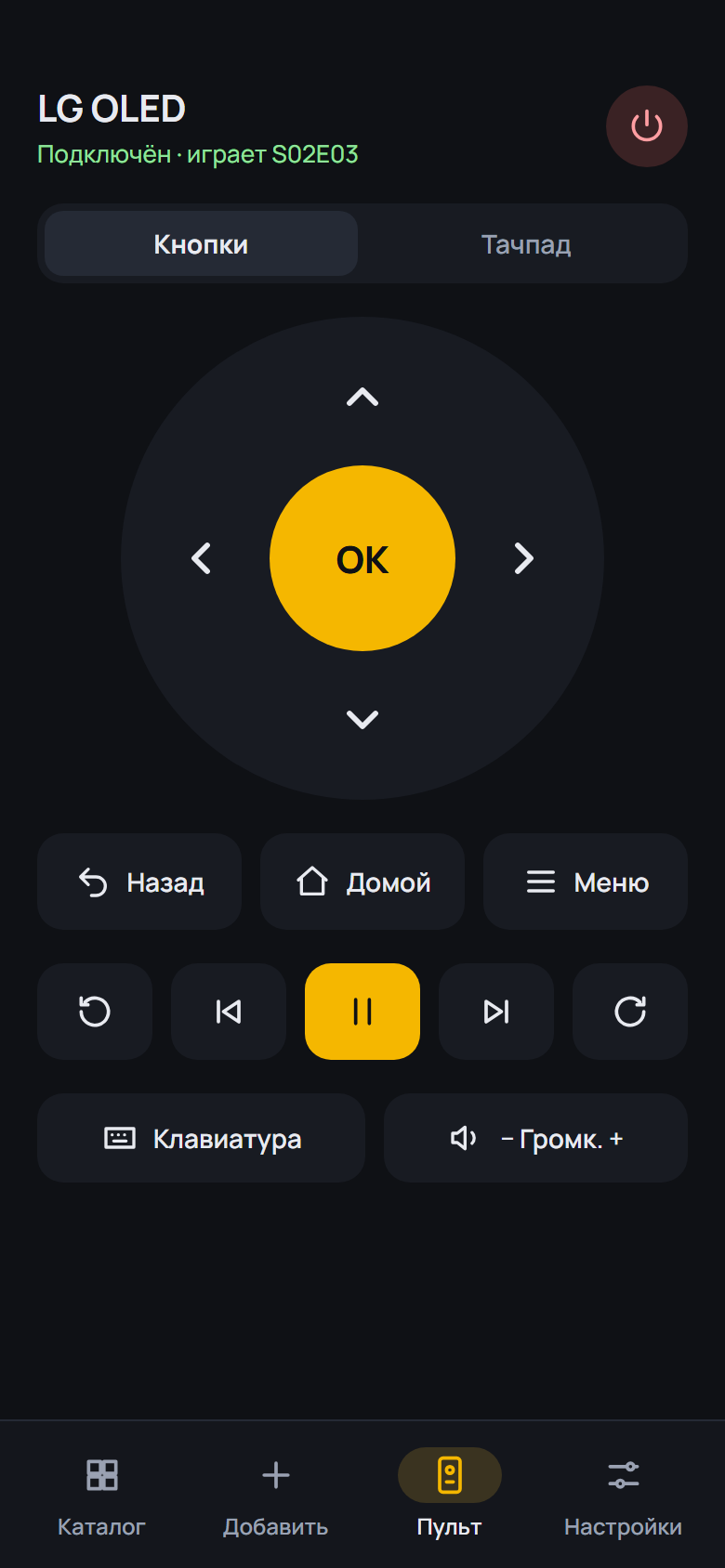
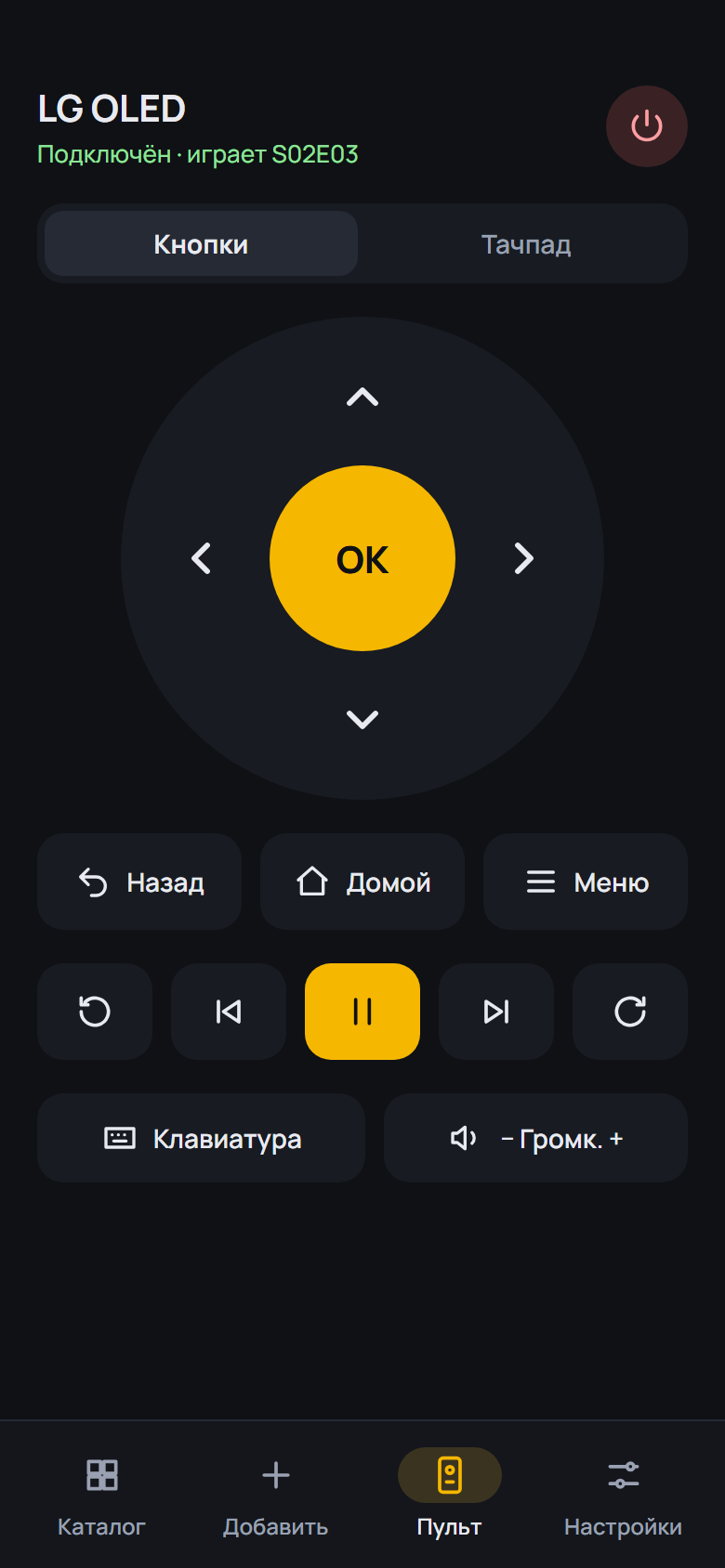
- The Android TV remote drives the whole box: Home, volume, menu and media keys, via Google TV Remote with the code from the screen or via network debugging
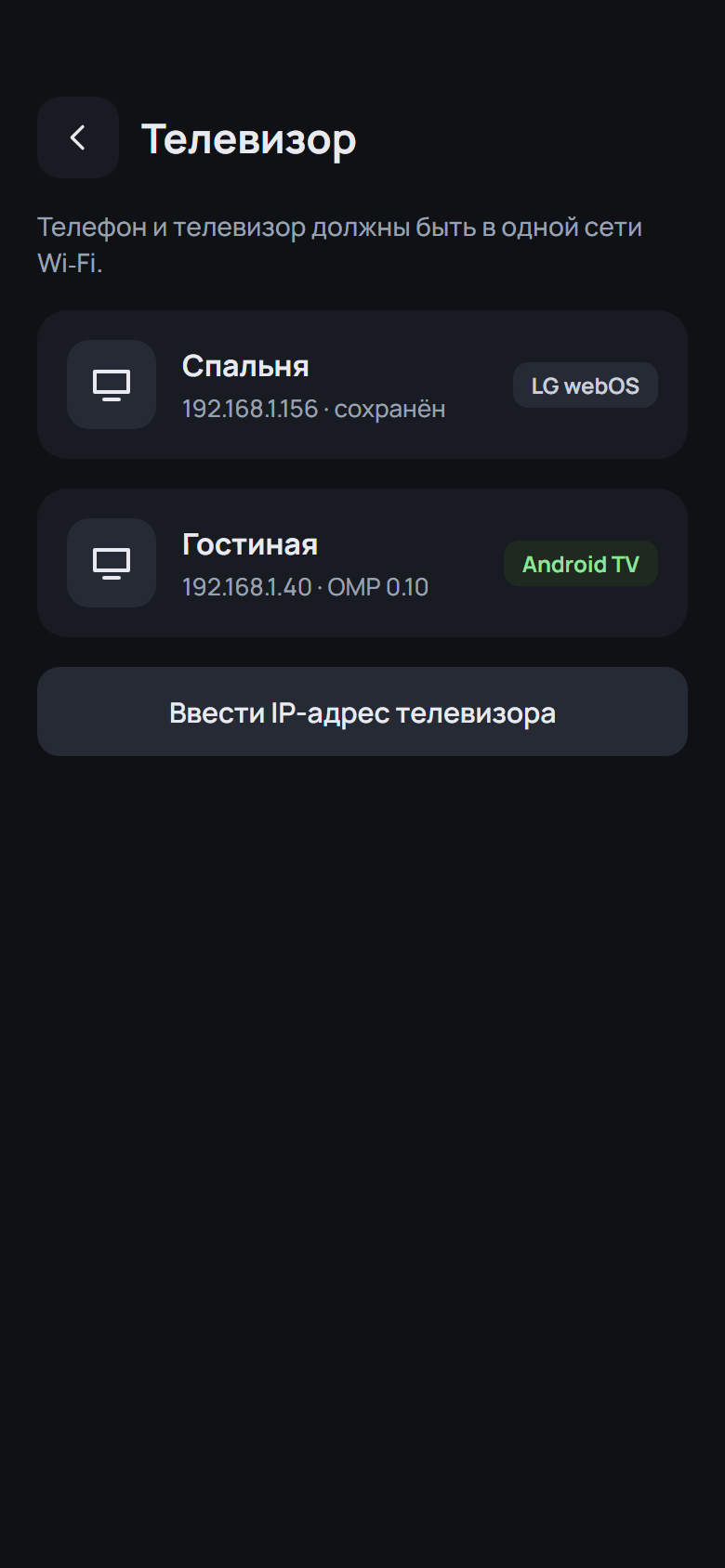
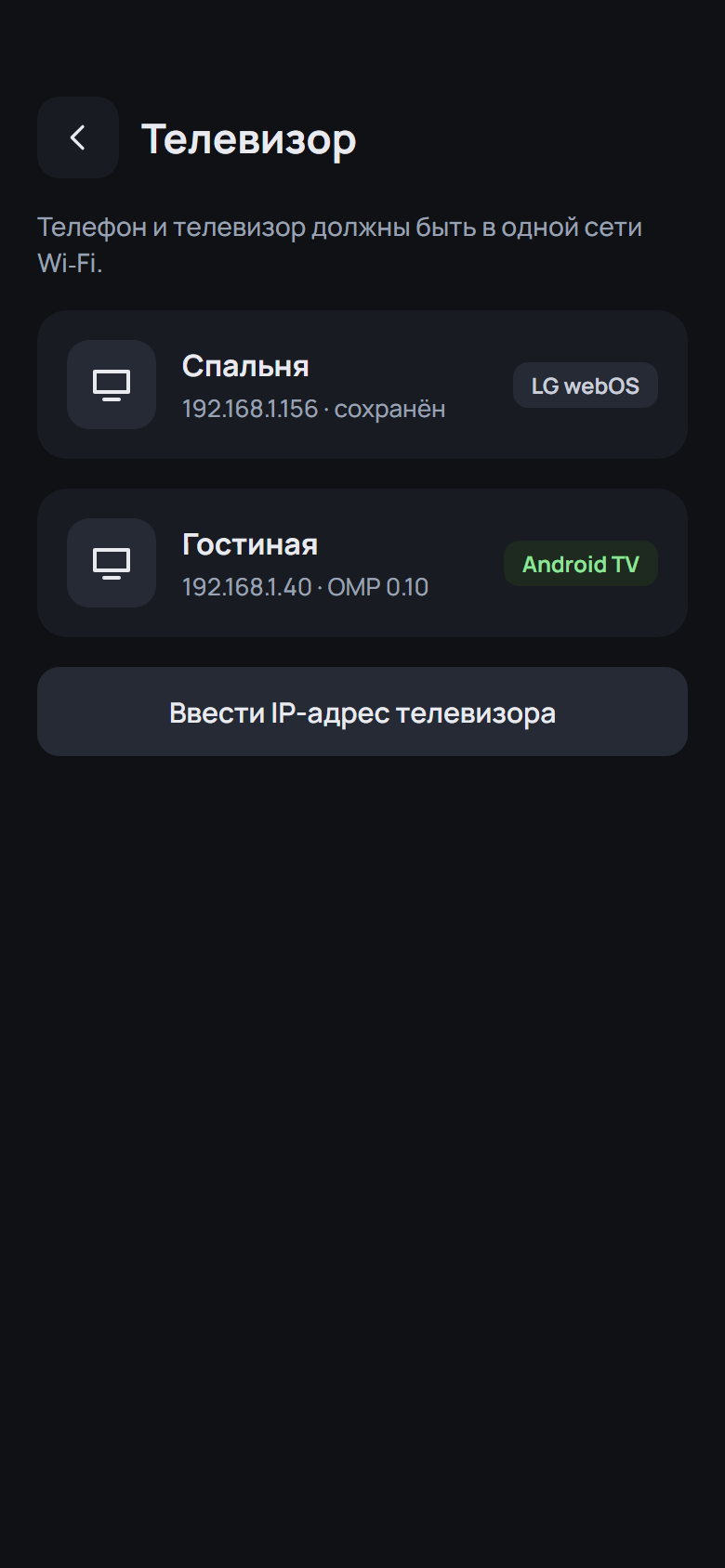
- Rename a TV by long-pressing its name on the Remote screen
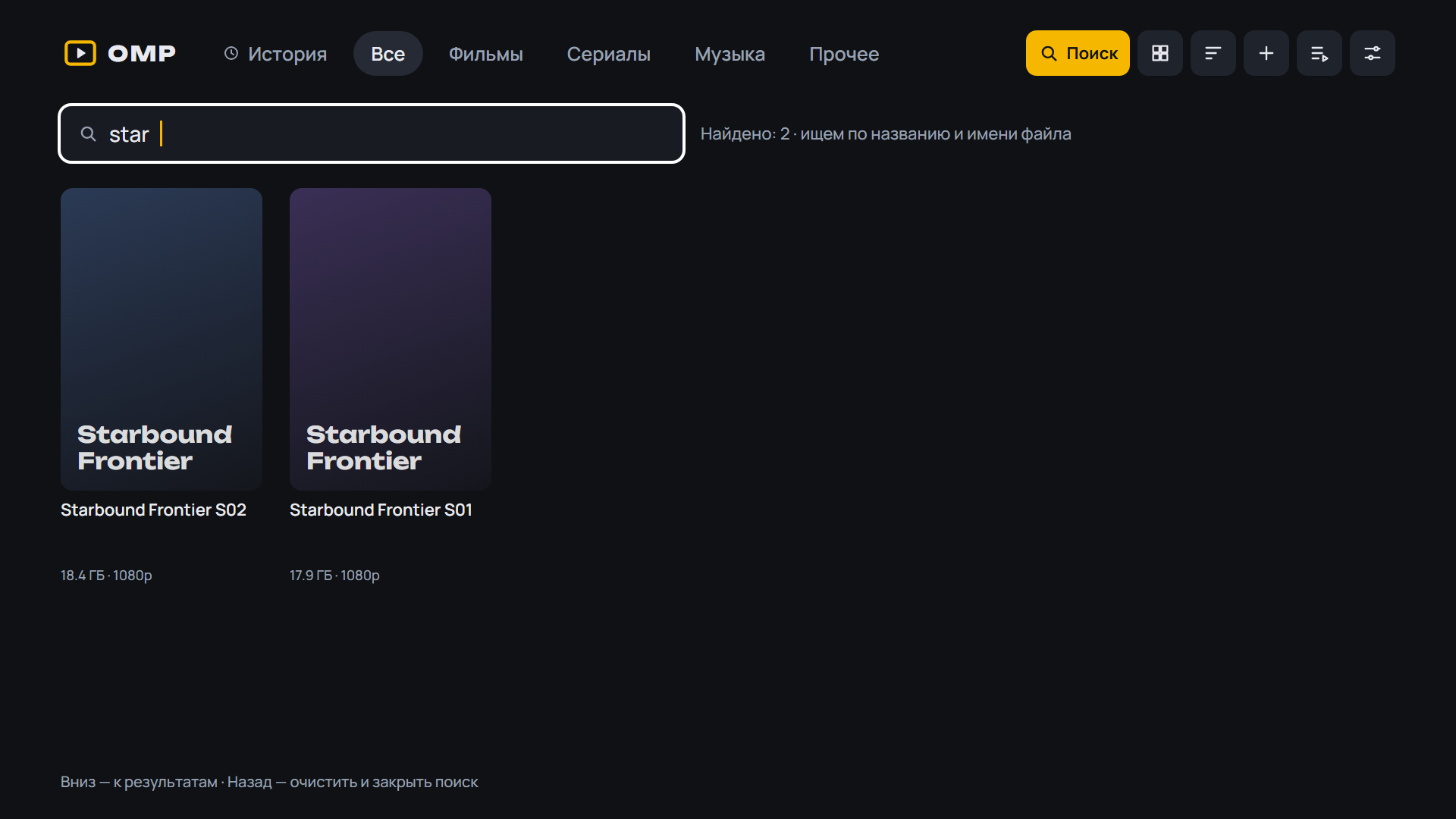
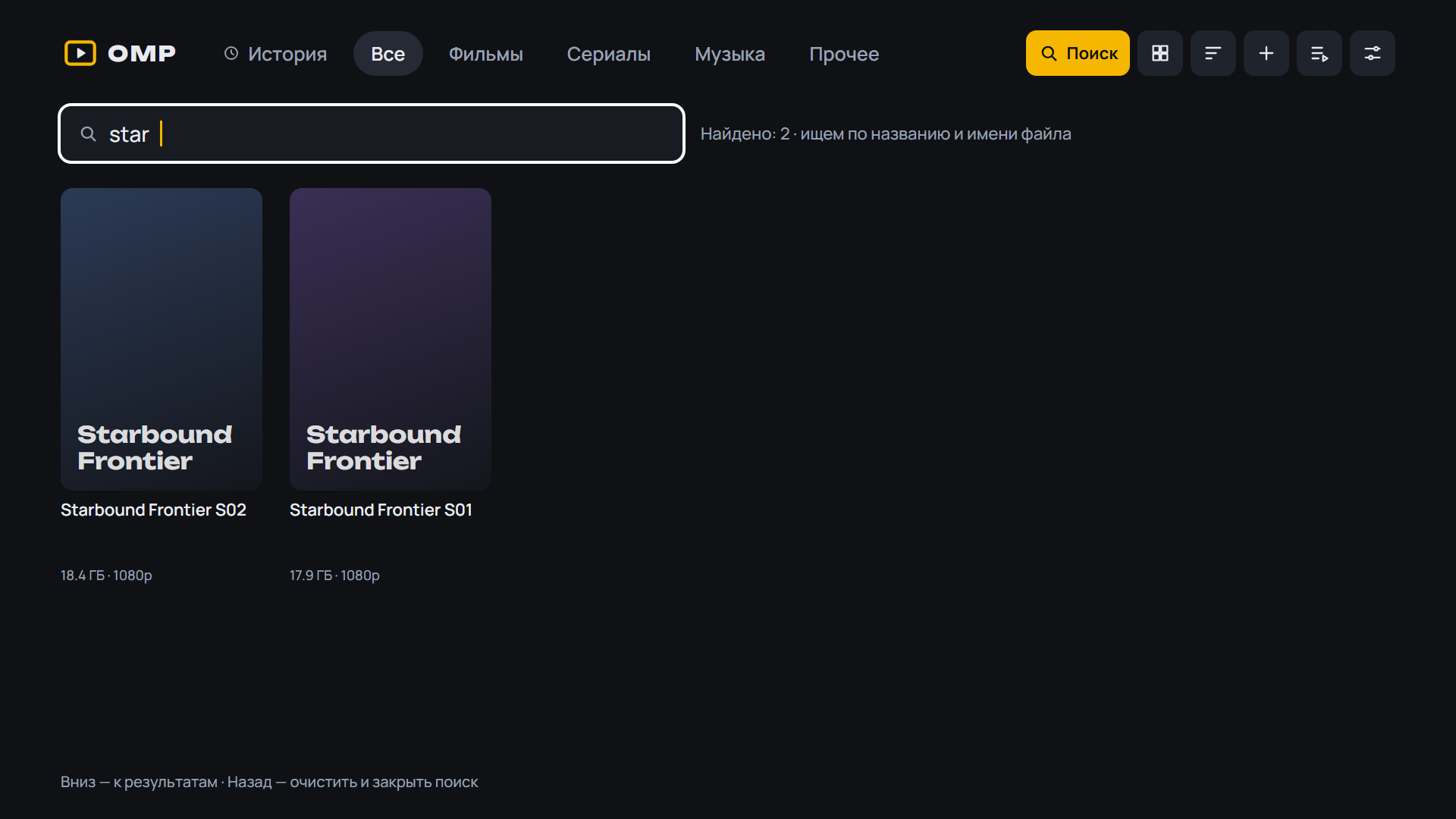
- Release search: "Movie" / "Series · S02 · 1–8 of 8" badges and an "All / Movies / Series" filter
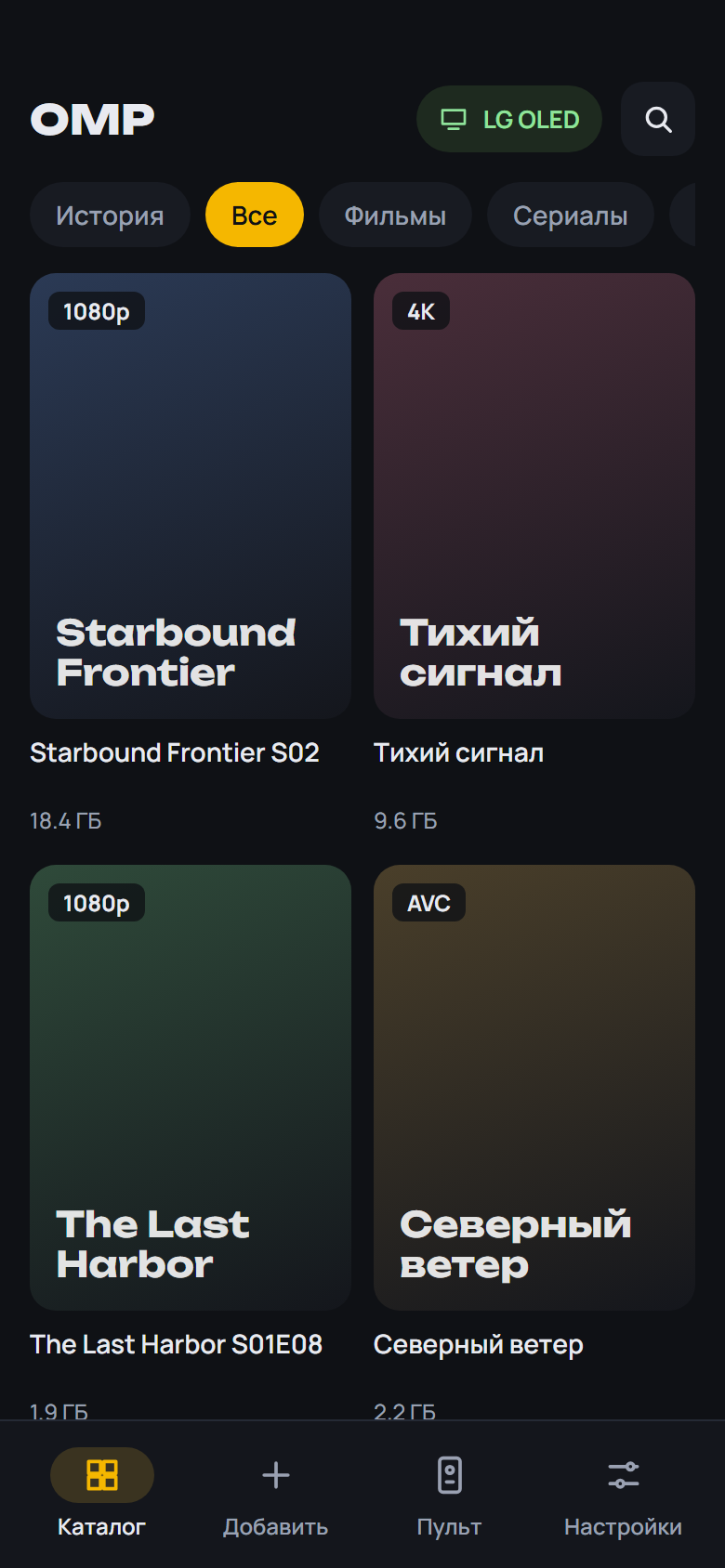
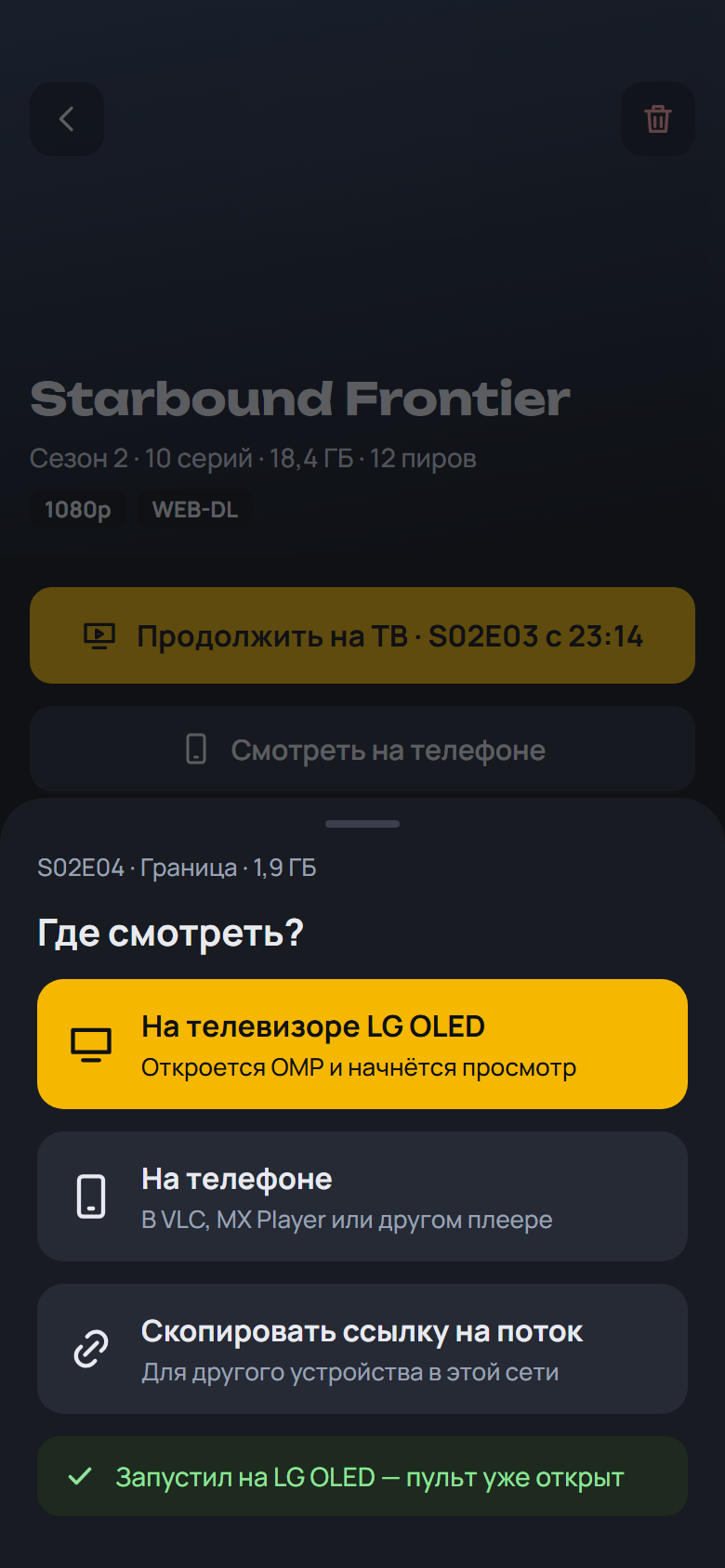
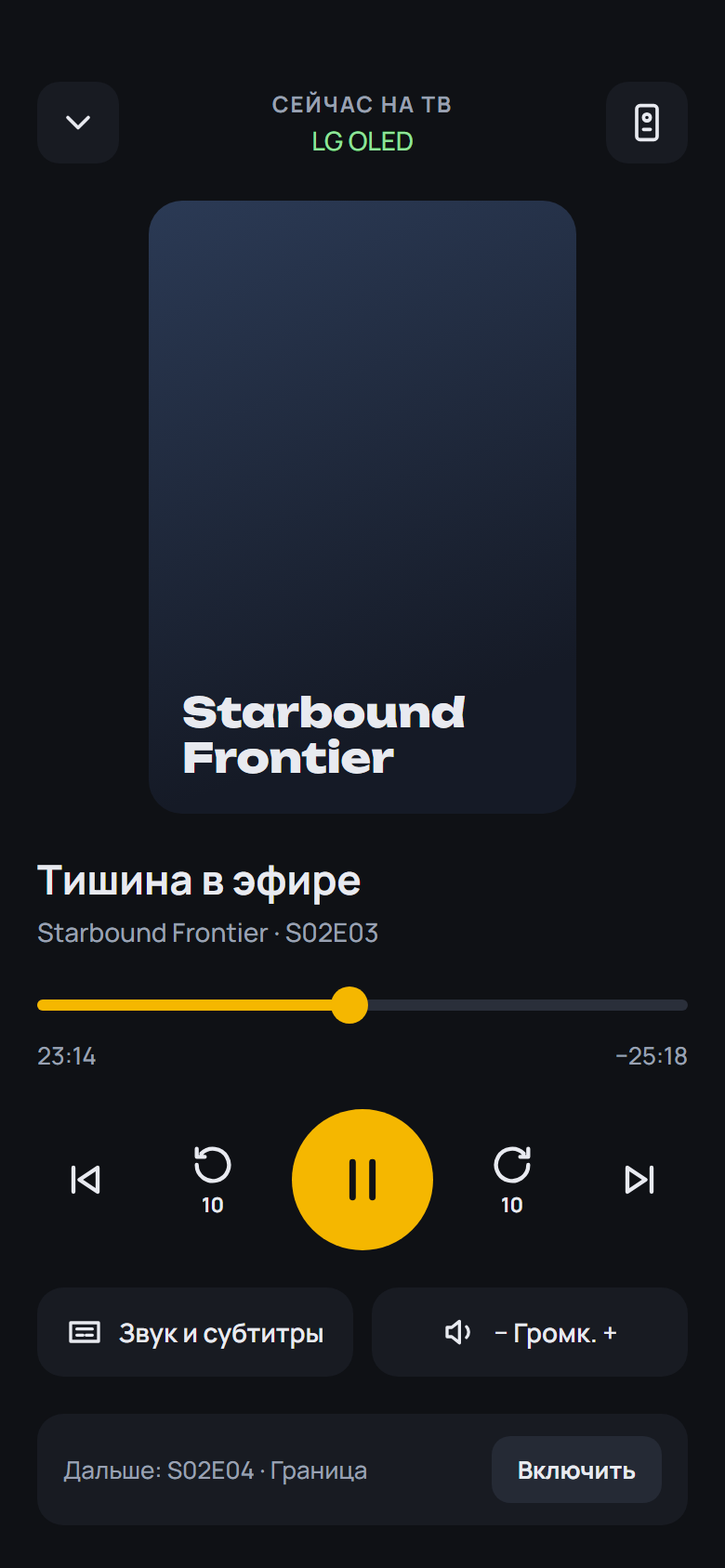
- Release search: badges and the "All / Movies / Series" filter, and "Watch on the phone" on found releases
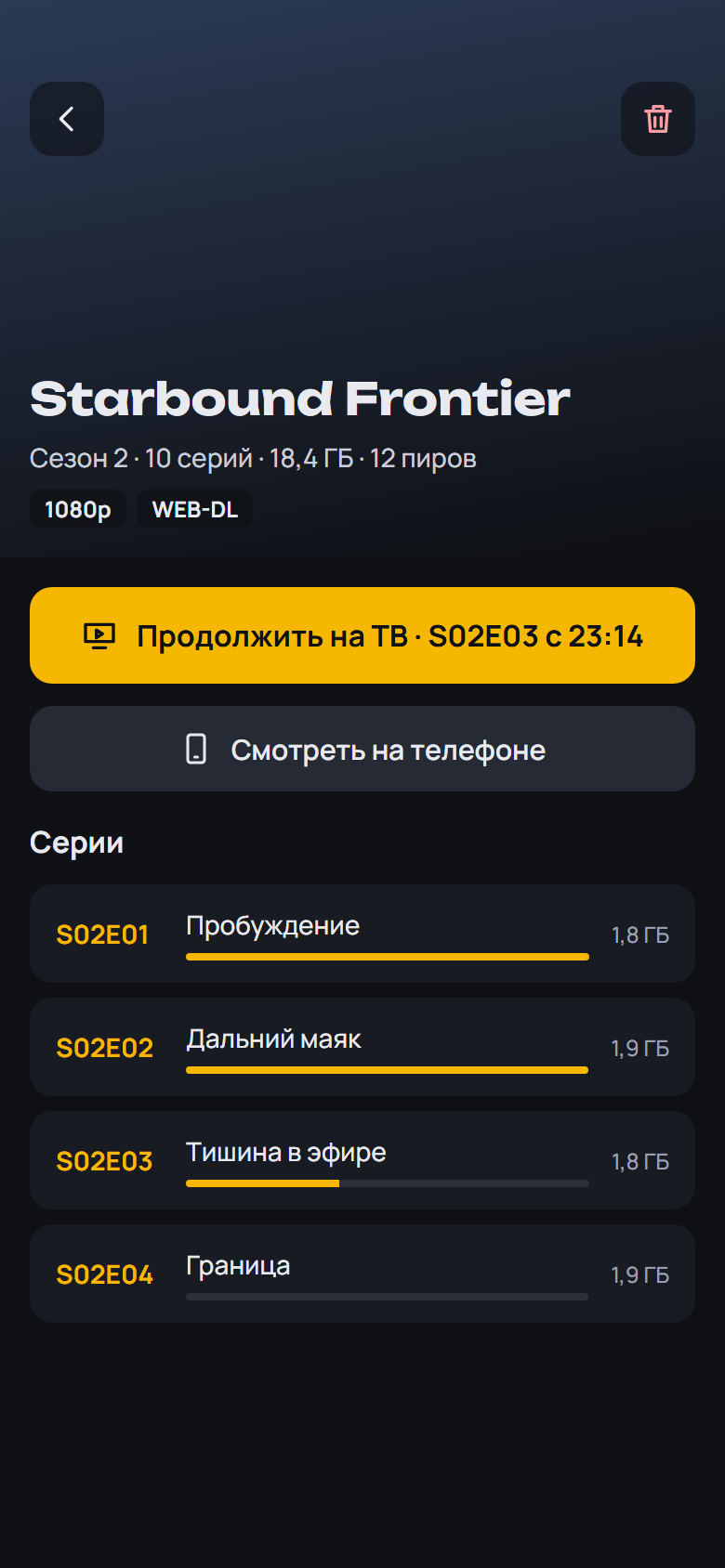
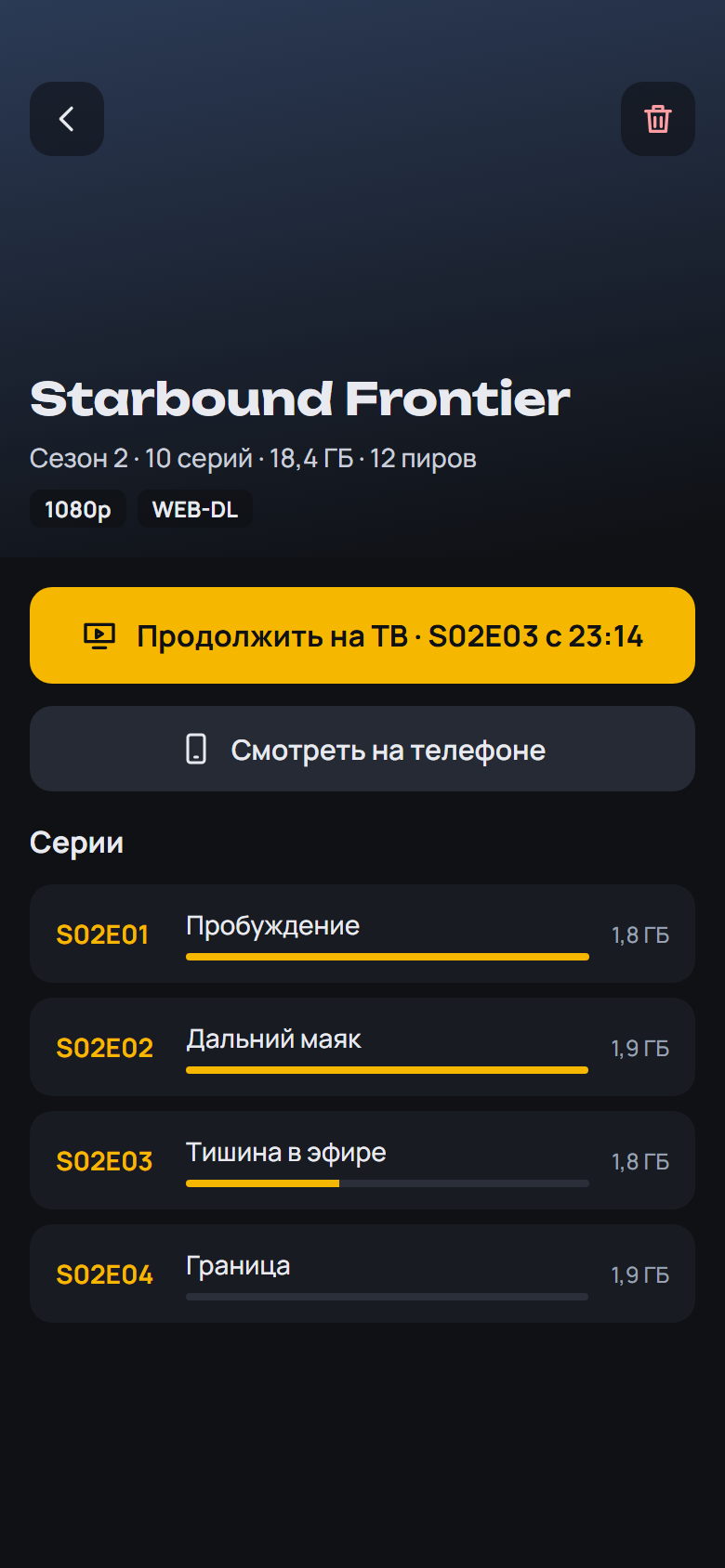
- Series and release screens: the announced episodes after the last one ("S02E08 · out Oct 8"); season chips read "10 episodes · watched 1"
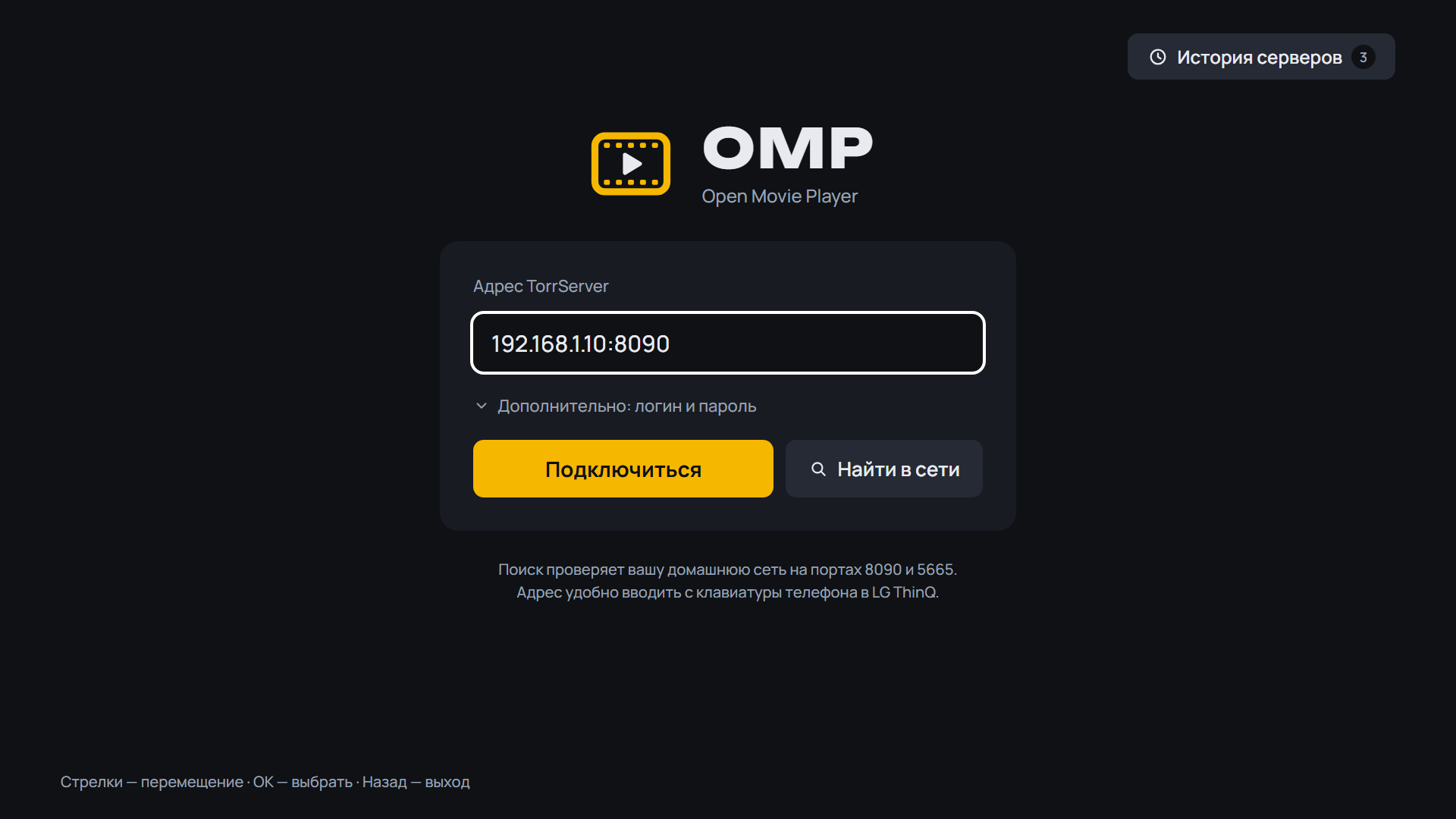
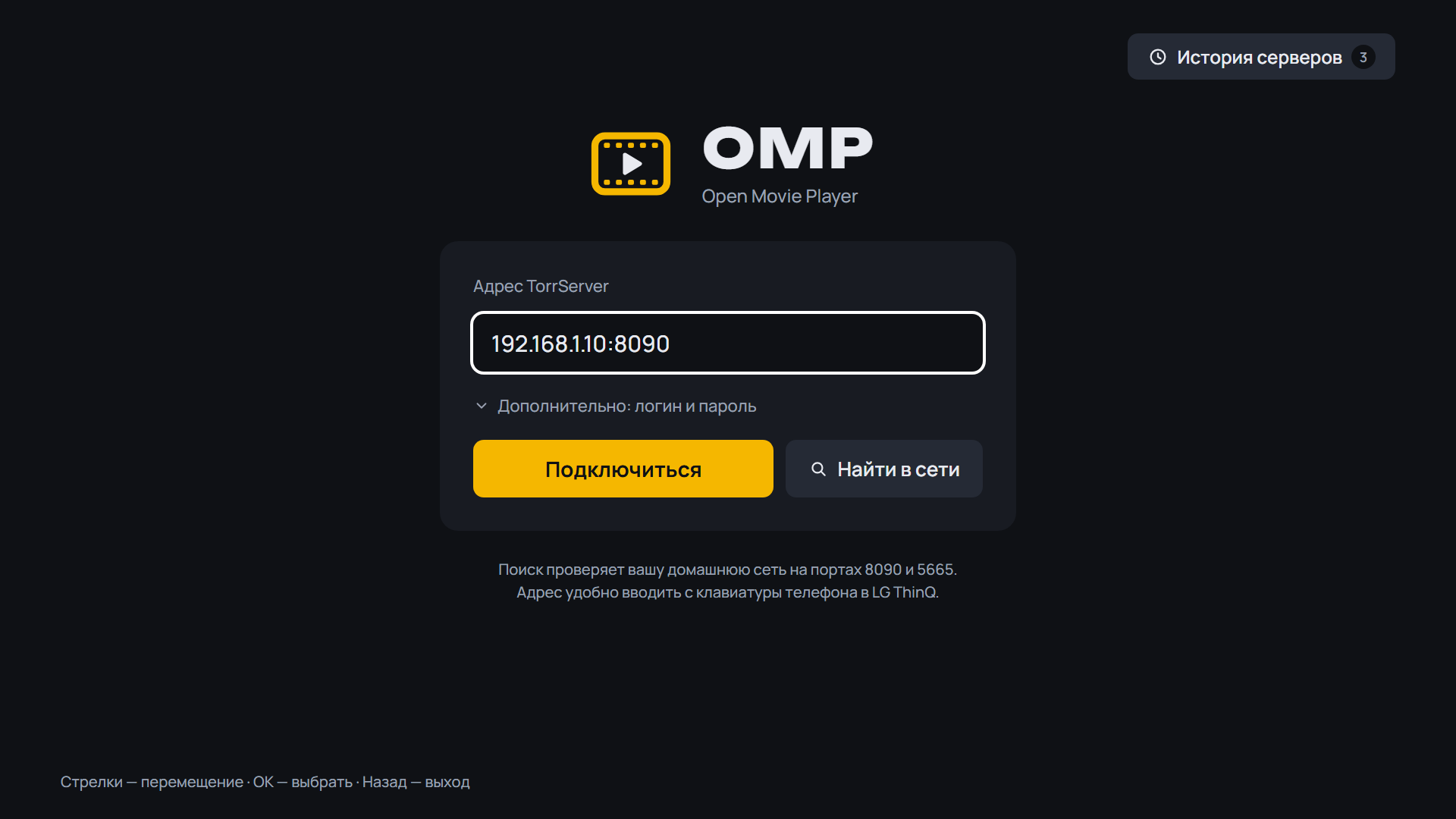
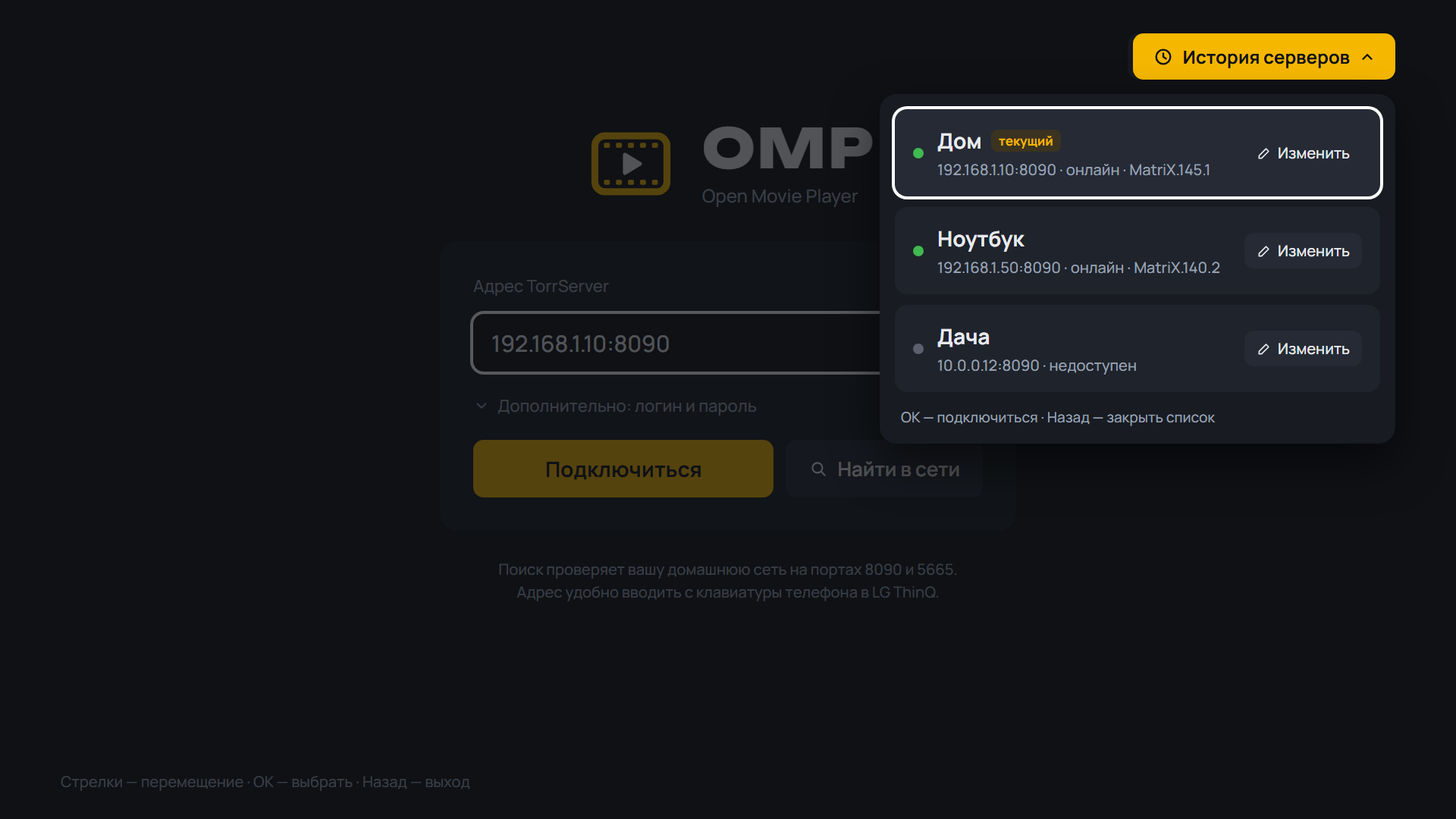
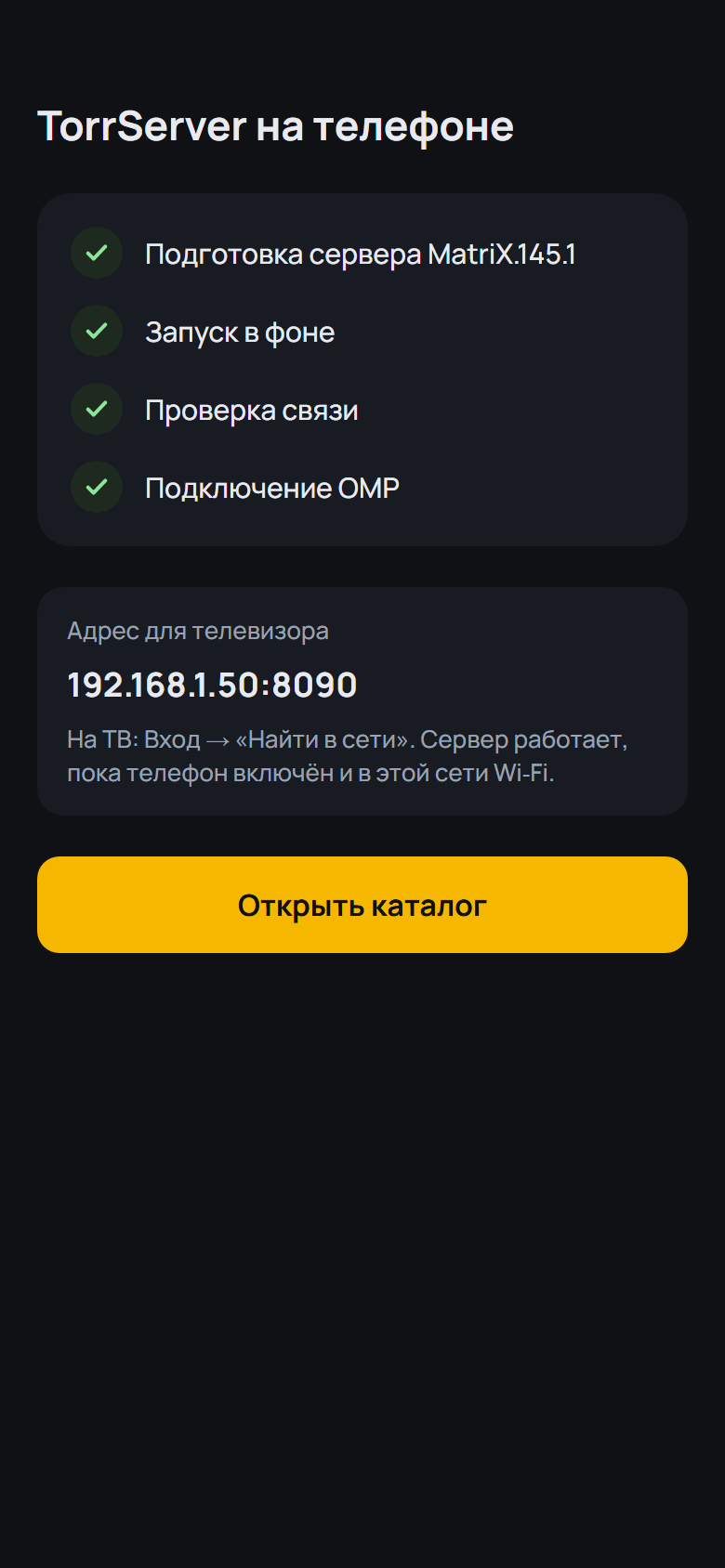
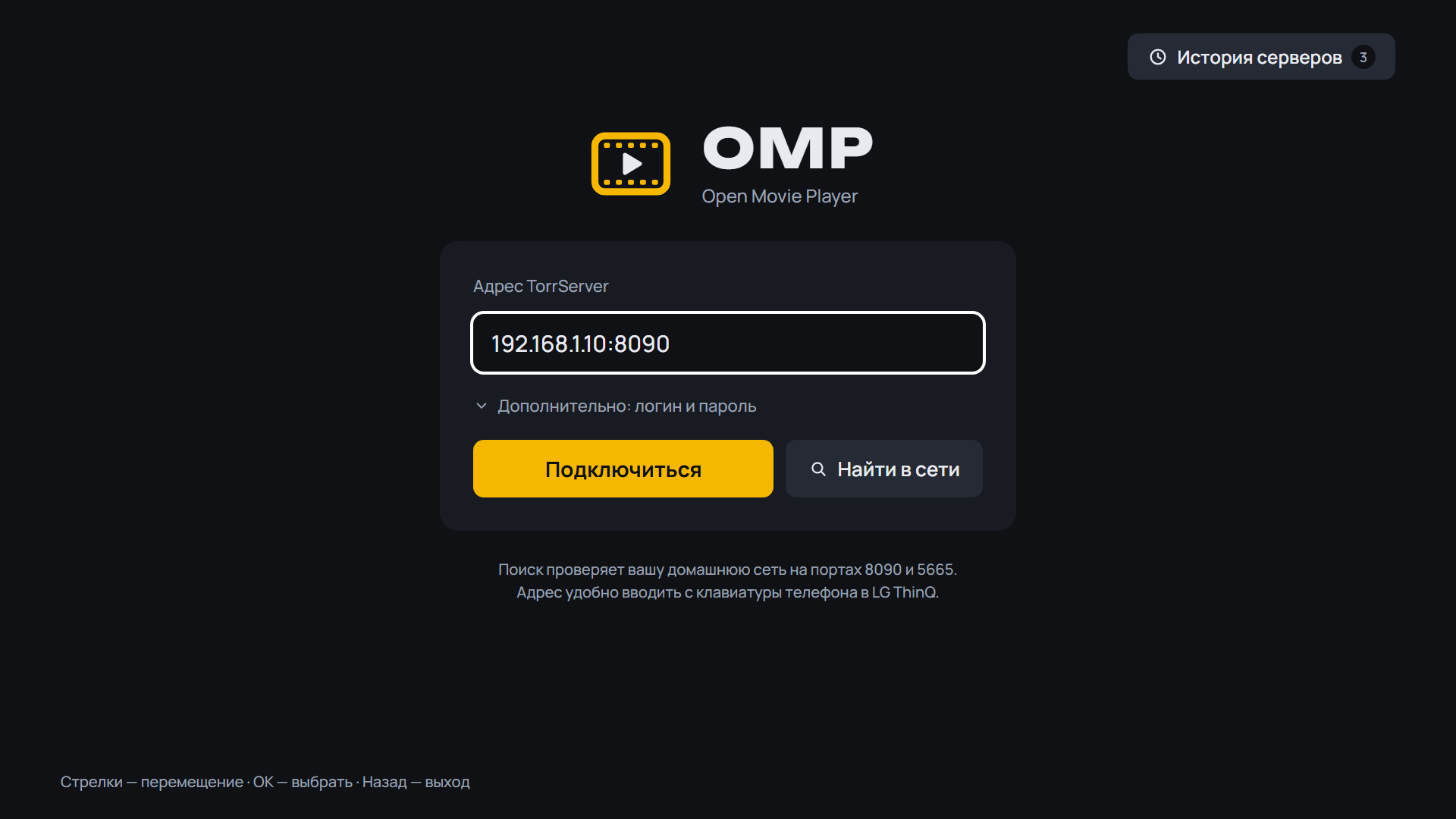
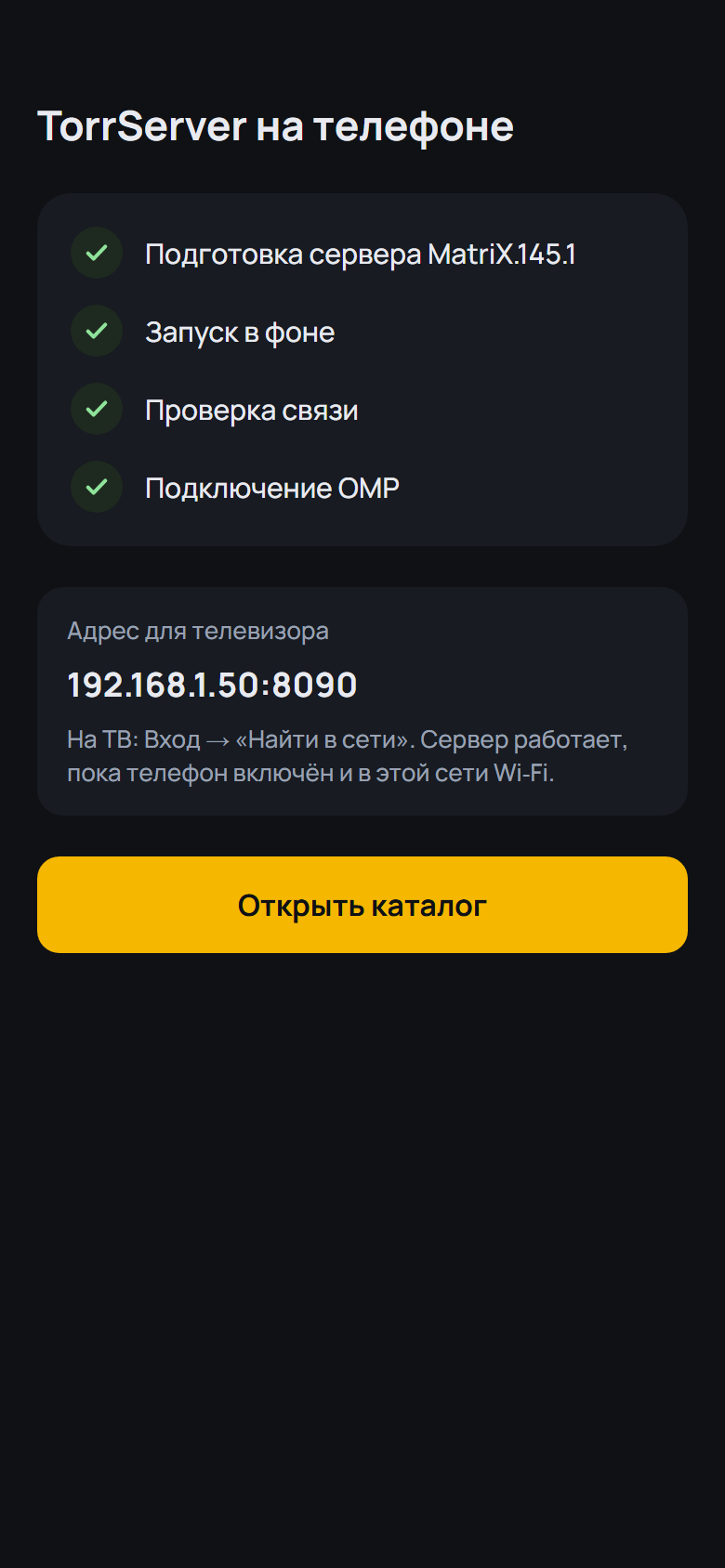
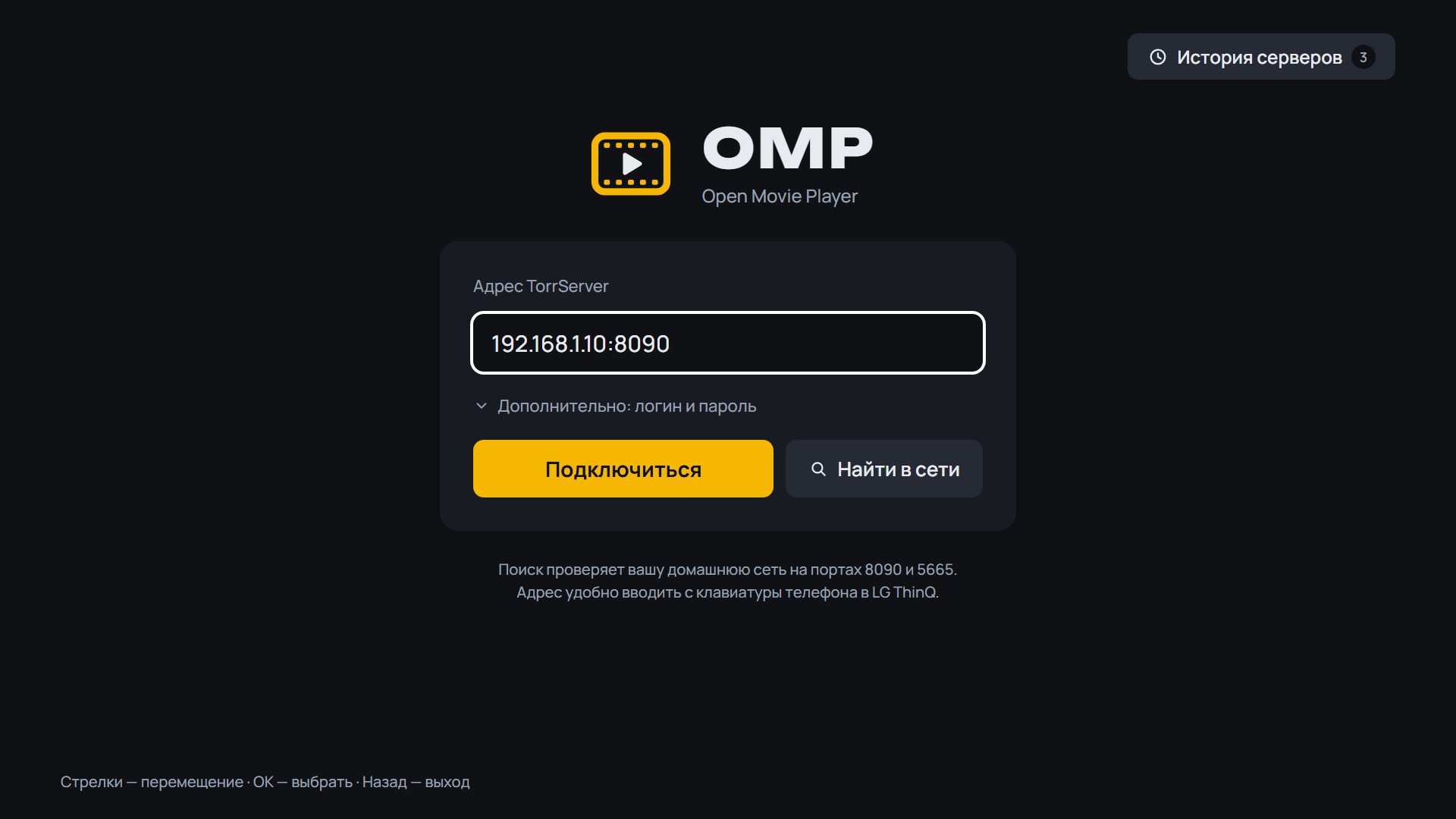
- The TorrServer address has OMP's own keypad (digits, ".", ":", http://, https://) and is cleaned of TV-keyboard look-alikes; Android TV hints about a VPN when no server answers
- The server address has OMP's own keypad docked at the bottom
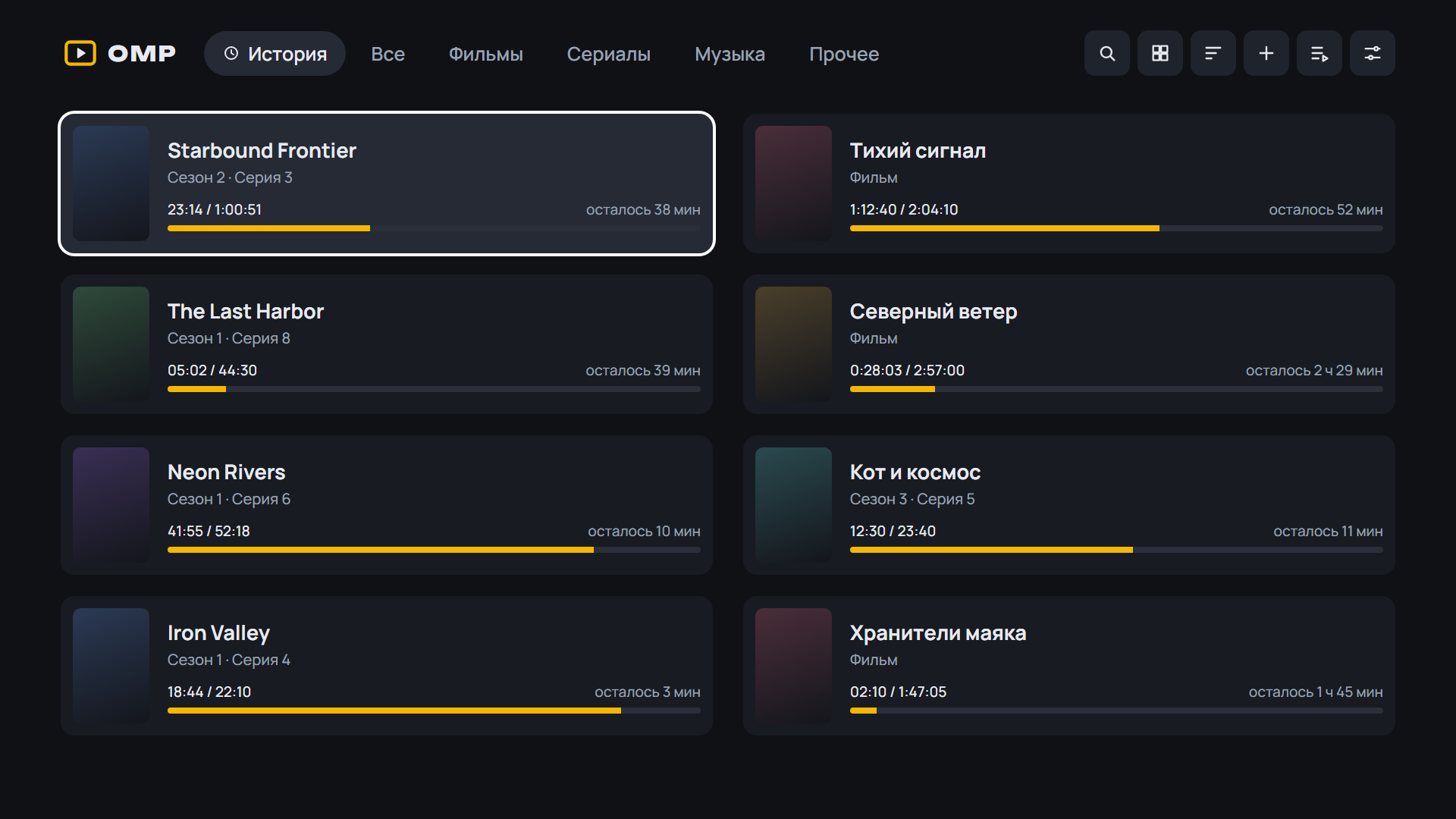
- 2160 Player as the video player (Settings, Video player): with the resume point, skipped intros and all episodes of the release
- Discover cards and the series screen: the backdrop spans the top of the screen with soft fades
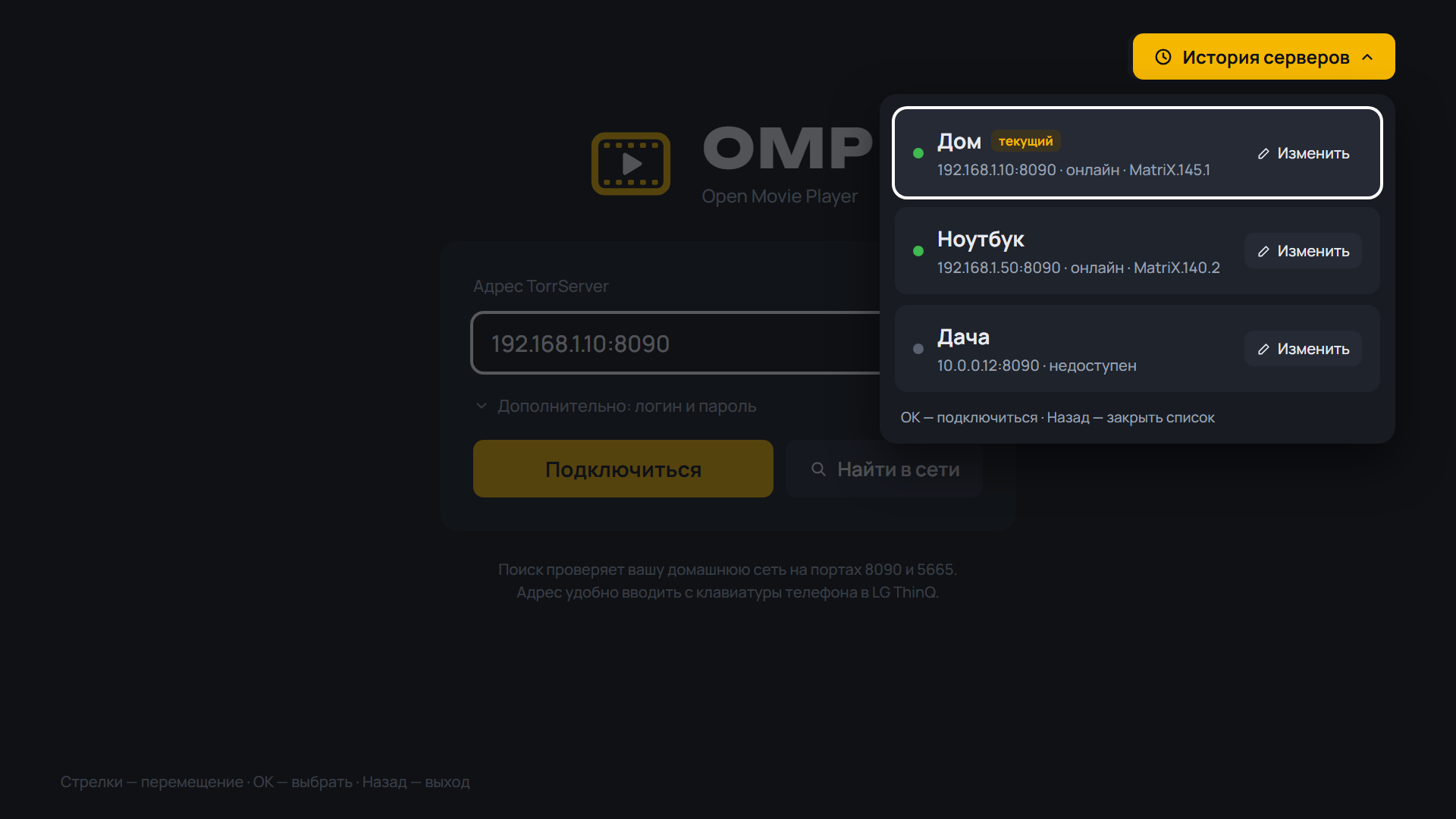
- The device name under the logo ("Dune HD", the TV's name); top bar button labels show as a chip under the button
- FAQ: connecting and installing on Xiaomi, "The TV cannot reach TorrServer but the phone can"; betas have a BETA band on the icon
SHA-256 OMP-0.19.0-webOS.ipk: eee7e79eef6ca4f24f4de8effd2d53fd155e2daed671c4ee345800963a66d5d2
SHA-256 OMP-0.19.0-arm64.apk: 5adc58998ec8479f920654d339f4f877c2475df5777af19c967e5d15f70e6553
SHA-256 OMP-0.19.0-armv7.apk: 6e4e56f629a23b15c5e9aa26006718c3ef7ad16892587077727906e2e56936ae
SHA-256 OMP-0.19.0.apk: d6cdee0452ecc6b954f16aa6e61bcdac231c429ec748583b089903cd8f33a182
What's Changed
- 0.19.0-beta.1: фильмография актёров и режиссёров, 2160 Player by @spacesarmat in #62
- 0.19.0-beta.2: биография, экран актёра в «Обзоре», «В ролях» под кнопками by @spacesarmat in #63
- 0.19.0-beta.3: «В ролях» у сериала с одной раздачей, абзацы в биографии by @spacesarmat in #64
- 0.19.0-beta.4: series dub, colour keys, Info panel, device name, BETA icon by @spacesarmat in #65
- 0.19.0-beta.5: Xiaomi FAQ by @spacesarmat in #66
- 0.19.0-beta.6: server address cleanup, VPN hint, FAQ by @spacesarmat in #67
- CI: parser monitor every 12 h (issues + Telegram) by @spacesarmat in #68
- CI: fix parser-monitor workflow YAML by @spacesarmat in #69
- Admin Telegram bot (Cloudflare Worker); monitor: torrent.by TLS, notify by @spacesarmat in #70
- 0.19.0-beta.7: box remote, search kinds, address keypad, announced episodes by @spacesarmat in #71
- Release 0.19.0 by @spacesarmat in #73
Full Changelog: v0.18.2...v0.19.0
Contributors
Assets 7
OMP v0.19.0-beta.7
OMP v0.19.0-beta.7 — Open Movie Player для LG webOS
Медиаплеер для телевизоров LG, который смотрит торренты с вашего TorrServer.
Обновление: OMP сам предложит новую версию при запуске. Также можно через Homebrew Channel — репозиторий OMP: https://raw.githubusercontent.com/spacesarmat/omp/gh-pages/apps.json.
 |
 |
 |
 |
 |
 |
 |
Android: скачайте APK ниже, откройте на телефоне или приставке и разрешите установку из браузера. Какой файл выбрать:
OMP-*-arm64.apk— 64-битная система (почти все современные телефоны);OMP-*-armv7.apk— 32-битная система (многие приставки Android TV, даже с 64-битным процессором);OMP-*.apkбез суффикса — если не уверены: подходит всем, но больше по размеру.
Помощник установки и обновления внутри OMP выбирают нужный файл сами. Подробнее — в README.
 |
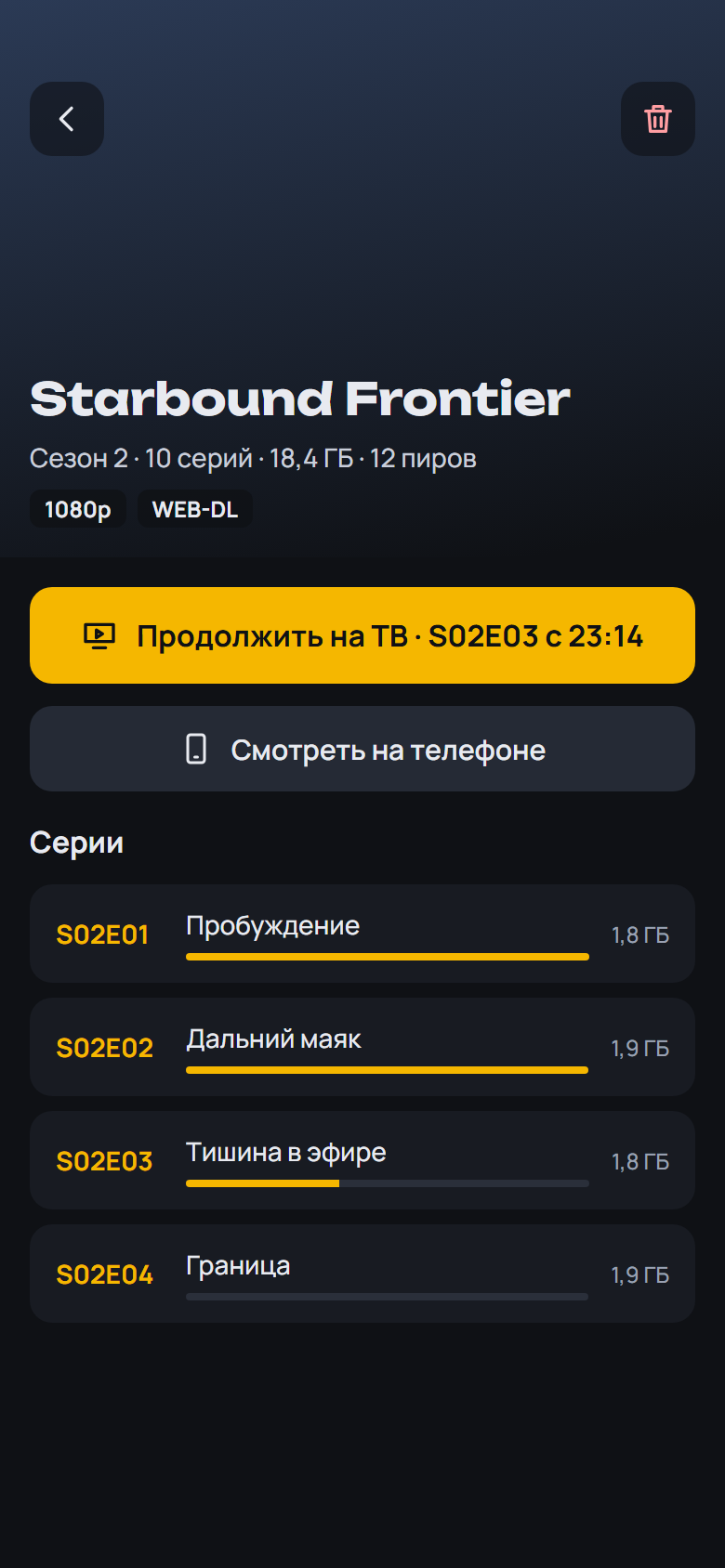 |
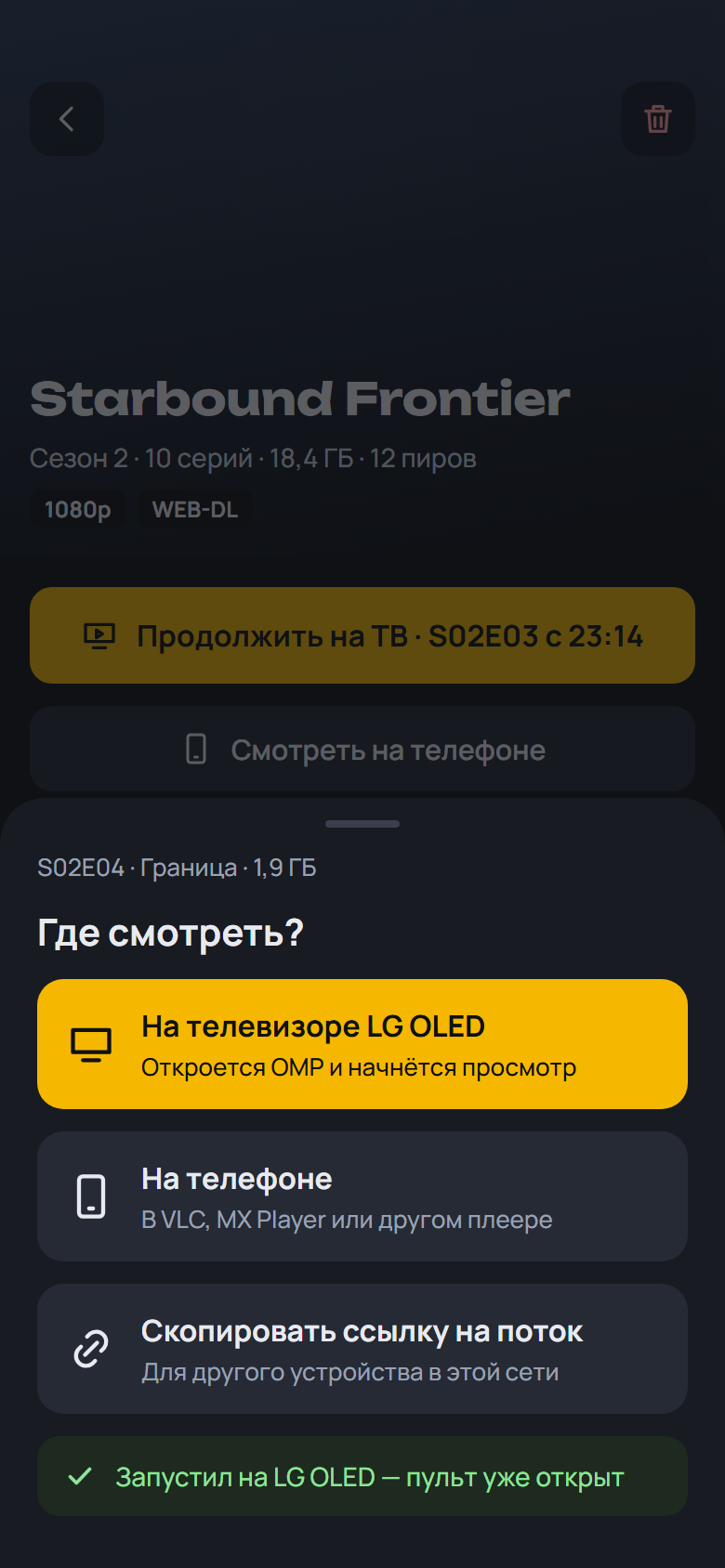 |
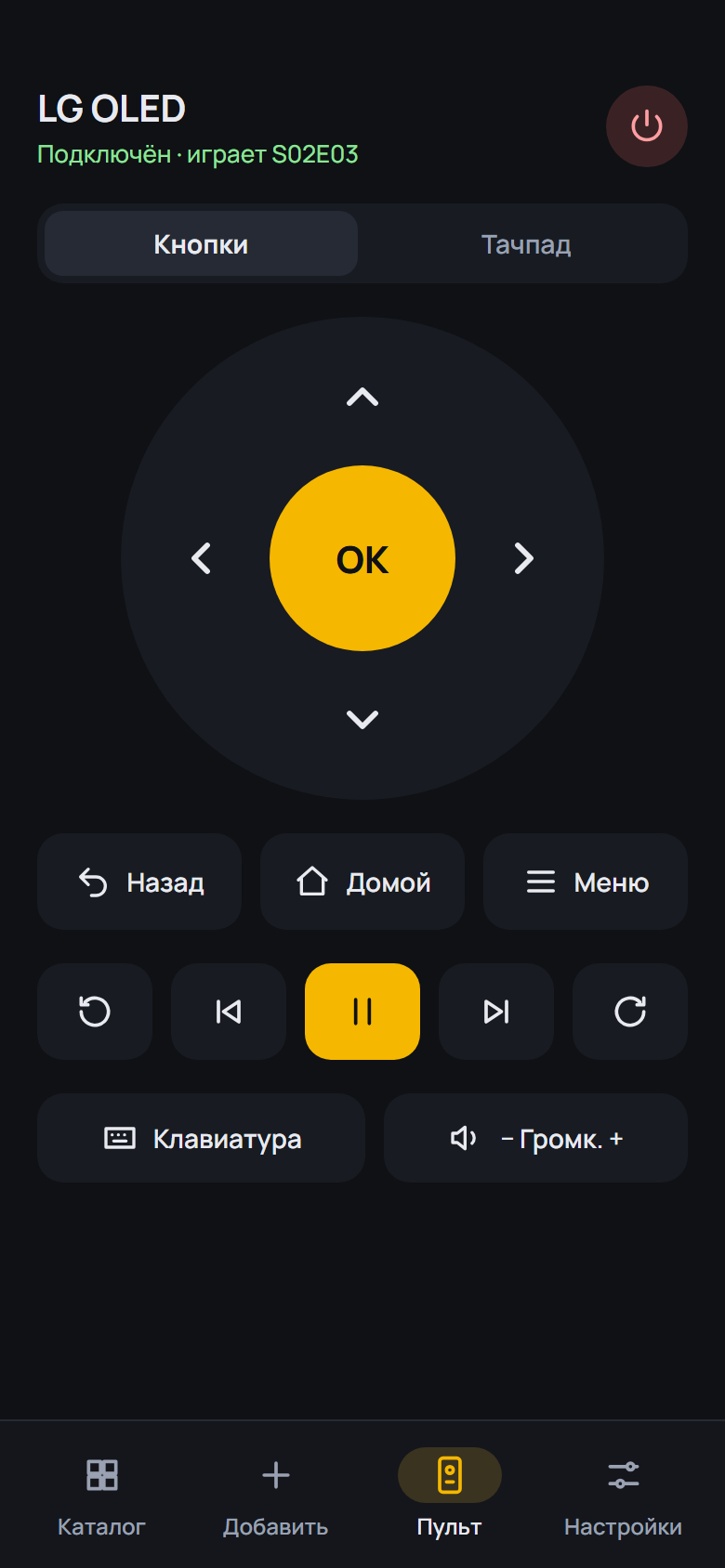 |
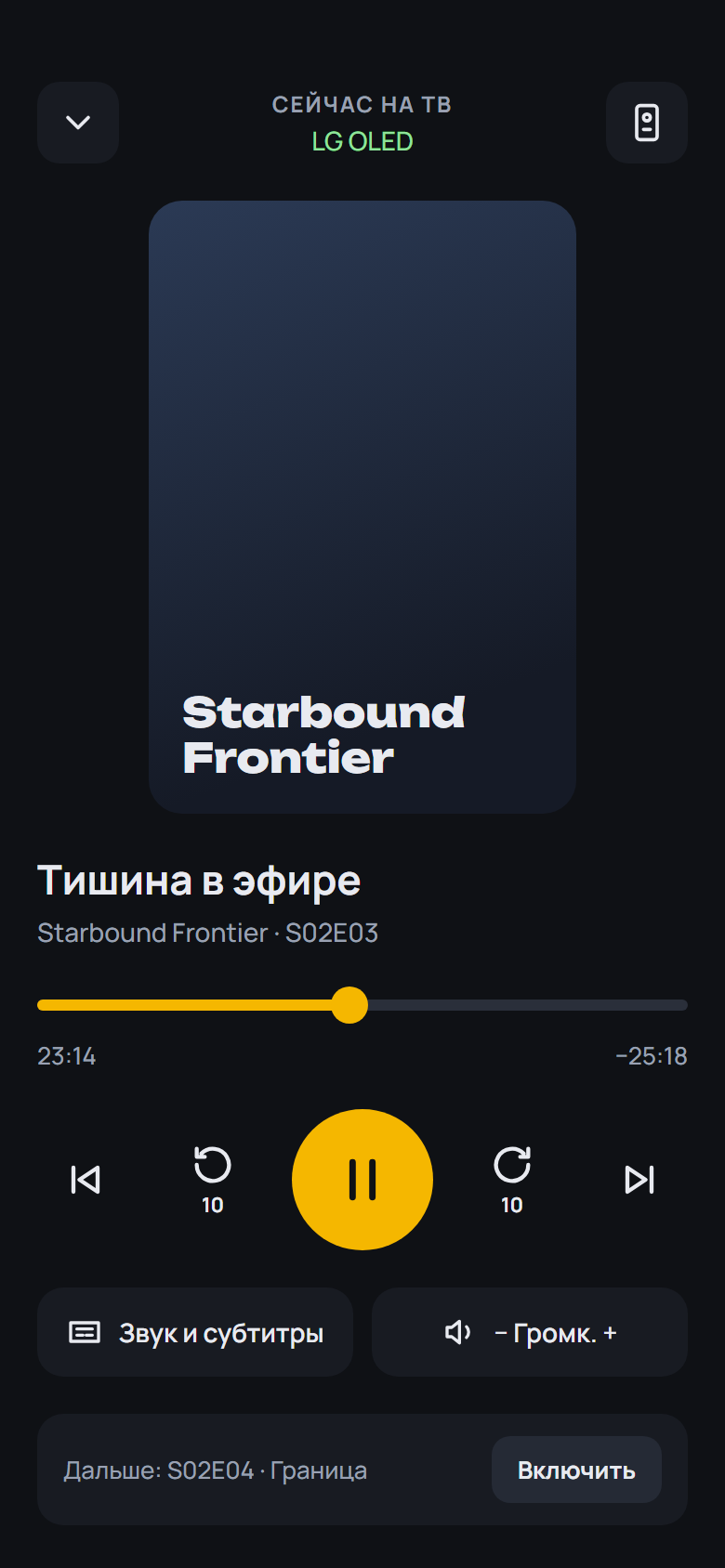 |
 |
 |
Установка на ТВ: скачайте OMP-*-webOS.ipk ниже и установите по инструкции из README.
English: download the APK (Android) or OMP-*-webOS.ipk (LG) below; install steps are in the English README.
English
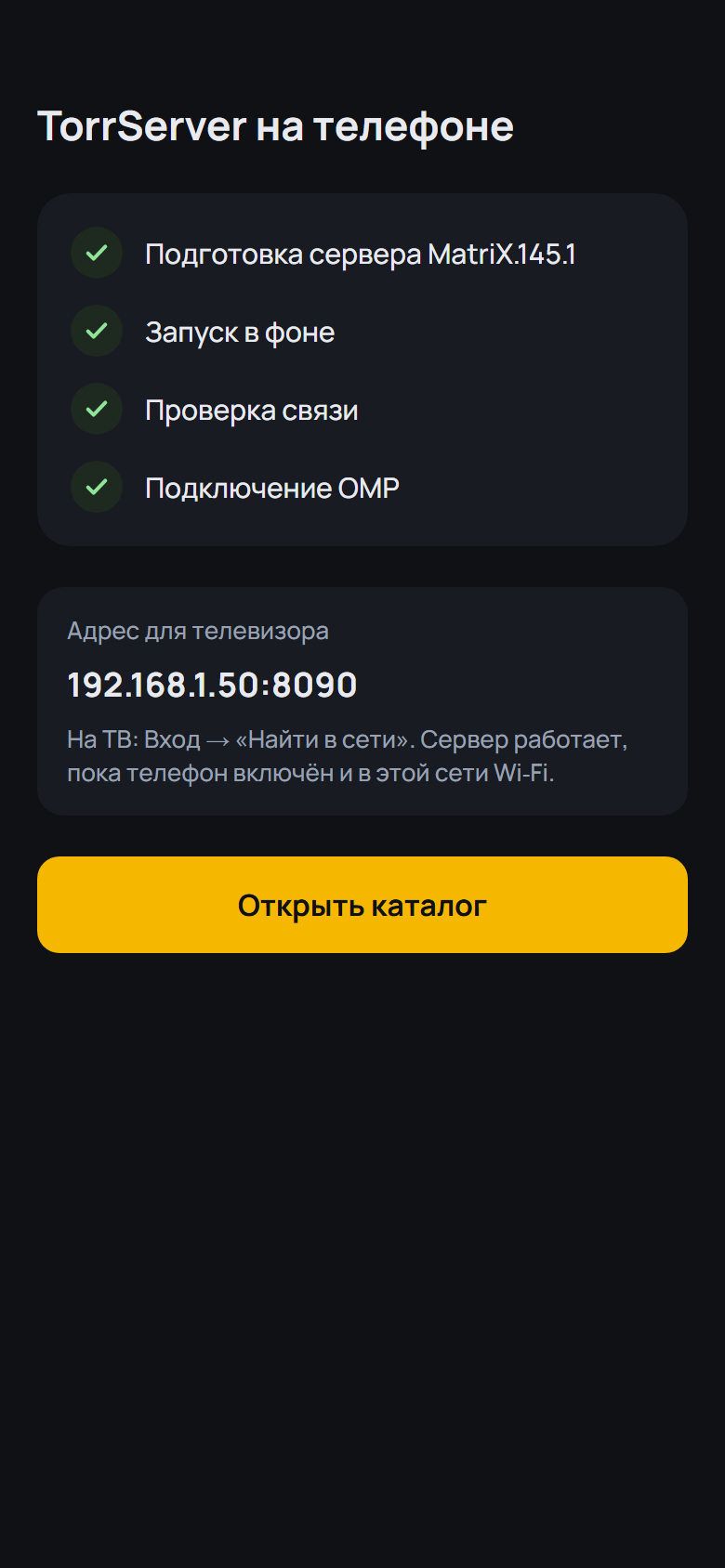
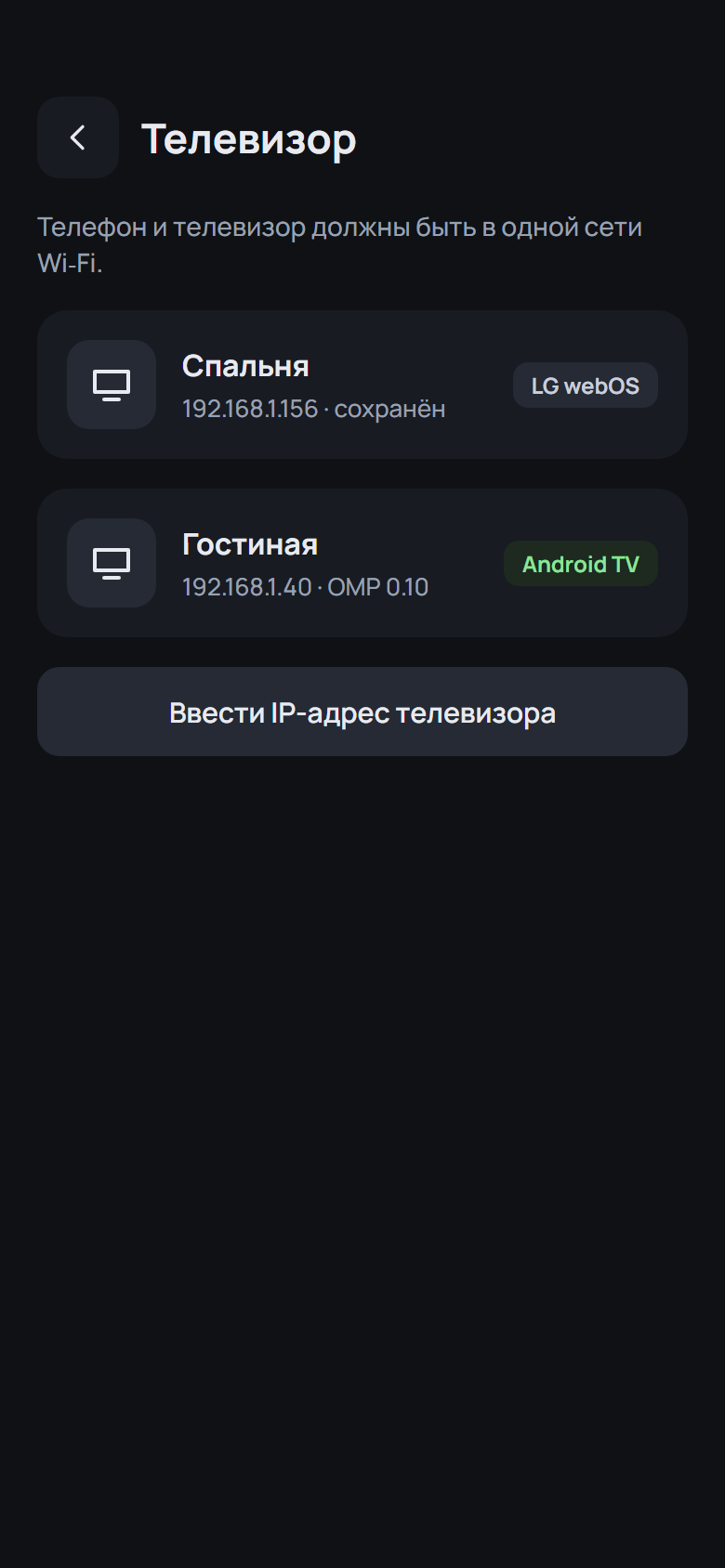
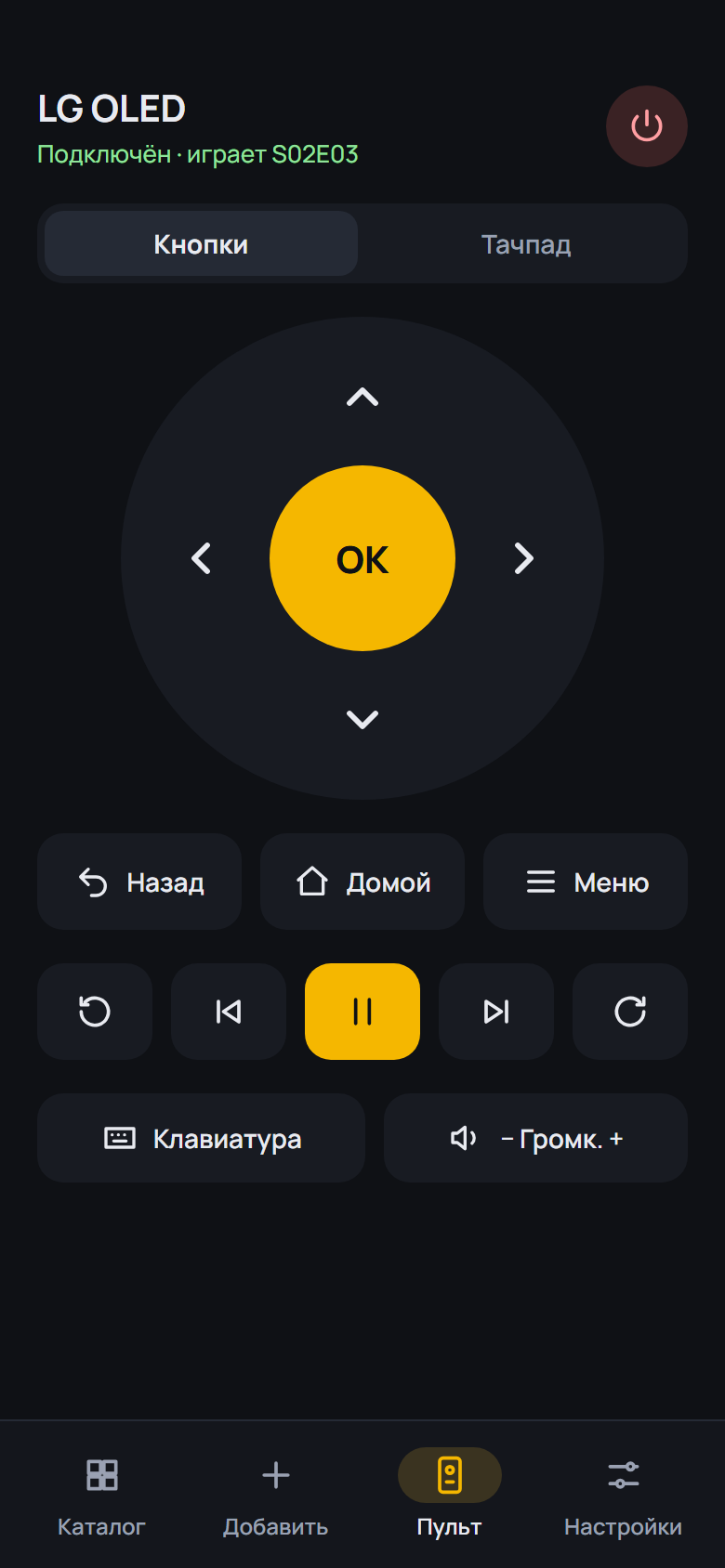
- Android TV remote: a "Control the box" switch: keys, Home, volume, Settings and media keys drive the whole box (via Google TV Remote with the code from the screen, or via network debugging); OMP still gets them
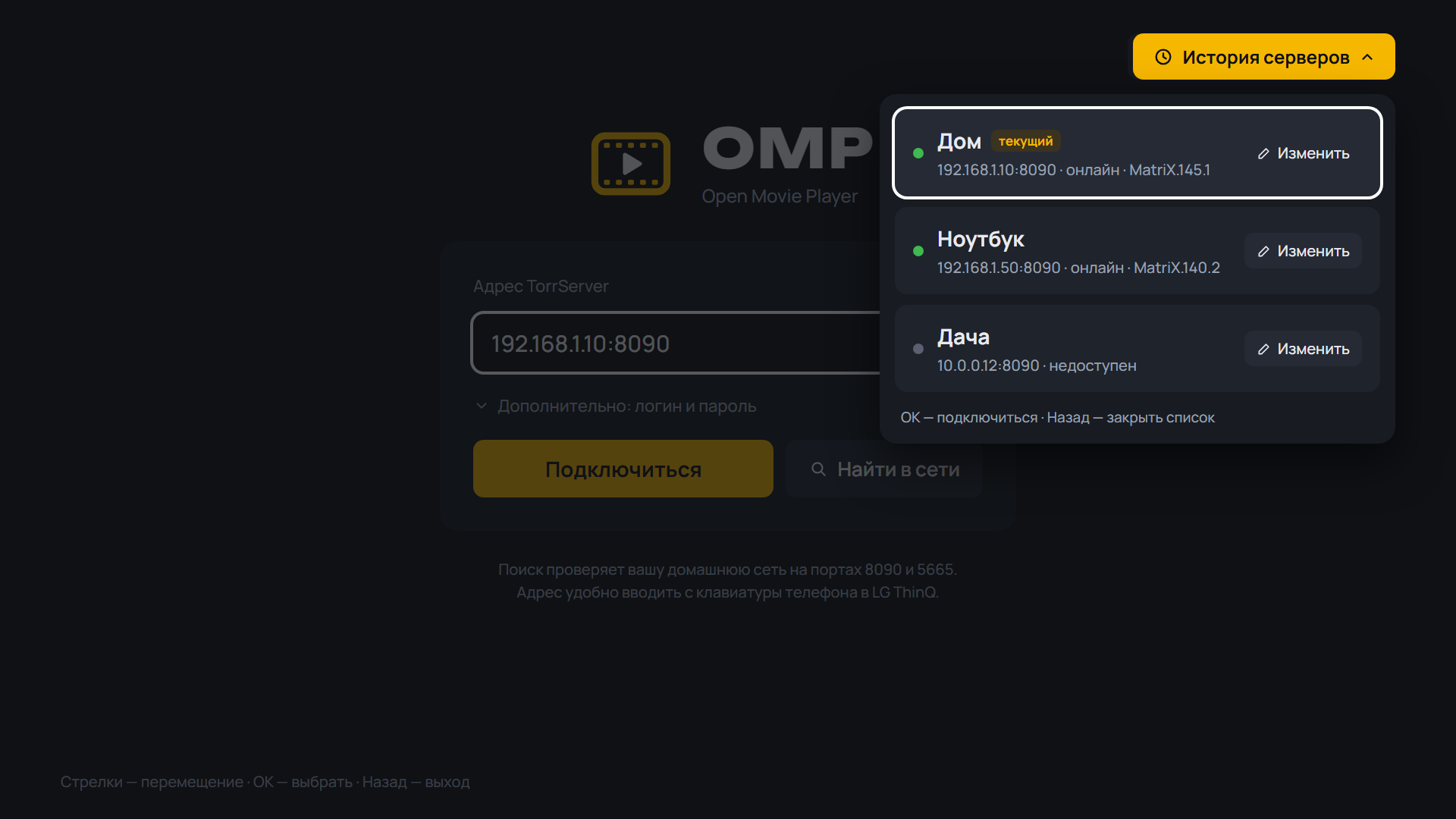
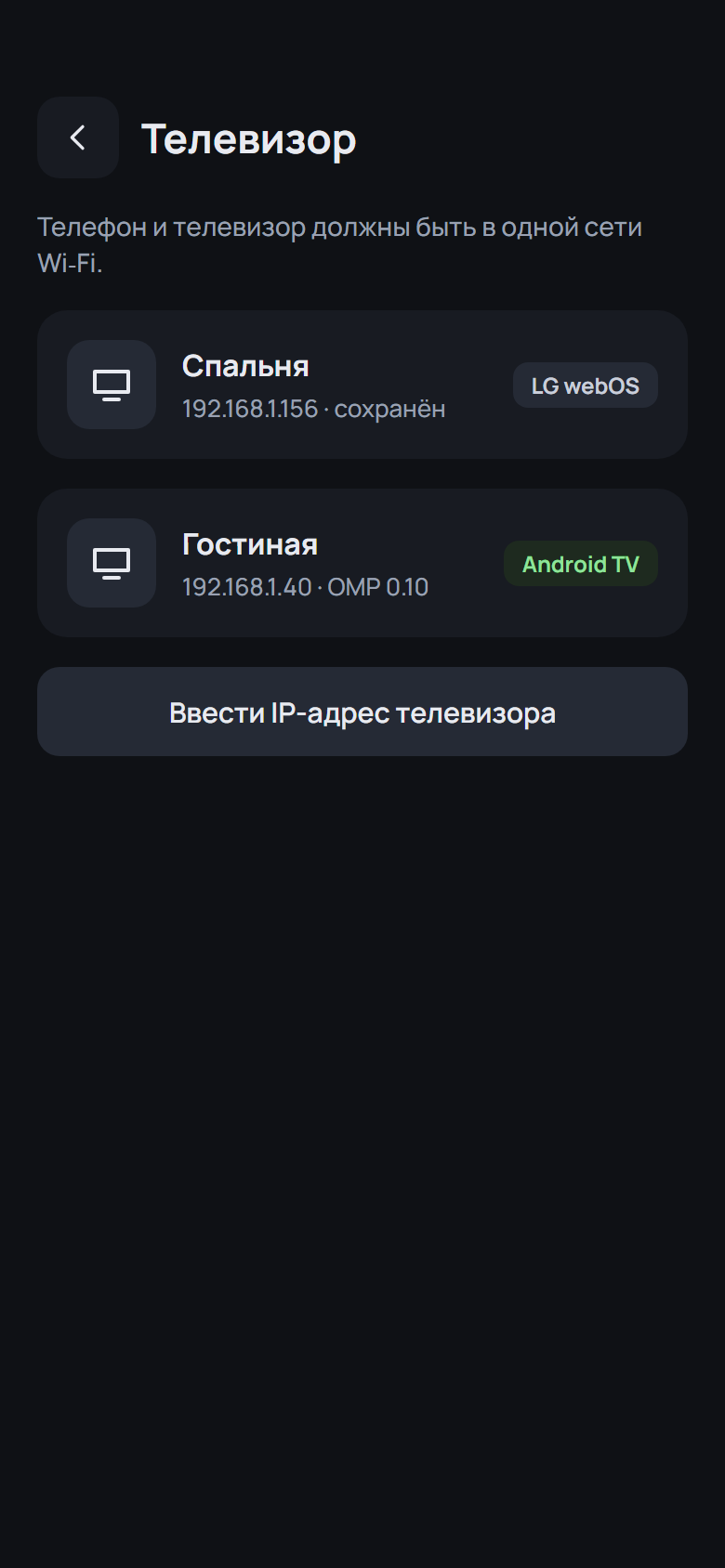
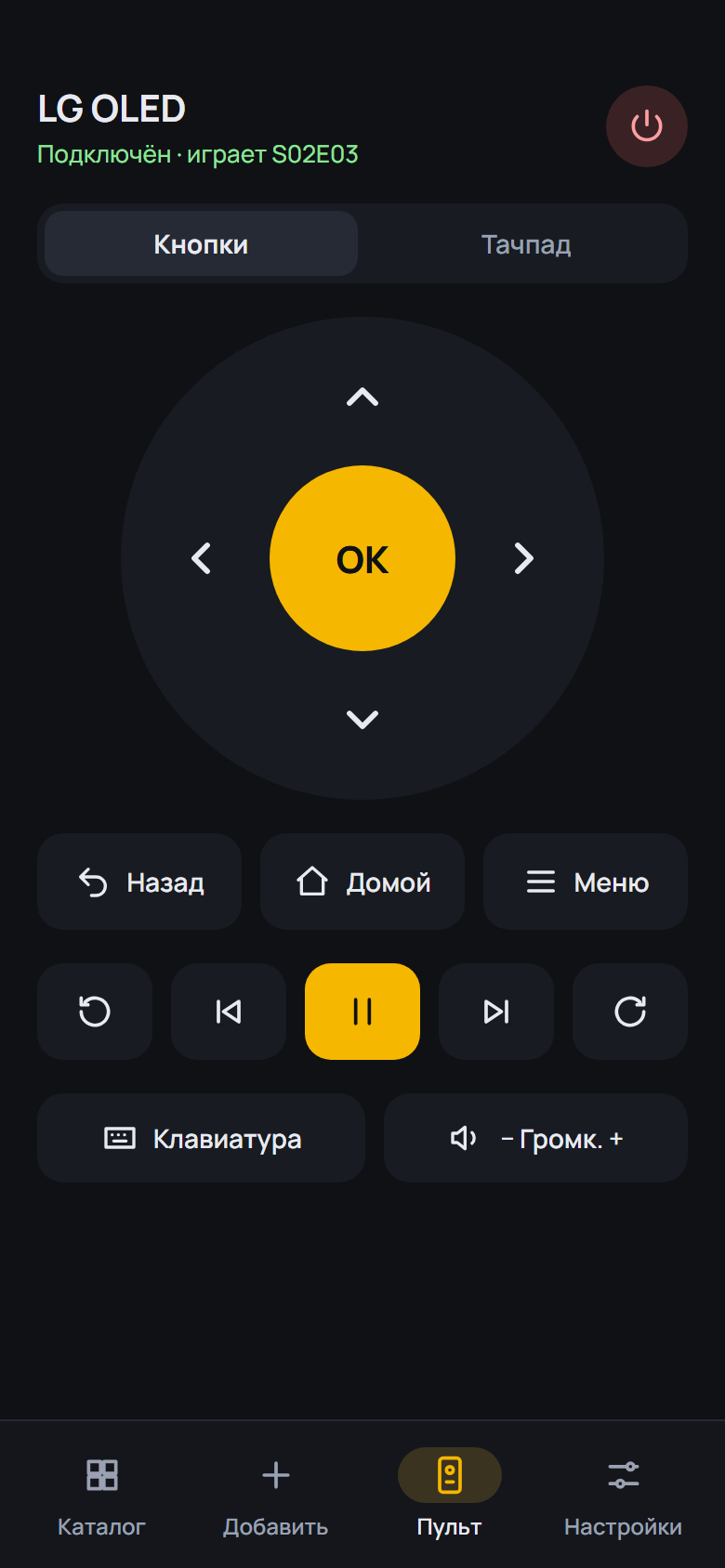
- Rename a TV: long-press its name on the Remote screen, Rename in the TV switcher or the pencil on the TV screen; "Restore the TV's own name" brings it back
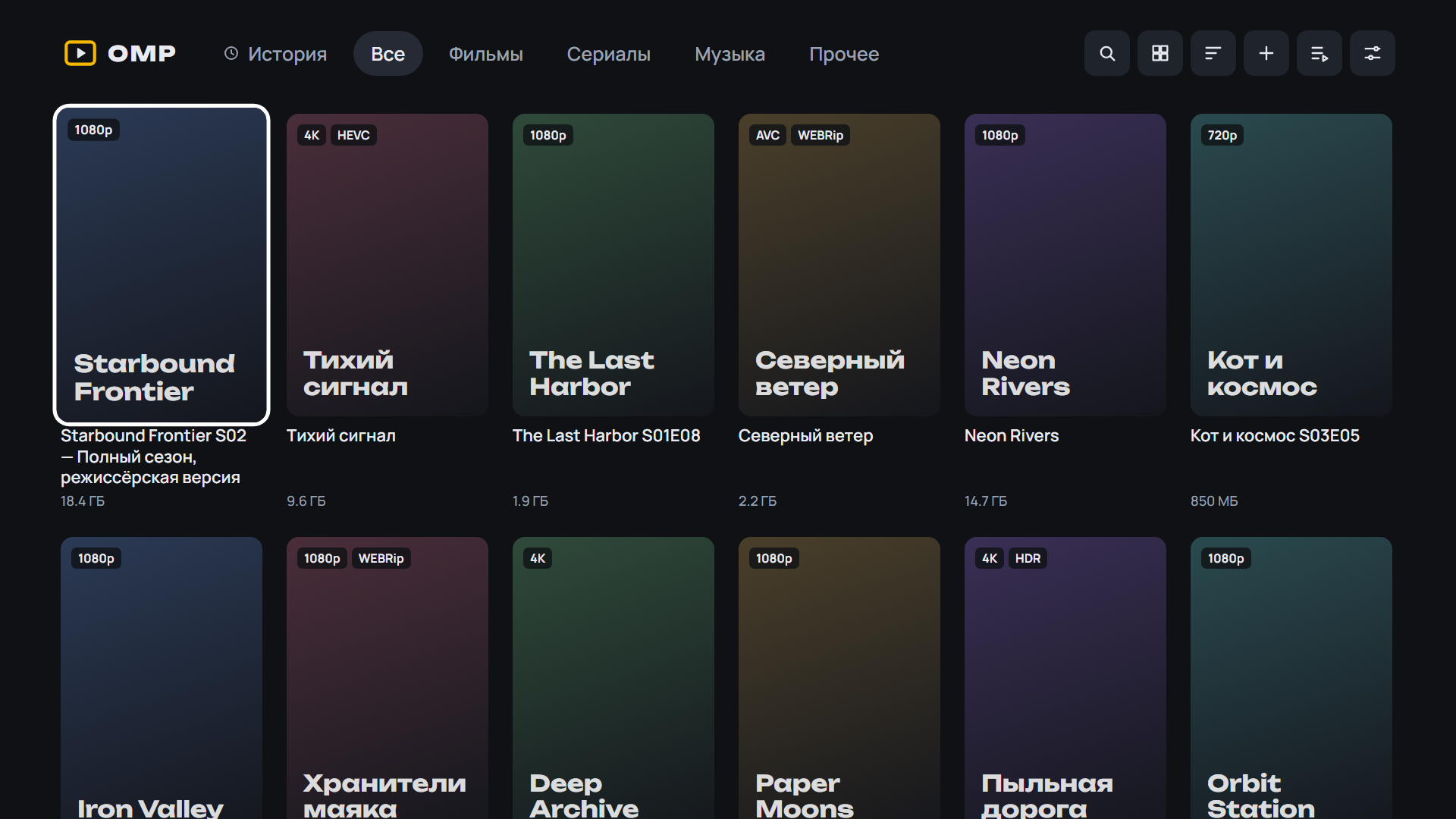
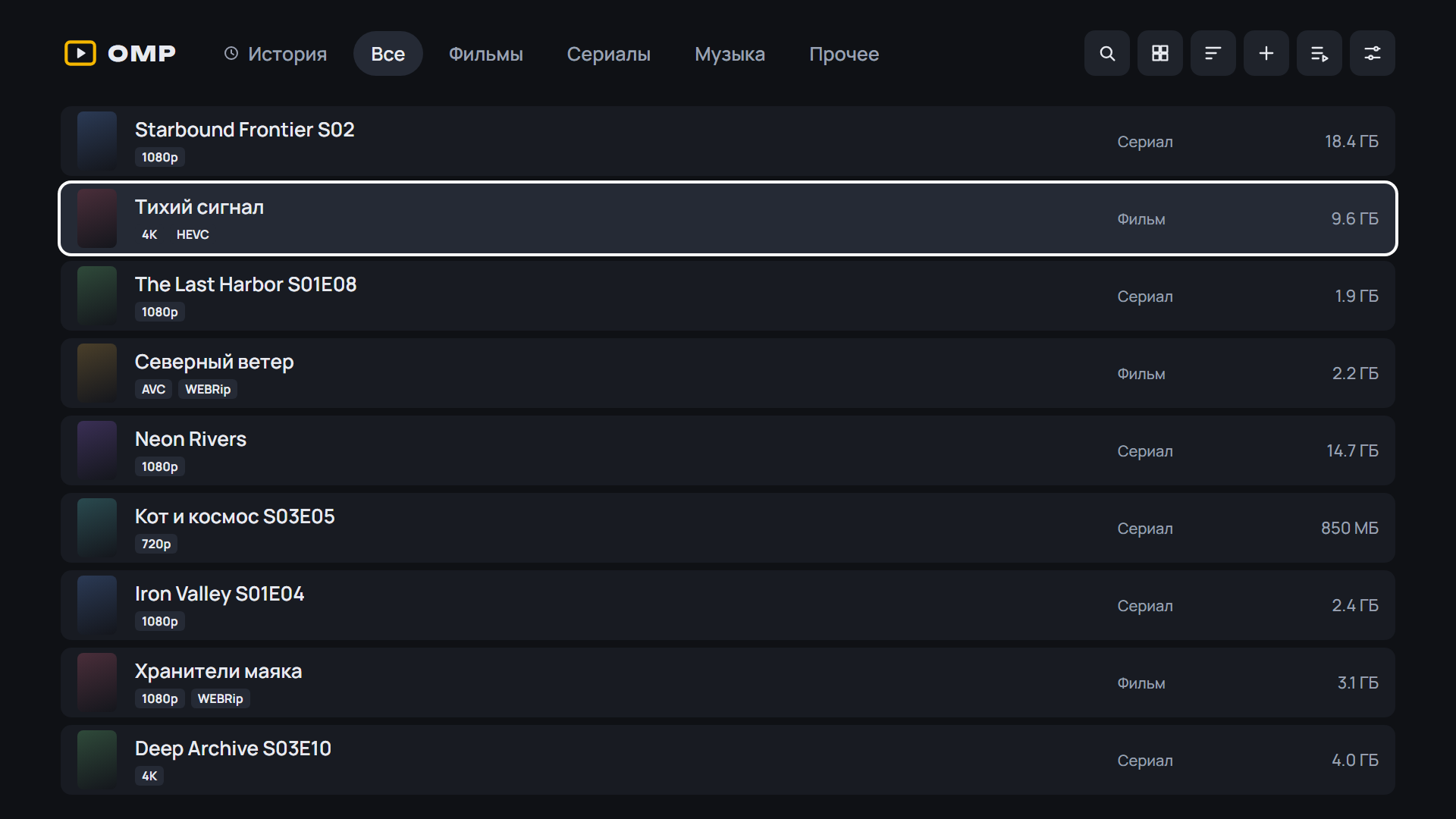
- "Find a release": each result shows "Movie" or "Series · S02 · 1–8 of 8", with an "All / Movies / Series" switch above the list
- Release search: a "Movie" / "Series · S02 · 1–8 of 8" badge and an "All / Movies / Series" filter; found releases get "Watch on the phone"
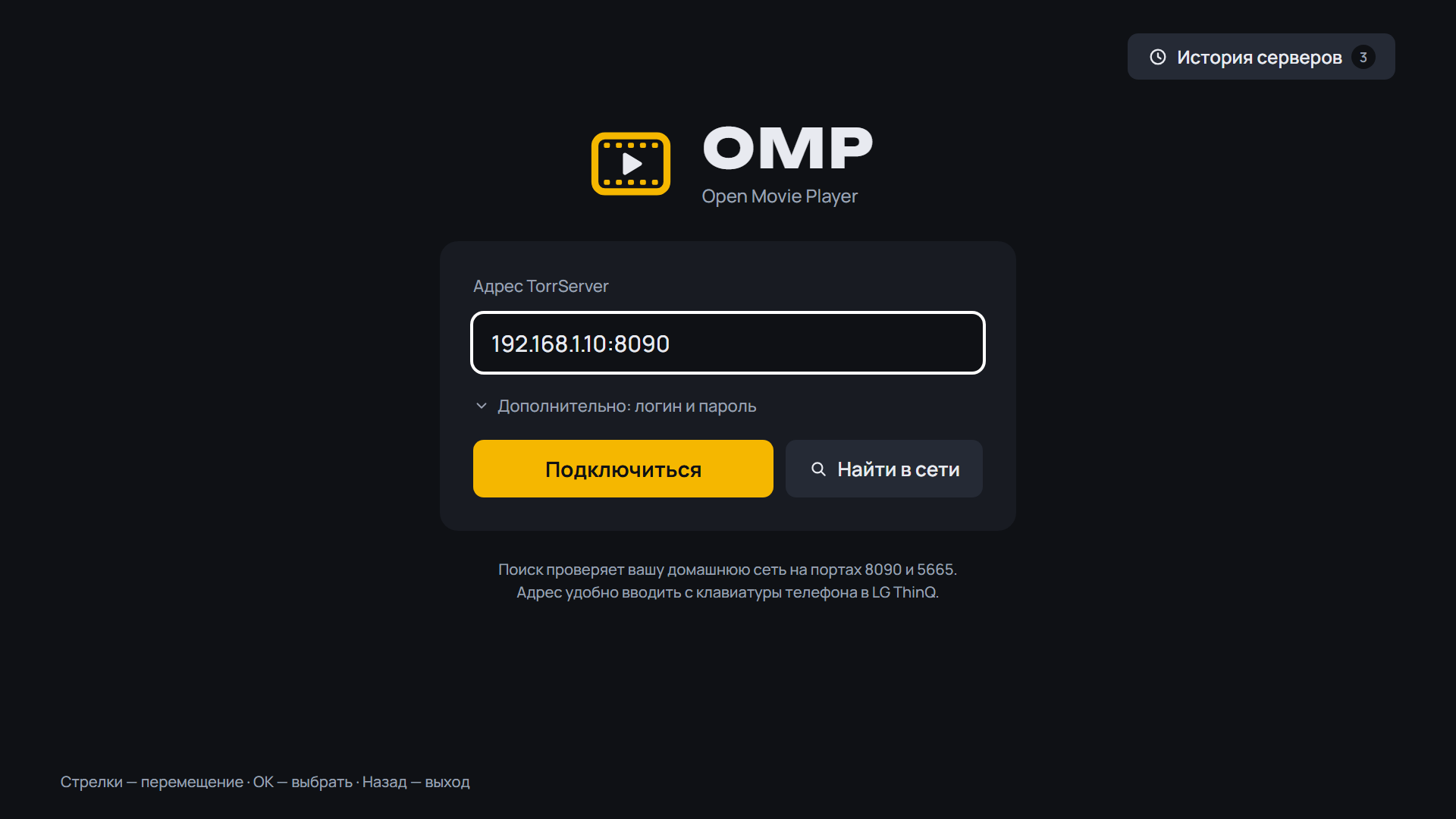
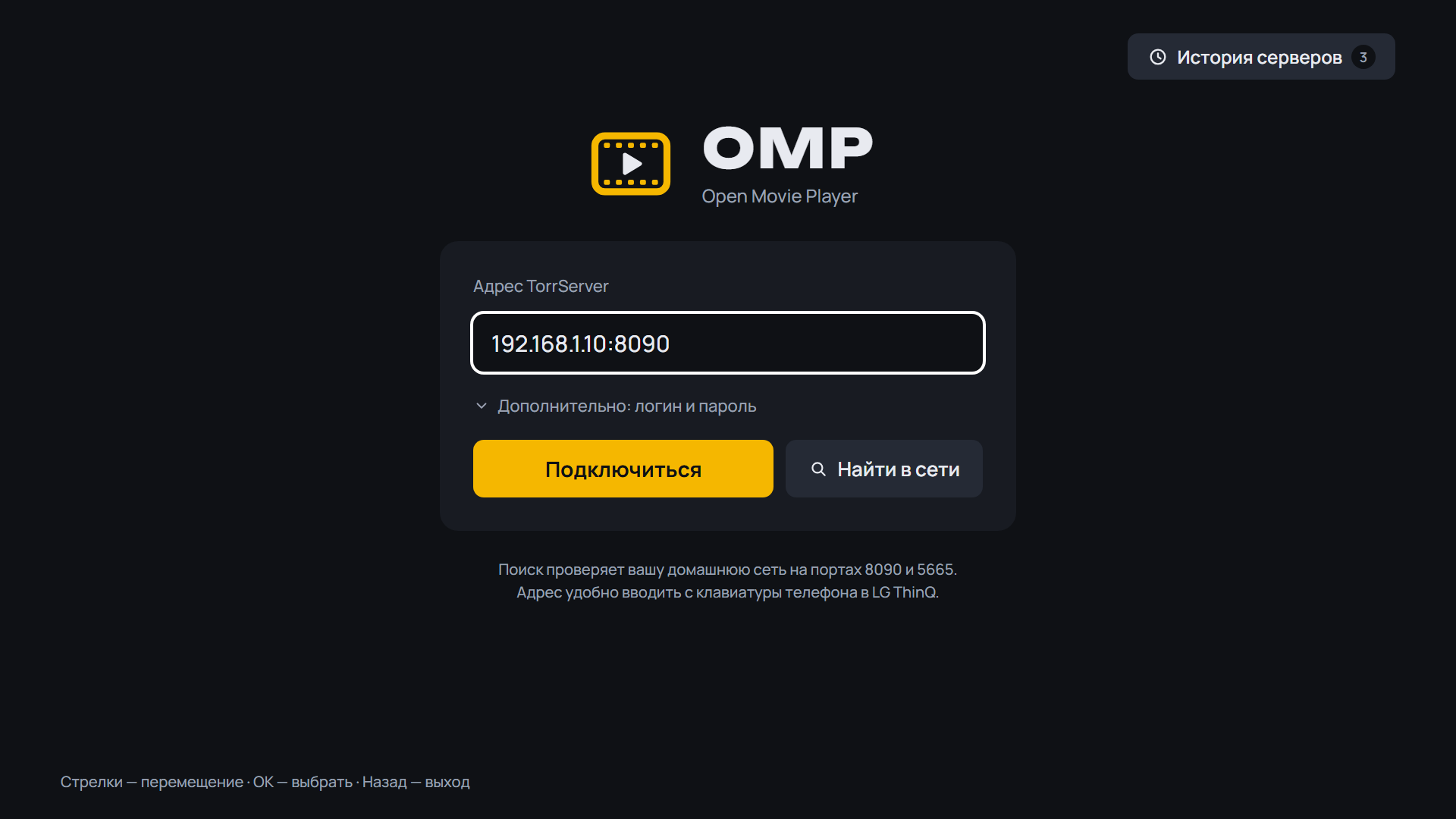
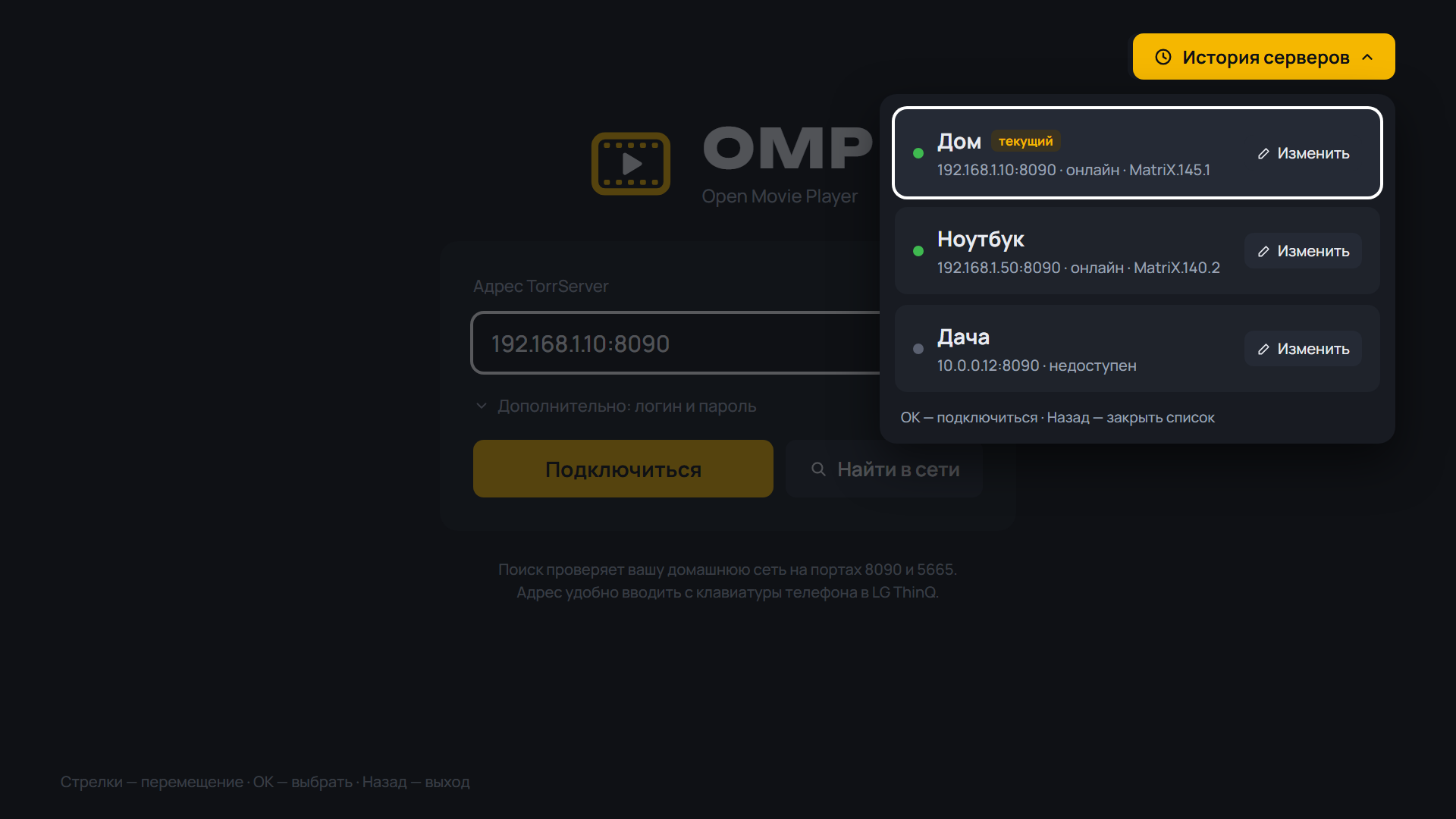
- The TorrServer address has OMP's own keypad: digits, ".", ":", backspace, http:// and https://; the remote's number keys type digits, "Keyboard" switches to the system keyboard
- The server address has OMP's own keypad docked at the bottom: digits, ".", ":", http:// and https://; "Keyboard" switches to the system keyboard, "123" back
- Series and release screens: after the last episode of a season, the announced episodes ("S02E08 Pyramid · out Oct 8"); the screen scrolls to them from the last episode
- Season chips show what is there first, then progress: "10 episodes · watched 1", "6 of 10 episodes", "watched"
- Top bar button labels show as a chip under the button; the button no longer stretches or runs off the screen
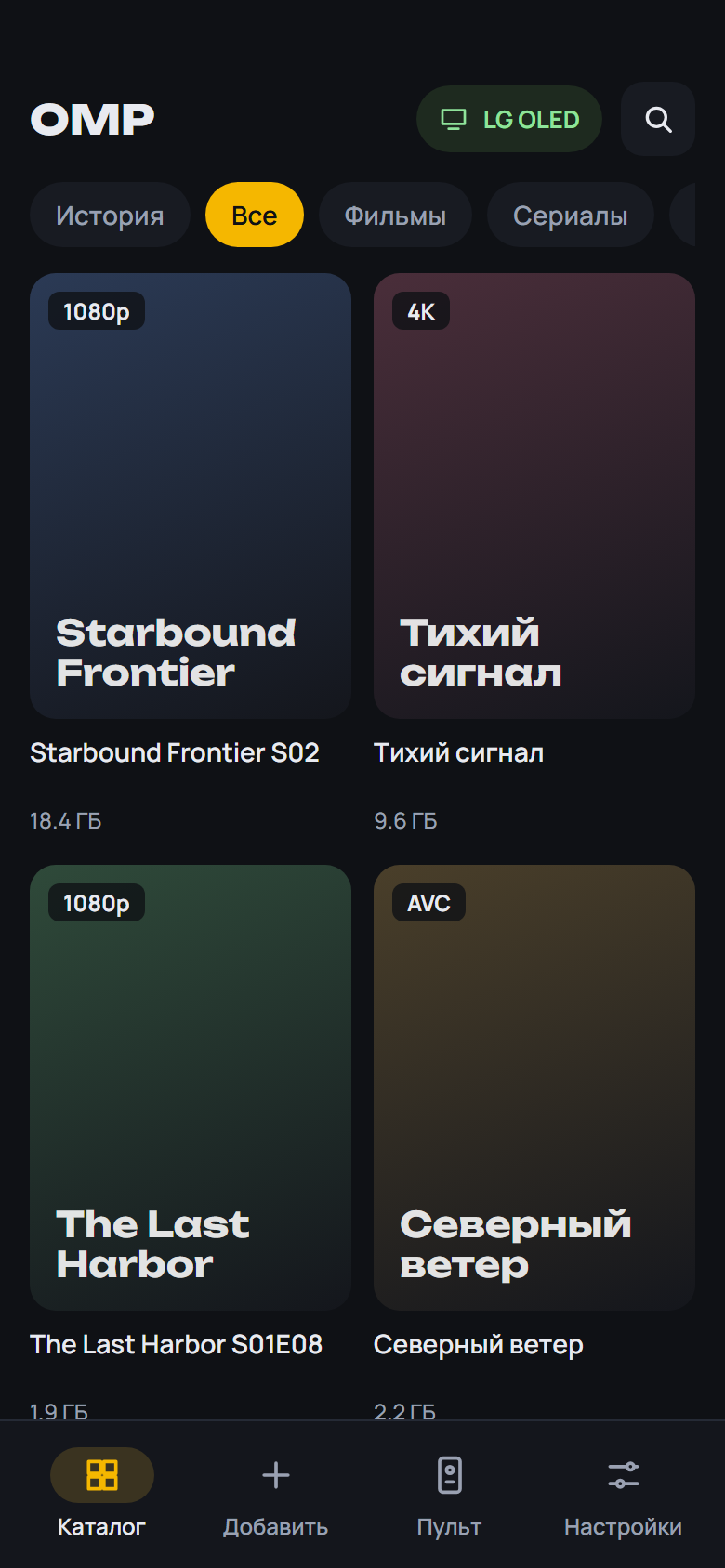
- The device name under the logo; a Dune HD box is called "Dune HD" (on the phone too)
- Info: the bitrate comes from TorrServer's file analysis when the player does not report it, else the file's average with an approximate mark
- Back on the phone remote at the home screen closes OMP, like the box remote
- The "Continue" button row scrolls the screen back to the top; the release name under the title is one line
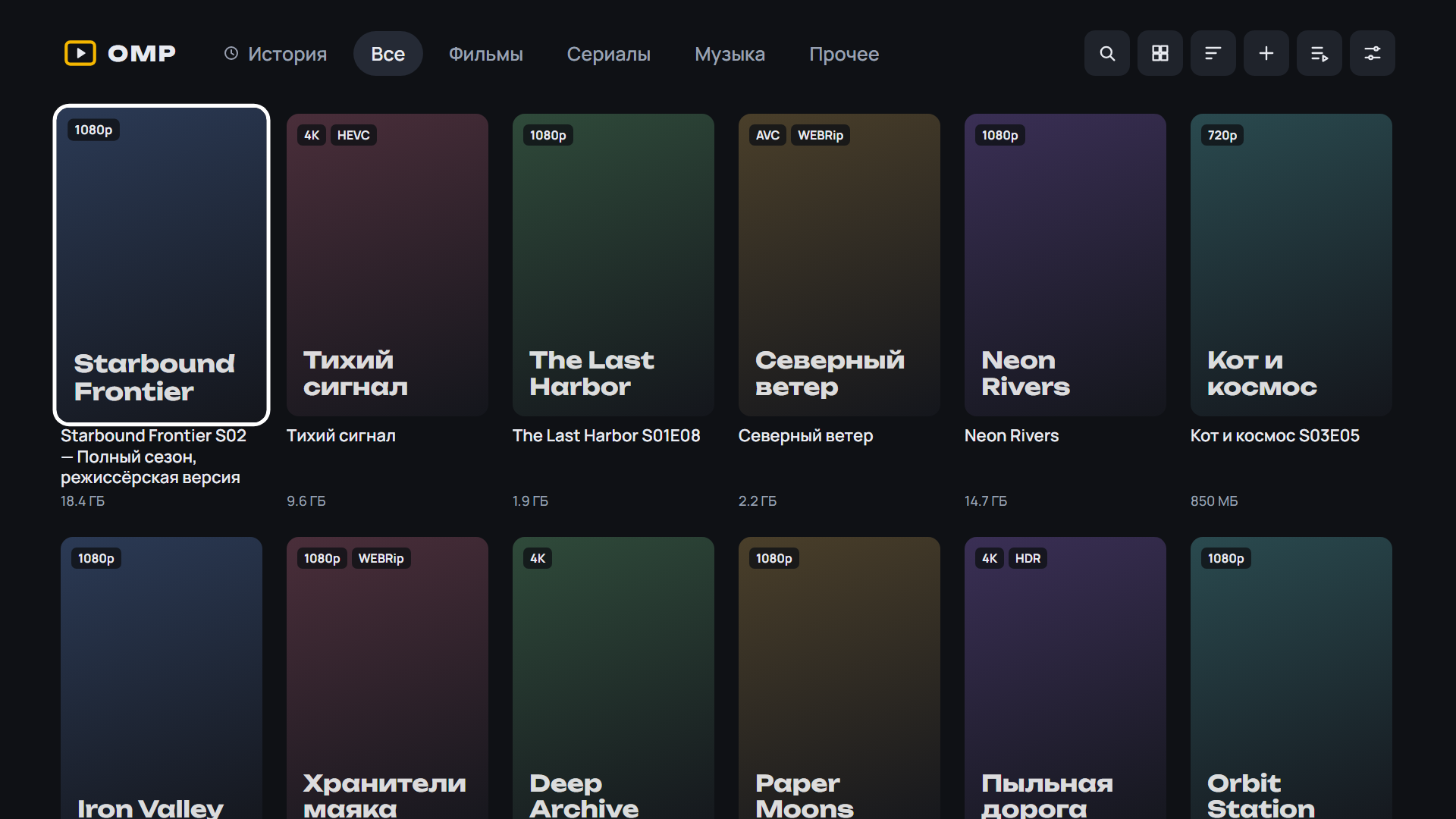
- Poster corners stay rounded while a focused card scales
SHA-256 OMP-0.19.0-beta.7-webOS.ipk: 7a01024c7ccc24e8ccddcf30eb4af04593a71da240f40f1a10e5ca7f1813679c
SHA-256 OMP-0.19.0-beta.7-arm64.apk: ceb74d0933092dec495f02d86d1a7f51d9ba6478fc0abf85540718d95d205b3c
SHA-256 OMP-0.19.0-beta.7-armv7.apk: 53e246d4808204ee6951797454bd3839a8af93b639aedecb062d08205669c186
SHA-256 OMP-0.19.0-beta.7.apk: 437137ea7347a4ba79a5552c0a686725de278bd48249baf9801cdd4587992105
What's Changed
- CI: parser monitor every 12 h (issues + Telegram) by @spacesarmat in #68
- CI: fix parser-monitor workflow YAML by @spacesarmat in #69
- Admin Telegram bot (Cloudflare Worker); monitor: torrent.by TLS, notify by @spacesarmat in #70
- 0.19.0-beta.7: box remote, search kinds, address keypad, announced episodes by @spacesarmat in #71
Full Changelog: v0.19.0-beta.6...v0.19.0-beta.7
Contributors
Assets 7
OMP v0.19.0-beta.6
OMP v0.19.0-beta.6 — Open Movie Player для LG webOS
Медиаплеер для телевизоров LG, который смотрит торренты с вашего TorrServer.
Обновление: OMP сам предложит новую версию при запуске. Также можно через Homebrew Channel — репозиторий OMP: https://raw.githubusercontent.com/spacesarmat/omp/gh-pages/apps.json.
 |
 |
 |
 |
 |
 |
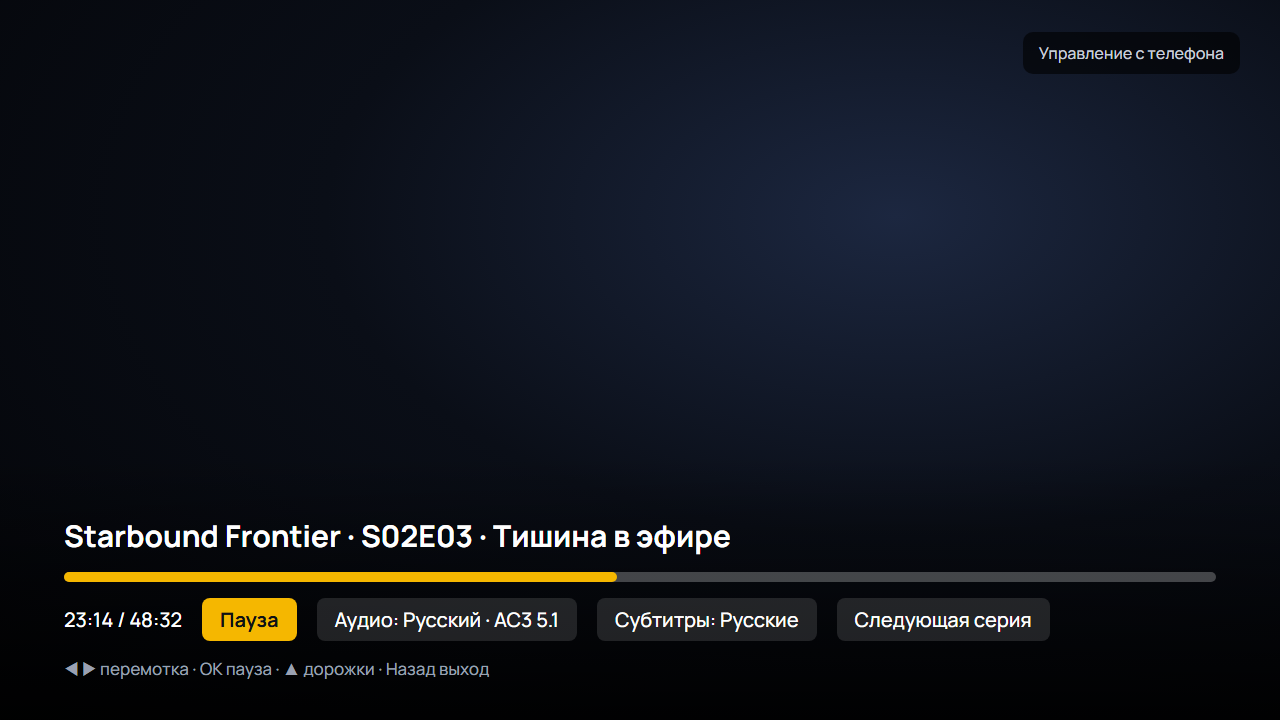 |
Android: скачайте APK ниже, откройте на телефоне или приставке и разрешите установку из браузера. Какой файл выбрать:
OMP-*-arm64.apk— 64-битная система (почти все современные телефоны);OMP-*-armv7.apk— 32-битная система (многие приставки Android TV, даже с 64-битным процессором);OMP-*.apkбез суффикса — если не уверены: подходит всем, но больше по размеру.
Помощник установки и обновления внутри OMP выбирают нужный файл сами. Подробнее — в README.
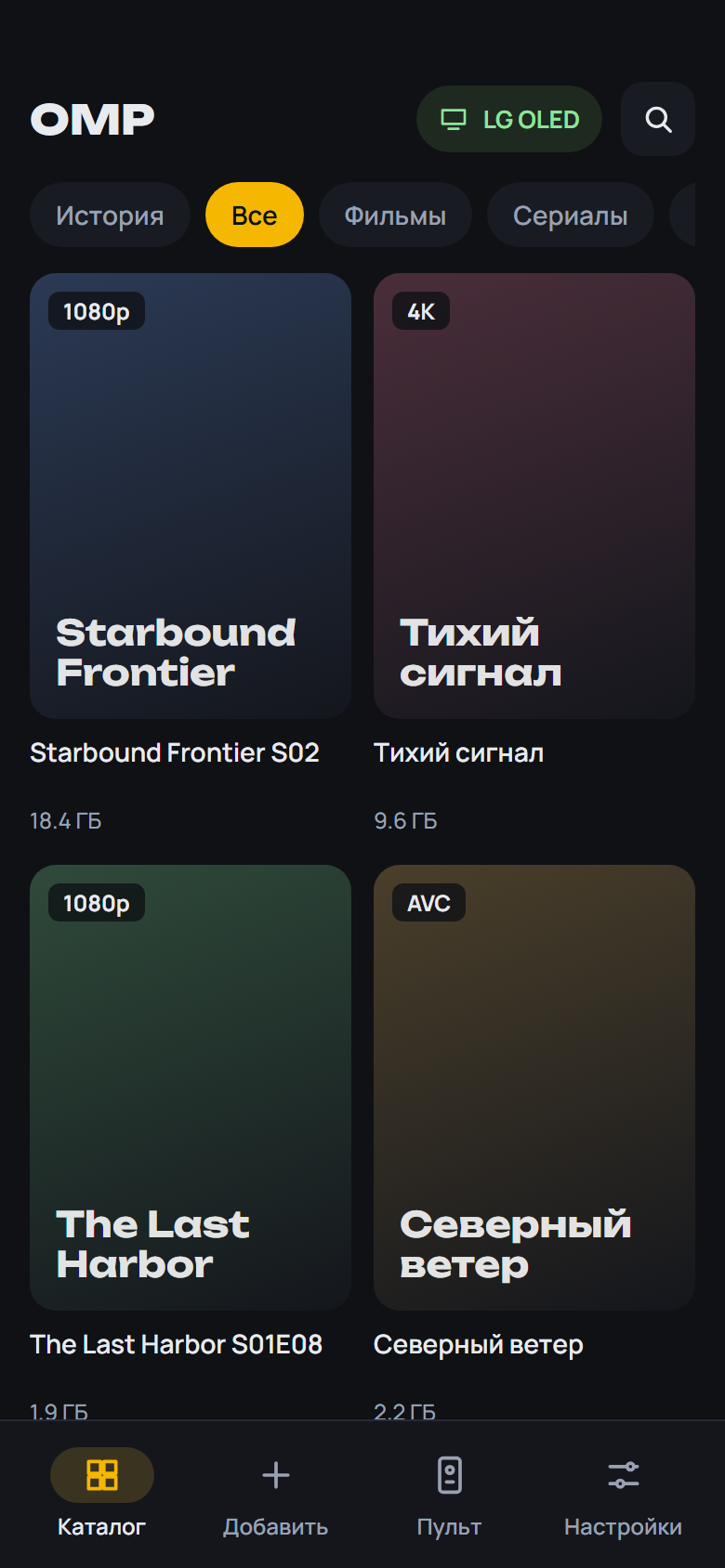 |
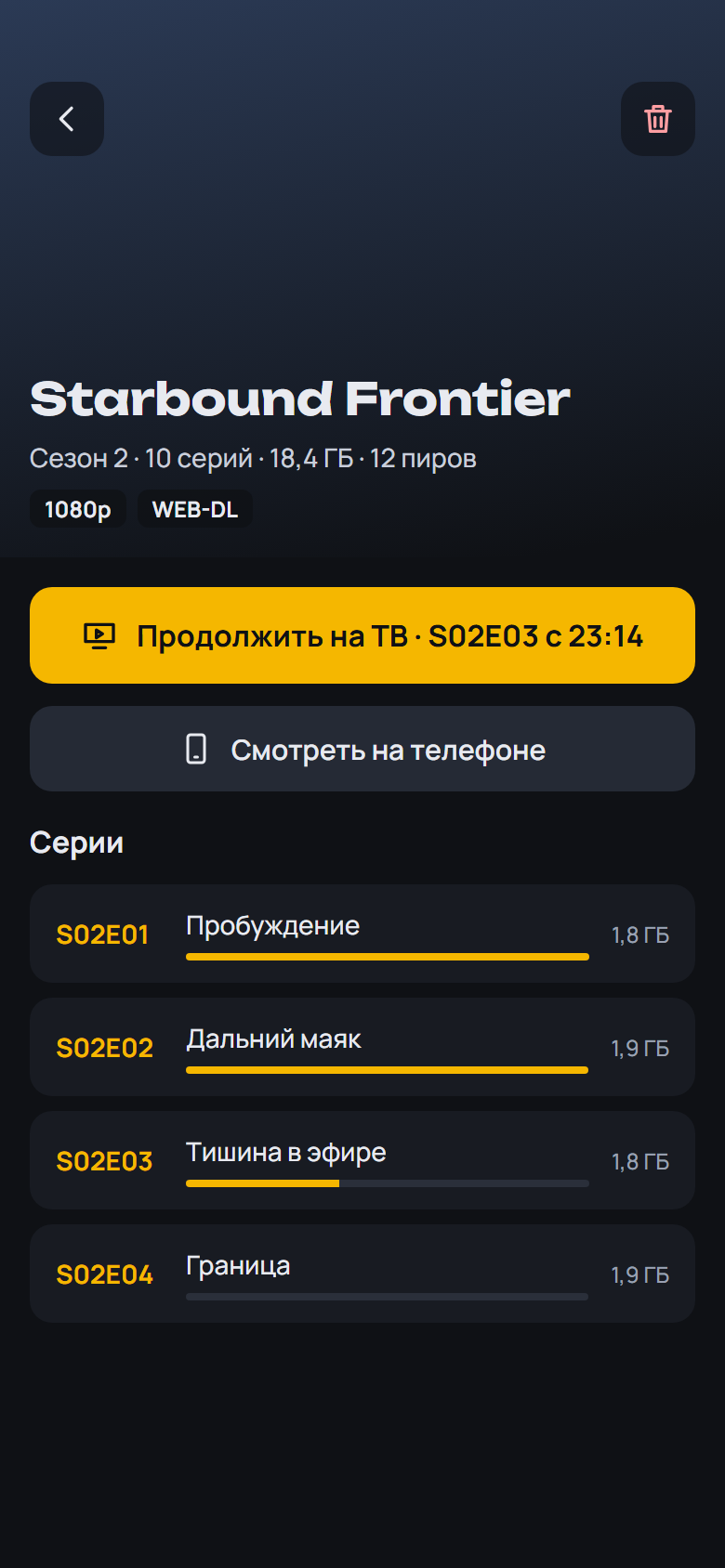 |
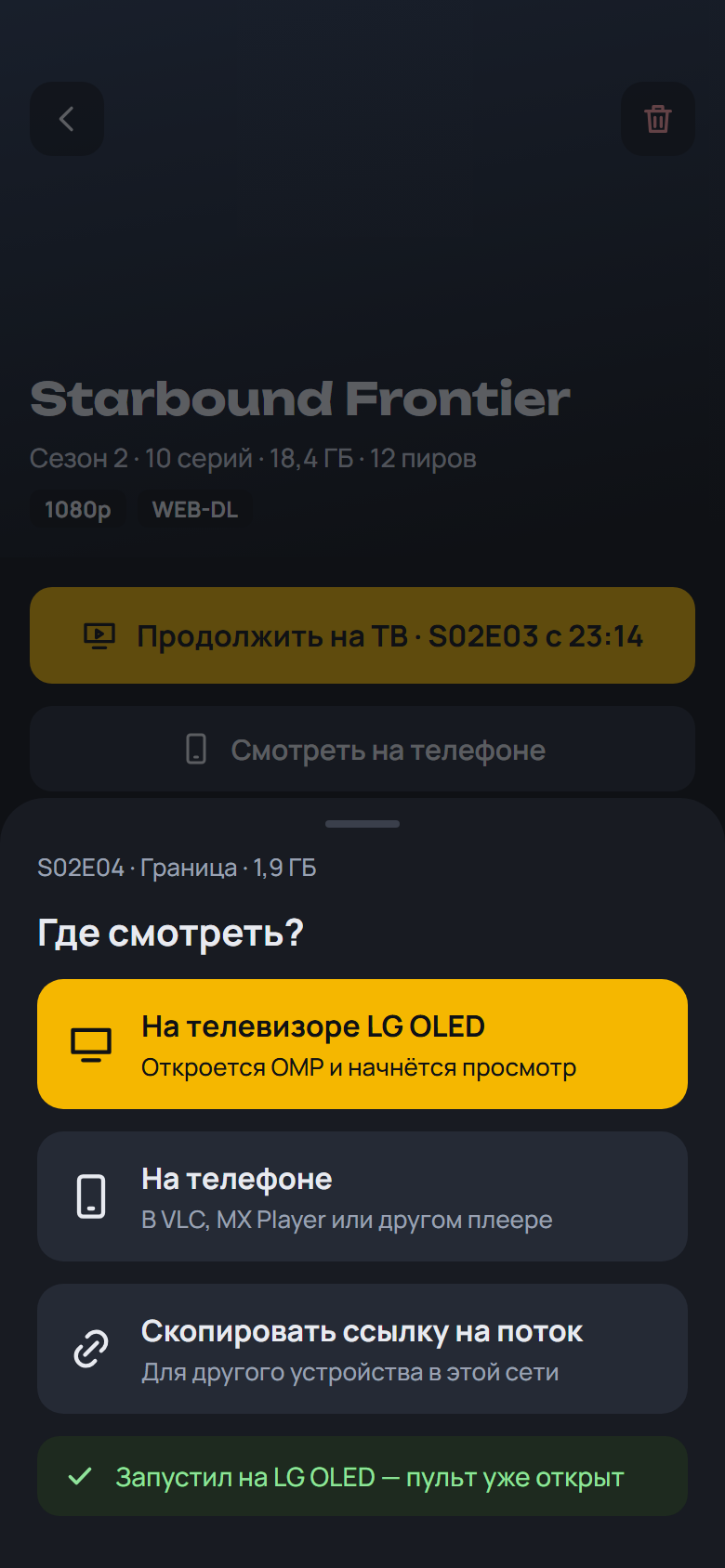 |
 |
 |
 |
 |
Установка на ТВ: скачайте OMP-*-webOS.ipk ниже и установите по инструкции из README.
English: download the APK (Android) or OMP-*-webOS.ipk (LG) below; install steps are in the English README.
English
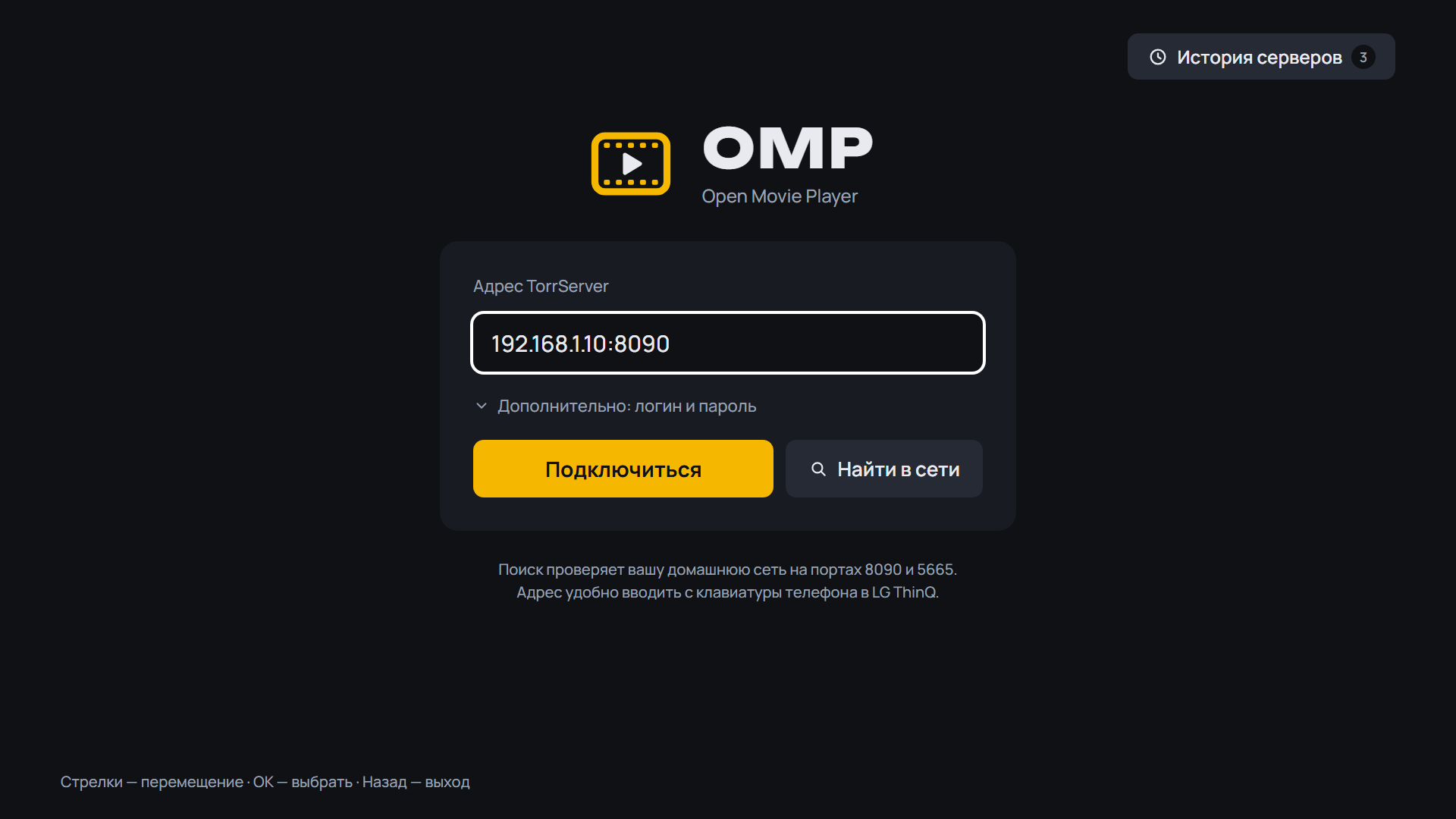
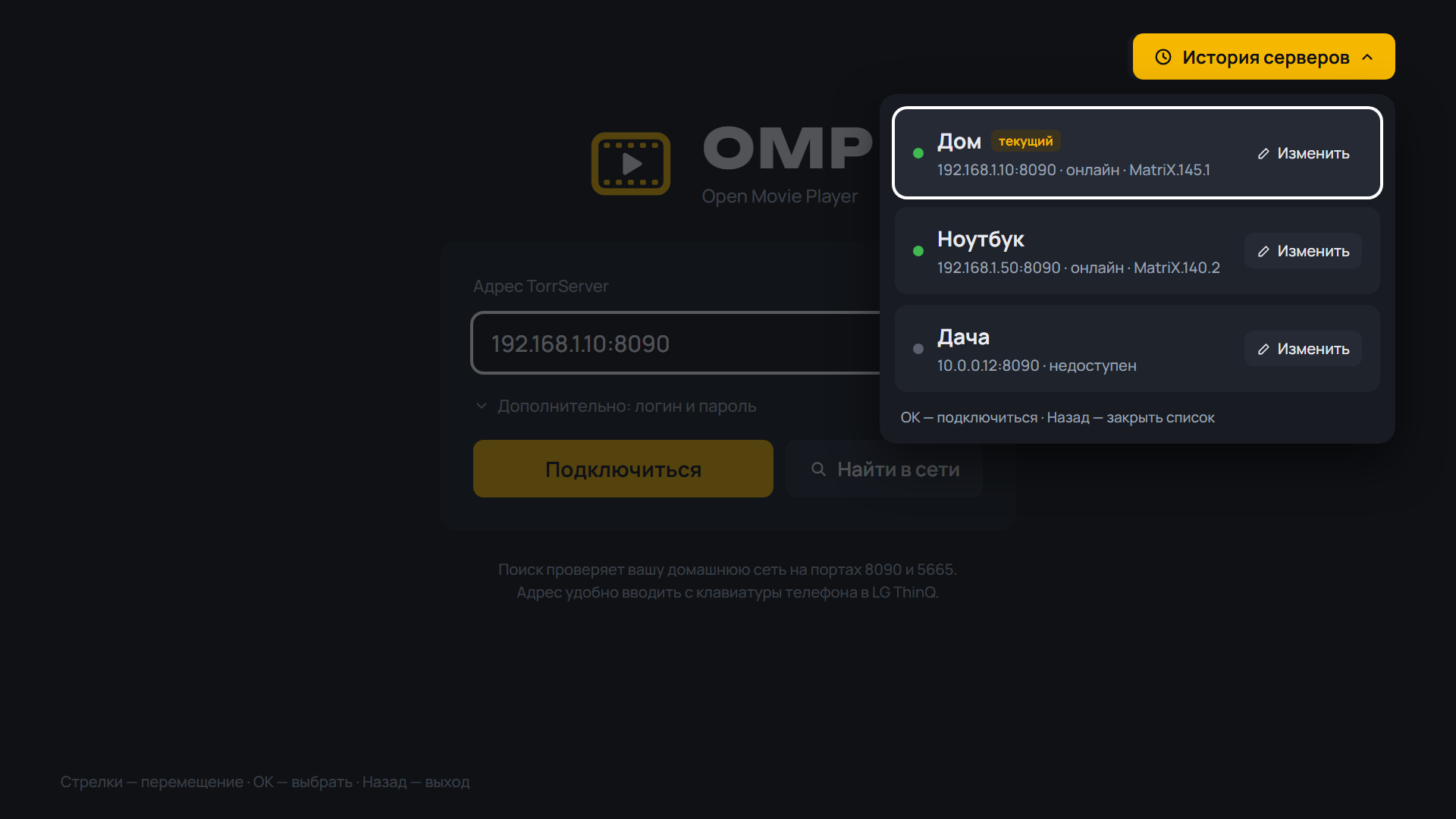
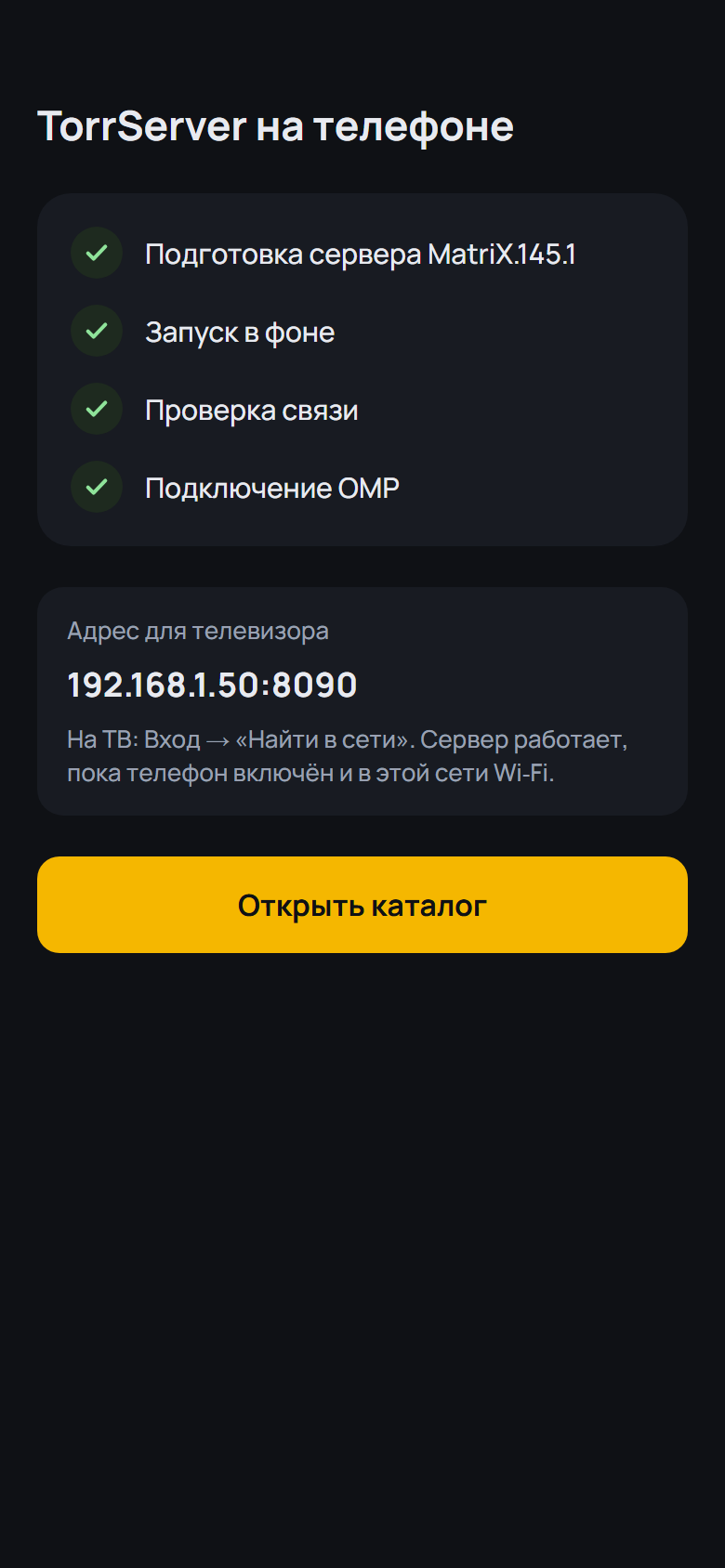
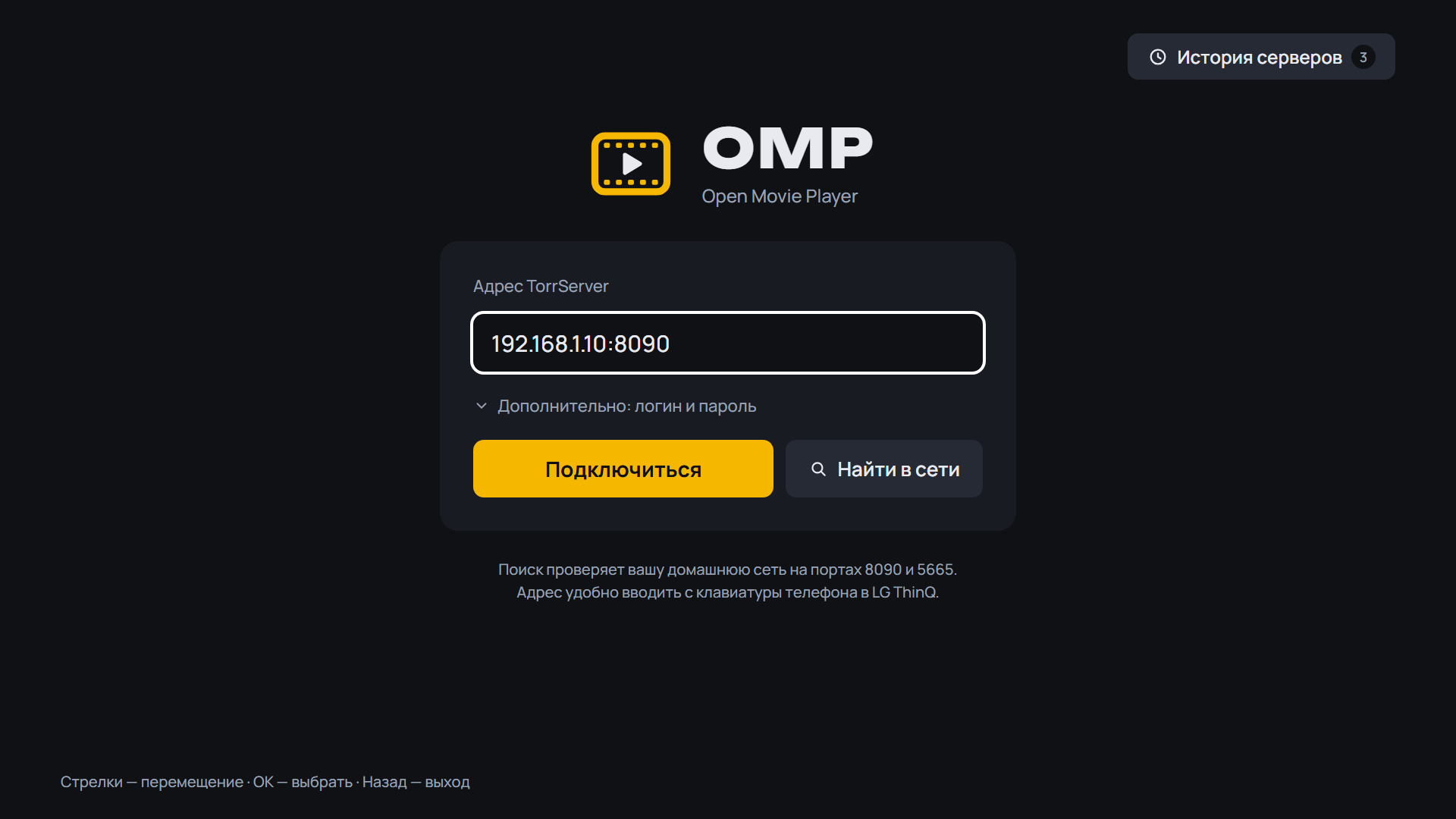
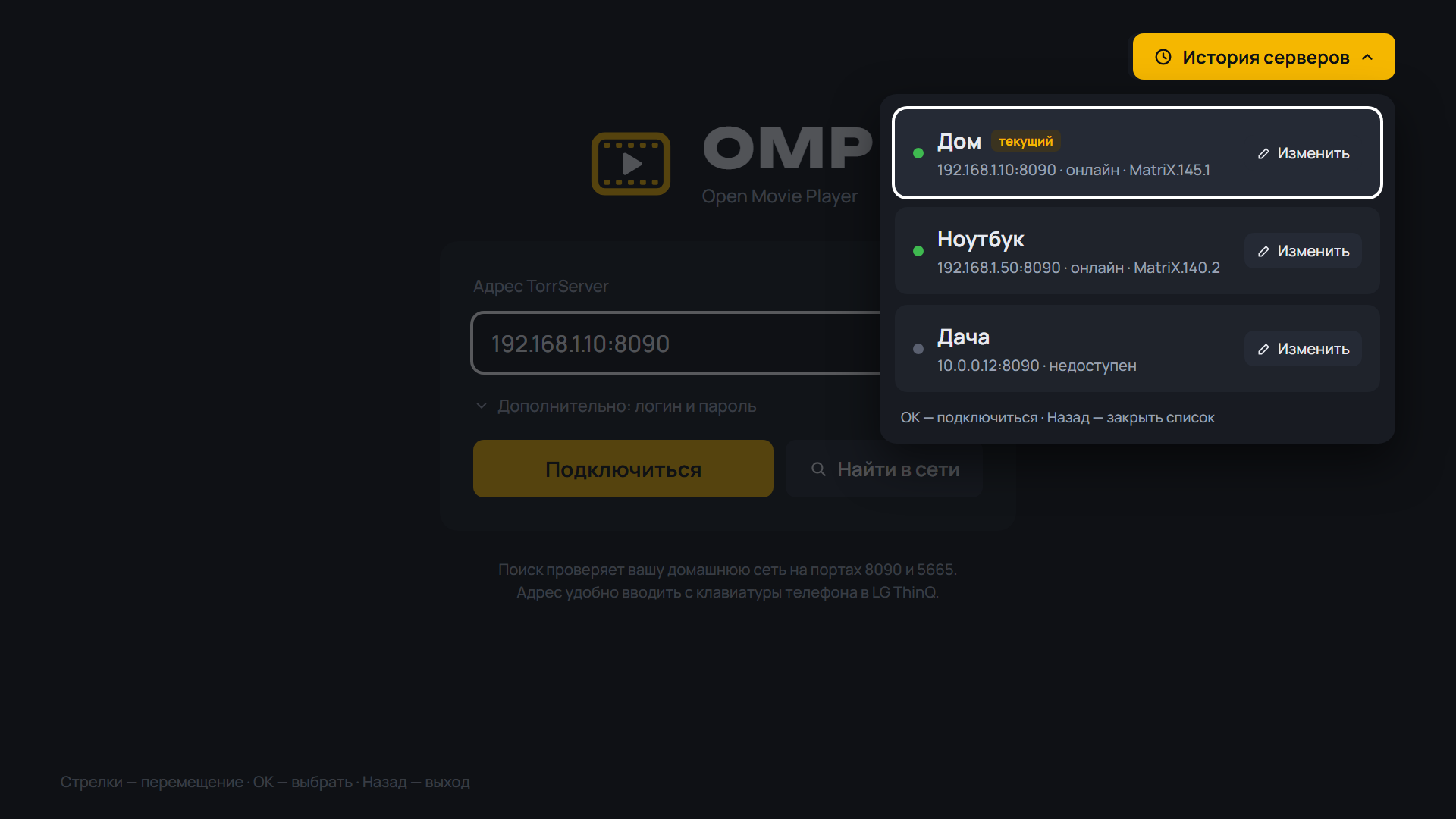
- A TorrServer address typed with the TV keyboard is cleaned of look-alike characters (full-width colon and digits, no-break and invisible spaces, a comma for a dot, a Cyrillic "o" in an IP); if it is still wrong, OMP names the invalid character instead of trying to connect
- The server address is cleaned of invisible and full-width characters on connect; an invalid character is named in the error
- When TorrServer does not answer or is not found and a VPN is running on the TV, OMP suggests excluding OMP from the VPN or turning on local network bypass; without a VPN it mentions always-on VPN with blocked connections
- New FAQ question "The TV cannot reach TorrServer but the phone can"
SHA-256 OMP-0.19.0-beta.6-webOS.ipk: bf1a76bda7e04f51c1d86a3b8a4289ef071214e4cce0fd30c366b383b50202d4
SHA-256 OMP-0.19.0-beta.6-arm64.apk: fe6c80e03fa66a88dd318ef277872114af81282b82e9398c65ee037910409190
SHA-256 OMP-0.19.0-beta.6-armv7.apk: 5df8c8447beb942a816ce0dc3f48a34c6c986940fe5fac1da58f2a375ccf3648
SHA-256 OMP-0.19.0-beta.6.apk: 0bc77554859512a34ae9e792434ac8c75daa2a291b3c4778444bd0c47b1f4bbe
What's Changed
- 0.19.0-beta.6: server address cleanup, VPN hint, FAQ by @spacesarmat in #67
Full Changelog: v0.19.0-beta.5...v0.19.0-beta.6
Contributors
Assets 7
OMP v0.19.0-beta.5
OMP v0.19.0-beta.5 — Open Movie Player для LG webOS
Медиаплеер для телевизоров LG, который смотрит торренты с вашего TorrServer.
Обновление: OMP сам предложит новую версию при запуске. Также можно через Homebrew Channel — репозиторий OMP: https://raw.githubusercontent.com/spacesarmat/omp/gh-pages/apps.json.
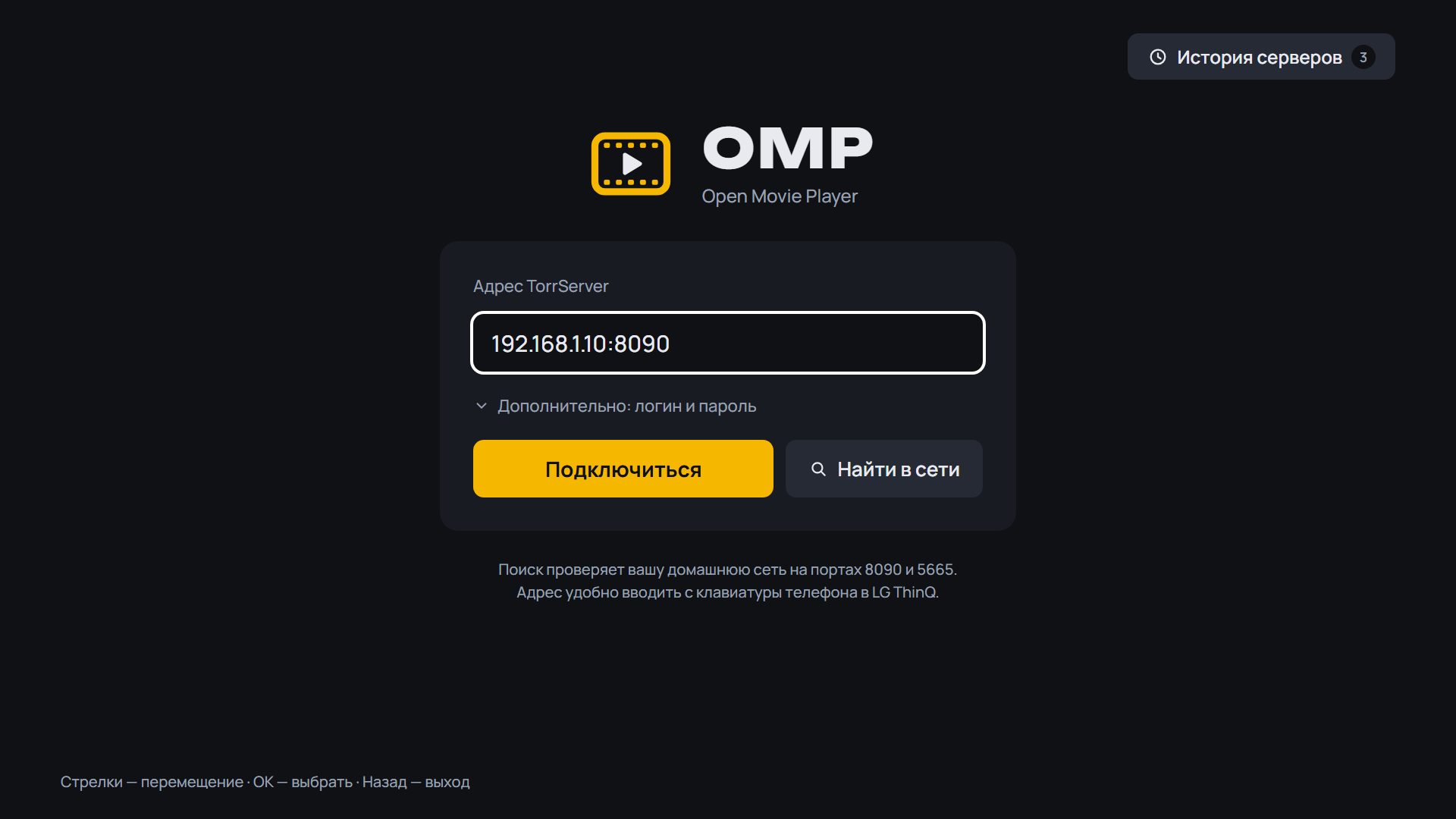 |
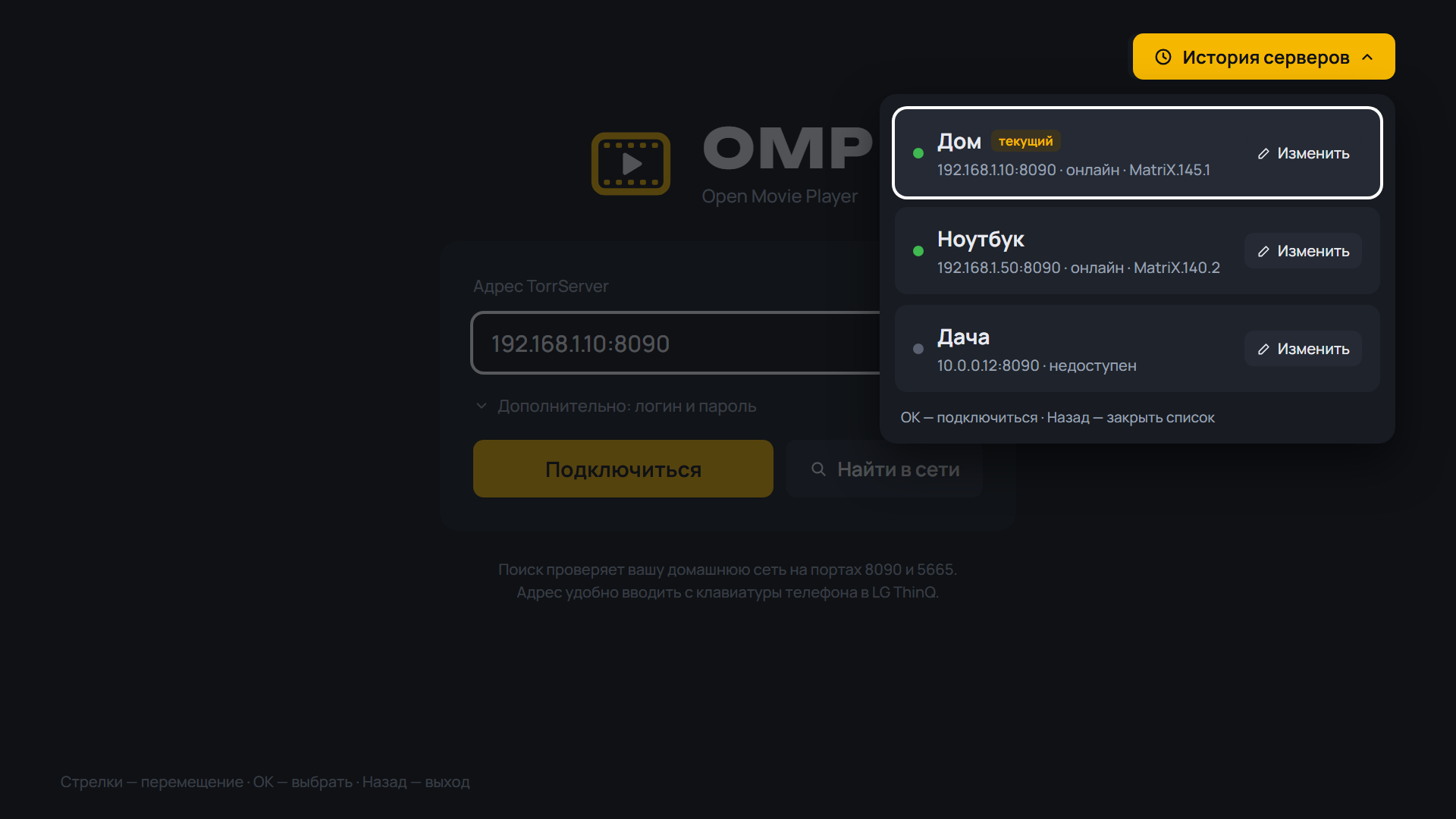 |
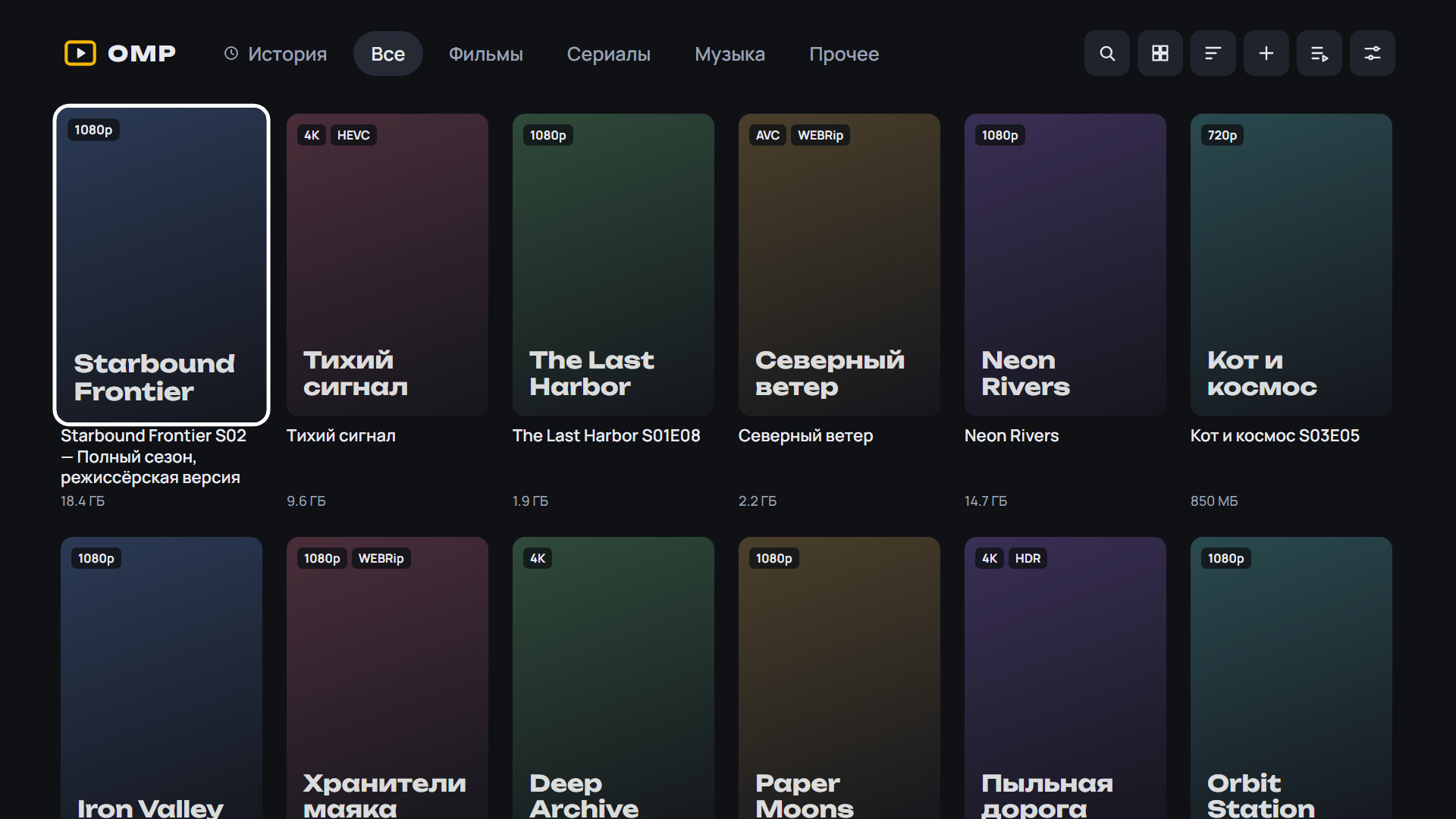 |
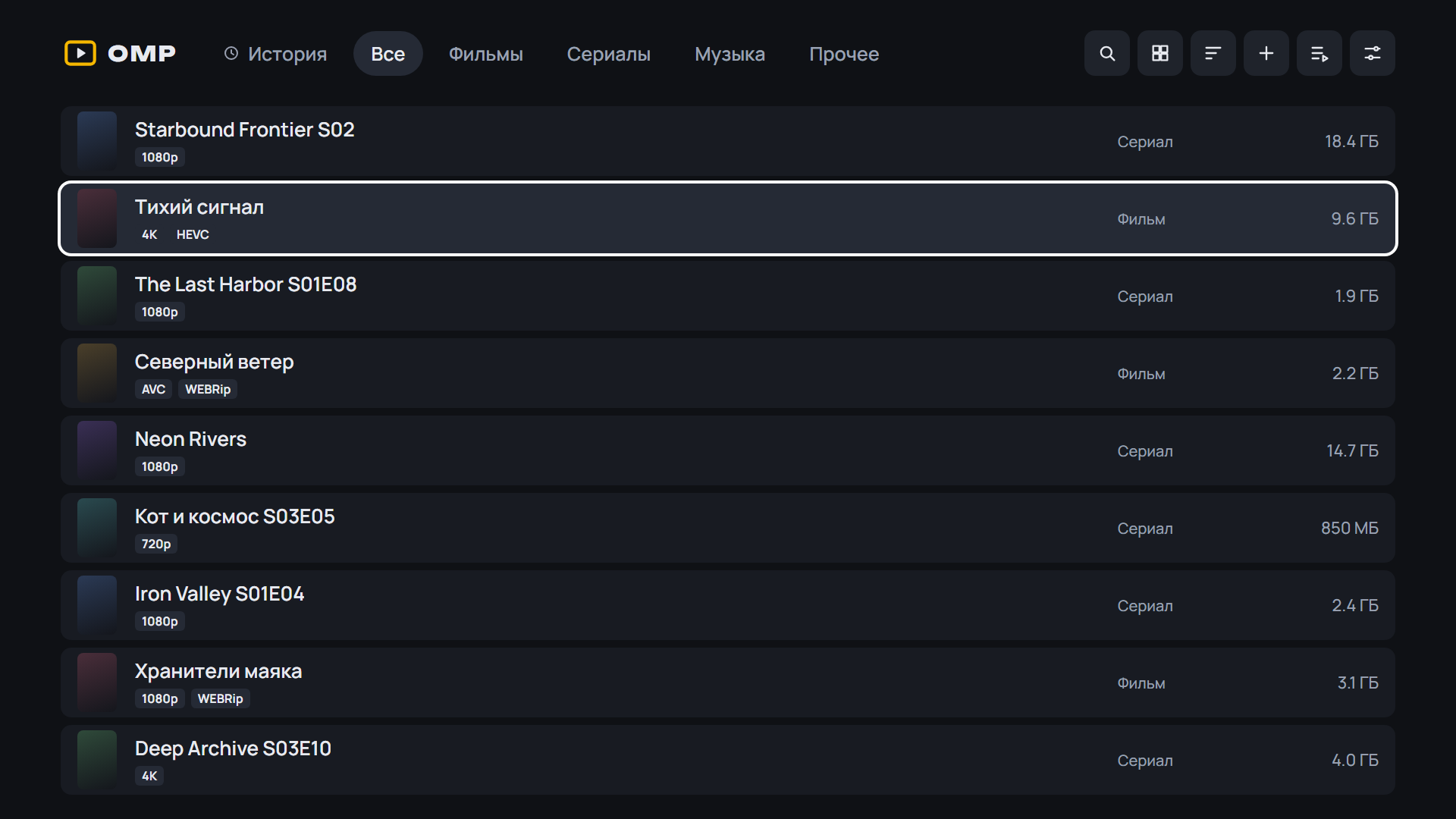 |
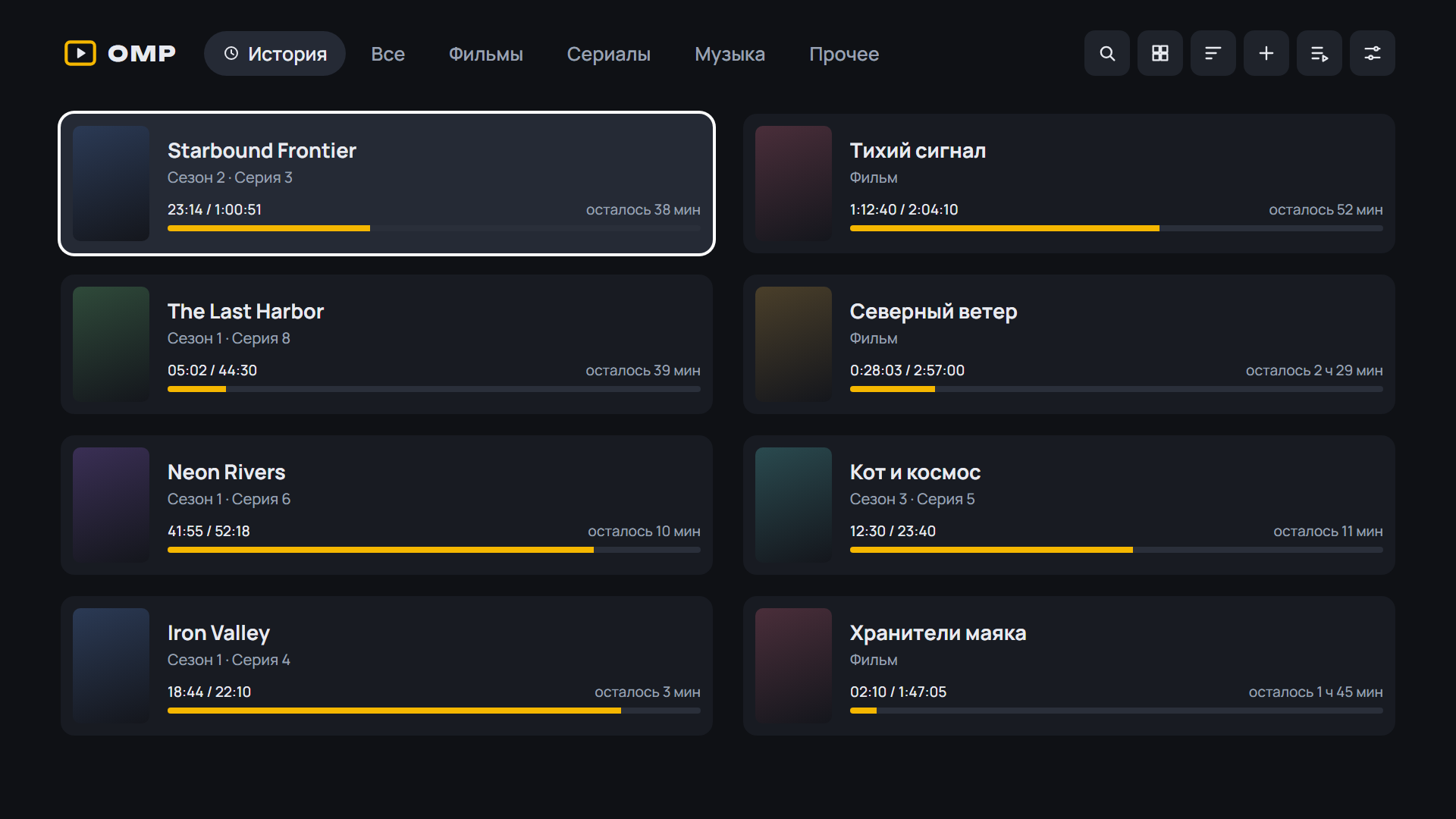 |
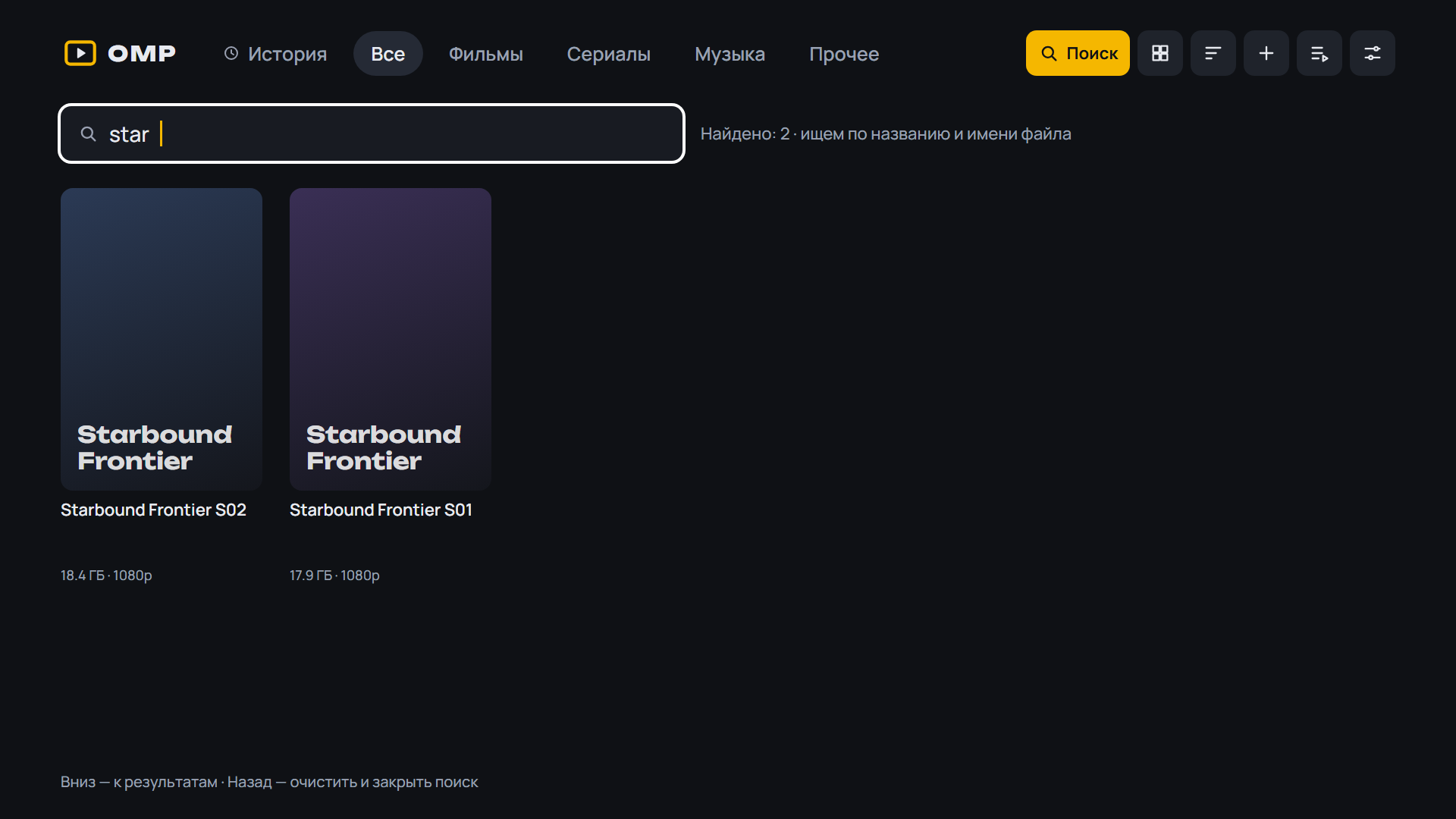 |
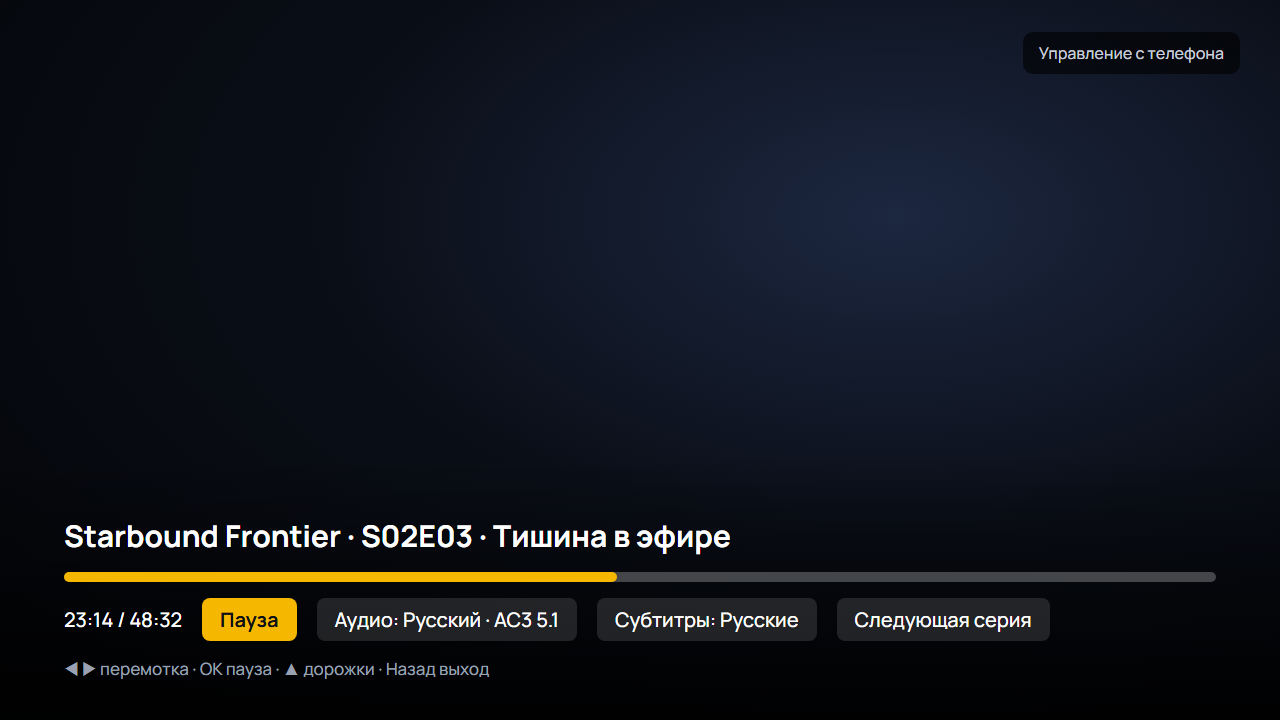 |
Android: скачайте APK ниже, откройте на телефоне или приставке и разрешите установку из браузера. Какой файл выбрать:
OMP-*-arm64.apk— 64-битная система (почти все современные телефоны);OMP-*-armv7.apk— 32-битная система (многие приставки Android TV, даже с 64-битным процессором);OMP-*.apkбез суффикса — если не уверены: подходит всем, но больше по размеру.
Помощник установки и обновления внутри OMP выбирают нужный файл сами. Подробнее — в README.
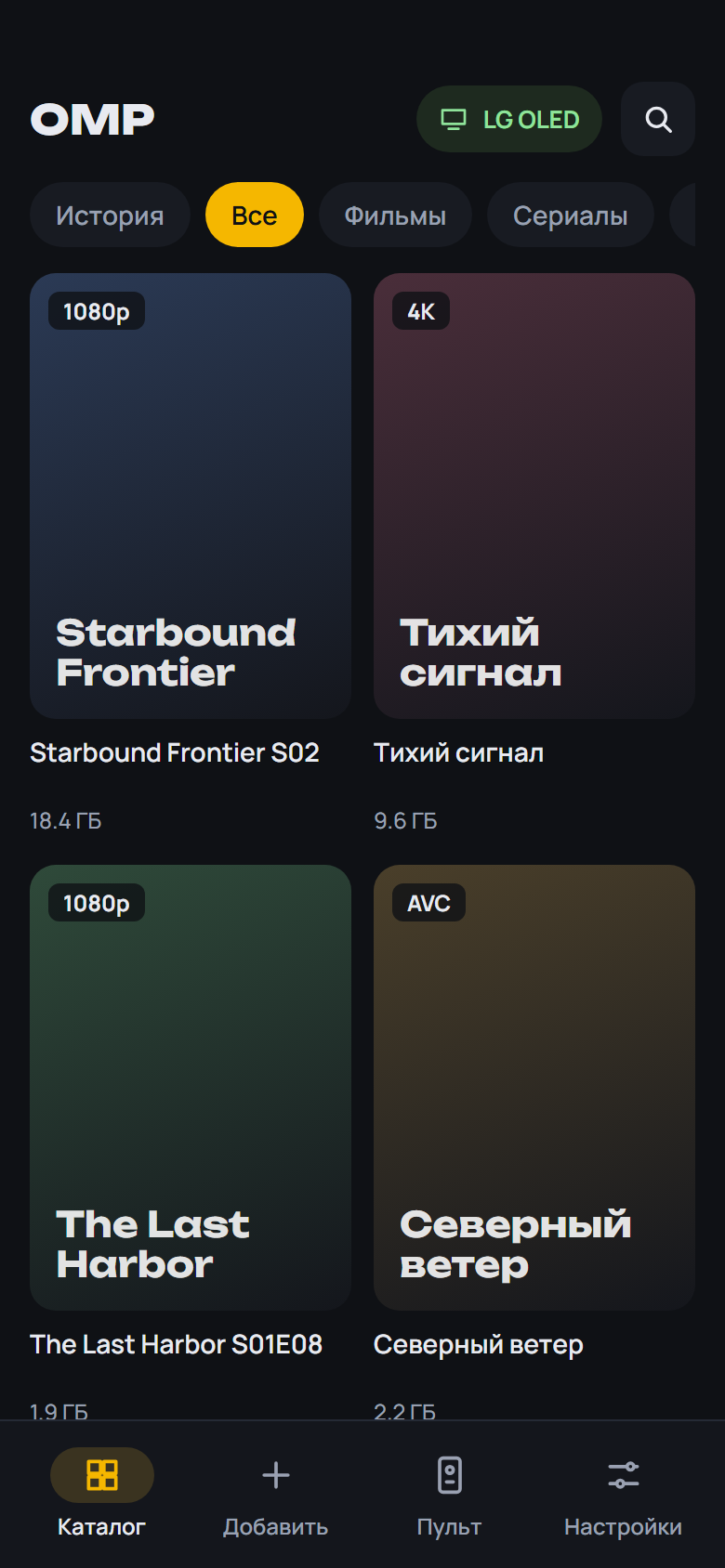 |
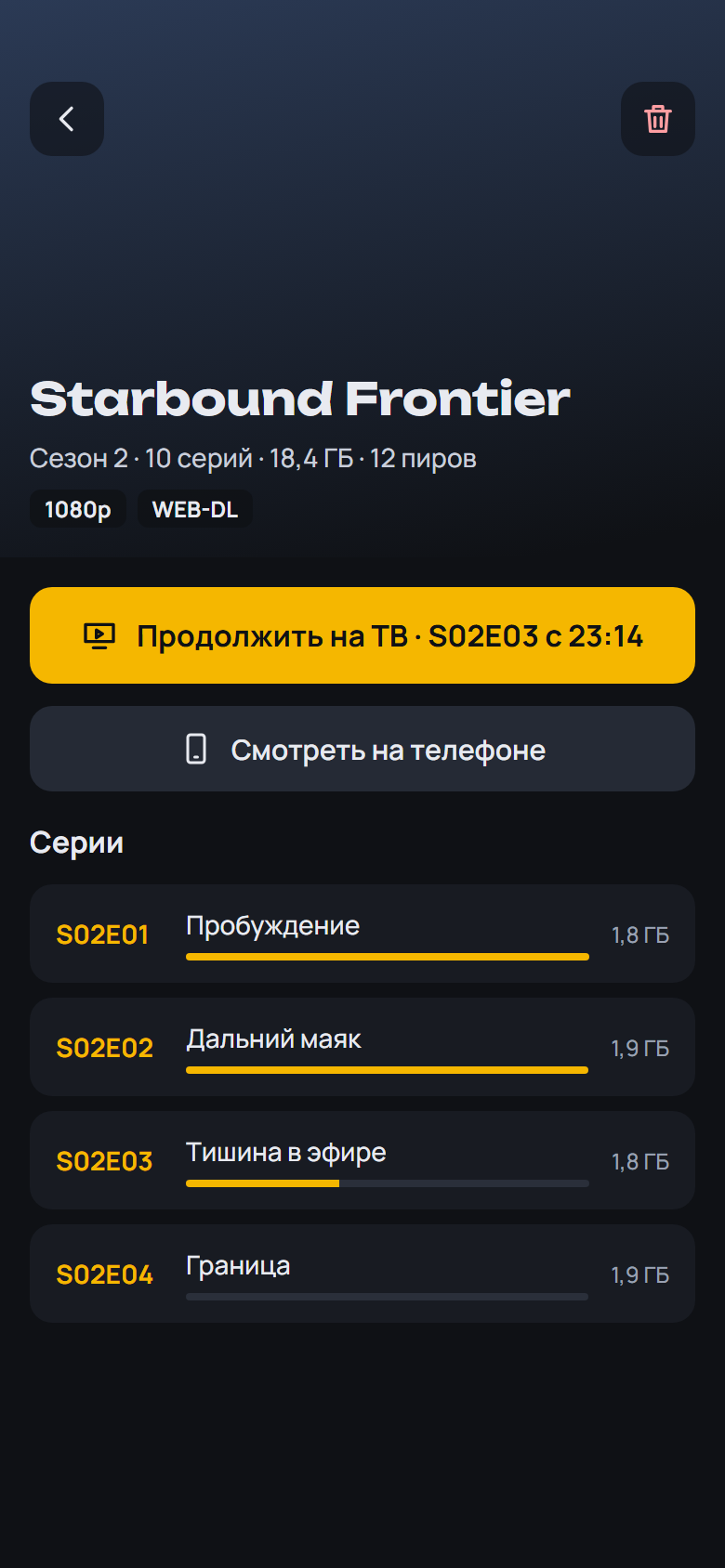 |
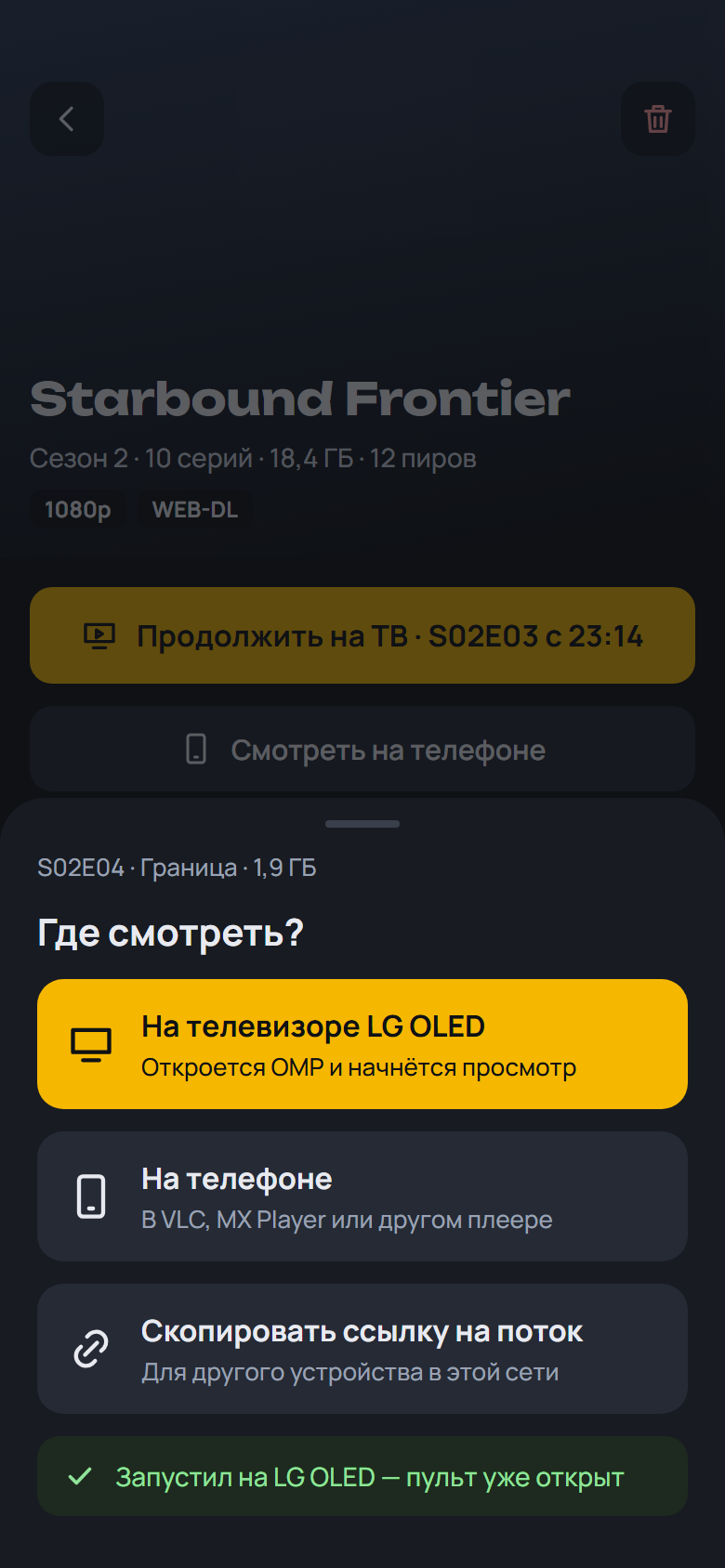 |
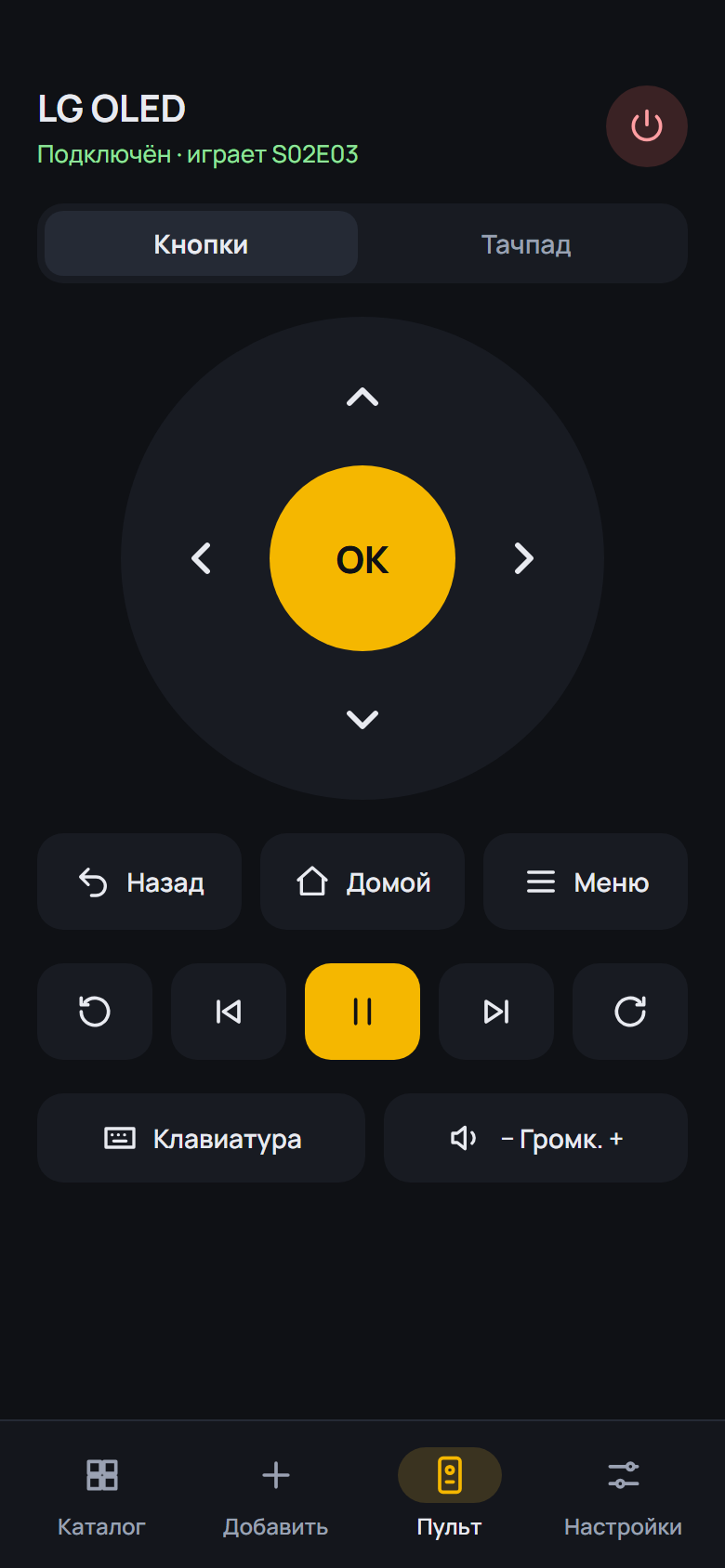 |
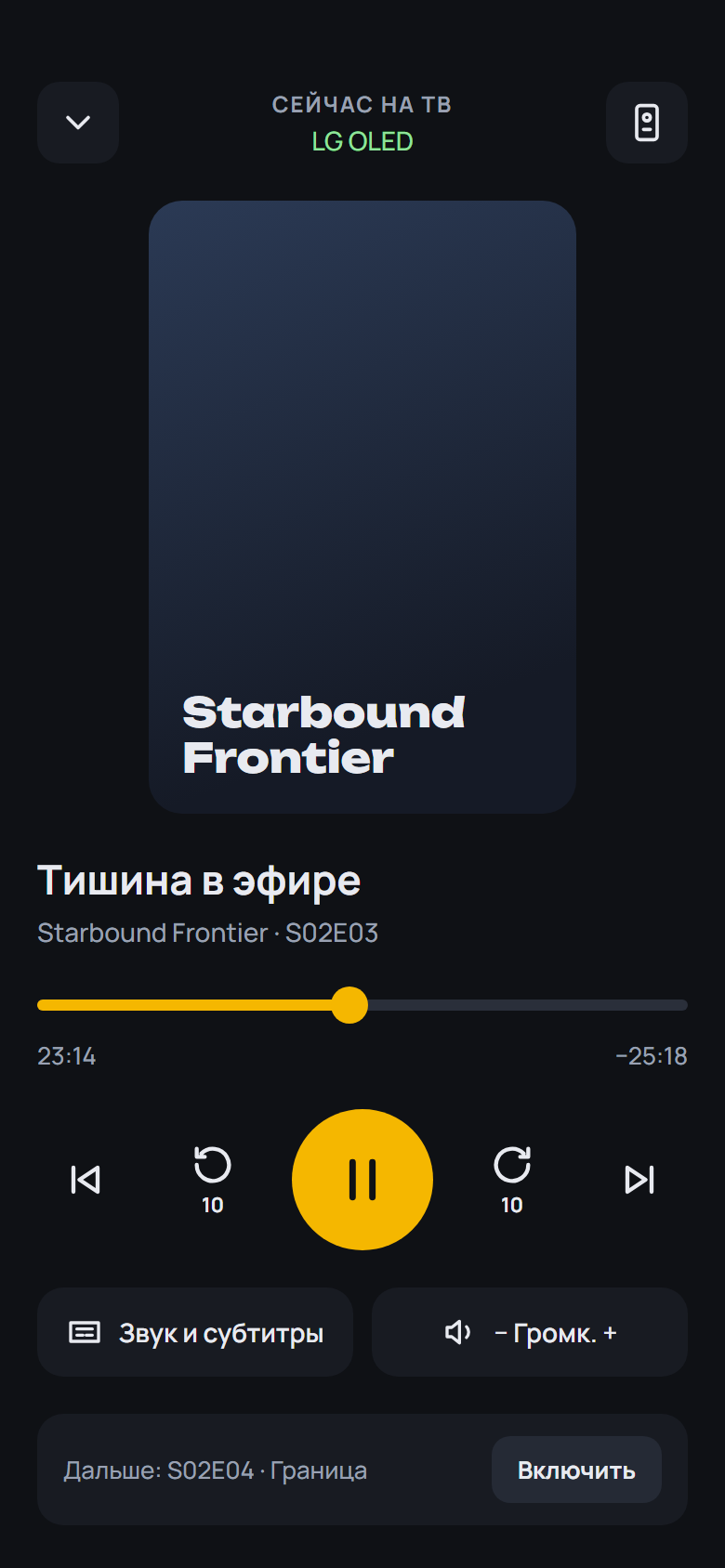 |
 |
 |
Установка на ТВ: скачайте OMP-*-webOS.ipk ниже и установите по инструкции из README.
English: download the APK (Android) or OMP-*-webOS.ipk (LG) below; install steps are in the English README.
English
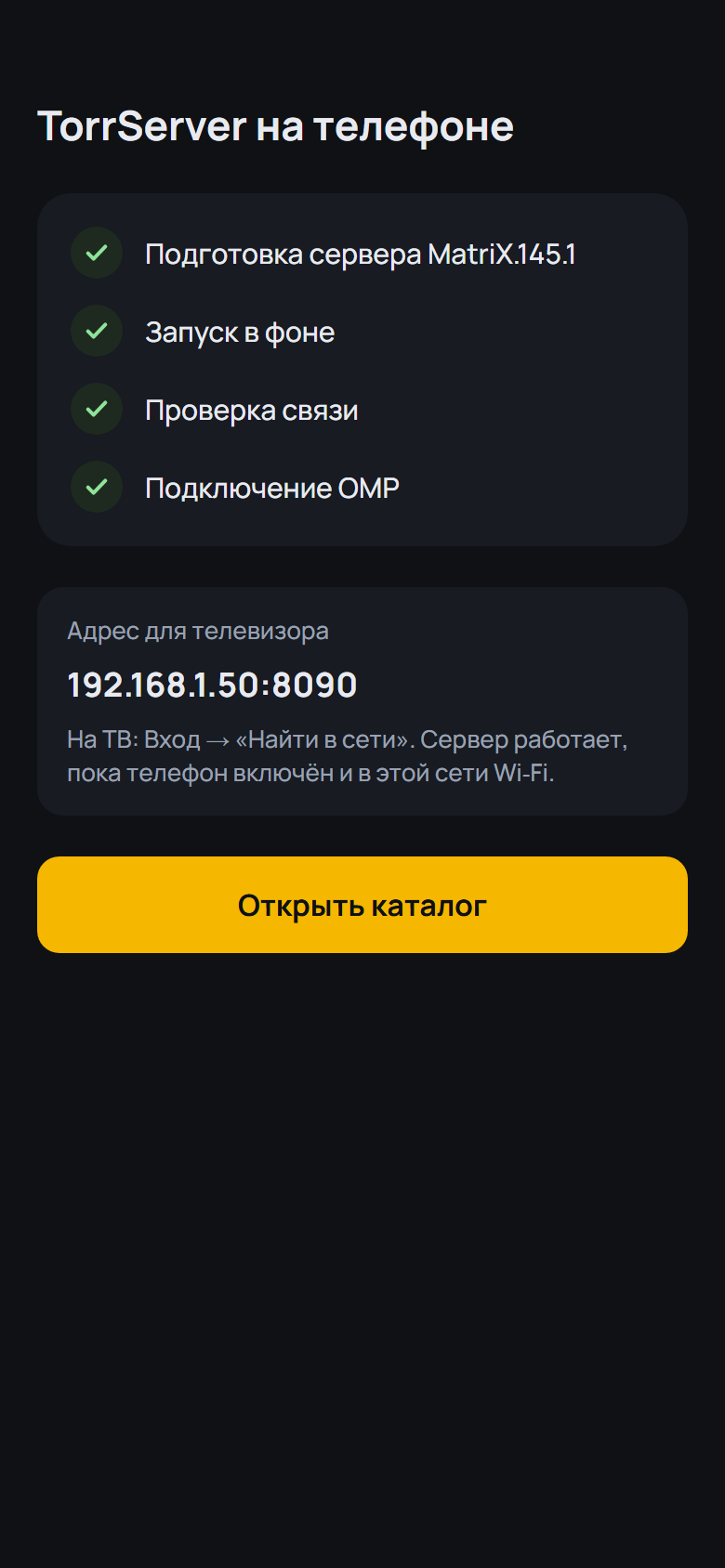
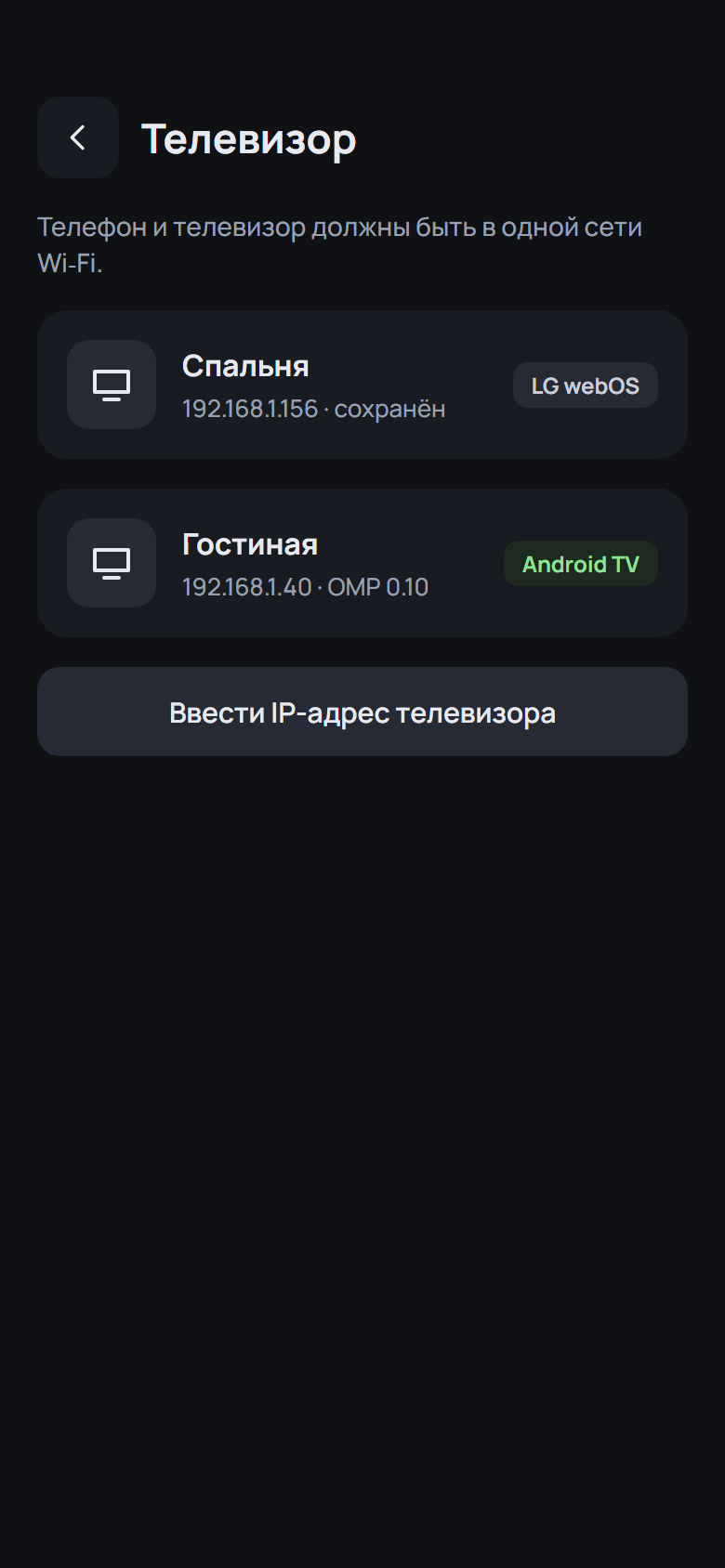
- FAQ: a new question "Connect the phone to a Xiaomi TV" (the code, the same Wi-Fi without isolation, OMP must be running, VPN) and a step-by-step phone install for Xiaomi
SHA-256 OMP-0.19.0-beta.5-webOS.ipk: 790c15f7f7f0c8cf545ae2d2b235585227523d9a1b3db93640bd6aded5417bb0
SHA-256 OMP-0.19.0-beta.5-arm64.apk: a7bb7ce73cec477aa85f9844760096a322498eb53378dad301d87d055d388c46
SHA-256 OMP-0.19.0-beta.5-armv7.apk: 5b7fdd6297fa9806a40304beecf56f6559b30aff6f75813d995c5385b0673fb2
SHA-256 OMP-0.19.0-beta.5.apk: 07cce7d1190687ae2add000667c13cb75f4bca1df0e24fe29c0a13a70b3f951f
What's Changed
- 0.19.0-beta.5: Xiaomi FAQ by @spacesarmat in #66
Full Changelog: v0.19.0-beta.4...v0.19.0-beta.5
Contributors
Assets 7
OMP v0.19.0-beta.4
OMP v0.19.0-beta.4 — Open Movie Player для LG webOS
Медиаплеер для телевизоров LG, который смотрит торренты с вашего TorrServer.
Обновление: OMP сам предложит новую версию при запуске. Также можно через Homebrew Channel — репозиторий OMP: https://raw.githubusercontent.com/spacesarmat/omp/gh-pages/apps.json.
 |
 |
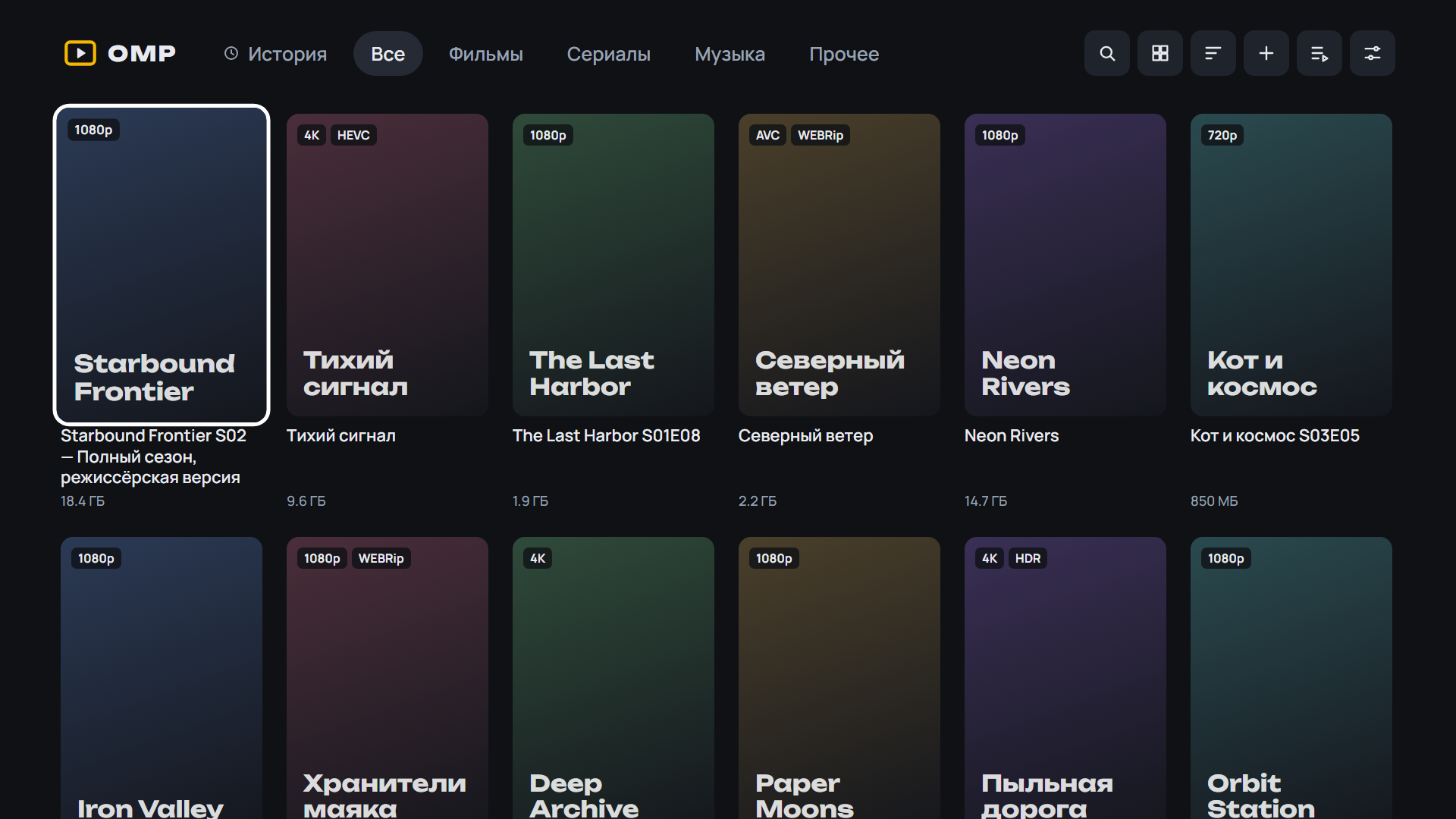 |
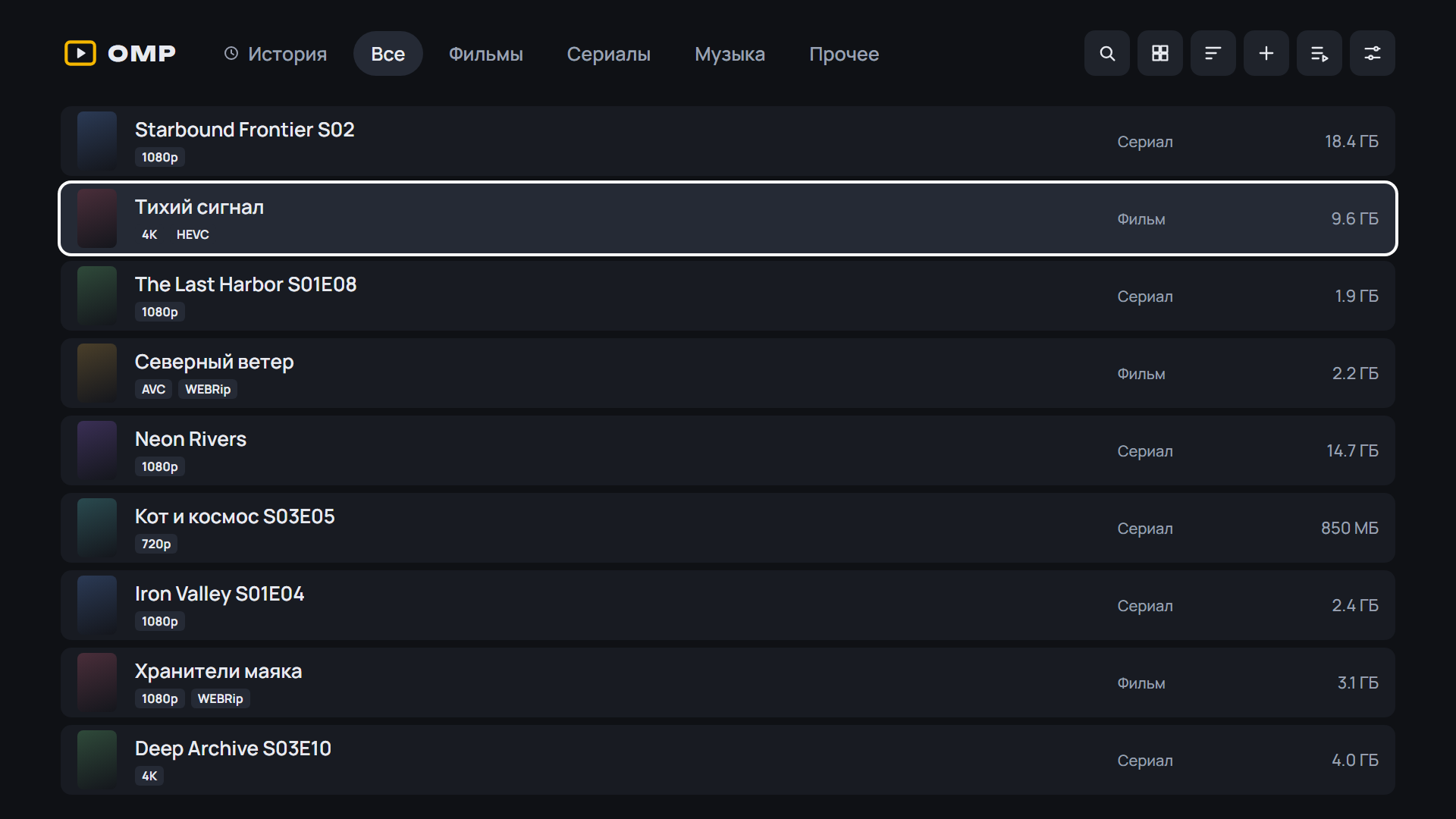 |
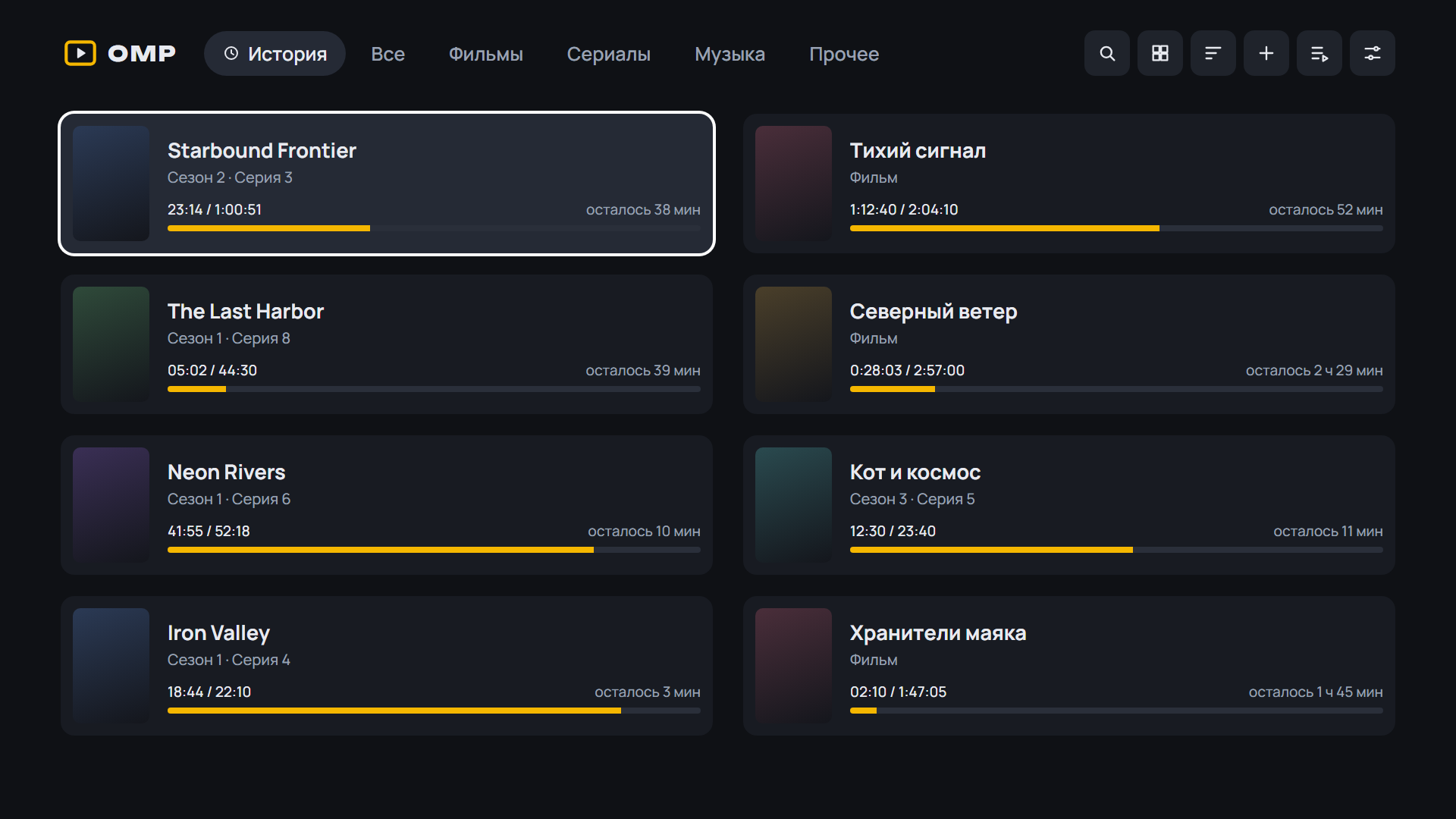 |
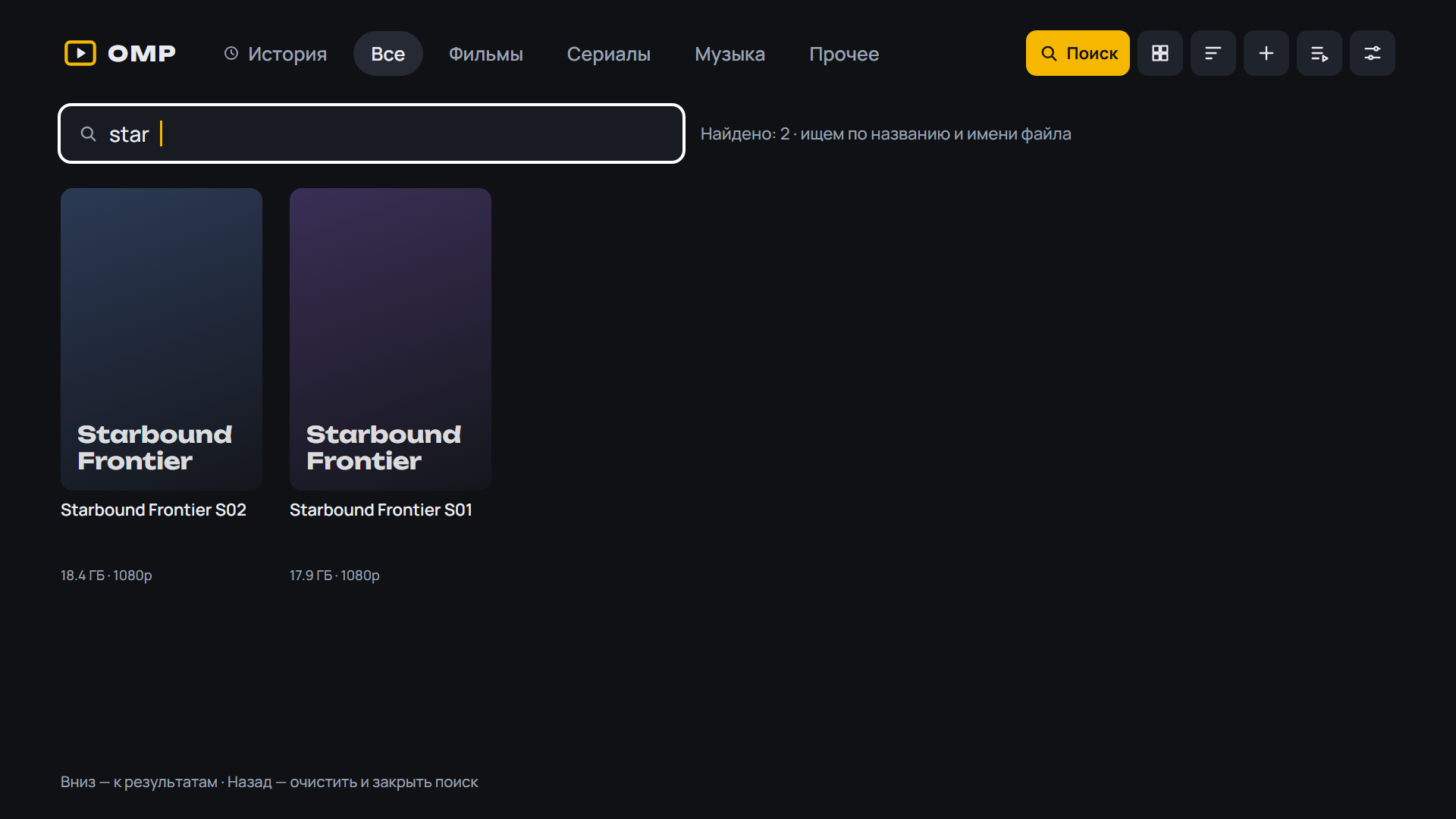 |
 |
Android: скачайте APK ниже, откройте на телефоне или приставке и разрешите установку из браузера. Какой файл выбрать:
OMP-*-arm64.apk— 64-битная система (почти все современные телефоны);OMP-*-armv7.apk— 32-битная система (многие приставки Android TV, даже с 64-битным процессором);OMP-*.apkбез суффикса — если не уверены: подходит всем, но больше по размеру.
Помощник установки и обновления внутри OMP выбирают нужный файл сами. Подробнее — в README.
 |
 |
 |
 |
 |
 |
 |
Установка на ТВ: скачайте OMP-*-webOS.ipk ниже и установите по инструкции из README.
English: download the APK (Android) or OMP-*-webOS.ipk (LG) below; install steps are in the English README.
English
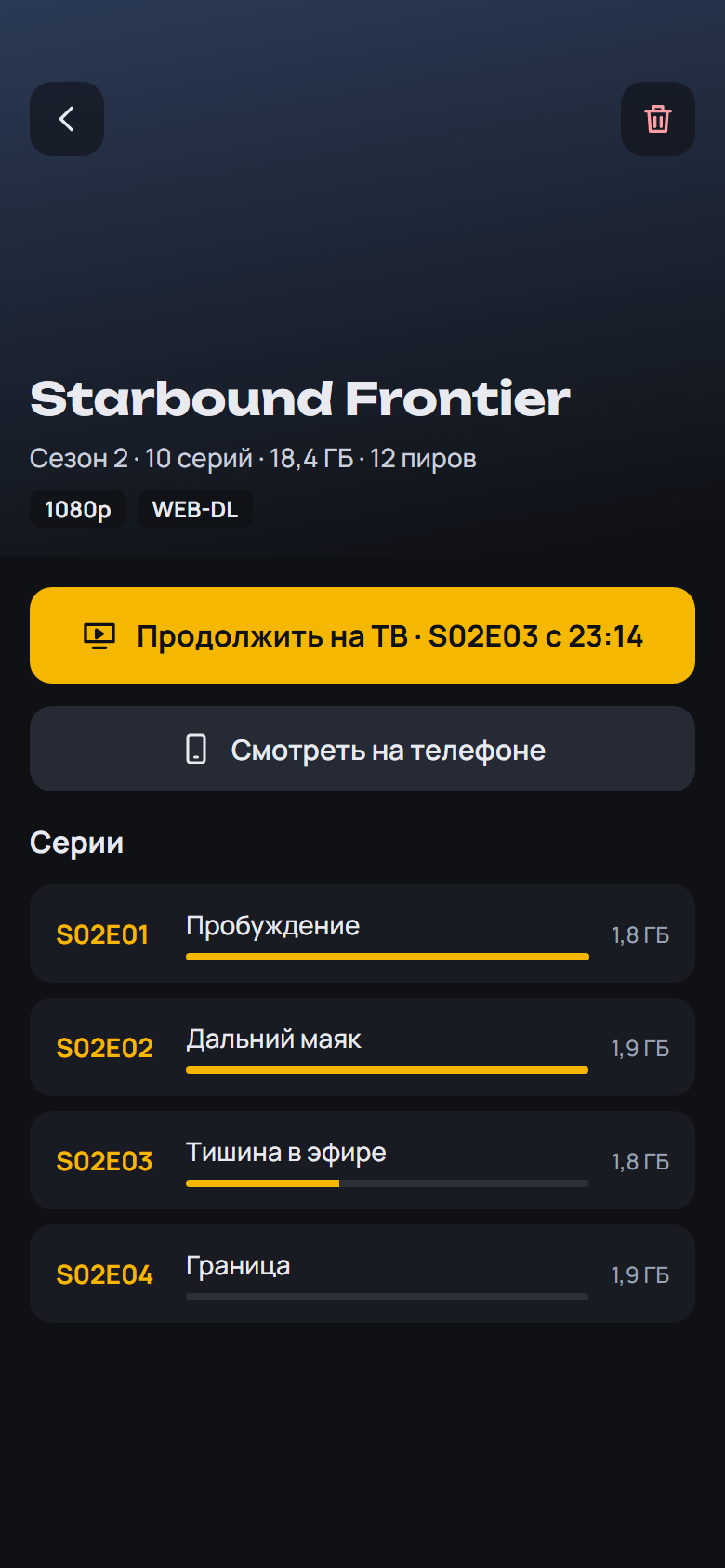
- Default dub per series: OMP remembers the dub picked in the player and uses it for the next episodes and the series' other releases; shown and changeable on the series screen («Dub: HDRezka · 5.1»)
- The series dub on the series screen: the same as picked on the TV, with channels (stereo / 5.1), can be changed or reset
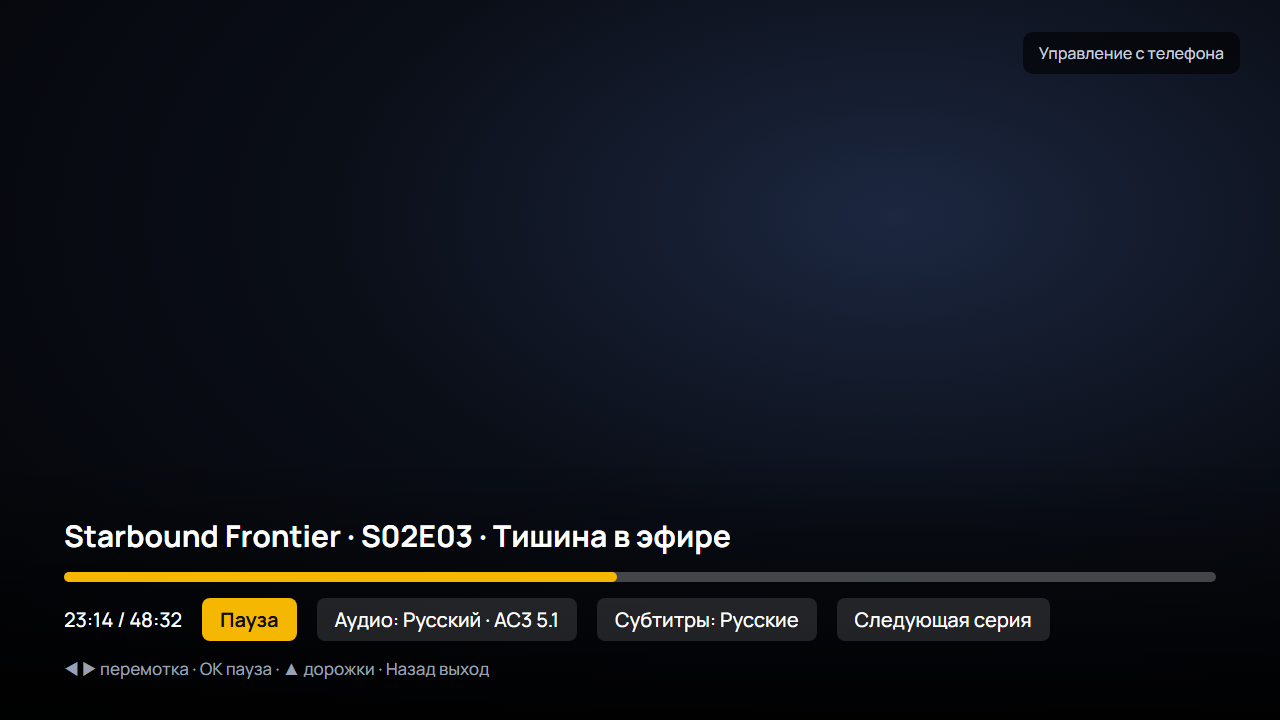
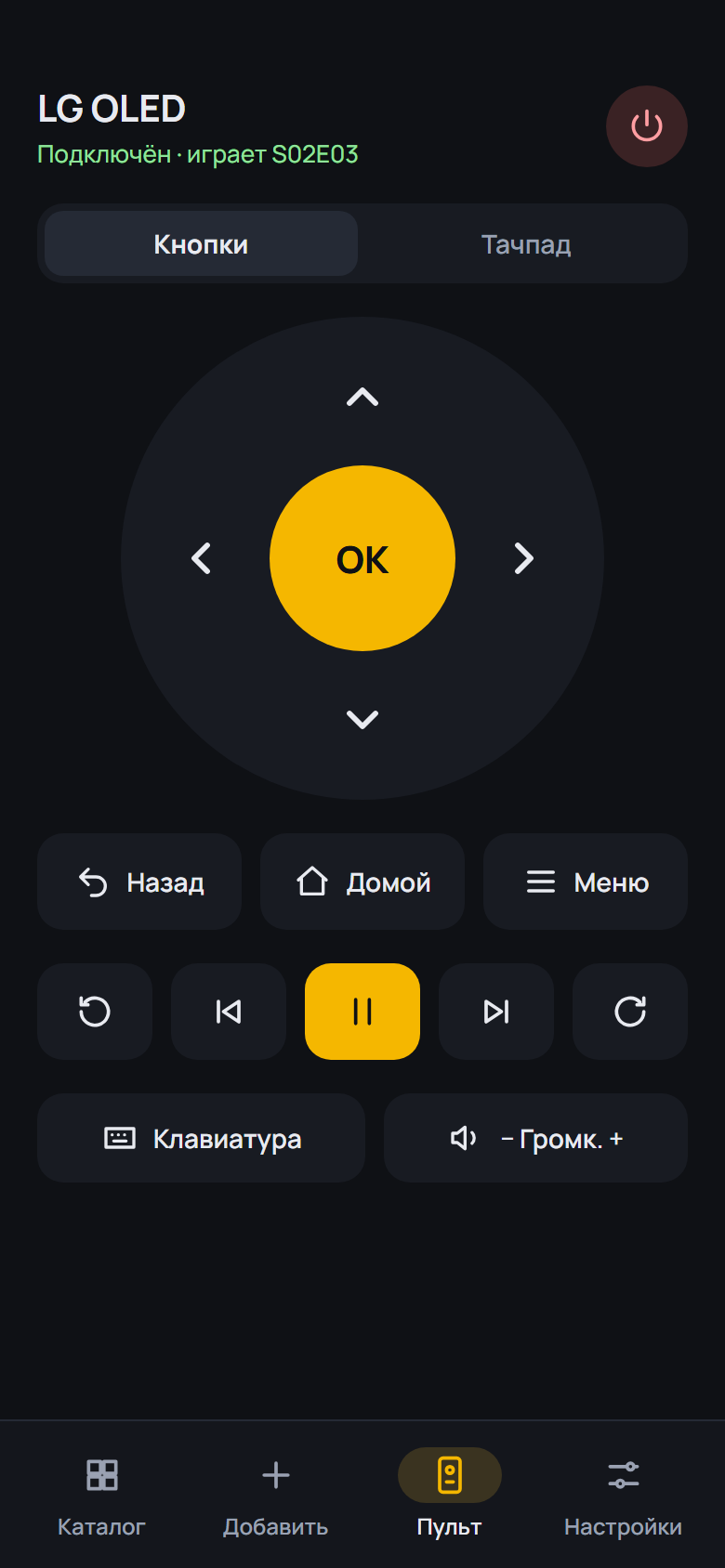
- Colour keys in the player: red — dub, green — subtitles, yellow — Info, blue — menu; pressing again closes the window; they work from the phone remote too
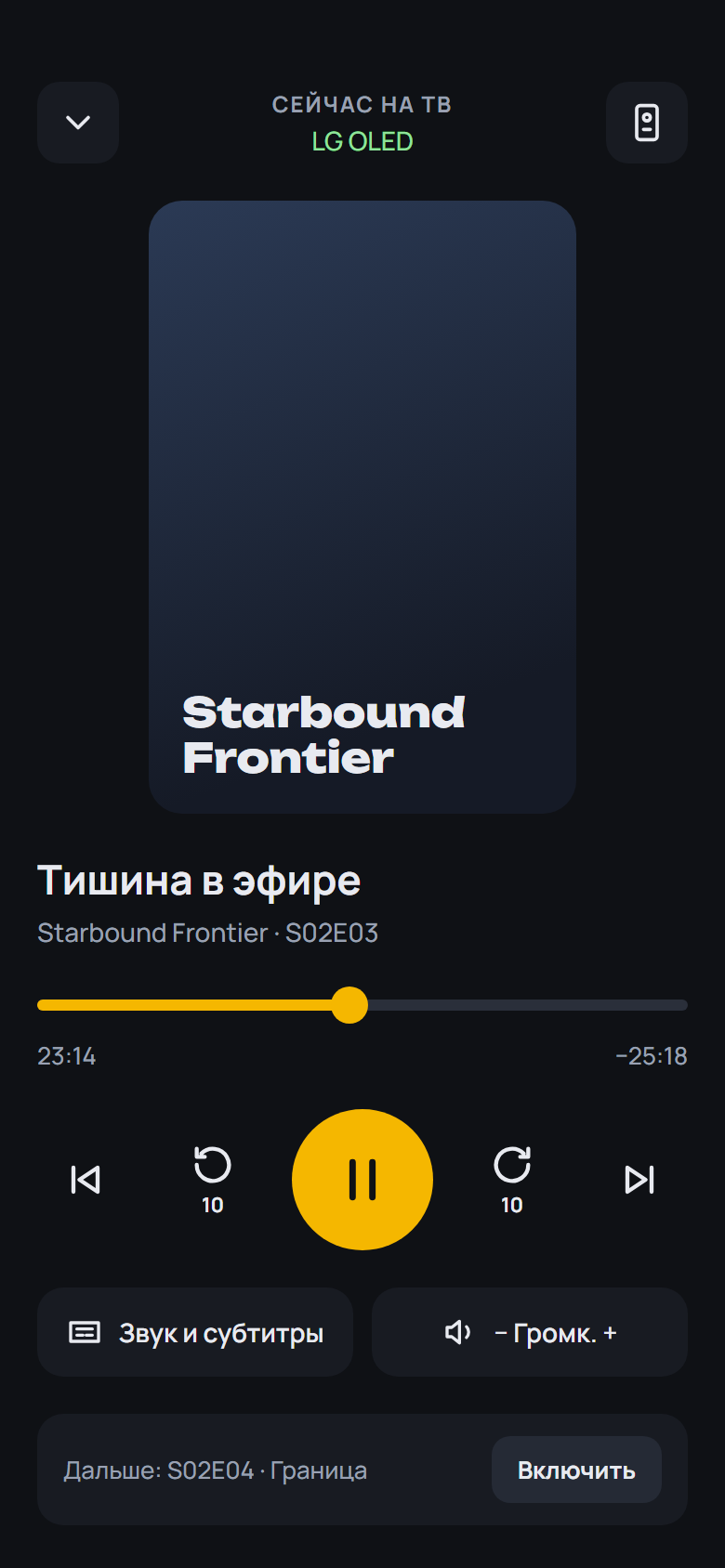
- Info in the player (yellow or Info): HDR and codec, seeds and peers, download speed, bitrate, sound, buffer — refreshed every second
- The dub, subtitle and chapter lists close on any pick, the current item too
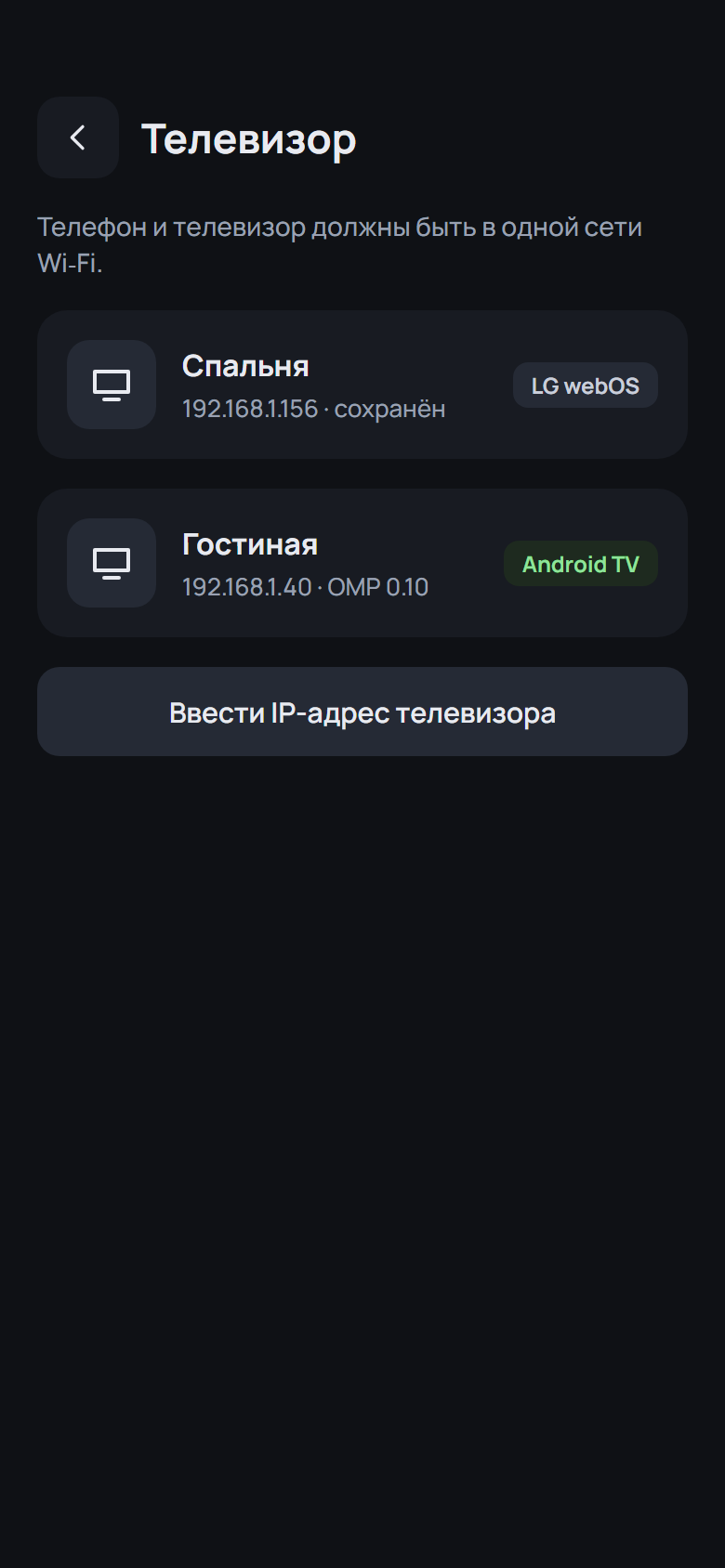
- The name of the device OMP runs on under the logo
- The series screen buttons wrap to a second row instead of running off the screen
- Betas have a blue BETA band on the icon
SHA-256 OMP-0.19.0-beta.4-webOS.ipk: 0283e2ad1ec6109f83d2314c80833a3268433e5d1e3a435818b880aa8b953e14
SHA-256 OMP-0.19.0-beta.4-arm64.apk: 0ae85c6cc04eaa0aef8d223356abaf719bffddd1b52e54a62e4cdfc062c15db8
SHA-256 OMP-0.19.0-beta.4-armv7.apk: 2e31ce2f639ea15c304effbe396bb0b7ce128509e23bb4e94906285bd395680c
SHA-256 OMP-0.19.0-beta.4.apk: f3e49fdfe278ea5b23697245b5bf19452d954128262adfd392197cd771dd3992
What's Changed
- 0.19.0-beta.4: series dub, colour keys, Info panel, device name, BETA icon by @spacesarmat in #65
Full Changelog: v0.19.0-beta.3...v0.19.0-beta.4
Contributors
Assets 7
OMP v0.19.0-beta.3
OMP v0.19.0-beta.3 — Open Movie Player для LG webOS
Медиаплеер для телевизоров LG, который смотрит торренты с вашего TorrServer.
Обновление: OMP сам предложит новую версию при запуске. Также можно через Homebrew Channel — репозиторий OMP: https://raw.githubusercontent.com/spacesarmat/omp/gh-pages/apps.json.
 |
 |
 |
 |
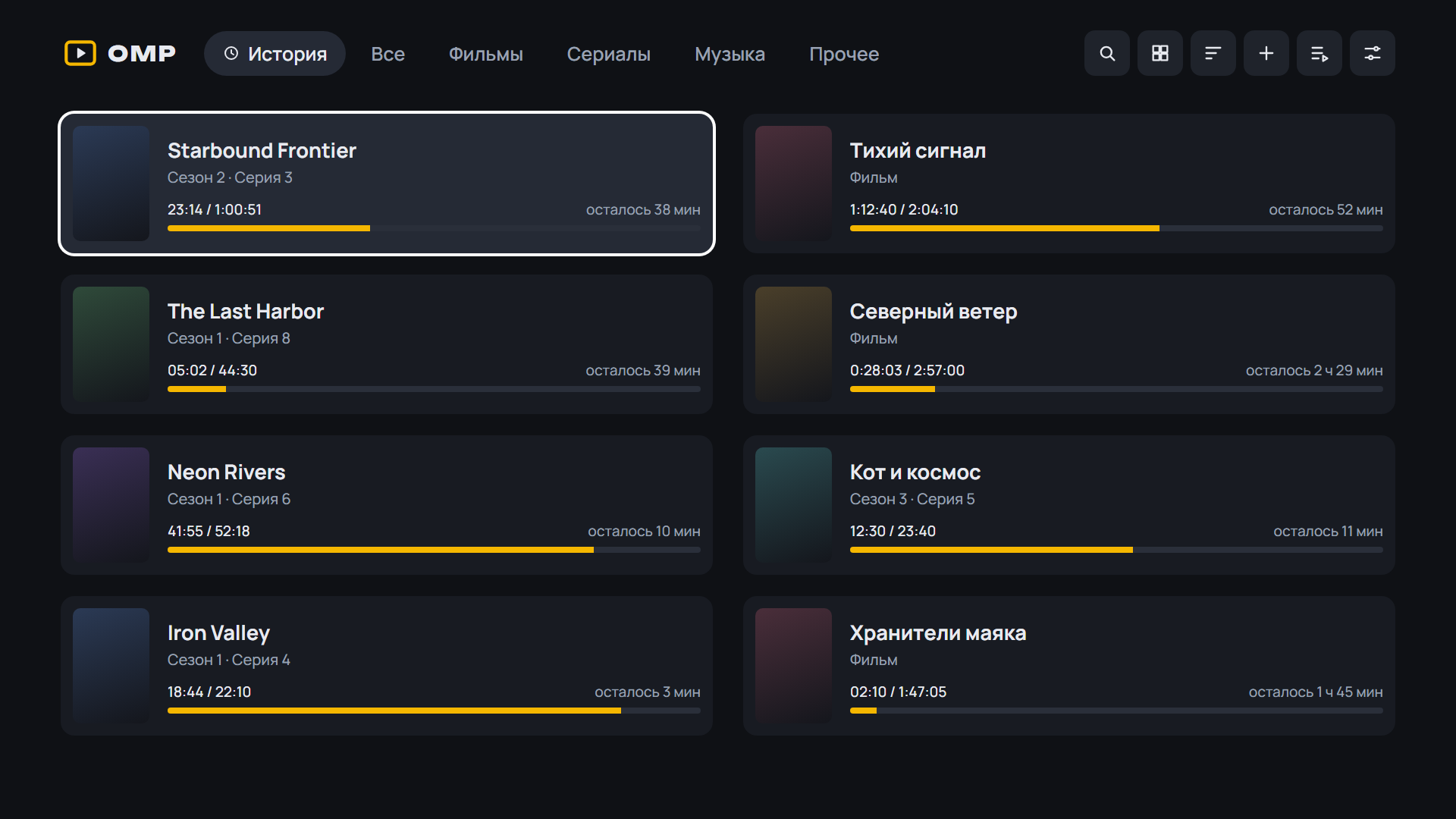 |
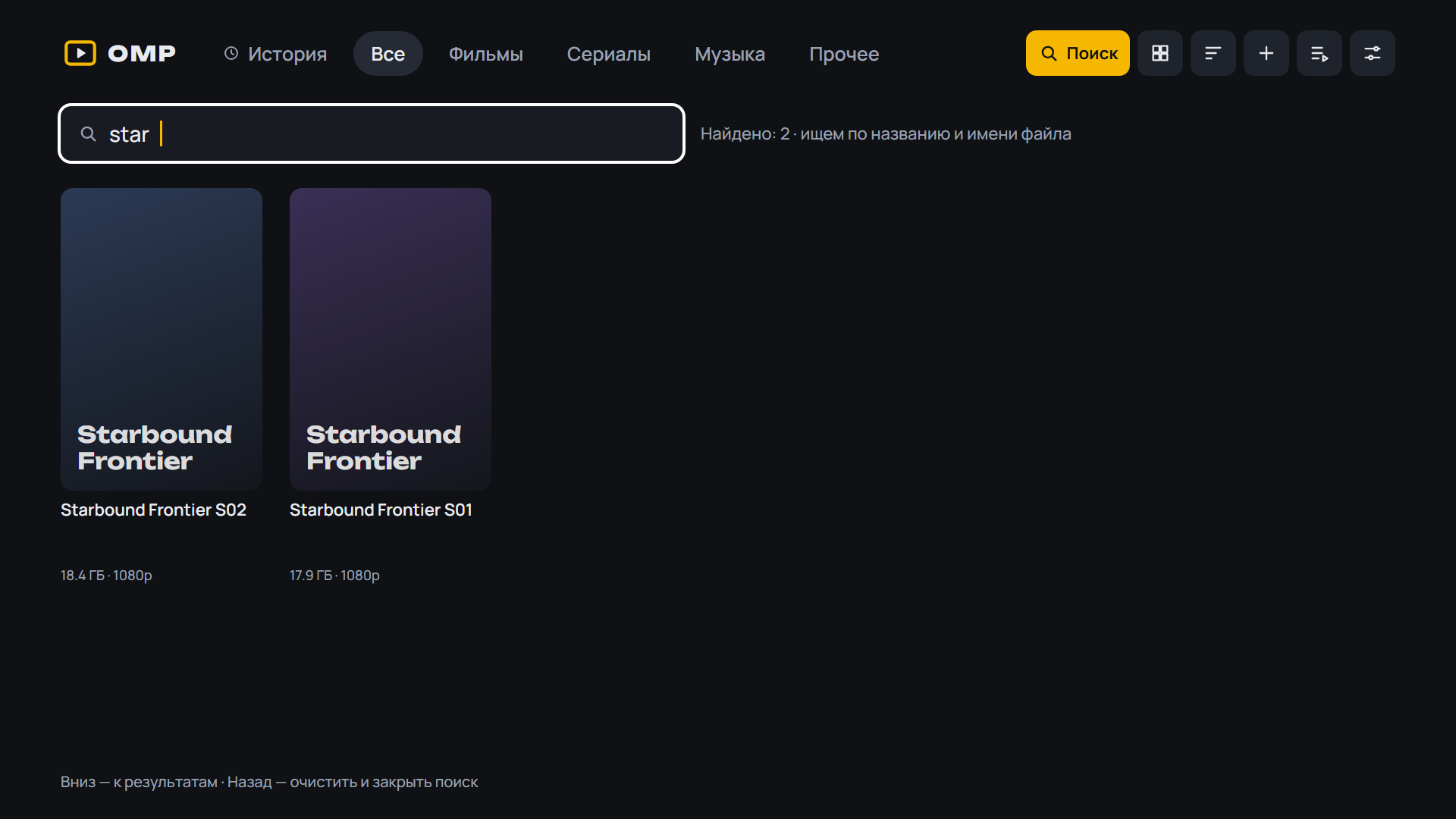 |
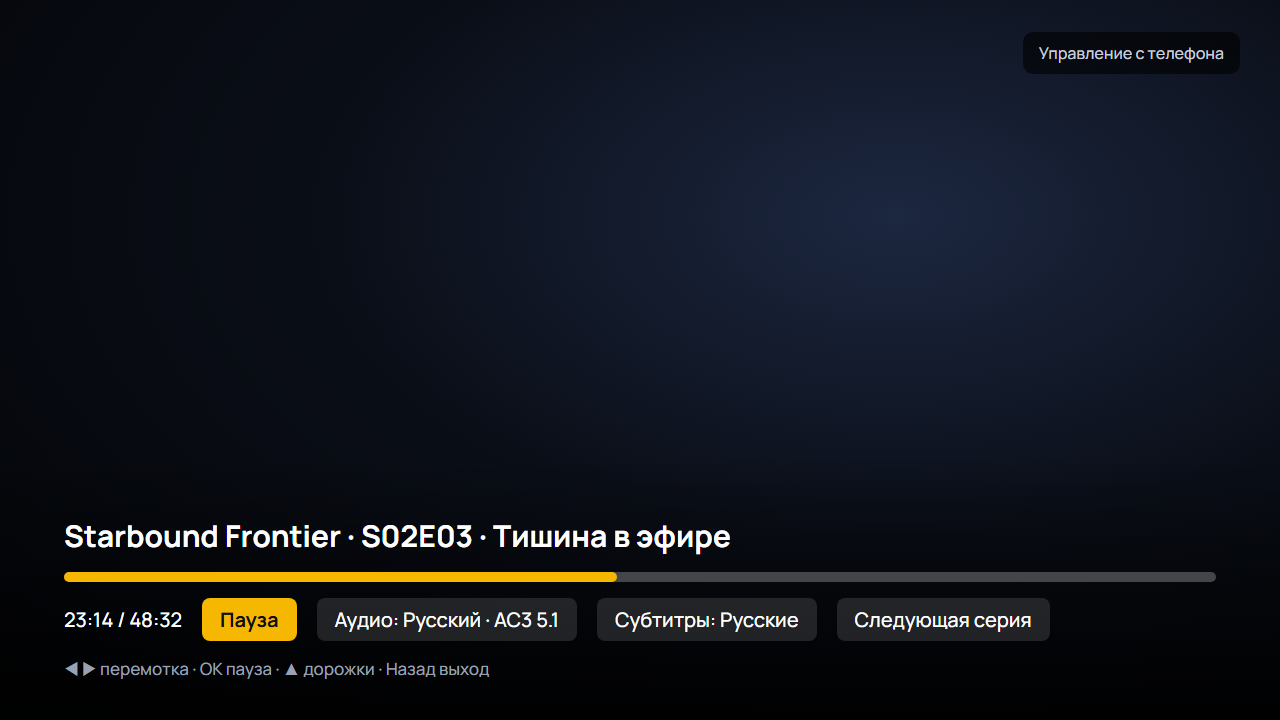 |
Android: скачайте APK ниже, откройте на телефоне или приставке и разрешите установку из браузера. Какой файл выбрать:
OMP-*-arm64.apk— 64-битная система (почти все современные телефоны);OMP-*-armv7.apk— 32-битная система (многие приставки Android TV, даже с 64-битным процессором);OMP-*.apkбез суффикса — если не уверены: подходит всем, но больше по размеру.
Помощник установки и обновления внутри OMP выбирают нужный файл сами. Подробнее — в README.
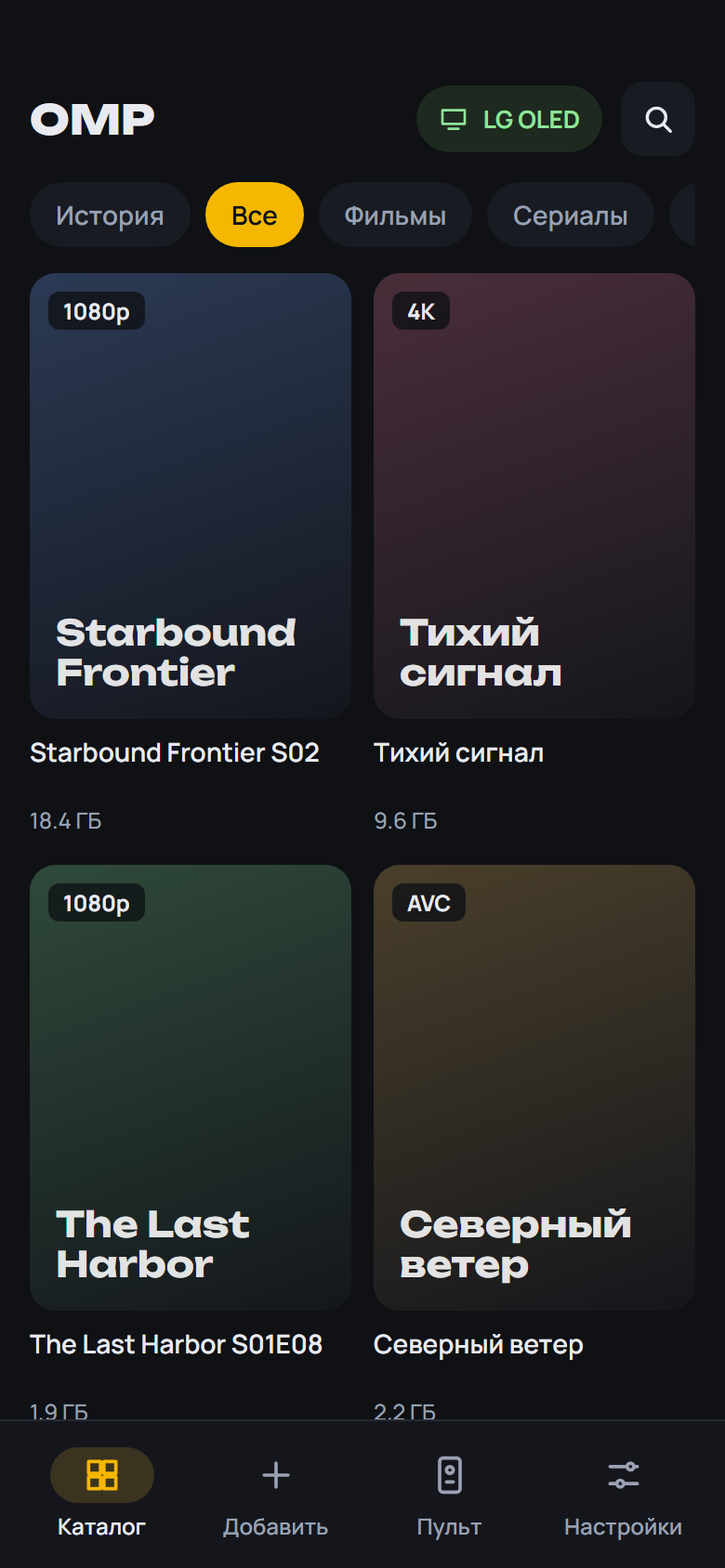 |
 |
 |
 |
 |
 |
 |
Установка на ТВ: скачайте OMP-*-webOS.ipk ниже и установите по инструкции из README.
English: download the APK (Android) or OMP-*-webOS.ipk (LG) below; install steps are in the English README.
English
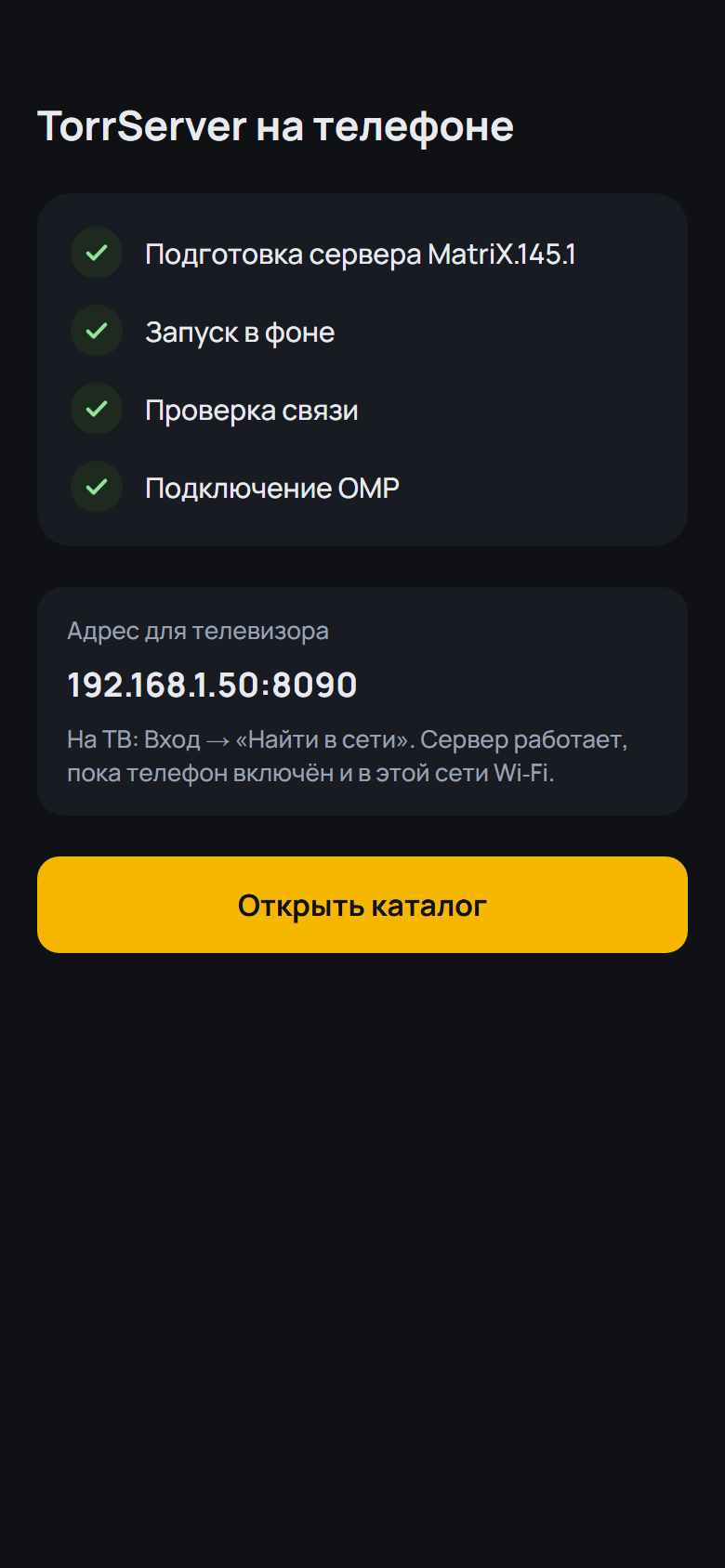
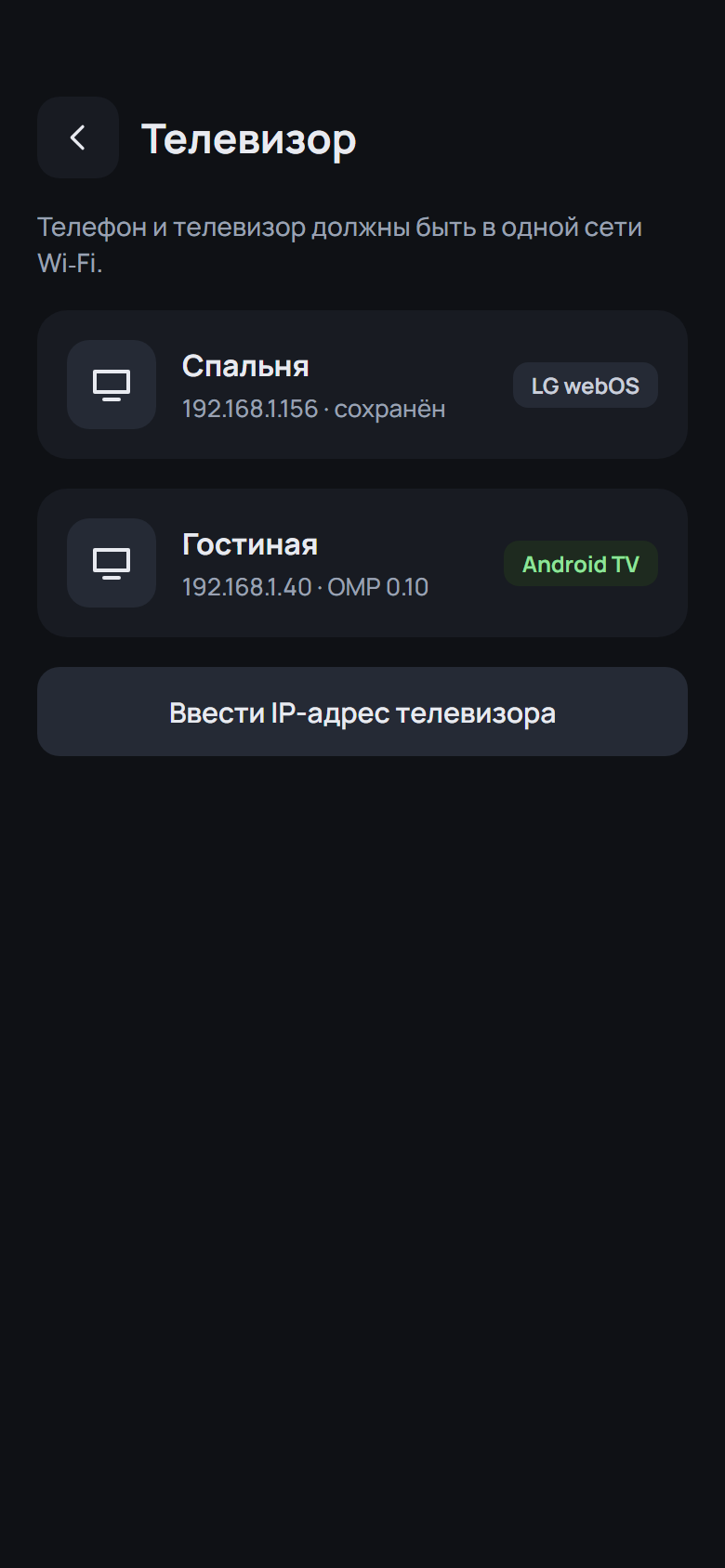
- «Cast» on the torrent screen of a series that has a single torrent in the library (for example «Dark Matter»)
- «Cast» on the torrent screen of a series that has a single torrent in the library (for example «Dark Matter»)
- Biographies keep their paragraphs; the screen no longer jumps while «Cast» loads
- Biographies keep their paragraphs, no extra gap at the top of the person screen; the screen no longer jumps while «Cast» loads
SHA-256 OMP-0.19.0-beta.3-webOS.ipk: 379232195b535b0c5e3c2ef32c729ce2d06882717eaa6c7aee623eca18c5a37f
SHA-256 OMP-0.19.0-beta.3-arm64.apk: 4fc6b4f5d91d049bbc9d9c82b021f37ba452f3cd728ca15ed4fcea15bdaba8f8
SHA-256 OMP-0.19.0-beta.3-armv7.apk: c528328ef07d49d5279c9171f7a785fd6e0ec2c415a5caa2d8259dc1ece47a9b
SHA-256 OMP-0.19.0-beta.3.apk: b7c76b5e7dc59b54a806ccae8761ba56e60e229b8203266232f7813092c765ad
What's Changed
- 0.19.0-beta.3: «В ролях» у сериала с одной раздачей, абзацы в биографии by @spacesarmat in #64
Full Changelog: v0.19.0-beta.2...v0.19.0-beta.3
Contributors
Assets 7
OMP v0.19.0-beta.2
OMP v0.19.0-beta.2 — Open Movie Player для LG webOS
Медиаплеер для телевизоров LG, который смотрит торренты с вашего TorrServer.
Обновление: OMP сам предложит новую версию при запуске. Также можно через Homebrew Channel — репозиторий OMP: https://raw.githubusercontent.com/spacesarmat/omp/gh-pages/apps.json.
 |
 |
 |
 |
 |
 |
 |
Android: скачайте APK ниже, откройте на телефоне или приставке и разрешите установку из браузера. Какой файл выбрать:
OMP-*-arm64.apk— 64-битная система (почти все современные телефоны);OMP-*-armv7.apk— 32-битная система (многие приставки Android TV, даже с 64-битным процессором);OMP-*.apkбез суффикса — если не уверены: подходит всем, но больше по размеру.
Помощник установки и обновления внутри OMP выбирают нужный файл сами. Подробнее — в README.
 |
 |
 |
 |
 |
 |
 |
Установка на ТВ: скачайте OMP-*-webOS.ipk ниже и установите по инструкции из README.
English: download the APK (Android) or OMP-*-webOS.ipk (LG) below; install steps are in the English README.
English
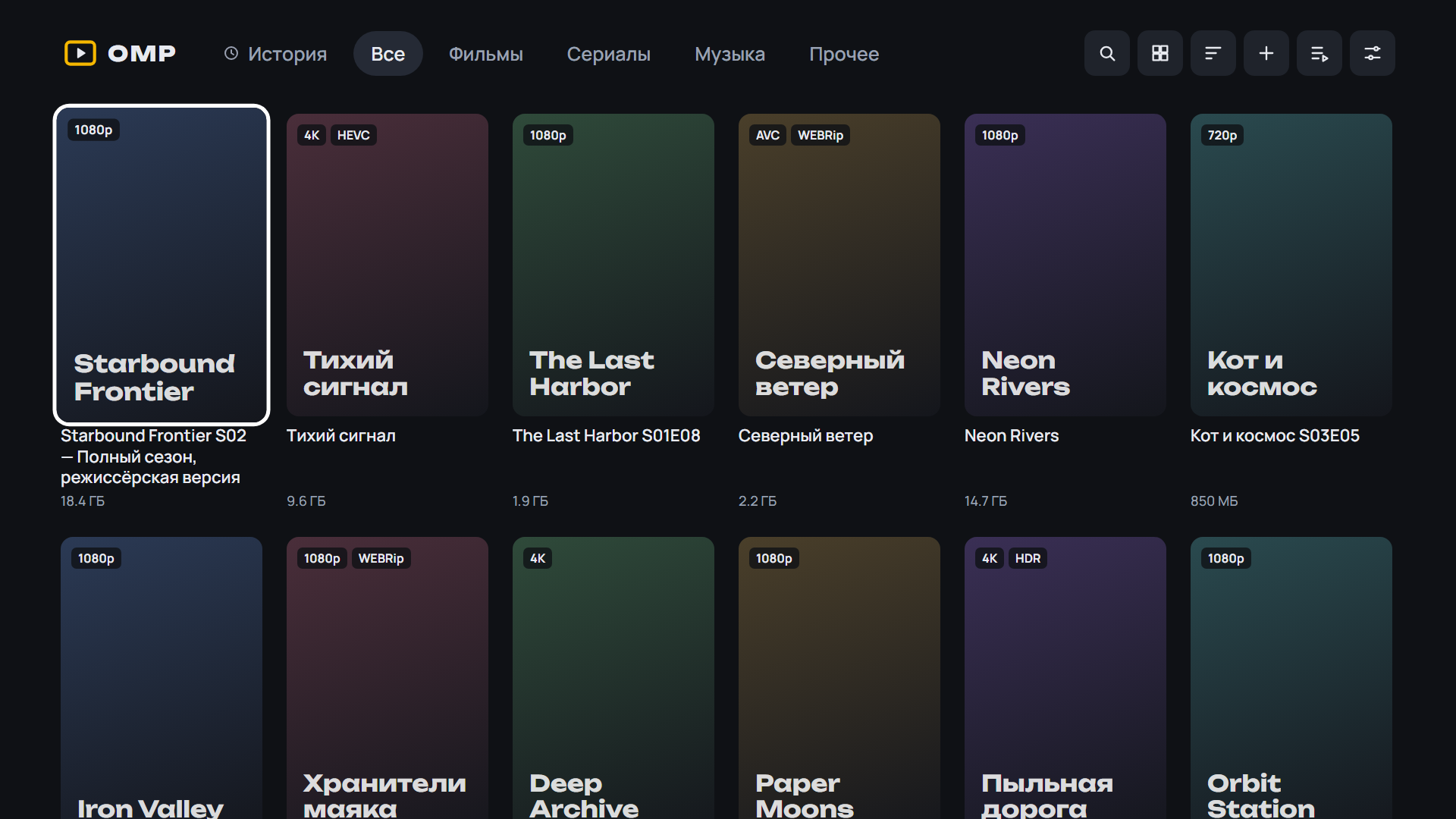
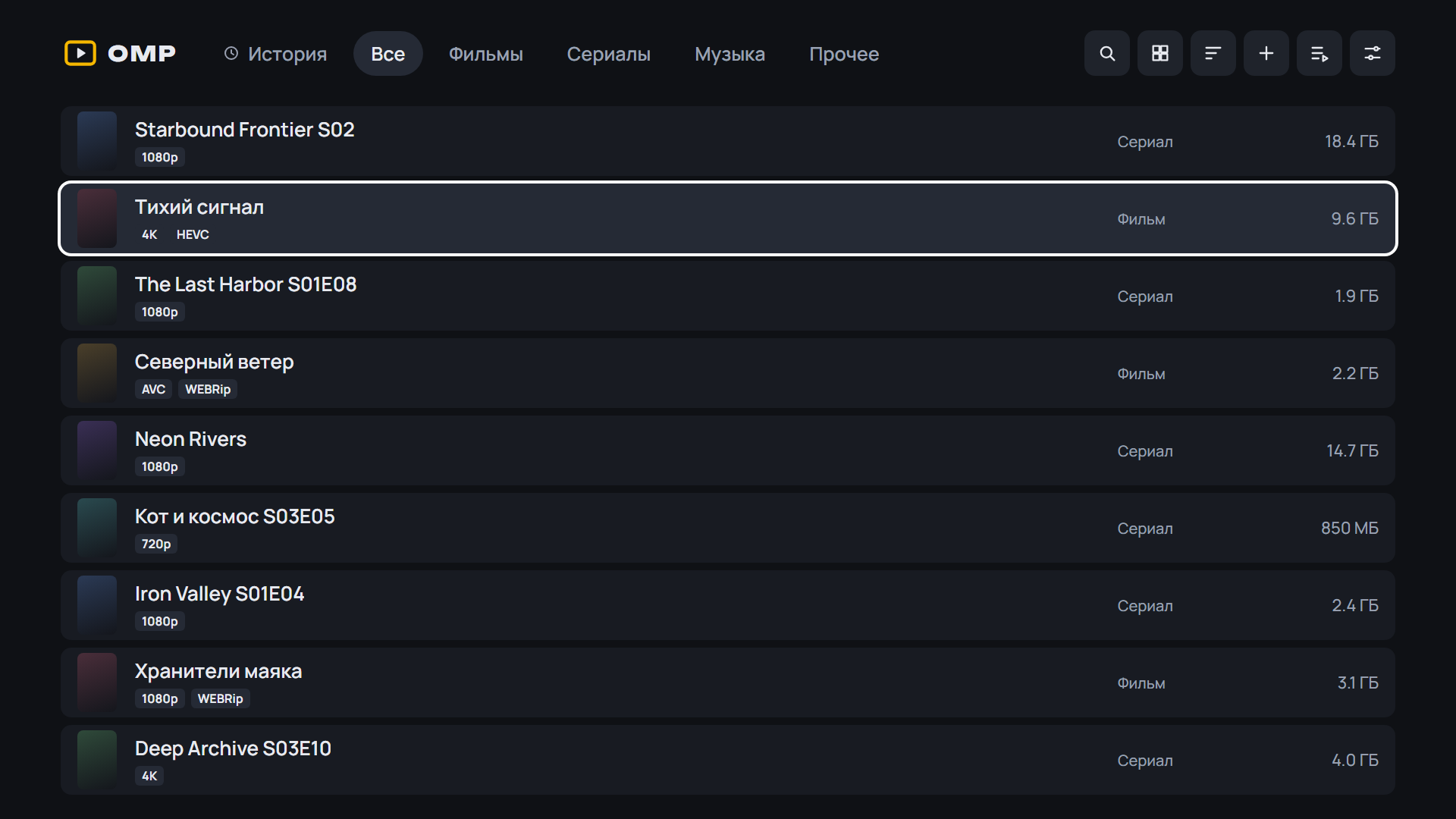
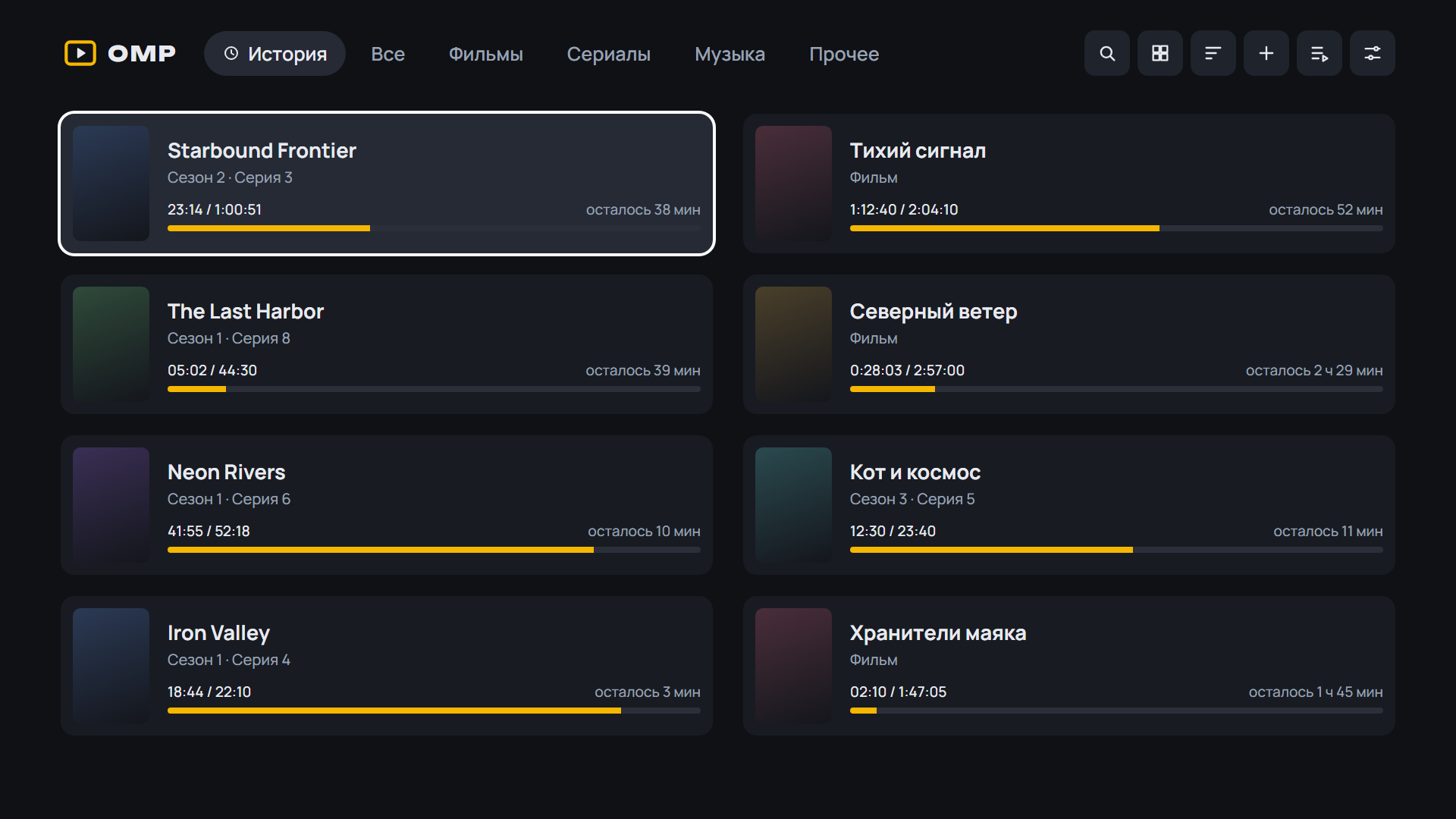
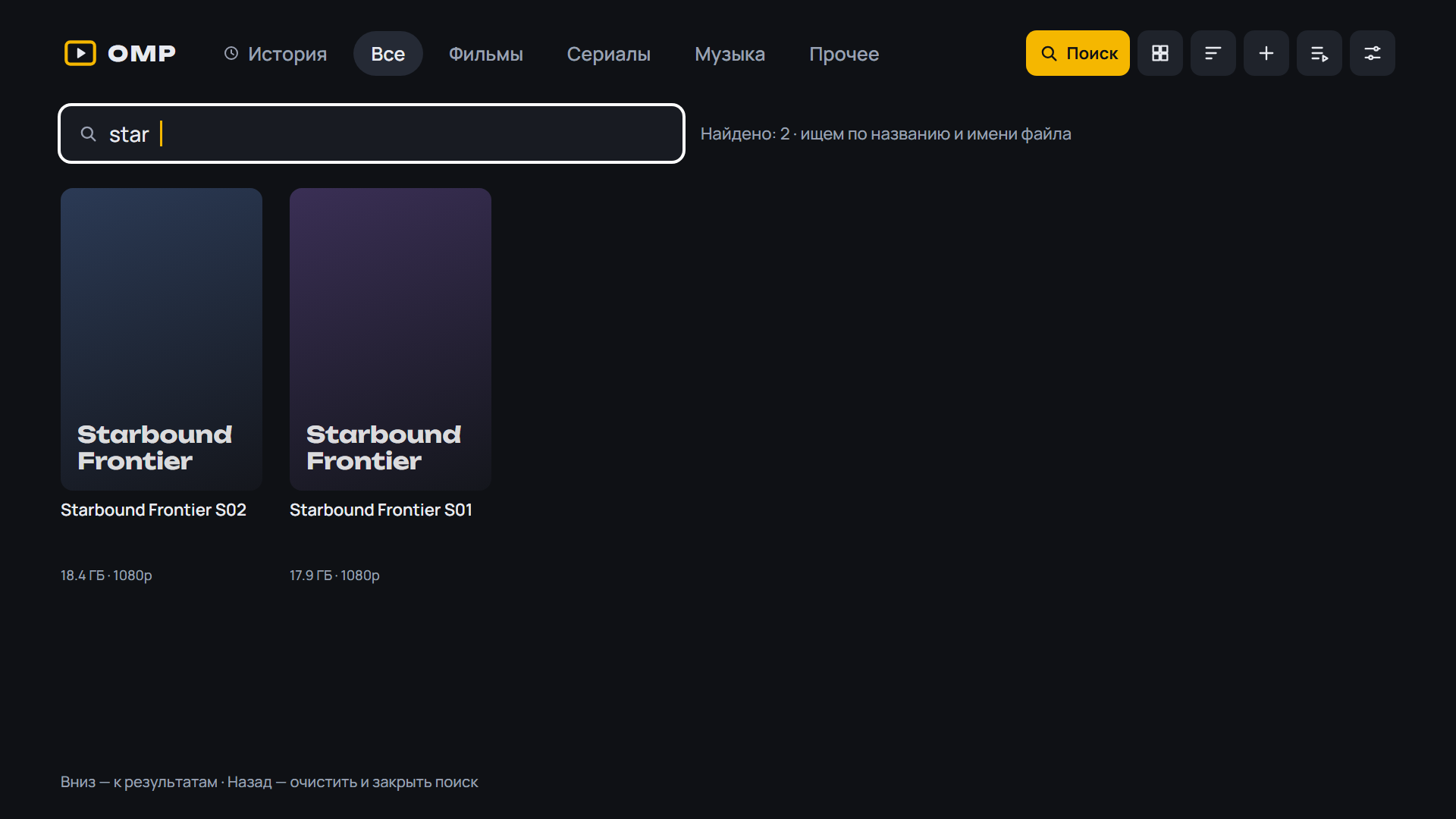
- Cast and director screen: biography, filters in one row, opens in «Discover»; «Cast» on the series and movie screens sits right under the buttons
- Cast and director screen: biography, filters in one row, opens in «Discover»; «Cast» on the series and movie screens sits right under the buttons, with proper margins
SHA-256 OMP-0.19.0-beta.2-webOS.ipk: 5724f31e1f97d3a4691aee9f99d326688fcc012a1bfc52c3ed0f456228510c3b
SHA-256 OMP-0.19.0-beta.2-arm64.apk: 6e31c6c712e7c09be31218c373d76472395d51a05bf72e4941f143502488a48d
SHA-256 OMP-0.19.0-beta.2-armv7.apk: 12b337d36a5f358baa3fd208e5bac26915067b9a533242074ad9628f5e2dbcc8
SHA-256 OMP-0.19.0-beta.2.apk: 8ec0914c60f269143cdfb39be8d05102047da933a2ff9aac64909365036c6038
What's Changed
- 0.19.0-beta.2: биография, экран актёра в «Обзоре», «В ролях» под кнопками by @spacesarmat in #63
Full Changelog: v0.19.0-beta.1...v0.19.0-beta.2
Contributors
Assets 7
OMP v0.19.0-beta.1
OMP v0.19.0-beta.1 — Open Movie Player для LG webOS
Медиаплеер для телевизоров LG, который смотрит торренты с вашего TorrServer.
Обновление: OMP сам предложит новую версию при запуске. Также можно через Homebrew Channel — репозиторий OMP: https://raw.githubusercontent.com/spacesarmat/omp/gh-pages/apps.json.
 |
 |
 |
 |
 |
 |
 |
Android: скачайте APK ниже, откройте на телефоне или приставке и разрешите установку из браузера. Какой файл выбрать:
OMP-*-arm64.apk— 64-битная система (почти все современные телефоны);OMP-*-armv7.apk— 32-битная система (многие приставки Android TV, даже с 64-битным процессором);OMP-*.apkбез суффикса — если не уверены: подходит всем, но больше по размеру.
Помощник установки и обновления внутри OMP выбирают нужный файл сами. Подробнее — в README.
 |
 |
 |
 |
 |
 |
 |
Установка на ТВ: скачайте OMP-*-webOS.ipk ниже и установите по инструкции из README.
English: download the APK (Android) or OMP-*-webOS.ipk (LG) below; install steps are in the English README.
English
- Cast and directors on «Discover» cards and on the series and movie screens: press one to open the filmography; titles already in «Mine» are highlighted and come first, with an «In library» filter
- Cast and directors on «Discover» cards and on the series and movie screens: tap one to open the filmography; titles already in «Mine» are highlighted and come first, with an «In library» filter
- 2160 Player as the video player (Settings → «Video player»): resumes where you stopped, skips intros and credits, plays all episodes of the torrent
- «Watch on the phone» through 2160 Player when chosen in Settings: the watch position comes back to OMP
SHA-256 OMP-0.19.0-beta.1-webOS.ipk: b21e8c00febb510c4dc387fb29f1c0442c08cd30f70938545407f8dd87775286
SHA-256 OMP-0.19.0-beta.1-arm64.apk: 5af998d0b0ecf5f2883ee26617ed45daae777734615ac935f55651024b9cf875
SHA-256 OMP-0.19.0-beta.1-armv7.apk: 34d4689141801d3d8aae9515d05ed52e04a8ac3dbc4cbdeb95c0d1f5b876811d
SHA-256 OMP-0.19.0-beta.1.apk: cdf3a21d776a6690dbab212943ca5eac3ca61f71d4a11a05a4746cca79186fff
What's Changed
- 0.19.0-beta.1: фильмография актёров и режиссёров, 2160 Player by @spacesarmat in #62
Full Changelog: v0.18.2...v0.19.0-beta.1
Contributors
Assets 7
OMP v0.18.2
OMP v0.18.2 — Open Movie Player для LG webOS
Медиаплеер для телевизоров LG, который смотрит торренты с вашего TorrServer.
Обновление: OMP сам предложит новую версию при запуске. Также можно через Homebrew Channel — репозиторий OMP: https://raw.githubusercontent.com/spacesarmat/omp/gh-pages/apps.json.
 |
 |
 |
 |
 |
 |
 |
Android: скачайте APK ниже, откройте на телефоне или приставке и разрешите установку из браузера. Какой файл выбрать:
OMP-*-arm64.apk— 64-битная система (почти все современные телефоны);OMP-*-armv7.apk— 32-битная система (многие приставки Android TV, даже с 64-битным процессором);OMP-*.apkбез суффикса — если не уверены: подходит всем, но больше по размеру.
Помощник установки и обновления внутри OMP выбирают нужный файл сами. Подробнее — в README.
 |
 |
 |
 |
 |
 |
 |
Установка на ТВ: скачайте OMP-*-webOS.ipk ниже и установите по инструкции из README.
English: download the APK (Android) or OMP-*-webOS.ipk (LG) below; install steps are in the English README.
English
- Updates are checked at every OMP launch and when you come back to the app (before: at most once in 6 hours, so a new version could stay unnoticed for long)
- While an update is not installed, «Settings» carries a dot, and Settings shows a button with the new version instead of «Check for updates», also after «Later»
SHA-256 OMP-0.18.2-webOS.ipk: 90cb7b4b27ff5c3411bca7687b85dec03473a972d0359792afbc27721a104223
SHA-256 OMP-0.18.2-arm64.apk: aff7722fe576983a9458490ac48045f9d6522c497c9c41acff33b709f2b7372e
SHA-256 OMP-0.18.2-armv7.apk: e45d982a4d75aa911a50e4e40642122a8f7fa5ec1812924c58b95276df7ef17b
SHA-256 OMP-0.18.2.apk: 8e8e78244a9fc9ecff67f6567737ce04607318e91f7e60d8cbf1d0c6b5b12a32
What's Changed
- CI: место на диске для сборки APK в релизе by @spacesarmat in #60
- 0.18.2 by @spacesarmat in #61
Full Changelog: v0.18.1...v0.18.2