Repository navigation
OMP v0.20.0-beta.1
Pre-release
OMP v0.20.0-beta.1 — Open Movie Player для LG webOS
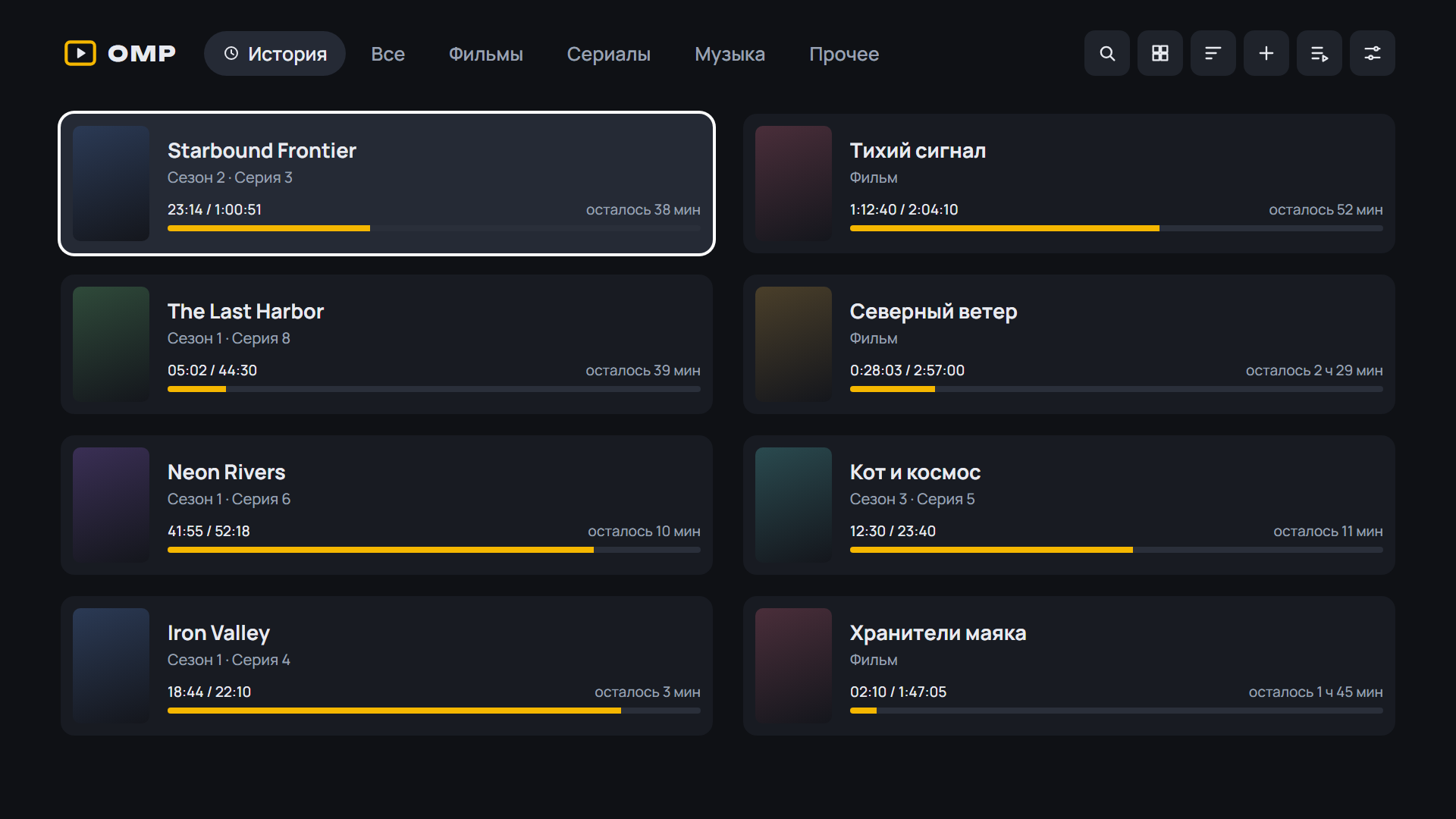
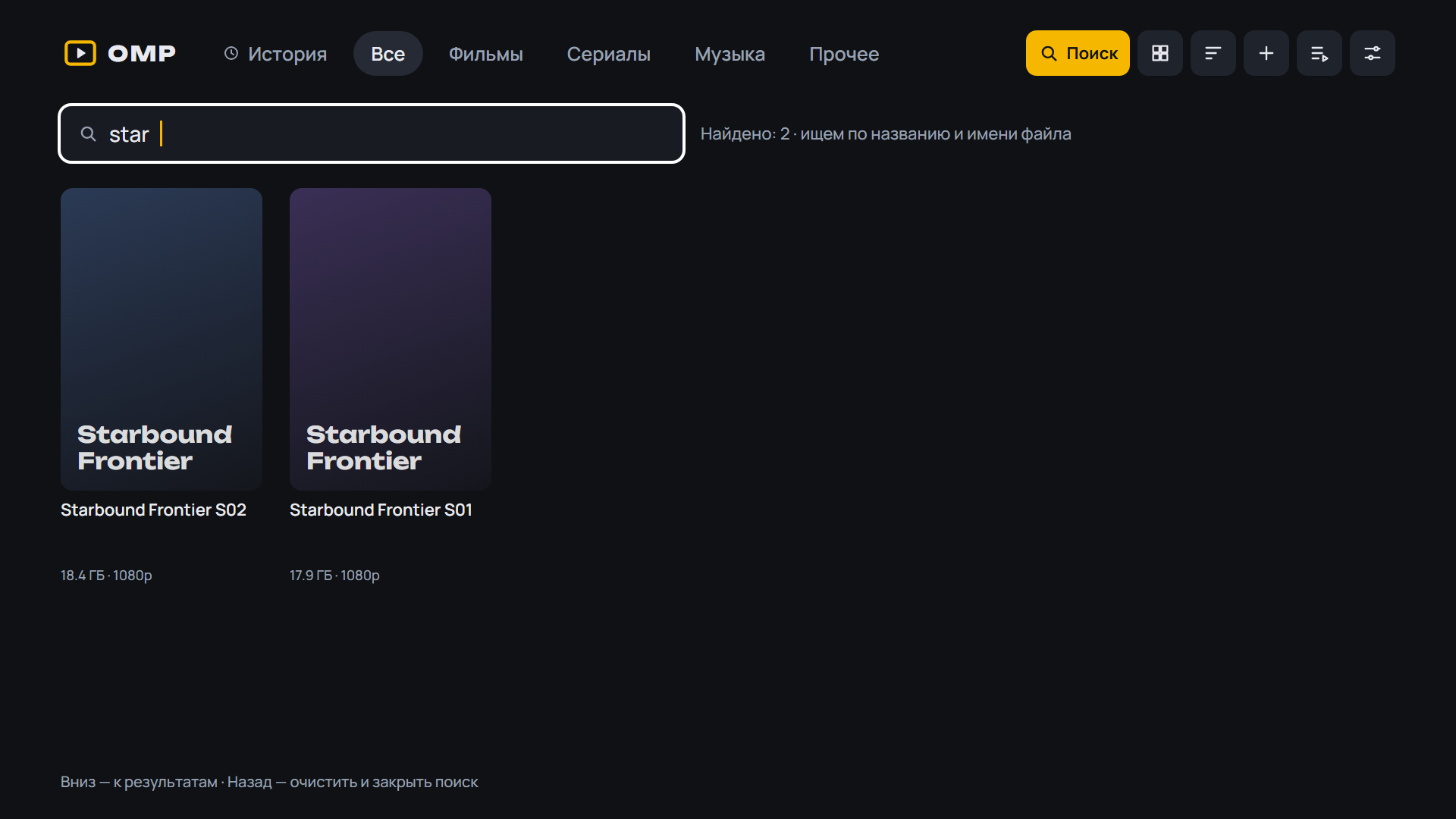
Медиаплеер для телевизоров LG, который смотрит торренты с вашего TorrServer.
Обновление: OMP сам предложит новую версию при запуске. Также можно через Homebrew Channel — репозиторий OMP: https://raw.githubusercontent.com/spacesarmat/omp/gh-pages/apps.json.
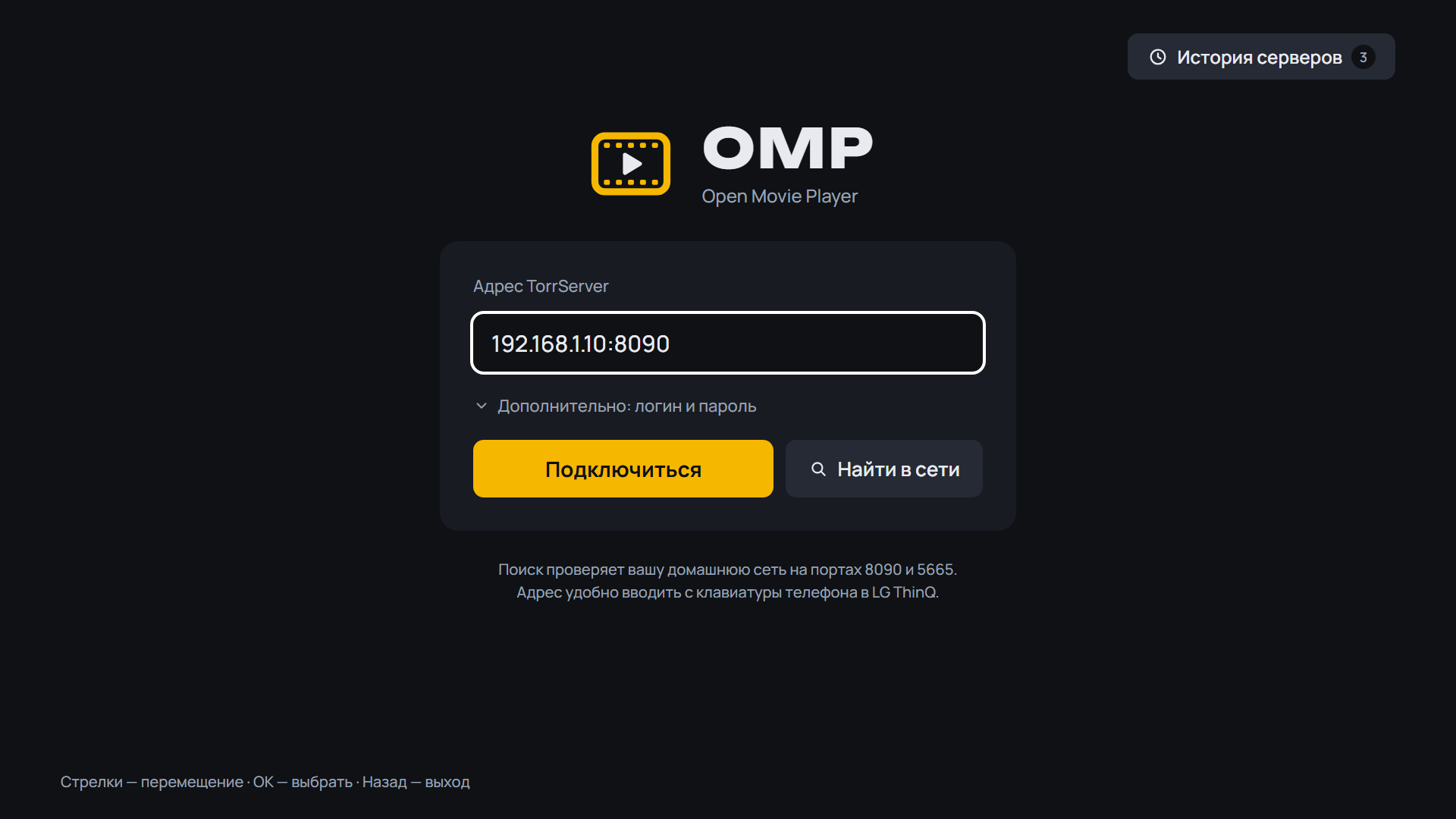 |
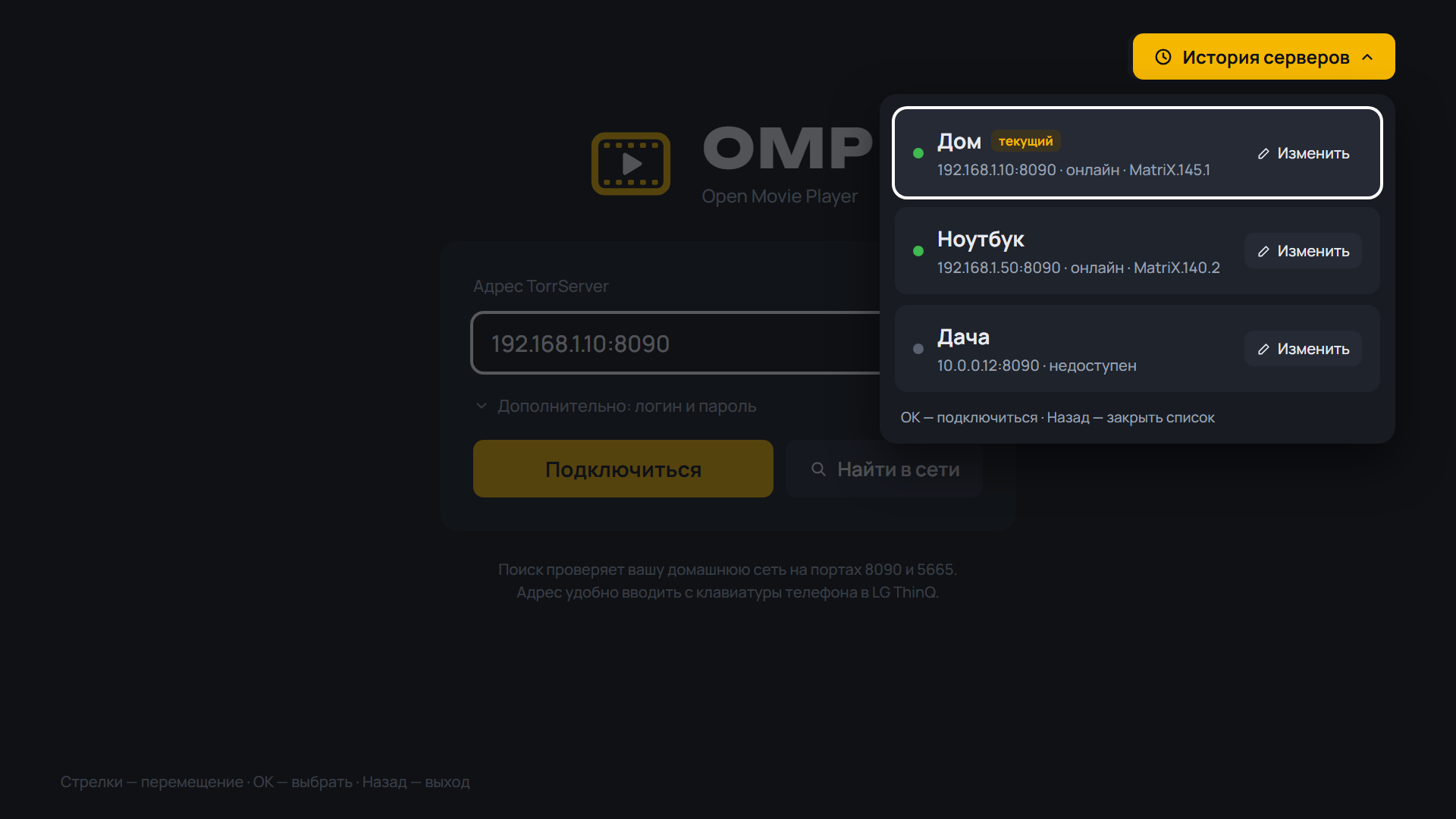 |
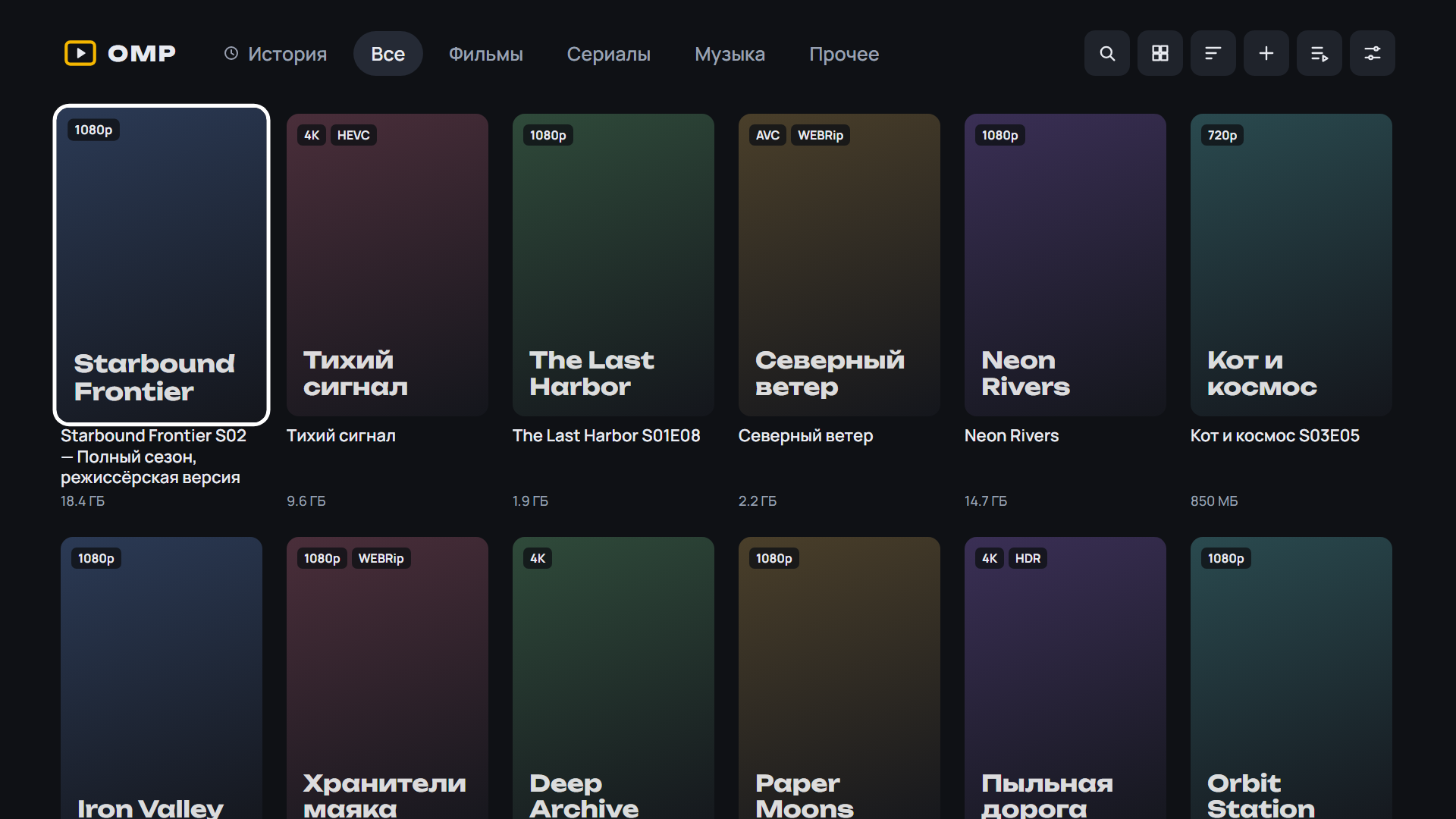 |
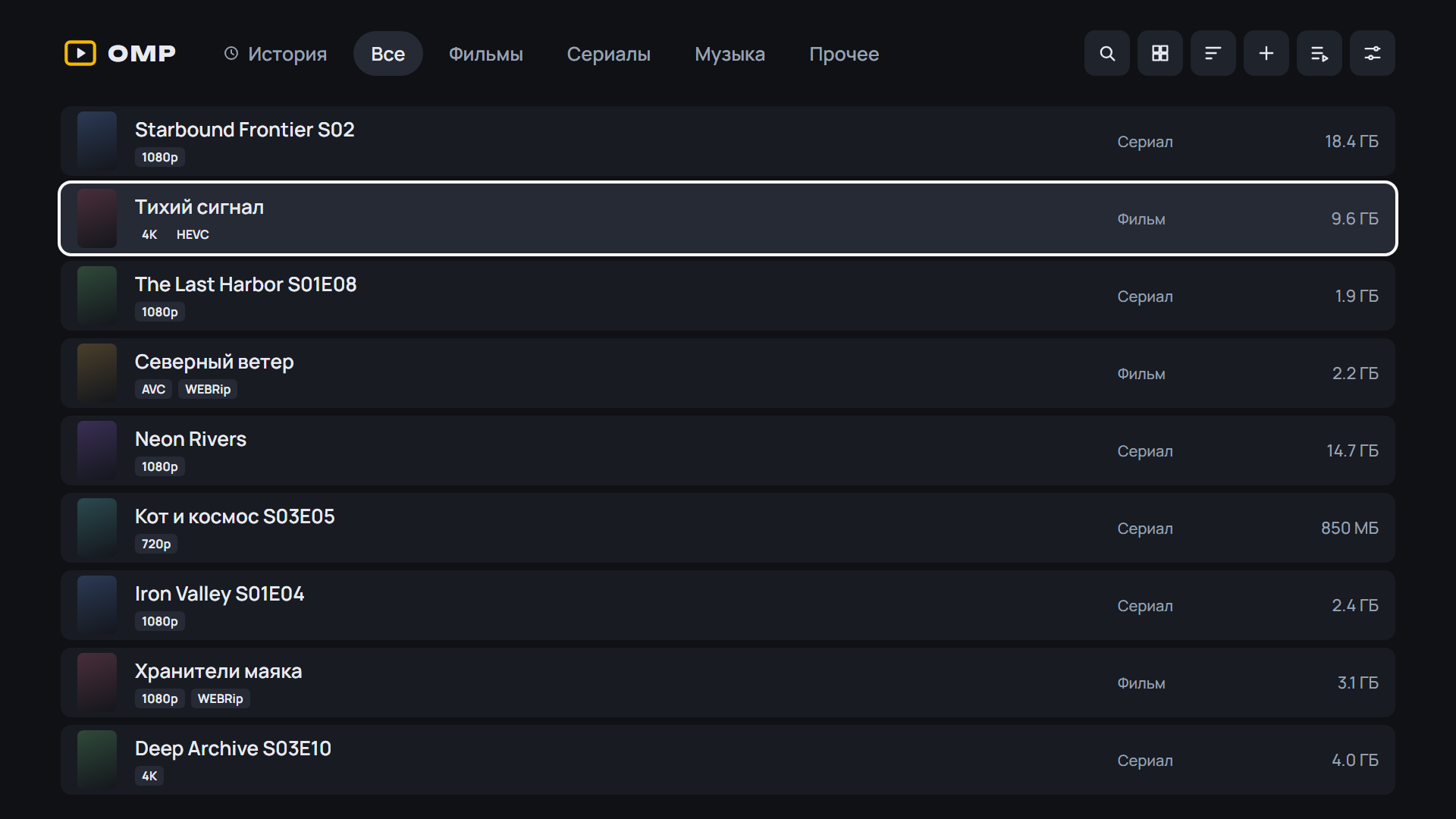 |
 |
 |
 |
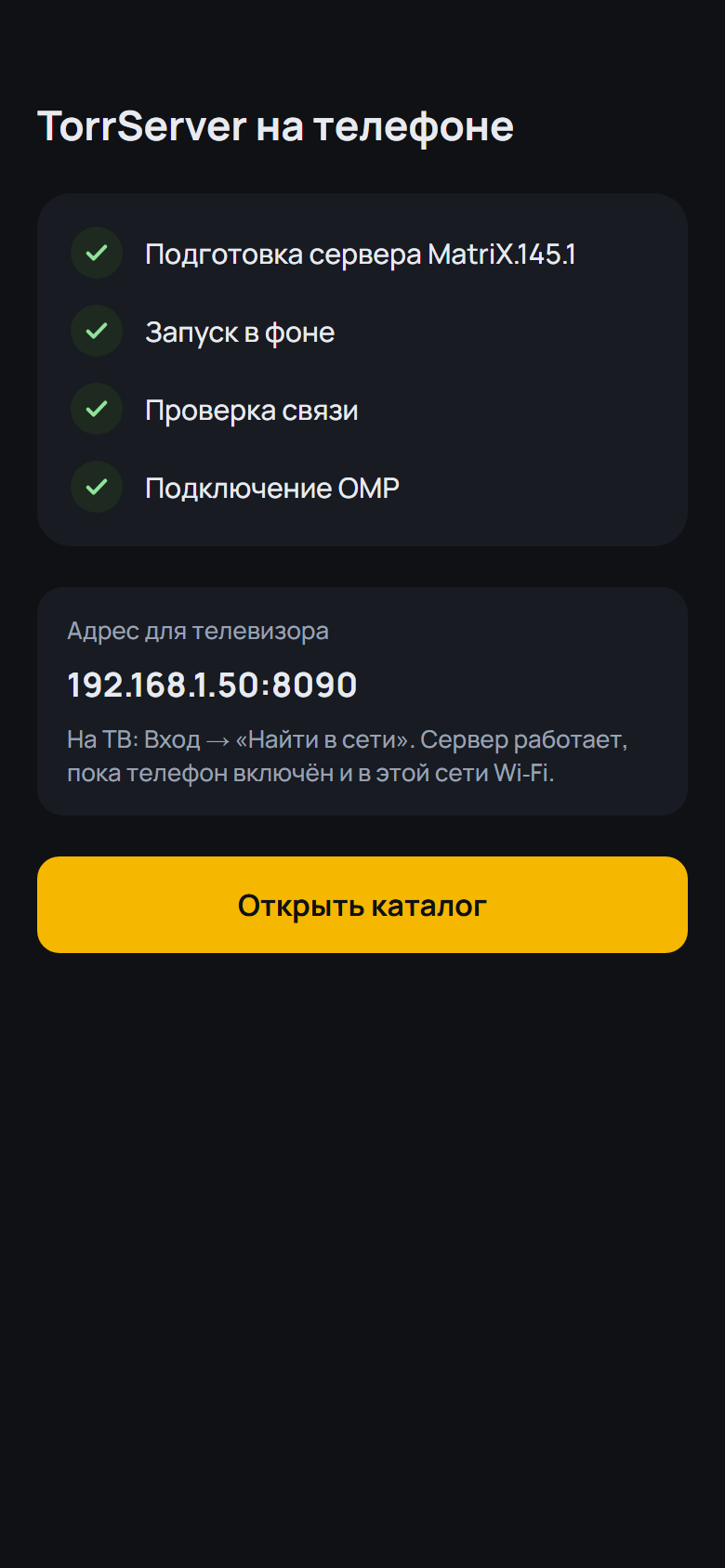
Android: скачайте APK ниже, откройте на телефоне или приставке и разрешите установку из браузера. Какой файл выбрать:
OMP-*-arm64.apk— 64-битная система (почти все современные телефоны);OMP-*-armv7.apk— 32-битная система (многие приставки Android TV, даже с 64-битным процессором);OMP-*.apkбез суффикса — если не уверены: подходит всем, но больше по размеру.
Помощник установки и обновления внутри OMP выбирают нужный файл сами. Подробнее — в README.
 |
 |
 |
 |
 |
 |
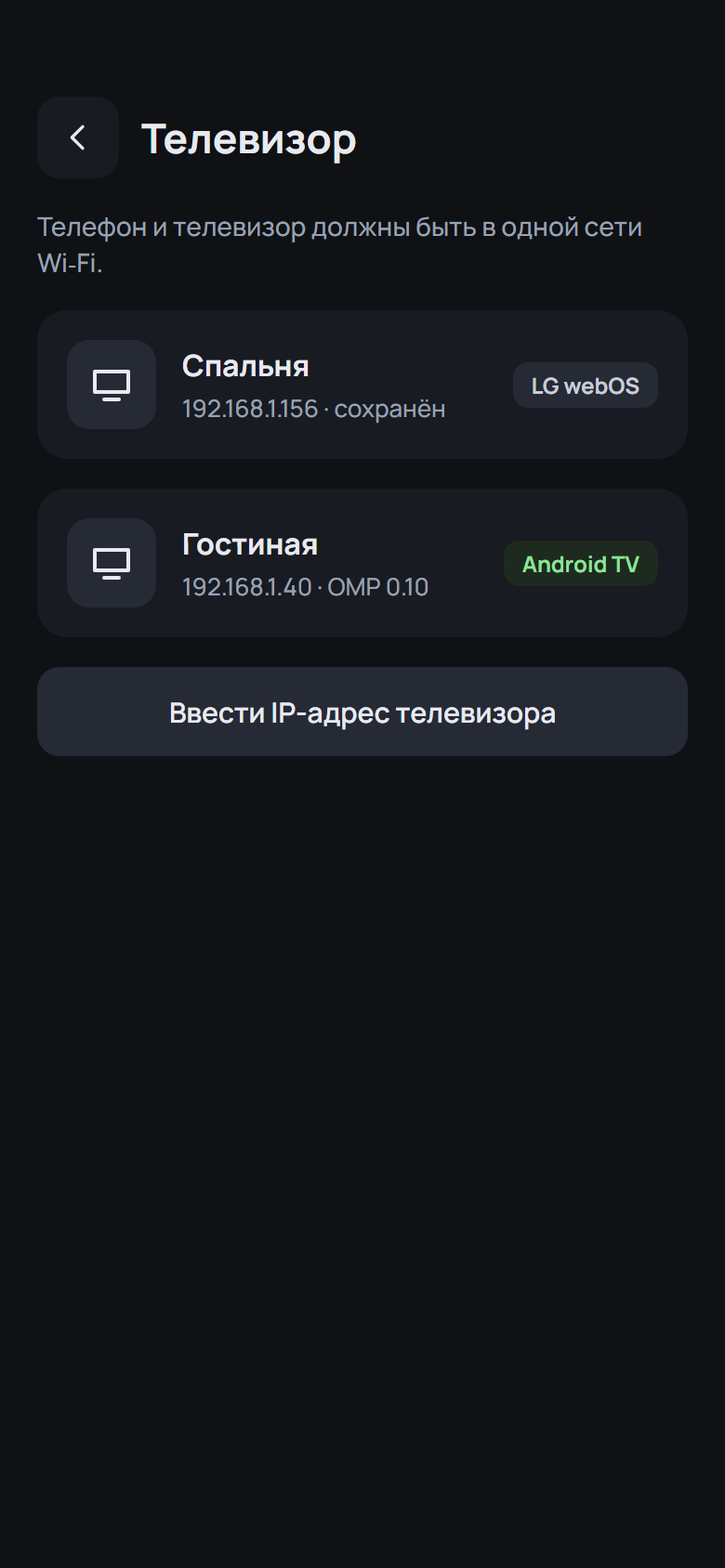 |
Установка на ТВ: скачайте OMP-*-webOS.ipk ниже и установите по инструкции из README.
English: download the APK (Android) or OMP-*-webOS.ipk (LG) below; install steps are in the English README.
English
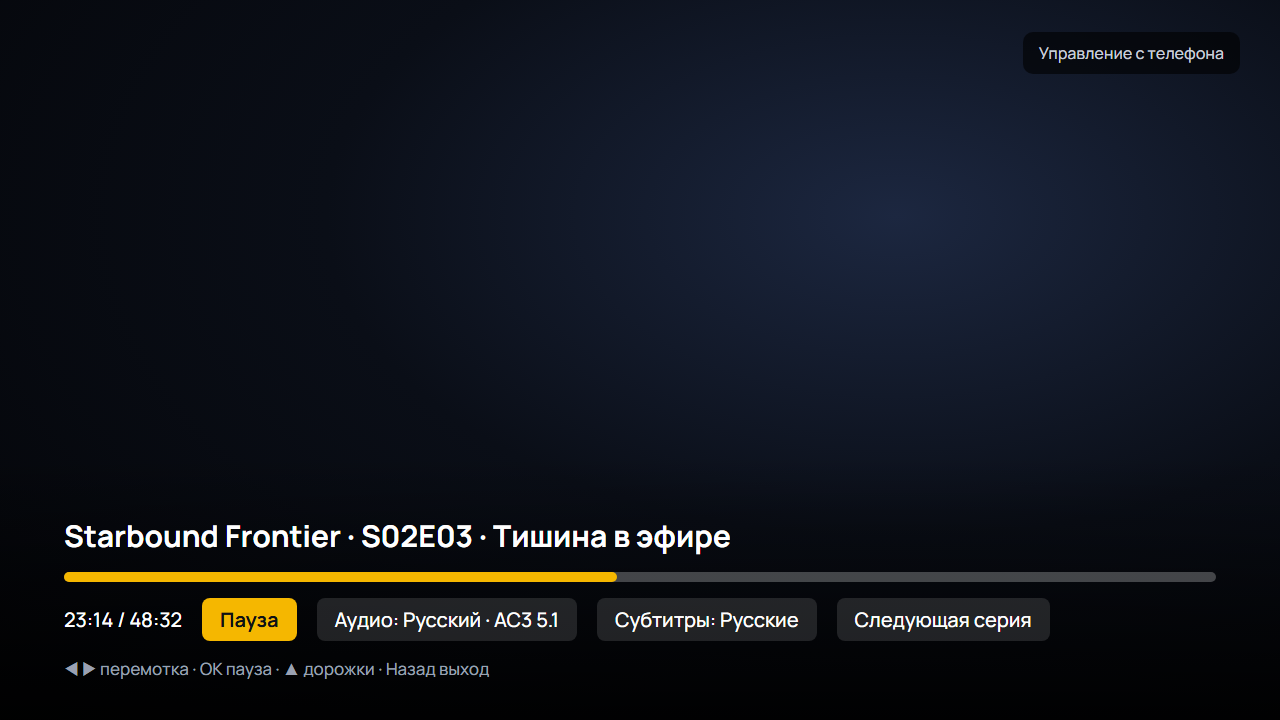
- A new engine for the built-in player: 2160 Player inside OMP. 4K and HDR; Dolby Vision on a box without a Dolby Vision decoder plays as HDR10. AC3, E-AC3, DTS and TrueHD go to the receiver as they are, and when the TV does not accept them they are decoded, with no switch to VLC. More formats: Blu-ray M2TS remuxes (TrueHD, LPCM, DTS-HD), and video the box cannot decode in hardware is decoded in software. VLC and the Auto mode stay. The APK is about 20 MB larger for it (the universal one 30 MB)
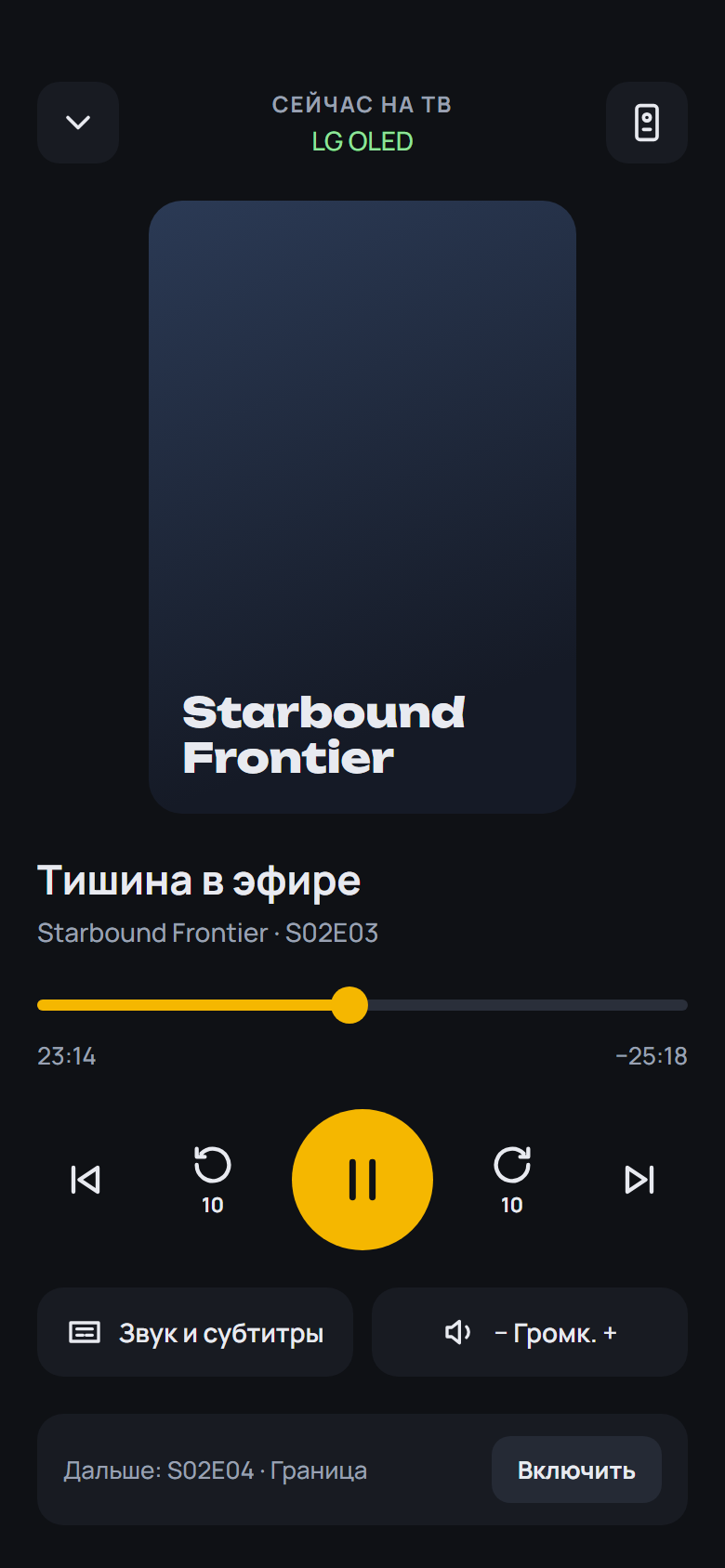
- Night sound on the yellow key and in the player menu: loud scenes are quieter, dialogue is clearer. While it is on the sound is stereo; turn it off and the receiver gets multichannel again. The choice is remembered
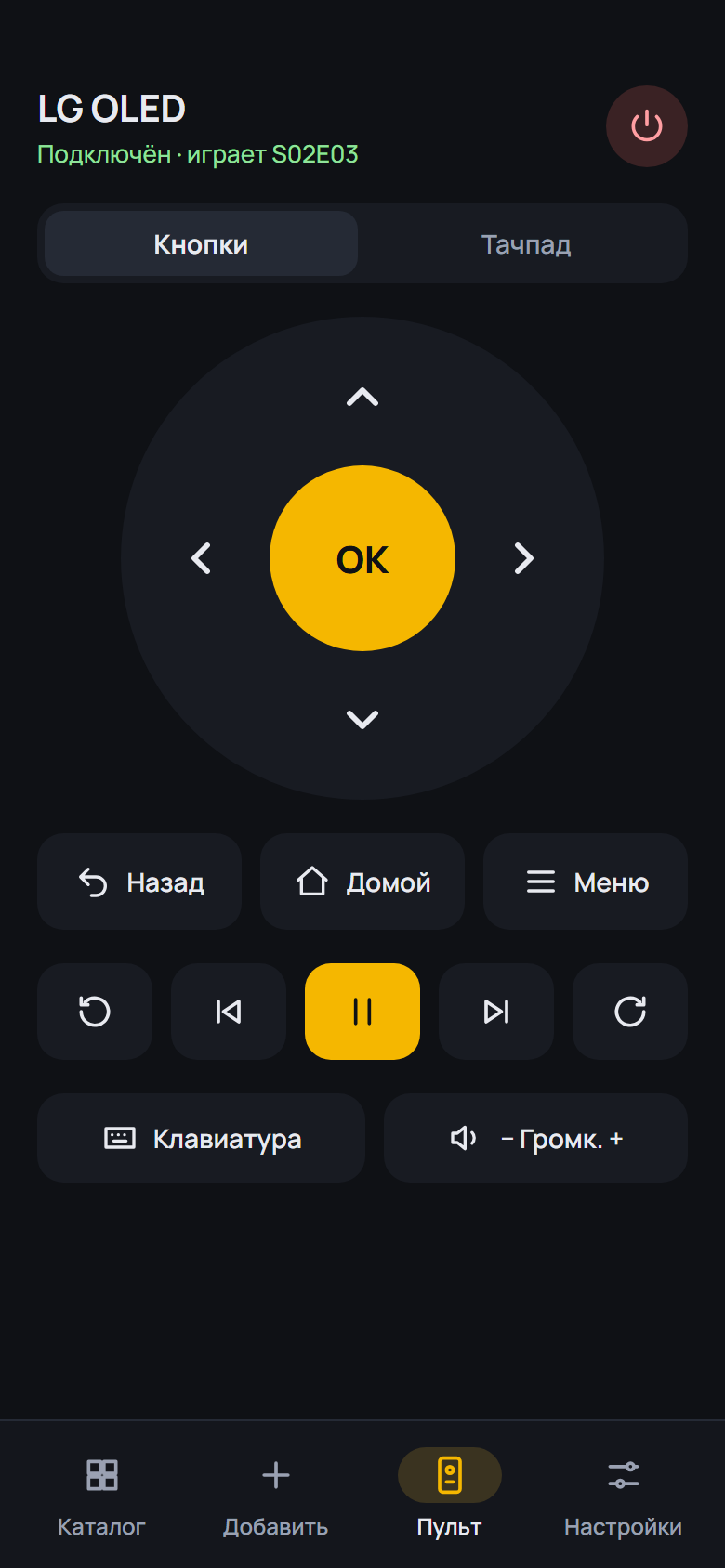
- The player's Info panel is on the remote's Info key and in the player menu (yellow now turns night sound on and off)
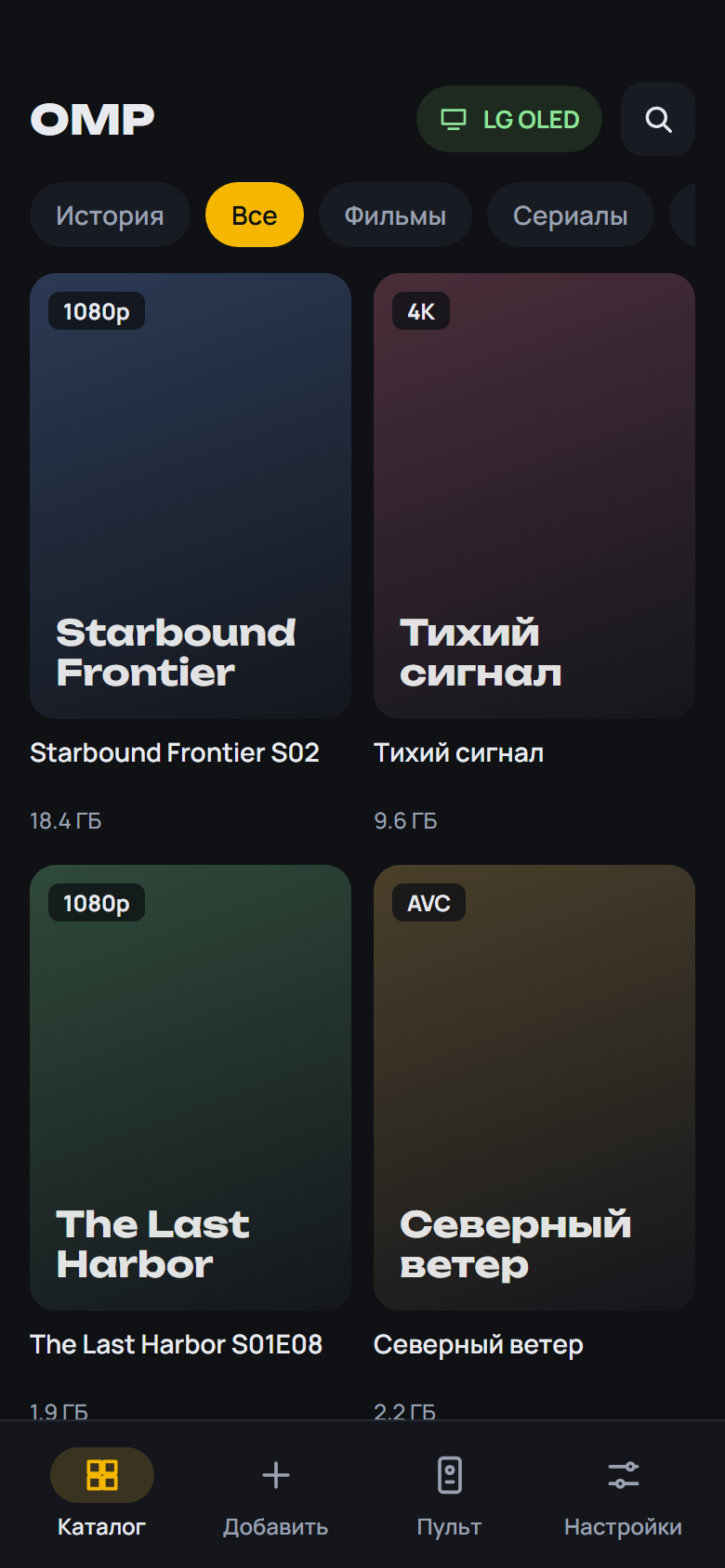
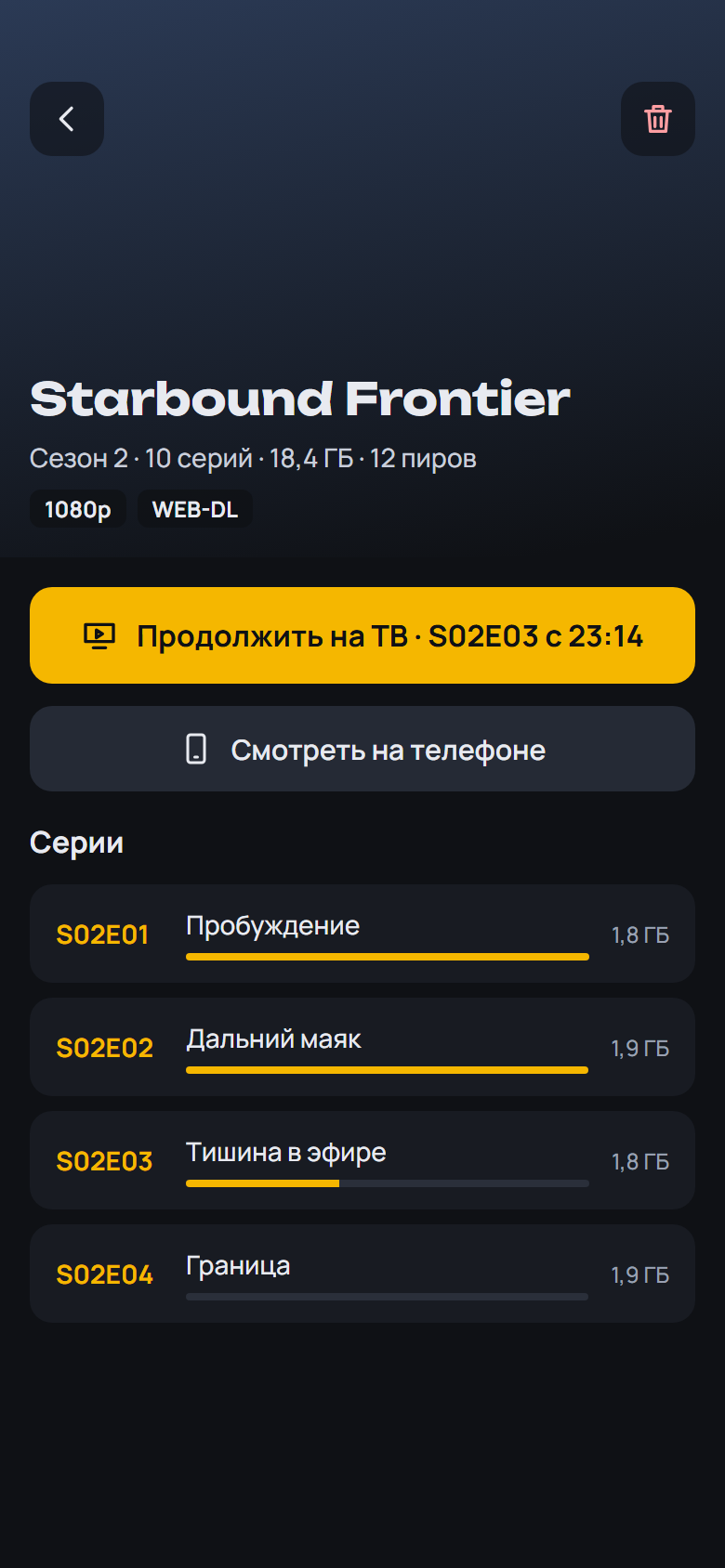
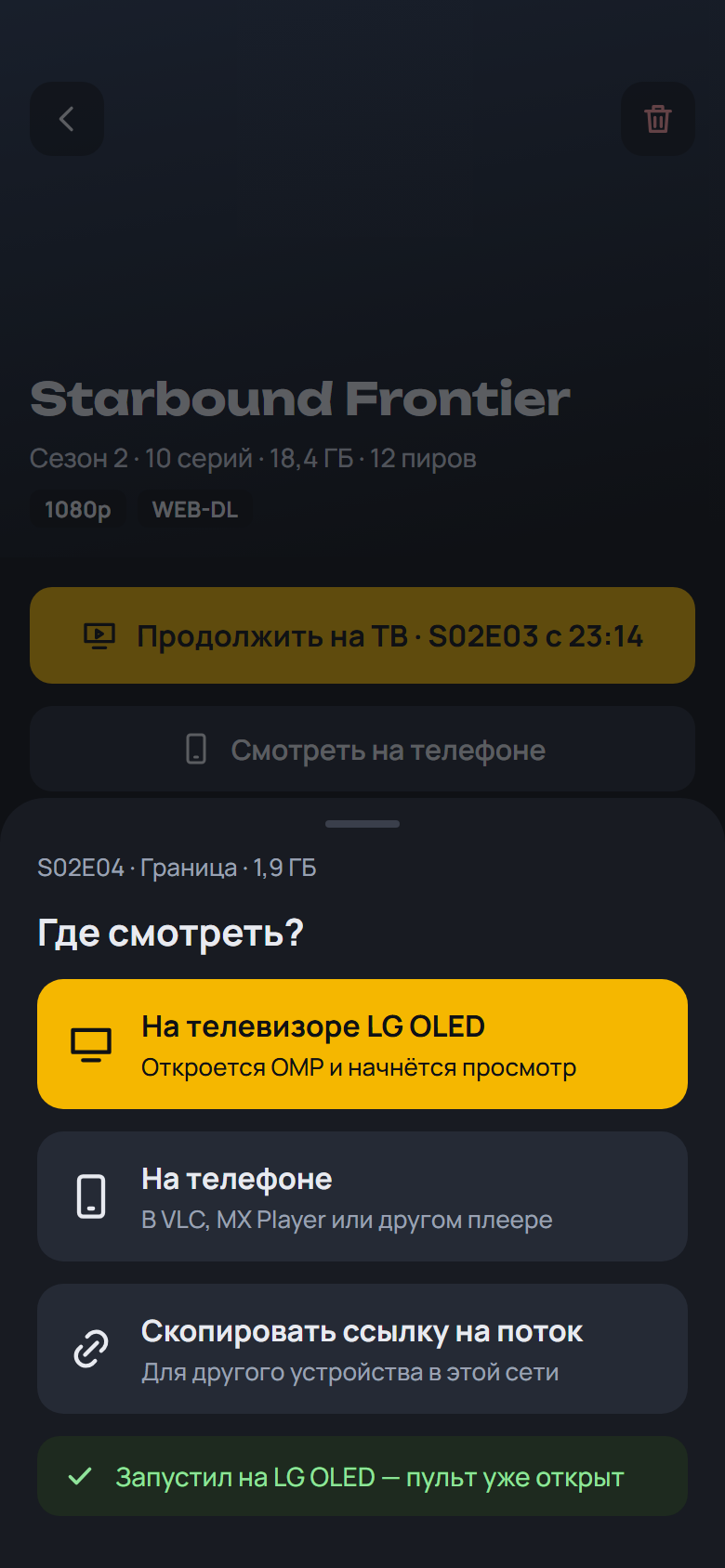
- "Watch on the phone" opens the built-in 2160 Player screen right inside OMP: from the resume point, with the Skip marks, all episodes of the release and the next episode, and picture-in-picture. Video player: "Built-in" (the default), "2160 Player (app)" or "Android chooser". The APK is about 20 MB larger for it (the universal one 30 MB)
- "Background audio" under Video player: the sound keeps playing with the screen off and after the picture-in-picture window is closed, with controls in the notification shade and on the lock screen. Off by default
SHA-256 OMP-0.20.0-beta.1-webOS.ipk: 94d7b057d88ecc3f38b0f2c1e9498288f4d0805e4a603b2dc0b98407174bb419
SHA-256 OMP-0.20.0-beta.1-arm64.apk: 00e7ec7ad3cb9190e3fa075450906b5a03ec9321ad64a3df214bef55a8ed3322
SHA-256 OMP-0.20.0-beta.1-armv7.apk: ba44c44f43ad1109712c10b2b8f24fc6223a010b9e147906d86ca1e3d2bee4de
SHA-256 OMP-0.20.0-beta.1.apk: 5188287ad7dd0c51e75385383f87d284c7c0a75a5769be386a05ff8b873e4255
What's Changed
- 0.20.0-beta.1: the 2160 Player engine built into OMP by @spacesarmat in #74
Full Changelog: v0.19.0...v0.20.0-beta.1
