Repository navigation
Home
This app has moved. RulZ LLM Suite is now part of RulZ AI Tools Suite: its source is in apps/rulz-llm-suite, its downloads are on the Releases page and its guide is in the wiki. This repository is archived and no longer updated.
RulZ LLM Suite is a Windows desktop app for running large language models on your own computer. It keeps a library of your GGUF model files, loads them into your own llama.cpp build, and adds a chat interface, MCP tool calling and a local OpenAI- and Anthropic-compatible API on top. It is modelled on LM Studio's feature set and open source under the MIT License.
| Dark (default) | Light |
|---|---|
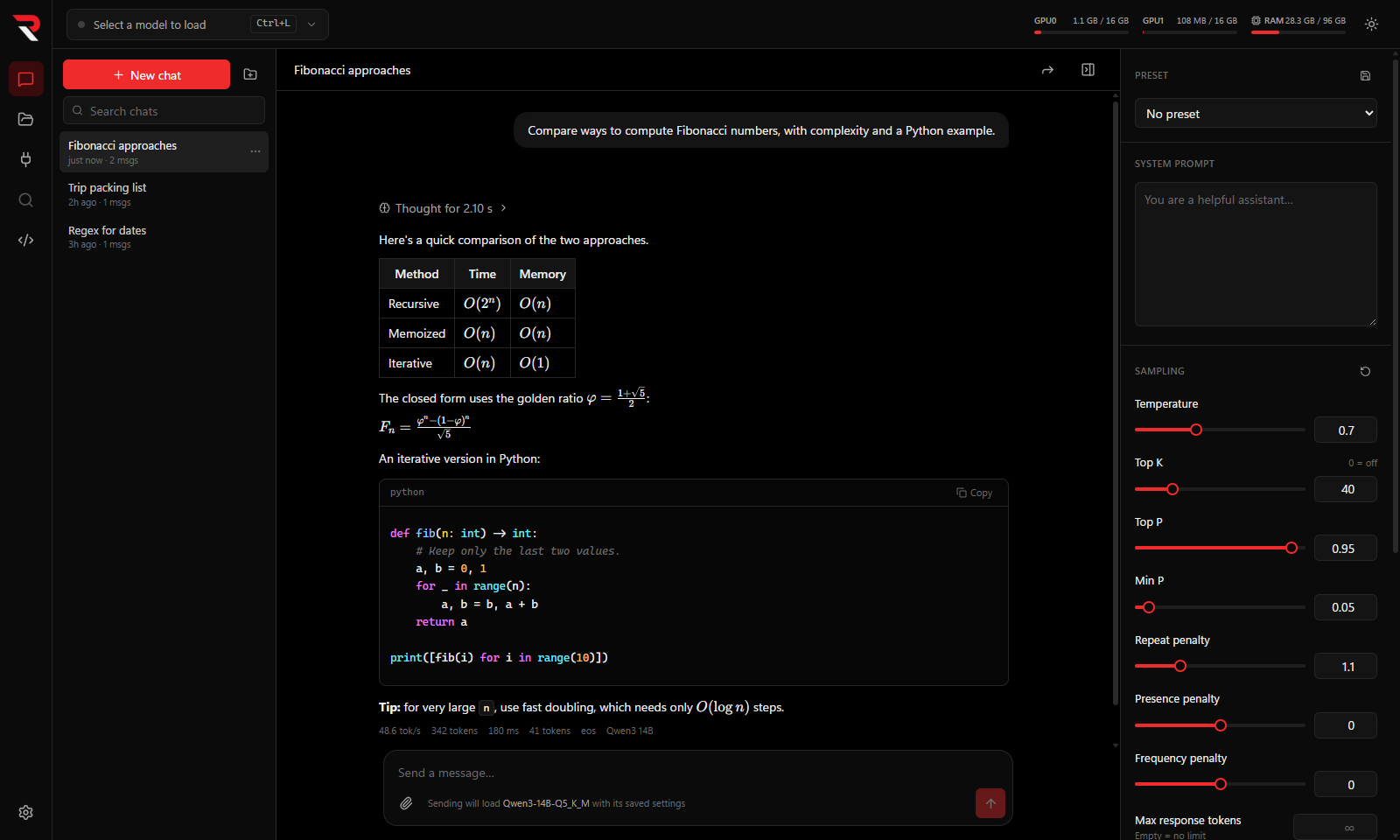 |
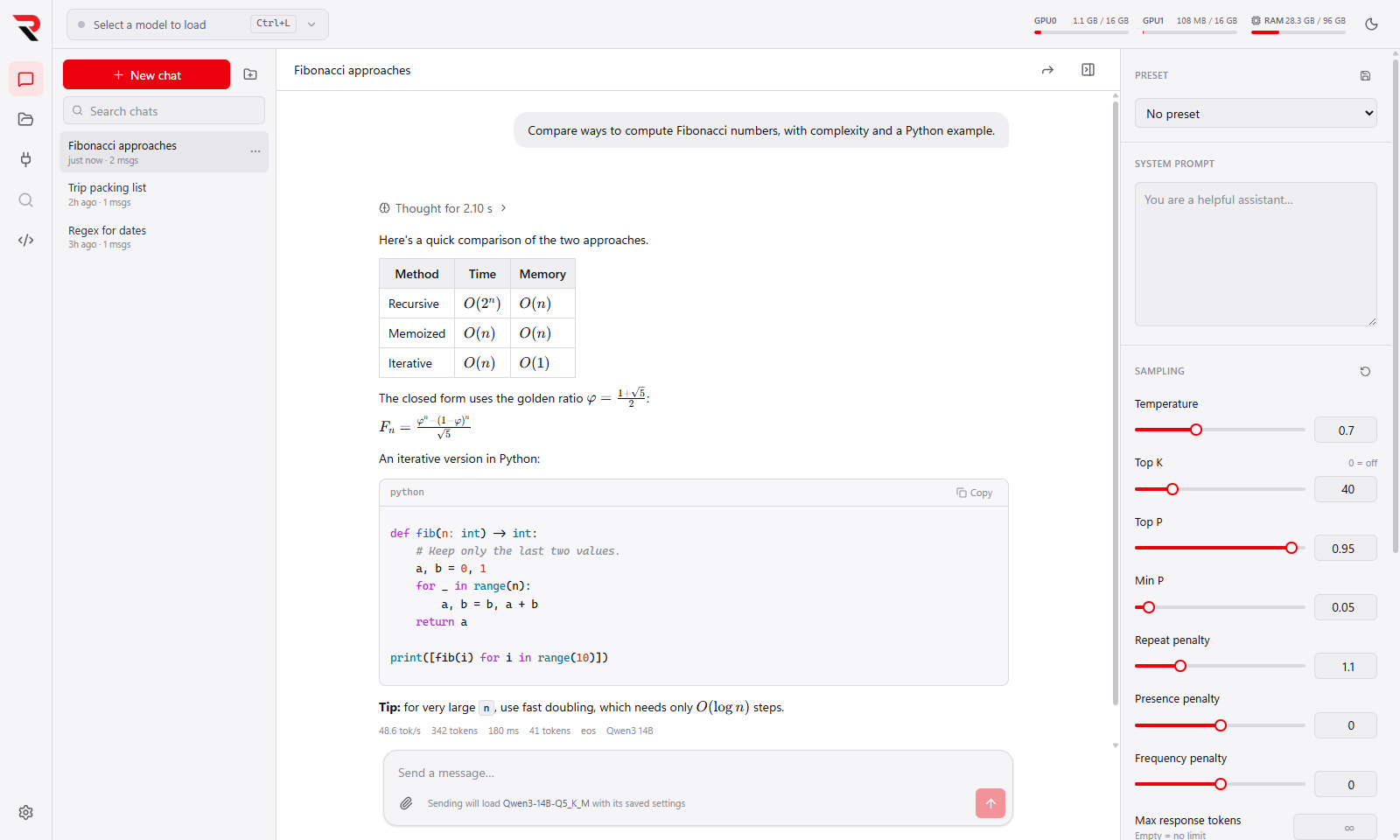 |
Screenshots use demo content: made-up chats and header-only model files.
-
Manage models — point the app at a folder; it finds every
.gguf, reads its metadata, and pairs vision projectors and draft heads with the right model. → Model Library - Load models your way — context length, GPU offload and split, flash attention, KV-cache quantization, speculative decoding and more, with a memory estimate before you load. → Loading Models
- Chat — streaming replies, reasoning blocks, Markdown and code, image and file attachments, editing and branching, presets, and a context meter. → Chat
- Hand off long chats — when a chat nears the context limit, the model writes a summary and a new chat carries on from it. → Chat
- Use tools through MCP — connect MCP servers, approve each call, and let the model load only the tools it needs from large servers. → MCP Tools
- Serve a local API — OpenAI- and Anthropic-compatible endpoints that load models on request and unload them when idle. → Local API Server
- Getting Started — install the app and load your first model.
-
Building the Engine — get a
llama-server.exebuild for your GPU. - Troubleshooting — the problems people actually hit, and their fixes.
All pages are listed in the sidebar. Keyboard Shortcuts and Settings and Data are reference pages; Development is for people building from source.
Download the latest installer from the Releases page. The app is young and moves quickly, so check the release notes when you update.
Planned next:
- Discover — search Hugging Face for GGUF models, pick a quantization that fits your GPUs, and download it into your models folder.
- RAG — chat with your documents using an embedding model.
- A command-line tool — load, unload and serve models from a terminal.
Found a bug or want a feature? Open an issue.