first run
Status: the screens exist as a preview on main. The router logic is coming in v0.1.
eepview needs an I2P router. A router is the program that joins the I2P network for you. eepview does not ship one in the app. It finds one or offers to install one.
eepview looks in this order. It stops at the first match. (Coming in v0.1.)
- A router that already runs on this computer.
- A router that is installed but stopped.
- Nothing found. eepview offers to install Java I2P.
eepview checks every router before it uses it. A port that answers is not proof of an I2P router. If a check fails, no page loads, and the screen says why.
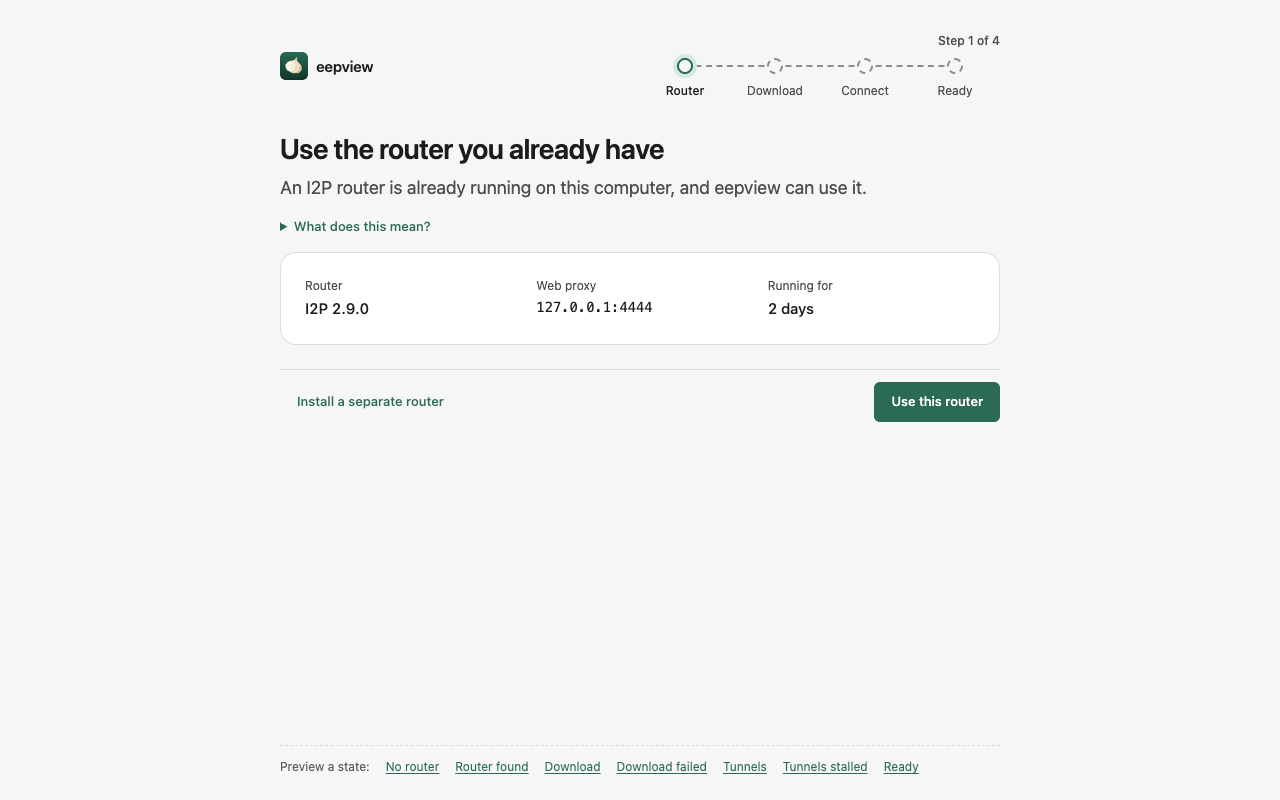
A router already runs. eepview asks if it may use it. If you say yes, eepview uses it and does not change its settings. A router that eepview did not install is called external. eepview never updates it.
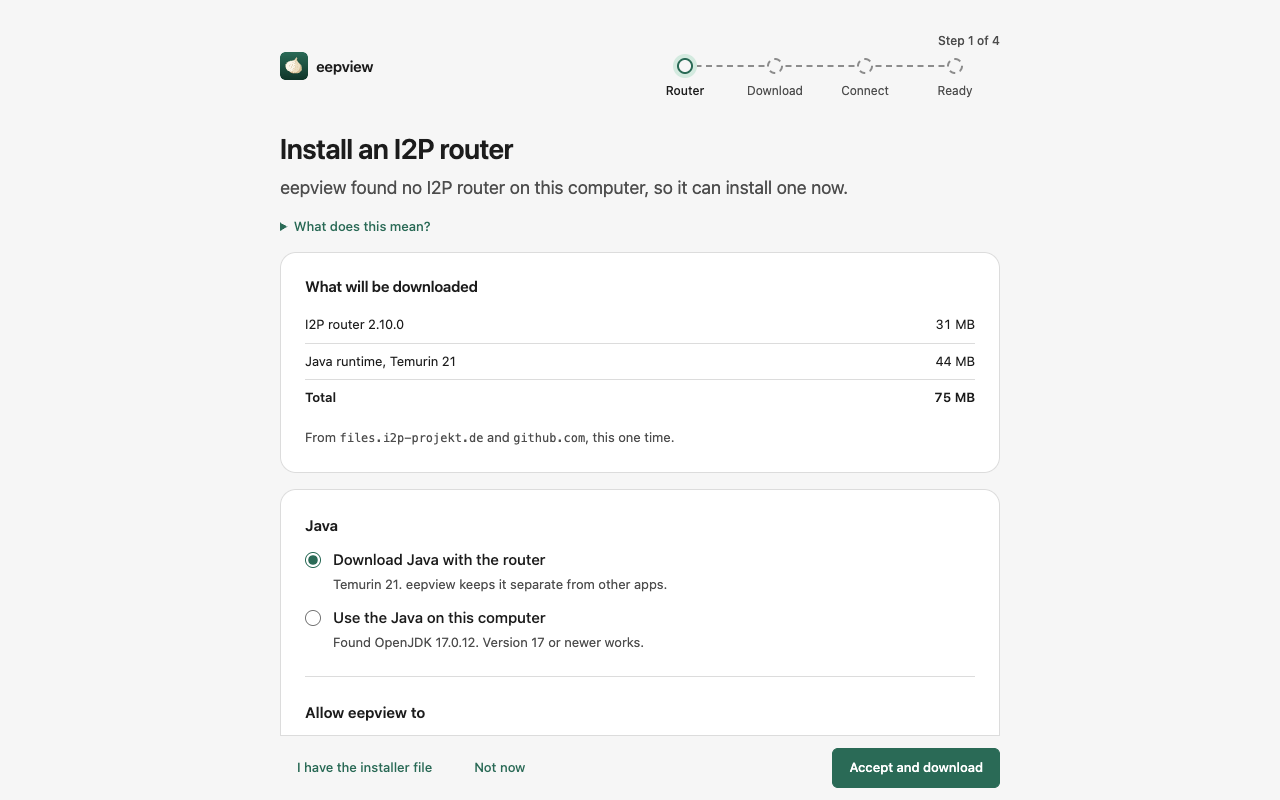
No router was found. eepview shows what it would download, the size (about 75 MB), and the hosts it would use. It also asks about Java and about two permissions.
- Java: download Java with the router, or use the Java on this computer (version 17 or newer).
- Update the router automatically over I2P. Updates are signed and arrive inside the I2P network.
- Check for Java security updates. This is one small clearnet request a week.
Nothing downloads before you click Accept and download. You can click Not now. You can change both permissions later in Settings. If a download is blocked in your country, click "I have the installer file" and pick the file yourself.
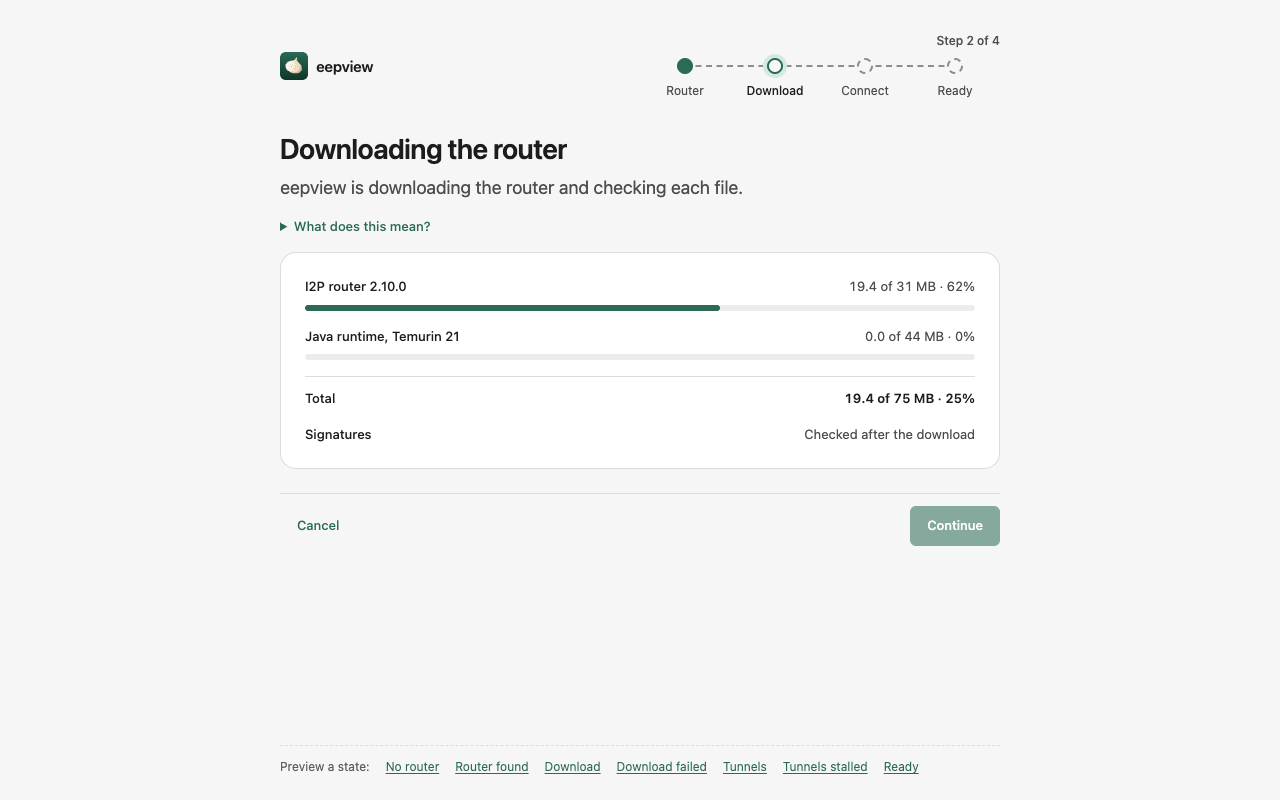
This is the only time eepview uses the clearnet. Each file is checked against its signature before it runs.
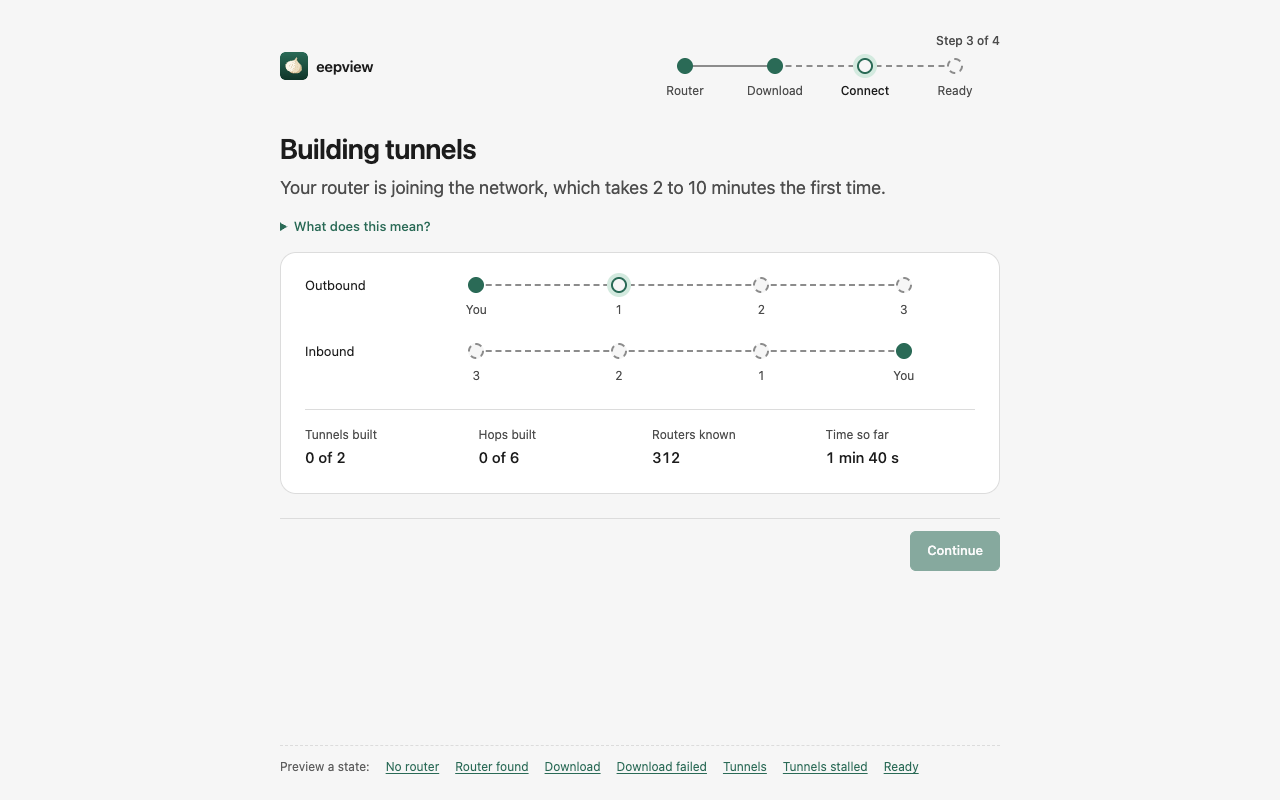
"Building tunnels" means your router is meeting other routers and making its first paths through the network. A tunnel is a path of hops. You need at least one tunnel before a page can load.
- The first start takes 2 to 10 minutes.
- Later starts take less than one minute.
- You can close the window. eepview keeps building.
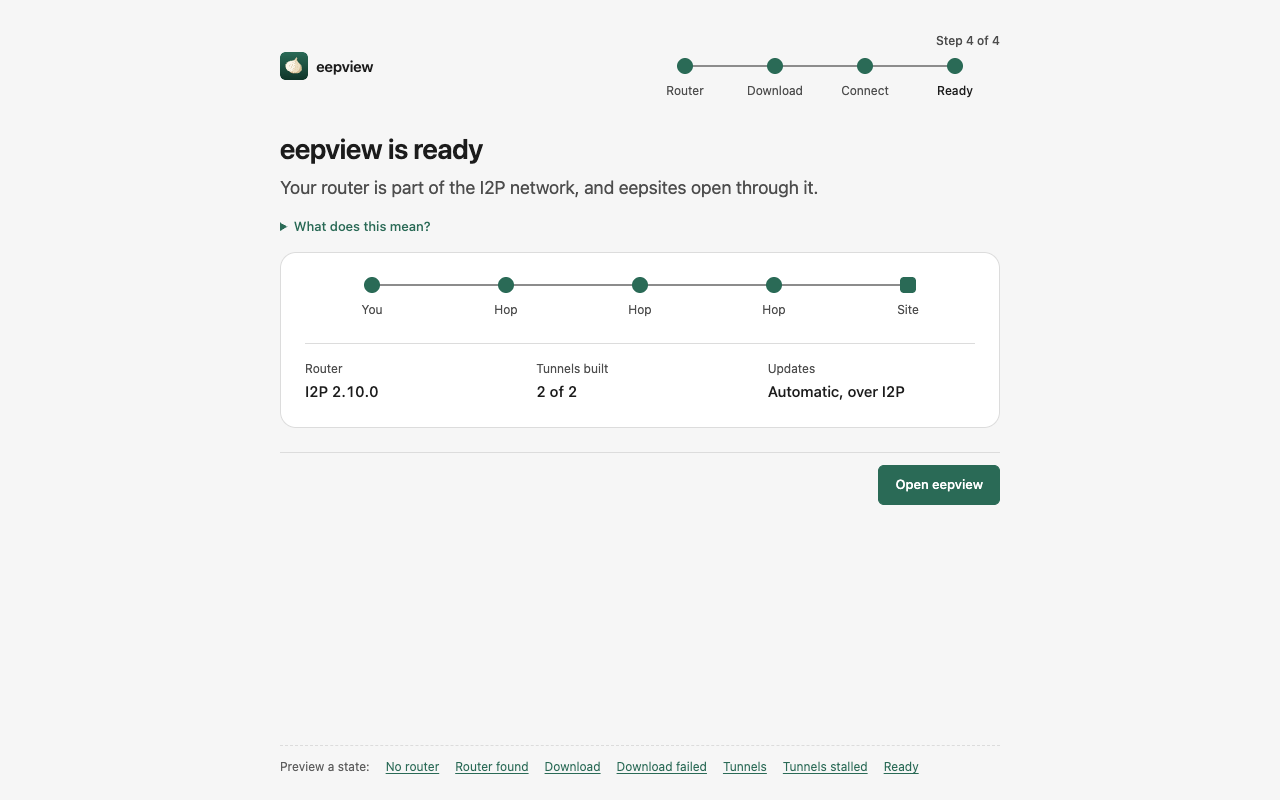
Your router is part of the network. Click Open eepview.
Read Using eepview. If something fails, read Troubleshooting.
- 2026-10-03 — Write the page — #28