Template Packs
Export your custom chore templates as a JSON pack, and import one somebody else made.
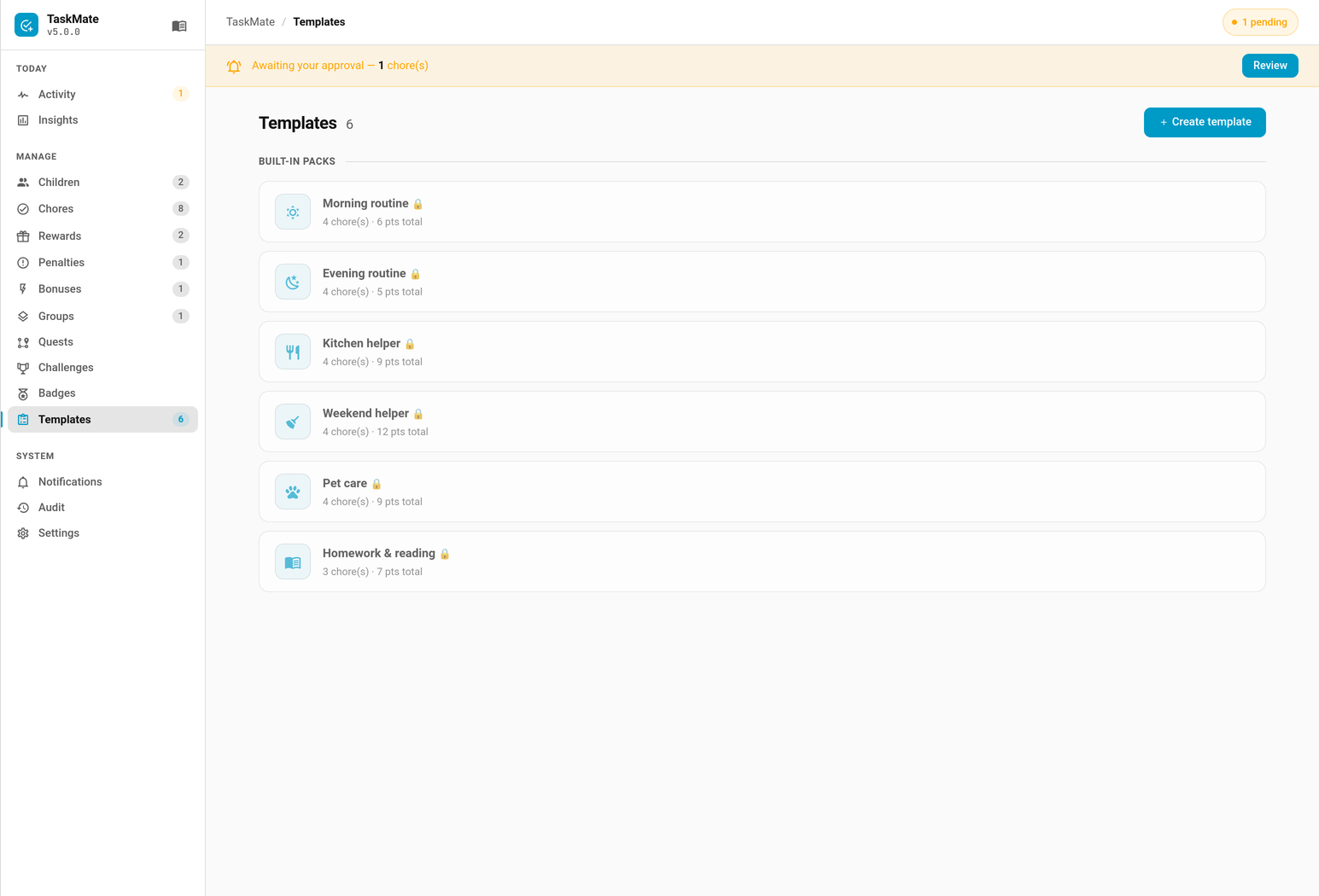
-
Export —
taskmate/templates/exportreturns a pack: all custom templates, or a chosen subset. Built-ins are excluded, because they ship with TaskMate and exporting them would only create duplicates on the other end. -
Import —
taskmate/templates/importtakes a pack object.
A pack is arbitrary JSON from someone else, so it is handled defensively:
- Unknown chore fields are dropped, not carried through. A shared pack cannot set runtime state — rotation anchors, skip dates — or anything the panel wouldn't let you set by hand.
- Format and version are checked. A pack from a newer TaskMate says so plainly rather than being half-imported.
- Sizes are capped — 50 templates, 200 chores each. Long names are truncated rather than rejected.
-
A clashing name is suffixed, never overwritten —
Morning routine (2). An import must not silently replace something your family built. - A pack that fails validation writes nothing. There is no partial import to clean up afterwards.
Packs are imported from pasted or uploaded JSON only. Fetching arbitrary URLs from inside your home network would make TaskMate a server-side request forgery vector — a shared "pack link" could be used to probe your LAN. You can still paste a gist's raw contents.
- Export your templates from the panel.
- Send the JSON however you like — a gist, a forum post, a message.
- The recipient pastes it into the import dialog.
Because names are suffixed rather than overwritten, importing a pack twice gives you a duplicate to delete, never a silent replacement of your own work.
- Chores — creating chores from a template
- Admin Panel — the Templates tab
- Backup & Restore — exporting your whole configuration, which is a different job
- Services — the websocket commands