
ScreenCap 3.0.0 is the public screenshot and screen-recording release, with native annotation
tools, click visualization and crash-safe local recording recovery.
New since 2.2.0
- Swift 6 migration.
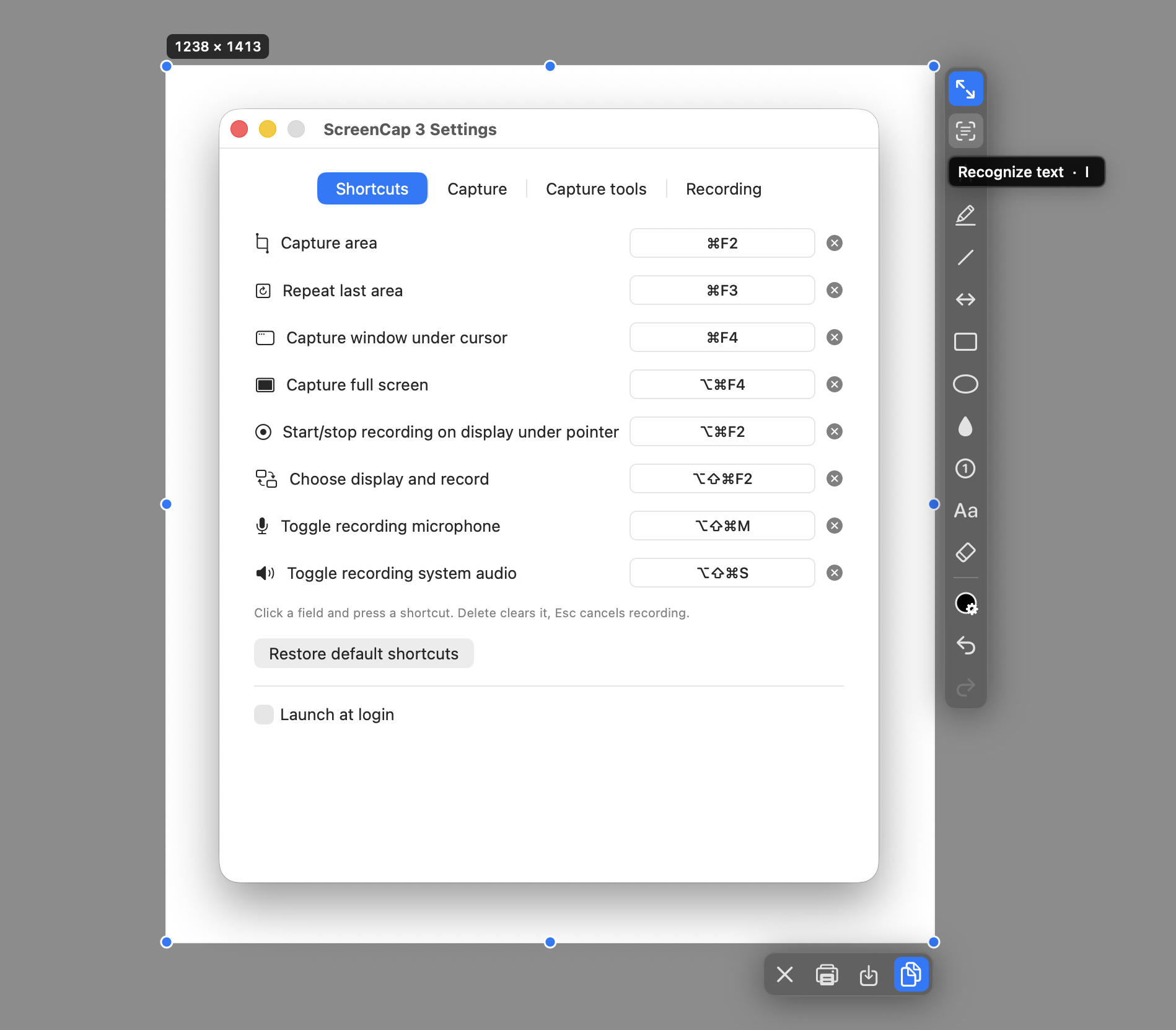
- Text recognition: a dedicated toolbar tool uses macOS Live Text to recognize text on the image. Recognized text can be selected and looked-up, translated, or copied. The image itself is not modified.
- Open images from Finder: use Open With → ScreenCap from Finder to annotate an existing image. Among other features: the image edges can be expanded, which creates additional editable canvas filled with the selected color.
Screen recording improvements
- More reliable recordings: reduced the risk of lost video samples during lengthy or high-resolution recordings.
- Improved MOV saving: fixed cases where a recording could be saved with invalid video timing and then appear frozen or behave incorrectly in some third-party video players (such as VLC), even though it played correctly in QuickTime.
- Final file validation: ScreenCap now checks the finished movie before confirming that the recording was saved. Incomplete or invalid video is reported instead of being silently accepted.
- Better compatibility of saved recordings: video and audio tracks are checked for consistent duration and timeline integrity.
Screenshots

Pay attention to the following before the installation
⚠️ macOS will block the first launch — this is expectedThis build is not notarized by Apple (that needs a paid Apple Developer account), so
macOS says "Apple could not verify ScreenCap is free of malware" and offers only Done
and Move to Bin.Press Done, then open System Settings → Privacy & Security, scroll to Security,
and press Open Anyway next to the ScreenCap line. Once only.On macOS 15 and newer the old right-click → Open trick no longer works. From the terminal,
xattr -d com.apple.quarantine /Applications/ScreenCap.appdoes the same. Building from
source avoids the warning entirely.
Install
Download the disk image, open it, drag ScreenCap 3.app onto Applications.
Then allow it past Gatekeeper — see the notice above.
On the first launch, if access is missing, macOS asks for Screen Recording. It is the
permission macOS requires for anything that reads the screen, including a single still frame.