Repository navigation
Loaderly 2.1

Loaderly 2.1
Loaderly now brings its desktop workspace to Windows, macOS and Linux, with a more personal look and a community built into the app.
- Publish from Loaderly. Sign in with GitHub, create a theme, visualizer or sound preset, and publish it in the app and on the community website. Keep private drafts and publish updates when ready.
- Make the interface yours. Customize colors for individual areas, transparency, text size, spacing, sidebar width and corners. Tooltips, menus and the editor follow your theme.
- Hear before applying. Try sound presets with your own audio, compare the original and edited sound, and add echo or reverb to individual sections.
- Create visualizer videos. Design inside Loaderly, then export music videos with moving artwork, titles, covers or logos.
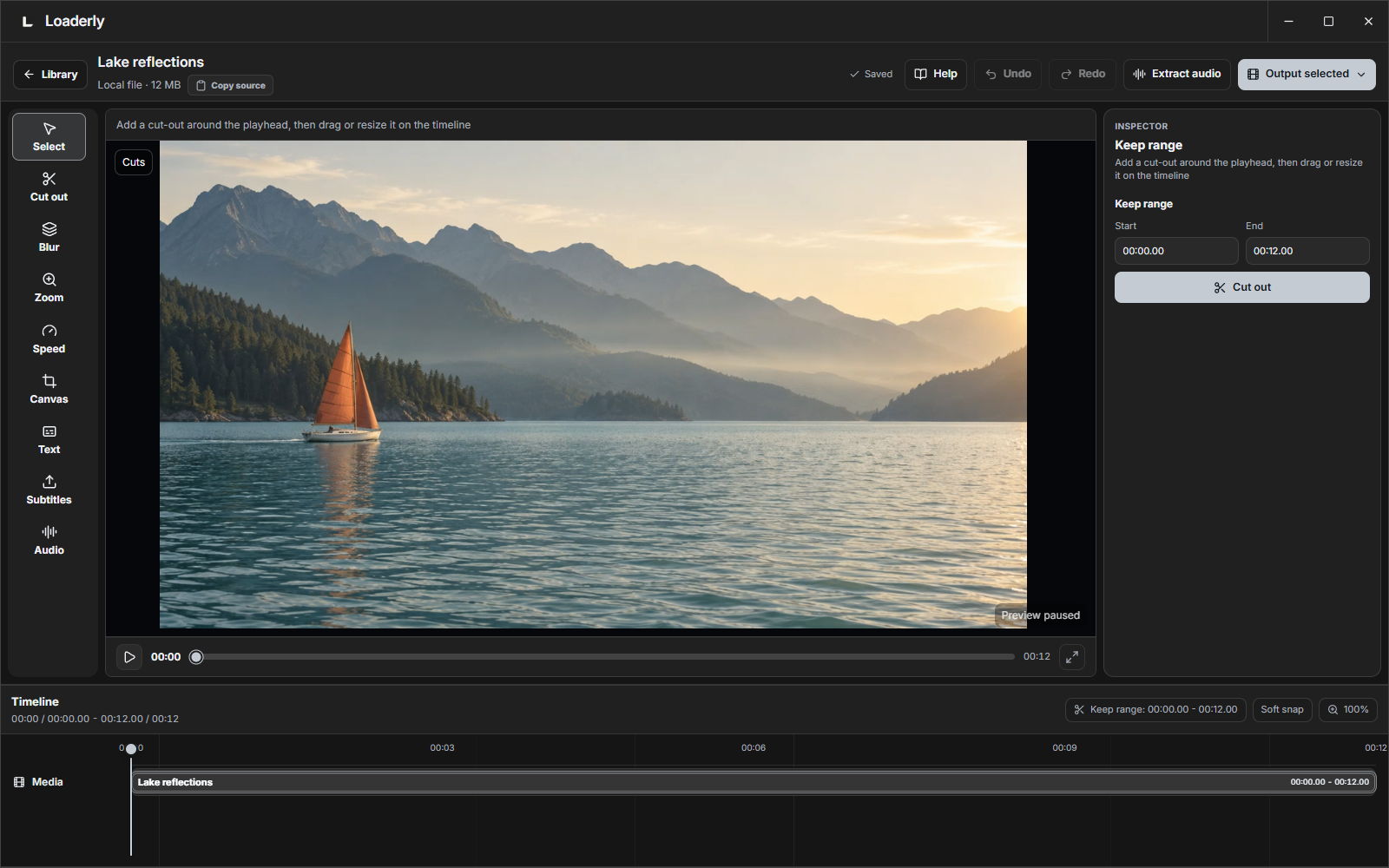
- Edit with clearer controls. Familiar timecodes, easier timeline handles, readable media titles, and layouts that work in smaller windows.
- Manage files confidently. Choose playlist items, skip or replace duplicates, keep numbered copies, and choose between removing an entry and moving its file to Trash.
Download and install
Choose the right download for your computer · Step-by-step installation
- Windows 10/11: Get Loaderly from Microsoft Store.
- Mac with an Apple M chip: choose
mac-arm64.zip. - Mac with an Intel processor: choose
mac-x64.zip. - Ubuntu or Debian: choose the
.debinstaller. - Other compatible Linux distributions: use the
.AppImageto run without installing.
Your downloaded media stays in place when you update. Windows installation and updates now use Microsoft Store. On Mac and Linux, version checks are available in Preferences → About → Updates.
English guides · الوثائق العربية
بالعربي
إصدار 2.1 متاح لويندوز وماك ولينكس. خصّص ألوان البرنامج وشفافيته وتنسيقه، وجرّب إعدادات الصوت بملفاتك، وأنشئ فيديوهات الطيف من داخل البرنامج. تحسّن عرض الأسماء والتوقيت وسحب الأجزاء، مع خيارات أوضح للتكرار وحذف الملفات.
سجّل الدخول بحساب GitHub، ثم انشر تصميمك من مكتبة المجتمع ← تصميم ومشاركة. تظهر المشاركات في البرنامج وموقع المجتمع معًا. تبقى المسودات خاصة حتى تنشرها.