Repository navigation
iglass 1.2.0: Linux support

iglass now runs on Linux with Ghostty: the same contrast-checked palettes, variants, accents and live light/dark switching, with blur on KDE Plasma and Hyprland.
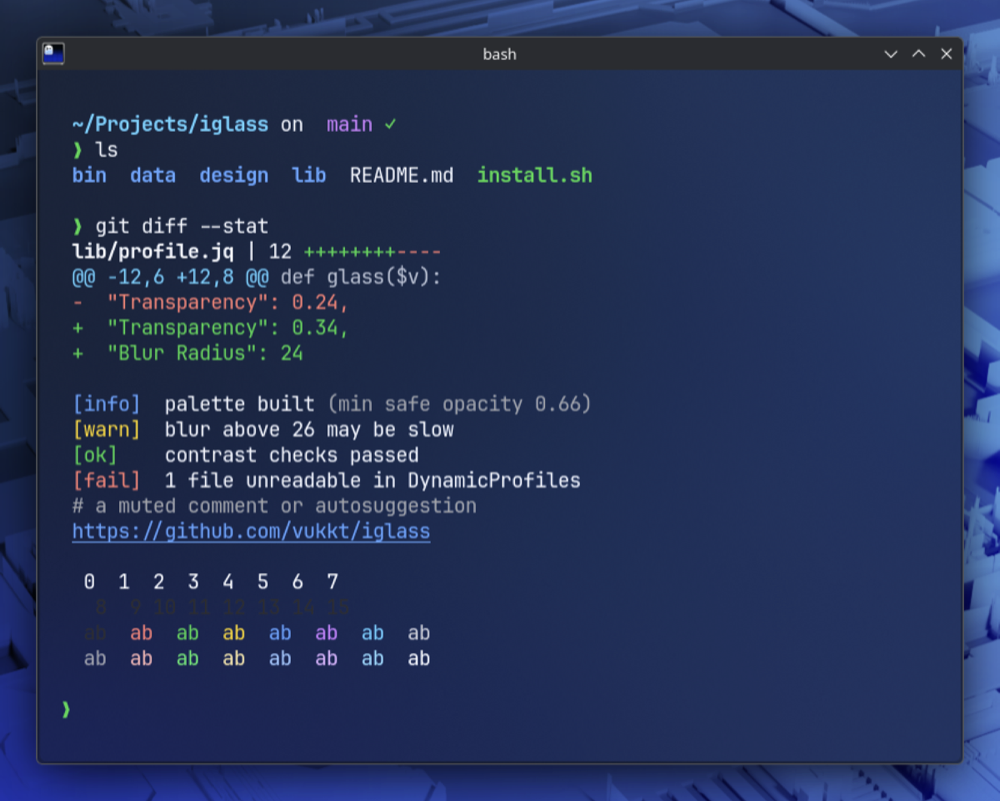
brew install vukkt/tap/iglass        # macOS or Linux (or: brew upgrade iglass)
curl -fsSL https://raw.githubusercontent.com/vukkt/iglass/main/install.sh | bash
iglass install
Added
- Linux support for Ghostty. The same palettes, variants, accents and light/dark switching,
with transparency and blur (blur where the desktop supports it, such as KDE Plasma). Liquid
Glass stays macOS-only, so--glass nativeis refused on Linux. install.shand the Homebrew formula work on Linux; jq is the only extra requirement.- On desktops that don't blur behind windows (GNOME and most others),
installdefaults to
Tinted, which stays readable over anything, and warns if you pick Clear or Frosted.
KDE Plasma and Hyprland keep Frosted.doctorsays whether your desktop blurs. - On Linux, fonts are checked with fontconfig, previews start Ghostty directly,
--window no-titlebarhides the GTK title bar, and GNOME's high-contrast setting suggests
--contrast high. State lives in~/.local/state/iglass. - CI runs on Ubuntu as well as macOS, including an end-to-end check against the real Ghostty.
Fixed
- Uninstalling from Ghostty emptied the Ghostty config when
awkis GNU awk (the default on
Fedora and Arch, and on Macs where gawk replaces awk): a variable name iglass used is a
reserved word there. iglass now also refuses to write the config if that step fails.
Changed
iglass statusanddoctorshow the OS and only the terminals that exist on it.- iTerm2 options (
--terminal iterm2,--app-settings,--default) explain that iTerm2 is
macOS-only when used on Linux.export --terminal iterm2still works anywhere.