Repository navigation
iglass 1.4.0: kitty

iglass now supports kitty, on macOS and Linux: the same contrast-checked palettes, four glass levels and eight accents, kitty's own blur, and a title bar that's part of the glass. Colors follow light and dark mode (kitty 0.38+).
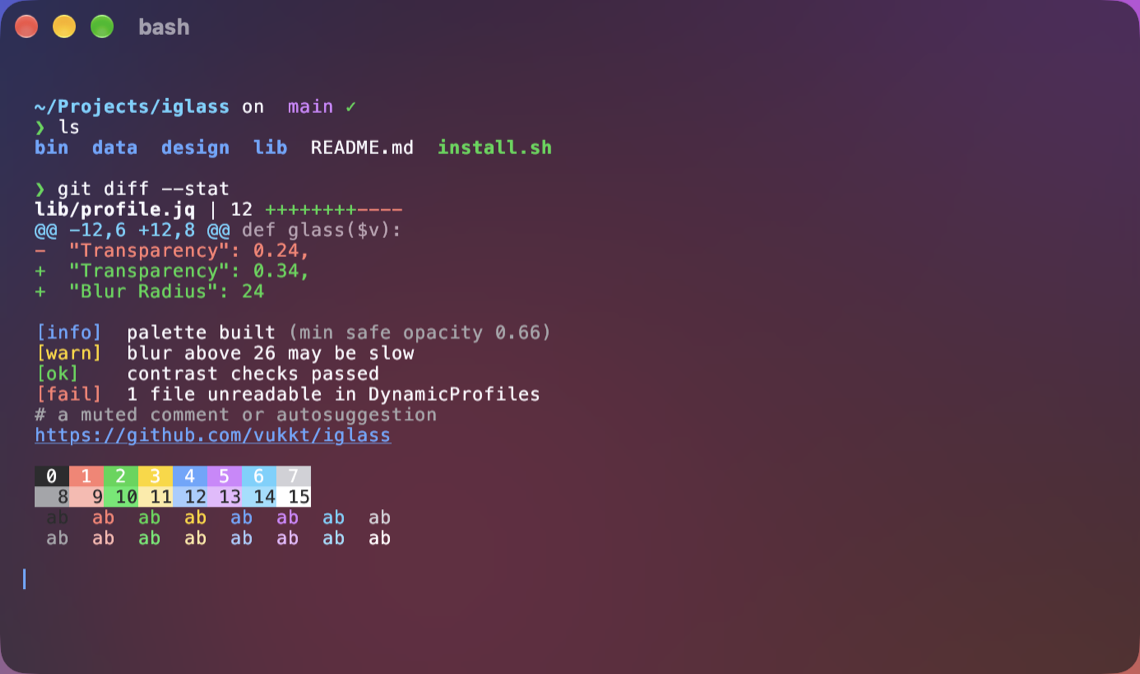
brew upgrade iglass            # or: brew install vukkt/tap/iglass
iglass install --terminal kitty
Added
- kitty support, on macOS and Linux: the same palettes, glass levels, accents and
--appearance, with kitty's own blur (on macOS, and on Linux desktops that support it) and a
title bar that's part of the glass. Colors switch with light and dark mode through kitty's
theme files (kitty 0.38+); a user's own theme files are set aside and restored on uninstall. - iglass finds kitty's config the way kitty does (
KITTY_CONFIG_DIRECTORY,XDG_CONFIG_HOME,
~/.config,~/Library/Preferences,XDG_CONFIG_DIRS), validates every file with kitty's own
config parser before changing anything, and restoreskitty.confbyte for byte on uninstall. --terminal kitty;--terminal allnow covers every supported terminal you have installed and
skips the others.doctor,status,previewandexport --dircover kitty.- Prebuilt kitty files in
themes/kitty/, and kitty screenshots. - CI checks the generated files with the real kitty on macOS and Linux, and runs an end-to-end
install and uninstall against kitty 0.49.2 on Ubuntu.
Changed
- The status line lists only the terminals that are installed.
- Ghostty's safe config editing moved to a shared module used by Ghostty and kitty.