Repository navigation
MongoDB Tutorial
Docker Windows Tutorial (I don't have a Mac so I can’t do a Mac tutorial, if you use ubuntu you should already know what your doing)
Docker is an OS-level virtualization software that allows developers to easily create containers for virtually any application. In this case we will be making MongoDB containers
- Download from here https://docs.docker.com/docker-for-windows/install/
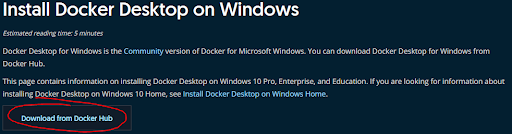
Install this thing
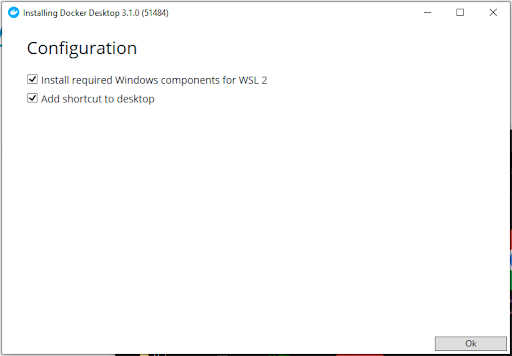
-
After installation is finished open Docker.
-
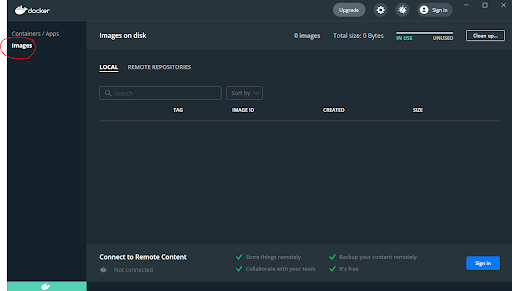
Click on Images and you should see Nothing.
-
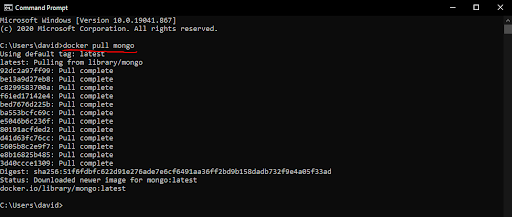
Open Command Prompt and run “docker pull mongo”
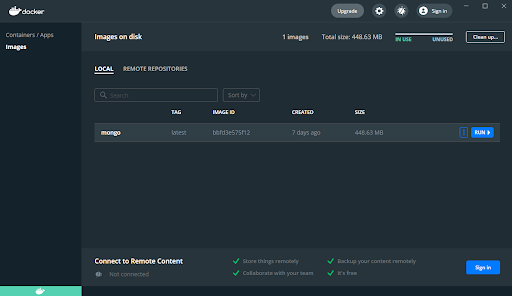
Now in Docker you should be able to see the Mongo Image
-
Now click on the run button on the right, for the run button to appear you must hover over the image.
-
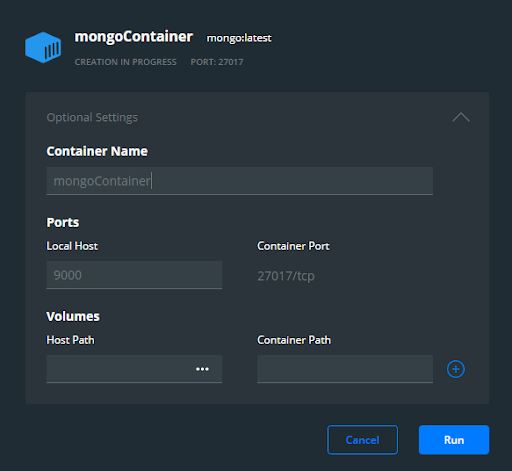
Expand the Optional Settings and set the Local Host port number. In my case, I set it to 9000 but the value does not matter.
-
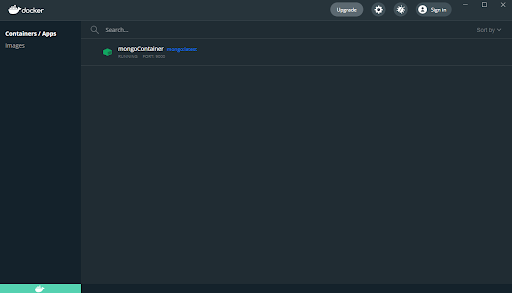
Then run.
-
Now you have a local MongoDB running on localhost:9000
-
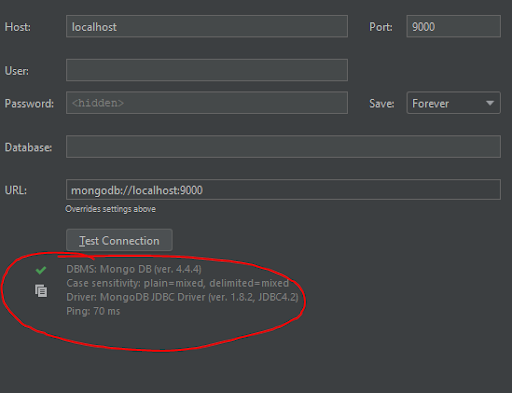
To check the connection you can use any DB browser.
-
This is an example from intellij. The red outline means the connection is working.