Repository navigation
FluxLinux v1.2 - BusyBox & Policy Update


FluxLinux v1.2 - BusyBox & Policy Update
Run full Linux desktop environments on your Android device
This release addresses Google Play Policy Compliance regarding Accessibility Services and introduces a major feature for Rooted Users to simplify Chroot environment setup. We have also refined the UI permissions flow for a smoother onboarding experience.
🚀 What's New in v1.2
| Category | Features |
|---|---|
| Compliance | • Accessibility Disclosure: Added prominent, compliant disclosure for Accessibility Service usage (Step 8) • Privacy: Explicitly declared no data collection for navigation services |
| Root Support | • New BusyBox Step: Automatically detects root and guides users to install the required BusyBox NDK module • Direct Download: One-click download for osm0sis BusyBox module• Smart Skip: Non-rooted users can safely skip this step |
| UI / UX | • Visual Refinements: Updated permission cards to use secondary theme colors for better visibility• Bug Fixes: Corrected duplicate step numbering in the setup wizard (Steps 6-11) |
📸 Visual Updates
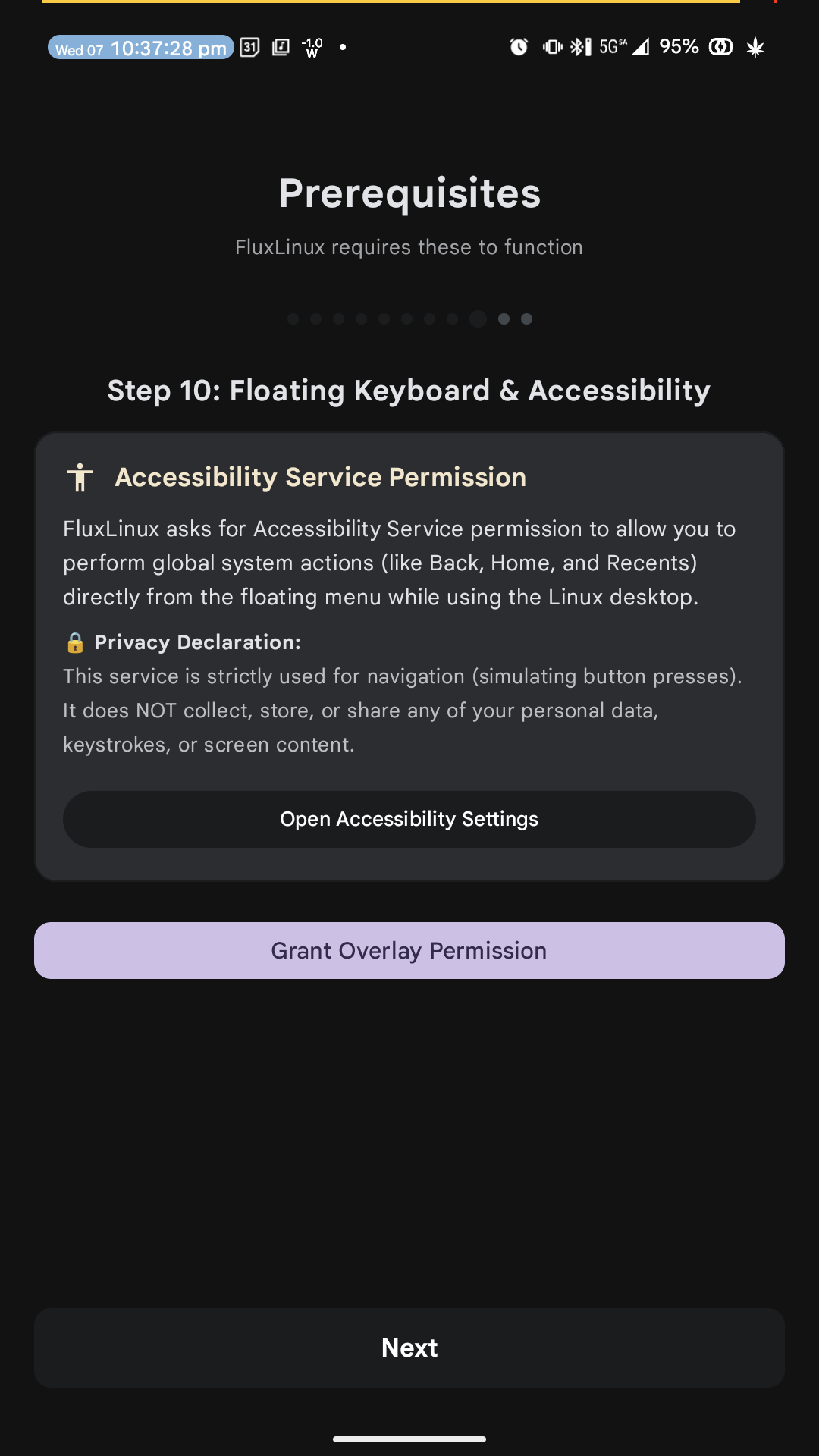 Accessibility Disclosure |
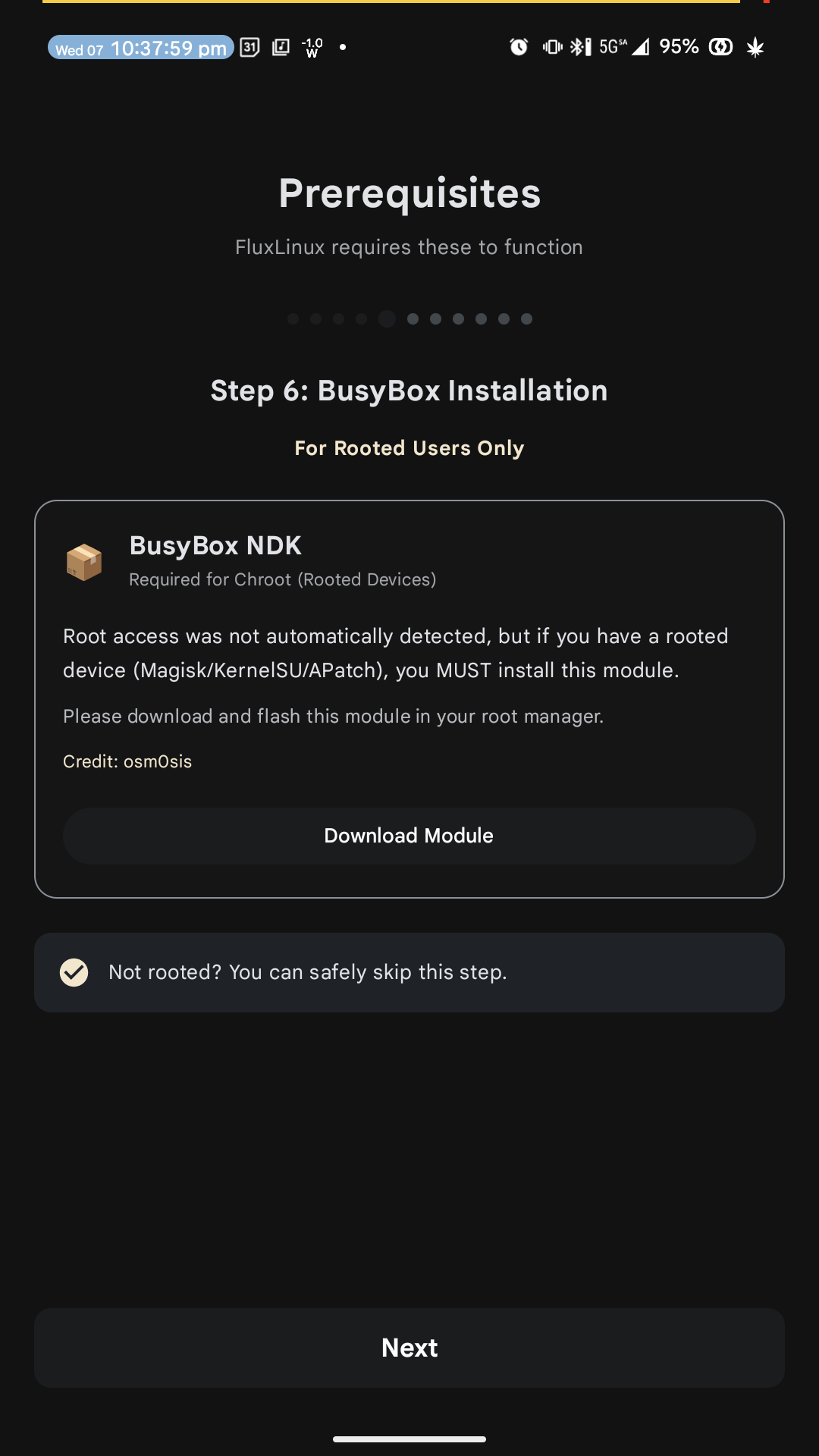 BusyBox Installation |
🛠️ Key Changes
- Version: Bumped to v1.2 (Code: 3)
- New Feature: BusyBox Installation Step (Root Only logic)
- Policy: Added
AccessibilityServiceusage disclosure - Refactor: Renumbered
PrerequisitesScreensteps for consistency
📦 Installation
- Uninstall any previous version if you have signature conflicts (otherwise update).
- Download and install
app-release.apk. - Follow the setup wizard; rooted users should see the new BusyBox step.
📝 Notes
- BusyBox: If you are rooted, installing the NDK module is highly recommended for full Linux compatibility.
- Accessibility: The service is used only for global Back/Home/Recents actions from the floating menu.