Plugin Development
GamesDownloader has a plugin system so you can add metadata sources, download providers, library scanners, dashboard widgets, lifecycle hooks and complete Vue themes without forking the core. Plugins are Python packages loaded through pluggy on the backend, and they can optionally ship a frontend layer that talks to the running app through a window.__GD__ bridge.
This page is the developer reference. It covers the plugin concept, the available hook types, the plugin.json manifest, packaging and installation, reading per-plugin config, and the frontend bridge. The fastest way to start is to clone the starter templates and working examples in the gd3-plugin-template repository.
Warning: read the trust model first. A plugin is arbitrary Python that runs inside the server process with full server privileges, plus arbitrary JavaScript that runs in every user's browser. There is no sandbox. Only install plugins you have read and trust, and treat installation as equivalent to running code on the host. See Plugin Trust Model before you write or install anything.
- How plugins are loaded
- Plugin types and hooks
- The plugin.json manifest
- The Python Plugin class
- Reading plugin config
- Packaging and installing
- The frontend GD bridge
- Theme plugins
- Plugin i18n
- Next steps
The plugin manager discovers plugins from two places at startup:
-
Built-in plugins shipped inside the backend (
plugins/builtin/). -
External plugins in the installed-plugins directory (
data/plugins, one subdirectory per plugin). Each directory is loaded according to itsplugin.jsonmanifest.
For every external plugin directory, the manager reads plugin.json, resolves the entry file, imports it, and registers the exported Plugin class instance with pluggy. A plugin that has been disabled in the UI is skipped at load time. Plugins can also be loaded and unloaded at runtime when you enable, disable or install them from the browser, without a full restart (theme plugins are the exception, since their .vue files are compiled at container startup).
Setuptools entry points are deliberately disabled. GamesDownloader does not load plugins from installed pip packages via the
gd3entry-point group. That path is a supply-chain risk, so the loader leaves it switched off on purpose. Plugins are only ever installed as a reviewed ZIP, never as apip installpackage.
Two safety checks matter when you author a plugin:
- The manifest
entryvalue must be a plain filename. During the startup directory scan, anyentrycontaining..,/or\is rejected, and the resolved entry path must stay inside the plugin's own directory. Note that this entry check runs only on the startup scan; the runtime install/enable path (used when a plugin is installed or enabled from the store without a restart) does not repeat it, and relies instead on the install-time Zip Slip protection and the plugin-id check below. Build yourentryas a plain filename regardless. - The plugin
idmust not contain/,\or.., because it becomes the on-disk directory name.
The type field in your manifest declares what kind of plugin you are shipping. The allowed values are:
type |
Purpose | Hook spec |
|---|---|---|
metadata |
Provide game/collection metadata, covers, heroes, logos, ratings | MetadataProviderSpec |
download |
Provide a download source for games | DownloadProviderSpec |
library |
Scan a path and report discovered games/ROMs | LibrarySourceSpec |
lifecycle |
React to app and library lifecycle events | LifecycleSpec |
theme |
Inject CSS/JS or a full Vue theme | FrontendProviderSpec |
widget |
Contribute dashboard widget cards | WidgetSpec |
Every hook spec above is callable. GamesDownloader also sends its own built-in "recently added" notification (Discord embed + optional email) when a game or ROM becomes ready - see Email and Notifications.
lifecycle_on_game_addedfires alongside that built-in delivery, so a plugin can react or route the event elsewhere on top of it.
A single plugin may implement hooks from more than one spec; the type is primarily a categorisation for the store and management UI. Implement a hook by decorating a method on your Plugin class with the hookimpl marker. Only implement the hooks you need; every hook is optional.
| Hook | Returns | Notes |
|---|---|---|
metadata_provider_id() |
str |
Unique id, e.g. "igdb". |
metadata_provider_name() |
str |
Display name. |
metadata_provider_ratings() |
bool |
Whether this provider returns numeric 0-10 ratings (rendered/edited as scores). Badge-style providers (tiers, statuses) return False. A provider that omits this hook is assumed to return ratings. |
metadata_search_game(query) |
list[dict] |
Search games by title; return match dicts. |
metadata_get_game(provider_game_id) |
dict | None |
Full metadata for one game. |
metadata_get_cover_url(provider_game_id) |
str | None |
Fallback single cover URL - called when a metadata fetch produced no cover. For a full cover picker use metadata_get_covers. |
metadata_get_covers(query) |
list[dict] |
Cover image candidates (see shape below). |
metadata_get_heroes(query) |
list[dict] |
Hero/background/fanart candidates. |
metadata_get_logos(query) |
list[dict] |
Logo/clearlogo candidates. |
metadata_search_collection(query) |
list[dict] |
Search franchises/series/collections by name. |
metadata_get_collection(provider_collection_id) |
dict | None |
Full collection metadata; rating is on a 0-5 scale. |
The artwork hooks (metadata_get_covers, metadata_get_heroes, metadata_get_logos) all return a list of dicts of the same shape:
{
  "url": "https://example/full.png",
  "thumb": "https://example/thumb.png",
  "type": "static",
  "label": "Game Title - Box Art",
  "author": "optional credit"
}
type is "static" or "animated", thumb may be the same as url, and author is optional. The same artwork hooks are reused for collection artwork, keyed by the collection name.
Metadata plugins work across every library. GOG, Games Library and the ROM Library all call these hooks for covers, heroes, logos, screenshots, descriptions and ratings.
Registered providers are discoverable at GET /api/plugins/download/providers
(pass ?game_id= to report can_handle), started via
POST /api/plugins/download/providers/{id}/start, and polled via
GET /api/plugins/download/providers/{id}/status/{task_id}.
| Hook | Returns | Notes |
|---|---|---|
download_provider_id() |
str |
Unique id, e.g. "gog", "torrent". |
download_provider_name() |
str |
Display name. |
download_can_handle(game_id) |
bool |
Whether this provider can download the game. |
download_start(game_id, destination) |
dict |
Start a download; return a status dict with at least task_id. |
download_get_status(task_id) |
dict |
Progress dict with progress, status, etc. |
Registered sources are listed at GET /api/plugins/library/sources and scanned
via POST /api/plugins/library/sources/{id}/scan. (The built-in libraries and
ROM scanning are separate core features, unrelated to this hook.)
| Hook | Returns | Notes |
|---|---|---|
library_source_id() |
str |
Unique id. |
library_source_name() |
str |
Display name. |
library_scan(path) |
list[dict] |
Scan a path and return discovered games/ROMs. |
game is a plain dict ({id, title, source, slug, gog_game_id}); fetch more via
the API using id. Hooks are fired best-effort - an exception is logged and
never breaks the library write or the launch.
| Hook | Called when |
|---|---|
lifecycle_on_startup() |
The application starts. (Not fired for a hot-loaded plugin - run setup from __init__.) |
lifecycle_on_shutdown() |
The application shuts down. |
lifecycle_on_game_added(game) |
A game was added to the library (custom create / GOG publish / torrent finish). |
lifecycle_on_download_complete(game, path) |
A download finished (path = destination folder). |
lifecycle_on_play_start(game) |
A game/ROM was launched in the player. |
lifecycle_on_play_end(game, seconds) |
A play session ended (seconds = elapsed play time). ROM launches call POST /api/roms/{id}/play/start|end. |
| Hook | Returns | Notes |
|---|---|---|
frontend_get_theme() |
dict | None |
Theme definition (colours, fonts, etc.). |
frontend_get_css() |
str | None |
CSS string injected into the frontend. |
frontend_get_js() |
str | None |
JavaScript executed in the frontend on load. |
frontend_get_routes() |
list[dict] | None |
Custom plugin pages {path, label, icon}. Each becomes /x/<path> with a user-menu entry; render the page by calling __GD__.registerRoute({path, mount}) from frontend_get_js. Aggregated at GET /api/plugins/frontend/routes. |
Cards render on the built-in Dashboard page (/dashboard) and are served from
GET /api/plugins/dashboard/cards. Each card is
{id, title, value, subtitle, icon, link} (icon = an mdi name such as
"mdi-controller", link = an in-app path such as "/x/my-page").
| Hook | Returns | Notes |
|---|---|---|
widget_get_cards() |
list[dict] | None |
Dashboard widget card definitions. |
Every plugin ships a plugin.json manifest at its root. These fields are required, and installation is refused if any is missing:
| Field | Meaning |
|---|---|
id |
Unique identifier and on-disk directory name. Must not contain /, \ or ... |
name |
Human-readable display name. |
version |
Plugin version string. |
author |
Author name. |
type |
One of metadata, download, library, theme, widget, lifecycle. |
entry |
Python entry file. Conventionally plugin.py; must be a plain filename with no path separators. |
Optional fields include:
| Field | Meaning |
|---|---|
min_gd_version |
Minimum GamesDownloader version required to install this plugin. |
Example:
{
  "id": "my-scraper",
  "name": "My Scraper",
  "version": "1.0.0",
  "author": "you",
  "type": "metadata",
  "entry": "plugin.py",
  "min_gd_version": "1.0.15"
}
The
min_gd_versiongate. When set, installation compares the required version against the running server. If the server is older thanmin_gd_version, the install is refused with a clear message telling the admin to update GamesDownloader first. Version strings are parsed leniently (the first up-to-three numeric segments, so1.0.15andv1.0both work); an unparseable value simply skips the check rather than blocking the install. Bumpmin_gd_versionwhenever your plugin starts relying on a newer hook or__GD__capability, so it will not be installed onto a server that cannot support it.
Your entry file must export a class named exactly Plugin. The loader imports the module and registers module.Plugin(); a module without a Plugin class is skipped (or raises an error on an explicit runtime load). Decorate the methods you implement with hookimpl, imported from plugins.hookspecs.
from plugins.hookspecs import hookimpl
from plugins.manager import get_plugin_config


class Plugin:
    @hookimpl
    def metadata_provider_id(self):
        return "my-scraper"

    @hookimpl
    def metadata_provider_name(self):
        return "My Scraper"

    @hookimpl
    def metadata_provider_ratings(self):
        # This provider returns numeric 0-10 ratings.
        return True

    @hookimpl
    def metadata_search_game(self, query):
        cfg = get_plugin_config("my-scraper")
        api_key = cfg.get("api_key", "")
        # ... call your API, then return match dicts ...
        return [{"provider_game_id": "123", "title": query}]
Do heavy one-time setup in
__init__, not inlifecycle_on_startup. A plugin loaded at runtime (enabled or freshly installed from the browser) is instantiated after the app has already started, so itslifecycle_on_startuphook will not fire for that boot.
Per-plugin settings entered in the management UI are stored in the database and read back with the synchronous helper get_plugin_config(plugin_id):
from plugins.manager import get_plugin_config

cfg = get_plugin_config("my-scraper")
api_key = cfg.get("api_key", "")
It returns the parsed config dict for your plugin (or an empty dict if nothing is stored yet), reading the plugin_configs table over the synchronous database engine so it is safe to call from any hook, including during startup. Config forms are rendered from your plugin's declared fields as boolean, string, number and select inputs under Settings → Plugins.
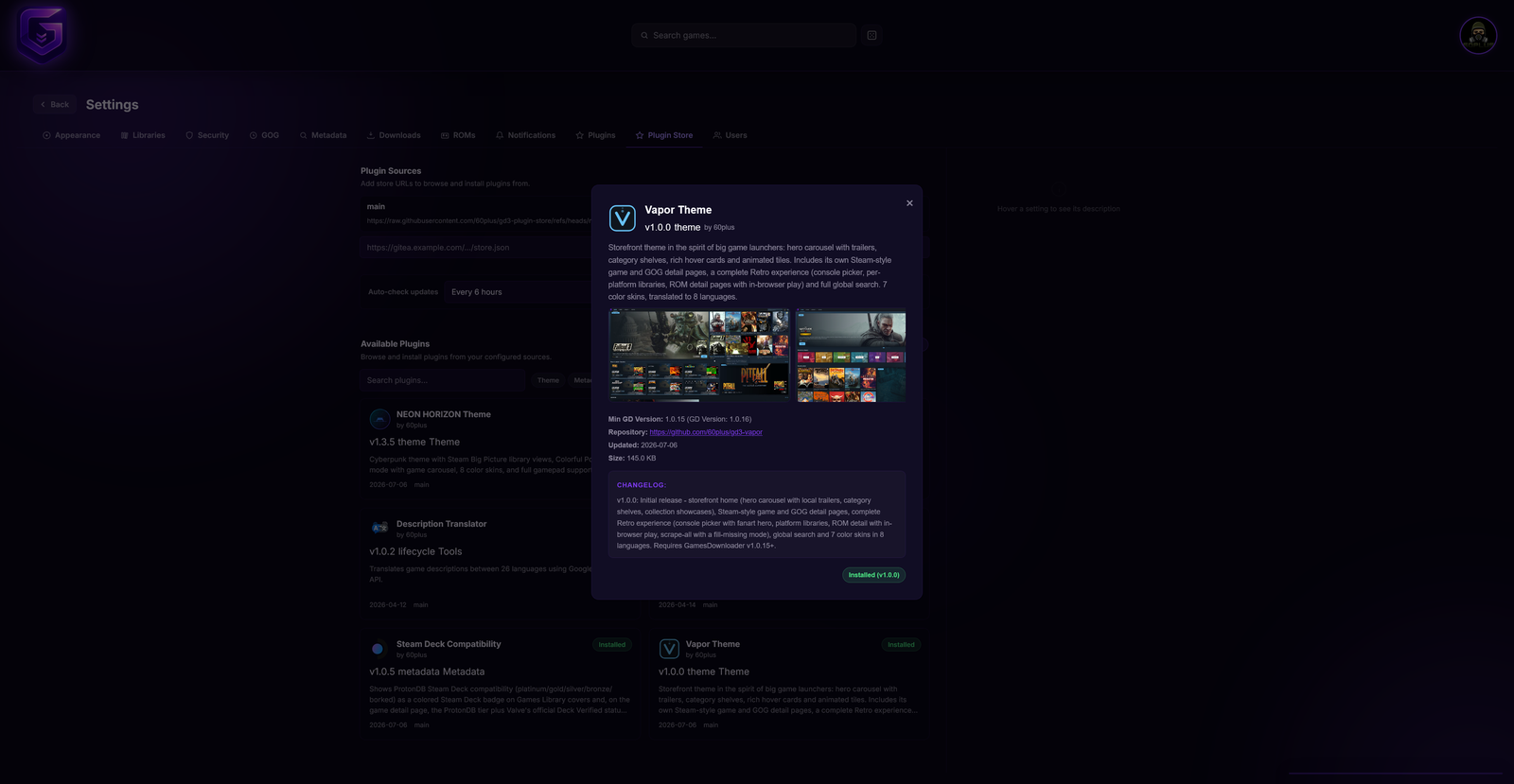
Settings → Plugins: installed plugins with enable, configure, and remove
Plugins are installed as a ZIP through Settings → Plugins (upload a file, or install from a configured store source).
Packaging rules:
-
plugin.jsonmust be at the ZIP root. The installer looks forplugin.jsonat the top level first; as a convenience it also accepts a ZIP that contains a single top-level folder holding the plugin. Keeping the manifest at the root is the reliable option. -
Dependencies are handled for you. If your plugin ships a
requirements.txt, the installer runspip install --target vendor/ -r requirements.txtand adds thatvendor/directory tosys.pathat load time. Do not vendor into arbitrary locations; rely onrequirements.txt. - The archive is extracted with Zip Slip protection (absolute paths and
..are rejected). Backslash separators from Windows-built archives are normalised to forward slashes, but you should build ZIPs with forward slashes to be safe.
A minimal build with Python's zipfile, writing plugin.json at the archive root:
cd my-scraper
zip -r ../my-scraper.zip . -x '.*'
unzip -l ../my-scraper.zip # verify plugin.json is at the rootA plugin's frontend code (theme layouts, injected JS, metadata tabs, detail rows) cannot import from the app's internals. Everything it needs is exposed on a single global object, window.__GD__. The bridge includes:
| Member | What it gives you |
|---|---|
Vue, VueRouter
|
The shared Vue and Vue Router runtimes, so your components use the same instances as the app. |
api |
The authenticated Axios client for calling the backend API. |
stores |
Pinia stores: auth, socket, theme, libraries, collections. |
events |
Narrow, whitelisted subscription bridge for server progress events: events.on("upload:url_progress", cb) returns an unsubscribe function. |
utils |
Shared helpers, including sanitizeHtml(html) (the same sanitiser used for descriptions) and buildLanguageList(dict). |
registerMetadataTab(tab) |
Add a custom tab inside the core metadata editor panels (supports an onSave contribution). |
registerDetailRow(row) / resolveDetailRows(...)
|
Contribute theme-native rows to game/ROM detail pages; the consumer side lets a custom theme render those rows itself. |
homeSections |
register([...]), list(), isHidden(id), order(ids) and isOptionOn(section, opt) for theme-declared home-page sections that users can toggle and reorder under Settings → Libraries - unless the theme claims the block through managedSettings, in which case Settings drops those controls and the theme's own editor is the only place they live. Register from a layout (not a page view) so the list survives navigation. A section may set orderable: false to pin its position (Settings shows the checkbox but no reorder arrows), and a per-section options entry may declare a default that is the source of truth for isOptionOn until the user toggles it. Since 1.0.26 a theme that ships its own layout editor can also write the state back: setOrder(ids), setHidden(id, hidden), toggle(id), setOption(section, opt, on) and reset(). Writes are stored per-user, per-theme and sync to the server like any other theme setting. reset() drops this user's whole layout for the active theme - order, hidden sections and per-section options - and falls back to what register() declared, leaving the theme's other settings such as skin and cover size untouched. The built-in "Continue playing" and "Recently played" rails are registered this way. See the full example in the template's HOOKS.md. |
managedSettings |
register(keys) claims the settings blocks your theme edits itself and returns an unclaim function; isManaged(key) reports whether the active theme handles a block. Core Settings stops drawing its own controls for a claimed block, so the same state is never offered in two places. Three keys are honoured, all of them blocks of Settings → Libraries: libraryVisibility, recentLibraries and homeSections. The registry is module-level rather than per theme, and it is not cleared when the theme changes, so claim on mount and call the returned unclaim function on unmount. Requires min_gd_version 1.0.26. |
recentLibraries, collections
|
Data-driven access to the per-theme "recently added" feed and to admin-curated collections. |
library |
Unified, library-aware add-content actions (createGame, uploadFile, uploadFromUrl, addTorrent, scan, addByUpload). A theme keeps its own dialogs but calls these instead of raw api.post, so create/upload/torrent/scan all target the current library (folder + membership) with no per-theme logic. Requires min_gd_version 1.0.17. Since 1.0.19 it also exposes package(gameId) and packable(gameId): bundle any library game's loose files into one archive per group - each OS platform plus the extras and DLC folders (GOG, custom, or an admin custom library) - so a theme can offer a "Package" button on any game. package runs server-side and reports progress on the download:packaging socket event; packable returns the platforms worth bundling so the button can be shown or hidden. Since 1.0.23 it also exposes gogSync(opts) / gogSyncStatus() / gogClearMetadata() (drive the GOG library toolbar: start a sync and poll it, or clear the whole GOG library's scraped metadata) and clearGameMetadata(kind, id) (clear one game's metadata so it can be re-scraped; kind is games, gog or rom) - all admin-only. |
ui |
Imperative access to shared editors and dialogs: openMetadataEditor, openRomMetadataEditor, openCollectionEditor, styled confirm()/alert(), and openAbout(). |
icons |
The built-in library icon set for rendering library glyphs natively. |
i18n |
The i18n instance, including i18n.merge(dict) for adding translations. |
notifications |
notifications.add({...}), dismiss(id), remove(id) to drive the badge on the user avatar. |
Claim only what you replace. Vapor claims
["homeSections"]and deliberately leaveslibraryVisibilityandrecentLibrariesunclaimed. Those two are library lists rather than page sections, and Vapor's own editor offers no replacement for them, so claiming them would take the controls out of Settings with nothing to put in their place. Claim a key only where your theme genuinely covers the same ground.
This table covers the members you will reach for most often. window.__GD__ also exposes the theme-registration APIs (registerTheme, registerPluginLayout, registerPluginCouchMode), shared Vue composables, and a few smaller helpers used by full themes (see Theme plugins). The event bridge in particular is a whitelist and will warn if you subscribe to an event that is not exposed to plugins.
A theme plugin can go far beyond a colour skin. It may ship complete Vue single-file component (.vue) layouts (navbar, home page, detail pages and so on), which are compiled by Vite when the container starts. At runtime those components reach the app through the window.__GD__ bridge described above, registering themselves with registerTheme, registerPluginLayout and related APIs, and reading stores and data through the same bridge.
Because
.vuelayouts are compiled at container startup, installing or updating a theme plugin needs a container restart to take effect. The Plugin Store surfaces a restart button for exactly this case. See Themes for the user-facing side.
The gd3-plugin-template repository includes a full example theme you can copy and adapt.
Plugins ship their own translations in an i18n.json file. At runtime the app fetches installed plugins' translations and merges them into the active dictionary (via window.__GD__.i18n.merge()), so a plugin can reference its own i18n keys in labels and UI without hardcoding any strings into the main application. Provide keys per language in i18n.json, and reference them from your components and from things like home-section labels.
Clone gd3-plugin-template for starter templates and working examples, read the complete hook and window.__GD__ reference (every backend hook and every frontend API member, with signatures and return shapes), and keep the security model in mind while you build.
Next: Plugin Trust Model and Themes