Welcome EN
YT Looper repeats an exact section of a YouTube video at any speed from 0.25× to 4×. It is designed for music practice, language study, choreography, transcription, or any task where the same moment needs to be watched or heard repeatedly.
- A/B points taken from the current video time or entered manually.
- 0.1-second fine adjustment and custom playback speed.
- Pitch preservation always enabled, especially useful for music.
- Keyboard shortcuts for A, B, and starting or stopping the loop.
- A reusable library with names and nested folders.
- Editing, drag-and-drop movement, and duplicate prevention.
- Shareable links carrying the video, A, B, and speed.
- Automatic suspension during YouTube advertisements.
- Spanish and English UI based on the browser language.
- Desktop Firefox, Chrome, and Safari support.
- Install YT Looper and open a regular YouTube video.
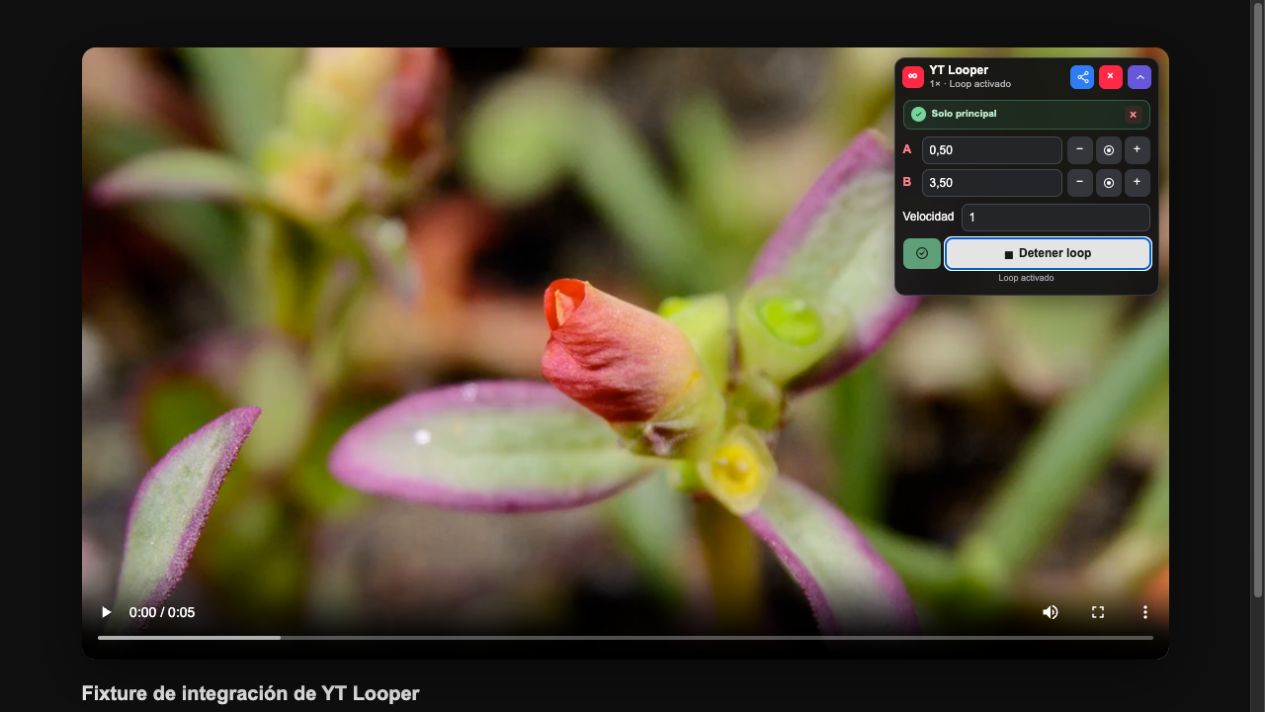
- Click the extension icon or expand the widget over the video.
- Play the video and set A at the beginning of the fragment.
- Set B at the end.
- Change the speed if needed.
- Click Enable loop. The video returns to A whenever it reaches B.
- Use the save icon if you want to keep it in your library.
GitHub ZIPs are manual-load packages. Read the browser-specific page because Firefox and Safari treat unsigned packages as temporary installations.
Continue with the complete user guide, then learn how to organize and share loops in Library and shared links.