Hardware and Printing Guide
This guide lists the hardware to buy and the printed parts to produce before assembly. Continue with the Assembly Guide when the parts are ready.
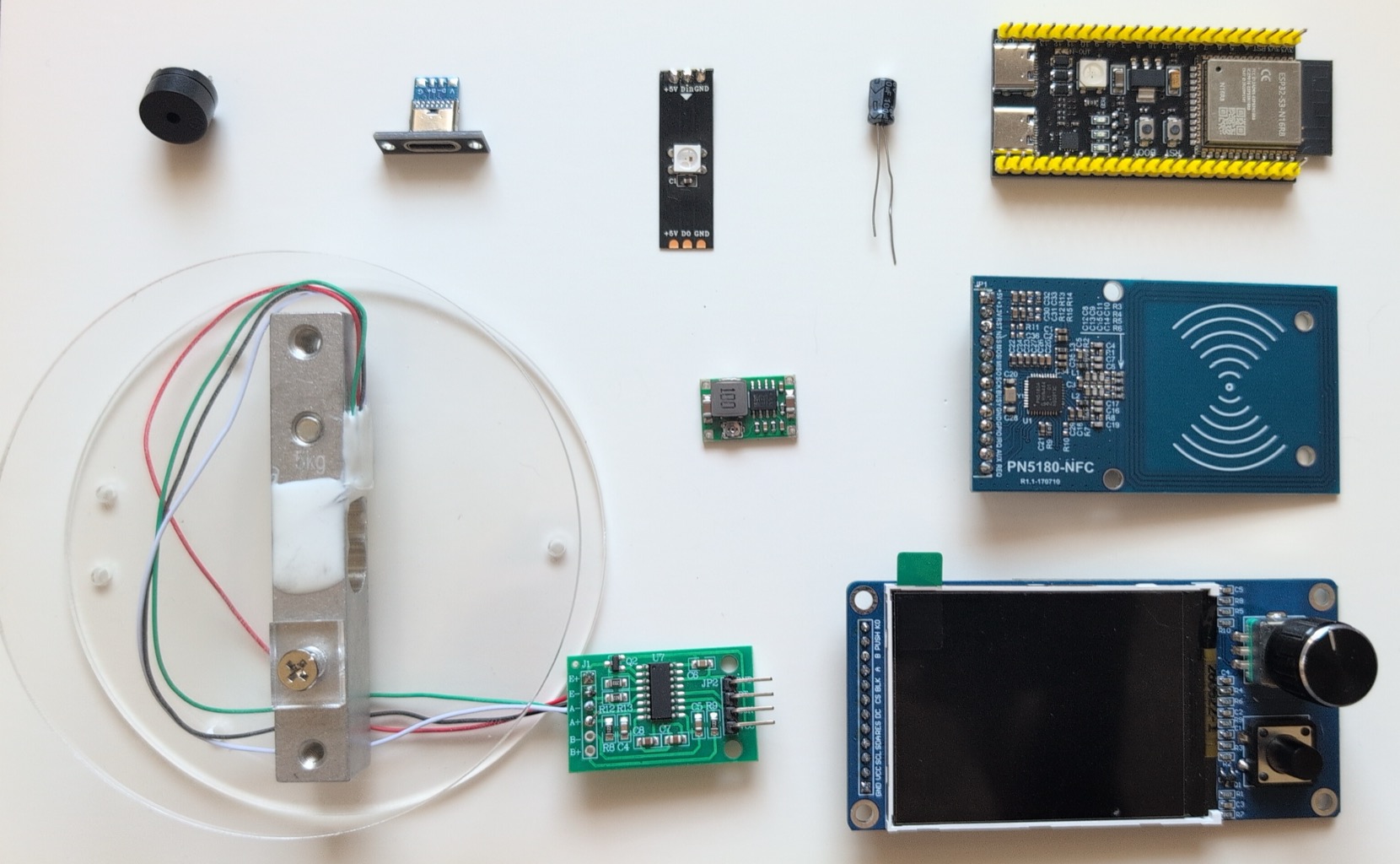
| Qty | Part | Notes |
|---|---|---|
| 1 | ESP32-S3-N16R8 (YD-ESP32-S3 / DevKitC-1)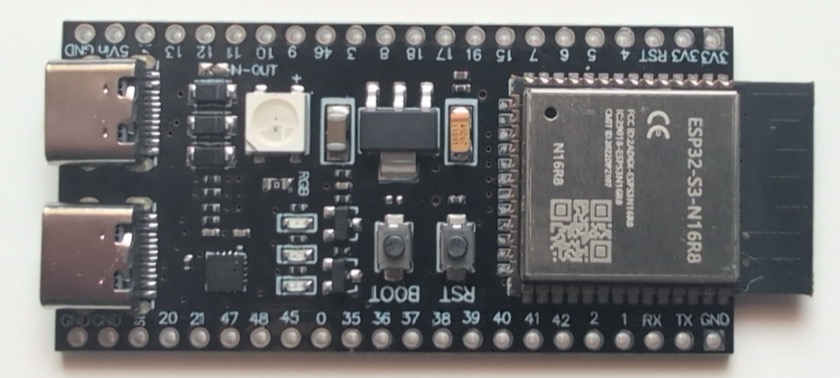
|
16 MB flash, 8 MB octal PSRAM; R8/OPI variant is the reference board |
| 1 | HX711 ADC breakout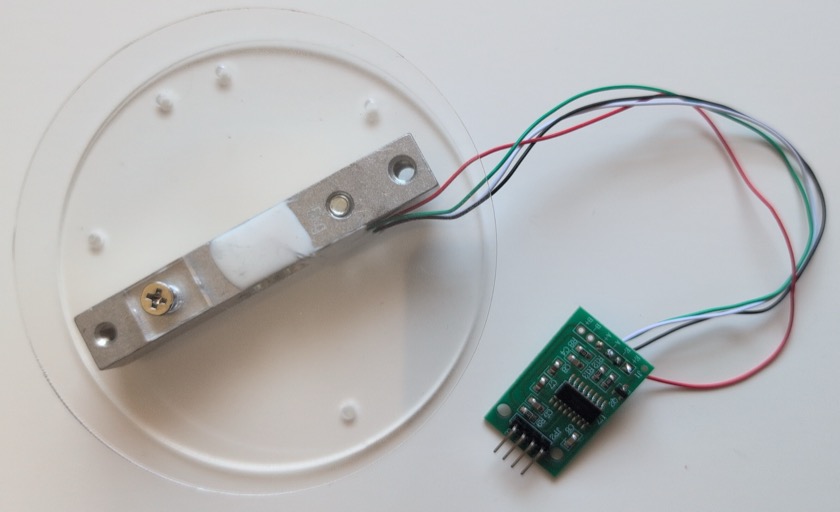
|
24-bit load-cell amplifier |
| 1 | 5 kg load cell
|
Straight bar type with acrylic mounting plates |
| 1 | PN5180 NFC module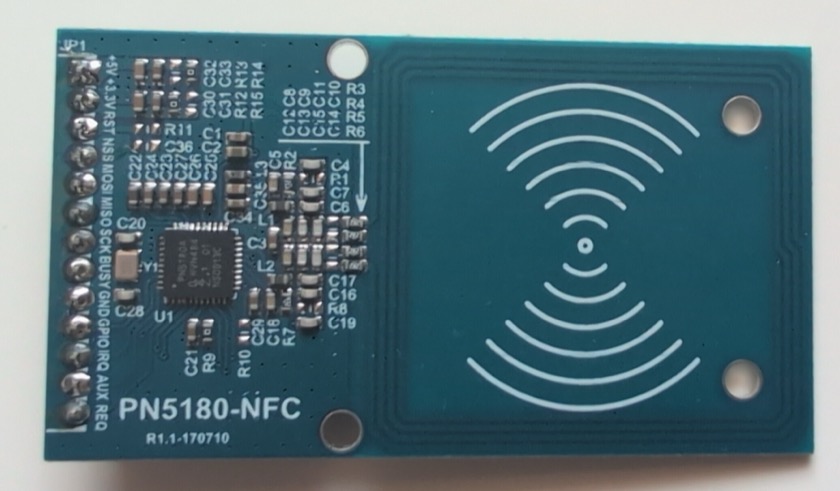
|
Supports NFC-A and NFC-V/OpenPrintTag |
| 1 | ST7789 TFT 320x240 with EC11 encoder and 2 buttons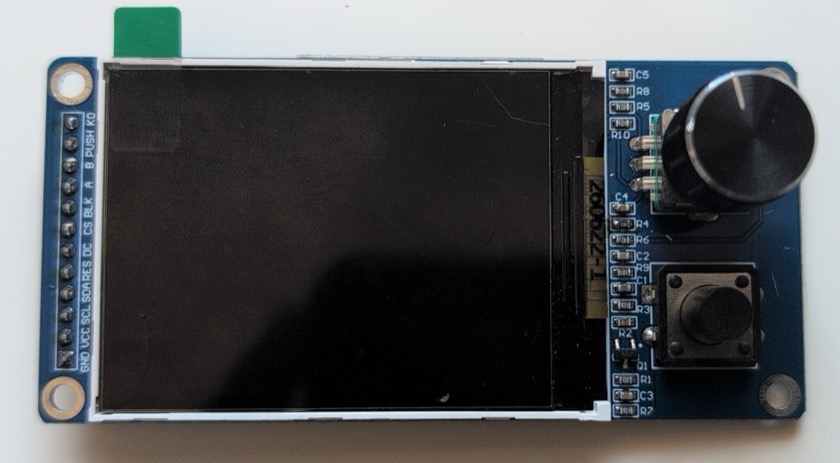
|
S11-05 combo module |
| 1 | Passive buzzer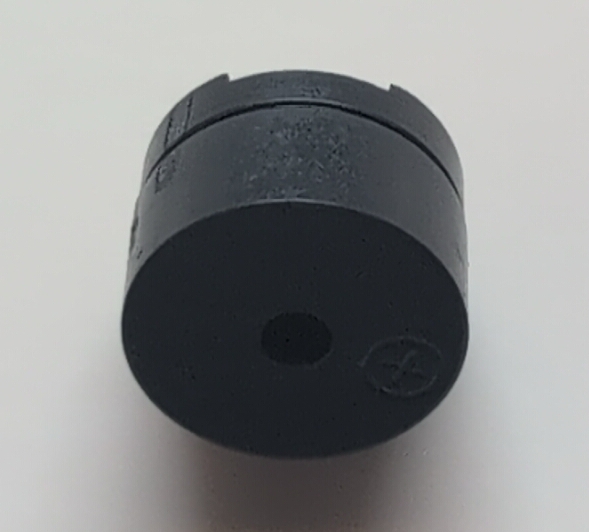
|
Driven by LEDC PWM |
| 1 | 470 uF electrolytic capacitor, 10 V+ | Mandatory; install at the PN5180 5 V input |
| 1 | 1500 uF electrolytic capacitor, 10 V+ | Mandatory; buffers the ESP32-S3 board's 5 V pin |
| 1 | 100 uF electrolytic capacitor, 16 V+ | Mandatory; buffers the Mini-360 output (3.3 V rail) |
| 1 | USB-C power supply | 5 V, at least 1.5 A |
| 1 | USB-C breakout board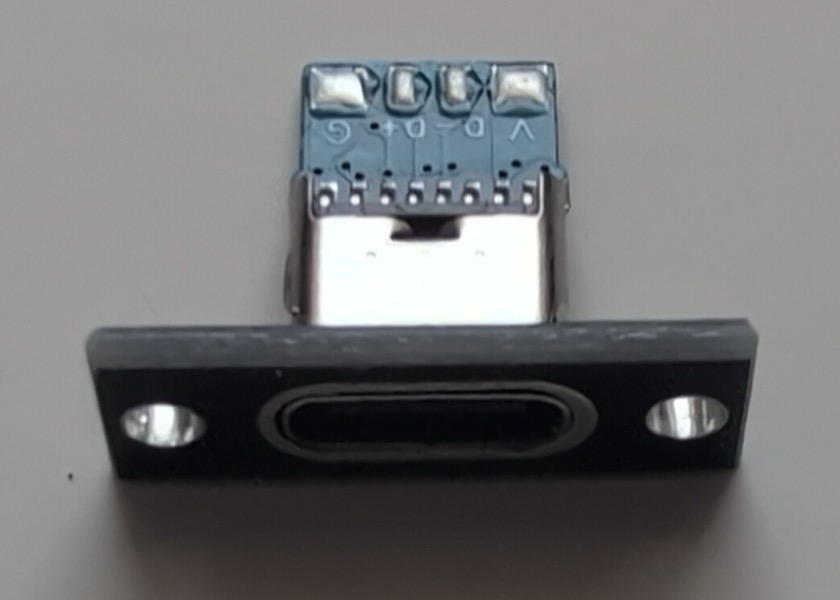
|
Main 5 V entry point |
| 1 | Mini-360 buck converter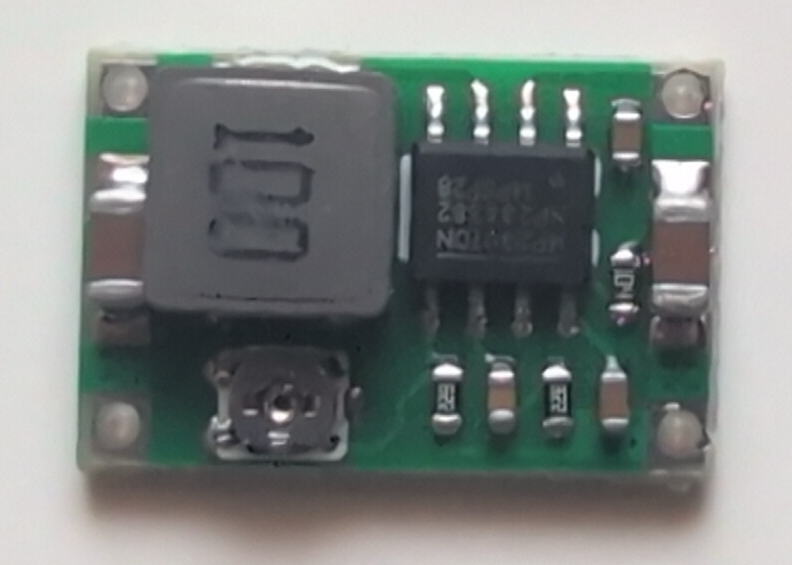
|
Adjust output to 3.3 V before connecting loads |
| 1 | WS2812 RGB LED module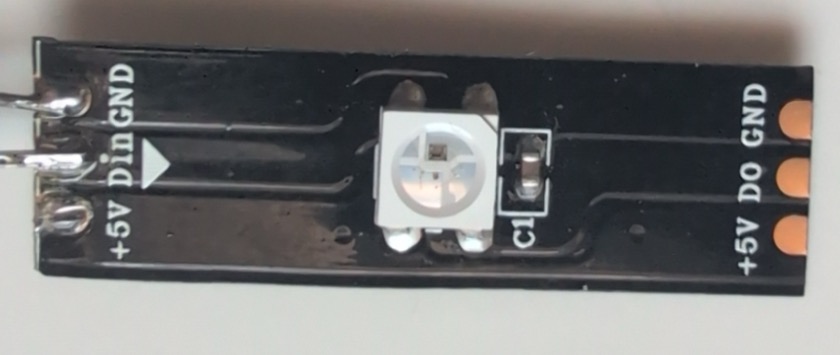
|
External enclosure status LED |
| 10 | ST2.9 self-tapping screws, about 9.7 mm | Mount printed parts; no heat-set inserts |
| 2 | ST2.2 self-tapping screws, about 6 mm | Mount the USB-C breakout |
Reference photos are available in assets/ (hardware.jpg, ESP32-S3-N16R8.jpg, and the component photos). The printed parts are listed below; wiring and assembly are covered in the Assembly Guide.
Printable parts are in stl_files/:
| File | Qty | Part | Settings |
|---|---|---|---|
OctoScale_Top.stl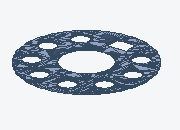
|
1 | Top plate; spool rests here; PN5180 below | 0.2 mm layers, 0.25 mm first layer, 15% infill |
OctoScaleBottom.stl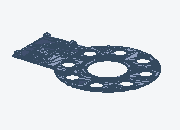
|
1 | Base for HX711 ADC breakout, ESP32-S3, Mini-360 buck converter and USB-C breakout board | Same |
OctoScaleLit.stl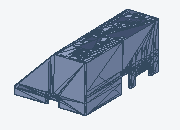
|
1 | Front lid for ST7789 TFT display and WS2812 RGBstatus LED | Same |
OctoScaleScreenBazel.stl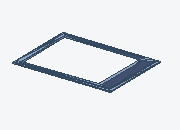
|
1 | Display bezel, 64 x 47 x 1.6 mm | Same |
OctoScaleKnobCover.stl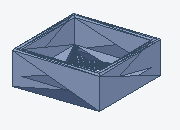
|
1 | EC11 knob cover, 13.5 mm diameter, 5.2 mm tall | Same |
OctoScaleButtonCover.stl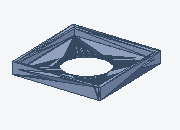
|
1 | Button cover, 13.5 mm diameter, 1.8 mm tall | Same |
OctoScaleSpacer.stl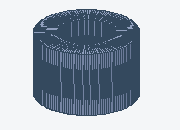
|
10 | 5.5 x 5.5 x 3.5 mm screw spacer | Same |
OctoScaleLEDCover.stl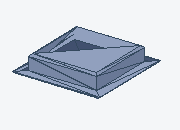
|
1 | 7 x 7 x 1.4 mm light window | Transparent filament, 99.99% infill |
When everything is available, continue with the Assembly Guide.