Repository navigation
Home
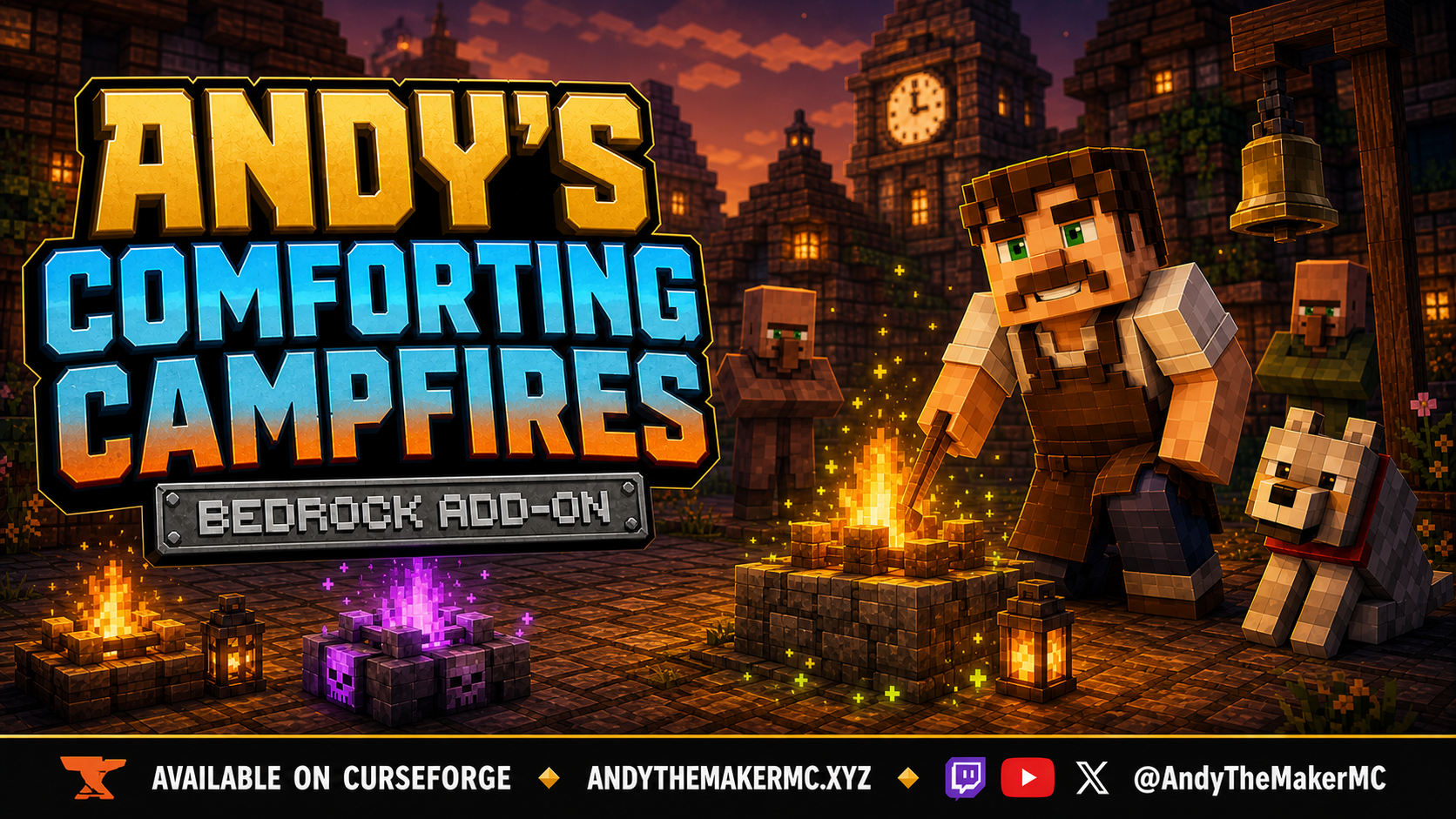
Official player guide for Andy's Comforting Campfires, a Minecraft Bedrock add-on that turns carefully crafted Campfires, Soul Campfires, and Lanterns into healing gathering places.
Current release: 0.1.7
Minecraft: Bedrock 26.30 or newer
Graphics: Standard and Vibrant Visuals
Requirements: Both linked packs; no cheats, commands, experiments, or dependencies
- Adds normal and Soul Comforting Campfires with gentle five-block healing
- Adds normal and Soul Hearthfire upgrades with continuous eight-block healing
- Adds normal and Soul Community Comfort hearths with 64-block healing
- Adds ten Comfort Lantern variants with focused three-block healing
- Cooks seven restorative Comforting foods through the normal campfire mechanic
- Preserves custom item family and tier with Silk Touch
- Persists placed identity across world saves, restarts, and chunk unload/reload
- Uses tier-colored floating runes and enchanted inventory shimmer
- Download
Andys_Comforting_Campfires_0.1.7.mcaddonfrom the main repository or official CurseForge project. - Open it with Minecraft Bedrock and activate both linked packs.
- Craft a Comforting Campfire with six Golden Carrots, two Amethyst Shards, and a Campfire or Soul Campfire in the specified shape.
- Place it on top of a solid block, keep it lit, and stand within five blocks.
- Place supported food directly on the fire to create Comforting food.
- Progress through Hearthfire, Community Comfort, or Comfort Lantern recipes when ready.
- Getting Started — install, update, activate, and place the first hearth
- Features and Configuration — feature map, controls, defaults, and limits
- Recipes — every shaped recipe and supported variant
- Hearths and Healing — ranges, targets, lit state, and menu
- Comfort Food — cooking inputs, food values, effects, and progression uses
- Lanterns and Particles — ten Lanterns, rune palettes, shimmer, and visual behavior
- Harvesting and Persistence — Silk Touch, recovery, saves, and chunk loading
- Compatibility and Troubleshooting — installation, recipes, effects, particles, and issue reporting
- License and Creator Permissions — player, Realm, server, and creator permissions
When reporting a problem, include the add-on version, exact Minecraft version, platform, graphics mode, world type, active pack order, exact Comfort item or tier, reproduction steps, screenshots or video, and relevant Content Log messages.
Visit AndyTheMakerMC.xyz for more add-ons, guides, videos, and Minecraft content.