Home
A fast, private, beautiful desktop web browser.
Workspaces · split view · a Raycast-style command palette · a local-first privacy engine · an encrypted password vault · a pluggable AI assistant.
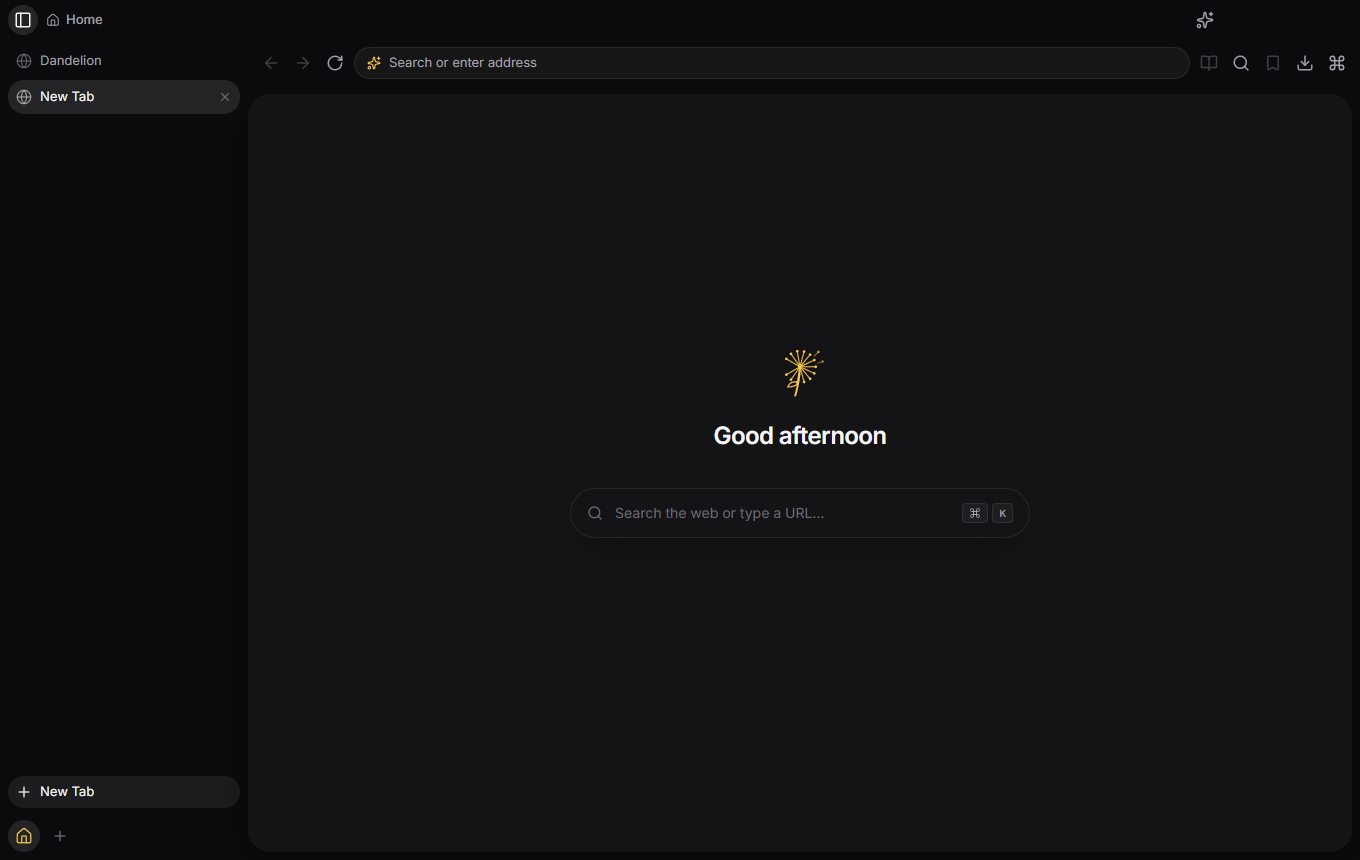
Dandelion boots, renders real pages, blocks trackers and drives every feature through a typed IPC bridge — but there are no installers yet. There is no download link on this page because there is nothing to download: you build it from source. See Getting Started.
Some things genuinely don't work yet, and a couple of known bugs have workarounds. Both are written down honestly in Troubleshooting and Roadmap rather than glossed over.
| Getting Started | Build and run it from source, in three commands. |
| Features | What the browser actually does today — and the caveats. |
| Keyboard Shortcuts | Every binding, generated from the command registry. |
| Troubleshooting | Google sign-in, sites appearing logged-out, build errors. |
| Roadmap | What's missing, what's next. |
Most Electron "browsers" are a web view in a window. Dandelion is built like an actual browser: the React app renders only the chrome, and every tab is a separate WebContentsView with its own process and session partition.
That boundary is the whole point — it's what makes tab sleeping, split view, per-site permissions and profile isolation real rather than cosmetic.
This wiki is for people using Dandelion. The technical documentation lives in the repository, next to the code it describes, so it's reviewed and versioned alongside it:
- Architecture — process model, entity model, every subsystem
- Developer guide — setup, workflows, adding features, debugging
- Project structure — what lives where, and why
- Contributing — branch-first workflow, commit conventions, review checklist
Dandelion is free software under the GNU General Public License v3.0 or later. Derivatives must stay under the same license, so the browser and its forks stay open.
Copyright © 2026 Christian Relf.